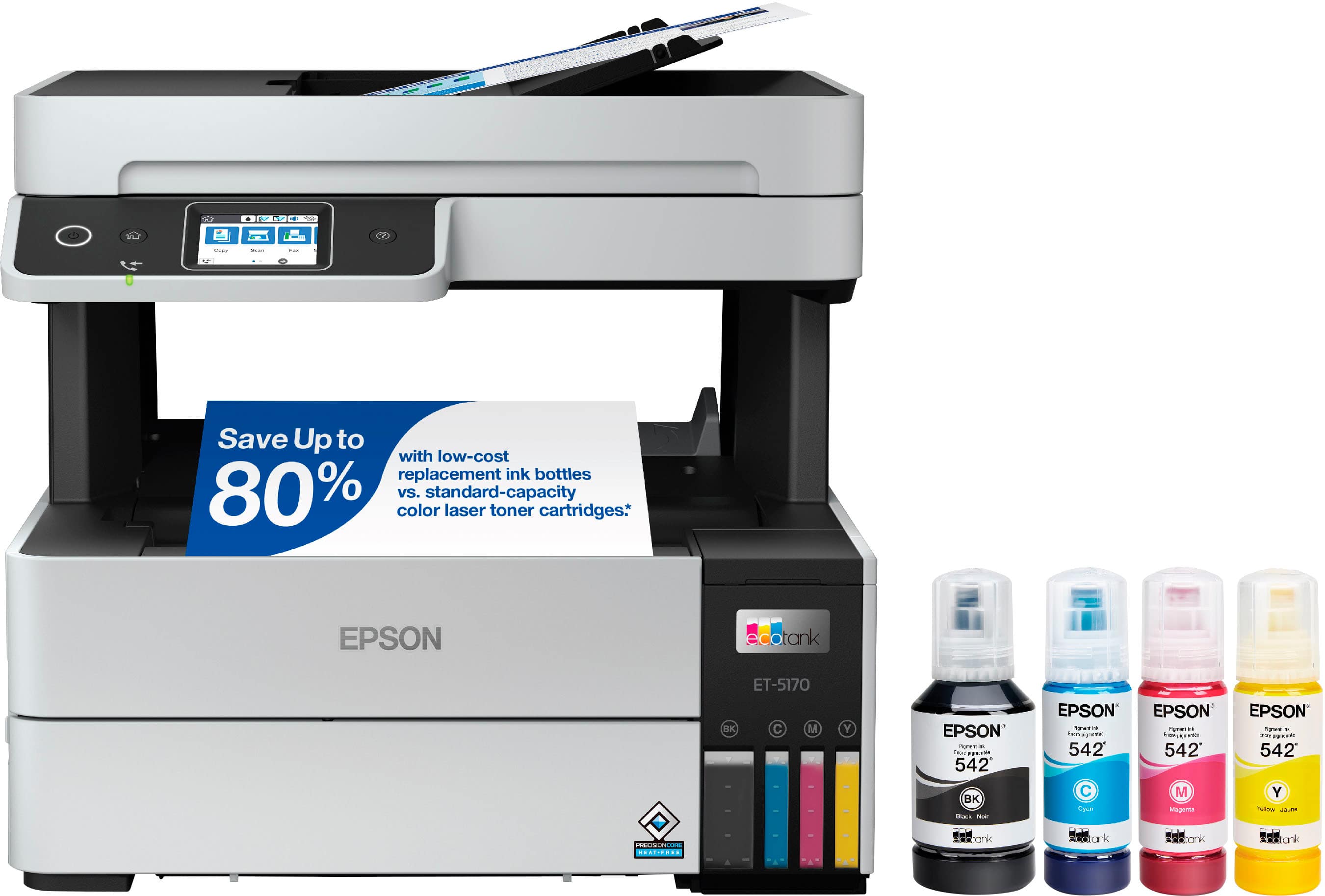
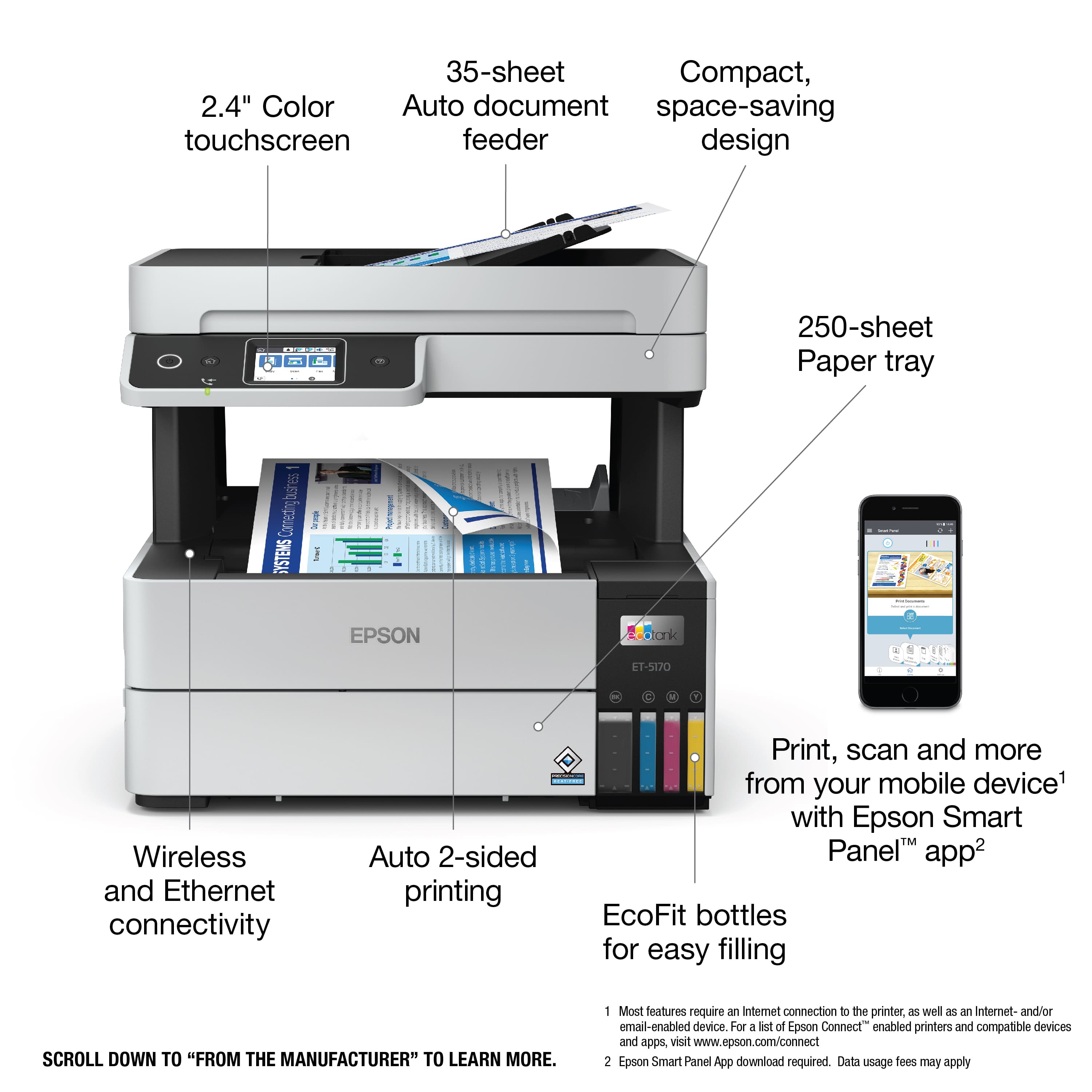
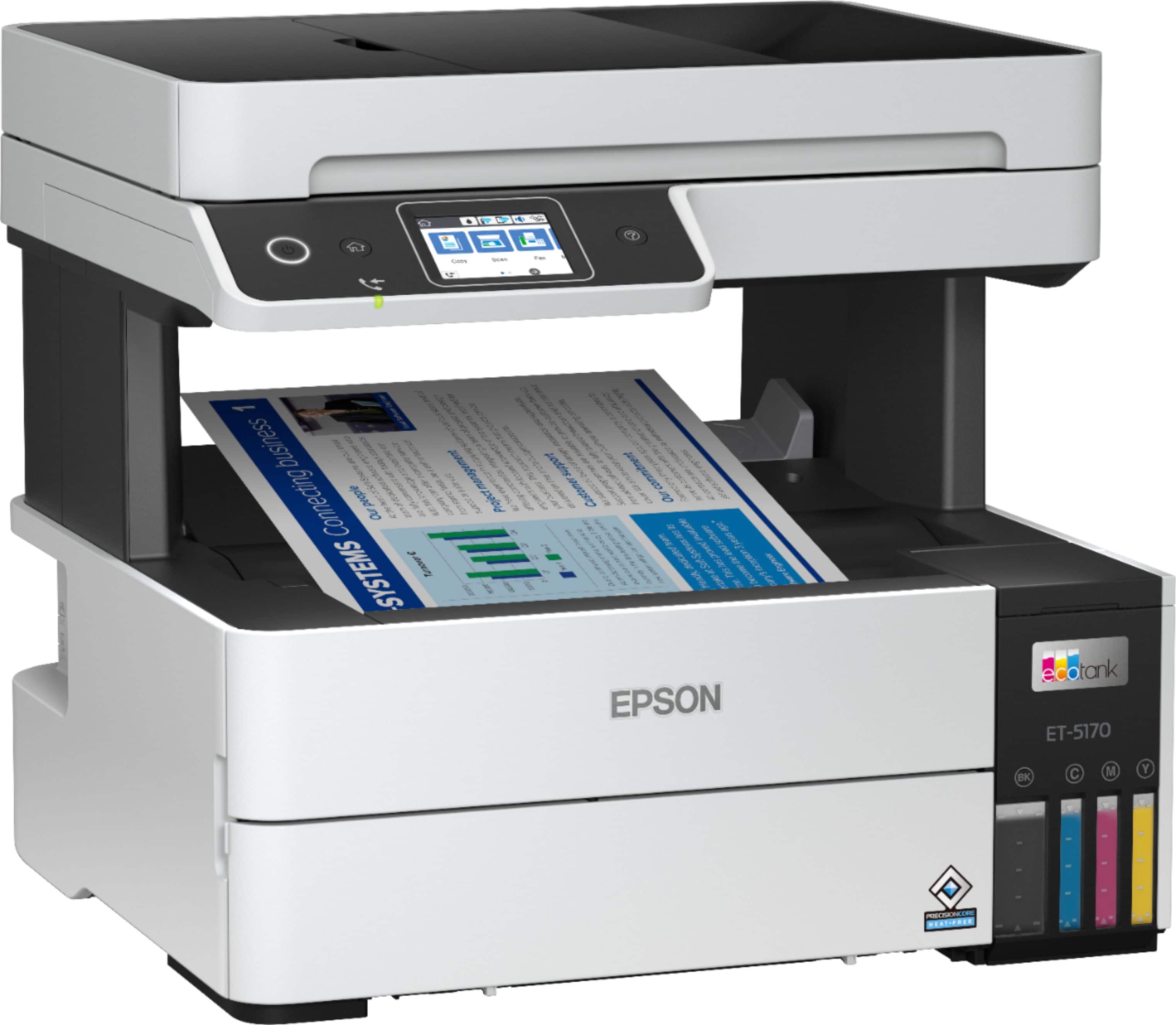
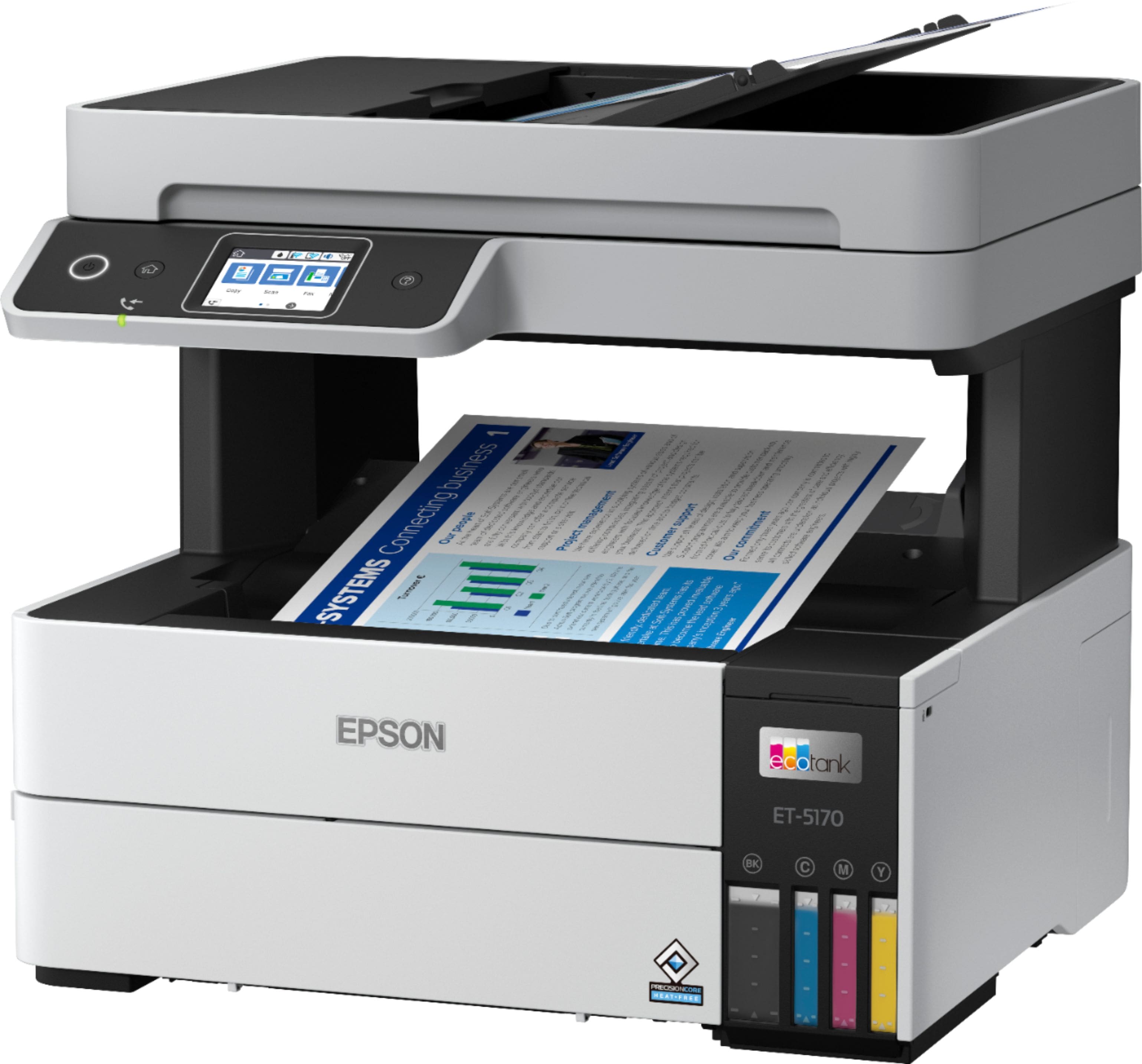
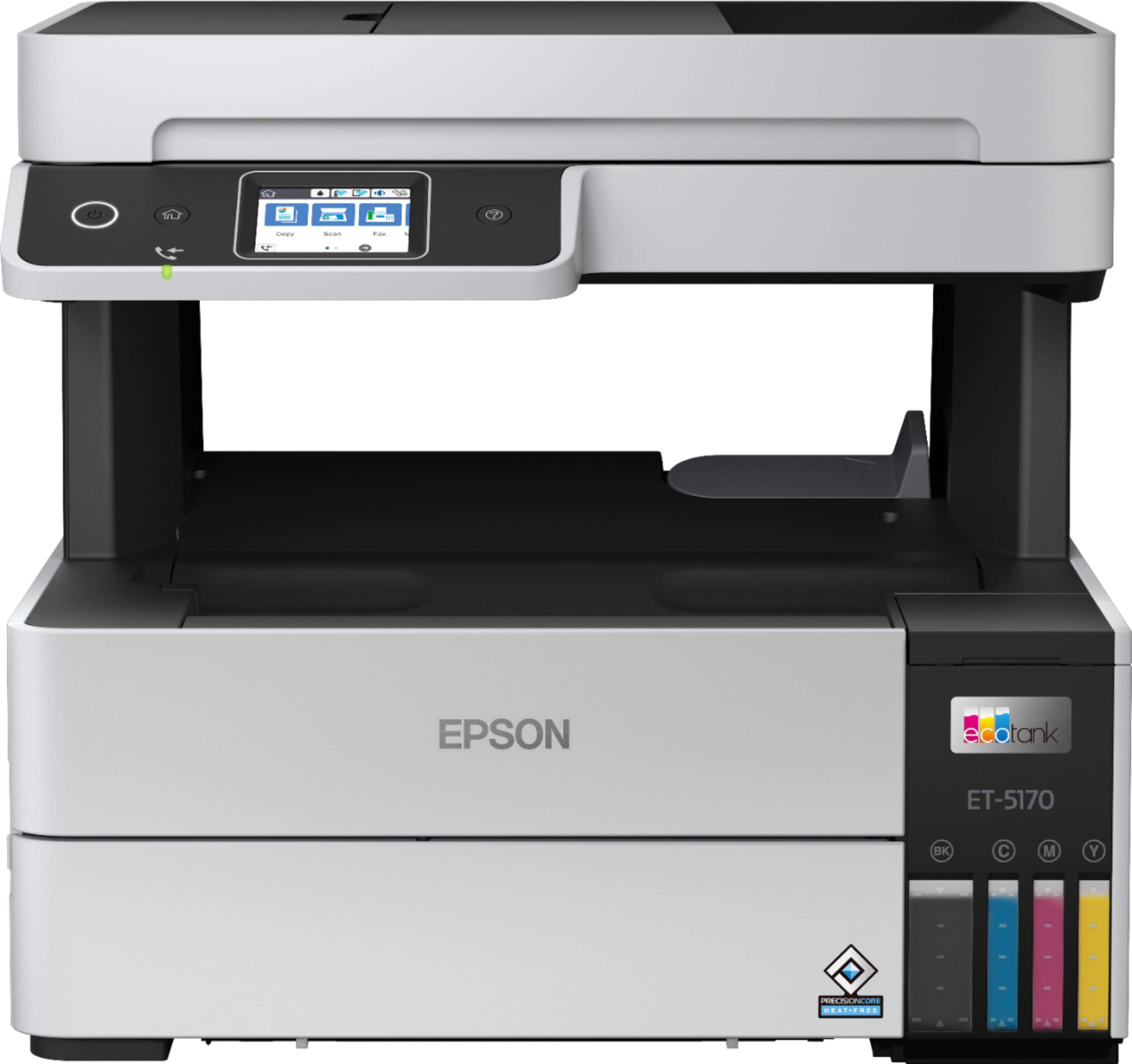
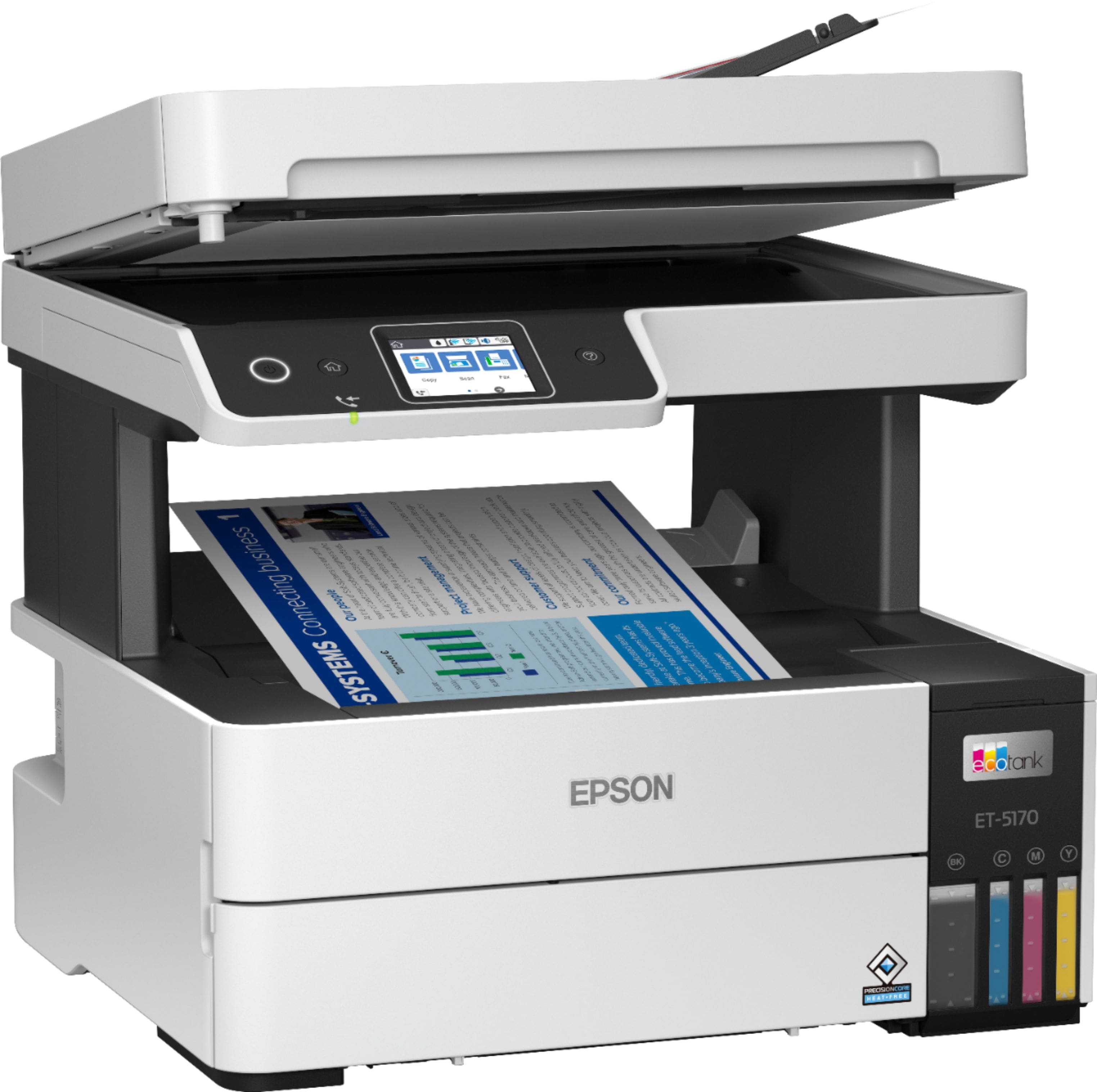
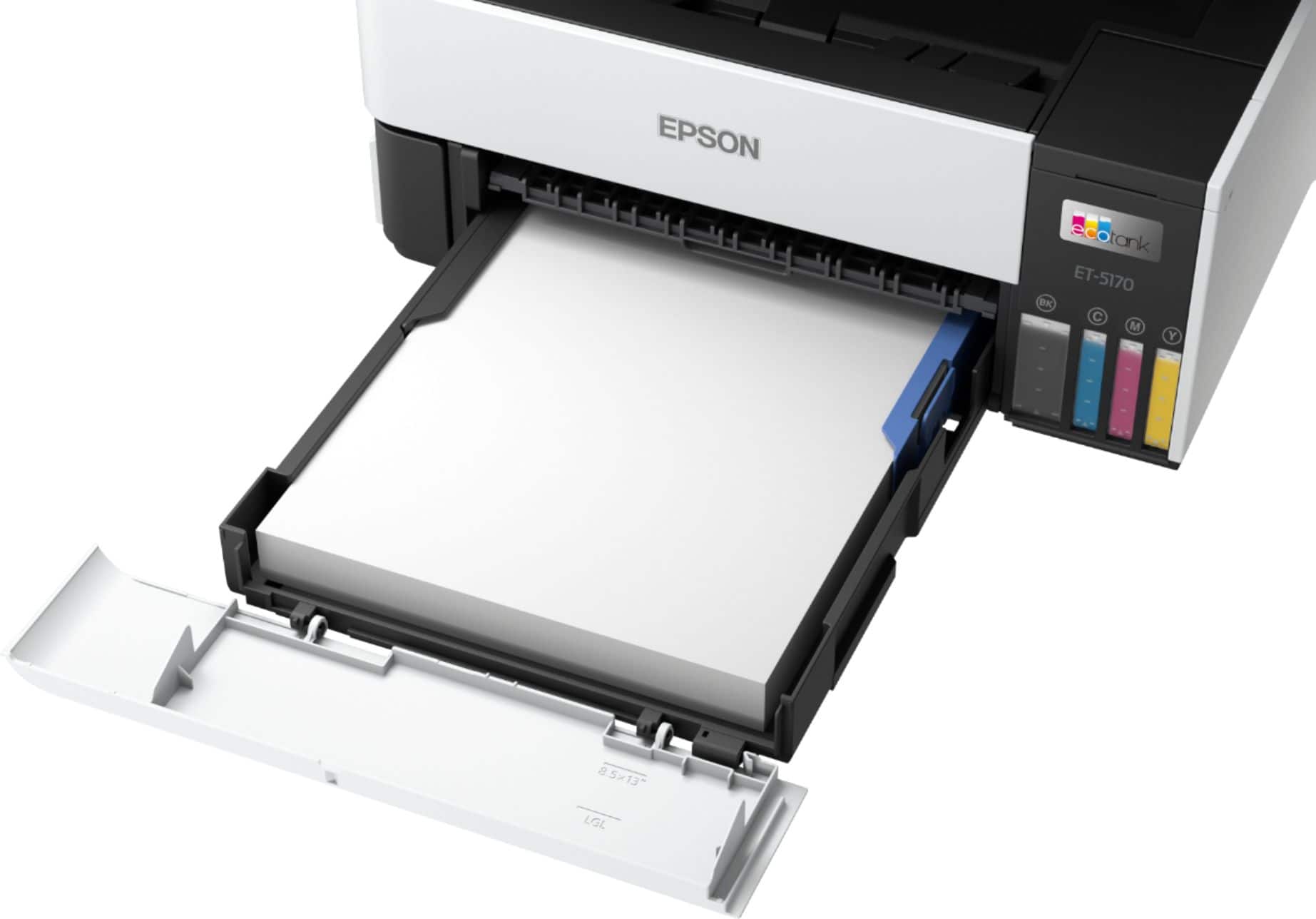
A:AnswerHello Marcus20. The paper tray cannot be removed from the machine. The paper tray can only extend outward as it is attached to the printer. Regards, Kevin - The Epson Team.
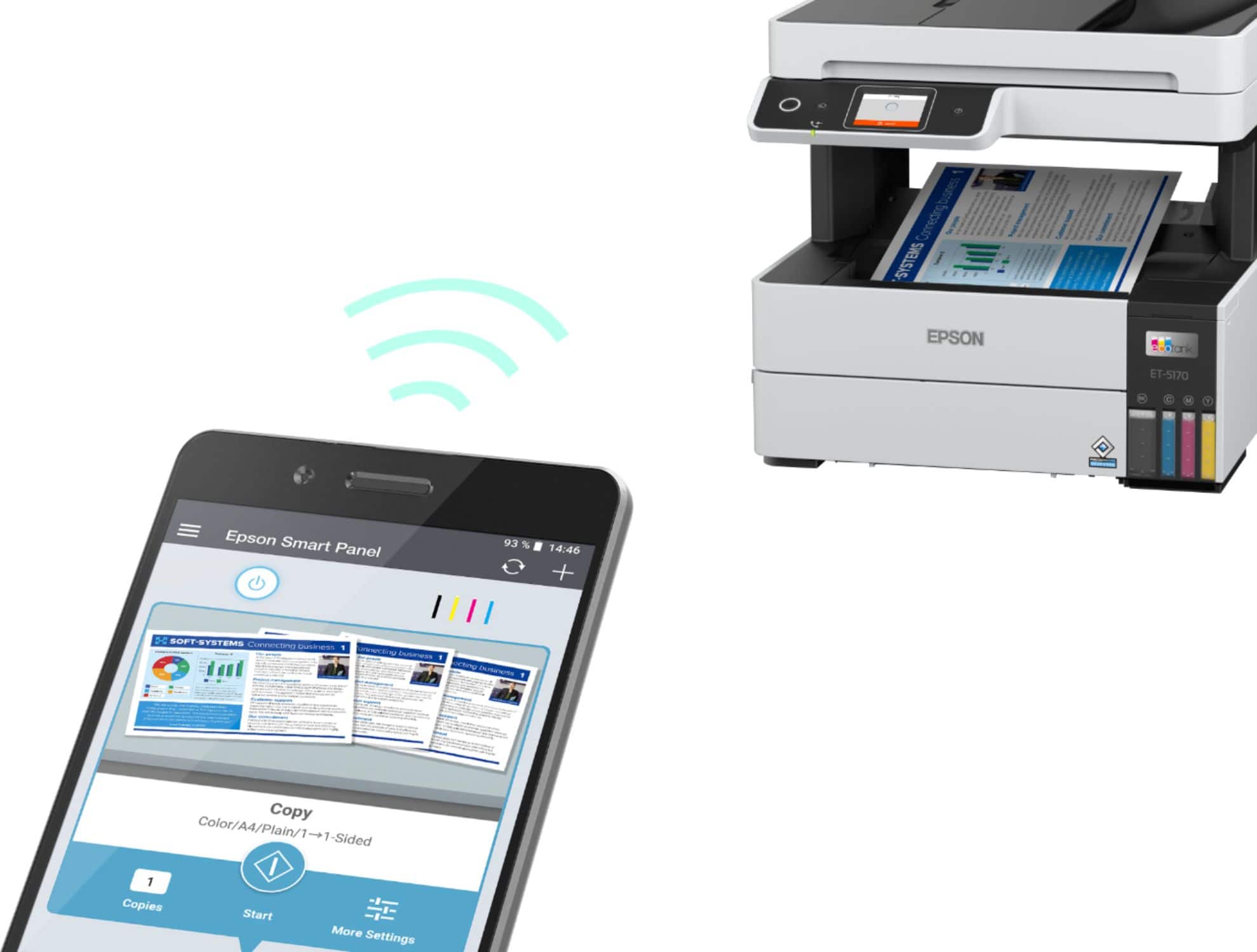
A:AnswerHi Printerguy, Yes you can. In order to set up an EcoTank Pro ET-5170 for email printing you must sign up for a free Epson Connect account. The ET-5170 can print emails sent directly to its email address. You can also send scanned files from the ET-5170 to a list of email addresses you set up using Epson Connect. Regards, Dylan - The Epson Team.
A:AnswerHello RCPC. Yes, the ET-5170 is Epson Connect compatible. With Epson Connect, you can send your files to the printer’s unique email address and automatically print from any email-enabled device. Regards, Kevin - The Epson Team.
A:AnswerProbably, but we could not make this unit work well enough for our print needs. Returned it for the ET-5800 series. Much improved quality and speed.
A:AnswerHello. Unfortunately, the option is not available as the ET-5170 does not include borderless printing as a feature. Regards, Kevin - The Epson Team.
A:AnswerHello Helpme. The ET-5170 can print on paper sizes ranging from 3.5" x 5" to 8.5" x 14". Unfortunately, borderless printing is not available on the printer. Regards, Kevin - The Epson Team.
A:AnswerHello SkepticSystem. Yes, you can save multi-page scans as a single PDF or Multi-TIFF file. The option can be selected in the Epson Scan software. Regards, Kevin - The Epson Team.
A:AnswerHello Lab. The thickest paper the ET-5170 can print on is Epson Premium Photo Paper Glossy which weighs 79 lb. If you plan to possibly use cardstock, we recommend using an option that weighs around 44 lb. as similar Epson paper has been tested to work. Please note that these recommendations are for Epson Paper only, and your results can vary when using 3rd party paper. Regards, Kevin - The Epson Team.
A:AnswerHello Rally. While the ET-5170 can print on Epson Glossy paper, we recommend using plain and multipurpose paper for 2-sided printing, as Glossy paper is not the best option. For a list of supported paper types, please see the User's Guide available on our official Epson Support page. Regards, Kevin - The Epson Team.
A:AnswerHi Boz, Both the EcoTank Pro ET-5170 and ET-5180 can collate copies, or prints into individual sets. There is only one output tray on both models, so you would have to manually separate the sets. The difference between the two printers is that the ET-5170 can send and receive faxes, while the ET-5180 includes PCL and PostScript support. Regards, Mark - The Epson Team.
A:AnswerHi Yesi, The EcoTank Pro ET-5170 has an 8.5" paper path so it cannot print wide sheets. Best Buy currently offers several wide-format printers on Bestbuy.com. It you want a tank printer, the EcoTank Photo ET-8550 is designed for photo-quality printing. The WorkForce Pro WF-7820 is a home office printer that uses cartridges. They are both currently available , but inventory levels at Bestbuy.com can change. Regards, Mark - The Epson Team.
A:AnswerHello homeofficeguy. The ET-5170 uses pigment-based inks, so there should be no smearing. However, please note that different variables like paper type and highlighter brands can cause the ink to smear, so your results will vary. Regards, Kevin - The Epson Team.
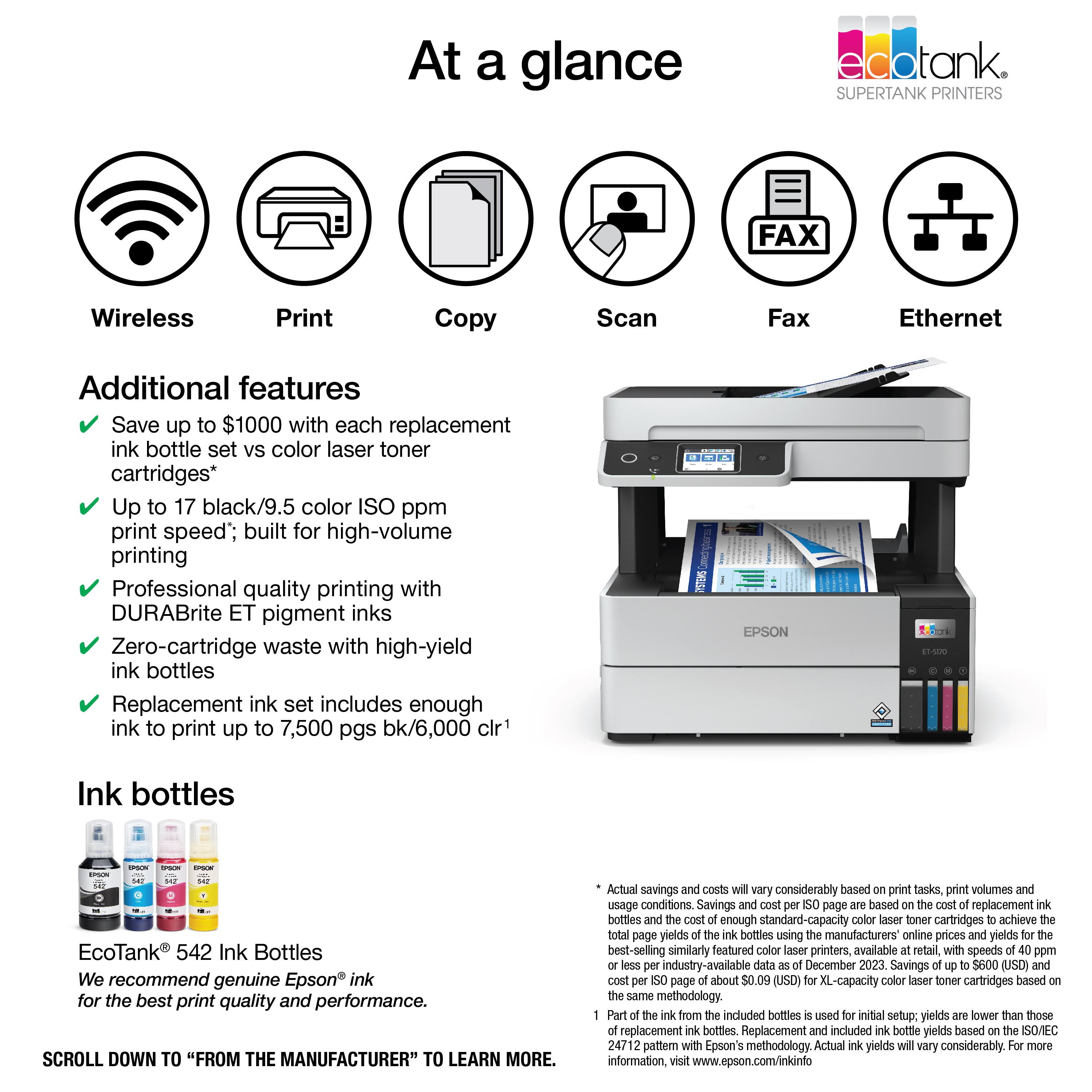
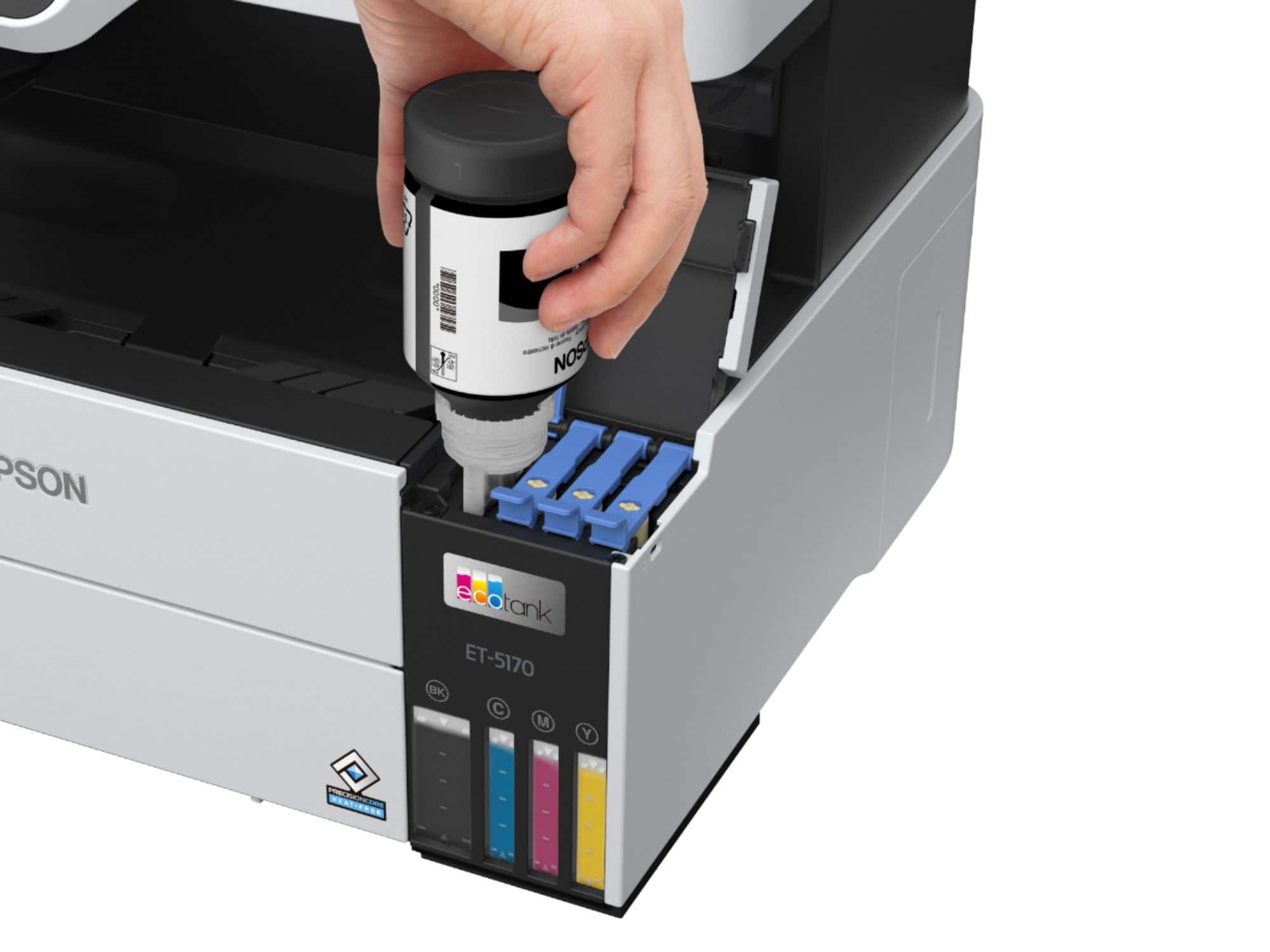
A:AnswerHi Marie, The EcoTank Pro ET-5170 is designed for use with Epson 542 refill bottles. Using other substances like sublimation ink may damage the print head and affect warranty coverage. Regards, Mark - The Epson Team.