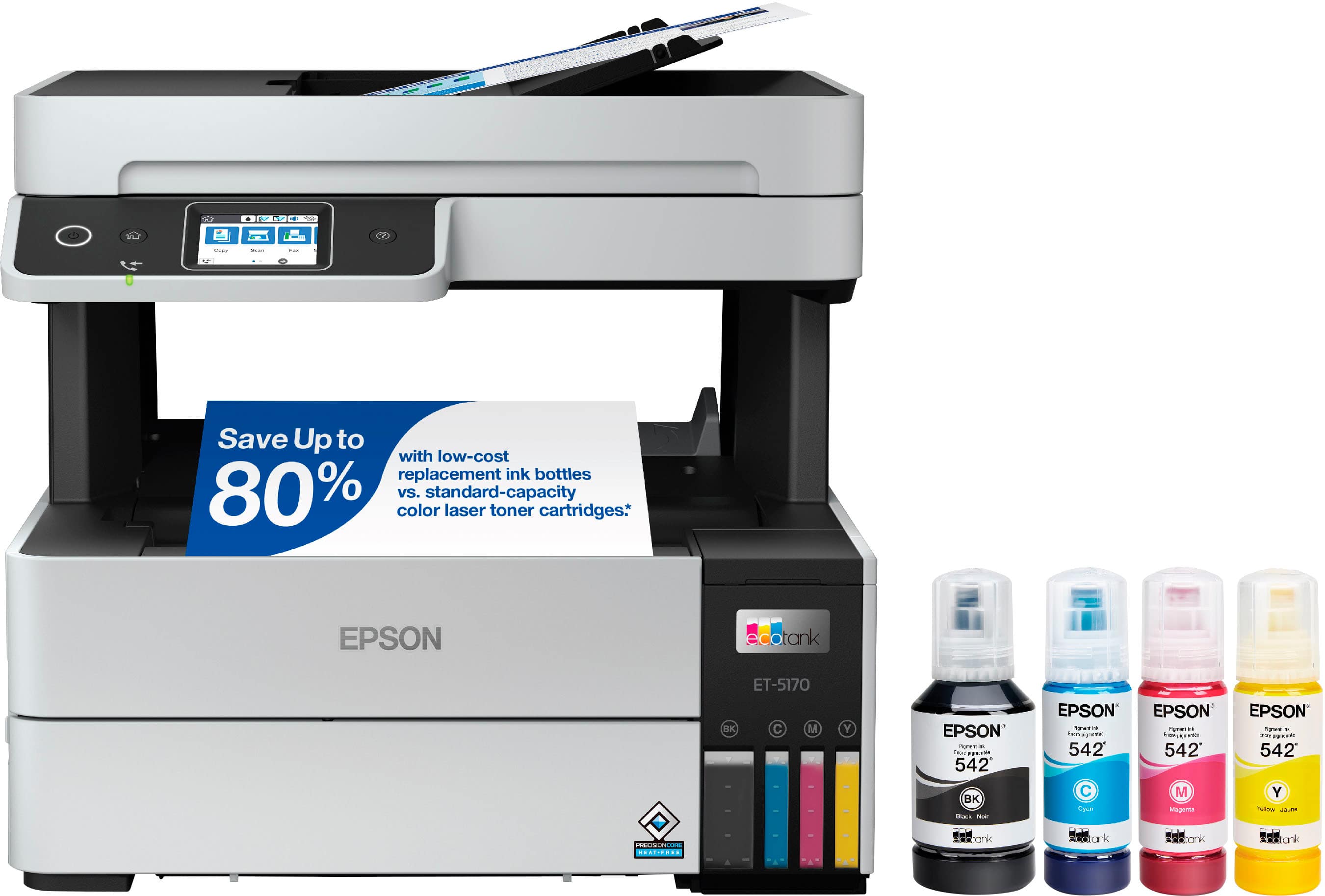
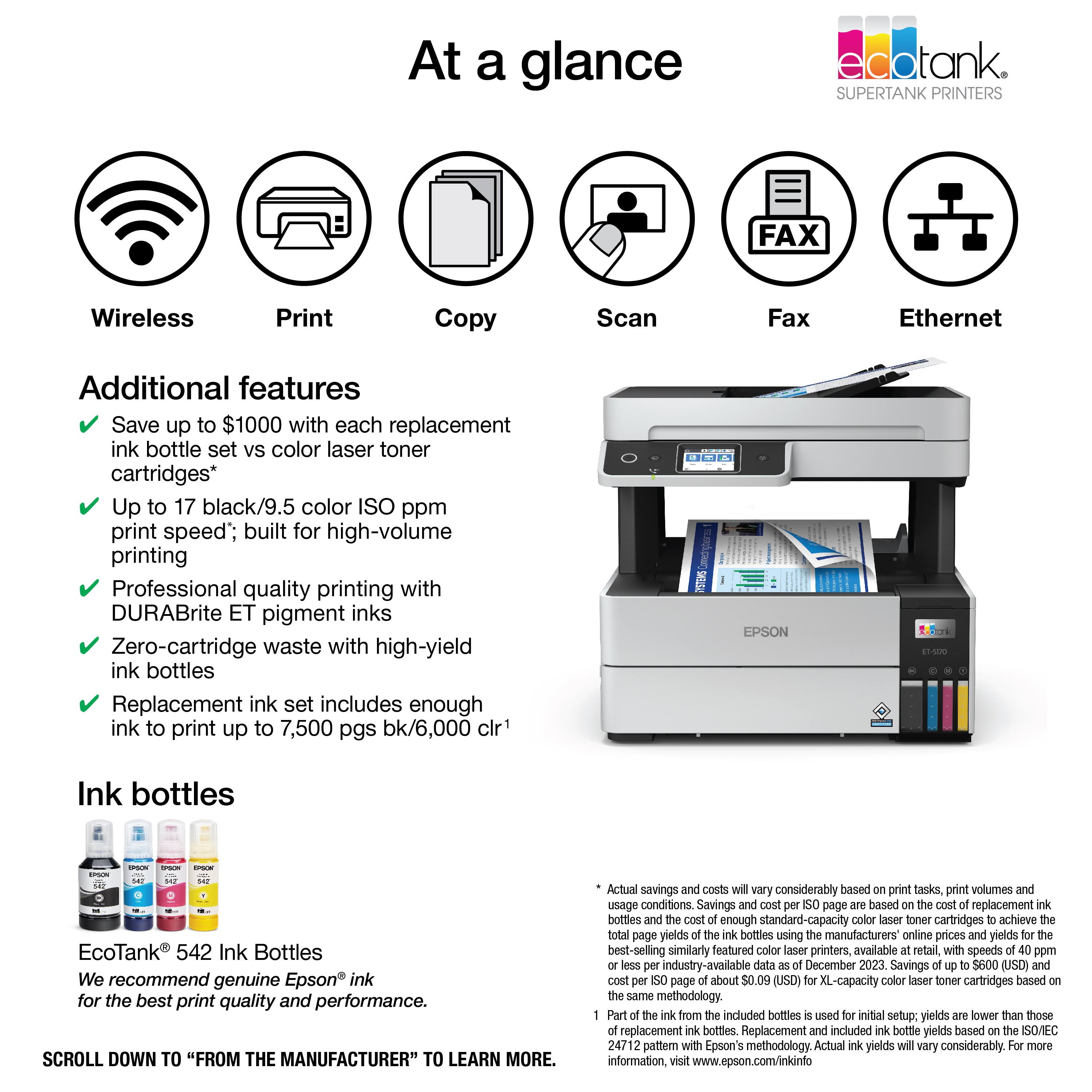
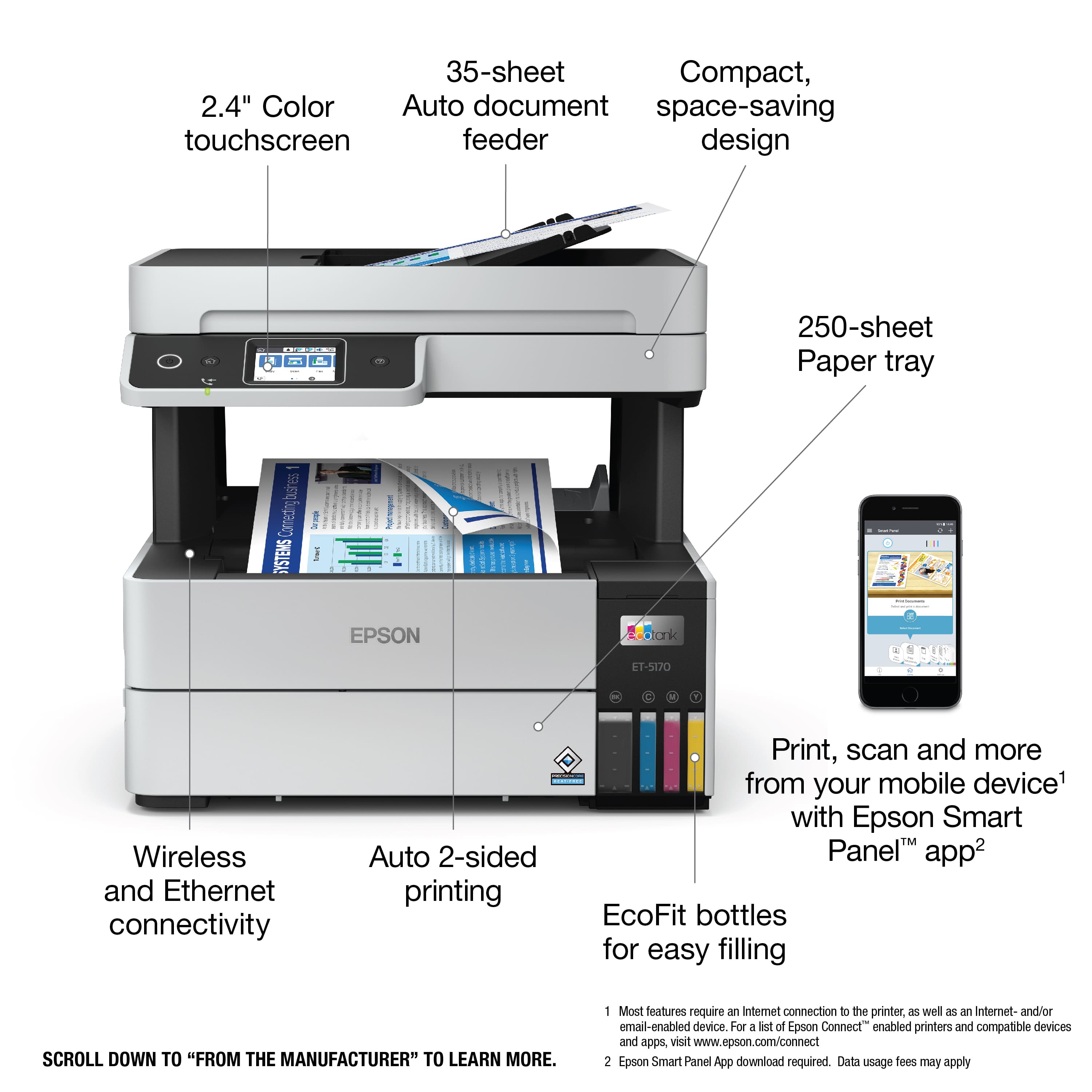
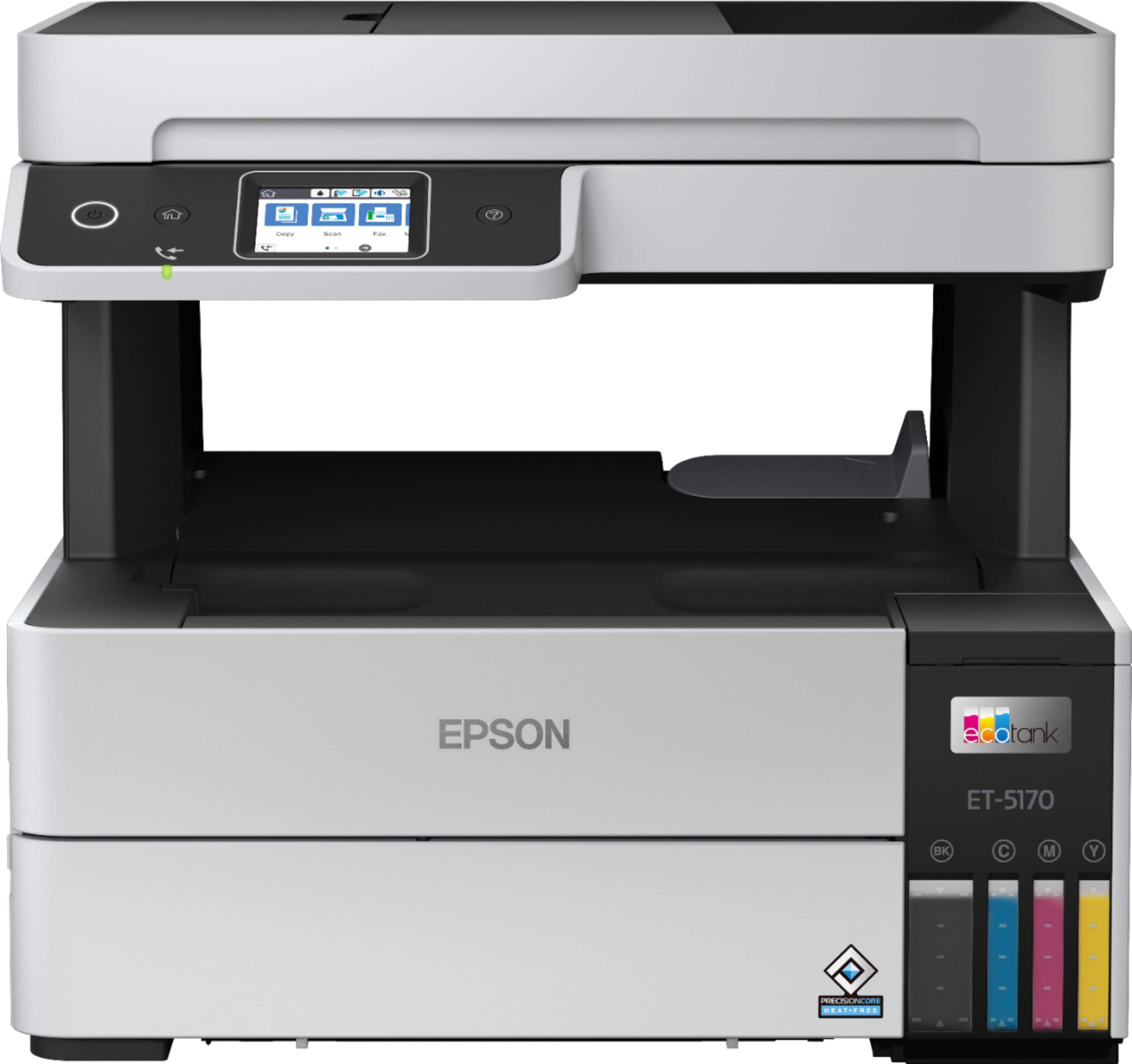
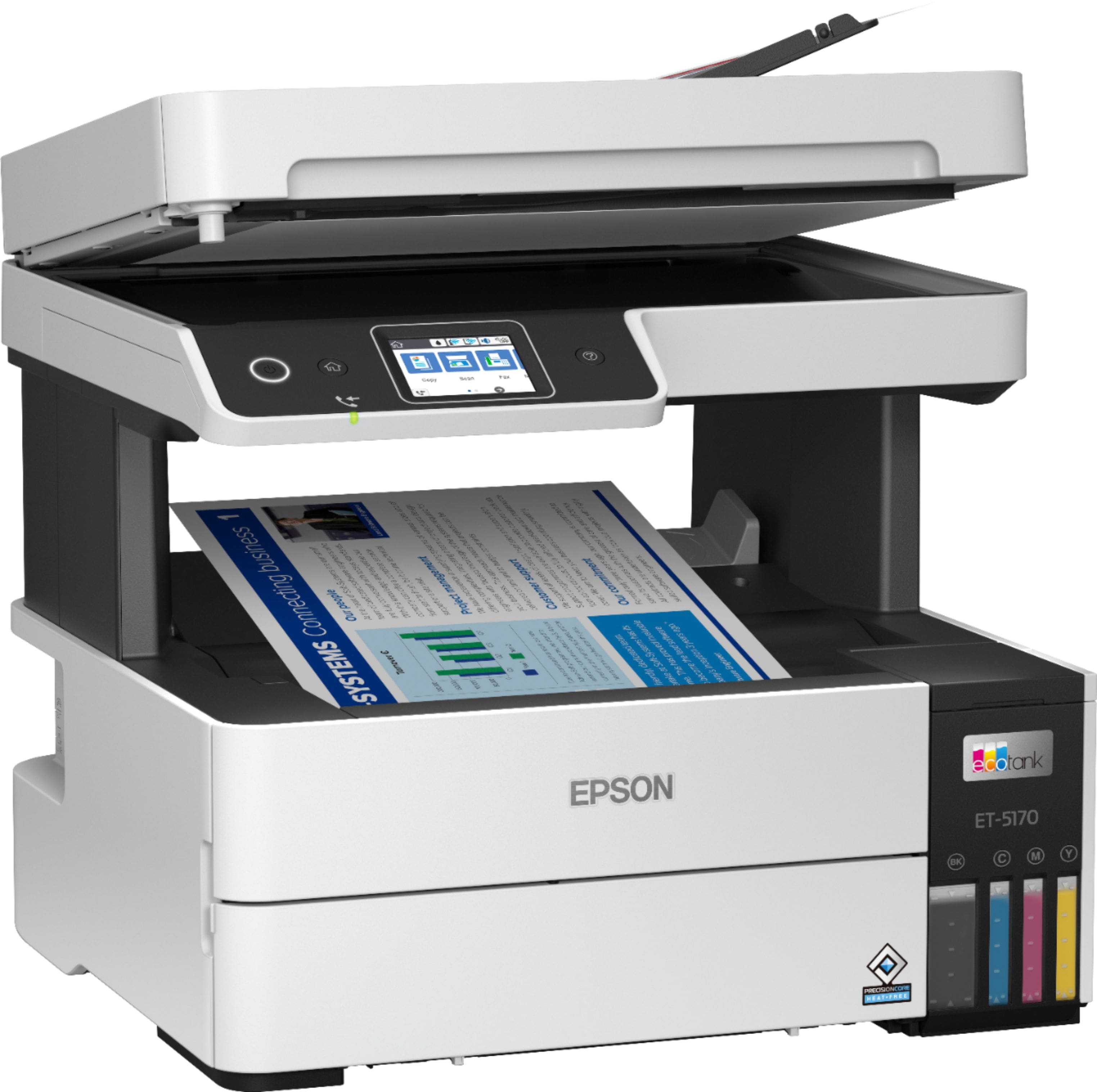
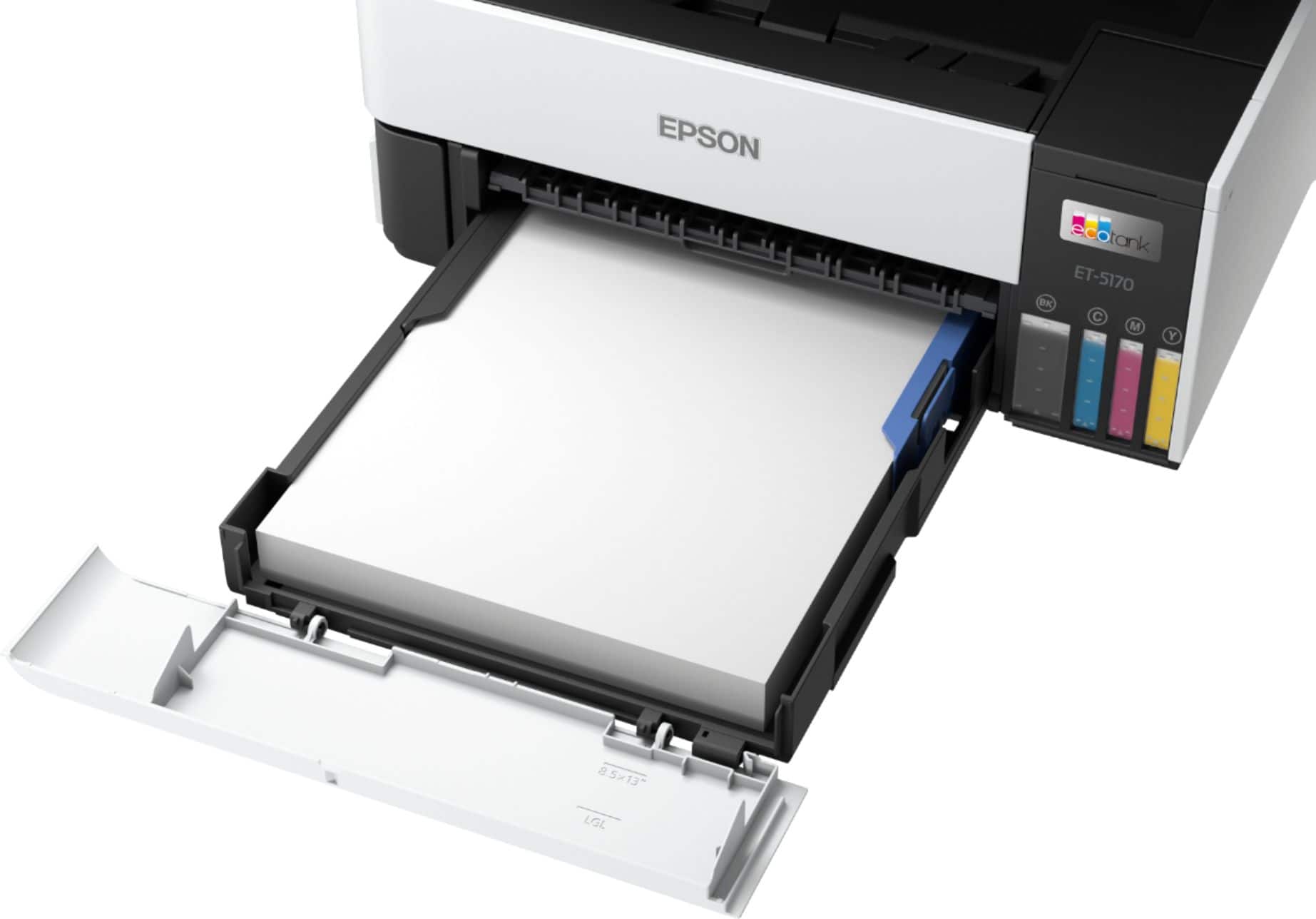
A:AnswerHello Lin. Unfortunately, the ET-5170 cannot print on 11" x 17" paper. The maximum supported size is 8.5" x 14". Regards, Kevin - The Epson Team.
A:AnswerHi, The EcoTank Pro ET-5170 does not have a port for a USB flash drive. The EcoTank Pro ET-5850 does have this capability and it is currently available at Bestbuy.com. Inventory levels may change. See the site for details. Regards, Mark - The Epson Team.
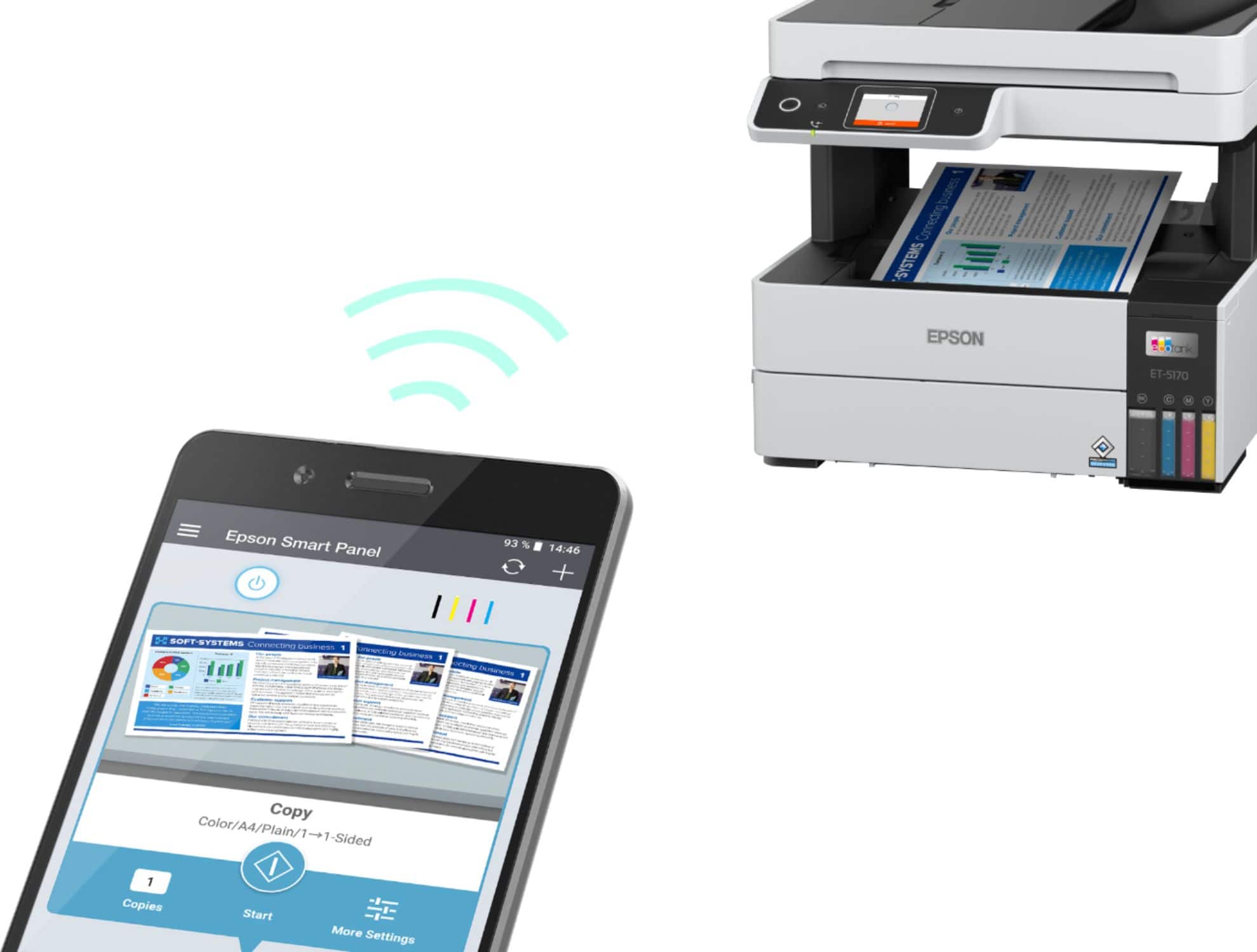
A:AnswerHello JARP. Yes, the ET-5170 works on both mobile devices and computers. To get everything set up, you can find and download the latest print driver software on our official Epson Support page. Regards, Kevin - The Epson Team.
A:AnswerHello RealEstateTom. Yes, the ET-5170 works on an Apple computer running 11.x.x Mac OS. Additionally, there is no need to use an installation disc, as you can download the latest printer driver from our official Epson support page. Regards, Kevin - The Epson Team.
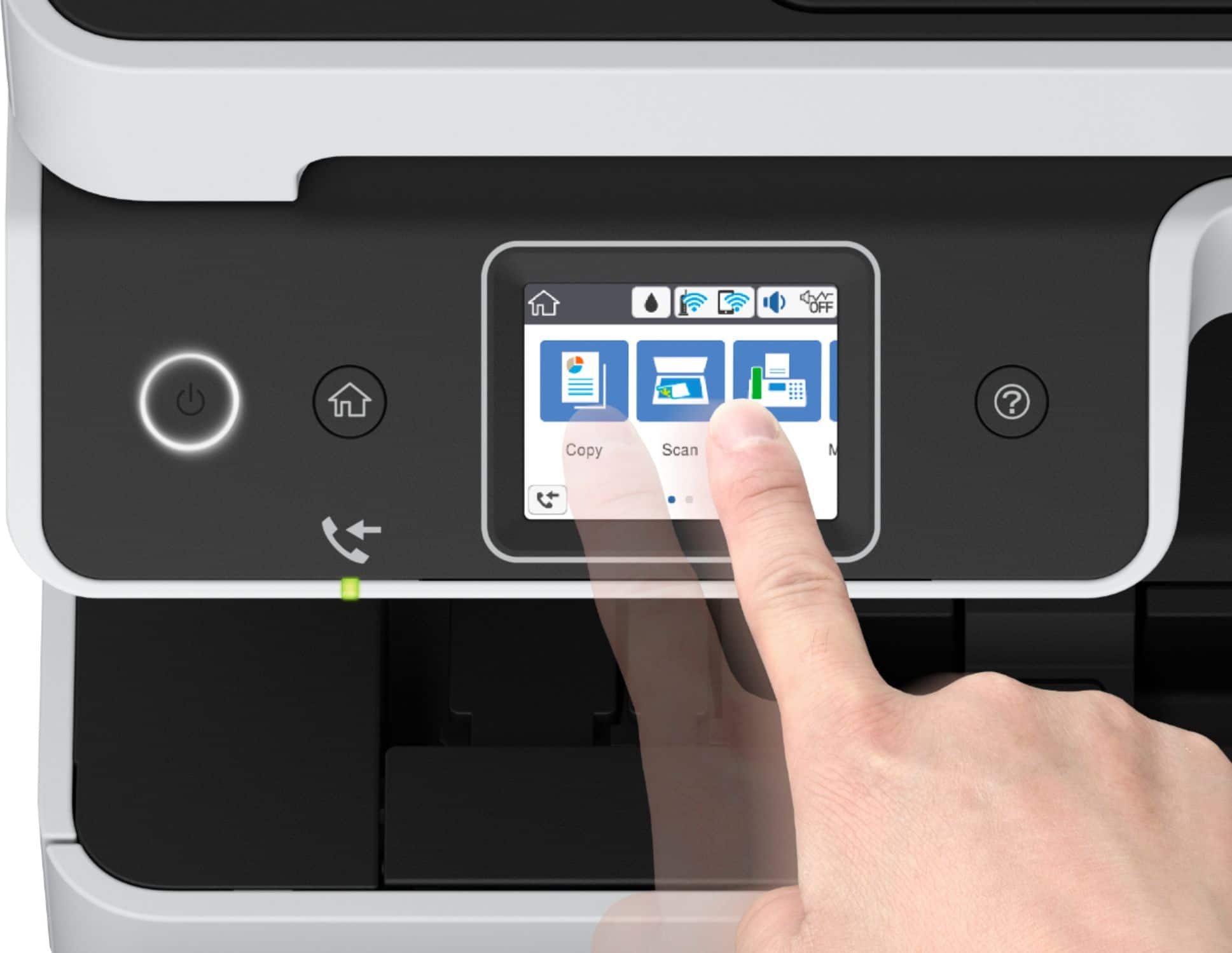
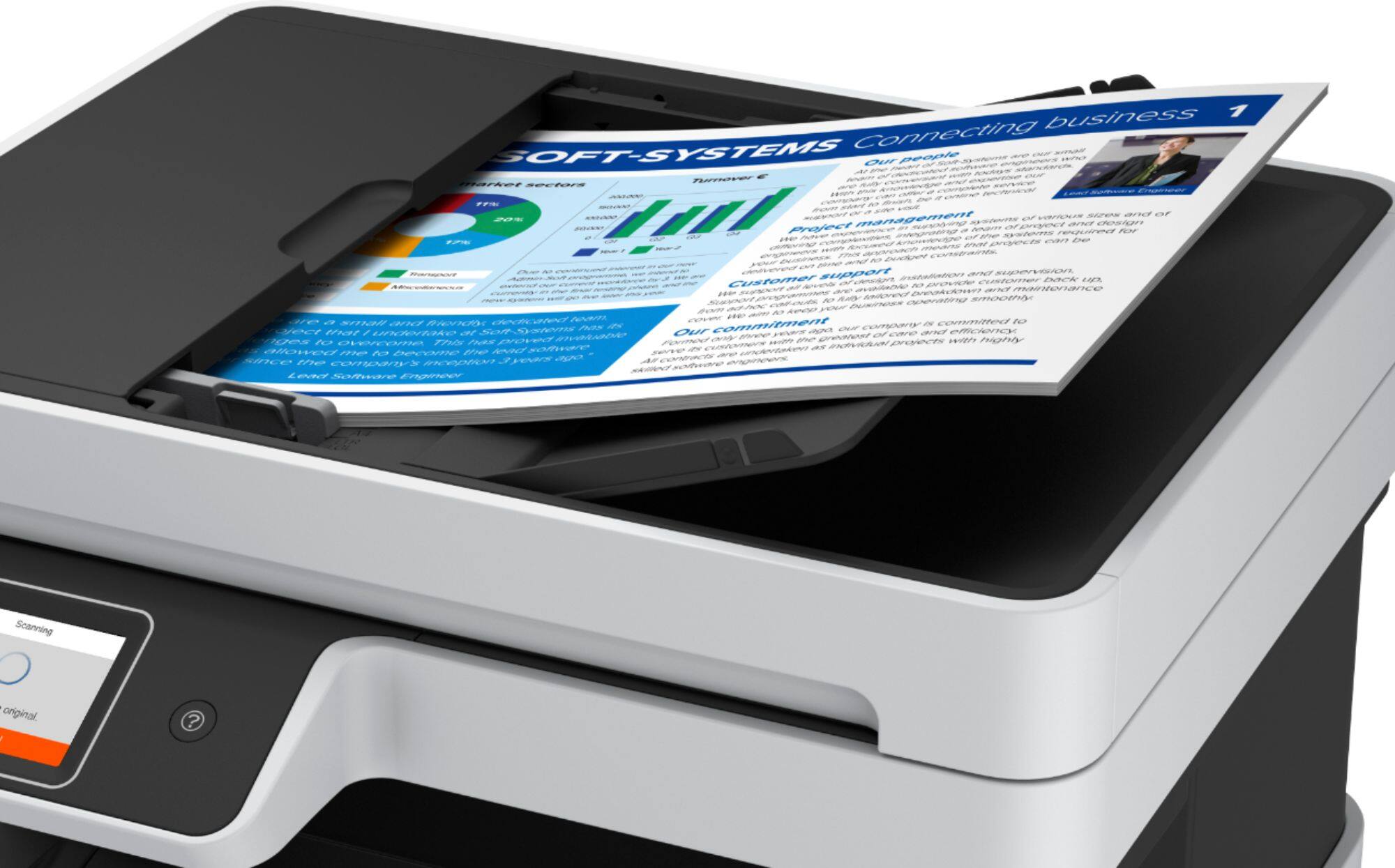
A:AnswerHello MrPrint. The ET-5170 and ET-5800 can make copies via the flatbed glass or the document feeder. The "paper setting" can be selected via the Copy Settings on the control panel. Regards, Kevin - The Epson team.
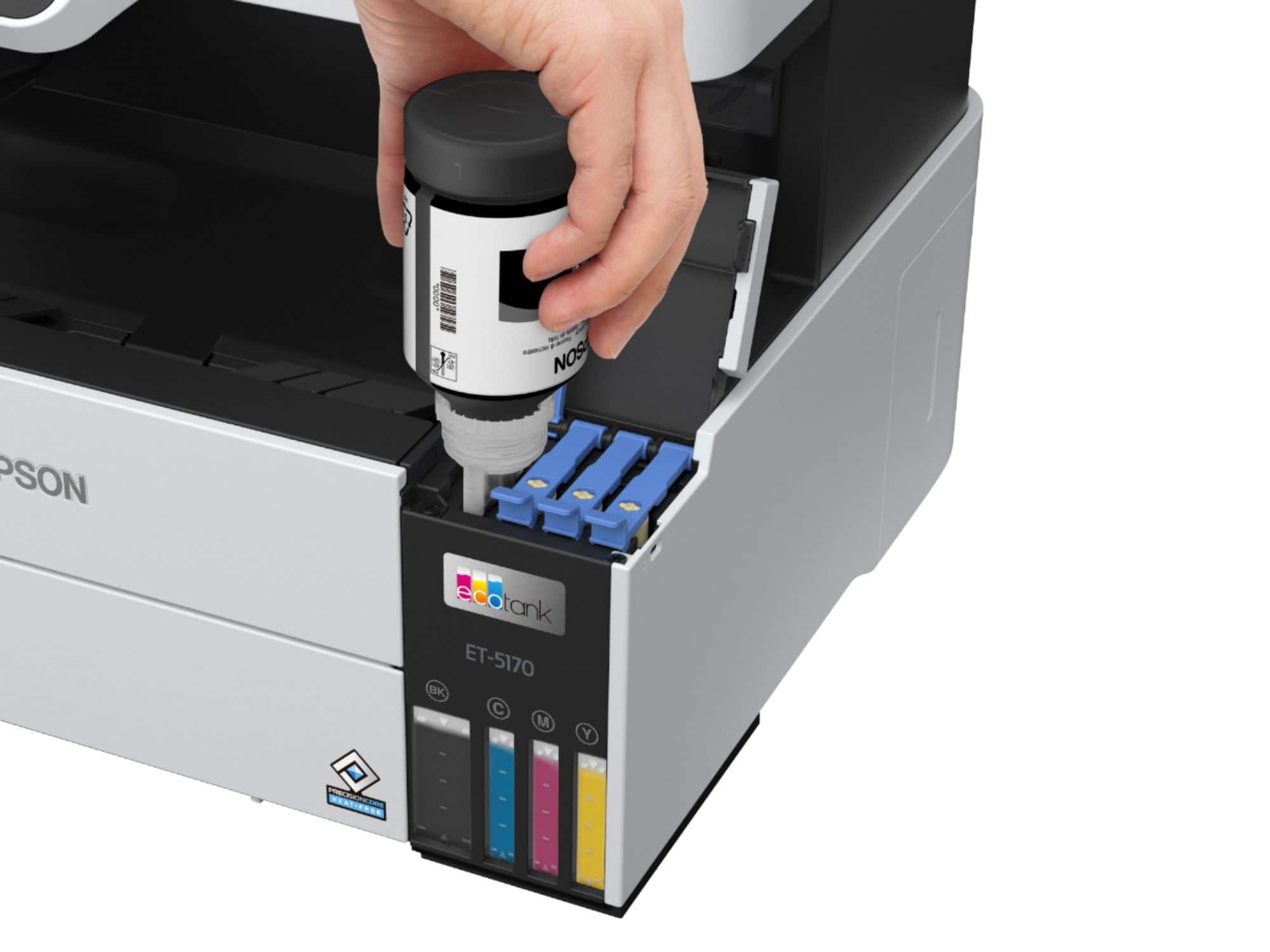
A:AnswerHi MrsSunshine, The length of time or number of prints before you must replace a maintenance tank varies based on the ink coverage per page, the number of prints that are borderless, the number of head cleanings, and other factors. You will receive multiple messages from the printer driver included with the ET-5170 before you have to replace the tank, Regards, Mark - The Epson Team.