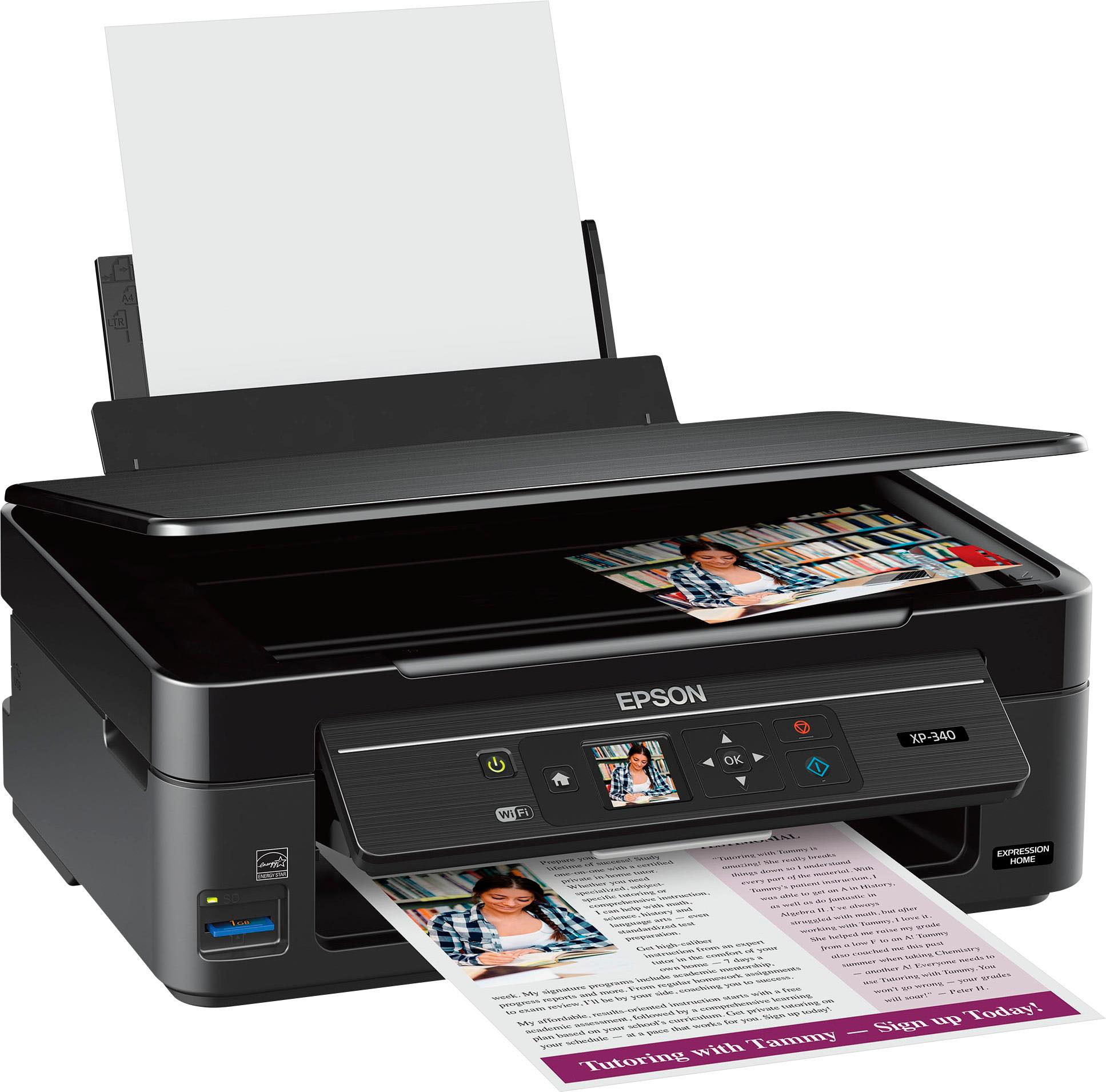
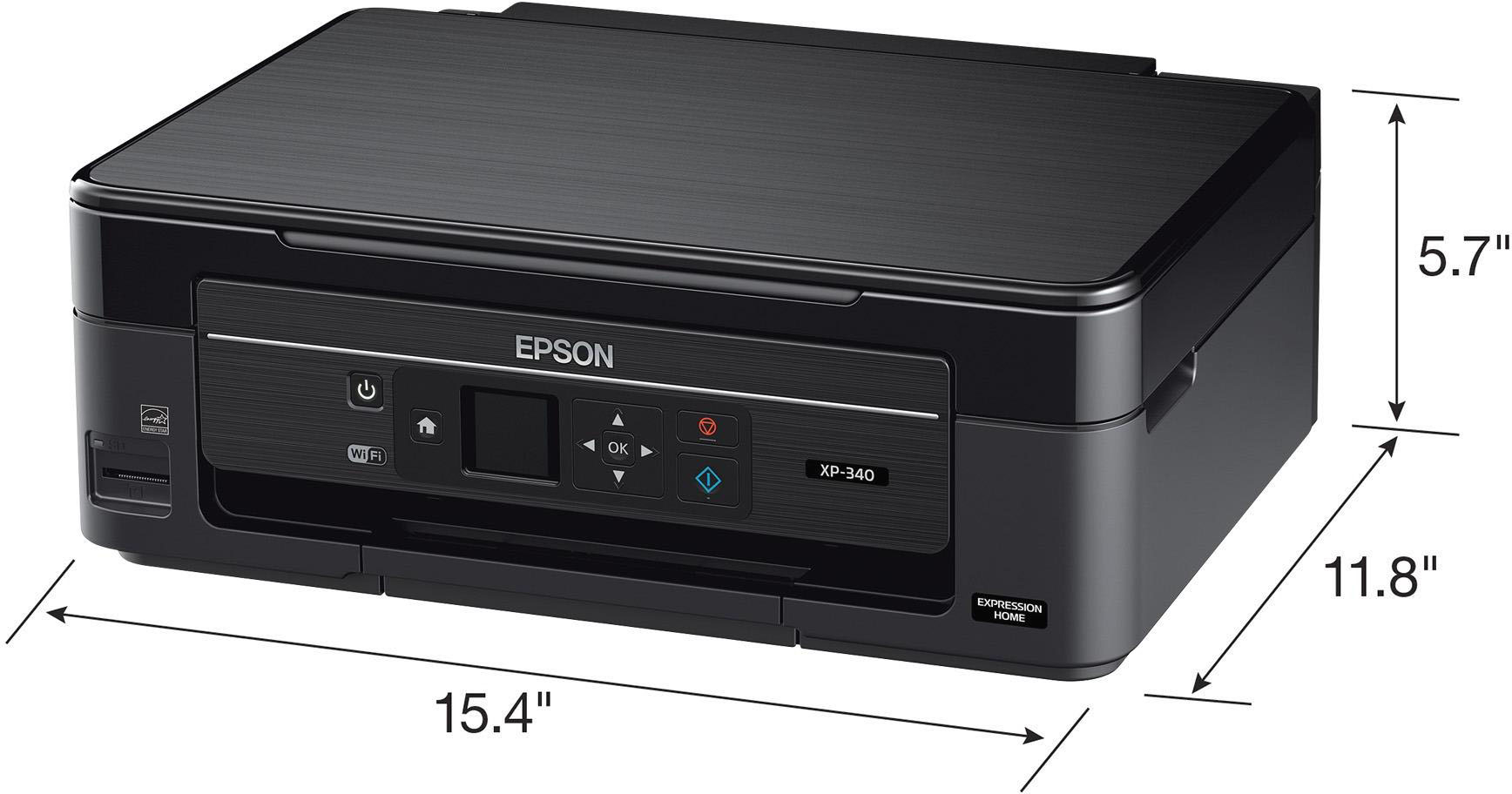
A:AnswerIt does auto feed when you print from your computer or copy one item at a time. I wish it had a way to print several pages of printed material. Instead of one page at a time using the scanner . There is an upgrade that has that feature. However, my overall rating for this printer is excellent. It is very simple to use. Never had an issue. Replacement ink cartridges won’t break the bank.
A:AnswerThe model I have is the 420 Small-In-One and it can scan to your laptop if connected by a cable. Otherwise, for my model I scan to a SD card which can be inserted into a port on the printer. The printer will receive wirelessly on your WiFi network, but it does not SEND wirelessly - at least not any of the Epson Expression models I have ever owned would. Maybe newer models can - that would be a nice feature.
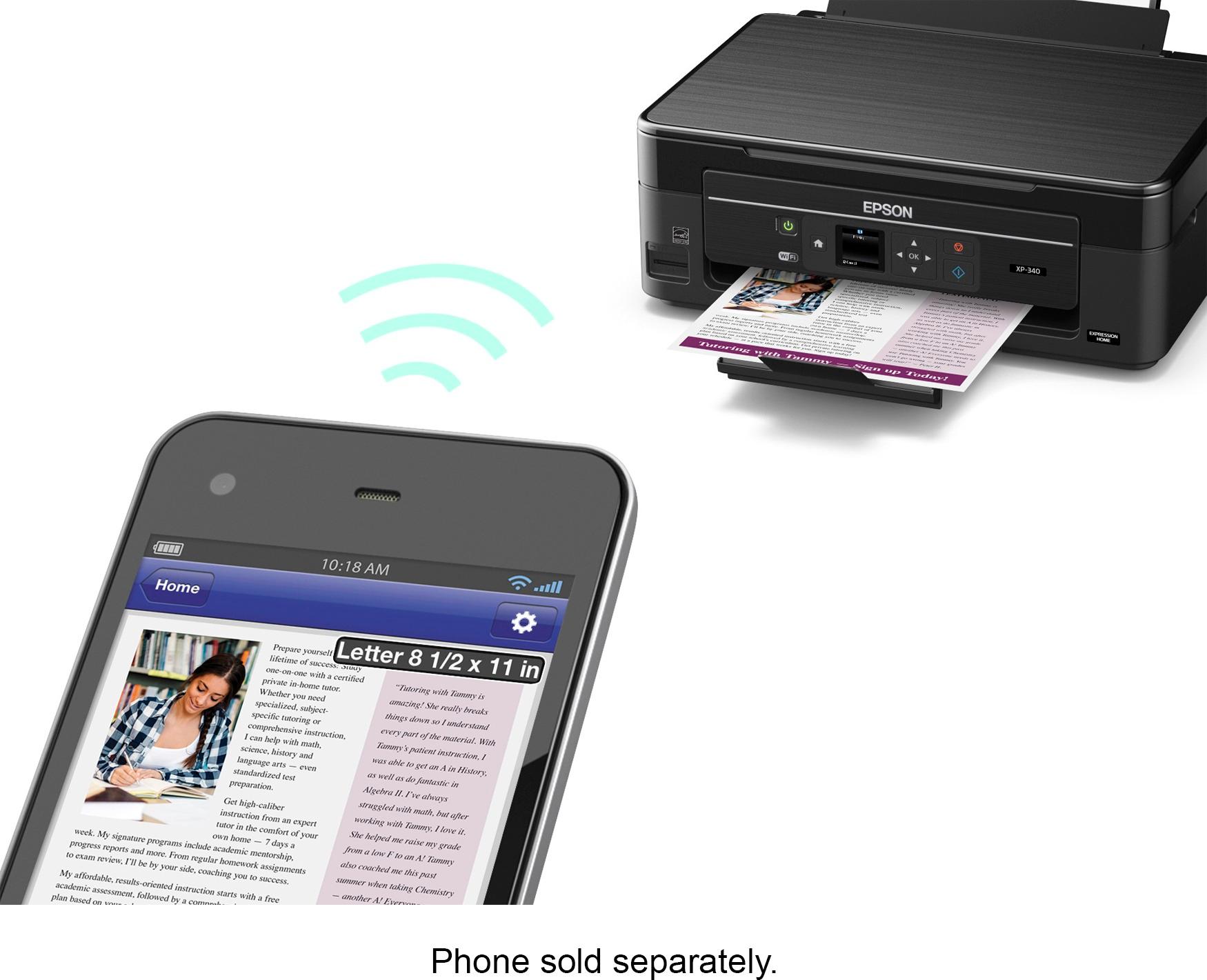
A:AnswerFor scanning a document to your computer, you do. For printing you do not but there’s been times I print wirelessly and nothing printed till hours later. Not a very dependable printer. Stick to HP and Cannon. Everything is wireless and actually prints when you want it to print.
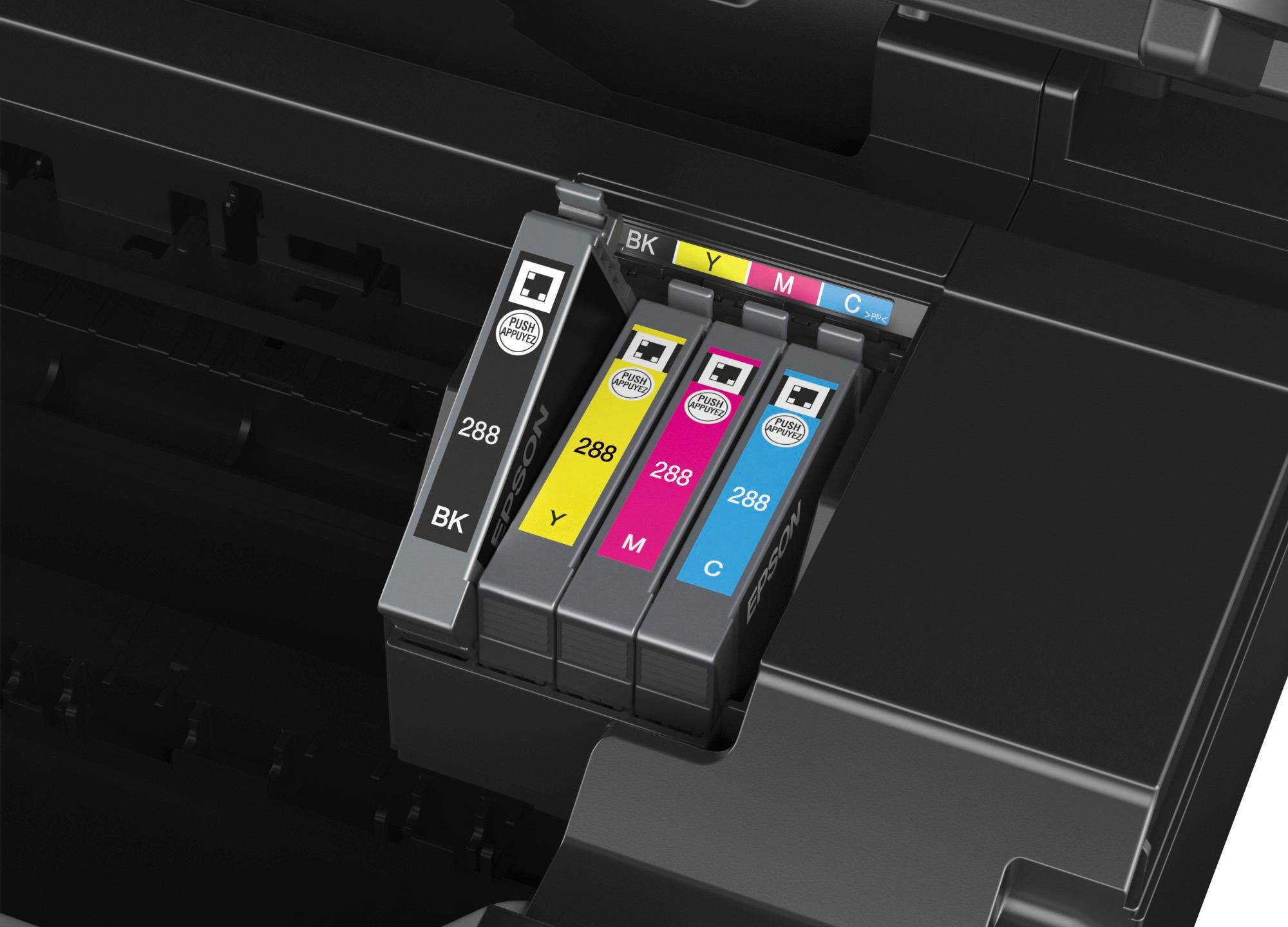
A:AnswerThe printer comes with ink -- so you'll need to install the ink cartridges as part of the set up routine -- but if you truly plan to use it only for scanning, then you'll never use the ink and don't have to worry about running out or replacing the ink you've never used. So yes, it would work for your purposes as a cheap scanner.