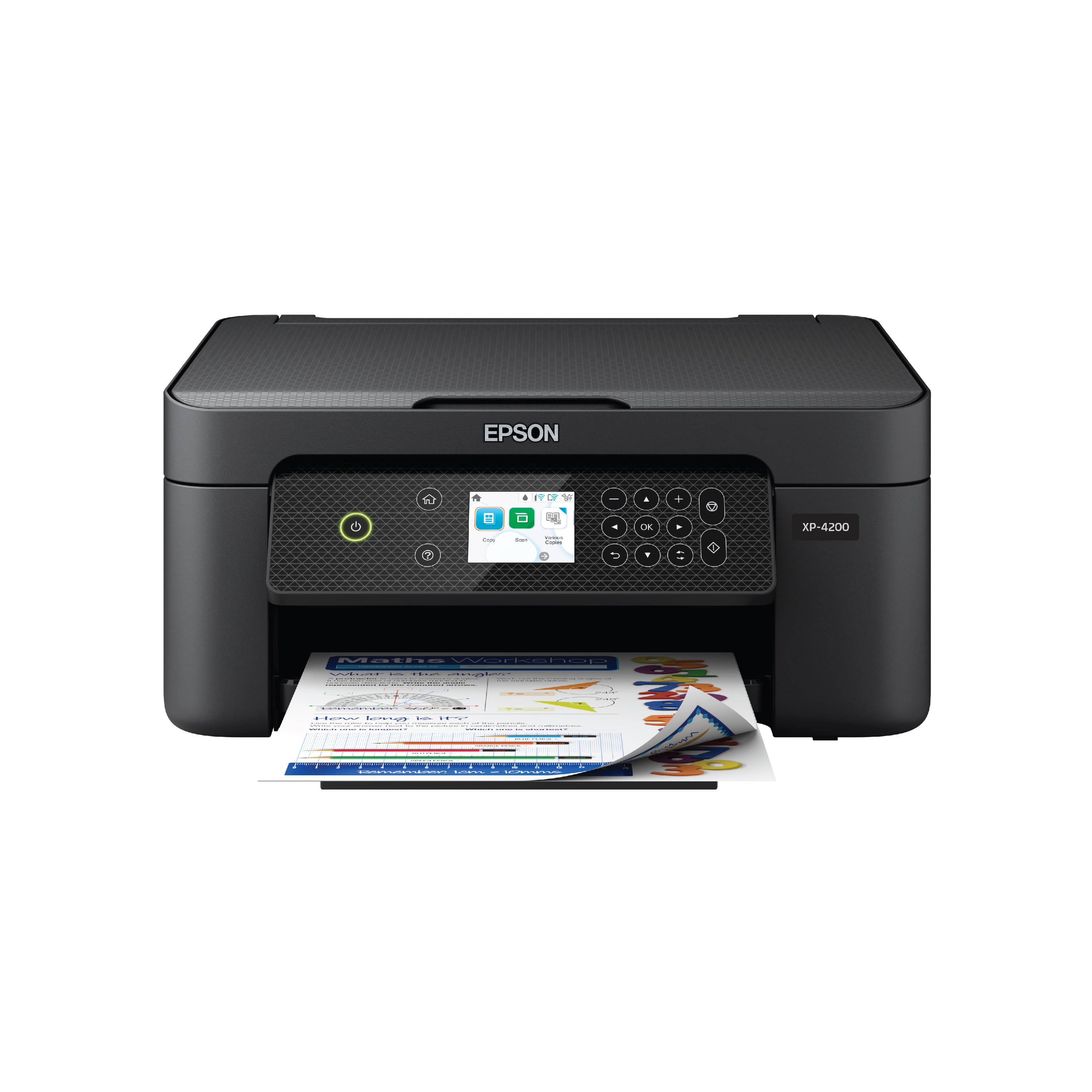
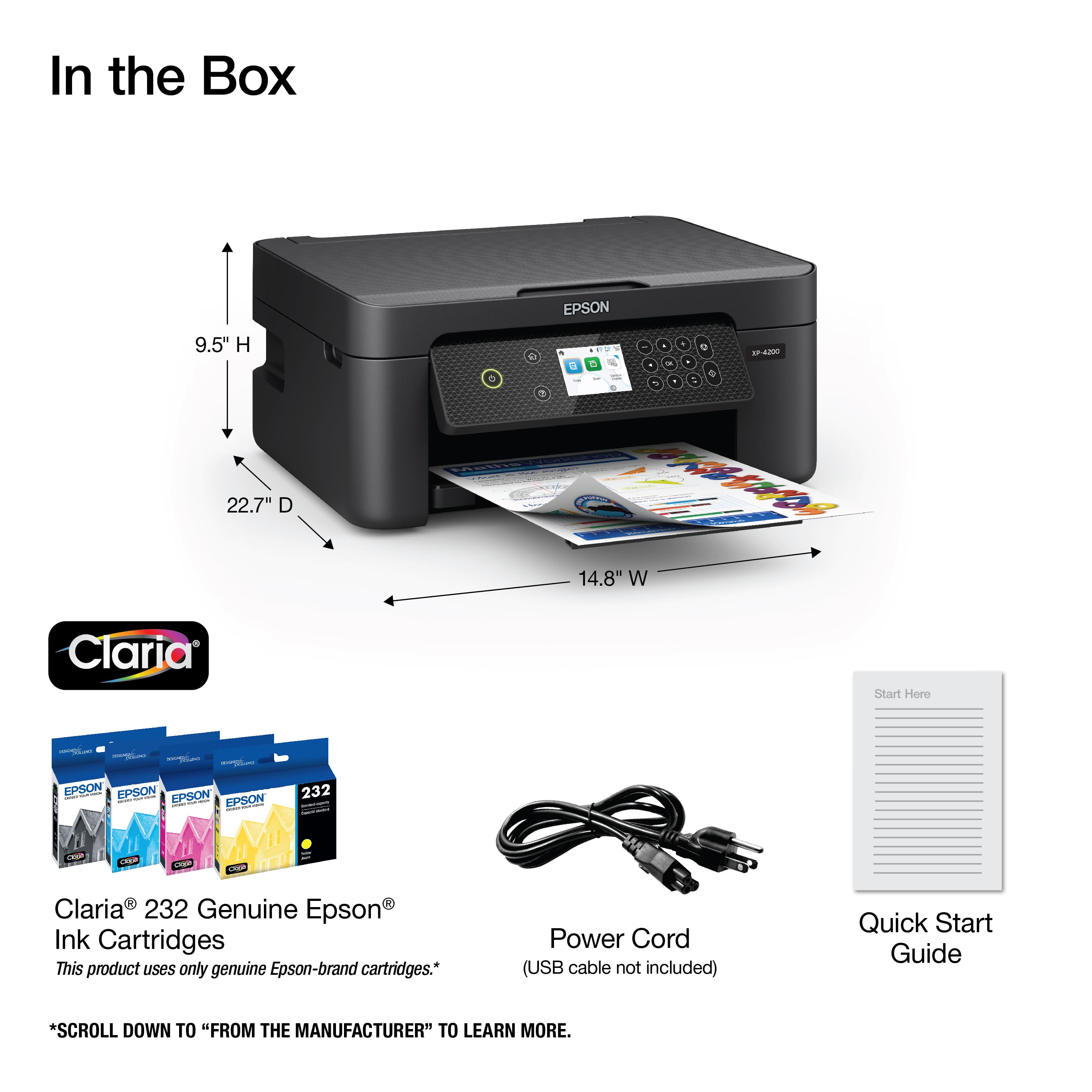
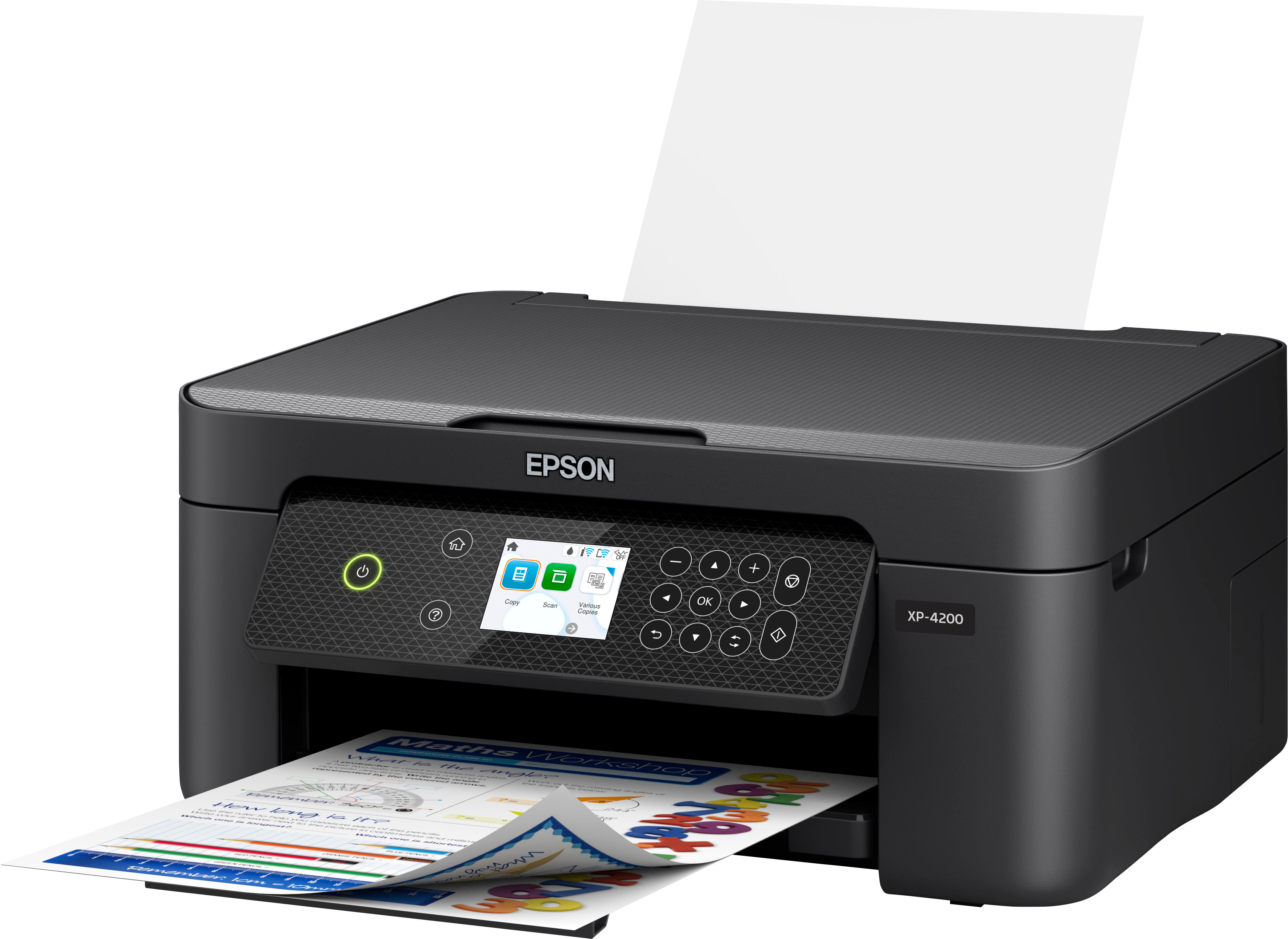
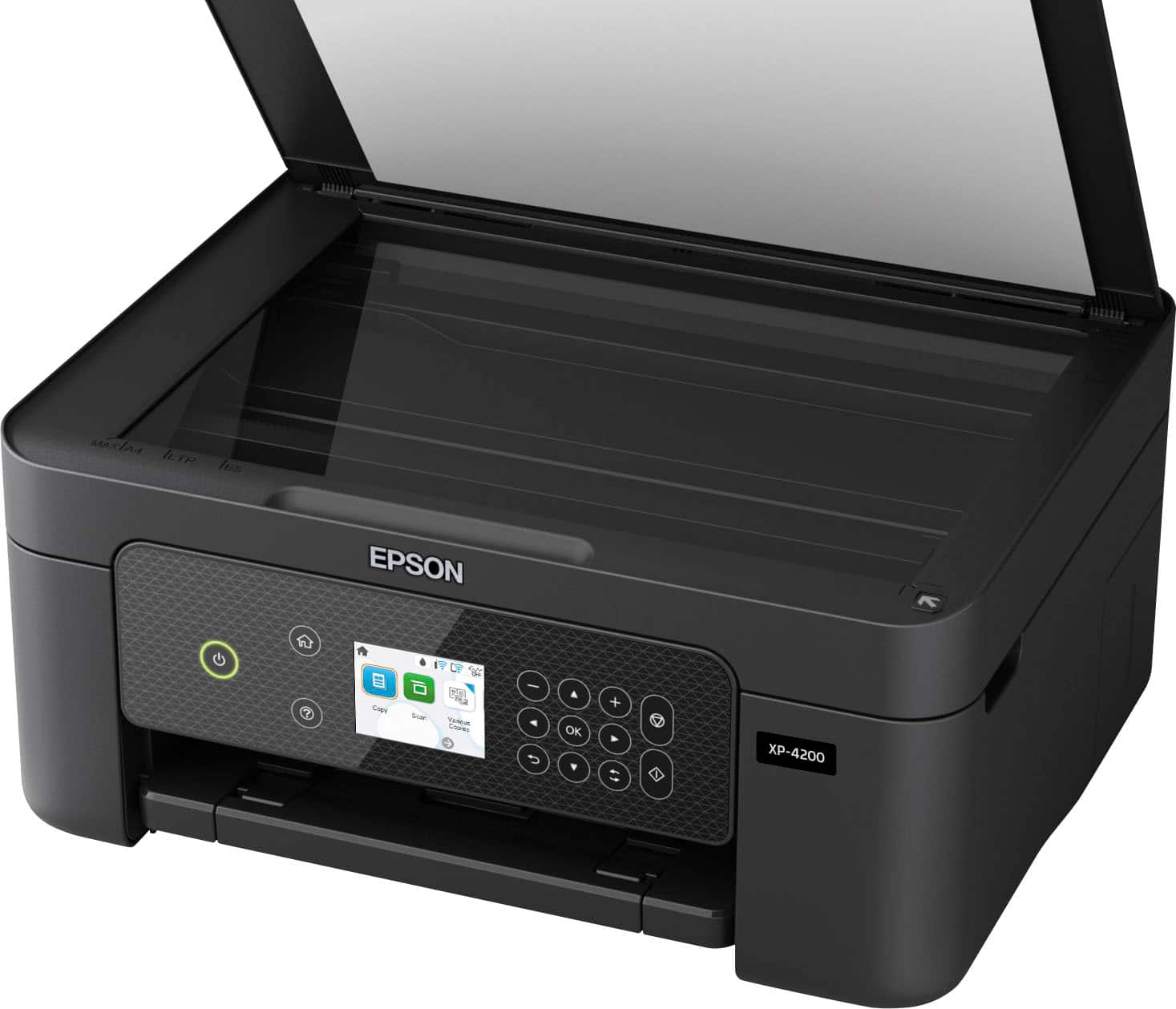
A:AnswerYes this printer has a rear feed tray that stands up the paper, so you don't put so much paper in at a time so it won't jam. Printer works good very quick prints and very clear!
A:AnswerThis printer requires internet to set up. The unit says to download the program onto your computer, then it decides how to set up your unit and configure to your unit. My computer is an older unit that was windows 7 and up graded to windows 10 years ago. My printer works perfect with this older unit, prints fast and clear prints once you get it set up.
A:AnswerI have found that MS Word WYSIWYG print display of #10 envelopes will not print margins correctly on this printer, and is therefore not useful to me.
A:AnswerI don't think this printer uses up ink any faster than any other printer per print. The deal is that the cartridges are smaller for home use, so the ink won't dry up. so yes for pictures it will cost you more per picture.
A:AnswerI could not find any references to using sublimation type inks in the Epson XP-4200 guide book. I'm quite sure if you search, you could probably find a source that may not be officially sanctioned by Epson. Those ink cartridges would probably void the warranty though. Many people do it.
A:AnswerHello panna. Yes, the XP-4200 is compatible with macOS 11. Please visit our official Epson Support page to find the latest printer driver. Regards, Kevin - The Epson Team.