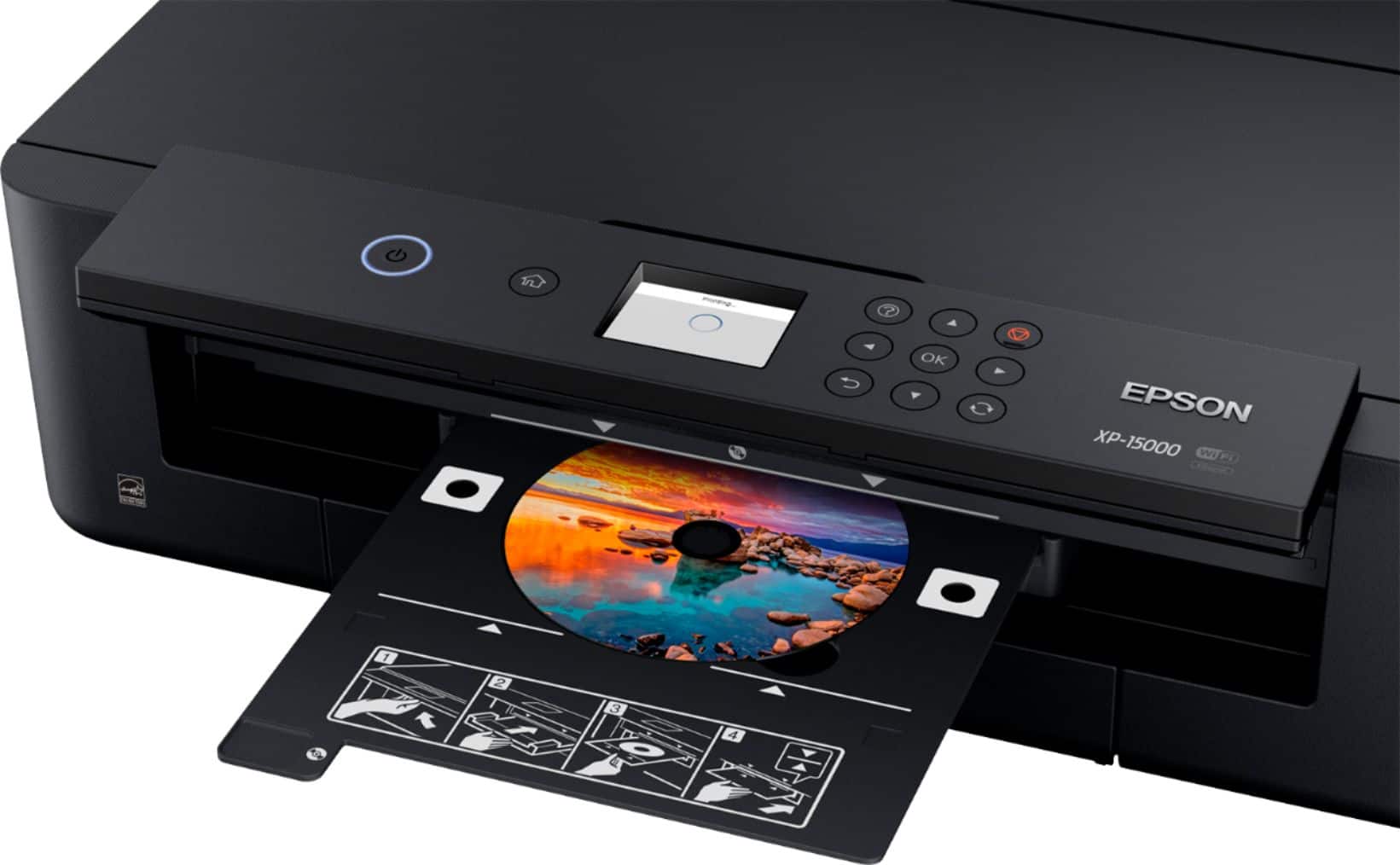
A:AnswerIt can take heavier card stock like post card stock ... It has a setting where you can adjust the thickness of the paper you will be working with great printer all around .
A:Answeryes it is my understanding that this replaced the 1430 and the main difference is that it is proprietary with the ink. Thats why the refurb 1430s are so high in cost.
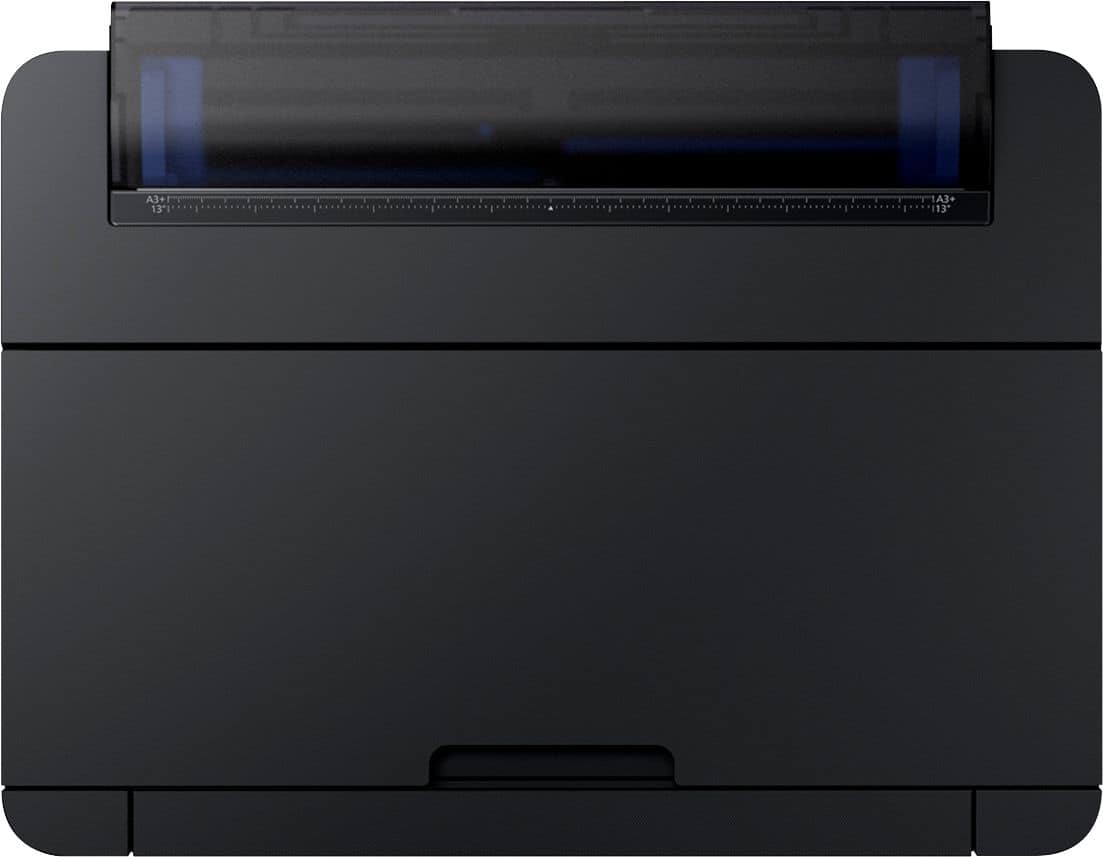
A:AnswerI'm sure it does never tried it... But it does print from 13 by whatever you want... And it does print on thicker media so I don't see why it wouldn't ... I would call Epson rep just to make sure before trying..
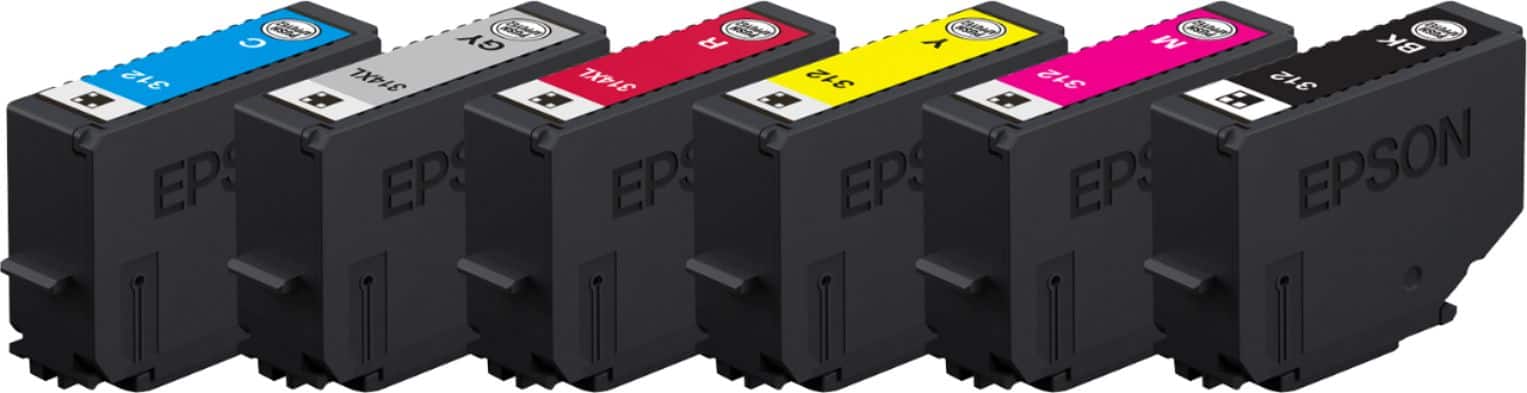
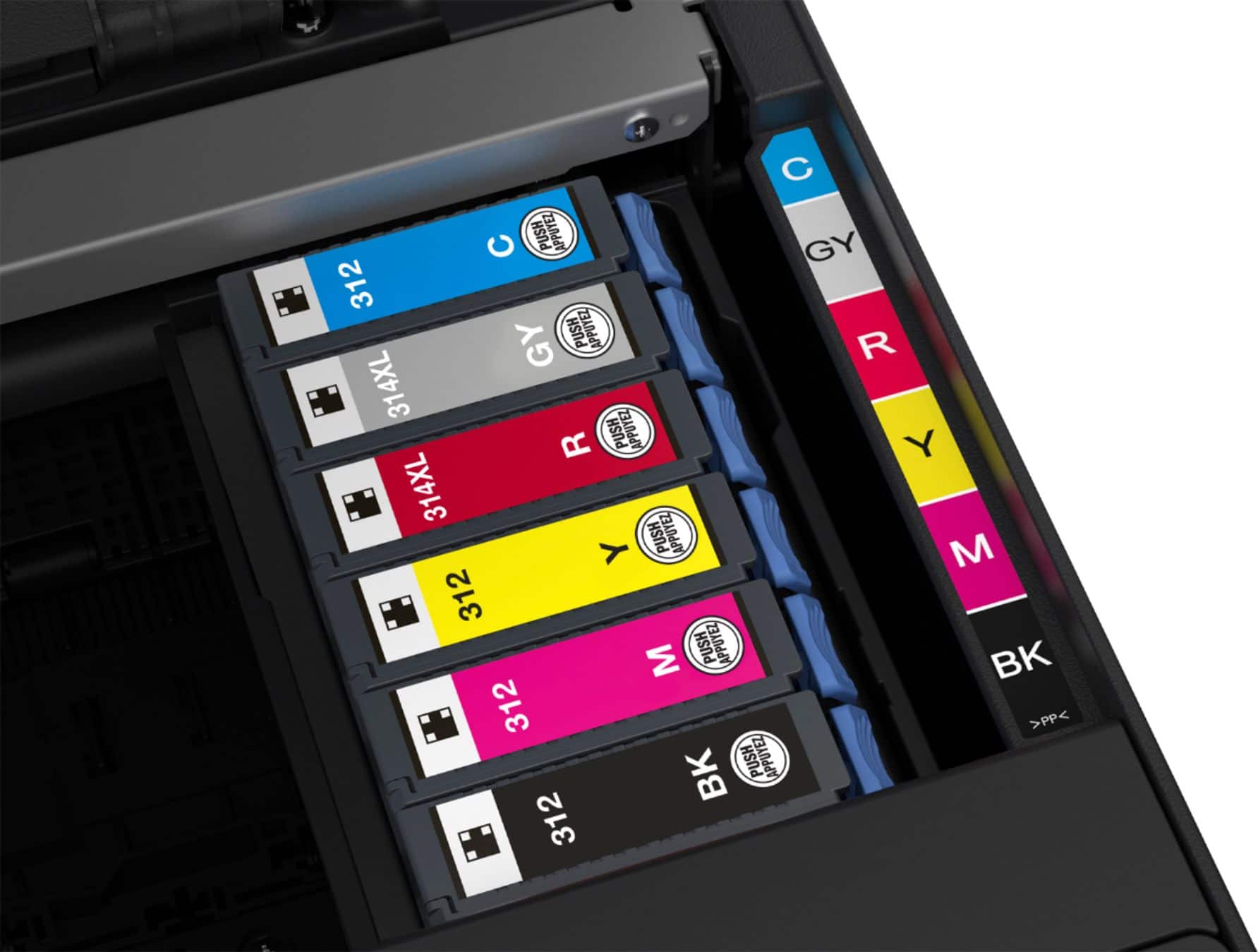
A:AnswerYes, it can be converted, but it will void epson's warranty. Also you have to remember that the cartridges are 1 time chip use once the ink is empty you have to replace the chips.
A:AnswerYou should be able to via USB cable. otherwise you will need a SD card to USB adapter.
However keep in mind that these printers only uses USB 2.0. All the new USB 3.0 and USB 3.1 won't work.
A:AnswerThis printer is a single purpose unit, it does not have a scanner.
Recommend viewing this Epson Unit All In One
https://epson.com/For-Home/Printers/Inkjet/Epson-Expression-Premium-XP-830-Small-in-One-All-in-One-Printer/p/C11CE78201
A:AnswerWhoever responded to this question, did not provide a reasonable answer. If an Epson Epson tech did, I understand that here are no settings for trans film on Epson printers, but there are scores of people making digital negs on transparency film using Epson photo printers. I got the same answer years ago when I asked the question about the 1800 and 2000 photo printers. I took a chance and it worked on these printers. Anyway...If there is anyone who has printed on digital trans film like Pictorico and Arista, I would appreciate a response..
A:AnswerYes, but I tape the transparency film, print-side out, to a piece of printer paper. Use two small pieces of tape and place them about an inch from the edge on each side. When printing from the drawer, place the sheet in the drawer paper-side up. There is actually a you-tube video that demonstrates this process.