A:AnswerYes, but I tape the transparency film, print-side out, to a piece of printer paper. Use two small pieces of tape and place them about an inch from the edge on each side. When printing from the drawer, place the sheet in the drawer paper-side up. There is actually a you-tube video that demonstrates this process.
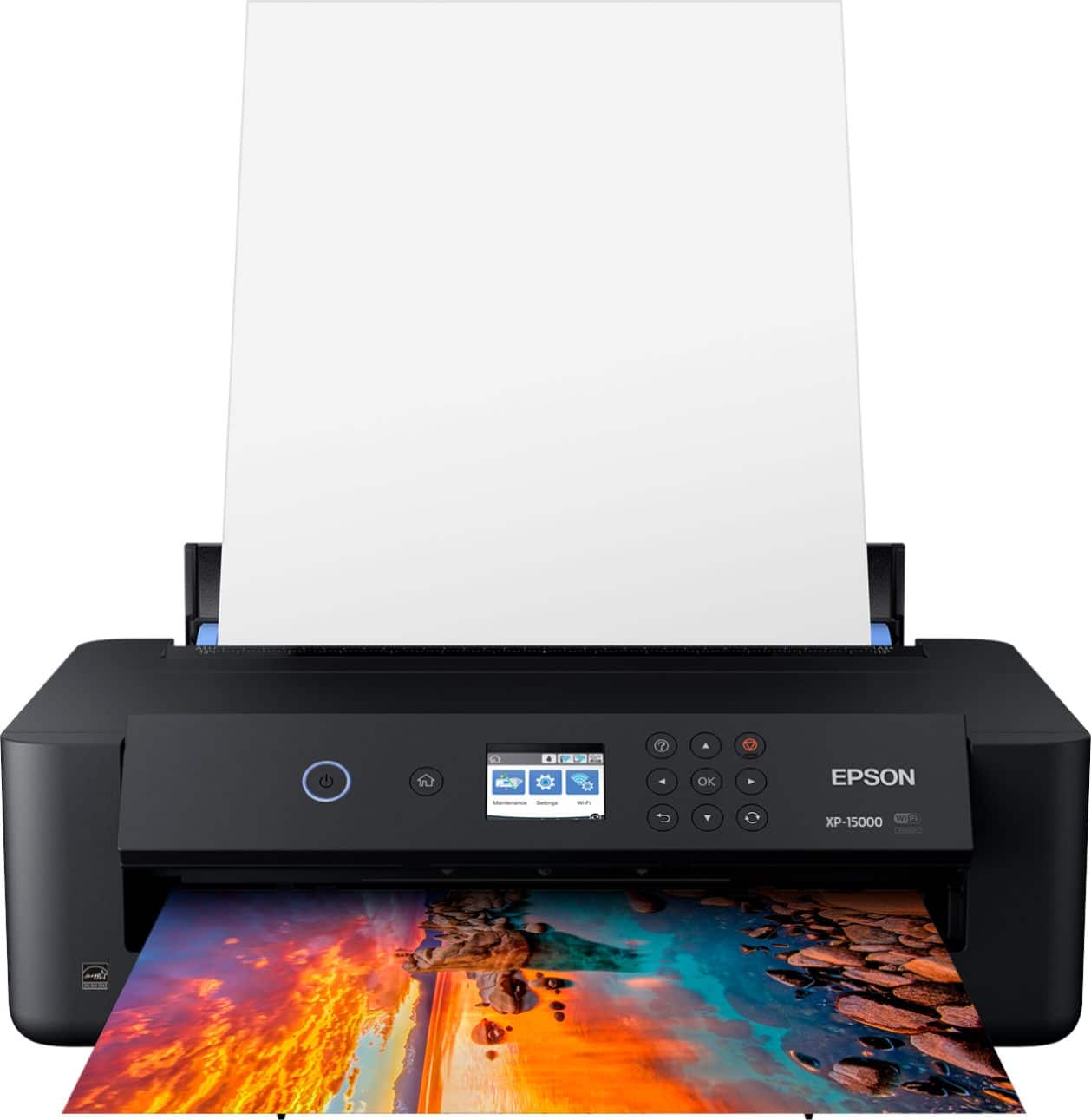
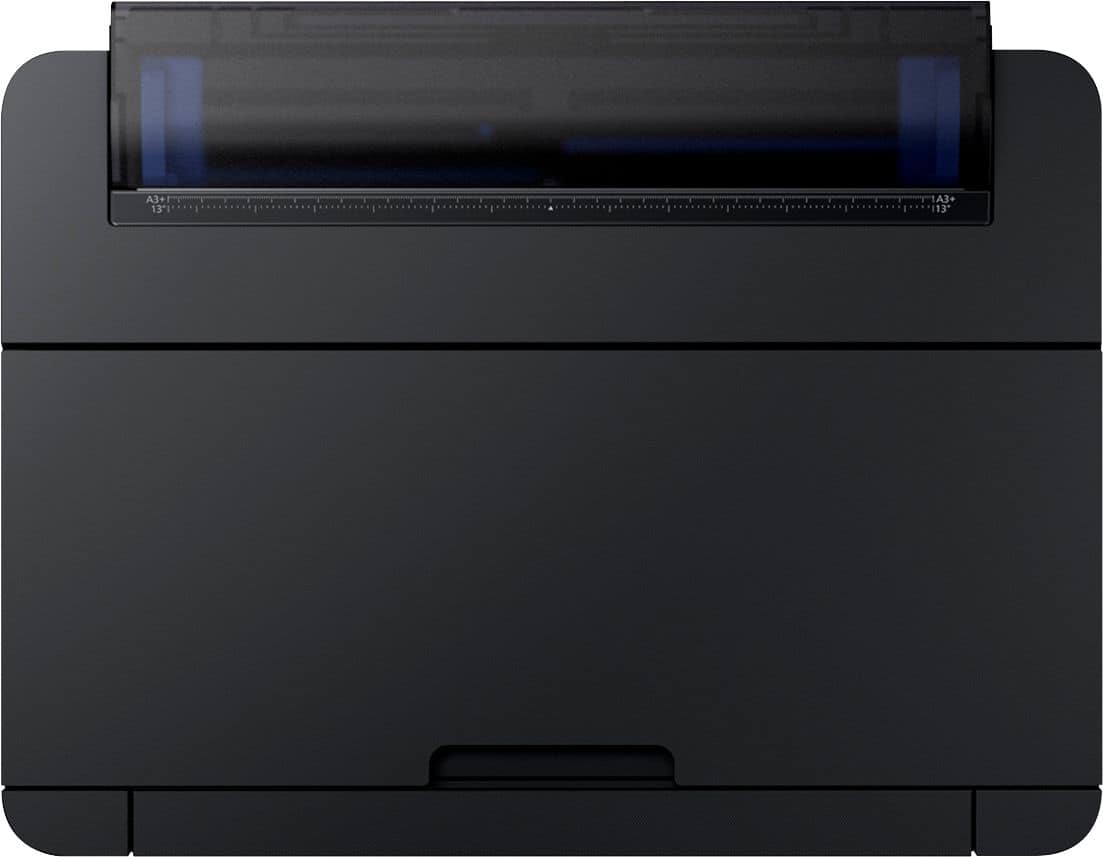
A:AnswerWhen you hit the "print" icon, look for the "Properties" icon, and open it on the upper right there will a "menu" choose Rear Paper Tray, review the other options available, if satisfied, then continue printing. There is an option for default that if you plan solely to use the rear tray for paper supply you can lock that option "in"
A:AnswerAccording to Epson's online manual, this printer can feed up to 23 mil thick in the rear specialty tray. Paper thickness will need to be selected & you may need to help feed one sheet at a time if the printer has a difficult time grabbing the paper. We have found papers thicker than 13.5 had more difficulty. Using matte or cotton papers? Clean the rollers often.