A:AnswerHello Set. Unfortunately, we have not tested watercolor paper on the XP-7100 to confirm compatibility. However, the heaviest paper the machine supports is Epson Premium Photo paper which weighs 79 lb. Using heavier paper in the printer could lead to possible feed issues. Regards, Kevin - The Epson Team.
A:AnswerHello Straz. If you cannot recover print head nozzles after a few cleanings on your XP-7100, it could be hardware-related. Please contact our Technical Support team to go over your options. Regards, Kevin - The Epson Team.
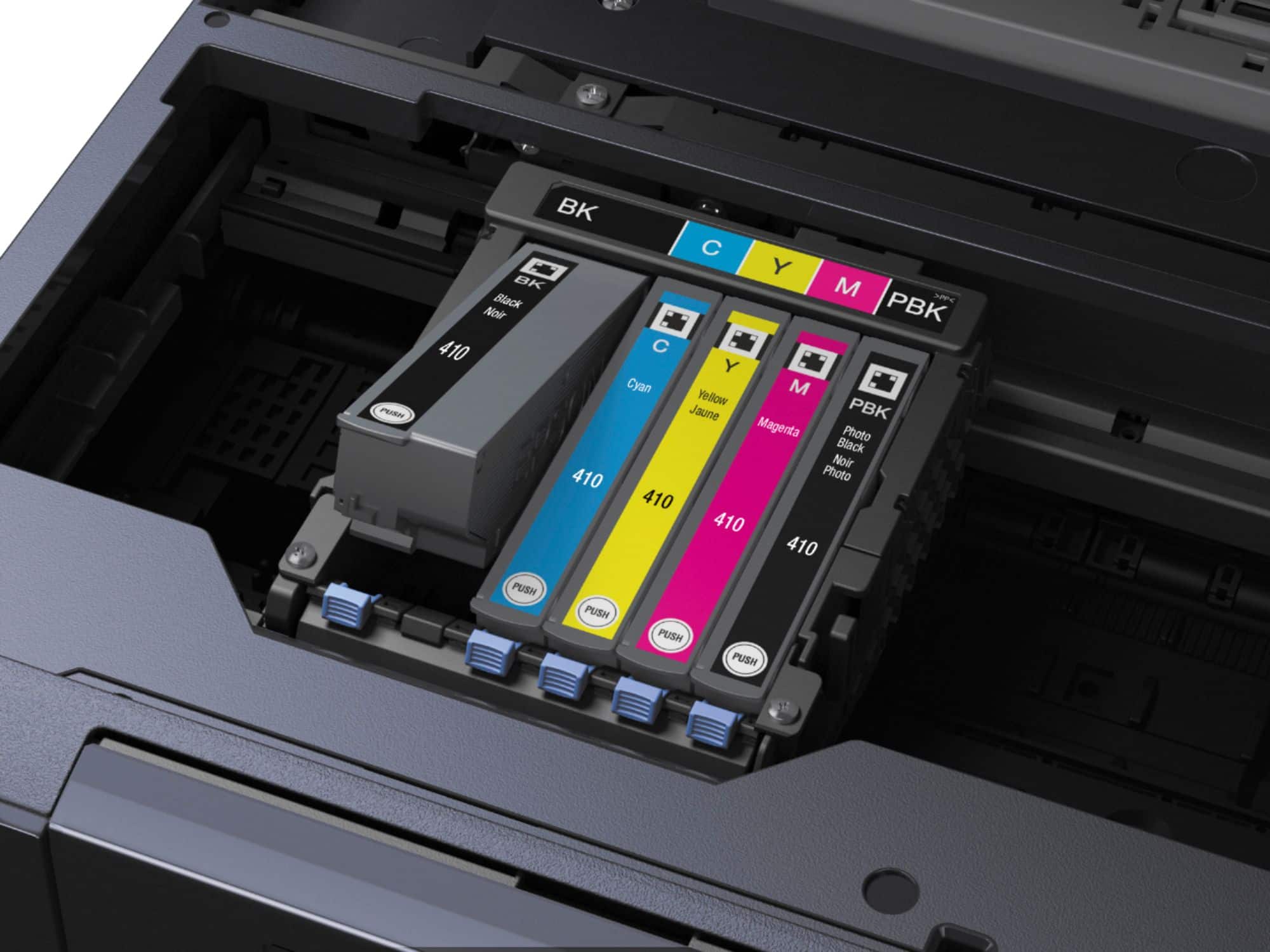
A:AnswerHello 29palms. We recommend checking the XP-7100 ink bay for any dust or debris as that can sometimes cause Epson Ink Cartridges not to be recognized. Please contact our Technical Support team for additional assistance if everything looks good. Regards, Kevin - The Epson Team.
A:AnswerHello Tania. The XP-7100 can print on Epson Premium Photo Paper Glossy which weighs 79 lb. If you are planning to use card stock, we recommend using paper that weighs around 44 lb. Please note, your results can vary when using thick or heavier paper as these recommendations are for Epson paper only since we have not tested 3rd party media. Regards, Kevin - The Epson Team.
A:AnswerHi Susan, We do not recommend feeding photos through the XP-7100's auto document feeder. The feed path is not straight enough. Scanning them by placing them on the scan bed will be slower, but better for the original photos. The Epson FastFoto FF-680W is designed to quickly feed and scan multiple photos in one batch. Inventory levels can vary, but It is currently available at Bestbuy.com. Regards, Mark - The Epson Team.
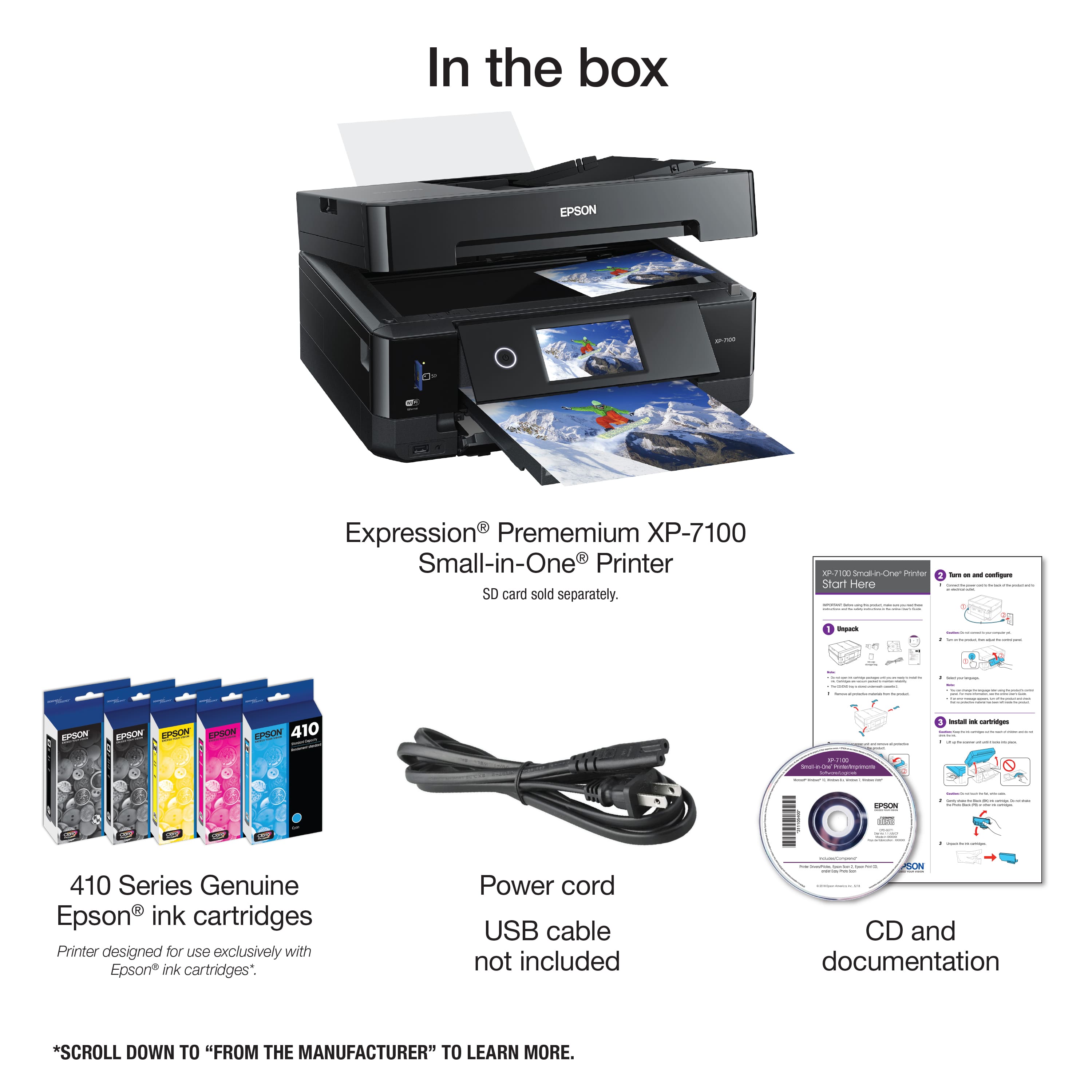
A:AnswerHi Kevin, The Expression Premium XP-7100 is a five color printer. It has cyan, yellow, magenta and black cartridges for printing photos and graphics, and a separate black cartridge dedicated to text printing. Regarding lenticular printing, the XP-7100 is designed for excellent quality photo and document printing. We have not tested media for lenticular images, so cannot guarantee suitability or print quality. Regards, Mark - The Epson Team.
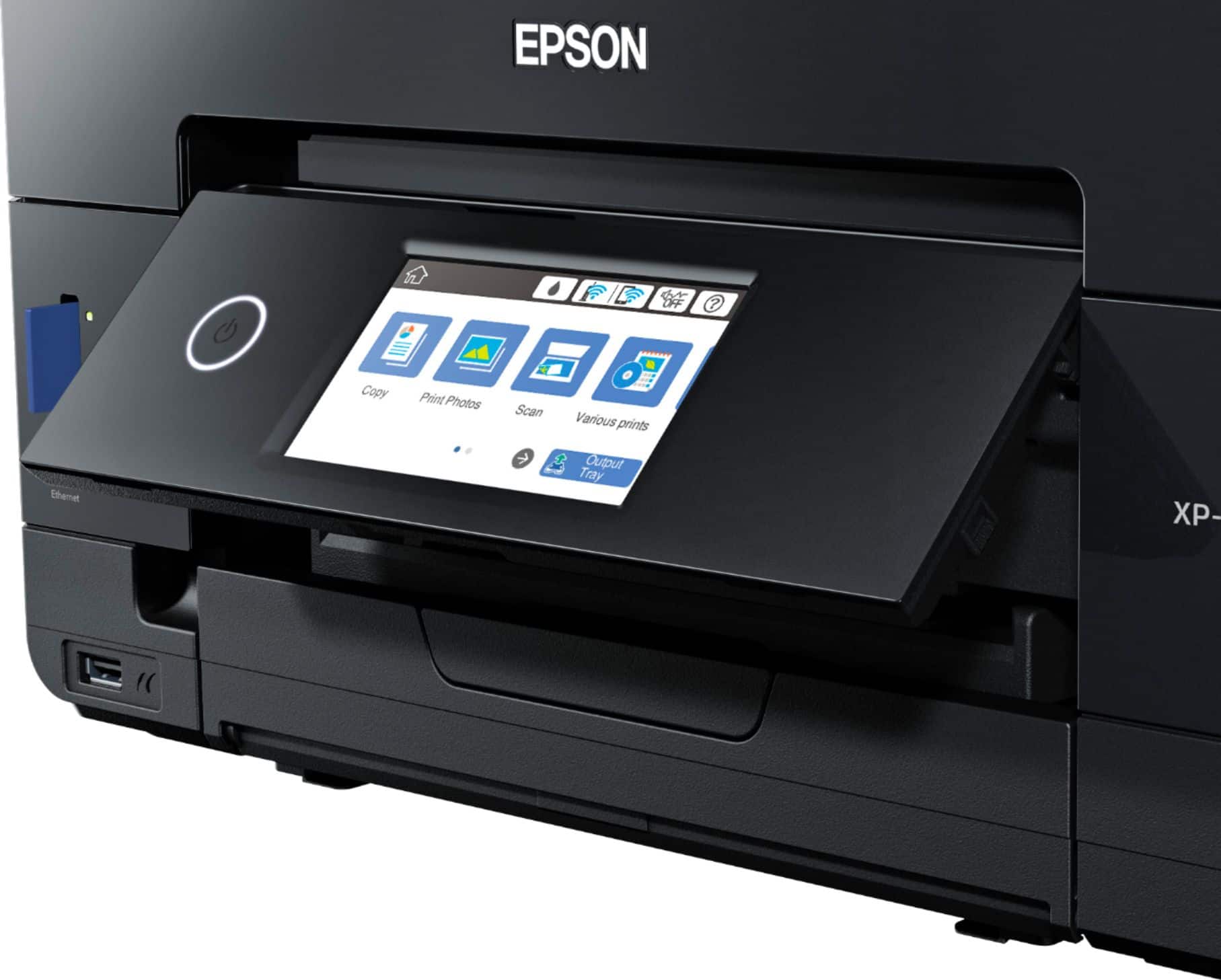
A:AnswerHi, You can use the front control panel on the Expression Premium XP-7100 to reduce/enlarge copies from 25% to 400%. Regards, Mark - The Epson Team.
A:AnswerHi jan, Yes, the Expression Premium XP-7100's printer driver has a Reduce/Enlarge Document setting which allows you to change the size of the printed text. You can also reduce or enlarge the size when you are copying documents by changing a setting on the front control panel. Regards, Mark - The Epson Team.
A:AnswerIn the reviews someone mentioned you need to put 8x10 photo paper in the bottom tray because the top one only takes 4x6. So the answer seems to be yes!
A:AnswerHi Connie, The Expression Premium XP-7100 works with Macs running OS X 10.5 and later. Download drivers from the Epson support site. Regards, Mark - The Epson Team.
A:AnswerHello. You can download and install the latest printer driver for the XP-7100 from our official Epson Support page. Regards, Kevin - The Epson team.
A:AnswerHi Willyum, The XP-7100 does not include fax capabilities. Fax is not available in the Epson Expression line. Our office printers like the WorkForce WF-3820 include fax. The WF-3820 is currently available at Bestbuy.com. Regards, Mark - The Epson Team.