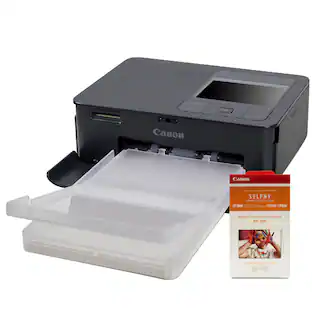
Epson - Expression Premium XP-7100 Wireless All-In-One Inkjet Printer - Black
Customers are saying
Customers are delighted by the exceptional print quality and the overall ease of use that this printer offers. Users also frequently praise its compact size, straightforward setup process, and reliable wireless connectivity. While the performance and quiet operation are highly regarded, some users have noted specific feedback regarding the design of the paper tray.
>Fast print speeds up to 15.8 ISO ppm* in black, up to 11 ISO ppm* in color
Creates a 4" x 6" photo-quality print in as little as 12 seconds.*
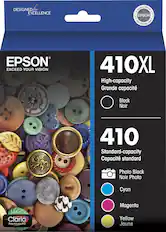
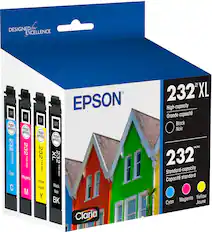
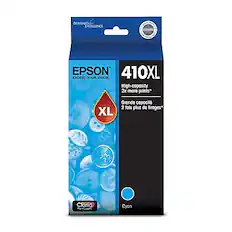
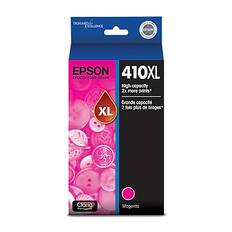
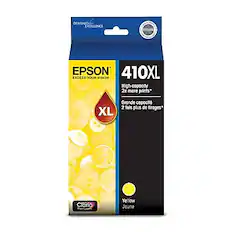
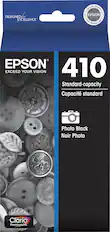
Be sure you have the right cartridge
Enter your printer's model number into our Ink and Toner Finder to find compatible cartridges.
Ideal for home or small business use
This inkjet printer offers excellent print quality for photos and documents and accepts a variety of paper types and sizes.
Wireless and mobile printing capability
Connect this printer to your home or office network with built-in Ethernet or wireless LAN. Plus, print from your mobile device with the free Epson iPrint app or Apple AirPrint.
Tablet and smartphone printing
Epson Connect enables simple wireless printing from most smartphones, tablets and more.
Apple AirPrint enabled
Allows Apple iPad and iPhone printing.
Up to 5760 x 1440 dpi (dots per inch) color resolution
High resolution for producing incredible quality and detail in documents and photos.
Five individual ink tanks are economical
Only replace the ink tank you need when its color runs out. Four dye-based inks produce vivid color in photos, and the pigment-based black ink produces crisp text.
Standard paper handling
100-sheet input, 20-sheet dedicated photo and 30-sheet output tray.
Convenient, hassle-free features
You can use the large, intuitive 4.3" touch screen to view, edit and print photos directly from connected devices.
More connectivity options
The built-in memory card slots and USB port let you simply plug in your memory card, USB drive, camera or other device and print.
Built-in duplex printing
Print on both sides of the page without turning it over manually to minimize your printing costs and help the environment.
Designed for productivity at home
This printer comes with a 30-page Auto Document Feeder (ADF) and automatic two-sided print/copy/scan feature.
Apple, the Apple logo, iPod, iPad and Apple AirPrint are trademarks of Apple Computer, Inc., registered in the U.S. and other countries.
* Requires a high-speed Internet connection.
* Print speeds vary with use. See manufacturer for the information on print speeds.
- NetworkingWired, WirelessENERGY STAR CertifiedYesPrinter TypeCopier, Printer, ScannerISO Color Print Speed11 pages per minuteISO Mono Print Speed15.8 pages per minuteOutput Tray Capacity30
Reviews
Rating 4.4 out of 5 stars with 3008 reviews
- Print Quality (1267)
- Ease of use (753)
- Overall Performance (219)
- Size (142)
- Setup (121)
- Paper Tray (82)
Customer Images
The vast majority of our reviews come from verified purchases. Reviews from customers may include My Best Buy members, employees, and Tech Insider Network members (as tagged). Select reviewers may receive discounted products, promotional considerations or entries into drawings for honest, helpful reviews.

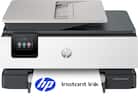
- HP - Envy 6165 Wireless AI-Enabled All-in-One Inkjet Printer with 6 months of Instant Ink - White$79.99The price was $159.99
- HP - Envy Photo 7975 Wireless AI-Enabled All-in-One Inkjet Printer w/ 3 Months of Instant Ink - White$159.89The price was $239.89
Compare similar products
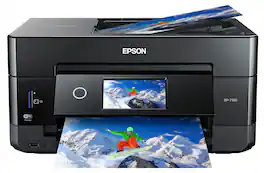
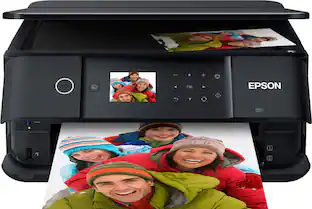
Get creative with this Epson Expression Premium XP-7100 Small-in-One printer. This compact device quickly prints gorgeous, durable photos with smudge-resistant Claria ink and lets you explore your creativity with specialty paper and DVD printing. This Epson Expression Premium XP-7100 Small-in-One printer gets the job done quickly with the 30-page auto document feeder and two-sided printing, scanning and copying.Fast print speeds up to 15.8 ISO ppm* in black, up to 11 ISO ppm* in color; creates a 4" x 6" photo-quality print in as little as 12 seconds.*
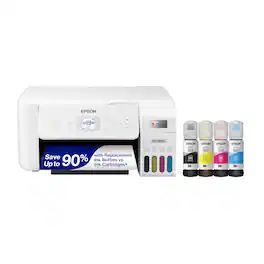
Your family needs a printer that’s fast, affordable, and easy to use. That’s why we developed the EcoTank ET-2800 – an innovative cartridge-free solution that uses high-capacity, easily refillable ink tanks. So you’ll worry less about running out of ink, and save a lot on replacement ink (1). The ET-2800 features genuine Epson print quality, a high-resolution flatbed scanner, and convenient color display – making it the ideal basic home printer.

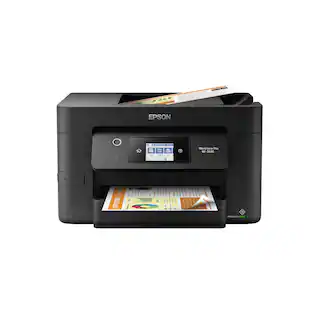
Bring a new level of productivity to your business with the ultra efficient WorkForce Pro WF-3820 all-in-one printer. Designed for high-volume print environments, the WF-3820 delivers precise, professional-quality prints at fast speeds up to 21 (black)/11 (color) ISO ppm† using vibrant DURABrite Ultra instant-dry pigment inks. A breakthrough in business printing, the WF-3820 features Epson’s innovative PrecisionCore Heat-Free Technology designed for enhanced reliability with minimal downtime. Built with convenience in mind, the WF-3820 offers a variety of user-friendly features to support easy, streamlined printing for small workgroups, including auto 2-sided printing, a large, 250-sheet paper capacity, built-in wireless and a 2.7" color touchscreen for quick navigation and control.
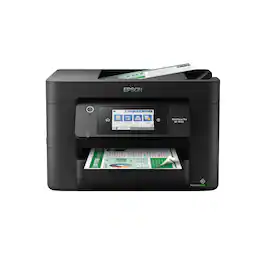
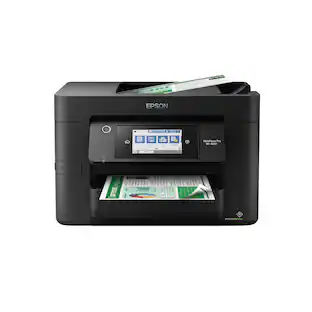
Experience the power of high-performance business printing with the WorkForce Pro WF-4820. Providing high-speed printing, the WF-4820 blazes through high-volume print jobs at an astounding 25 black/12 color ISO ppm†. Built for productivity, this reliable printer consistently delivers sharp, professional-quality prints with innovative PrecisionCore Heat-Free Technology and vivid DURABrite Ultra instant-dry pigment inks. An efficient, easy-to-use solution, the WF-4820 offers convenient features designed to enhance efficiency and streamline workflow, including a large, 4.3" color touchscreen for intuitive navigation, a 250-sheet paper capacity, auto 2-sided printing, wireless connectivity and more.
| Pros for Epson - Expression Premium XP-7100 Wireless All-In-One Inkjet Printer - Black | |||
|---|---|---|---|
| Print Quality, Ease of use, Overall Performance, Setup, Size | Print Quality, Ease of use, Overall Performance, Setup, Connectivity | Print Quality, Ease of use, Overall Performance, Setup, Price | Print Quality, Ease of use, Overall Performance, Setup, Connectivity |
| Cons for Epson - Expression Premium XP-7100 Wireless All-In-One Inkjet Printer - Black | |||
| Paper Tray | Paper Tray, Noise Level | Paper Tray | Scanning |
Specs
Customers often buy these together
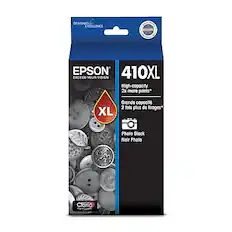
Ink Cartridges

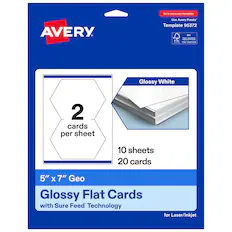
Copy and Multipurpose Paper



More recommended items
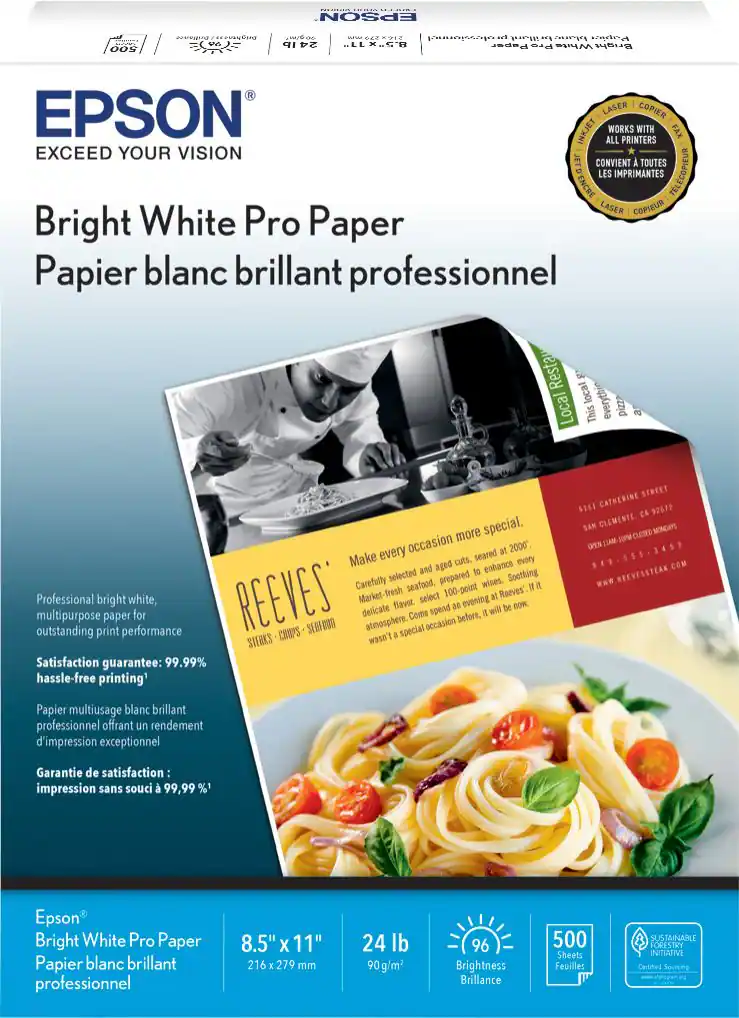 Printer Paper
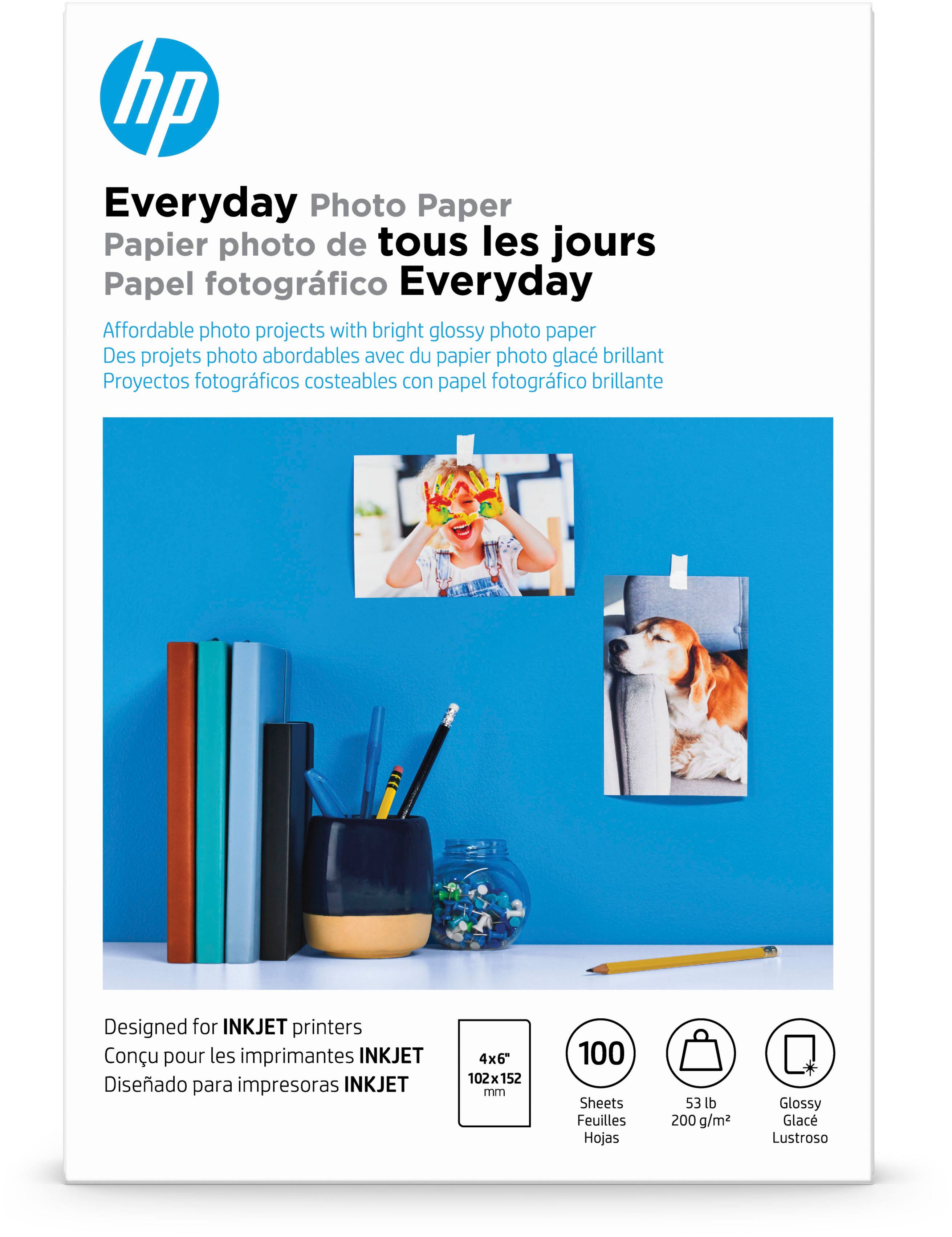 Photo Paper
Customers ultimately bought
 Top Deal$199.99The price was $239.99
 $79.99The price was $159.99
 Top Deal$249.99The price was $379.99
 $109.99The price was $179.99
 $89.99The price was $159.99




Explore tech essentials Sponsored
- Top Deal$199.99The price was $239.99
 $119.89The price was $219.89
Discover related products








Keep exploring
 $149.00The price was $199.99