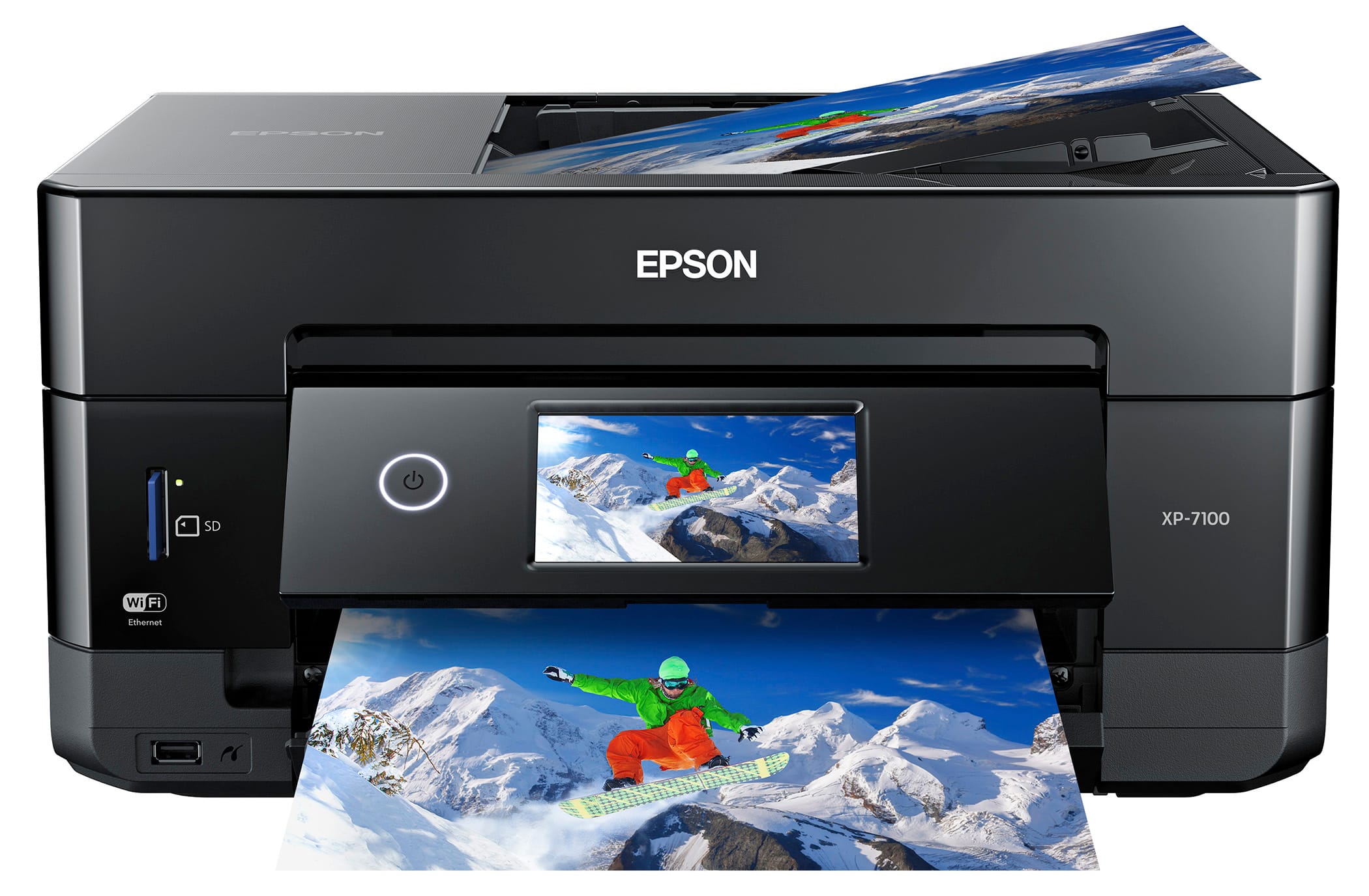
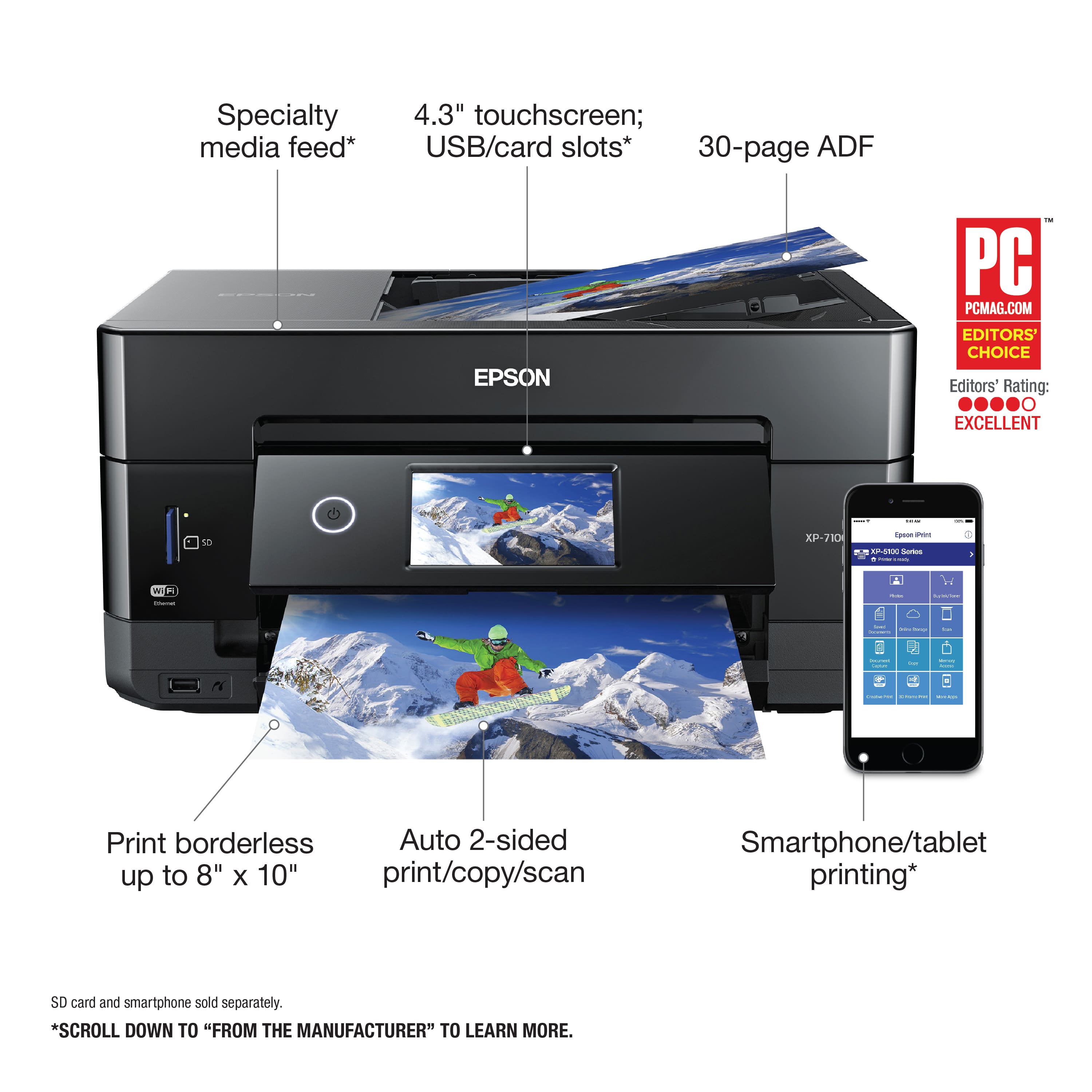
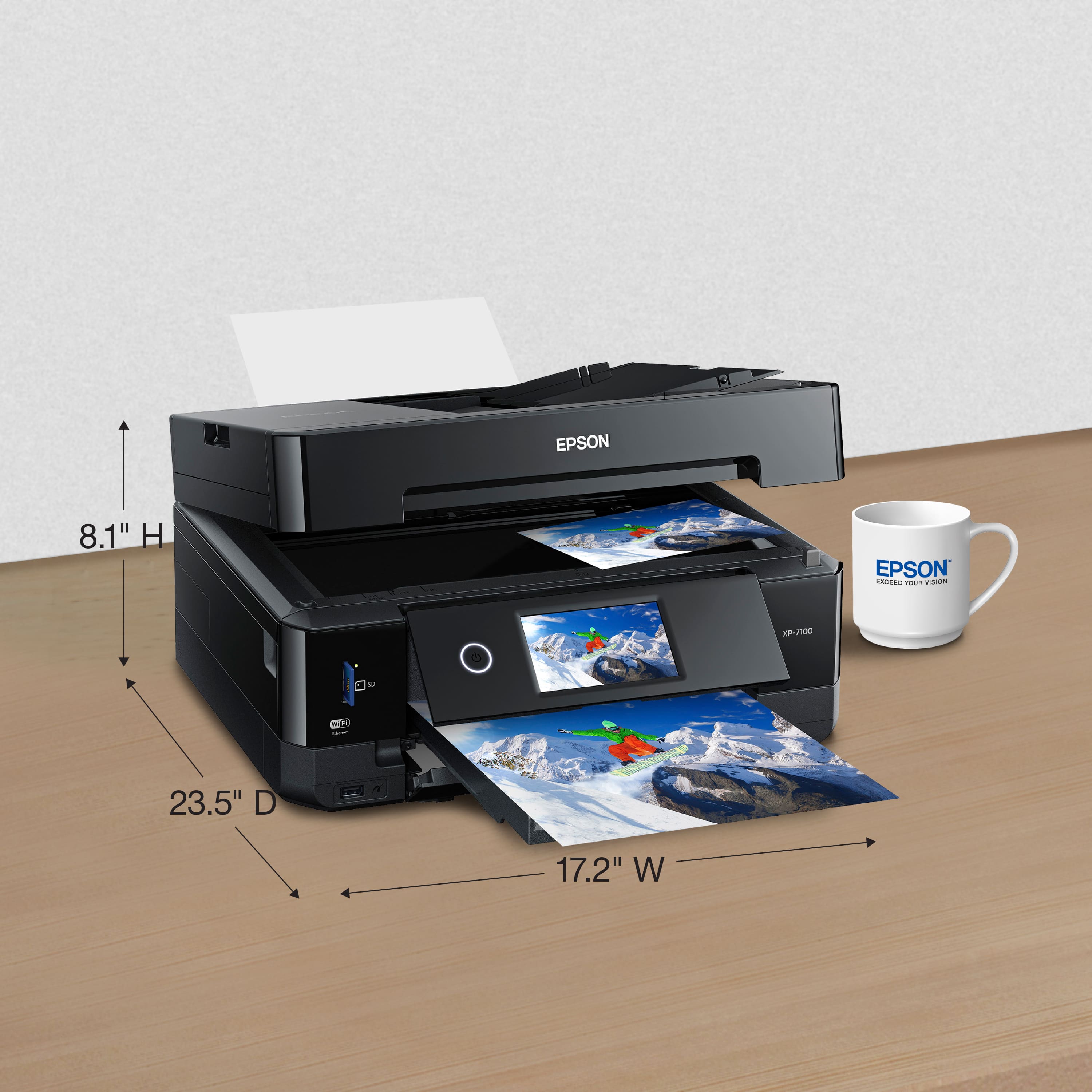
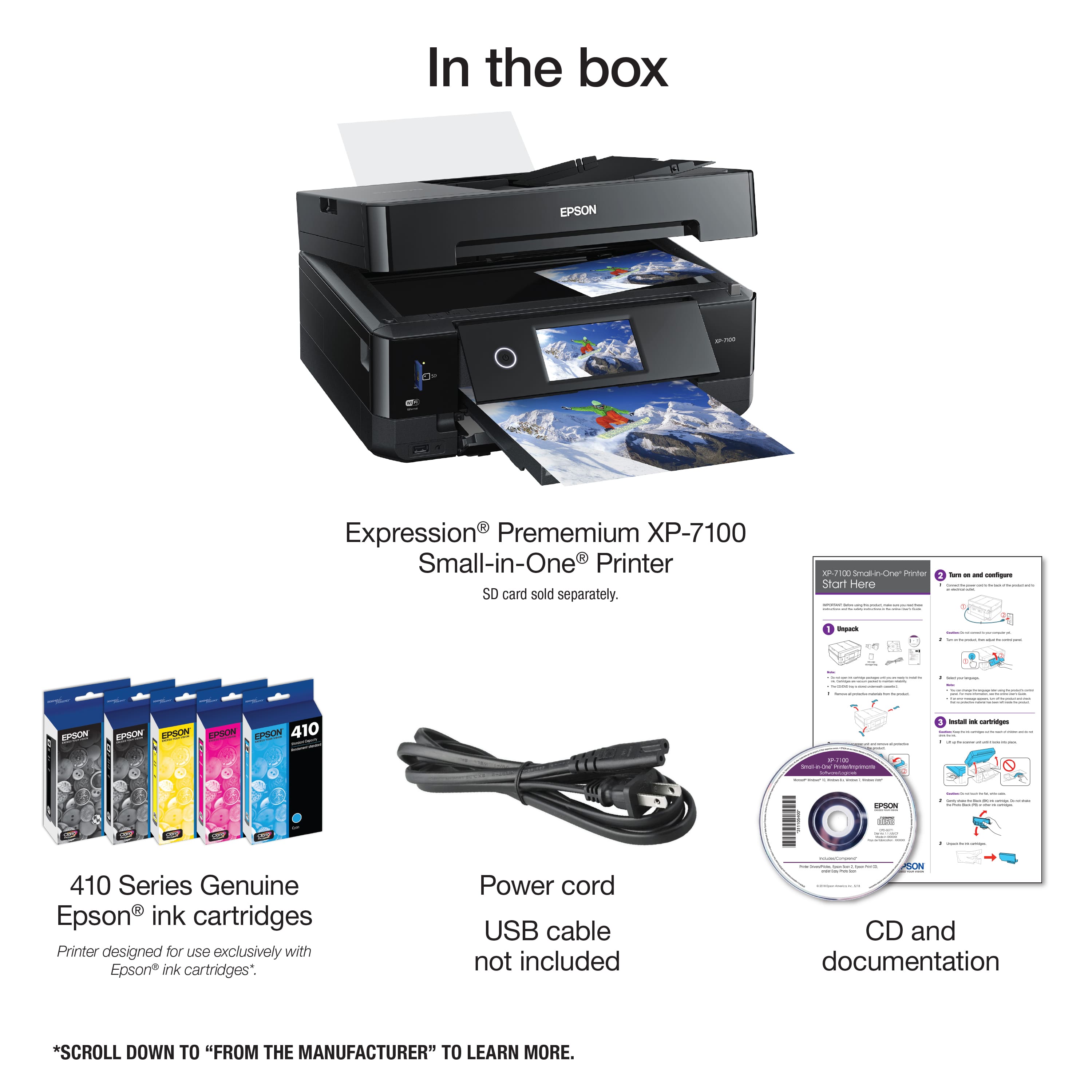
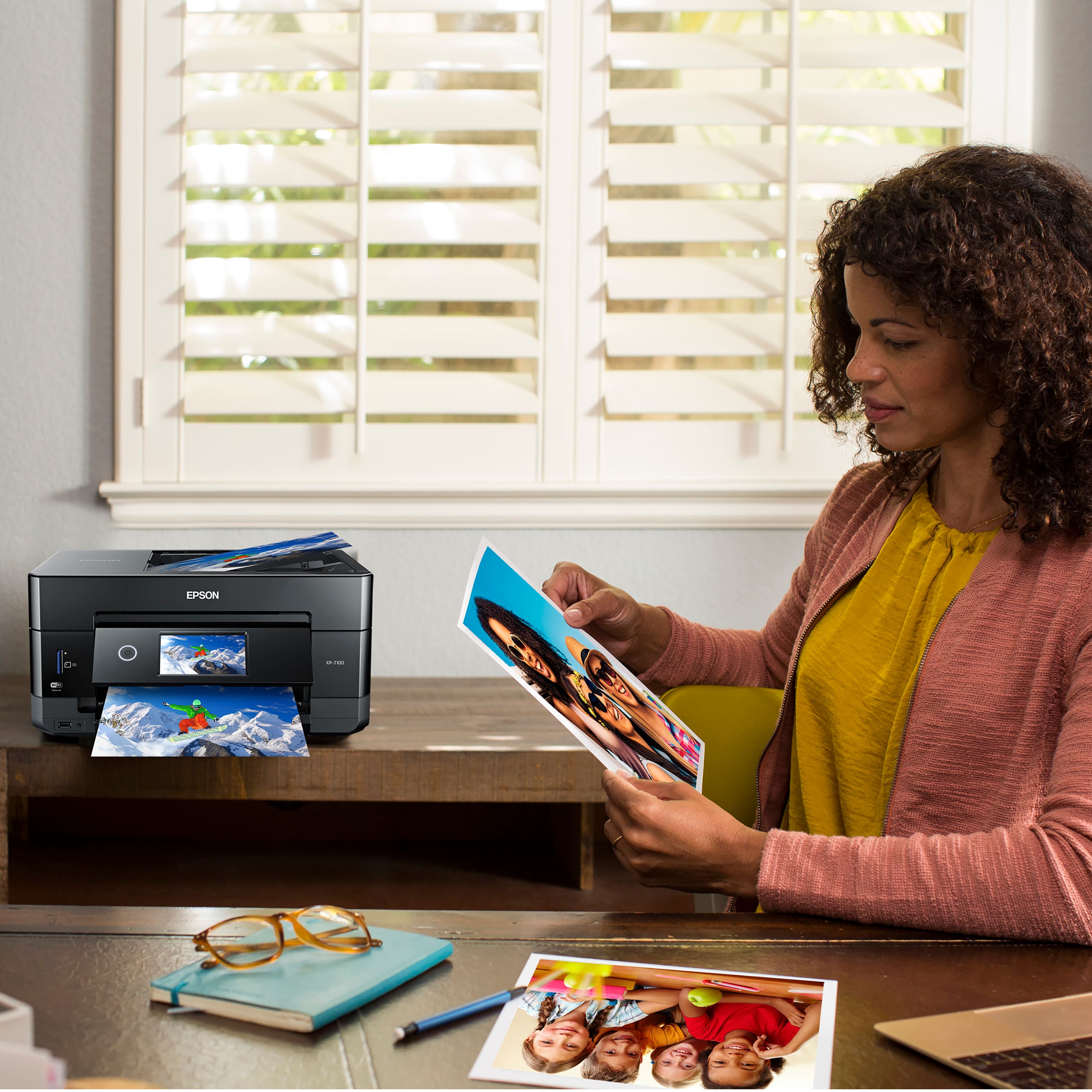
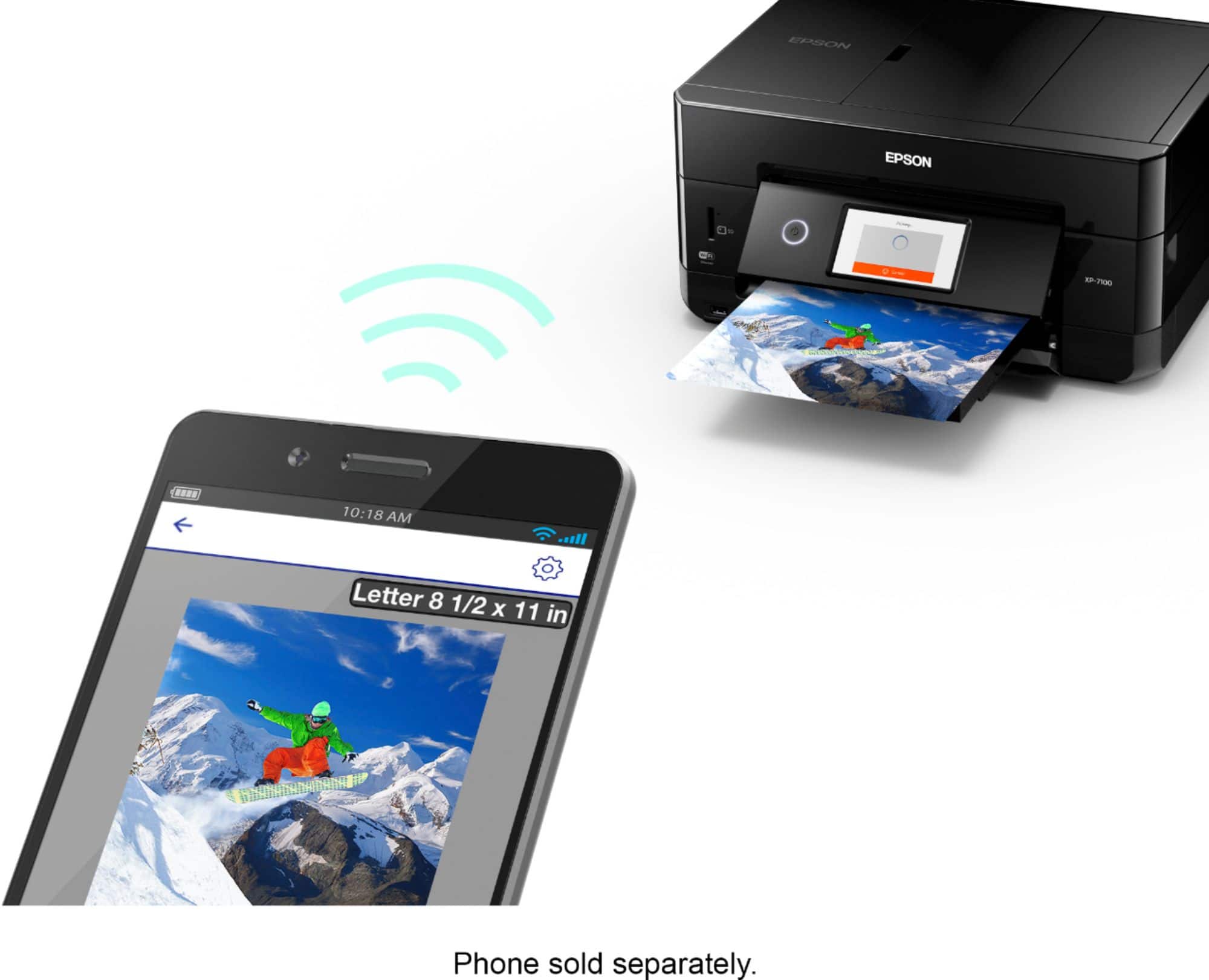
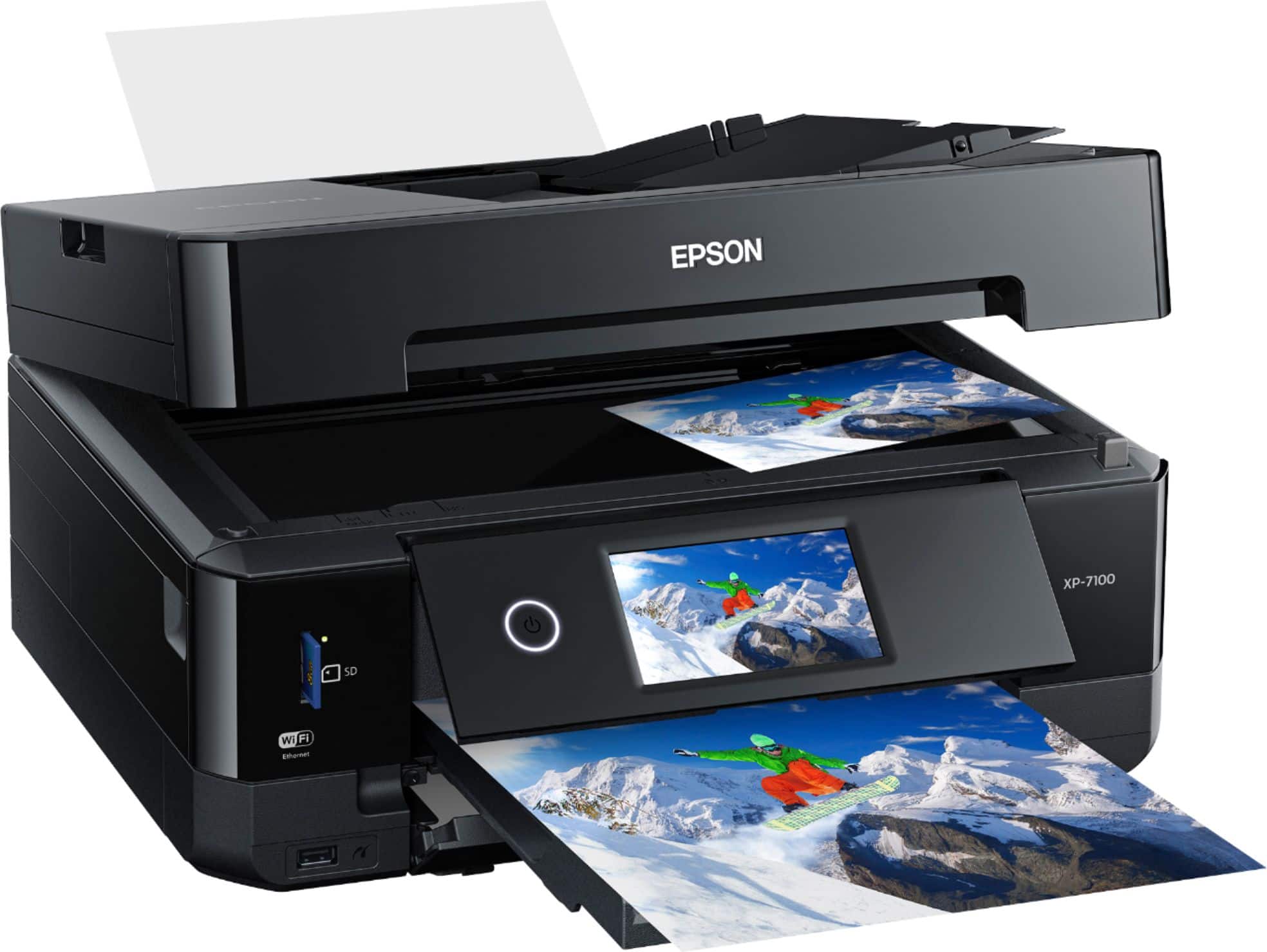
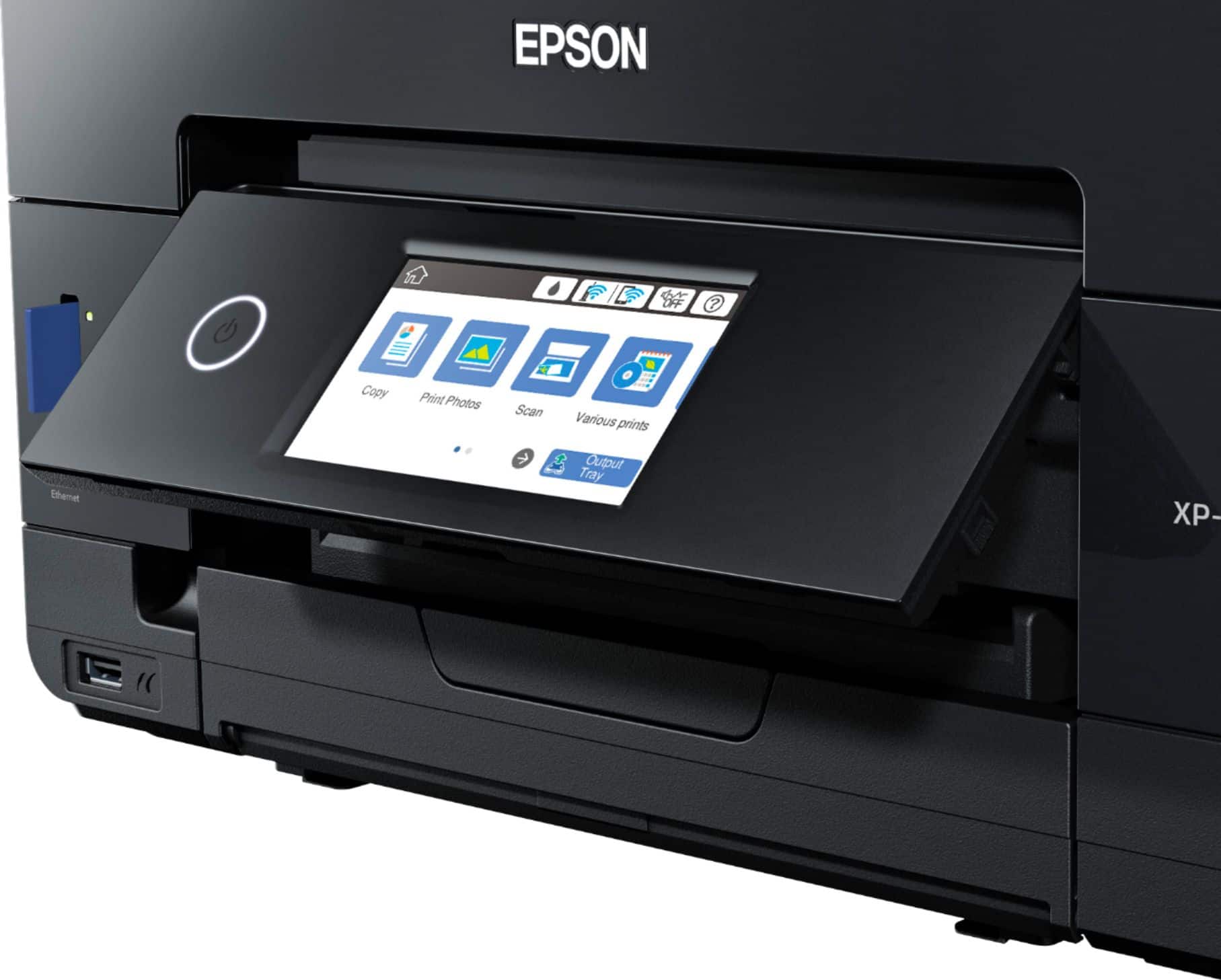
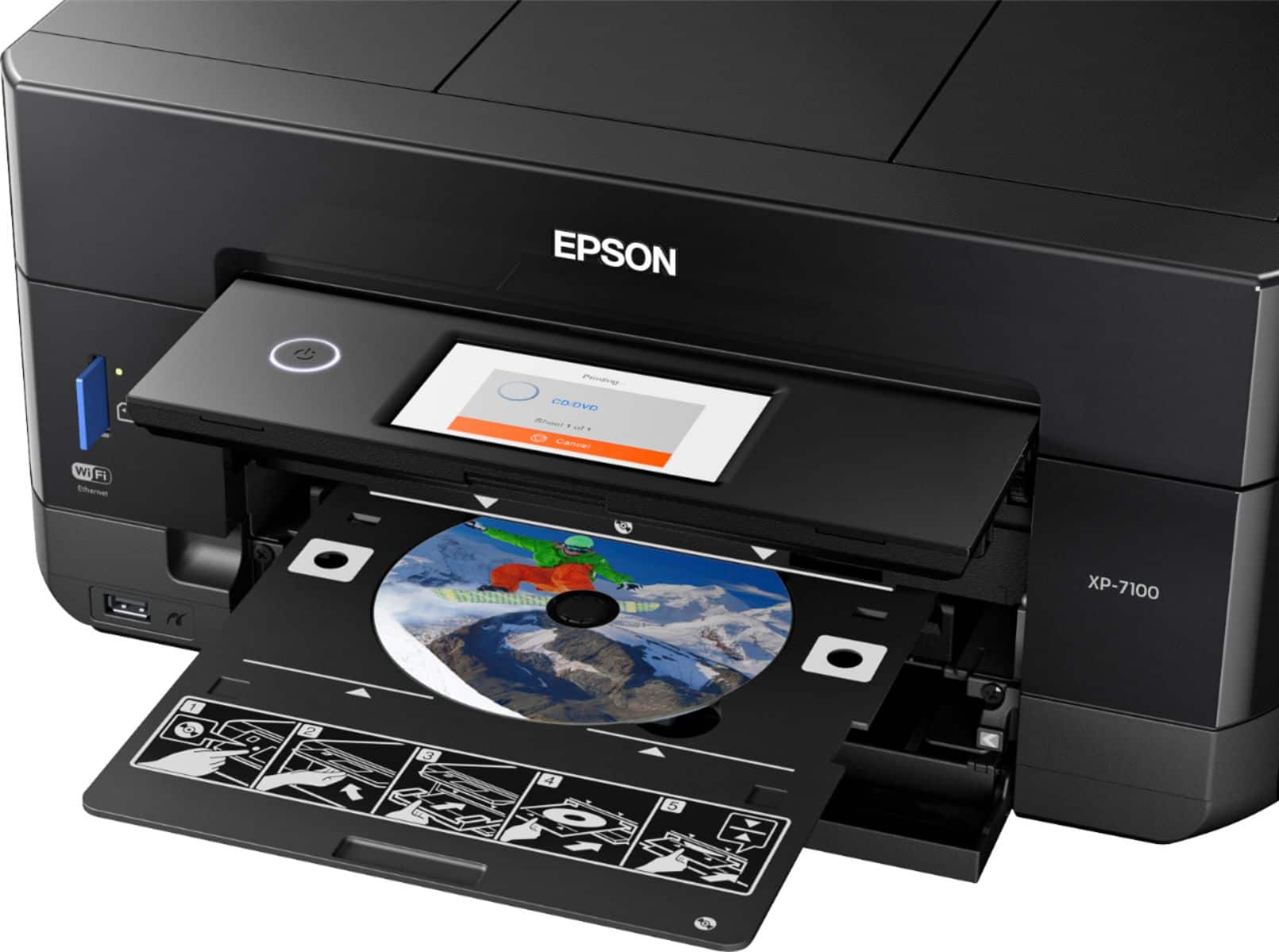
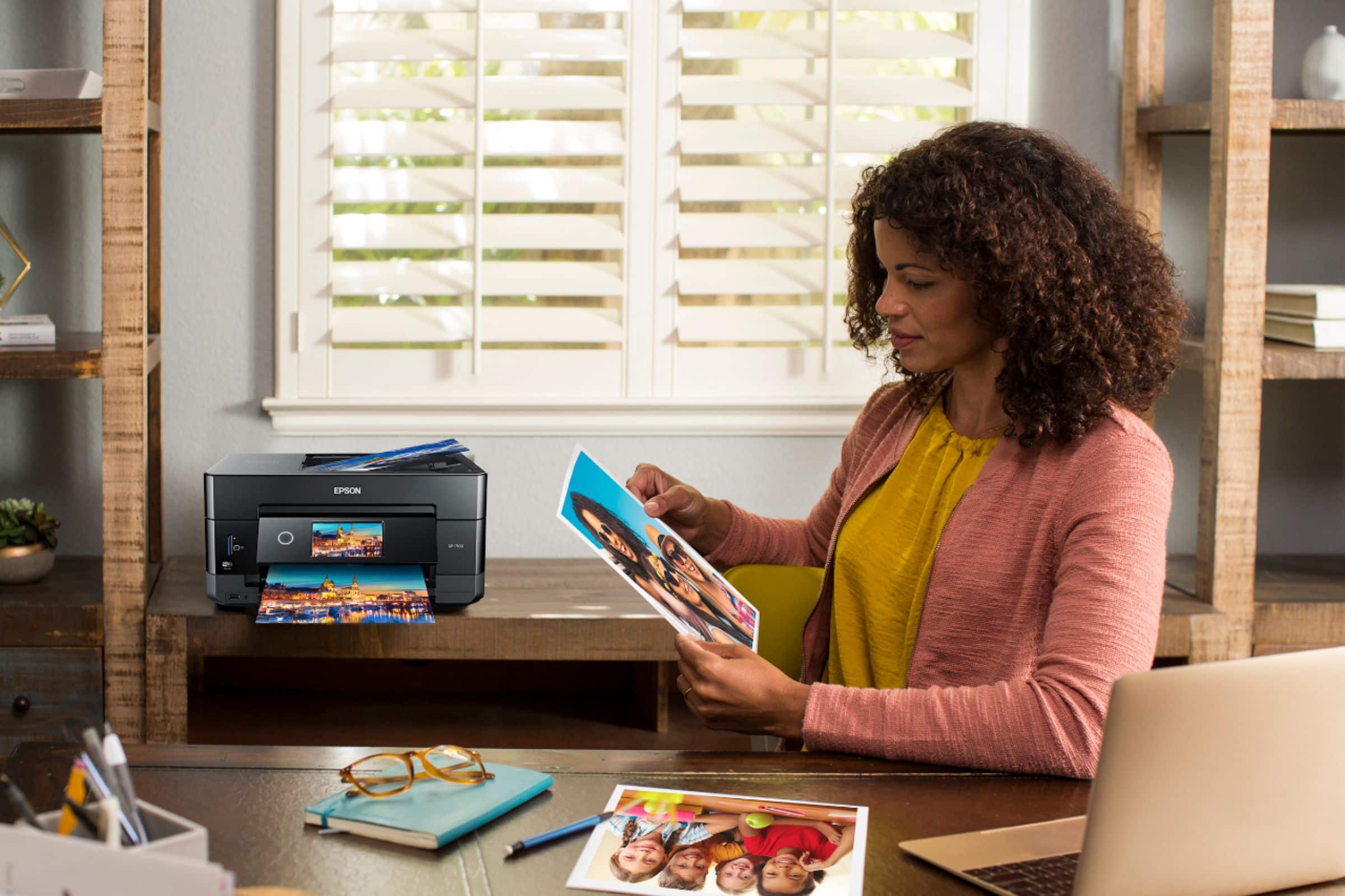
A:AnswerHi, The Epson Exp. Prem XP-7100 Woreless is the same product as the X-7100 Apple Product All-in-oneInkjet Printer Black And Blue. There is only one Epson XP-7100. Regards, Mark - The Epson Team.
A:AnswerHi Pammyknot, The Expression Premium XP-7100 is not designed for sublimation ink. Using it may damage the print head and affect warranty coverage. Regards, Mark - The Epson Team.
A:AnswerHi Artisan, Other types and brands of ink supplies, such as sublimation ink, are not compatible with the XP-7100 and, if described as compatible, may not function properly or continuously. Regards, Mark - The Epson Team.
A:AnswerHi MKatz, Yes to all of your questions. The XP-7100 includes OCR software, it can create a searchable pdf from a scan. Regards, Mark - The Epson Team.
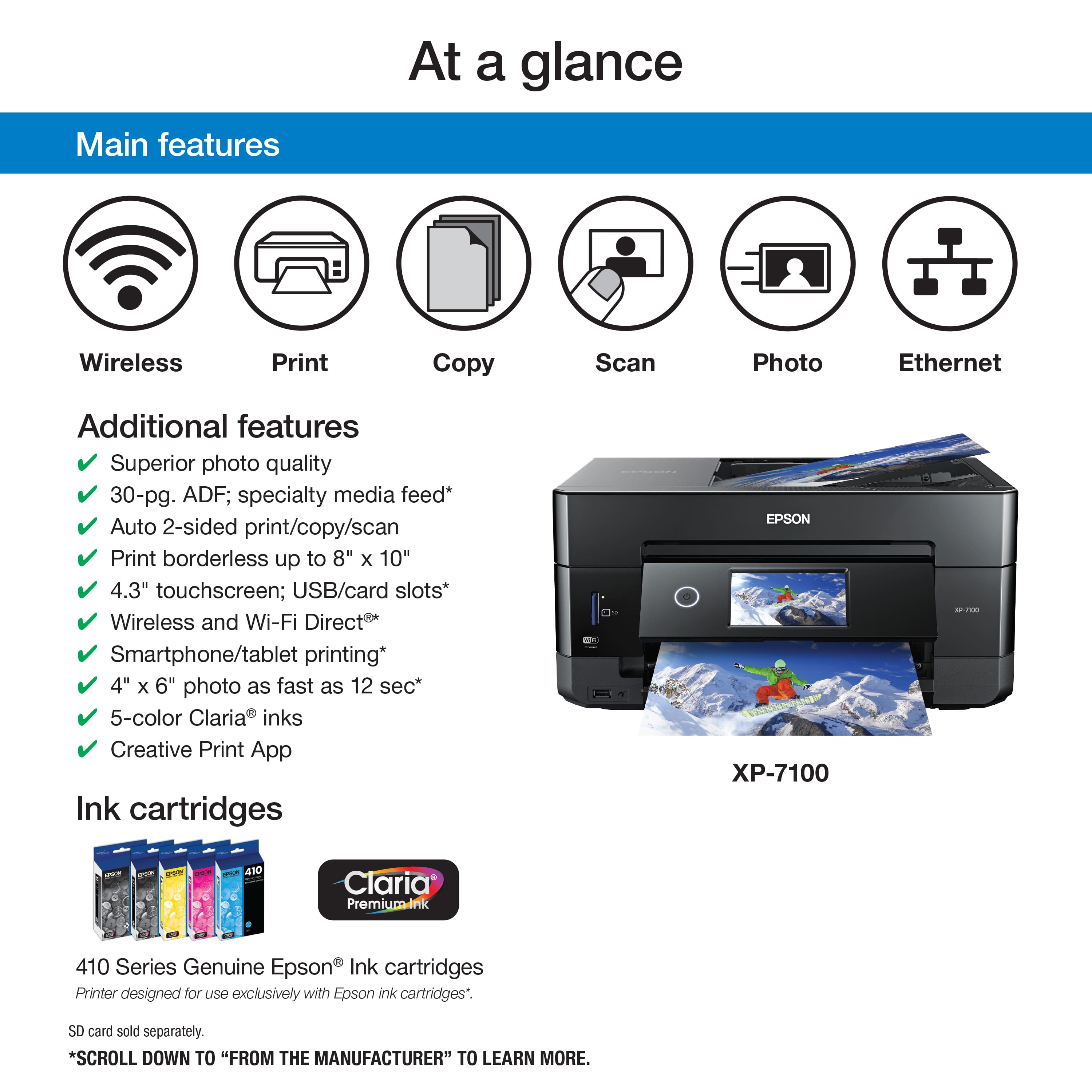
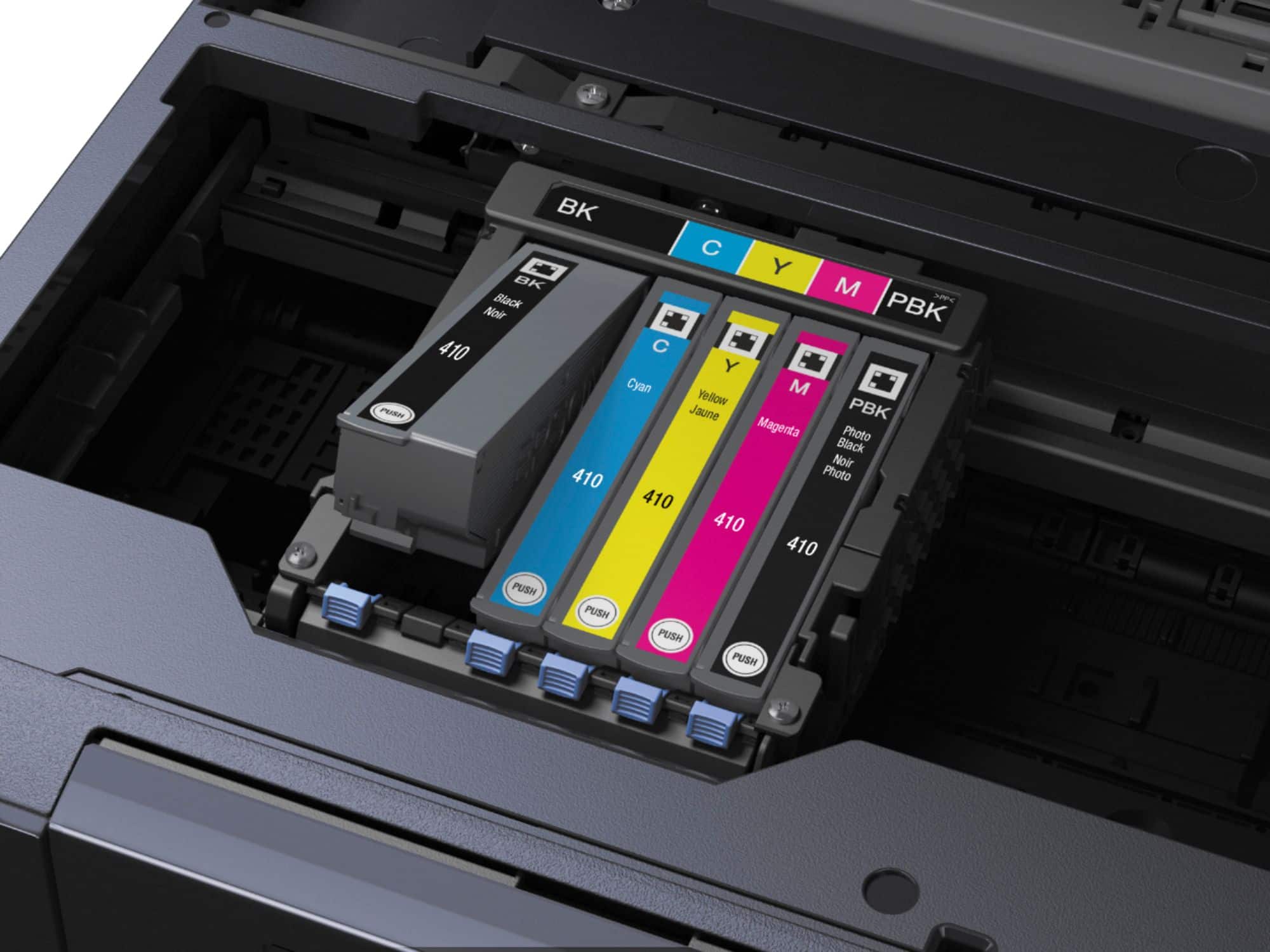
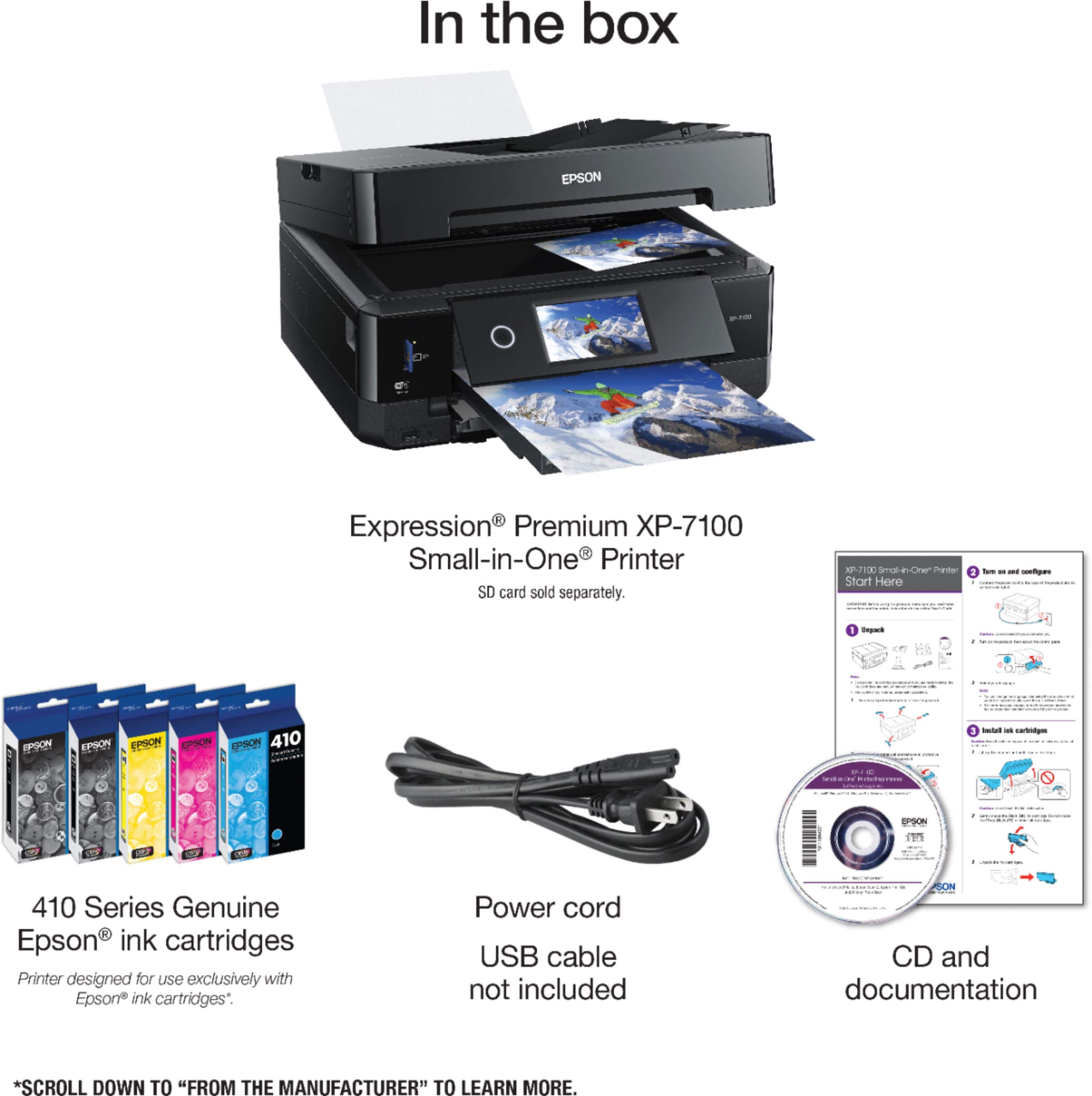
A:AnswerHi Edible, The Expression Premium XP-7100 is designed for use with Epson 410 and high-capacity 410XL cartridges. Any other ink or ink type may not be compatible and may damage the print heads. Regards, Mark - The Epson Team.
A:AnswerHi Maegan, This is Mark from Epson. The XP-7100 is designed to use Epson 410 and high-capacity 410XL cartridges. Using other types like sublimation ink may damage the print heads and affect warranty coverage. Regards, Mark - The Epson Team.
A:AnswerHi Revolution, The XP-7100 works with our Epson Iron-on Cool Peel Transfer paper so it should work with other transfer papers as long as it is manufactured for ink jet printer use. You may have to experiment with printer driver settings to get the best quality. Regards, Mark - The Epson Team.
A:AnswerHi Jamie, The XP-7100 is not designed to use sublimation ink. Using it may damage the print heads and affect warranty coverage. regards, Mark - The Epson Team.
A:AnswerHi HEisgood, Yes, you may want to check the Iron-On Cool Peel Transfer paper which works with the Epson Expression Premium XP-7100. For details, visit the Epson support site. Regards, Alexander - The Epson Team.