A:AnswerHello M1234. Yes, the XP-7100 is compatible to work with Chromebook computers. For more information on the setup process, please visit our Official Support page. Regards, Kevin - The Epson Team.
A:AnswerHello candles. Unfortunately, we have not tested 3rd party labels on the XP-7100 to confirm compatibility. We would recommend reaching out to the manufacturer of the label product to verify functionality. Regards, Kevin - The Epson Team.
A:AnswerHello Jeanbo2. Yes, the XP-7100 supports Hands-free activated printing and is compatible with Alexa. For more information on the feature, please visit our official Epson Support page. Regards, Kevin - The Epson Team.
A:AnswerHello bren. Sorry, we have not tested the Epson XP-7100 with sticker paper, so print functionality cannot be guaranteed. Regards, Kevin - The Epson Team.
A:AnswerHello Carlos. We would need to verify which aspect of the XP-7100 is not working to confirm the scanner's functionality. Generally, if you get an error code, the overall printer will not function until the Error code is resolved. Please visit our official Epson Support page to contact our Tech Support team for additional assistance. Regards, Kevin - The Epson Team.
A:AnswerHello Steve. We would like to hear more about the error code on your XP-7100. Please visit our official Epson Support page, to contact our Technical Support team. Regards, Kevin - The Epson Team.
A:AnswerHello Carlos. The XP-7100 does not have the ability to scan film negatives and 35mm slides; it doesn't come with any film holders or software option for detecting frames and processing them. If you need more information, visit the official Epson Support website. Regards, Sam - The Epson Team.
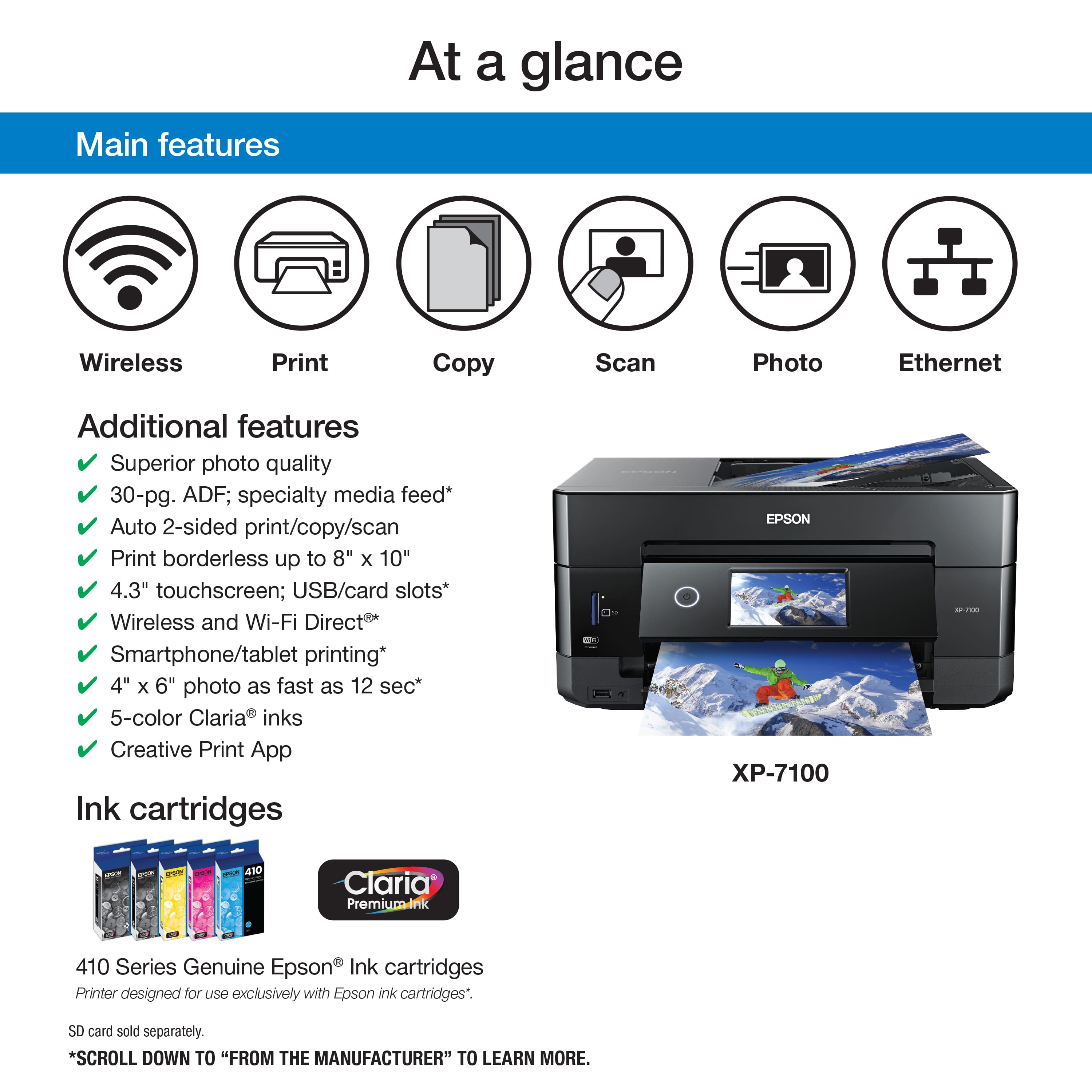
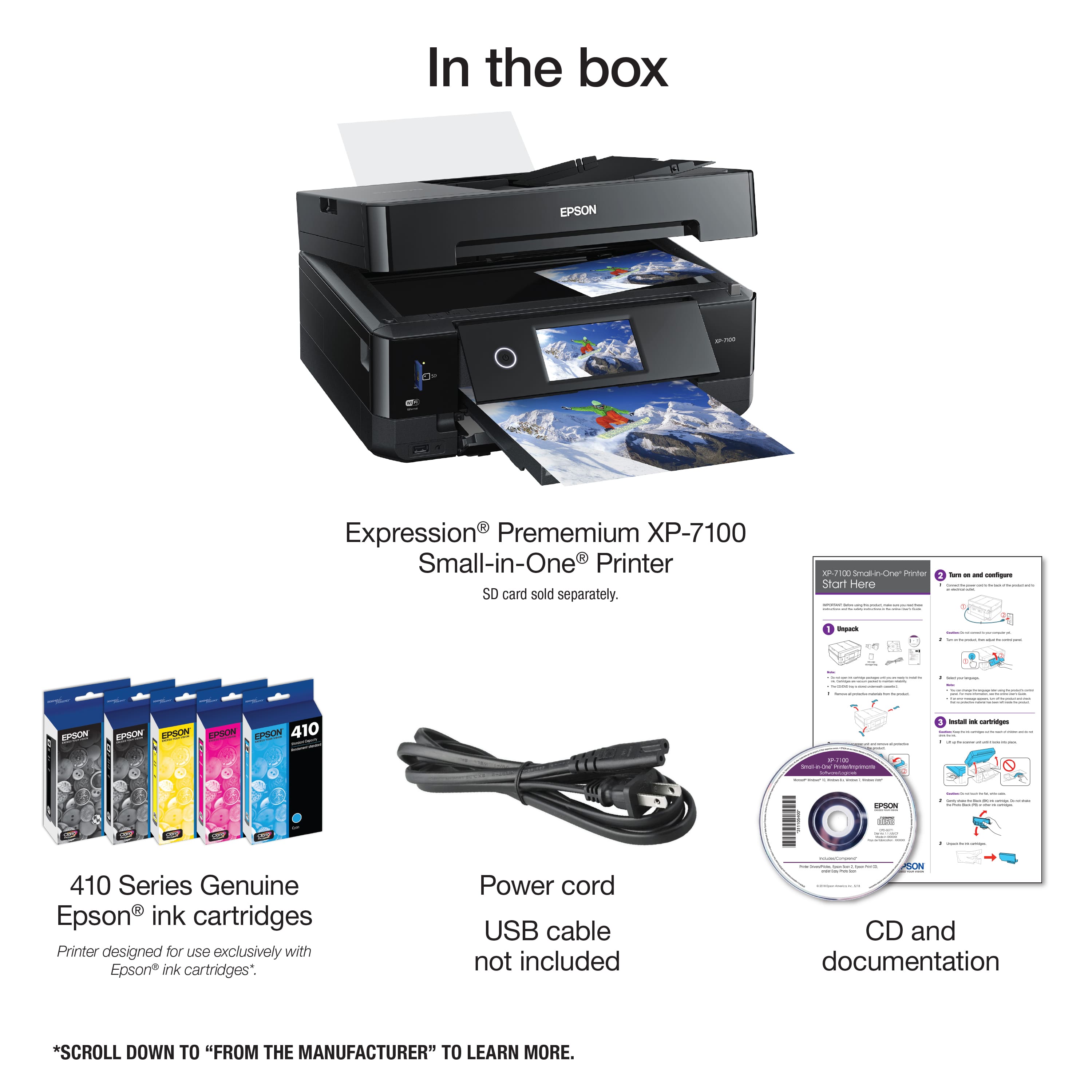
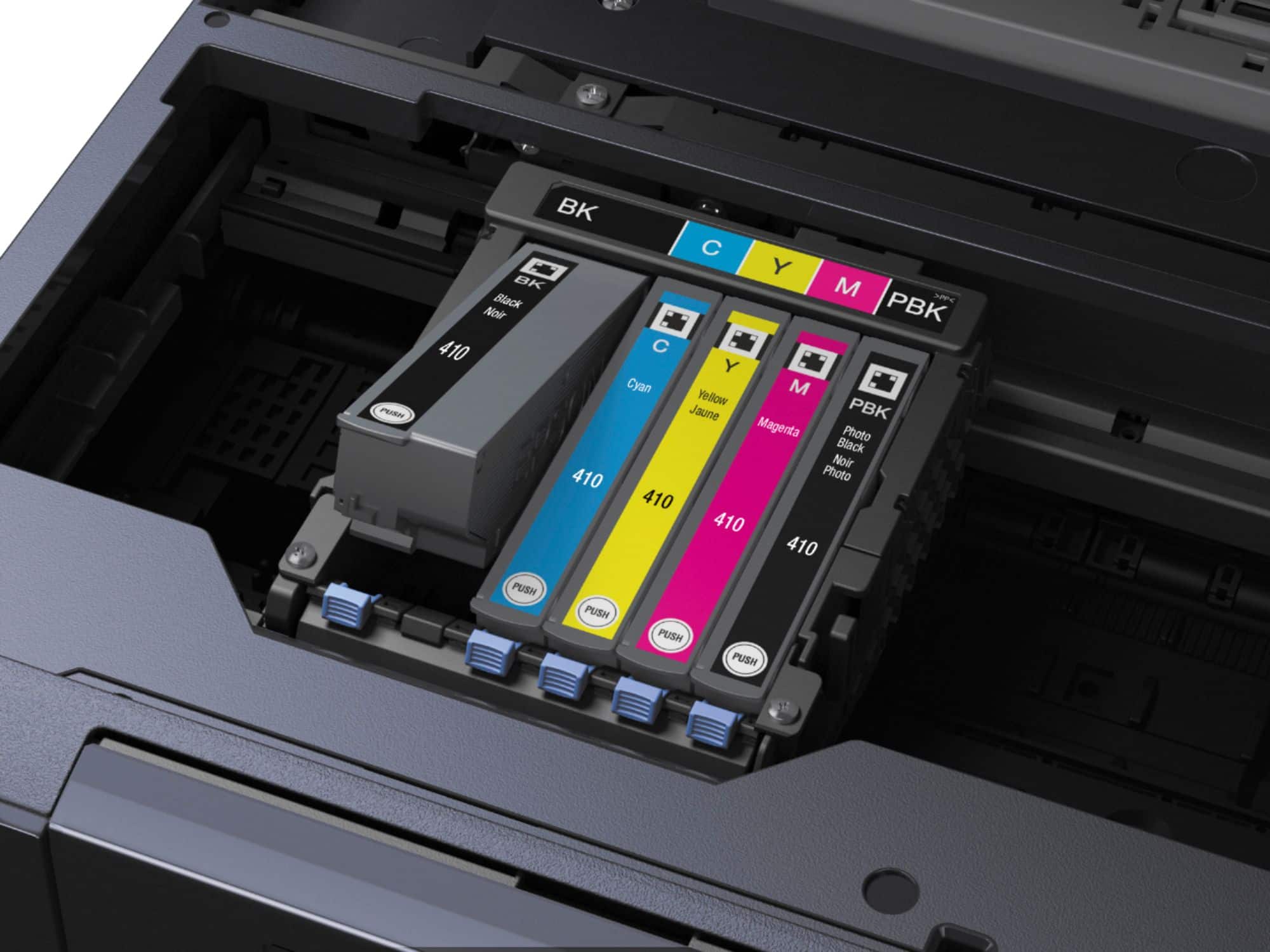
A:AnswerHello glen. Ink yield can vary depending on various factors like ink coverage, paper type, and print driver settings. Using 410 Ink cartridges in the Epson XP-7100, you can expect approximately 250 Black ISO pages, 300 Color ISO pages. Regards, Kevin - The Epson Team.
A:AnswerHello enlargereduce. Yes, you can Rotate and enlarge documents through the Epson printer software on the XP-7100. For more information, please visit the official Epson Support page. Regards, Kevin - The Epson Team.
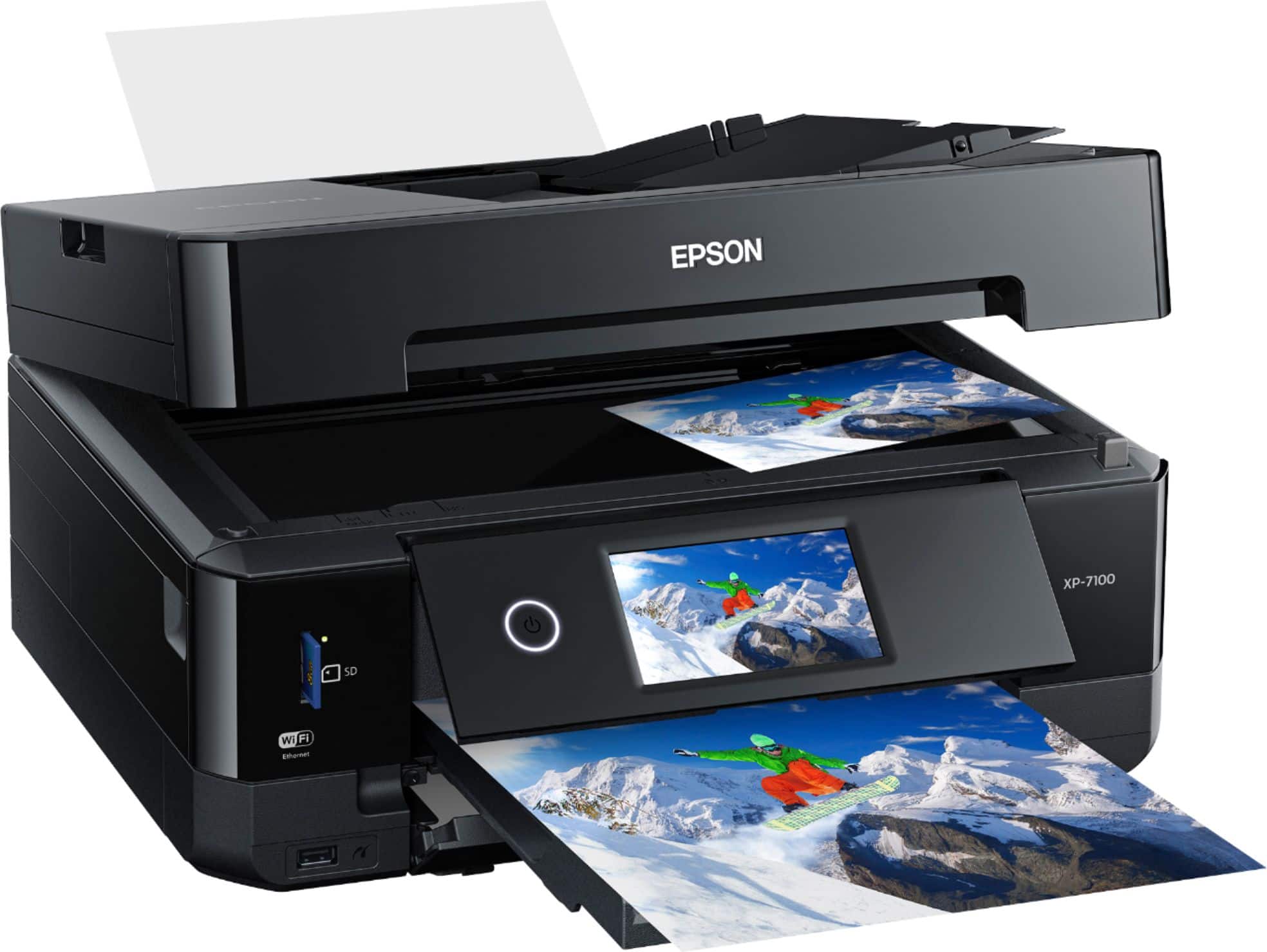
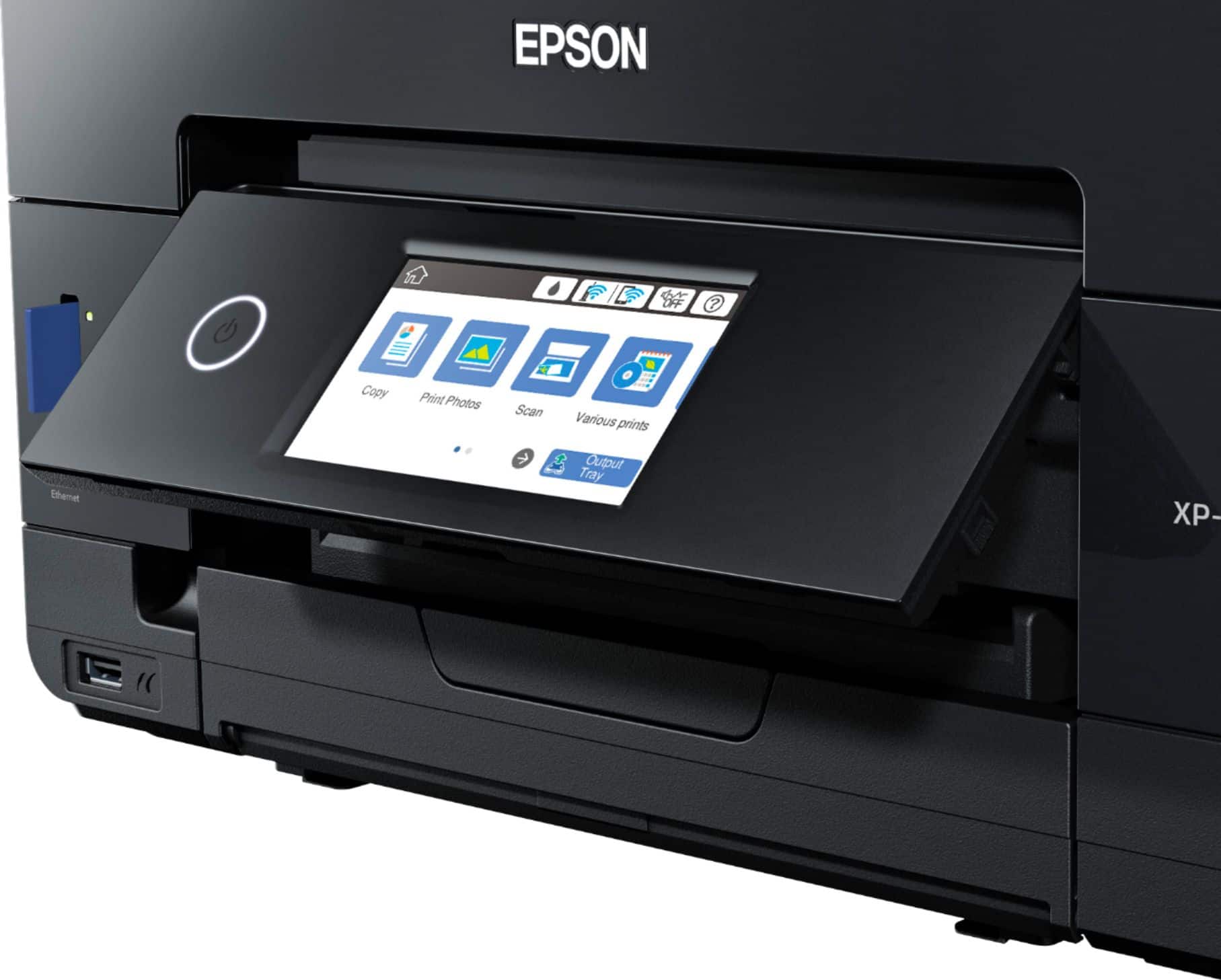
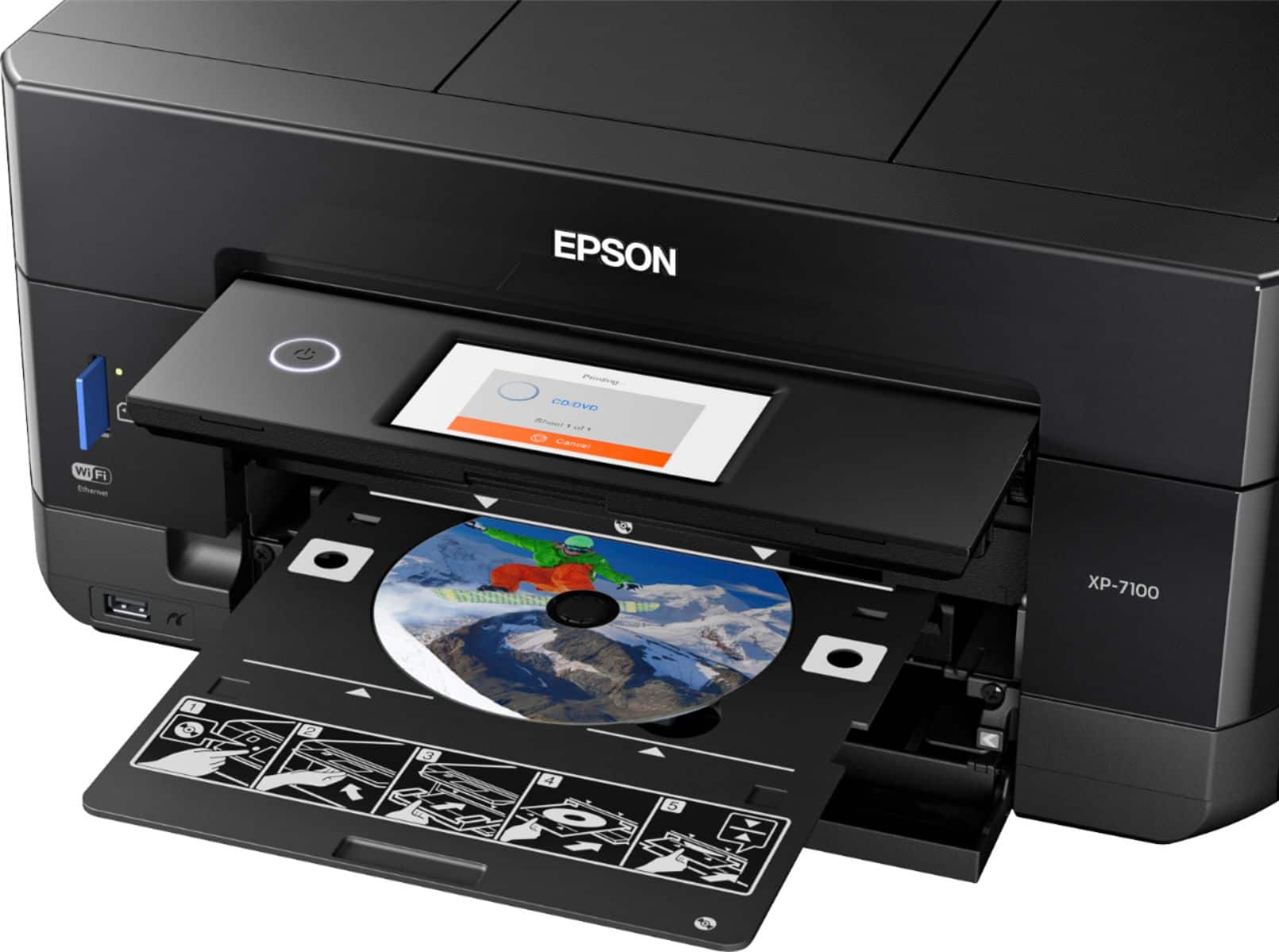
A:AnswerHello. Yes, the XP-7100 is an All-In-One printer that print, scan, and copy. For more information, please visit the official Epson Support page. Regards, Kevin - The Epson Team.
A:AnswerHi Matie, The Expression Premium XP-7100 is compatible with 2.4 GHz Wi-Fi. If you use a 5 GHz router you should use dual band mode to connect to the printer. Regards, Mark - The Epson Team.
A:AnswerHello George. Thank you for your interest in the XP-7100. We would recommend reaching out to the retailer directly for availability. Regards, Kevin - The Epson Team.
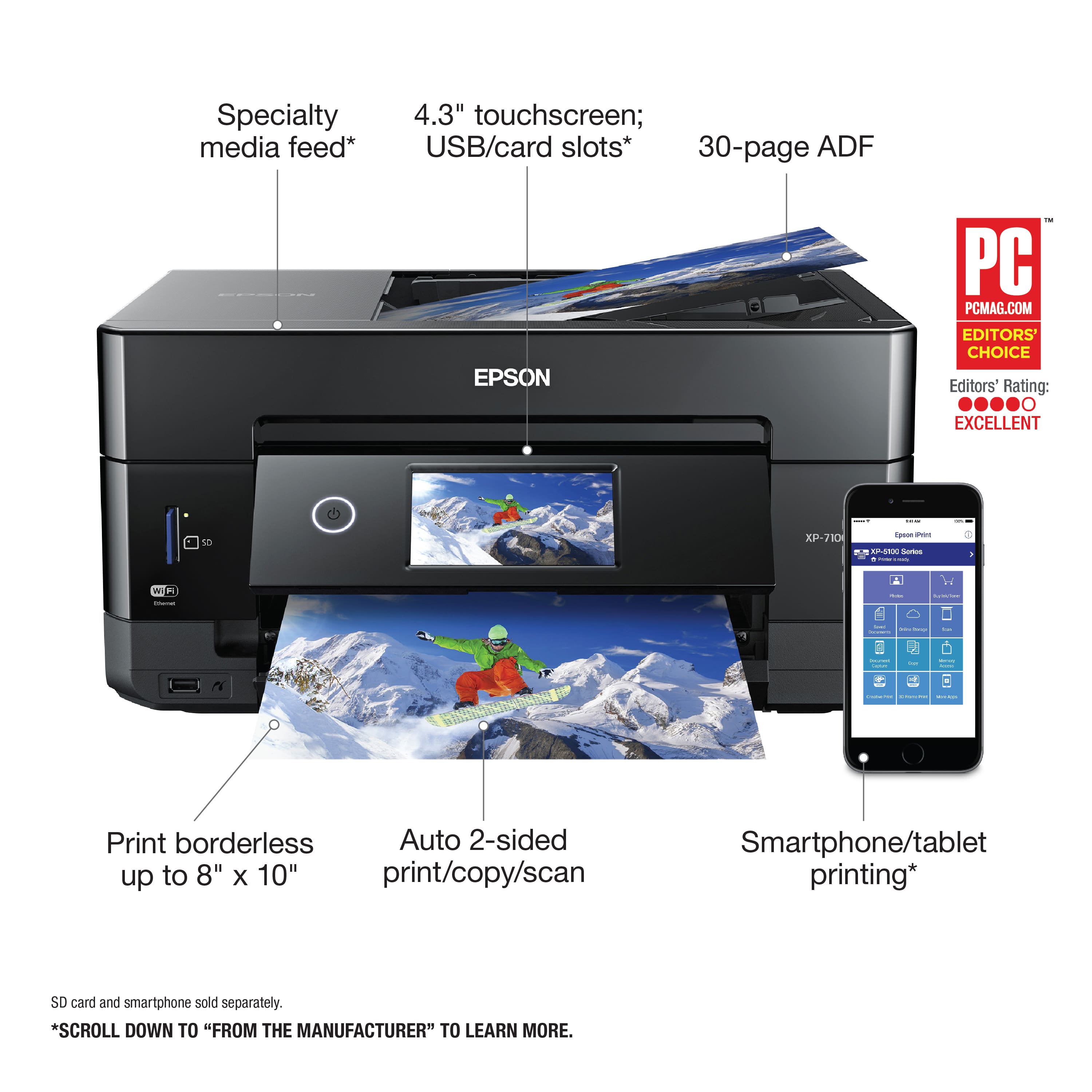
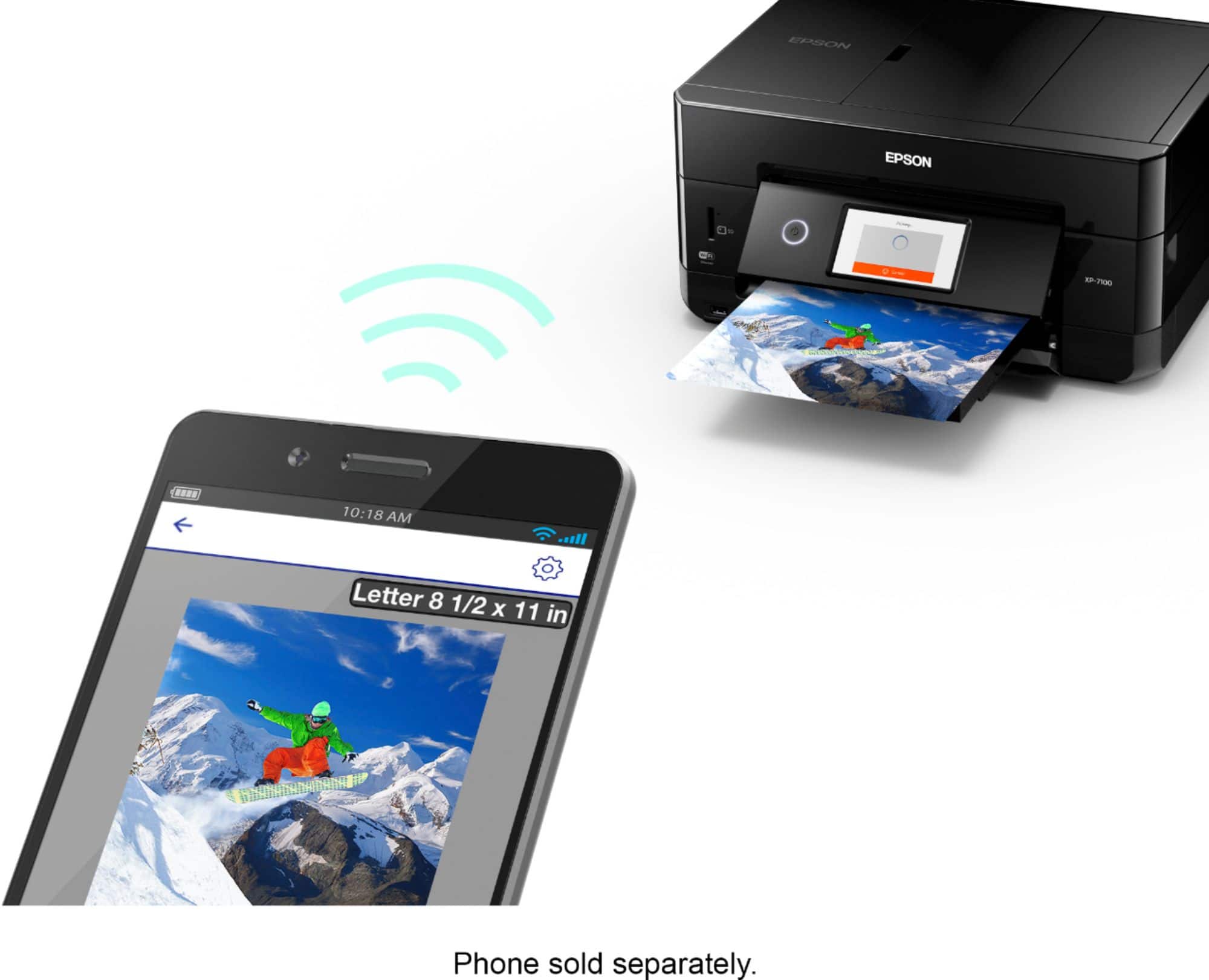
A:AnswerHello Scottie72159. The XP-7100 printer supports Wi-FI, USB, and Ethernet connections. You can download the Epson iPrint app to print from your android device. Regards, Kevin - The Epson Team
A:AnswerHi Bryan. The XP-7100 supports compatible paper types distributed by Epson, with paper weight ranging from 17 lb (64 gsm) to 24 lb (90 gsm). Regards, Kevin - The Epson Team