A:AnswerHi Raj. The Expression Home XP-440 was designed to use only genuine Epson 288 and 288XL ink cartridges. The 288 and 288XL ink cartridges can be also be used with the XP-330, XP-430, XP-434, XP-340, XP-440, and XP-446 printers. Regards, Bobby - The Epson Team.
A:AnswerHi brown587. Please visit the Ink Finder on the official Epson website to compatible printers for the Epson 126/127 ink cartridges. Regards, Bobby - The Epson Team.
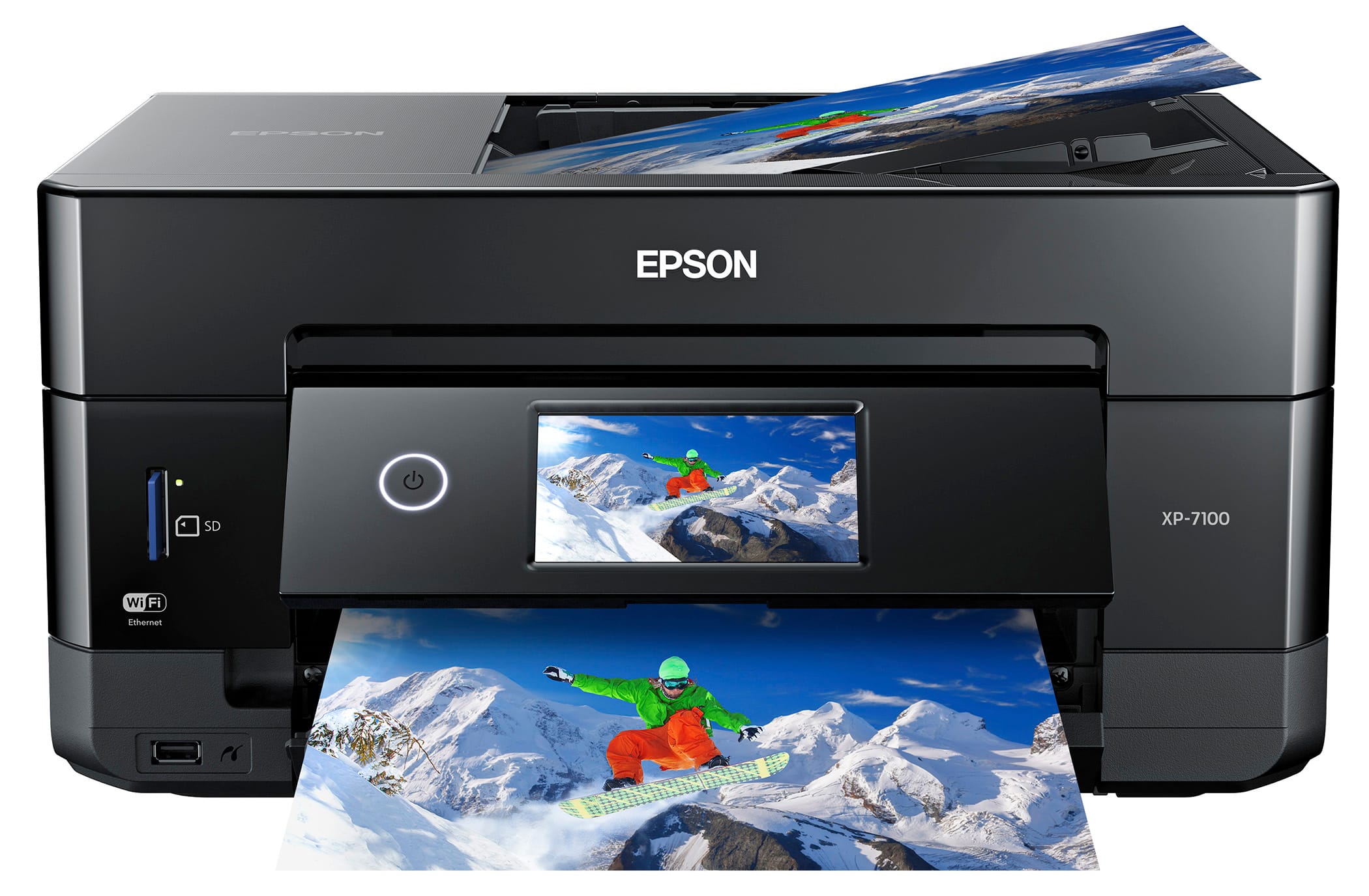
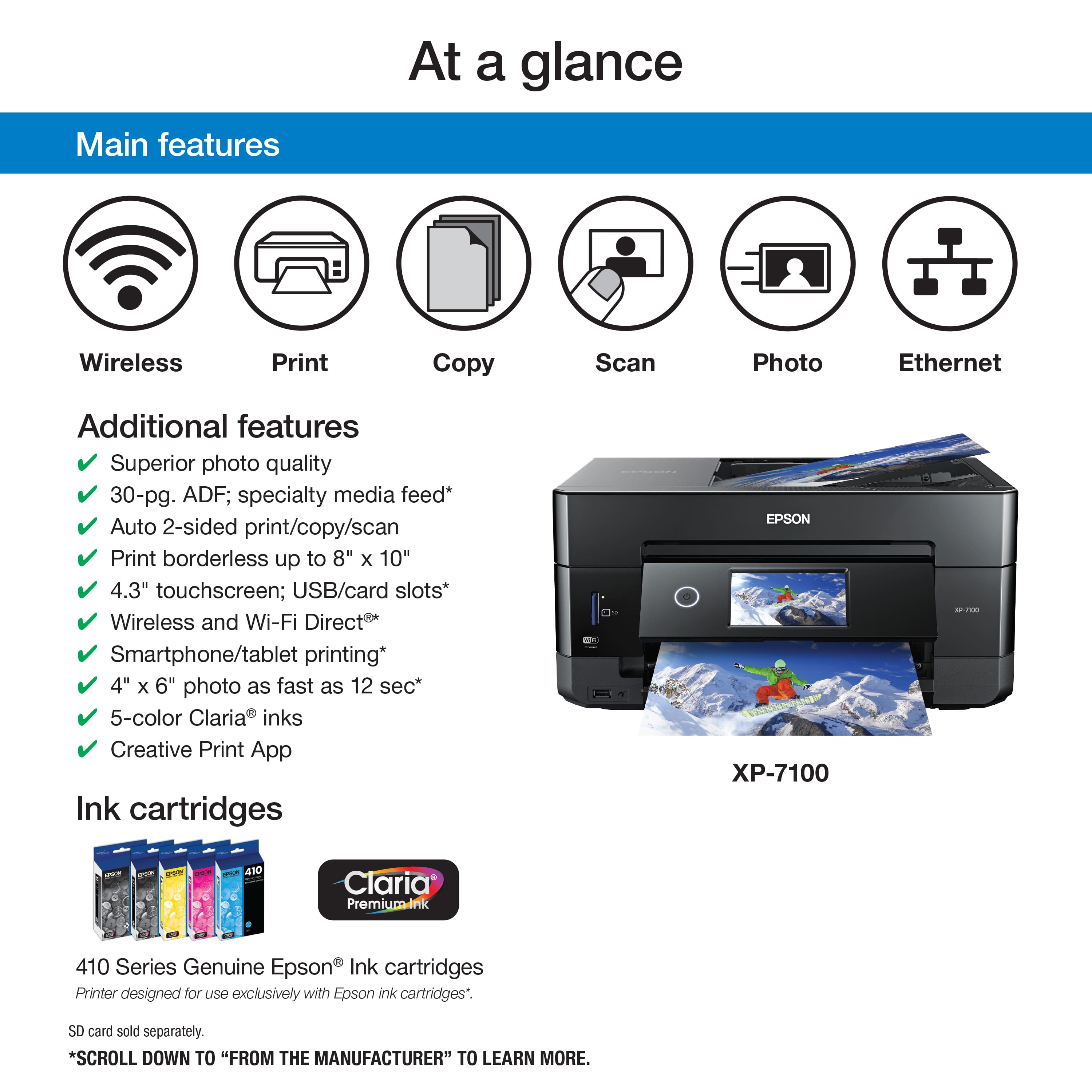
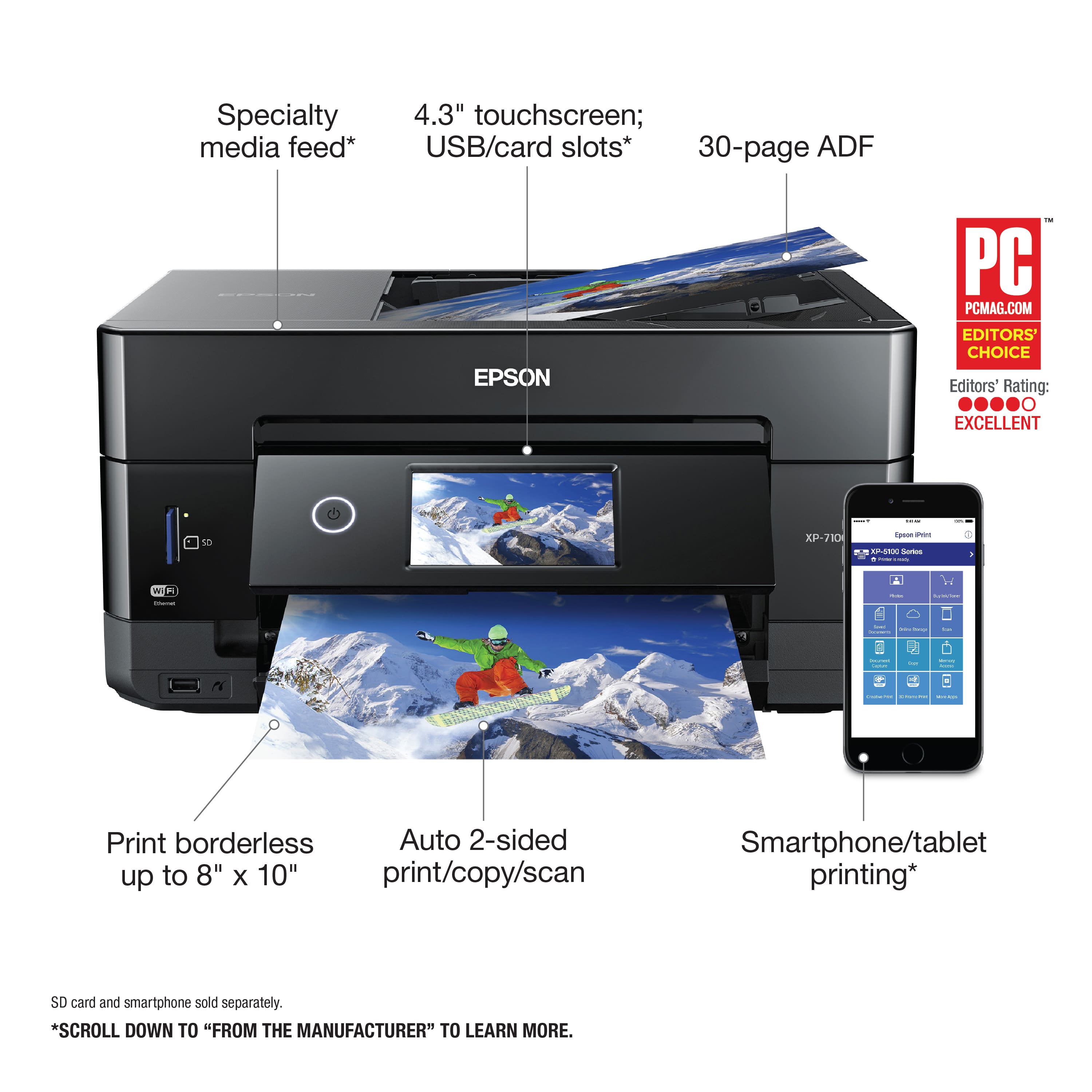
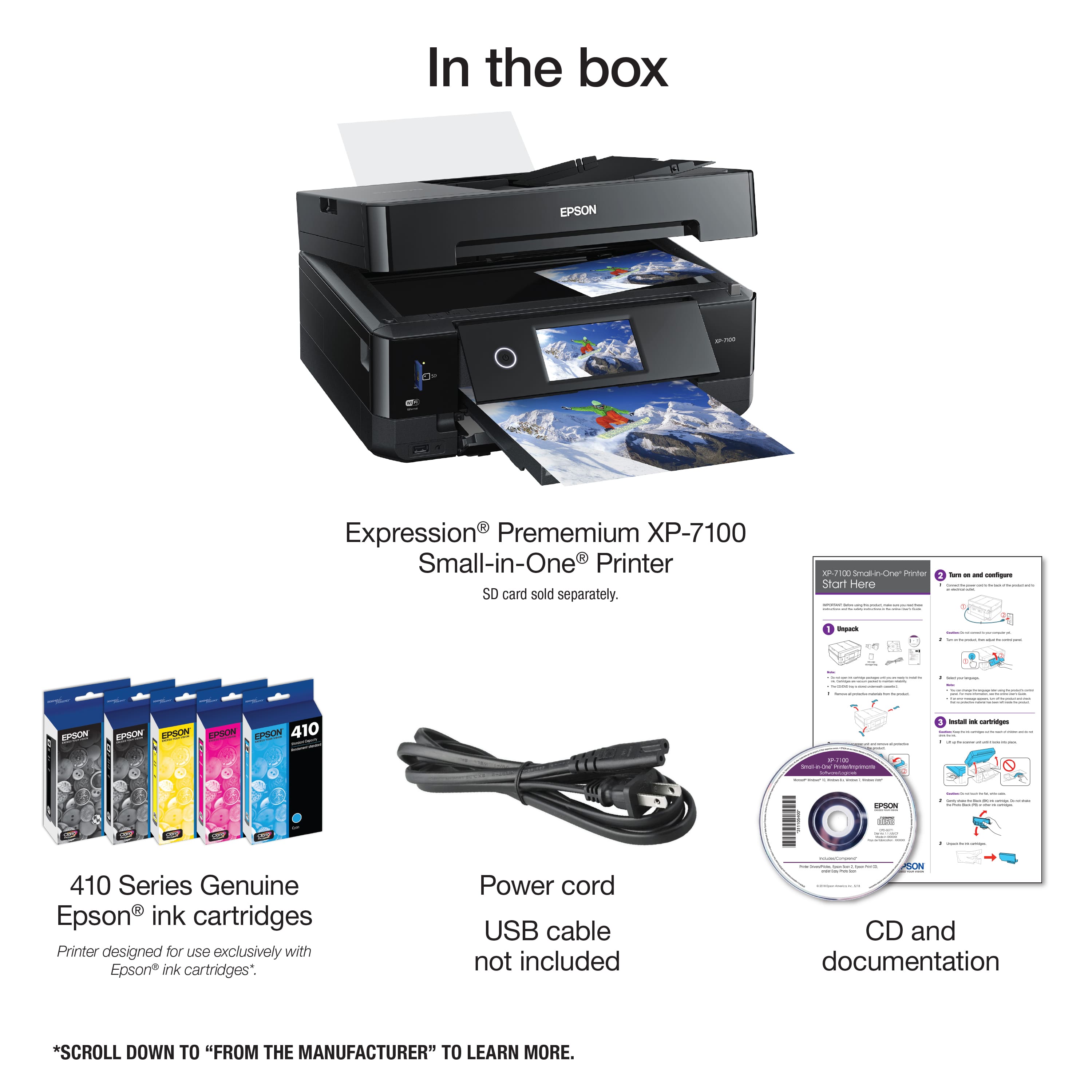
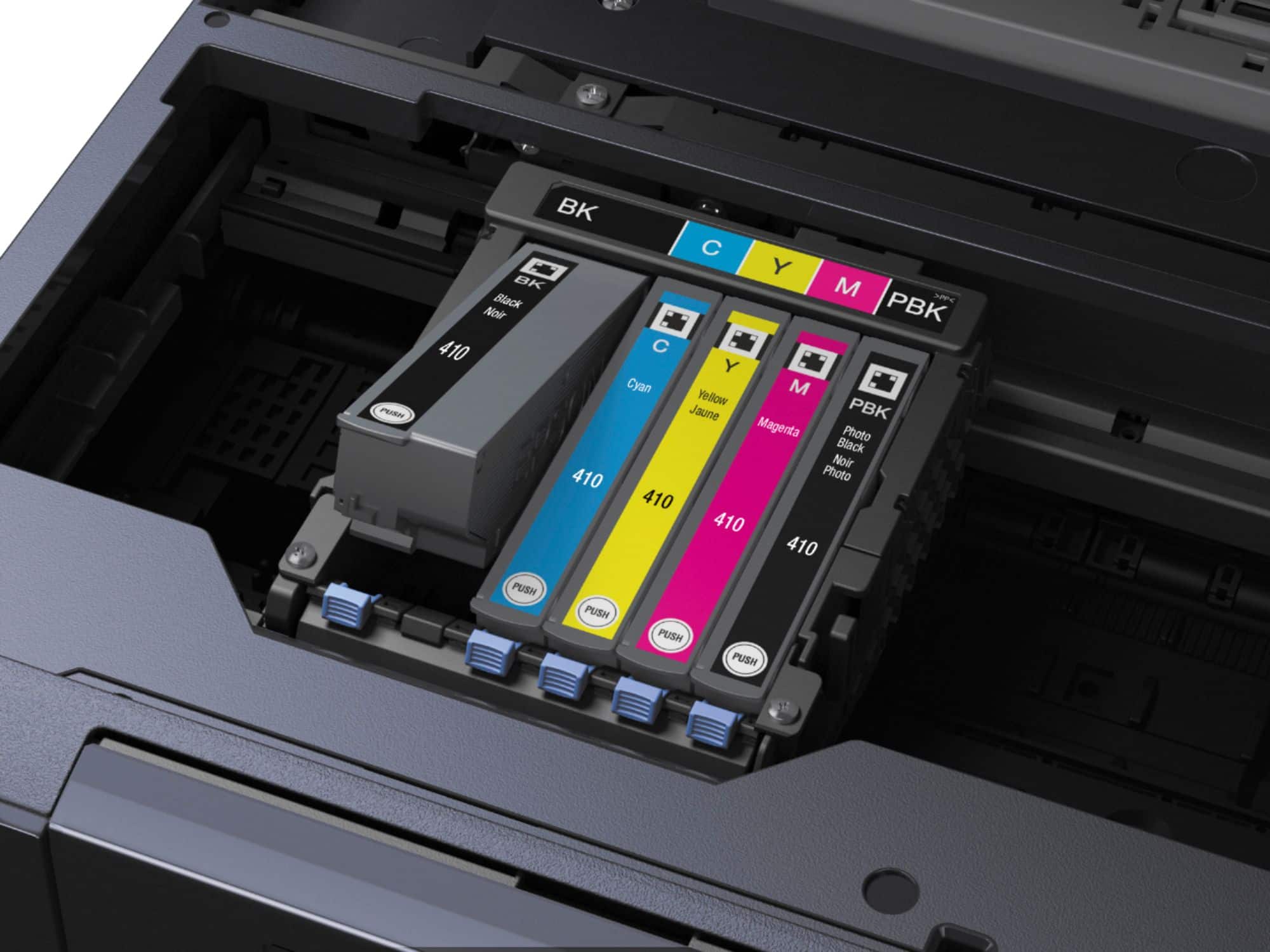
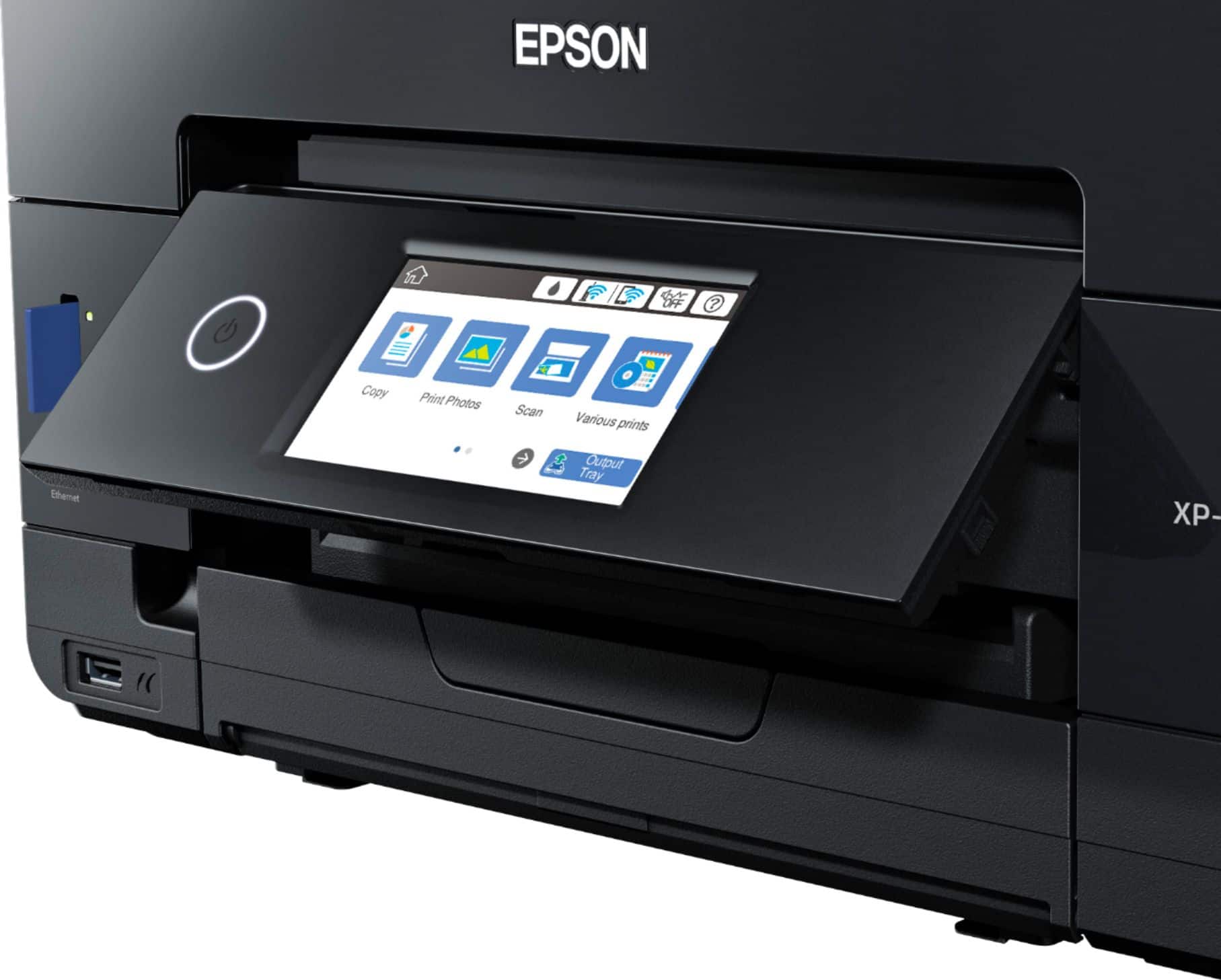
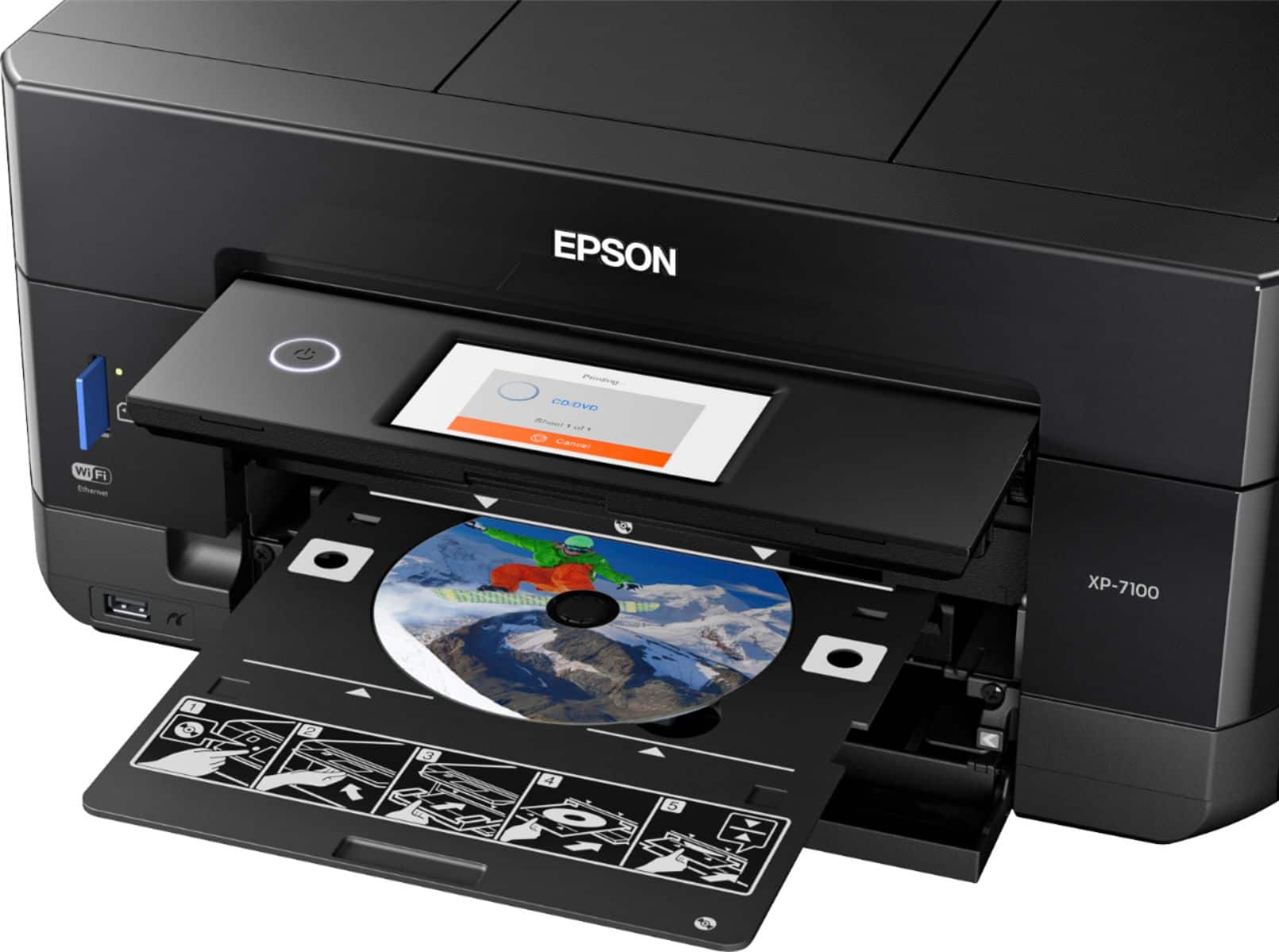
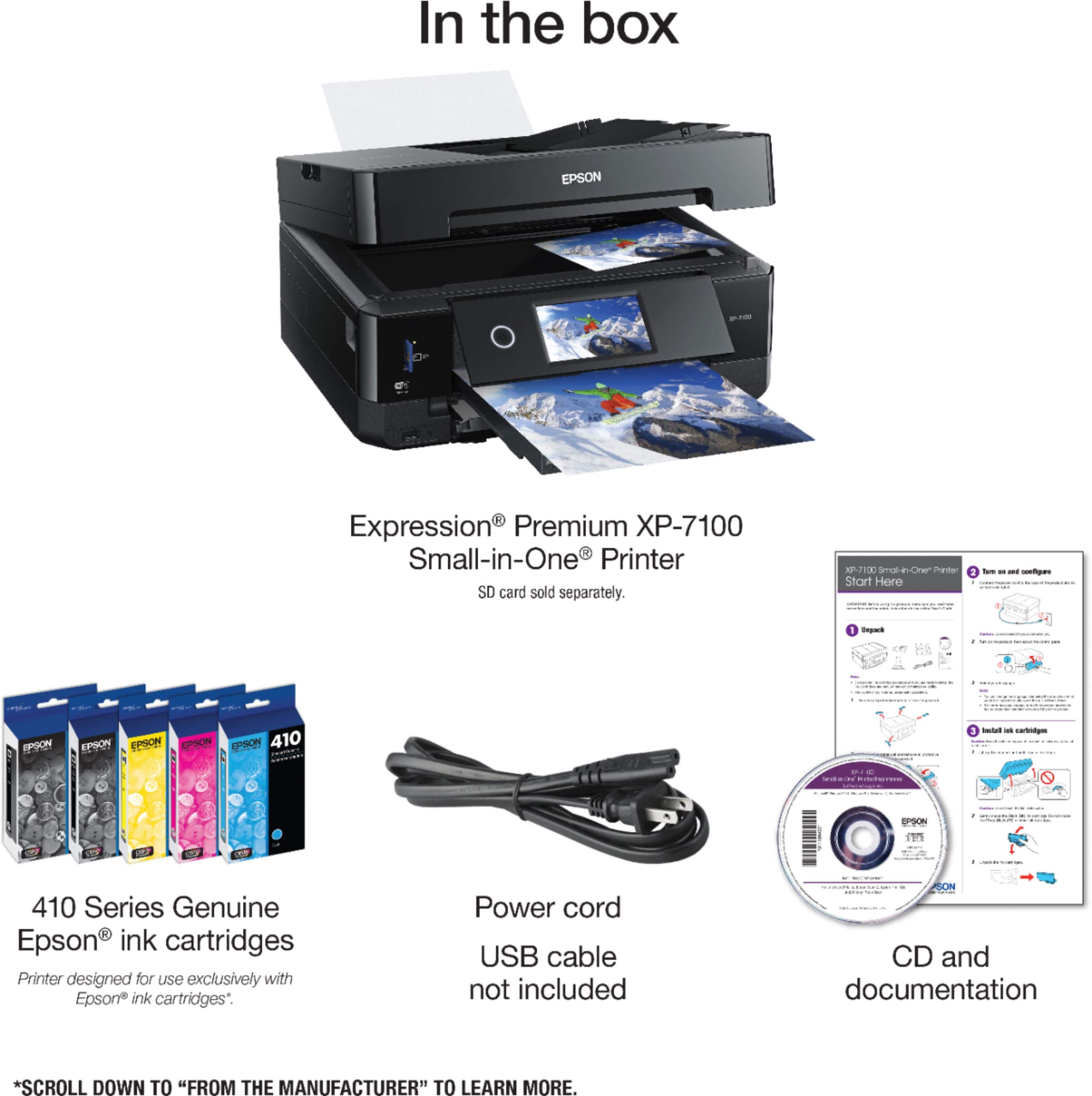
A:AnswerHi Wendy, Sorry, the XP-7100 is not a sublimation printer. It is designed only for Epson 410 and high-capacity 410XL cartridges. Regards, Mark - The Epson Team.
A:AnswerHi Negatives, Epson's higher-end Perfection scanners can scan slides and negatives. All-In-One printers like the XP-7100 do not have the necessary transparency unit. regards, Mark - The Epson Team.
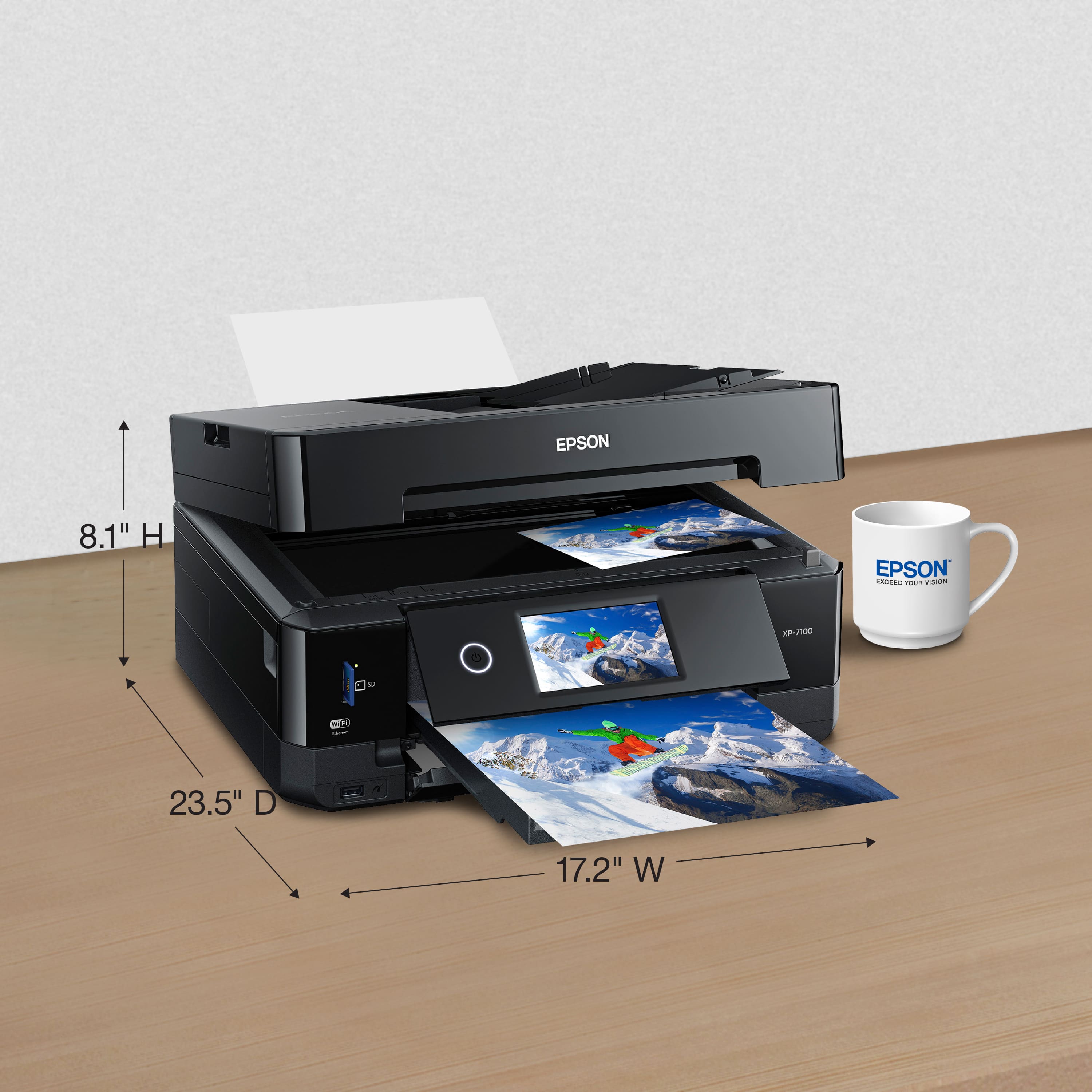
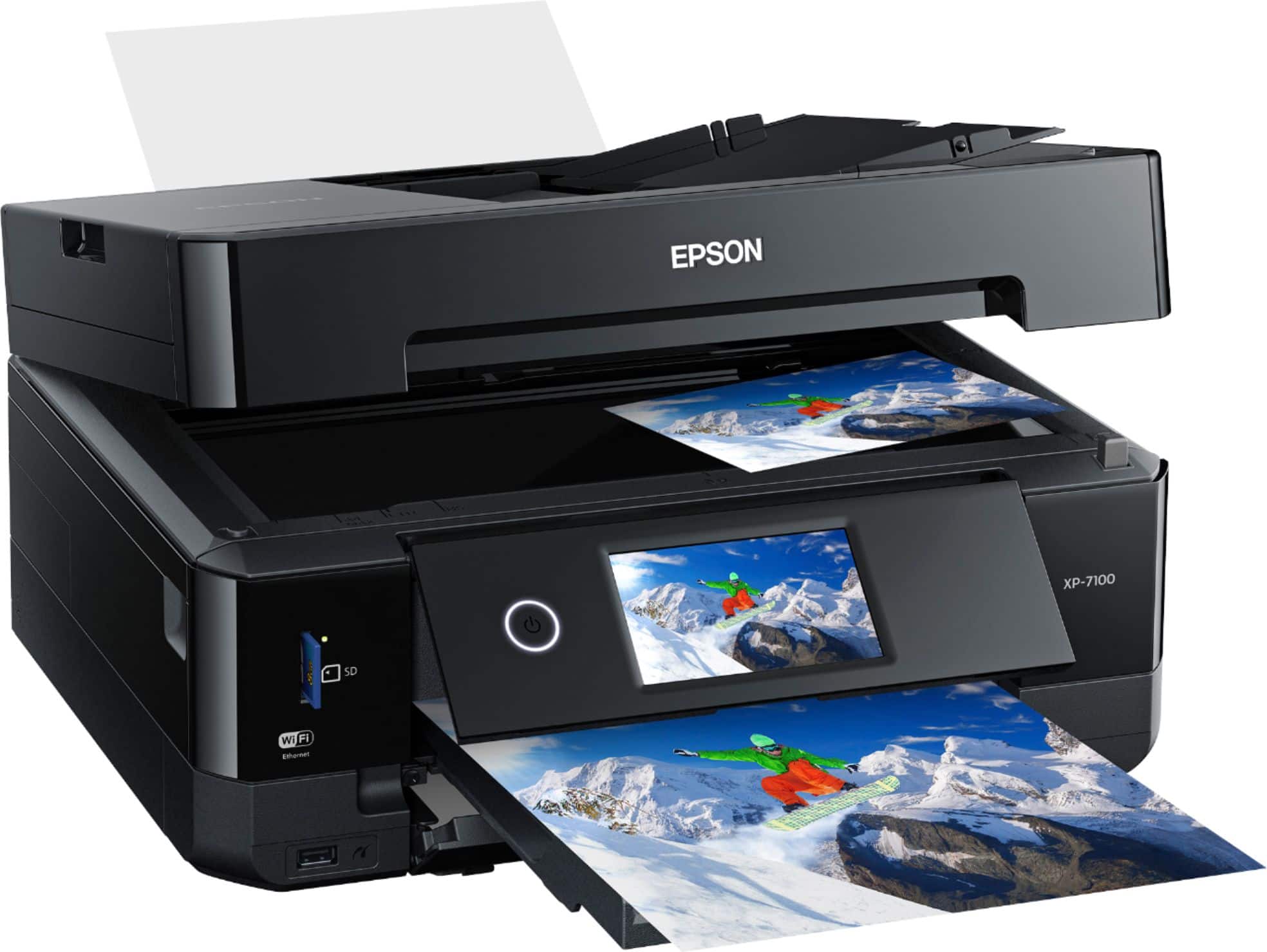
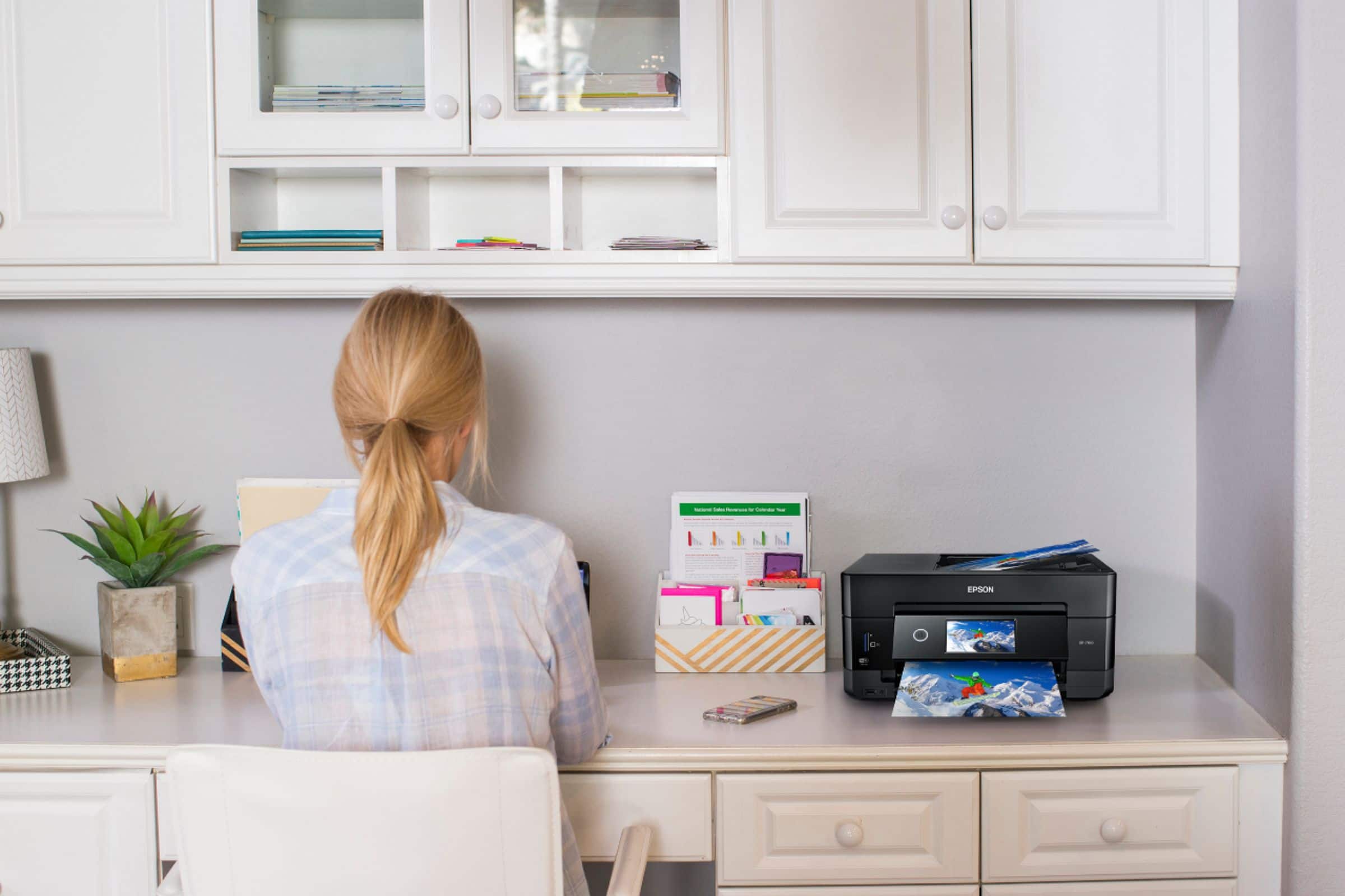
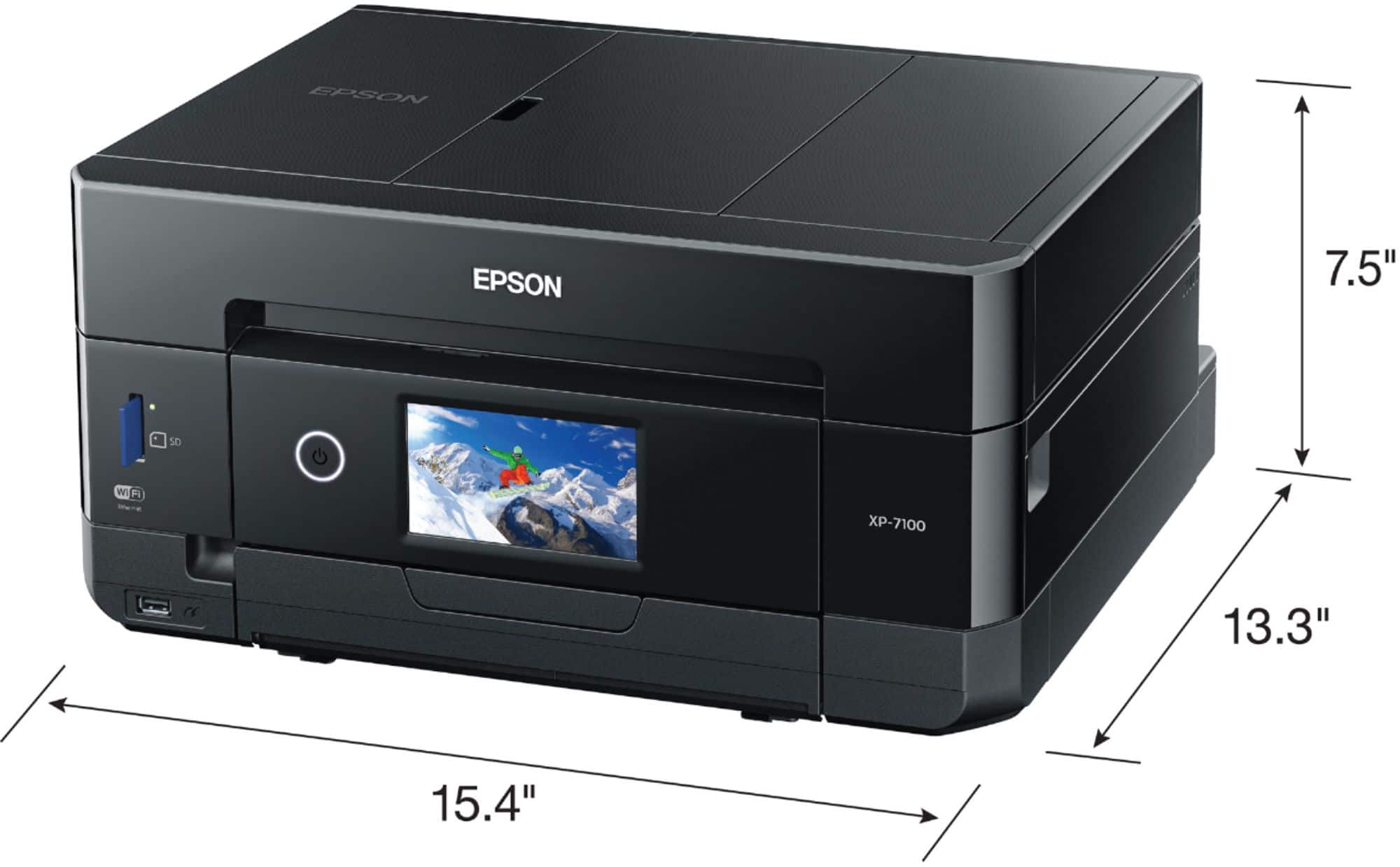
A:AnswerHi denikaye, The rear-feed tray on the XP-7100 accepts 23 mil thick paper. The dimensions of the printer with the input and output trays open is 17.2" x 23.5" x 8.1" (W x D x H). Regards, Mark - The Epson Team.
A:AnswerHi Henthorn. Yes, the Epson Expression Premium XP-7100 is compatible with computer running the Mac OS 11.x Big Sur. Regards, Bobby - The Epson Team.
A:AnswerHi Jojo, You can change the XP-7100's quality setting in the print driver to Standard or Draft to save ink at a reduced quality. Regards, Mark - The Epson Team.
A:AnswerHi. The Epson Expression Premium XP-7100 can print on sheets up to Legal size (8.5" x 14"). Additionally, you can adjust the image in the standard Epson Printer Driver to fit the target paper size. Regards, Bobby - The Epson Team.