A:AnswerHi Artisan, Other types and brands of ink supplies, such as sublimation ink, are not compatible with the XP-7100 and, if described as compatible, may not function properly or continuously. Regards, Mark - The Epson Team.
A:AnswerHi MKatz, Yes to all of your questions. The XP-7100 includes OCR software, it can create a searchable pdf from a scan. Regards, Mark - The Epson Team.
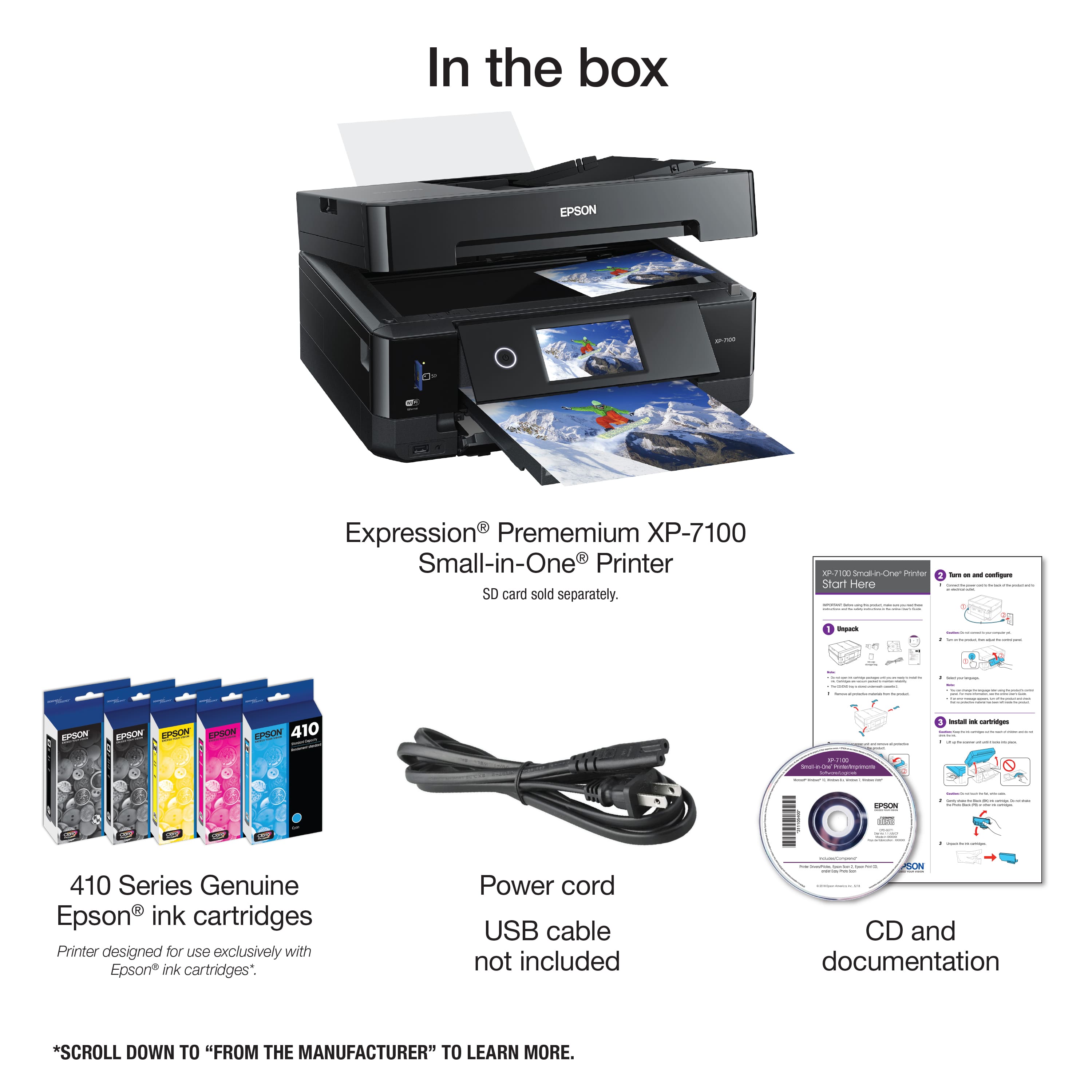
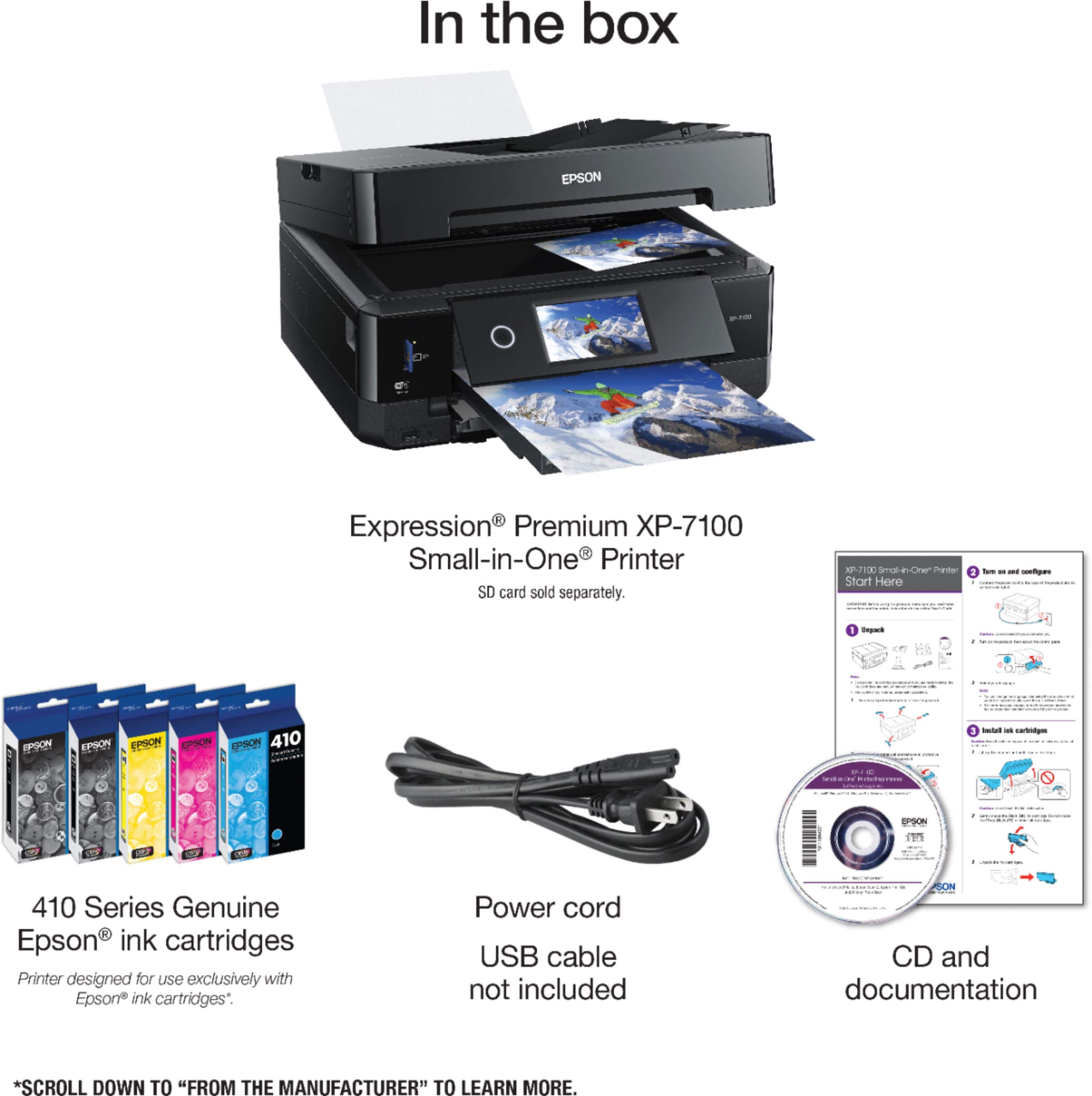
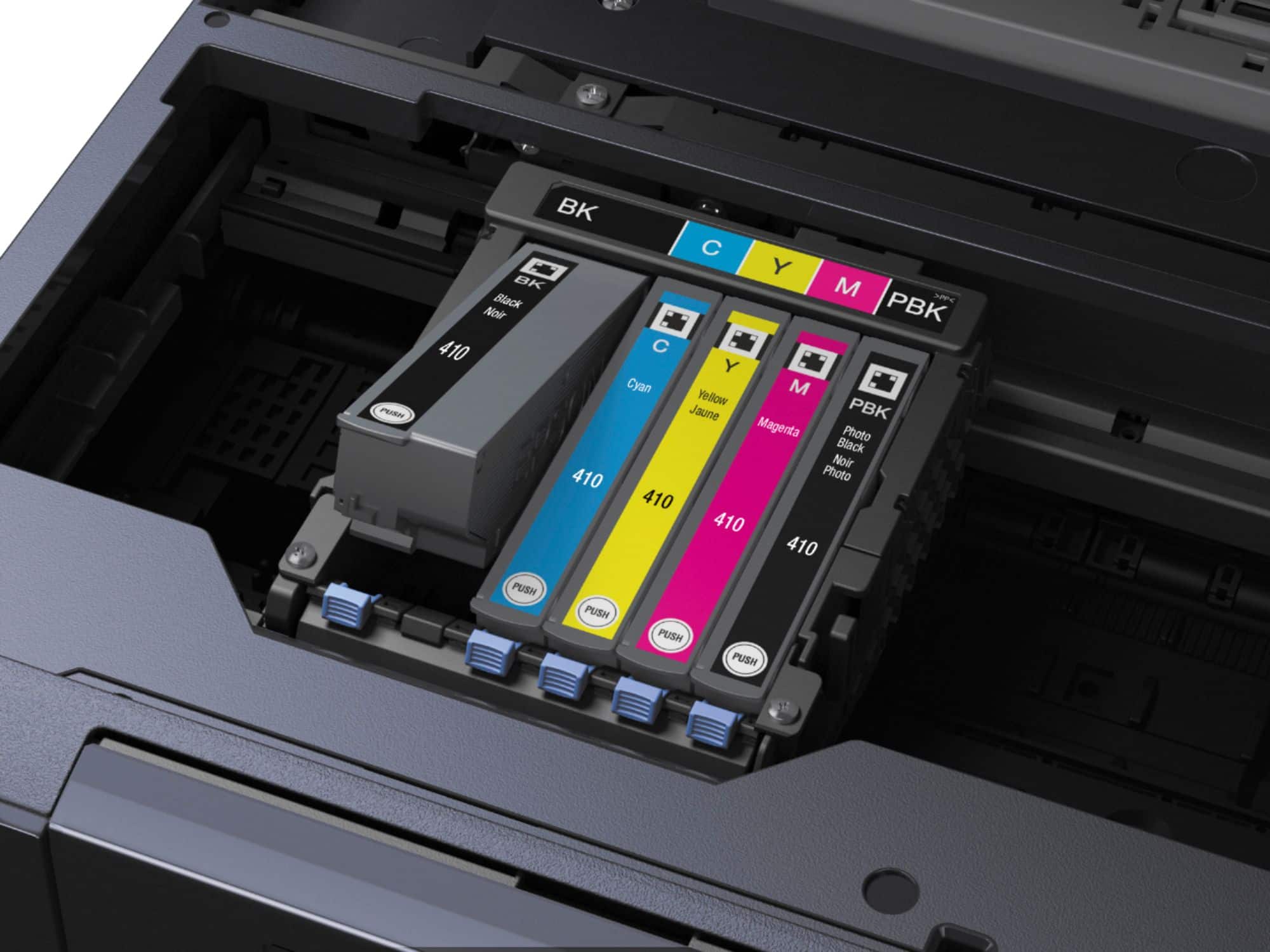
A:AnswerHi Edible, The Expression Premium XP-7100 is designed for use with Epson 410 and high-capacity 410XL cartridges. Any other ink or ink type may not be compatible and may damage the print heads. Regards, Mark - The Epson Team.
A:AnswerHi Maegan, This is Mark from Epson. The XP-7100 is designed to use Epson 410 and high-capacity 410XL cartridges. Using other types like sublimation ink may damage the print heads and affect warranty coverage. Regards, Mark - The Epson Team.
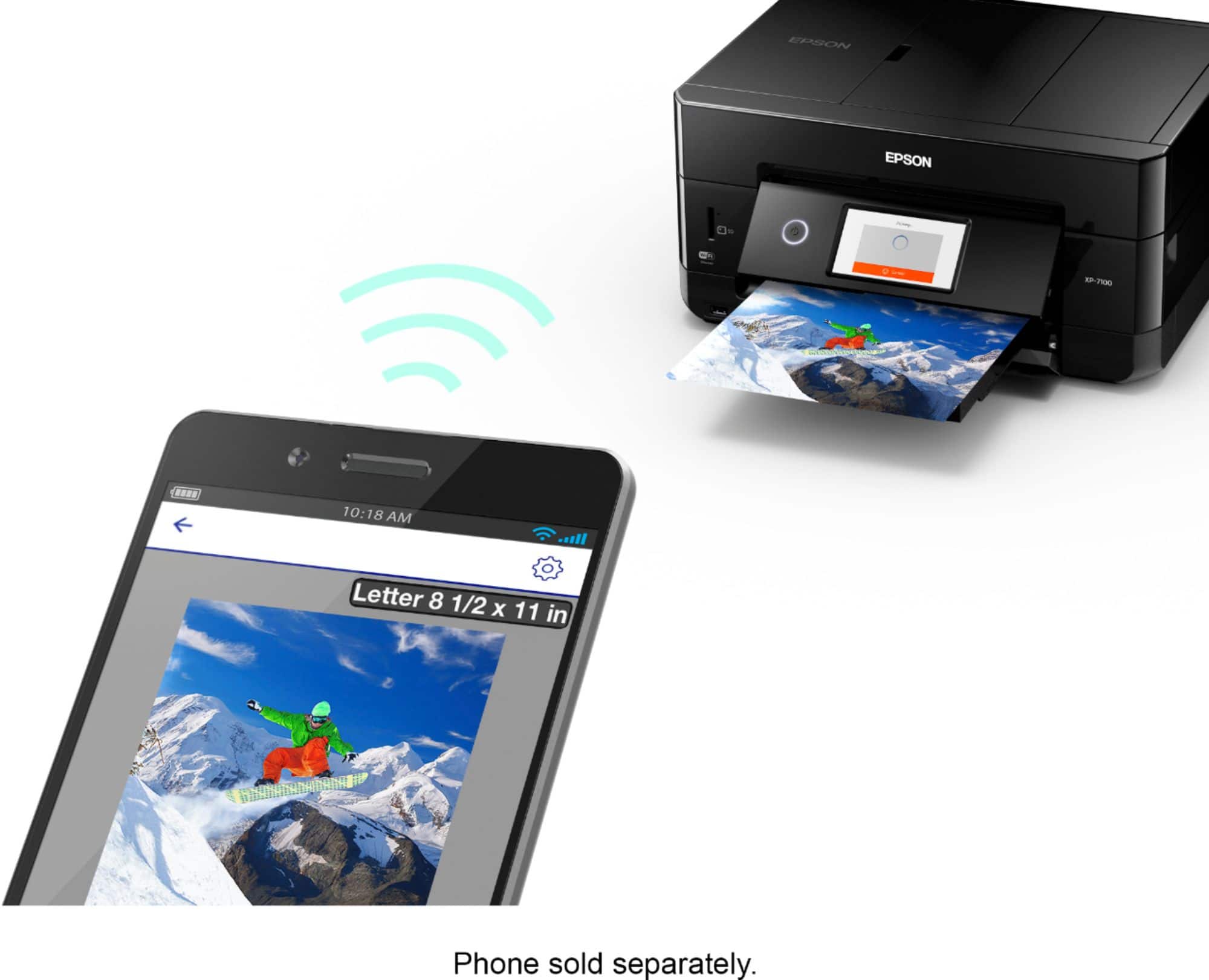
A:AnswerHi Revolution, The XP-7100 works with our Epson Iron-on Cool Peel Transfer paper so it should work with other transfer papers as long as it is manufactured for ink jet printer use. You may have to experiment with printer driver settings to get the best quality. Regards, Mark - The Epson Team.
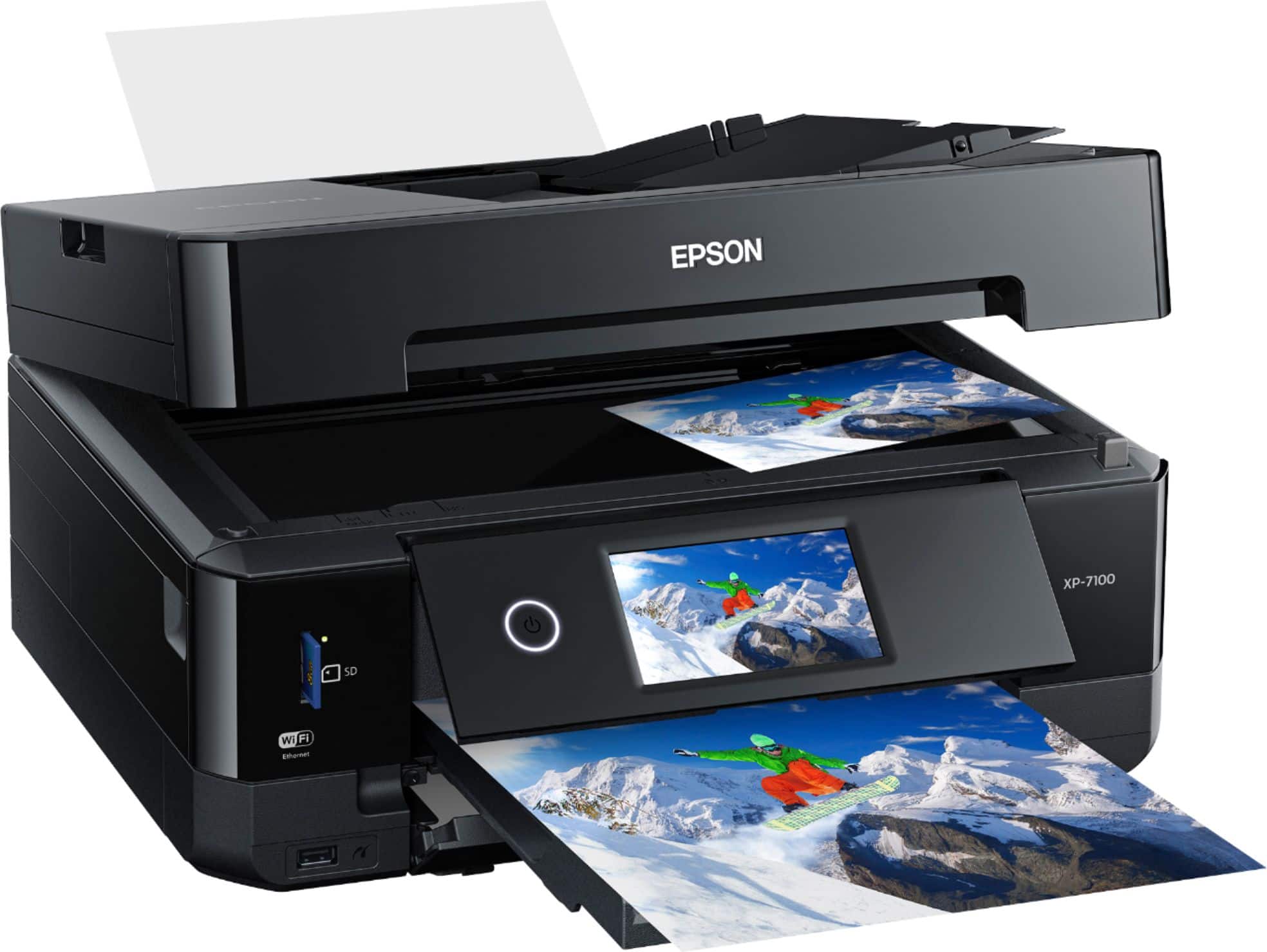
A:AnswerHi Jamie, The XP-7100 is not designed to use sublimation ink. Using it may damage the print heads and affect warranty coverage. regards, Mark - The Epson Team.
A:AnswerHi HEisgood, Yes, you may want to check the Iron-On Cool Peel Transfer paper which works with the Epson Expression Premium XP-7100. For details, visit the Epson support site. Regards, Alexander - The Epson Team.
A:AnswerHi REMBo, For the Epson Expression Premium XP-7100, the maximum USB cable length supported is 10 feet (3 meters). Regards, Alexander - The Epson Team.
A:AnswerHi Betterroll, you can print up to 300 ISO pages in color using the standard capacity Epson T410 ink cartridges. For more information on ISO pages and ink cartridge yields, please visit the Epson Support site. Bobby D. - The Epson Team.
A:AnswerHi MP, the ink will not dry out per se. However, performing regular maintenance, such as a daily nozzle check or a test print every 2 weeks, could greatly reduce the need for print head cleaning. Bobby - The Epson Team.
A:AnswerHi Chris, This is Eduard from Epson. The Epson Expression Premium XP-7100 is compatible with any laptop with the operating system Windows 10 (32-bit, 64-bit), Windows 8 (32-bit, 64-bit), Windows 8/8.1 (32-bit, 64-bit), Windows 7 (32-bit, 64-bit) and Windows Vista® (32-bit, 64-bit). The latest drivers can be downloaded from our official website. Hope this answers your inquiry. Regards, Eduard - The Epson Team.
A:AnswerHi Punkin, No, other brands of ink supplies such as sublimation are not compatible and, if described as compatible, may not function properly or continuously. We recommend that you use genuine Epson cartridges for the Epson Expression Premium XP-7100. Regards, Alexander - The Epson Team.
A:AnswerHi Sydey, Yes, the Epson Expression Premium XP-7100 is compatible with Mac OS 10.6.8 up to the latest OS (Catalina) version. Regards, Alexander - The Epson Team.
A:AnswerHi Rickster, Yes the Epson XP-7100 can scan photos using the scanner glass. The USB port cannot be use for copying. Regards, Alexander - The Epson Team.
A:AnswerHi bc, The installation software for the Expression Premium XP-7100 is automated, so it is easy to connect it using WiFi. Regards, Mark - The Epson Team.
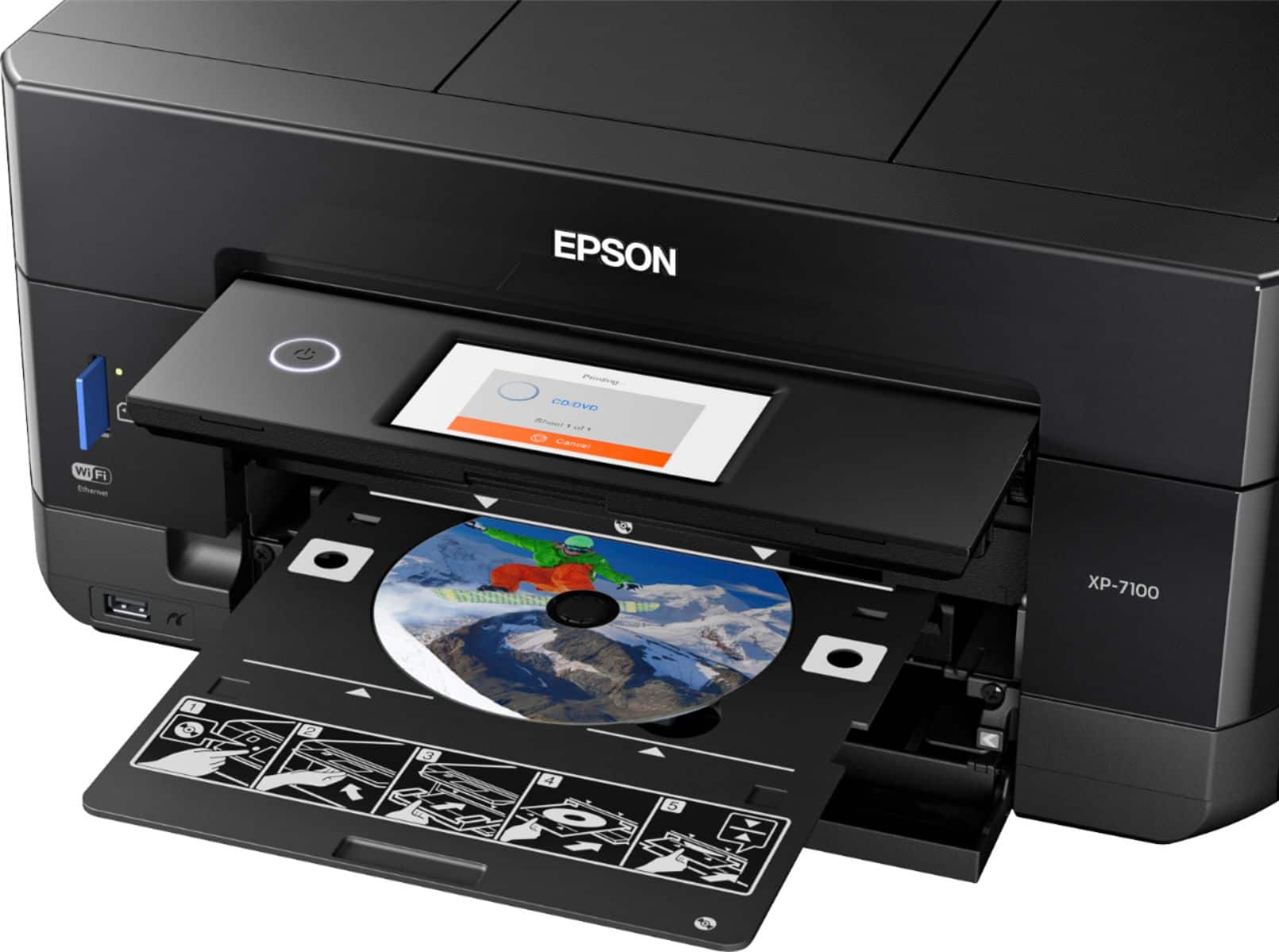
A:AnswerHi, Yes. The Epson Expression Premium XP-7100 Wireless All-In-One Inkjet printer can print photos directly on an ink jet-compatible CD/DVD. Check the user's guide on how to set it. Hope this answers your inquiry. Regards, Eduard - The Epson Team.