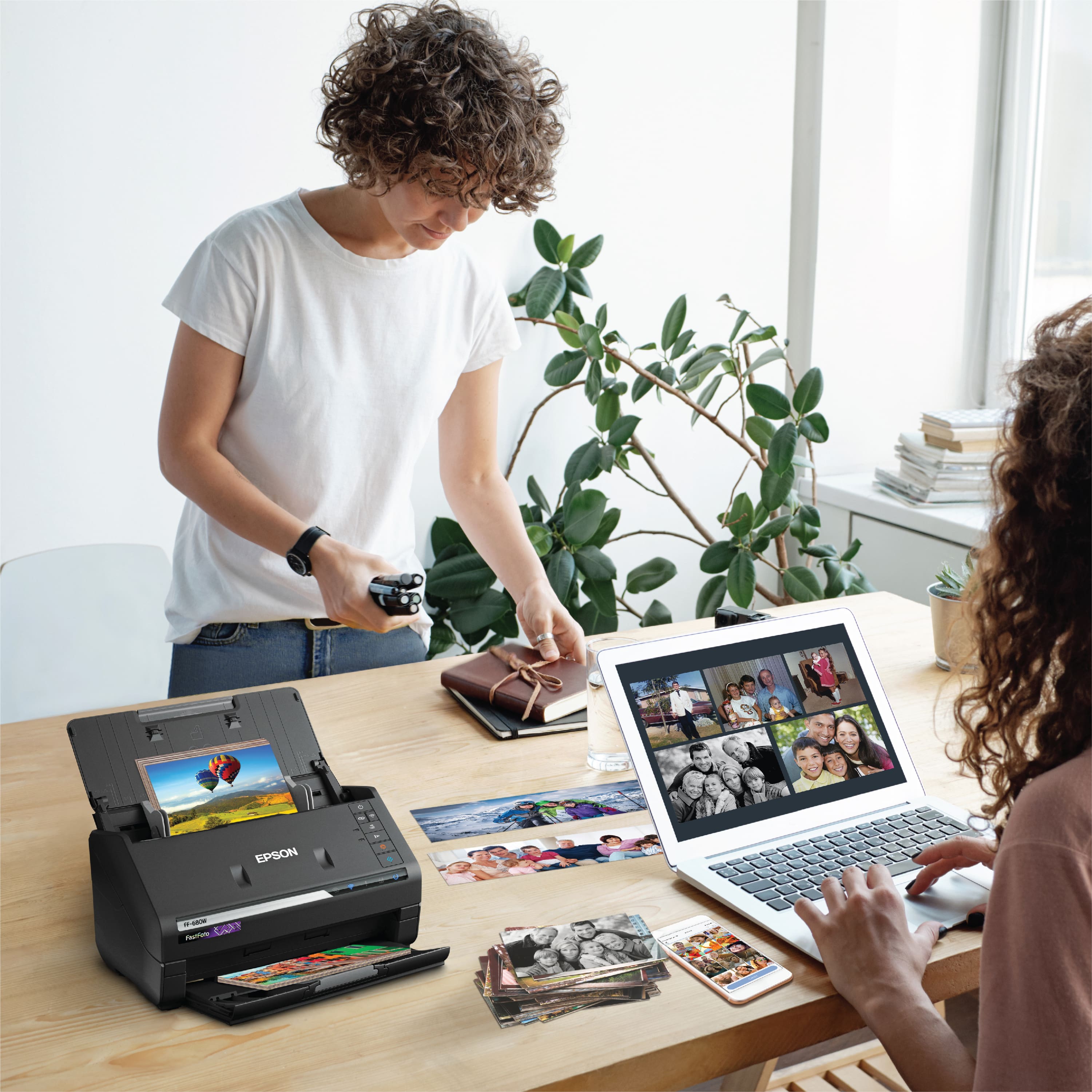
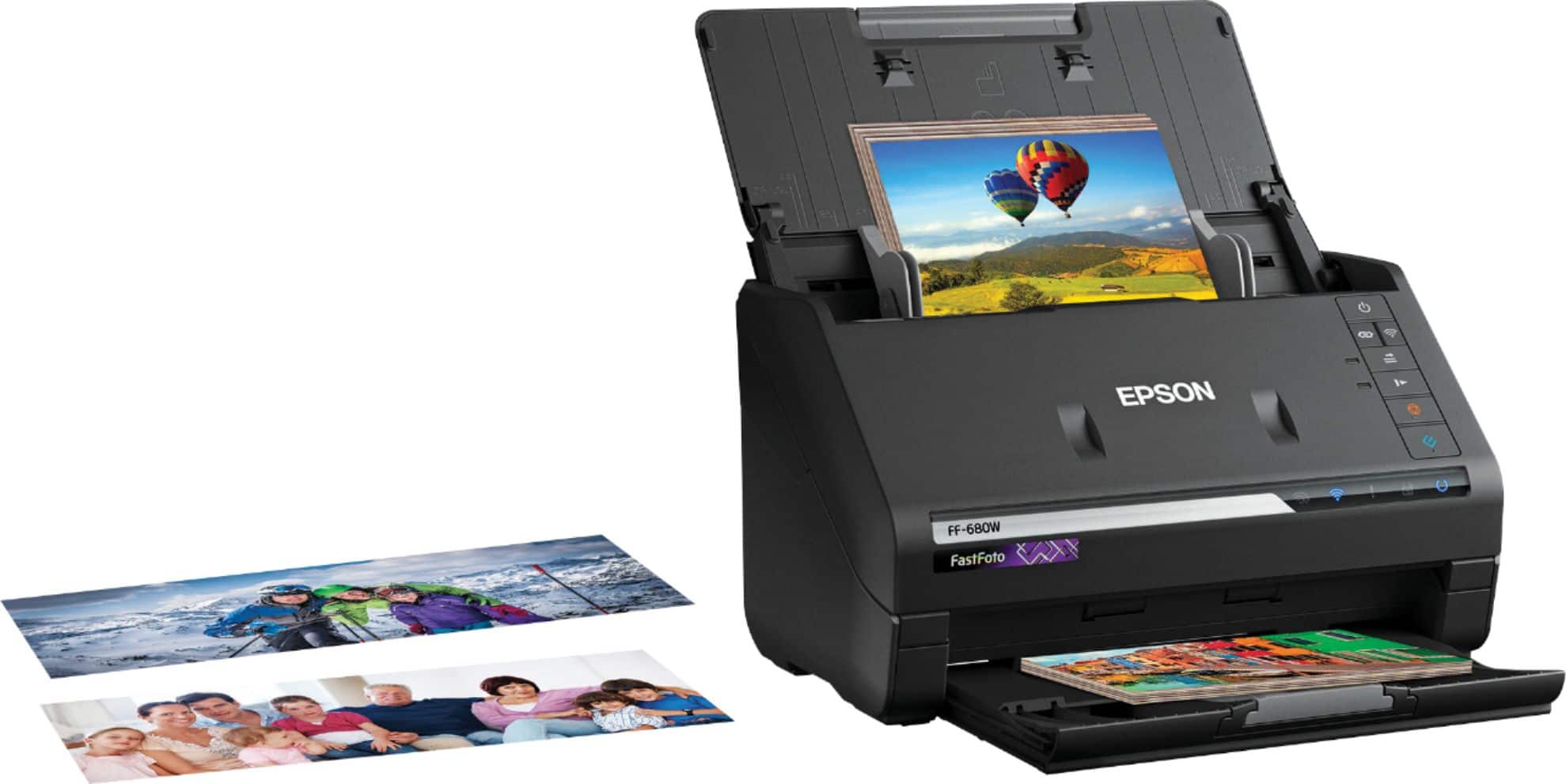
A:AnswerHello legmedia. To help better assist you, we would like to confirm if you are using Epson ScanSmart or FastFoto software. If using the FastFoto software on the FF-680W, it may be remembering where it last left off and is not starting the numbering from the beginning. We recommend deleting the folder again and creating a new folder name to scan your images. This should reset everything and start naming your files once again from 001. If you need additional assistance, please get in touch with our Technical Support team. Regards, Kevin - The Epson Team.
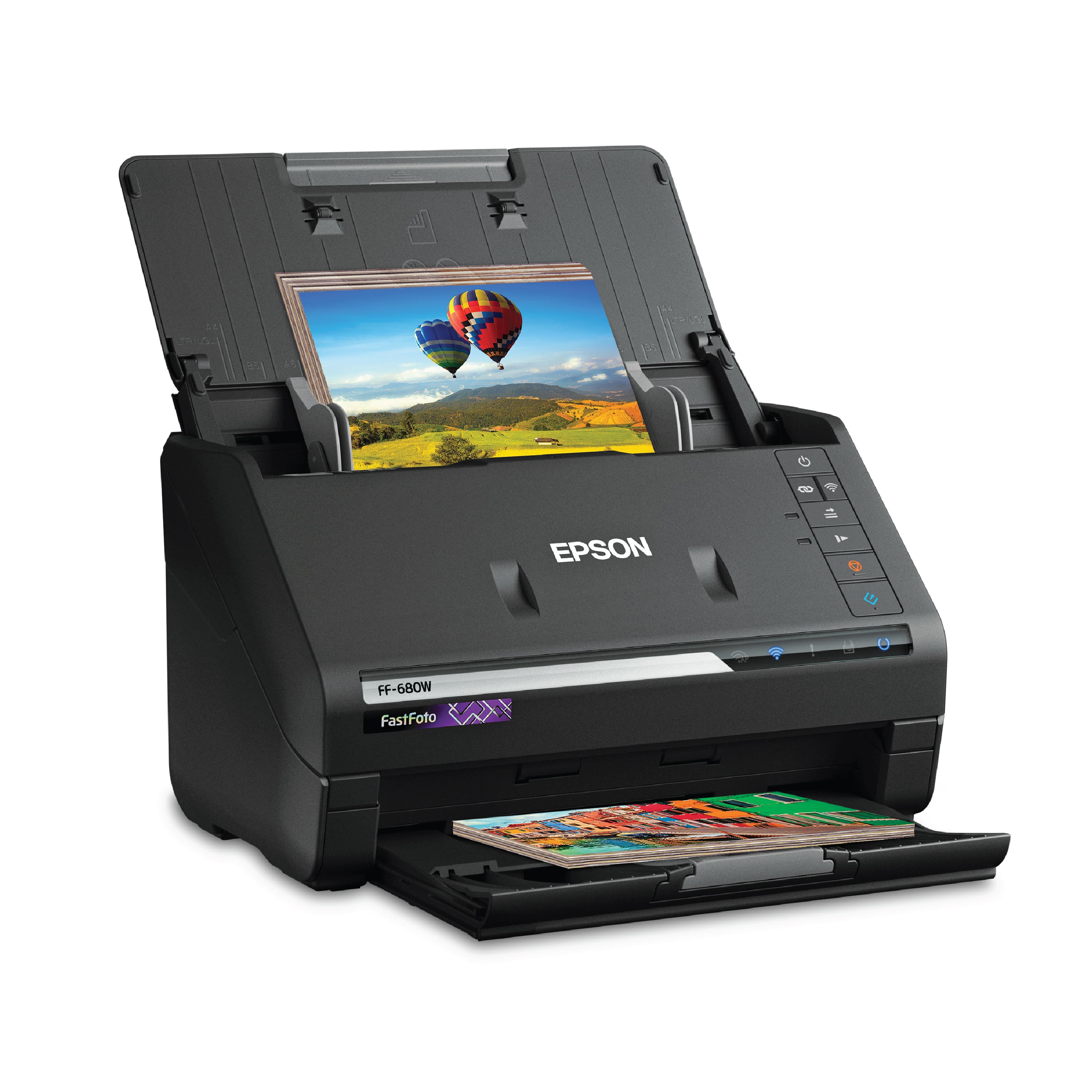
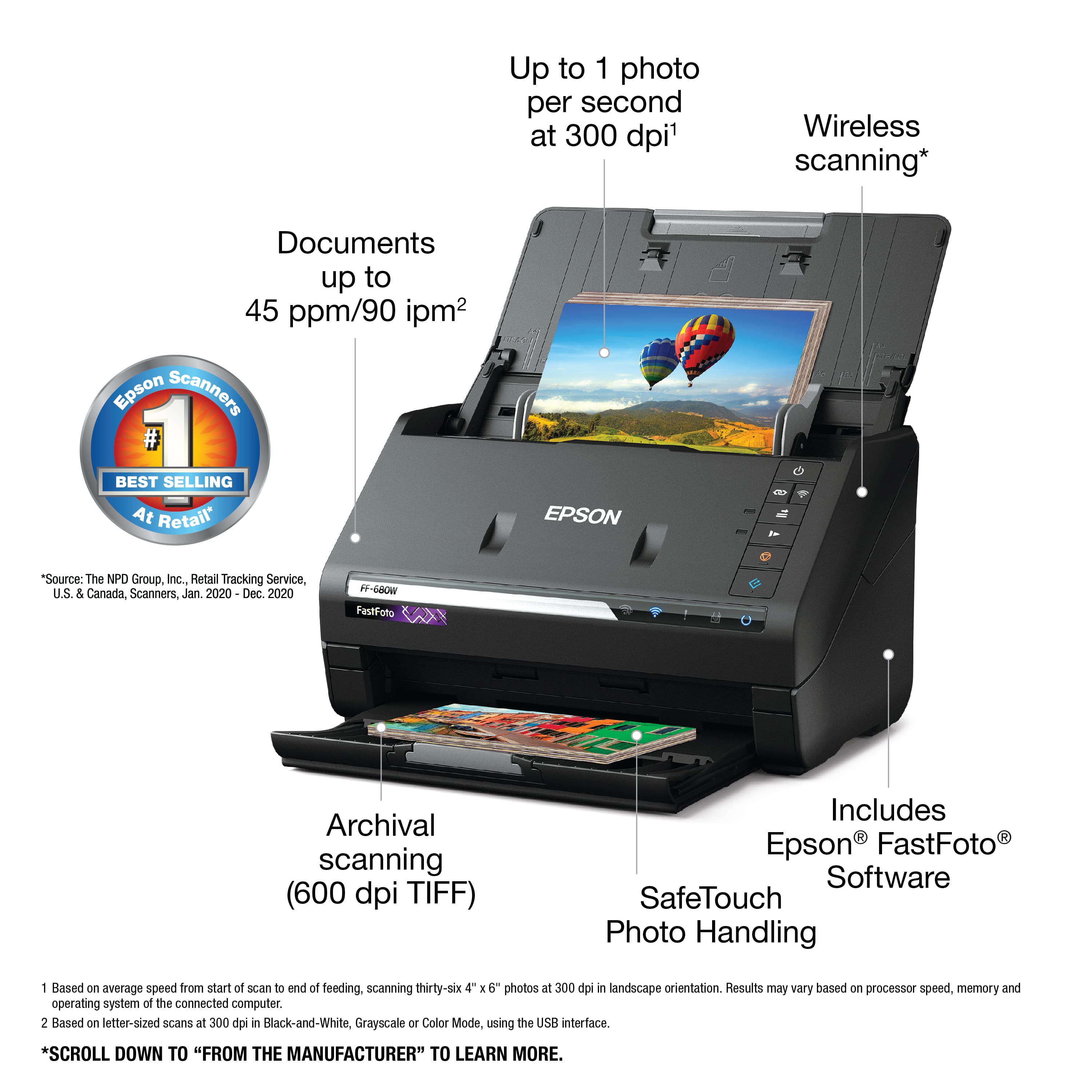
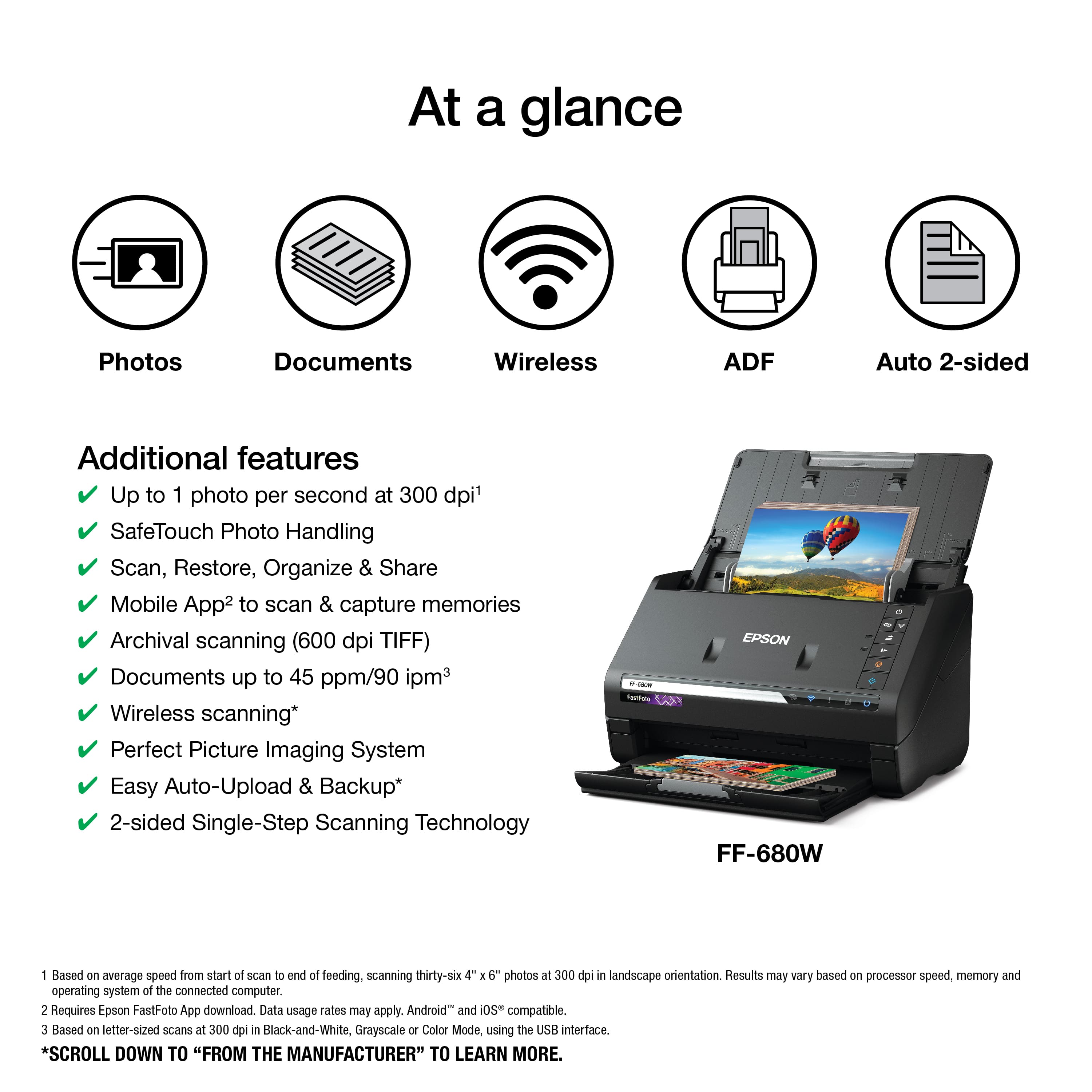
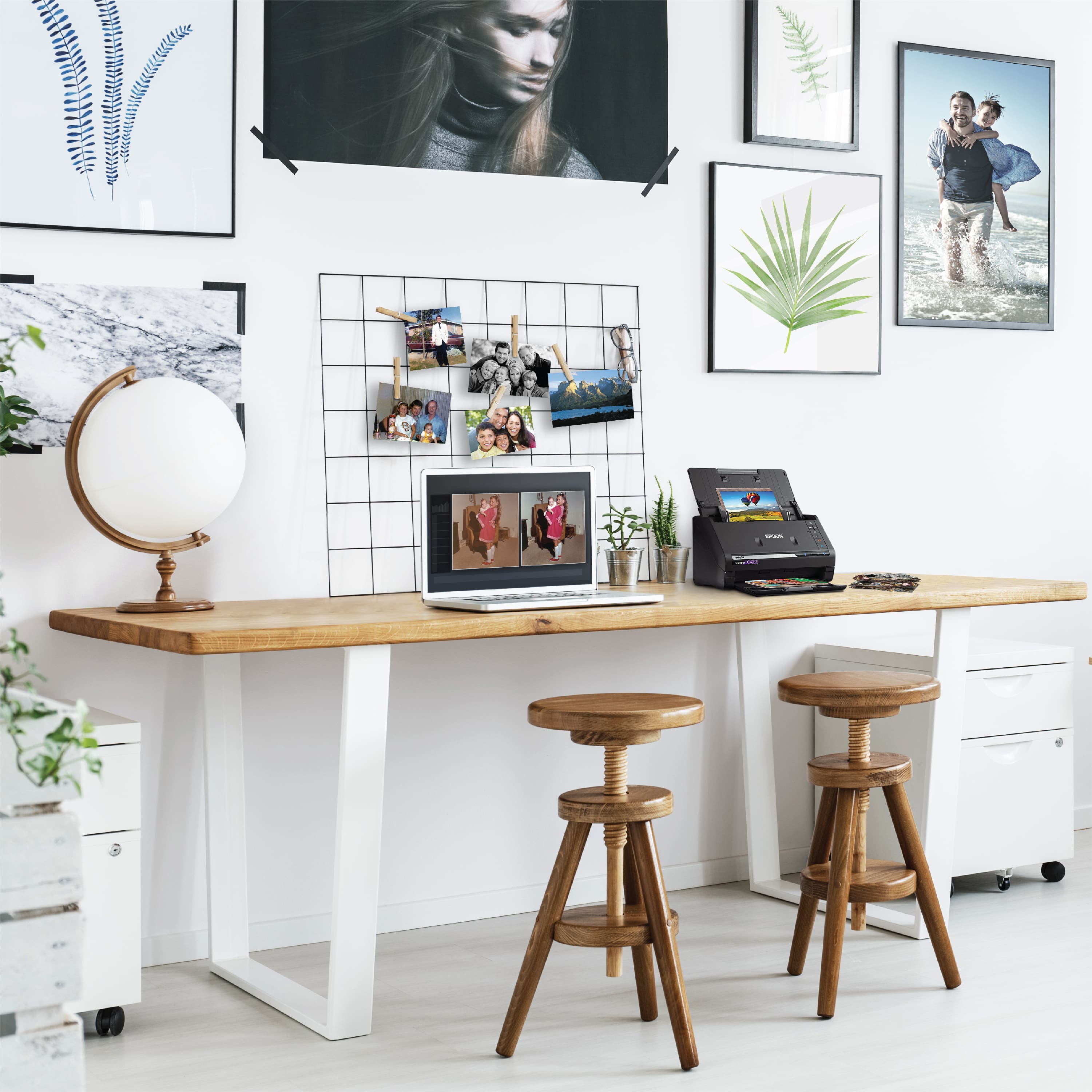
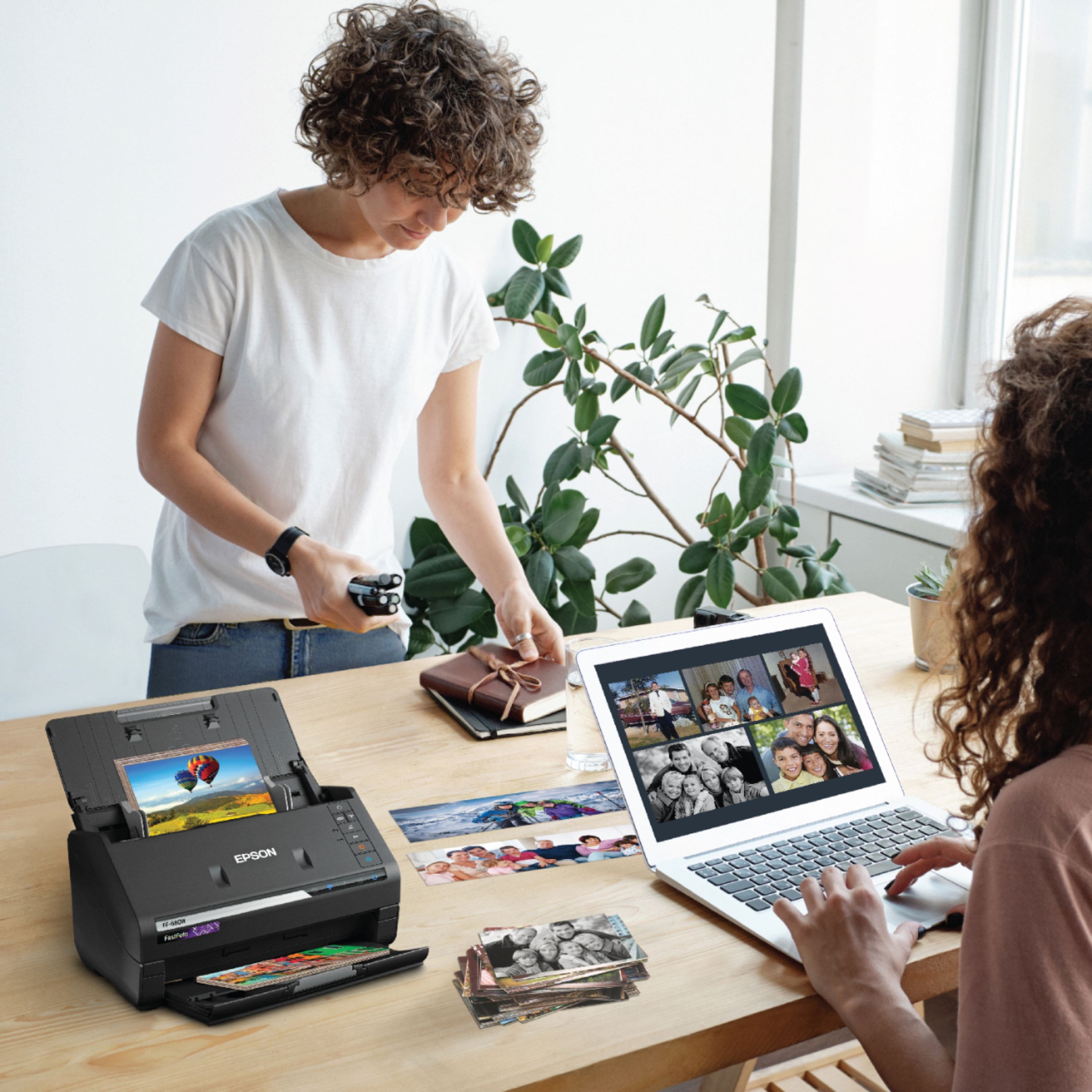
A:AnswerHi cjsantz, The Software included with the FastFoto FF-680W allows you to add comments to each scanned photo, so you can include information about the photo. If there is writing on the back side of your photos, you can even scan both sides at the same time. The software makes sure both scans stay together. Regards, Mark - The Epson Team.
A:AnswerHi KingMiles. Yes, the Epson FastFoto FF-680W scanner can be connected to multiple computers via a wireless network connection. Regards, Bobby - The Epson Team.
A:AnswerTo Epson reply: That didn't answer my question. Can I put 4 photos in the carrier sheet and scan them then use the software to individually crop them (or a 2nd party software). One at a time in the carrier sheet seems inefficient since I have many delicate photos that shouldn't be batched thru the feeder. Thanks.
A:AnswerNavigate to the following location: "C:\Users\USERNAME\AppData\Roaming\EPSON\FastFoto". Open the file config.json.
Look for the folder name you want to reset the count on. You should see something like this:
"Key": "My Album",
"Value": xx
Change from "Value": xx to "Value": 0 and save the file