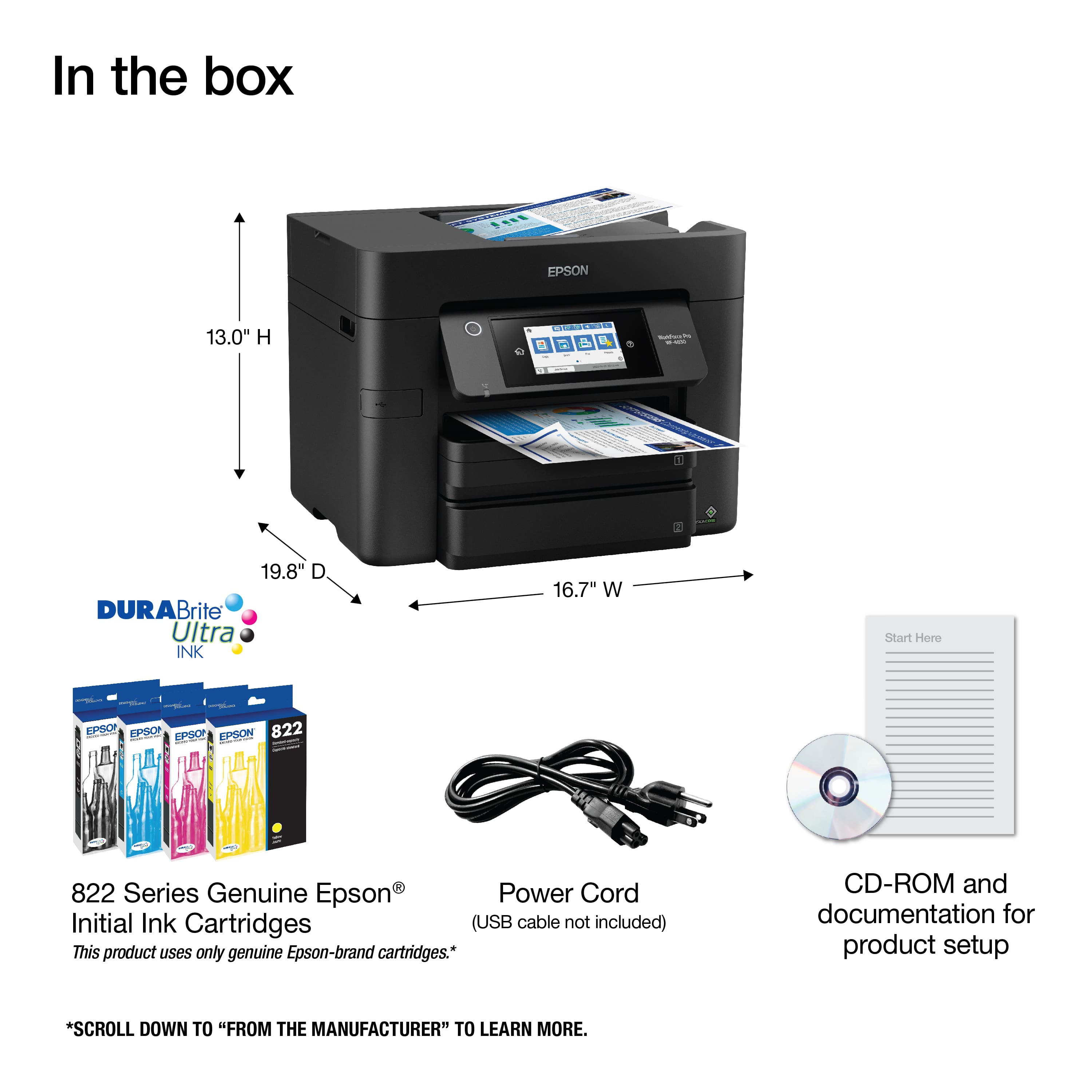
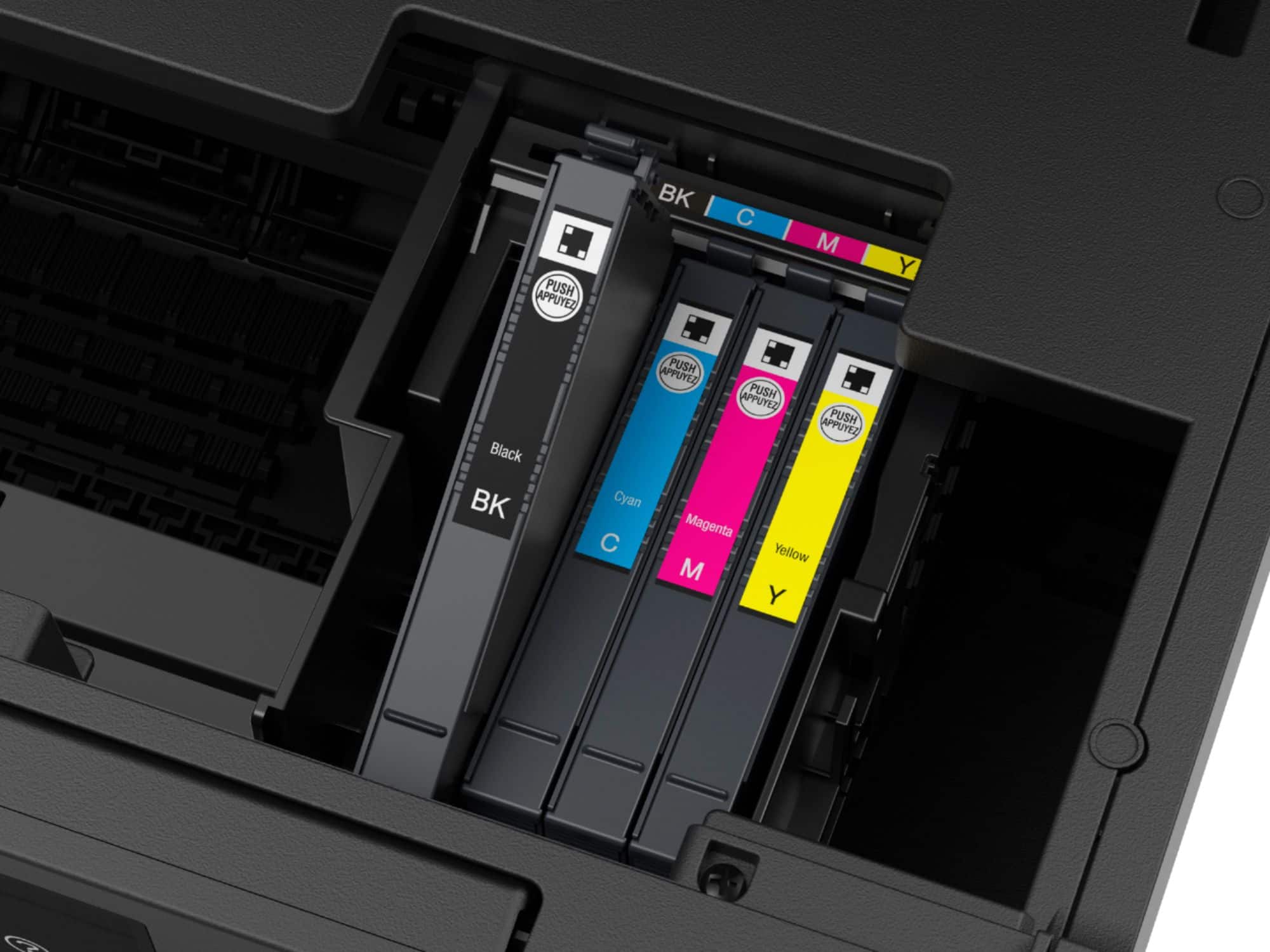
A:AnswerHello. The WF-4830 is designed to only work with genuine Epson T822 and T822 XL Ink Cartridges. Using generic Ink Cartridges in the printer can void different aspects of warranty coverage. For more details, please visit our official Epson Support page. Regards, Kevin - The Epson Team.
A:AnswerHi, Have you checked the settings in the WF-4830's print driver to make sure it is set for color? Is the software you are using sending a color document to the printer? There are a few other reasons why the printed output is not in color, when that is what you expected. Try printing a nozzle check using the front-panel controls and see if it comes out in color. Visit the Epson support site for user's guides, FAQs and videos about your printer for more assistance. Regards, Mark - The Epson Team.
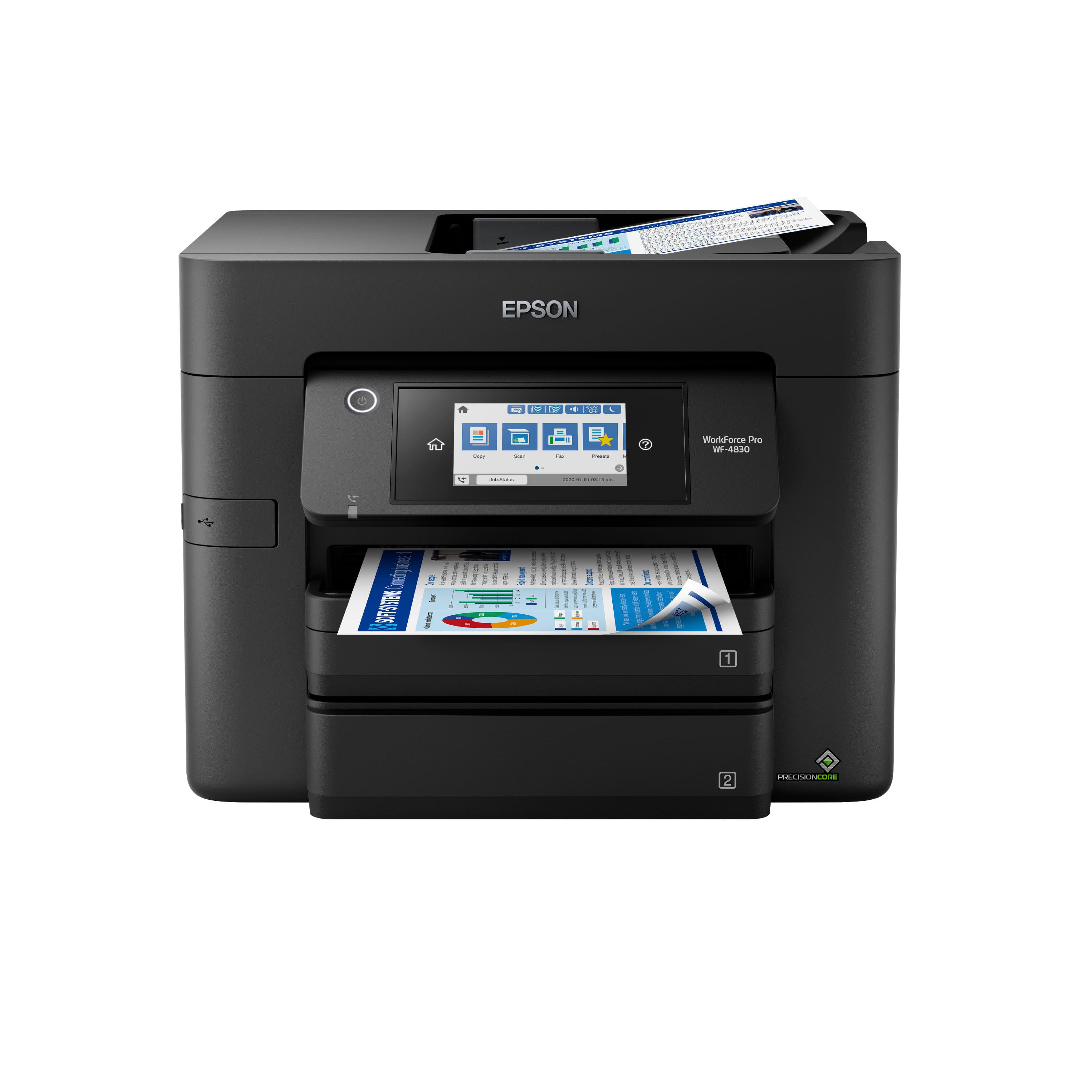
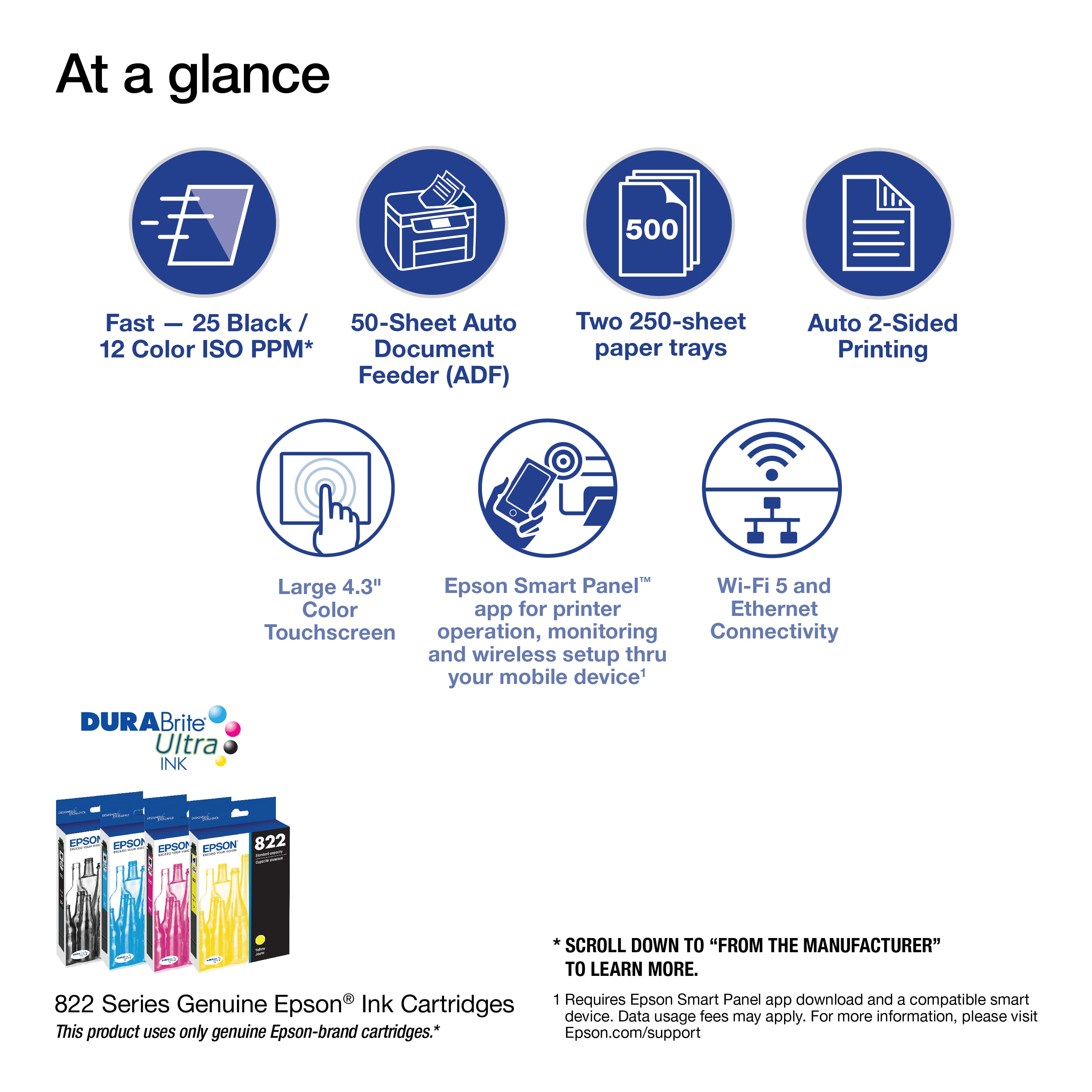
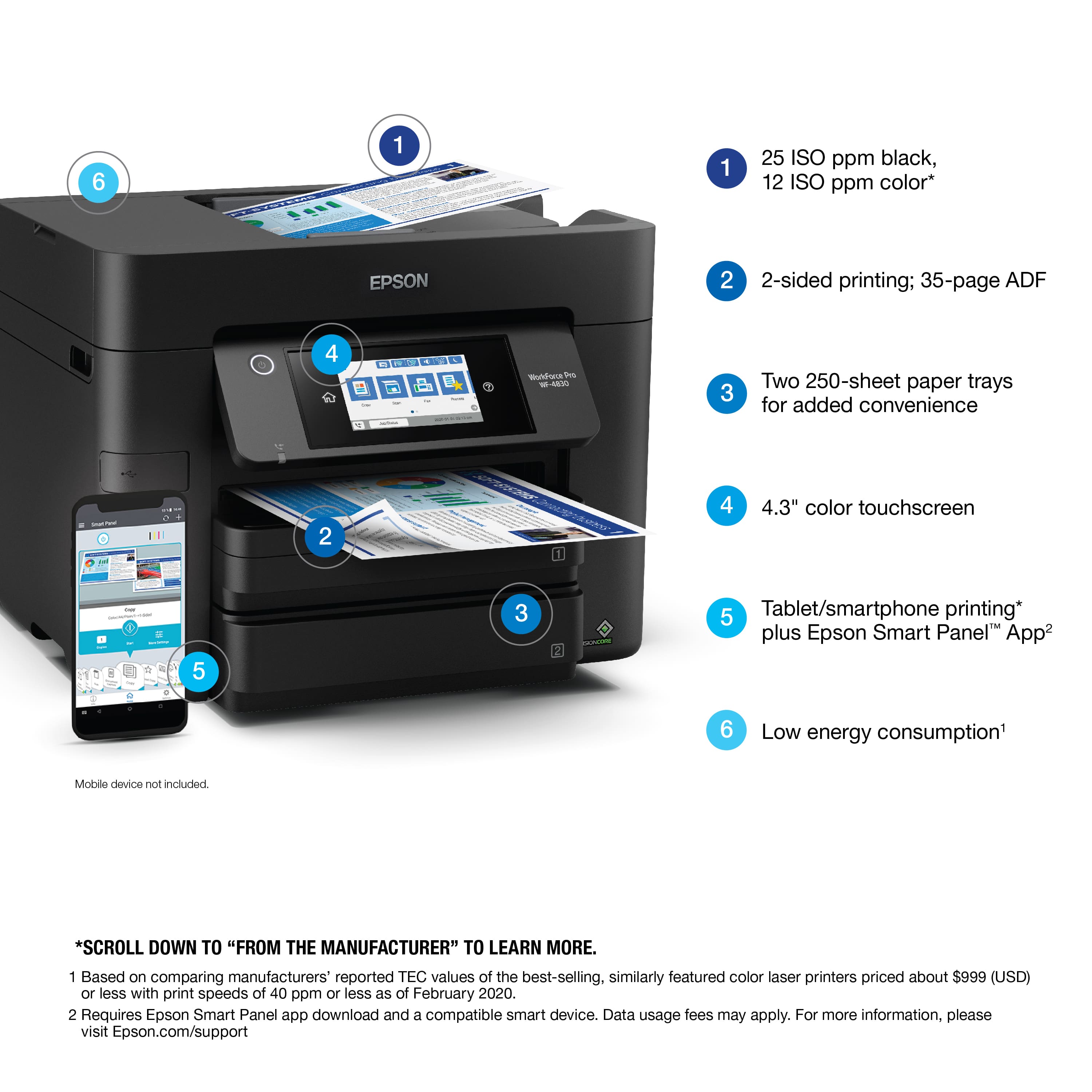
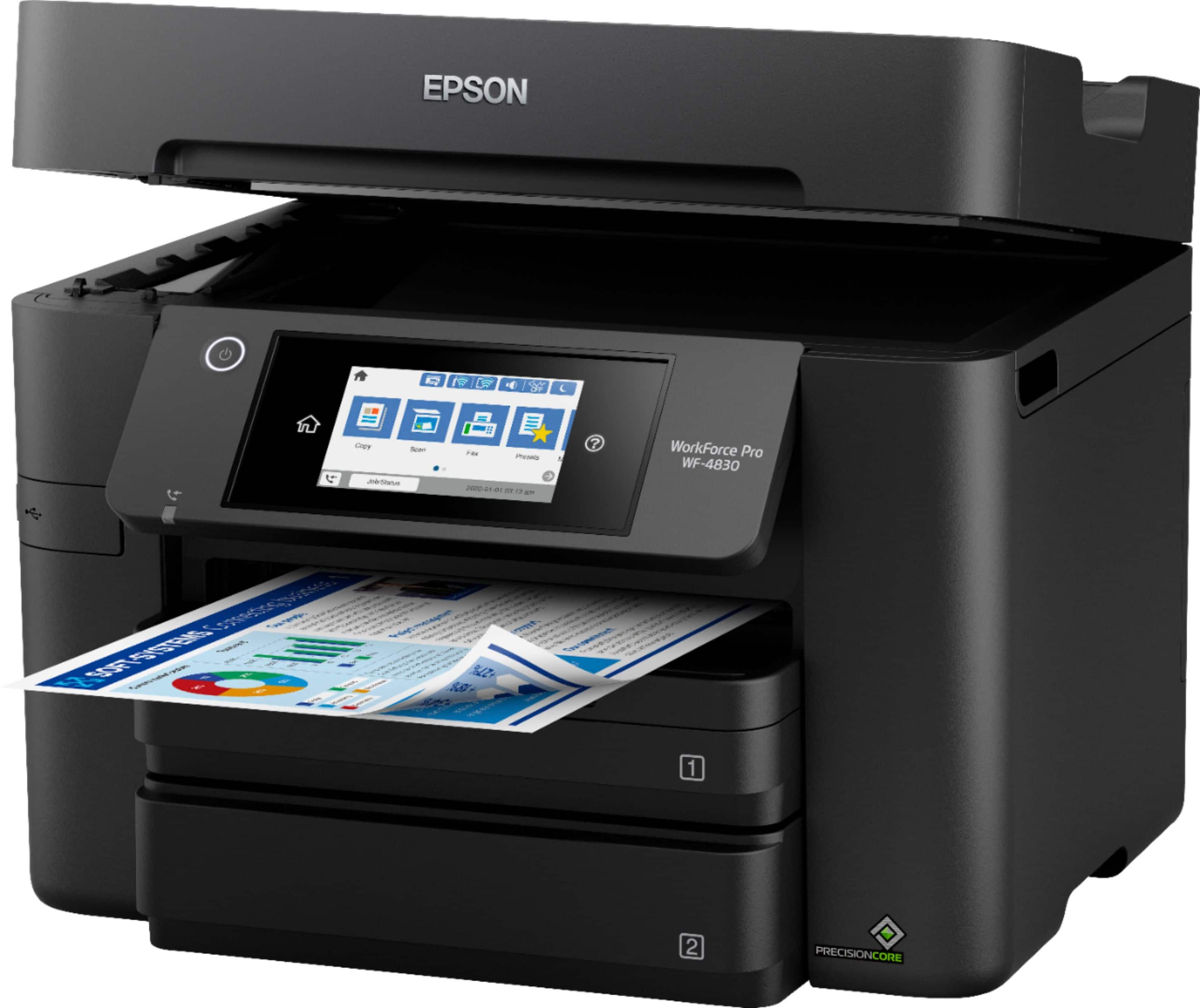
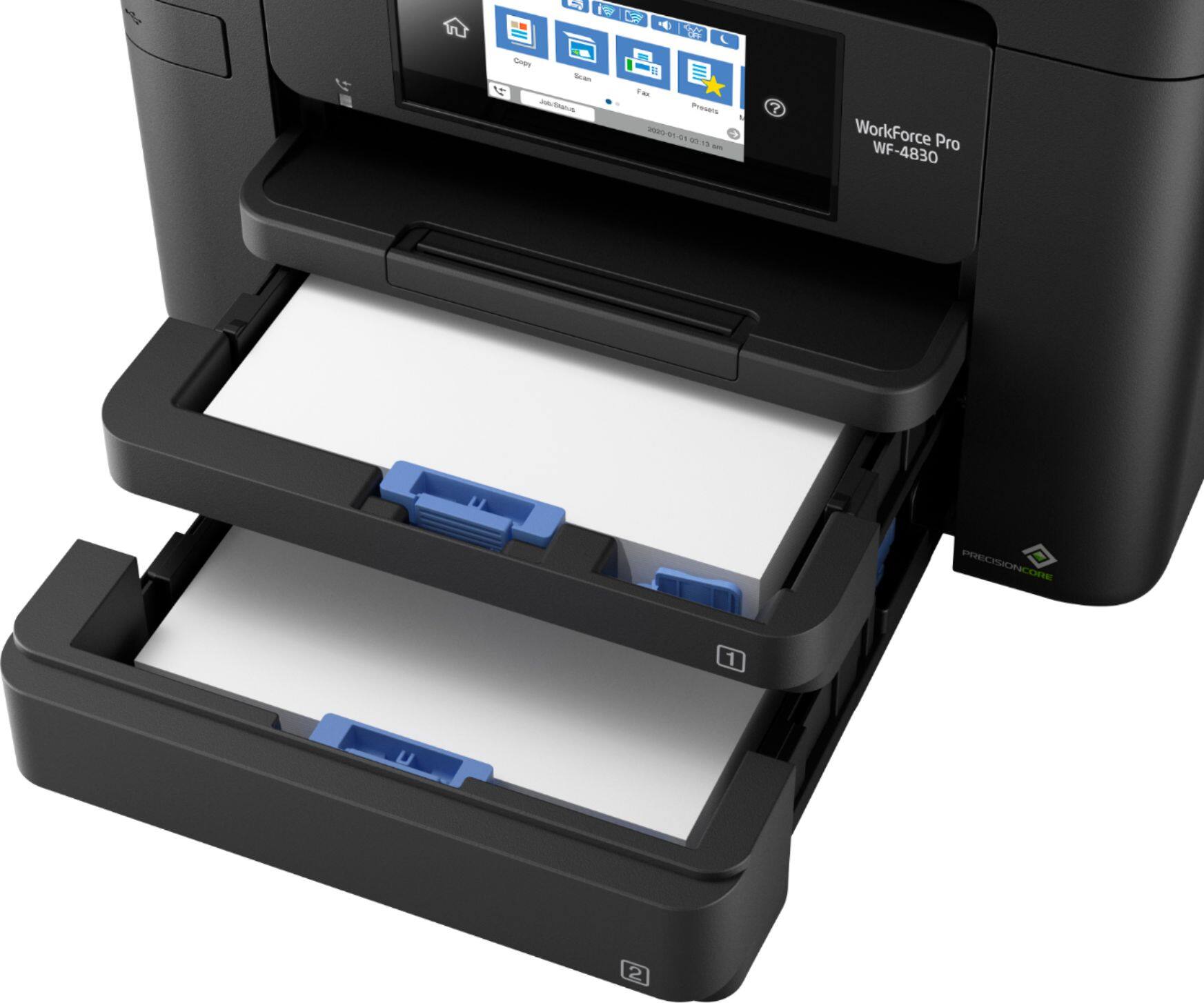
A:AnswerHello Kim. Yes, the WF-4830 includes two separate paper cassette trays. Each tray can hold approximately 250 sheets of plain paper. Regards, Kevin - The Epson Team.
A:AnswerHi, Yes, the WorkForce Pro WF-4830 has a Mirror Image setting in the printer driver. It is under the More Options tab. Regards, Mark - The Epson Team.
A:AnswerHello TSAL. Envelopes can only be loaded in the lower paper cassette of the WF-4830. Unfortunately, the printer does not include a rear paper feeder. Regards, Kevin - The Epson Team.
A:AnswerHi JMK, You can use the WorkForce Pro WF-4830's second paper cassette for Legal (8.5" x 14" paper). If you load Letter-size paper in cassette 1, when you send a print job, the WF-4830 will draw paper from the correct cassette based on the print job. You can scan Letter or Legal paper in the auto document feeder, but you will have to save the different size paper batches to separate PDF files. You can use PDF editing software to combine the files into one file and reorder the sheets. PDF editing software is not included with the WF-4830. Regards, Mark - The Epson Team.
A:AnswerHello NICHOLAS. The WF-4830 can copy a variety of paper-type documents. Without knowing the specific paper type used on particular "bank documents," it will be difficult to confirm. Generally speaking, transparent paper types like film will be complex for the printer to copy, so if the bank document is on a standard paper type and there is no special ink or reflection on the document, it is more than likely to work. Regards, Kevin - The Epson Team.
A:AnswerHello. Yes, the WF-4830 includes a 1-year limited warranty in the U.S. and Canada. For warranty coverage information, please visit our official Epson Product Support page. Regards, Kevin - The Epson Team.
A:AnswerHello Suze. Yes, the WF-4830 is compatible with Windows 7. You can find the latest print driver available on our official Epson Support page. Regards, Kevin - The Epson Team.
A:AnswerHi Kam. Unfortunately, we have not tested the WF-4830 with teslin paper, so we cannot guarantee print functionality. We recommend reaching out to the paper manufacturer to confirm compatibility with our All-In-One Inkjet printers using pigment-based inks. Regards, Syd - The Epson Team.
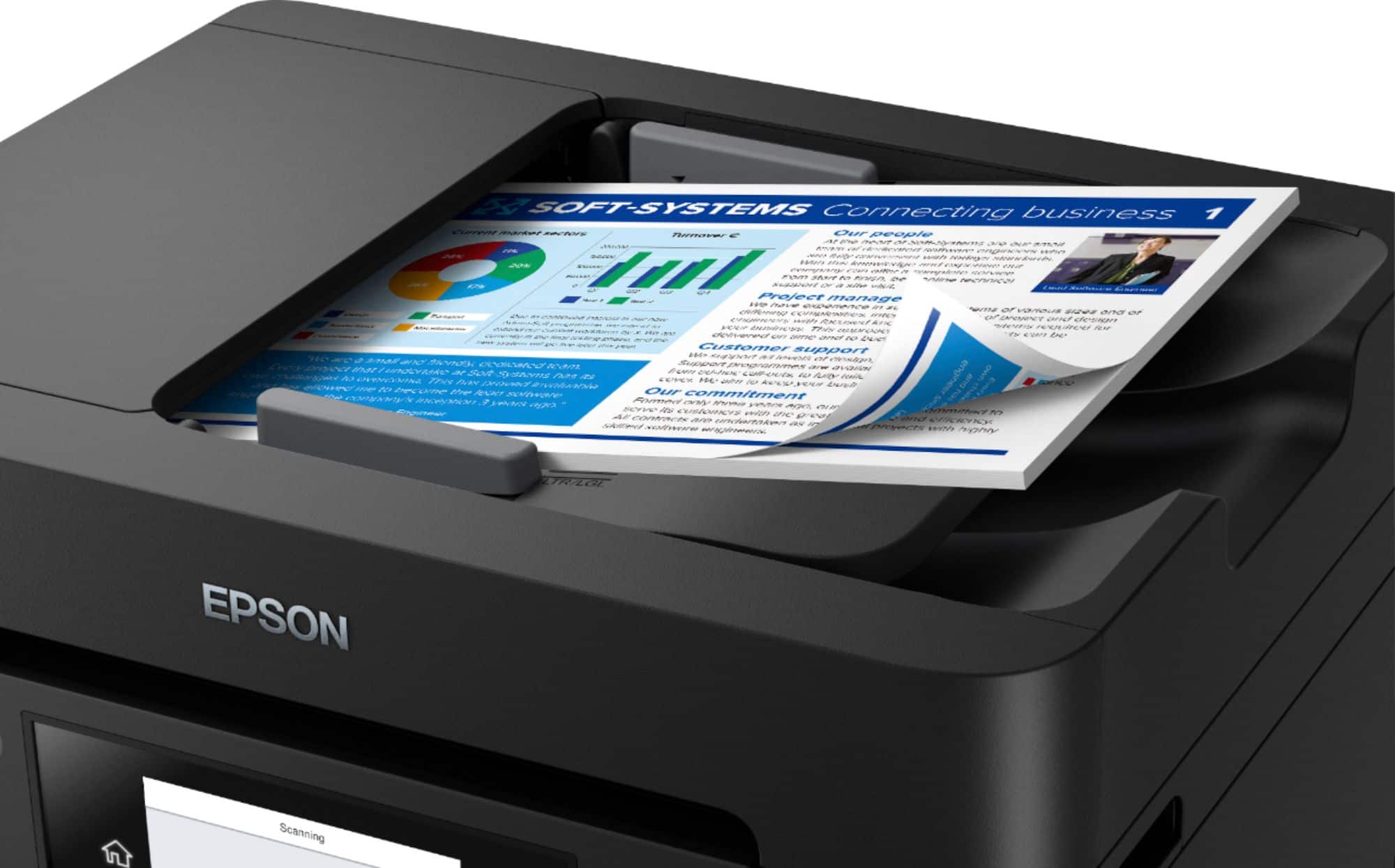
A:AnswerHello Moe. Yes, the WF-4830 includes a flatbed or auto document feeder for scanning. The maximum supported size for the flatbed is 8.5" x 11.7". Regards, Kevin - The Epson Team.
A:AnswerHello Shopper. Yes, the WF-4830 can scan multiple pages of 8.5" x 14" sized documents. The Automatic Document Feeder can load approximately ten legal-sized originals. Regards, Kevin - The Epson Team.
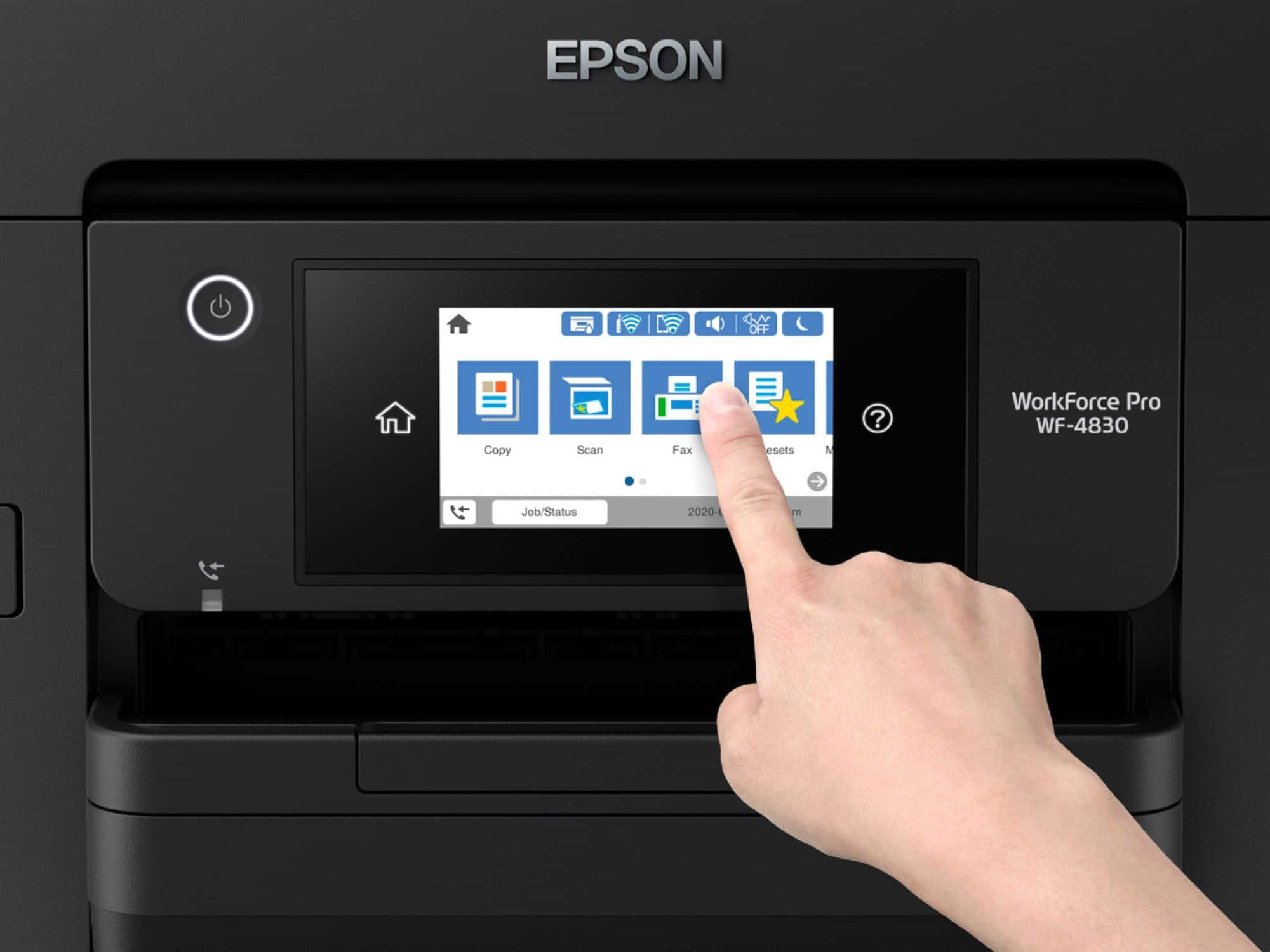
A:AnswerHello Shopper. To send a fax from the control panel on the WF-4830, you start by loading the paper. Select the Fax option, enter a fax number or select a contact. The next step is to choose your Fax settings or pick a created preset that already has your Fax settings pre-loaded for you. Then you press the Fax button, and you are all done; it is reasonably straightforward and easy to follow. Regards, Kevin - The Epson Team.
A:AnswerHello AllanH22. Unfortunately, we do not have a trade-in ink program. Please feel free to contact our Technical Support team to assist you if you would like to troubleshoot the Wi-Fi issue on your WF-645. Regards, Kevin - The Epson Team.
A:AnswerHello Mel. Scan speeds on the WF-4830 can vary based on different variables that include system configuration page complexity and size. Regards, Kevin - The Epson Team.