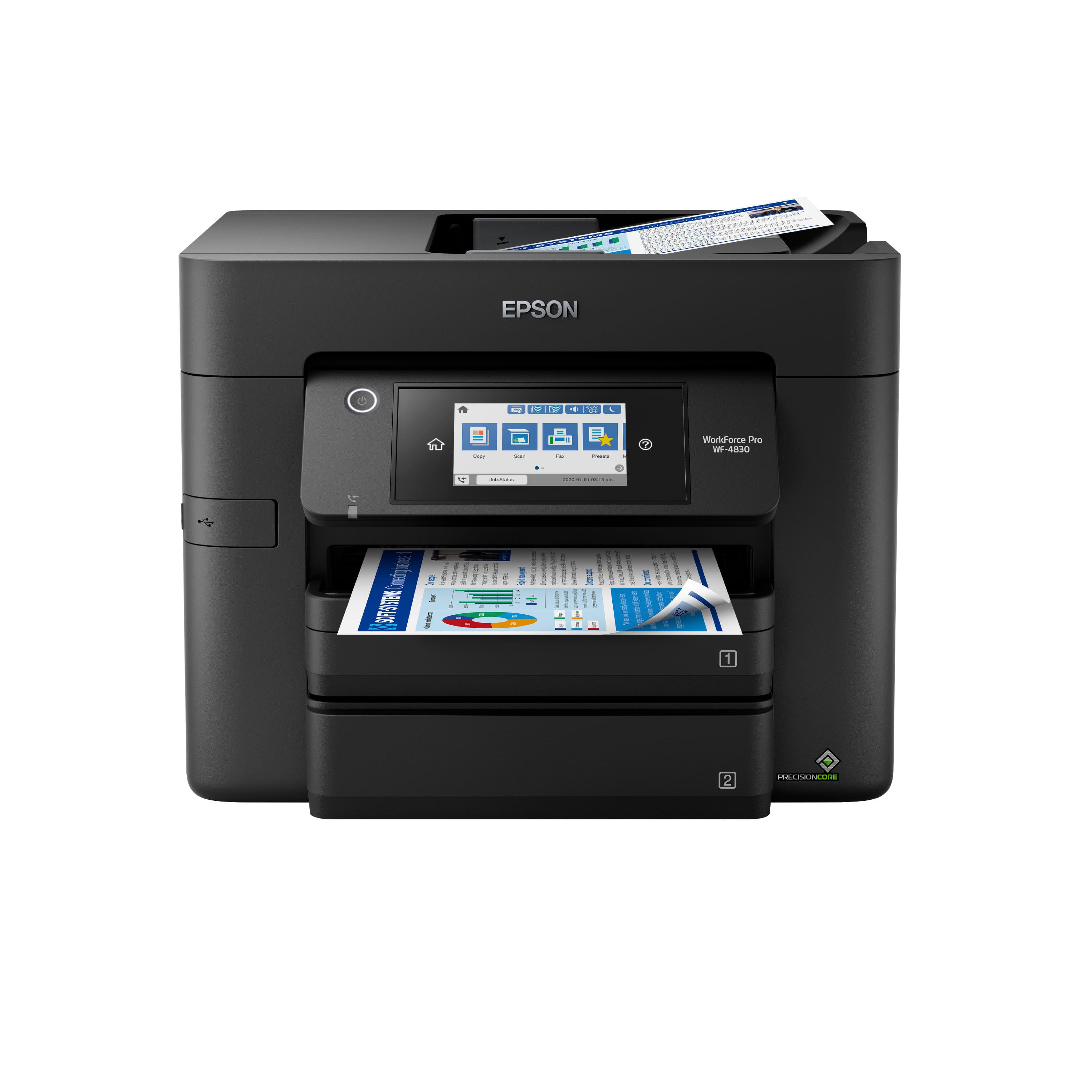
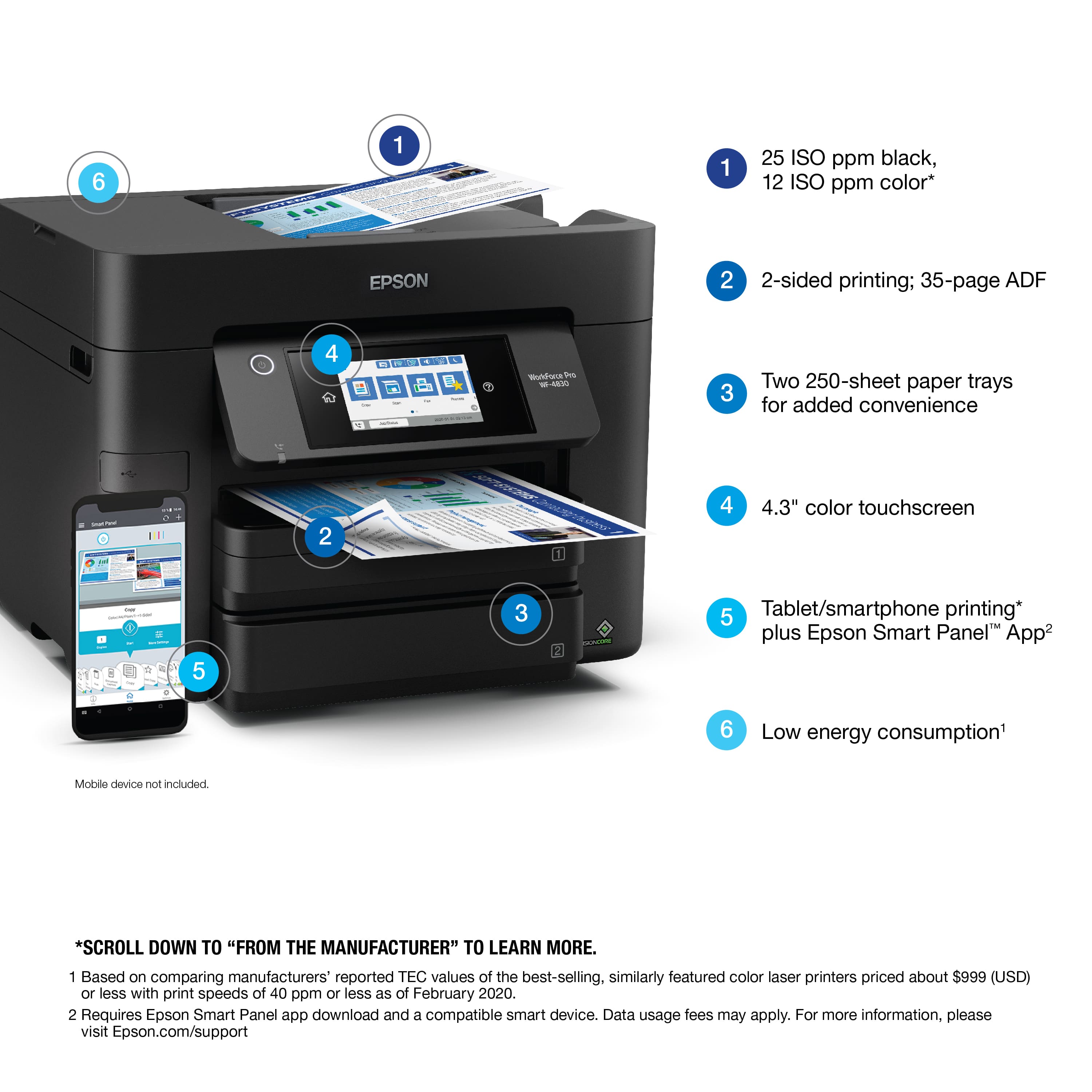
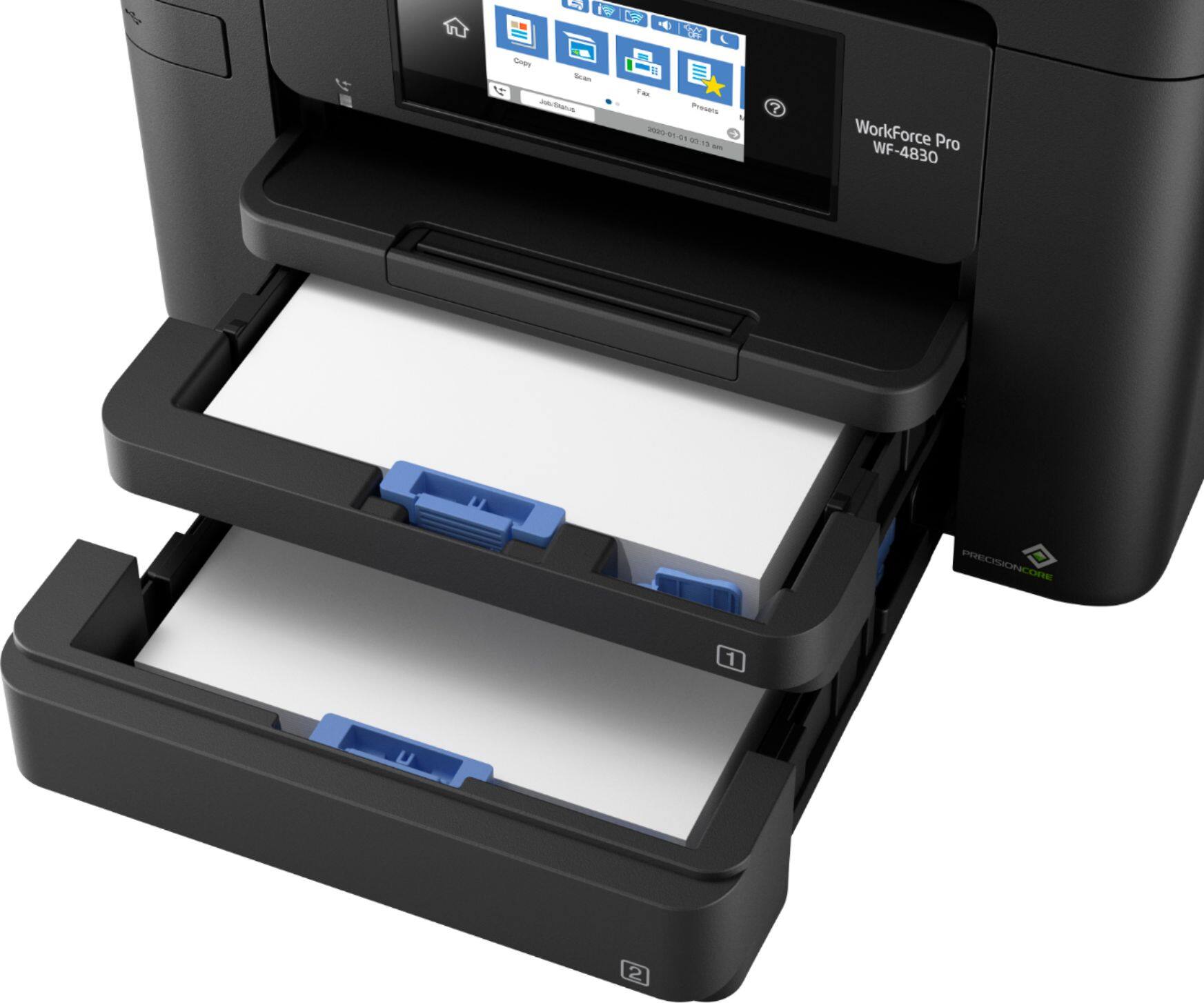
A:AnswerHello cindymac. The WF-4830 can load 8.5" x 11" sized paper in one cassette and 8.5" x 14" in the other. When printing, ensure that you select the correct paper source and size on your computer's print settings. Regards, Kevin - The Epson Team.
A:AnswerHello Mike. Yes, the WF-4830 is compatible with Windows 11. Please visit our official Epson Support page to download the latest driver. Regards, Kevin - The Epson Team.
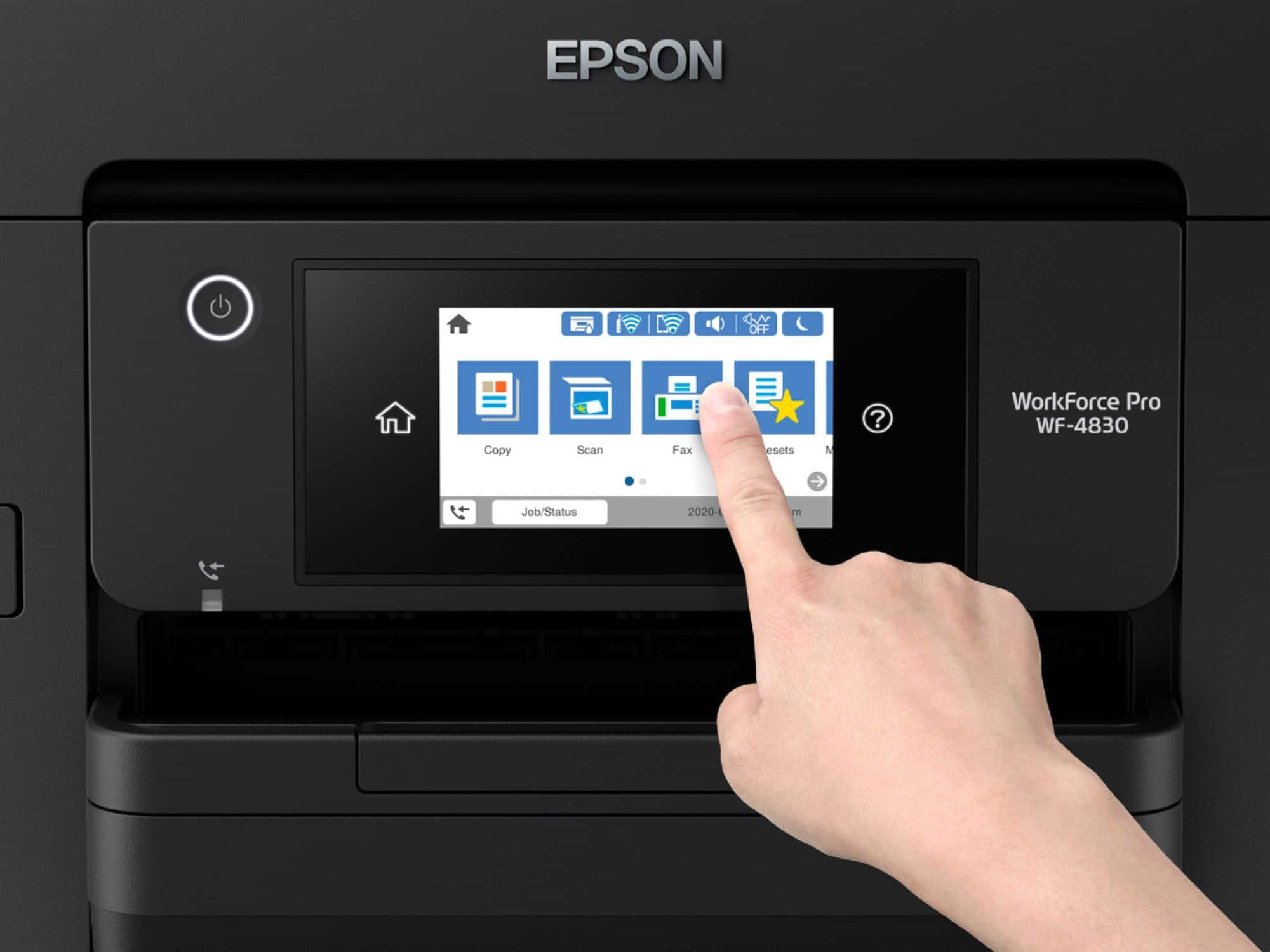
A:AnswerHello rshu. Yes, the WF-4830 includes a "scan to email" feature. You can send this attachment directly from the printer's control panel and set up a contact list to make the process faster. Regards, Kevin - The Epson Team.
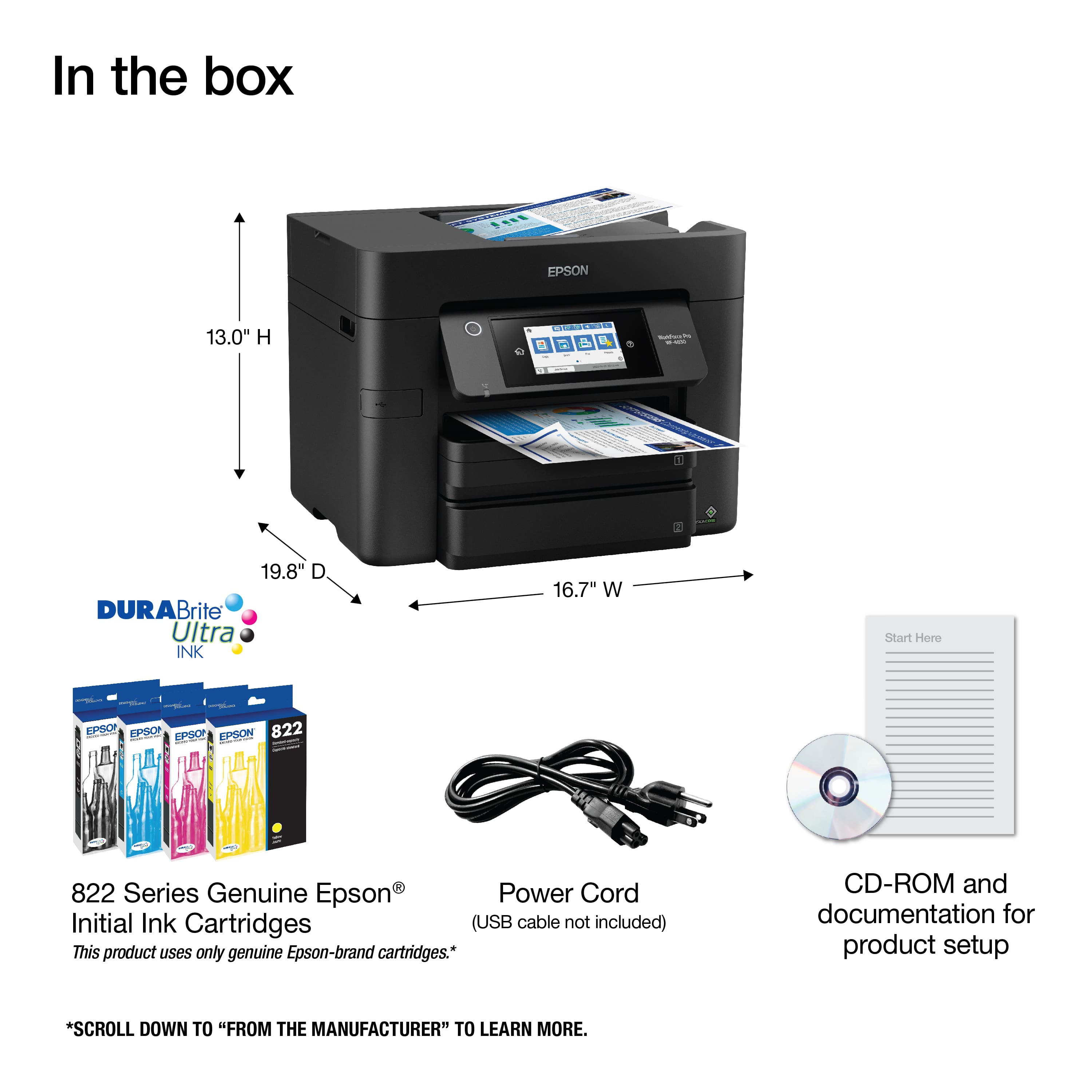
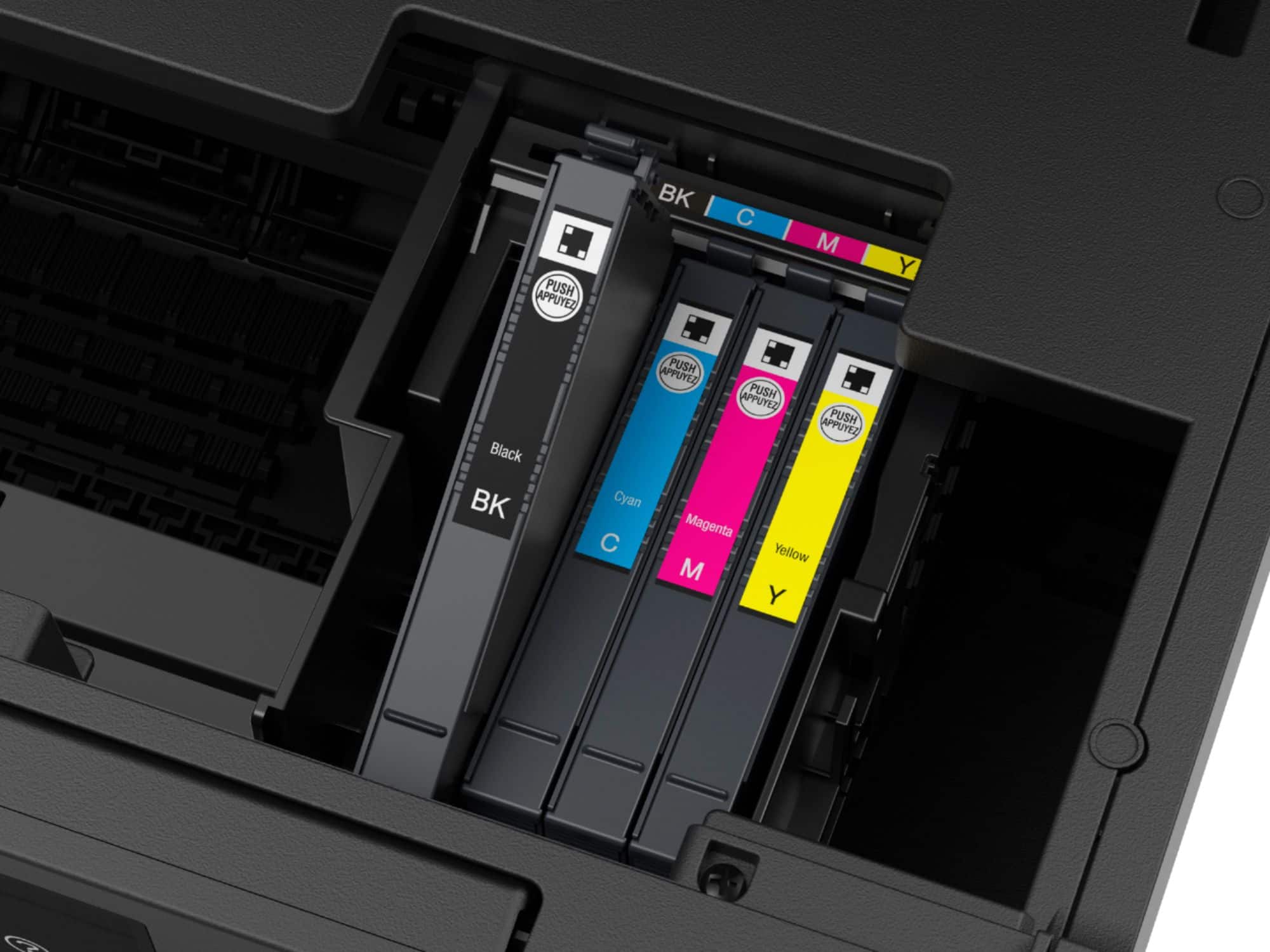
A:AnswerHi Morris. Yes, the Epson WF-4830 includes four ink cartridges (Cyan, Magenta, Yellow, and Black) for the initial setup only. Most of this ink is used to charge the ink delivery system, and the rest will be available for printing. Regards, Kevin - The Epson Team.
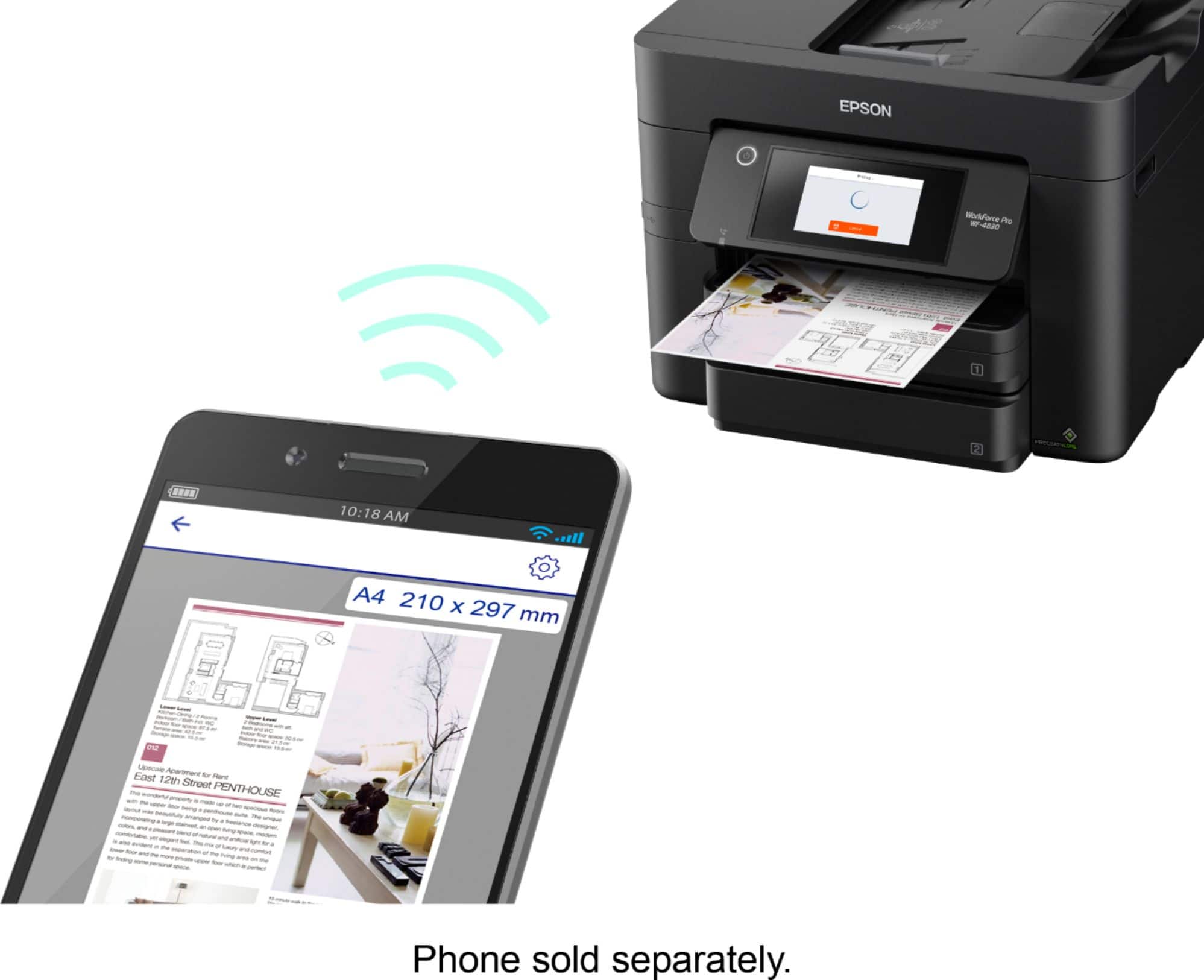
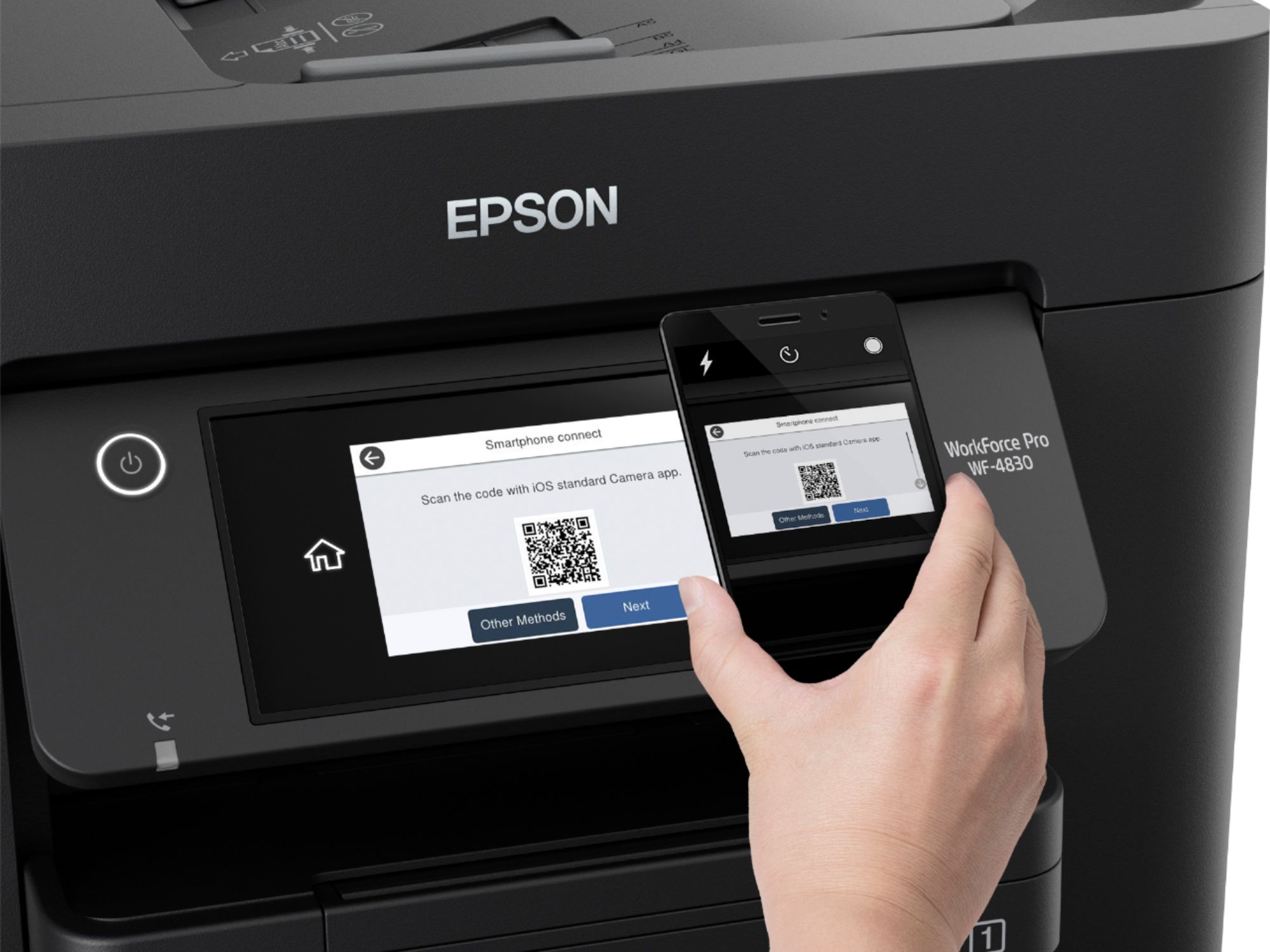
A:AnswerHi Glory, Yes you can. If the WorkForce Pro WF-4830 and your Apple device are connected to the same Wi-Fi network, you can use the built-in AirPrint feature to print and scan. Regards, Mark - The Epson Team.
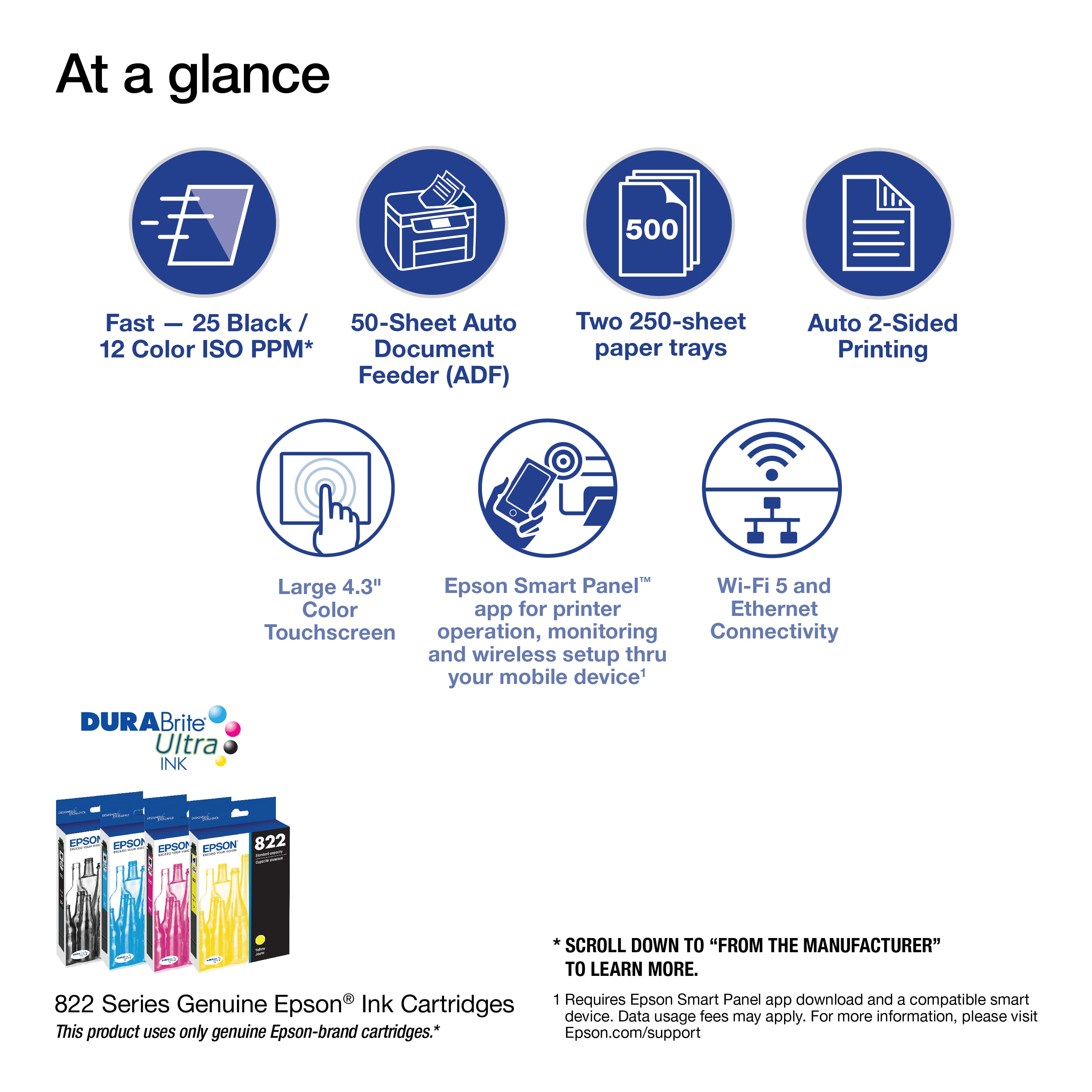
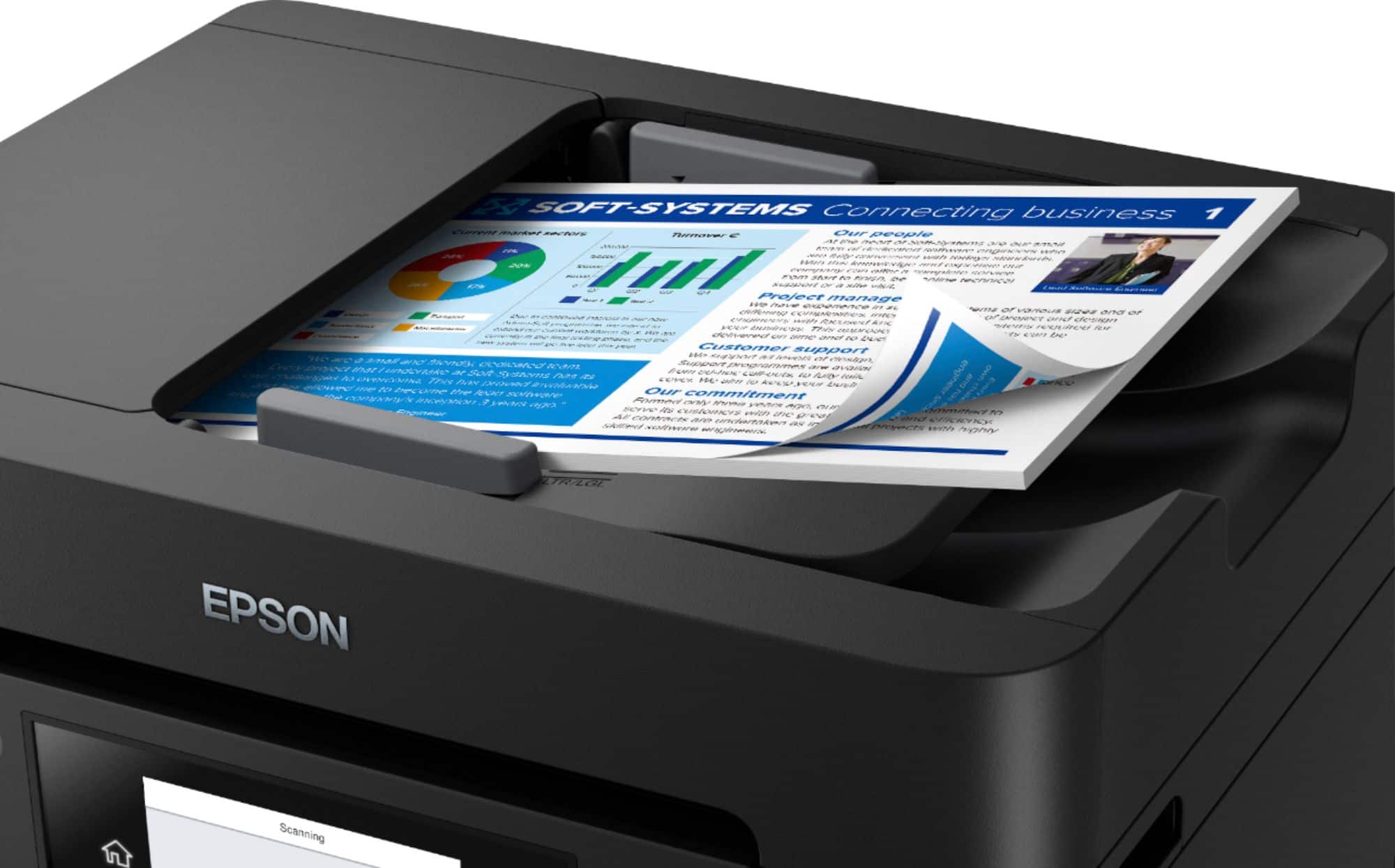
A:AnswerHi Ihavequestions, Yes, you can. The automatic document feeder on the WF-4830's scanner hold 50 sheets of plain paper for scanning large jobs. Regards, Mark - The Epson Team.
A:AnswerALL of the scanning features of the WF4830 stopped working after an EPSON firmware update in 2024 using WINDOWS 11 PRO. The printer feature still works.
The PC and WF4830 are connected by a USB cable.
Tried multiple re-installs with the virus checker and VPN disabled making no difference.
EPSON SUPPORT told me to try different computers and cables. Using the same USB cable, different computers the same WF4830 works with Windows 10, Windows 11, WITH the virus checkers enabled.
Since it was under warranty swapped it with another WF4830, same exact results as above; the scanner features do NOT work with WINDOWS 11 PRO.
Been using EPSON products successfully for decades but in this case EPSON SUPPORT is disappointingly MIA.
A:AnswerHello. Unfortunately, the WF-4830 cannot print on 11" x 17" paper. The maximum supported paper size is 8.5" x 47.2". Regards, Kevin - The Epson Team.
A:AnswerHello TomB. Yes, the WF-4830 can be connected to iPhone and Android devices wirelessly via Wi-Fi. Depending on the phone you are using, there are different ways to use your device. We recommend downloading the Epson iPrint app to set up your phone with the printer to get started. Regards, Kevin - The Epson Team.
A:AnswerHello PeteM. Yes, the WF-4830 can scan legal-sized documents via the auto document feeder. It looks like most WorkForce models are currently out of stock on BestBuy's website. We recommend looking at the ET-4850 EcoTank printer. It's a great alternative to the WF-4830 with very similar features. Regards, Kevin - The Epson Team.
A:AnswerHello Joseph. Yes, the WF-4830 can increase the scale of print size. You can generally make this adjustment under the print settings within your printing software. Regards, Kevin - The Epson Team.
A:AnswerHello Mike. Yes, the WF-4830 can be set up via Airprint on Apple devices. You can also connect the printer via Wi-Fi to a laptop; however, you must install printer drivers first to complete the setup. To download the latest print driver software, please visit our official Epson Support page. Regards, Kevin - The Epson Team.
A:AnswerHello SPM8510. Yes, the WF-4830 can scan photographs with a maximum scan resolution of up to 1200 x 2400 dpi. We recommend using the flatbed scanner instead of the document feeder to help avoid damaging your original. Regards, Kevin - The Epson Team.
A:AnswerHi sal. Unfortunately, we have not tested the WF-4830 with sticker paper, so we cannot guarantee print functionality. We would recommend reaching out to the paper manufacturer to confirm compatibility with our inkjet printers. Regards, Kevin - The Epson Team.
A:AnswerHello Dul. Unfortunately, the WF-4830 cannot print on transparency paper. For a list of supported paper types, please visit our official Epson Support page. Regards, Kevin - The Epson Team.
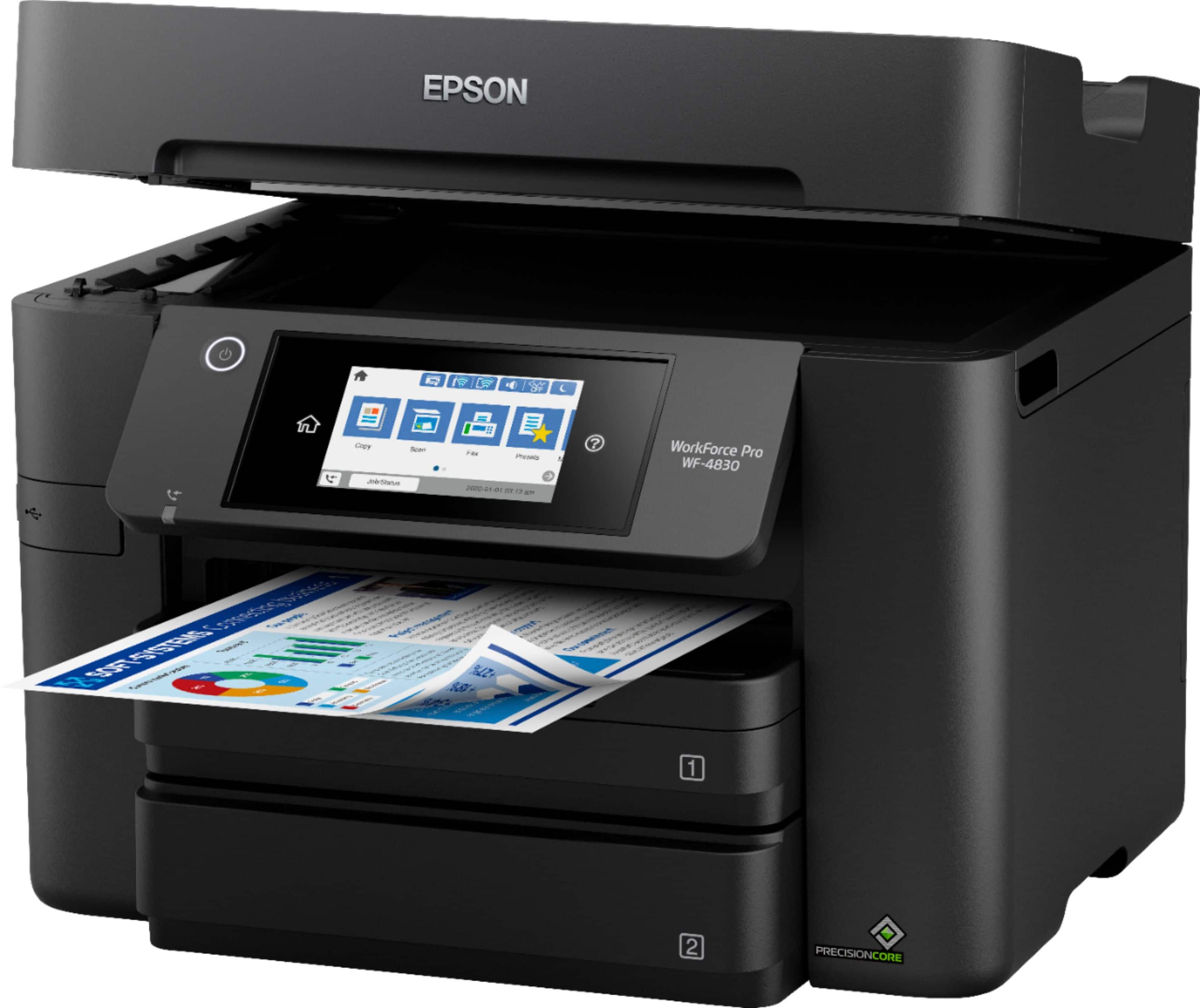
A:AnswerHi Paper, The WorkForce Pro WF-4830 can be loaded with Letter-size paper in one tray and Legal-size paper in the other tray, so you can print from either without changing the paper. Regards, Mark -The Epson Team.
A:AnswerHello toomonkey. Unfortunately, Epson doesn't manufacture payroll check paper to make a recommendation. We suggest reaching out to the paper manufacturer to confirm the best settings for an inkjet printer. Regards, Kevin - The Epson Team.
A:AnswerHello. Yes, the WF-4830 includes fax functionality. To go over the setup process, please visit our official Epson Support page. Regards, Kevin - The Epson Team.
A:AnswerHello FranklinFarley. Yes, the WF-4830 is compatible to work with Airprint on your Apple device. There is no need to install any additional drivers or software for functionality. For more information, please see the User's Guide on the official Epson Support page. Regards, Kevin - The Epson Team.