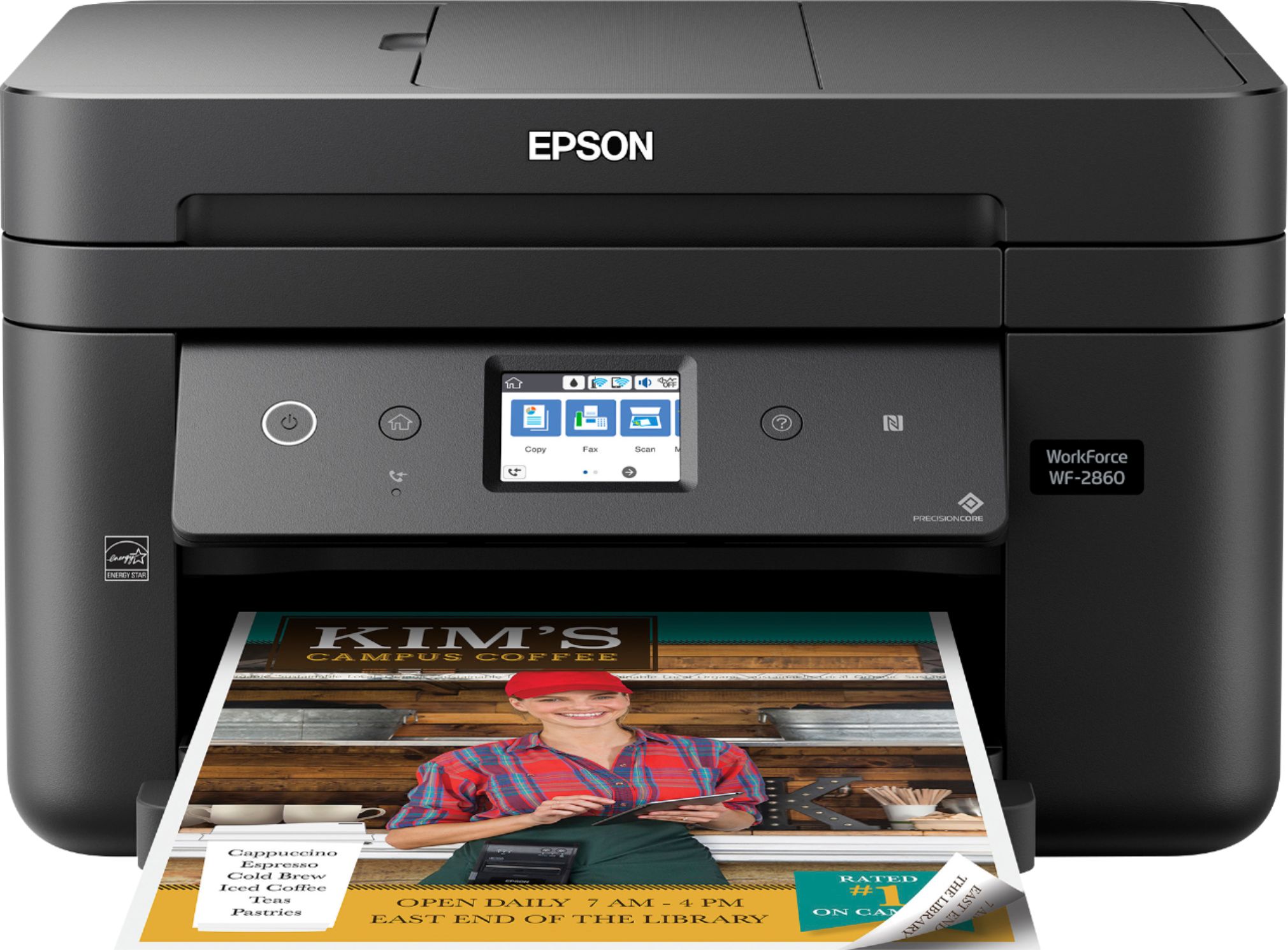
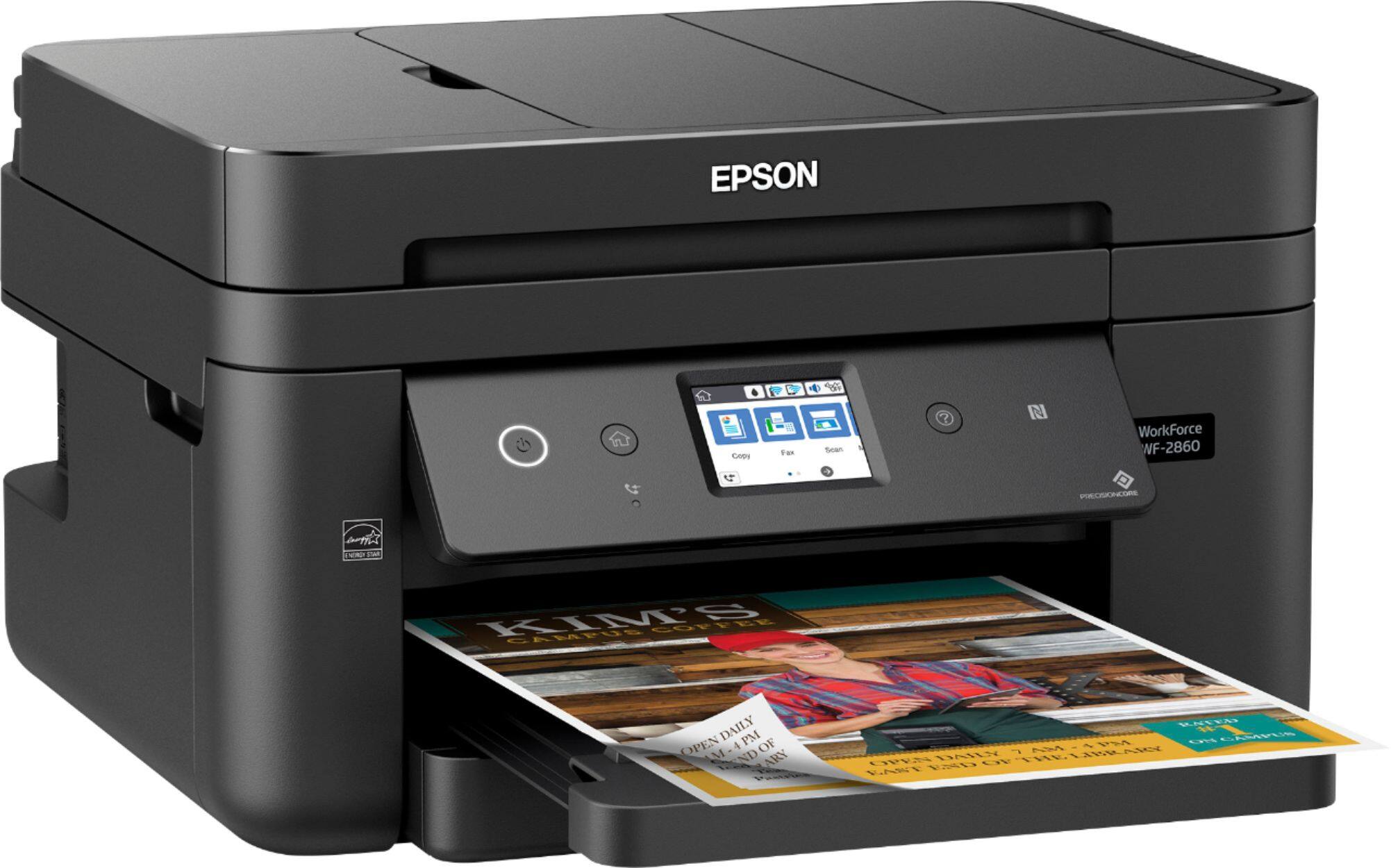
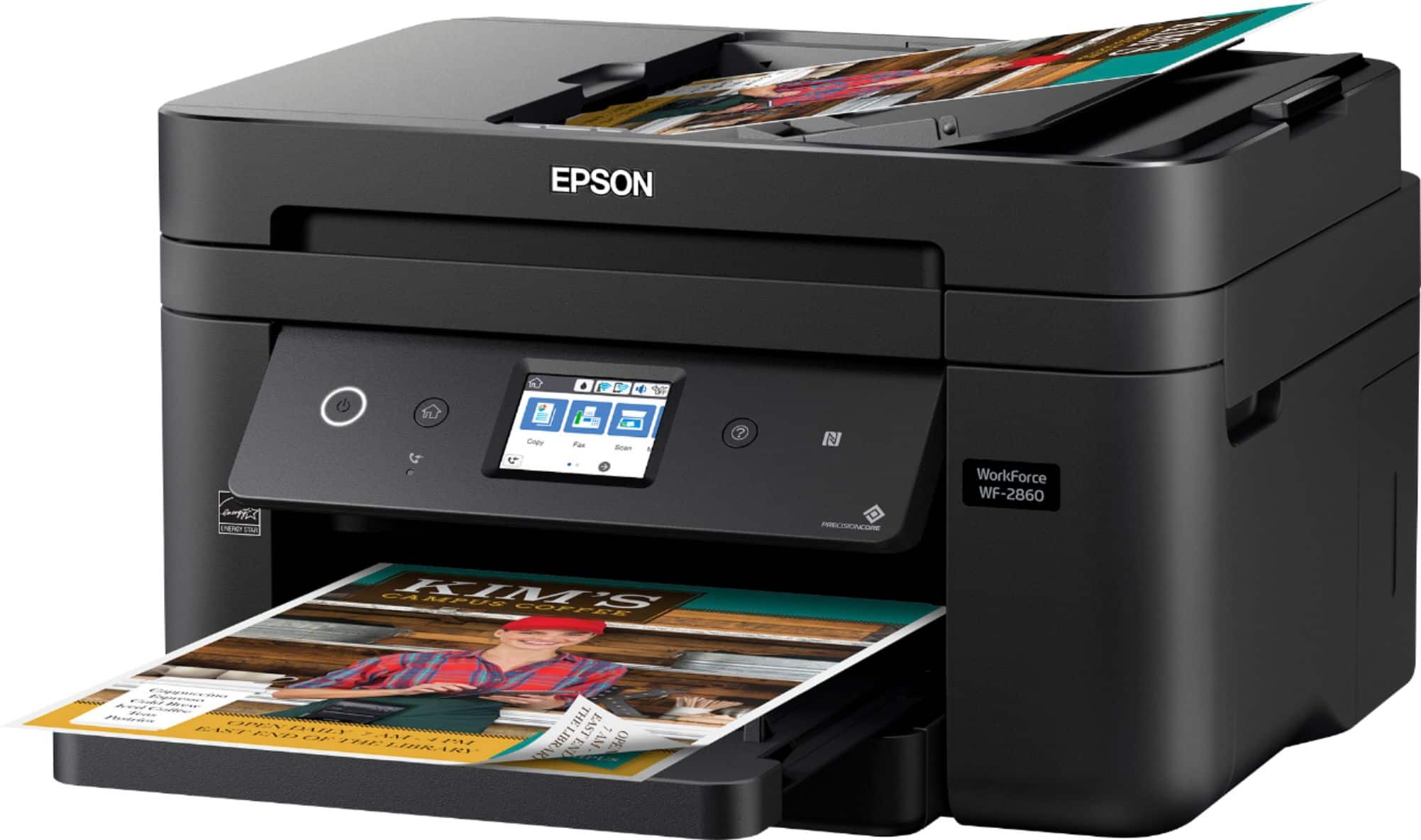
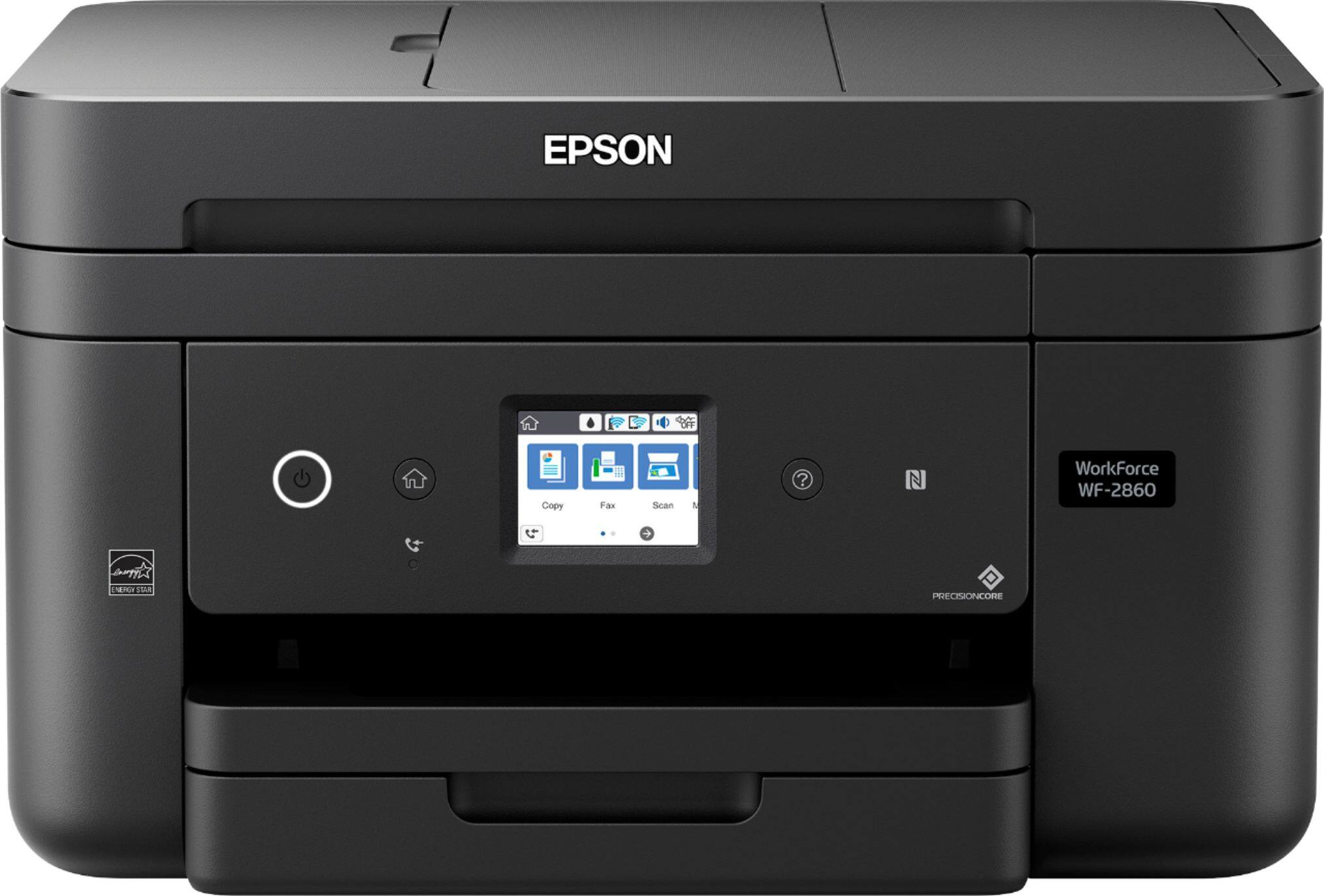
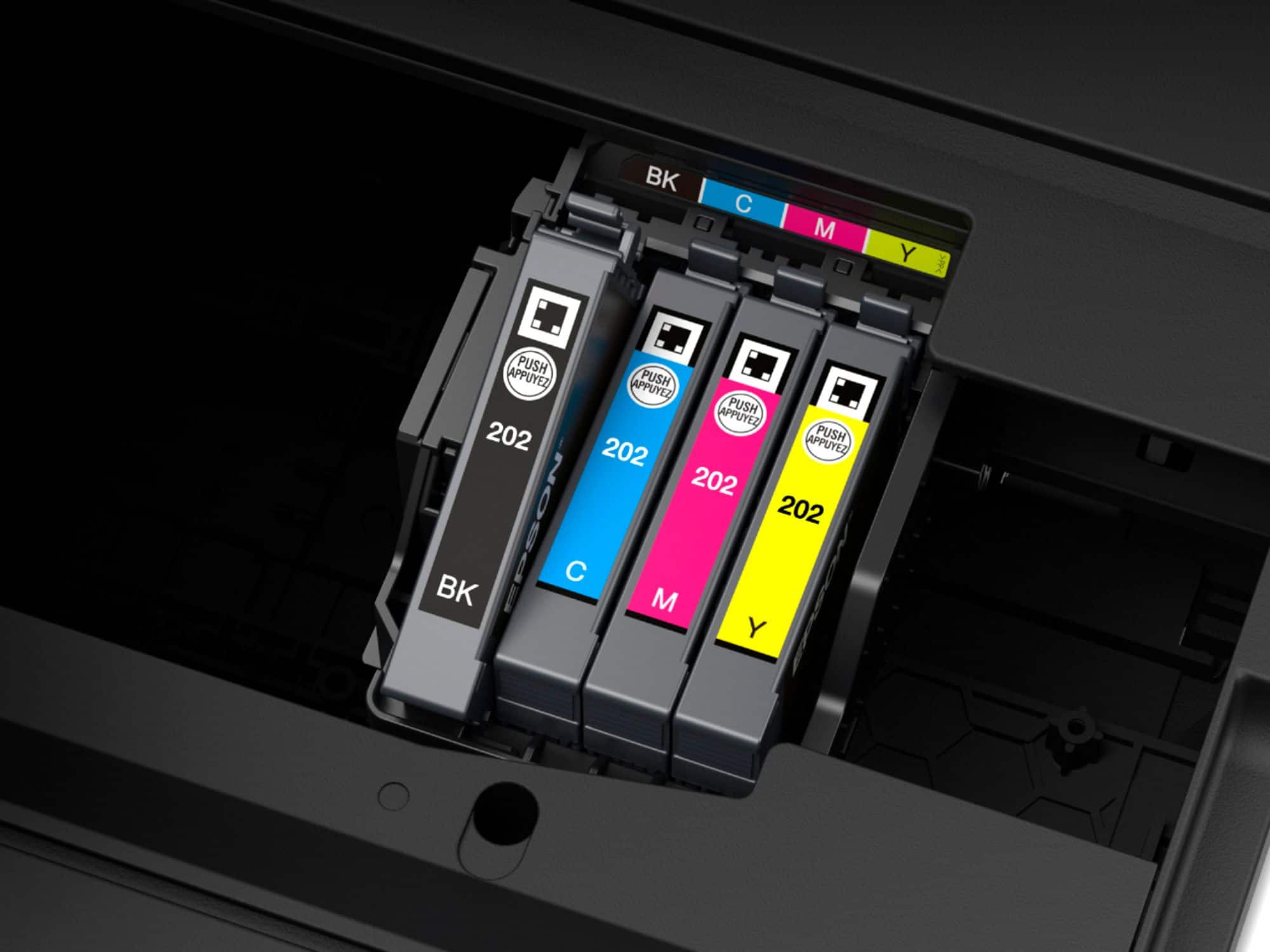
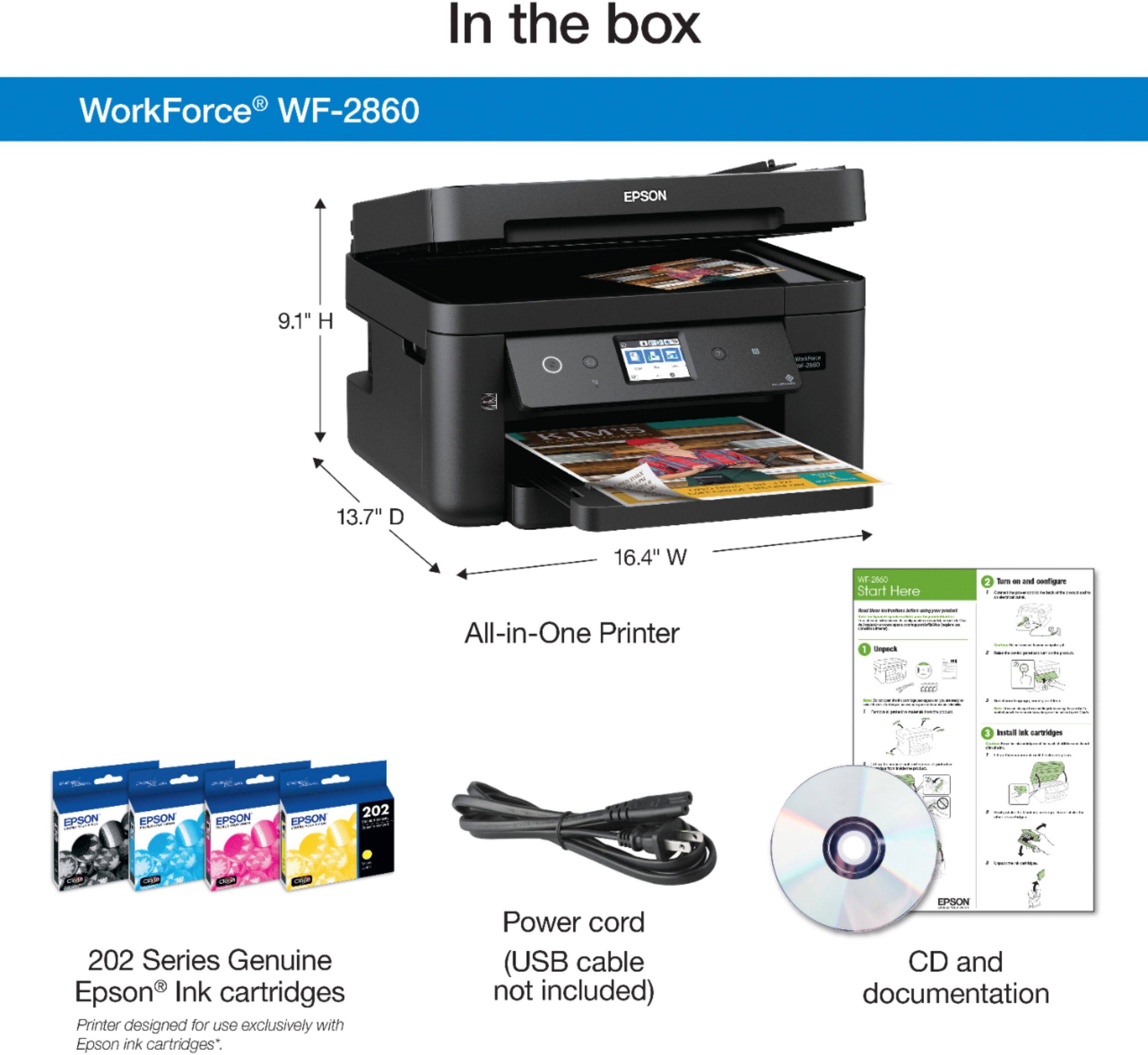
A:AnswerWith the Trial ink that comes in the package I was able to get about 69 black and white documents and 31 color documents before having to change the black out. I still have a good bit of yellow, magenta, and blue left so I left them alone. I did swap the black out for the XL version when I changed it so I can update later.
A:AnswerIt actually does not print on card stock or any kind of thick paper. If you print on anything but plain paper save yourself some grief and buy a different printer. Most infuriating printer I’ve ever owned.
This is an answer I found from the manufacturer:
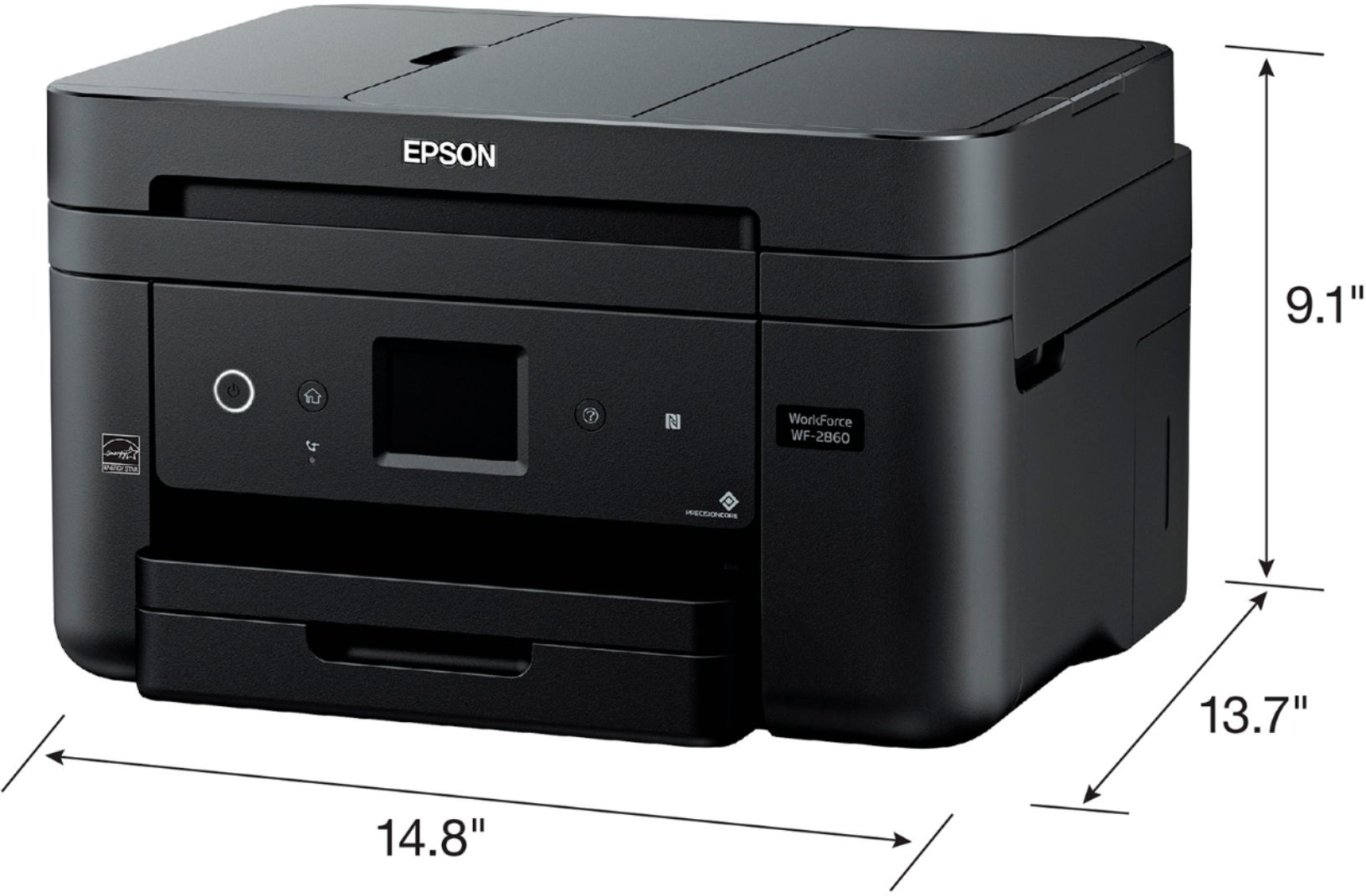
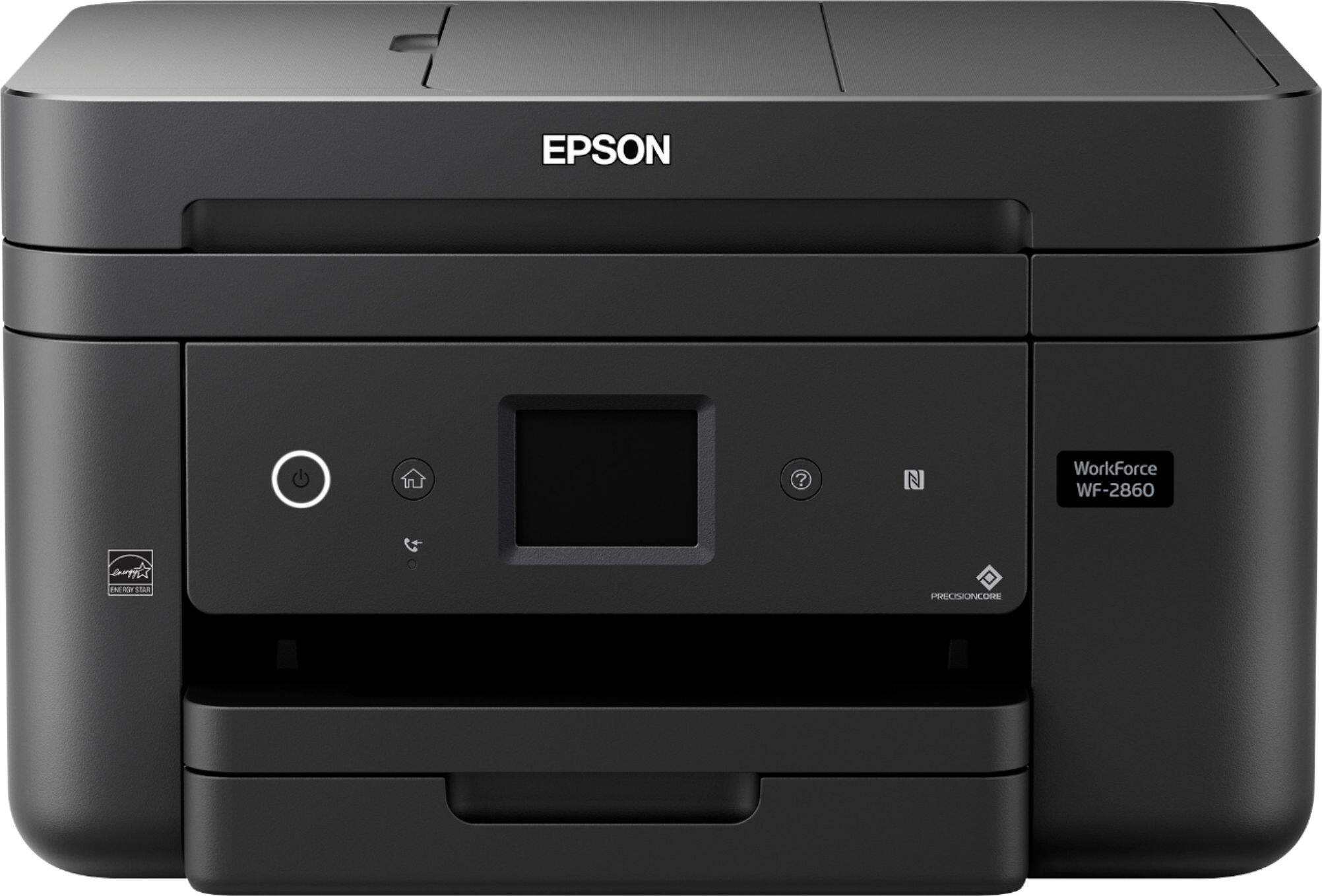
No. The Epson WorkForce WF-2860 All-in-One
Printer do not support card stock or thick paper. This
product only support plain paper and paper
distributed by Epson that weighs 17 lb (64 g/m2) to
24 lb (90 g/m2). The following are the paper types
supported by this printer:
• Epson Bright White Paper
• Epson Photo Paper Glossy
• Epson Premium Photo Paper Glossy
• Epson Ultra Premium Photo Paper Glossy
• Epson Ultra Premium Photo Paper Luster
• Epson Premium Photo Paper Semi-gloss
• Epson Presentation Paper Matte
• Epson Premium Presentation Paper Matte
• Epson Ultra Premium Presentation Paper Matte
• Epson Premium Presentation Paper Matte Double-
sided
• Epson Brochure & Flyer Paper Matte Double-sided
A:AnswerHello ckoch. The WF-2860 can enlarge copies from 25%-400%. Also, to enlarge when scanning, you can select a higher resolution/dpi and different file sizes. Regards, Kevin - The Epson Team.
A:AnswerHello rcl. The WF-2860 works with Epson Iron-on Cool Peel Transfer paper, which can be used with t-shirts. Please note we have not tested other brands of transfer paper with the machine. If you plan to use 3rd party paper, we recommend trying a small batch first to ensure it works properly and has satisfactory image quality. Regards, Kevin - The Epson Team.
A:AnswerHello epsonpaper. We're sorry to hear you are experiencing an ongoing issue with paper jams on the WF-2860. If you have tried various suggestions, then please get in touch with our Technical Support team by phone for additional assistance. Regards, Kevin - The Epson Team.
A:AnswerHello Kiwi. Yes, the WF-2860 can be used with a Chromebook computer. For more details on setting up the printer, please visit our official Epson Support page. Regards, Kevin - The Epson Team.
A:AnswerHello revbcg. The WF-2860 supports USB, Ethernet, and Wi-Fi connections. Unfortunately, Bluetooth functionality is not available. However, you could set up a physical connection from your laptop to the printer via a USB connection. For additional details, please visit our official Epson Support page. Regards, Kevin - The Epson Team.
A:AnswerHello. Yes, the WF-2860 is compatible with Microsoft Windows 11. You can find the latest driver and software available for download on our official Epson Support page. Regards, Kevin - The Epson Team.
A:AnswerHello SB. The WF-2860 is designed to use 202 and 202XL Epson Ink Cartridges. You can use both sizes simultaneously for each color. Regards, Kevin - The Epson Team.