Questions & Answers
- Model:
- C11CK63201
- |
- SKU:
- 6516130
Highly rated by customers for: Print Quality, Ease of use, Setup
$69.99Your price for this item is $69.99
Comp. Value: $119.99
The comparable value price is $119.99
Page Showing 121-140 of 171 questions
Q: Questioncan i use this printer with my Android Phone?
Asked by Mama.
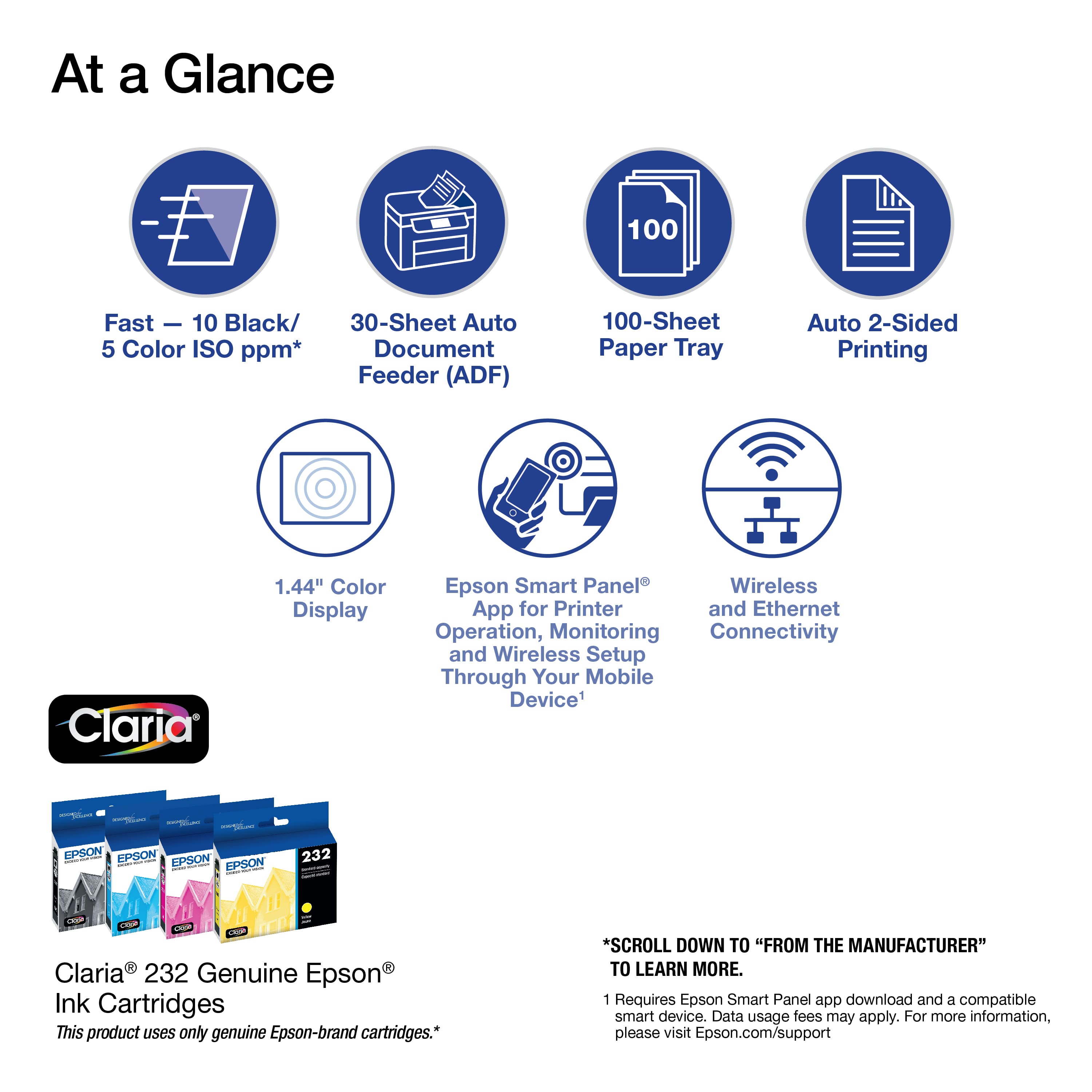
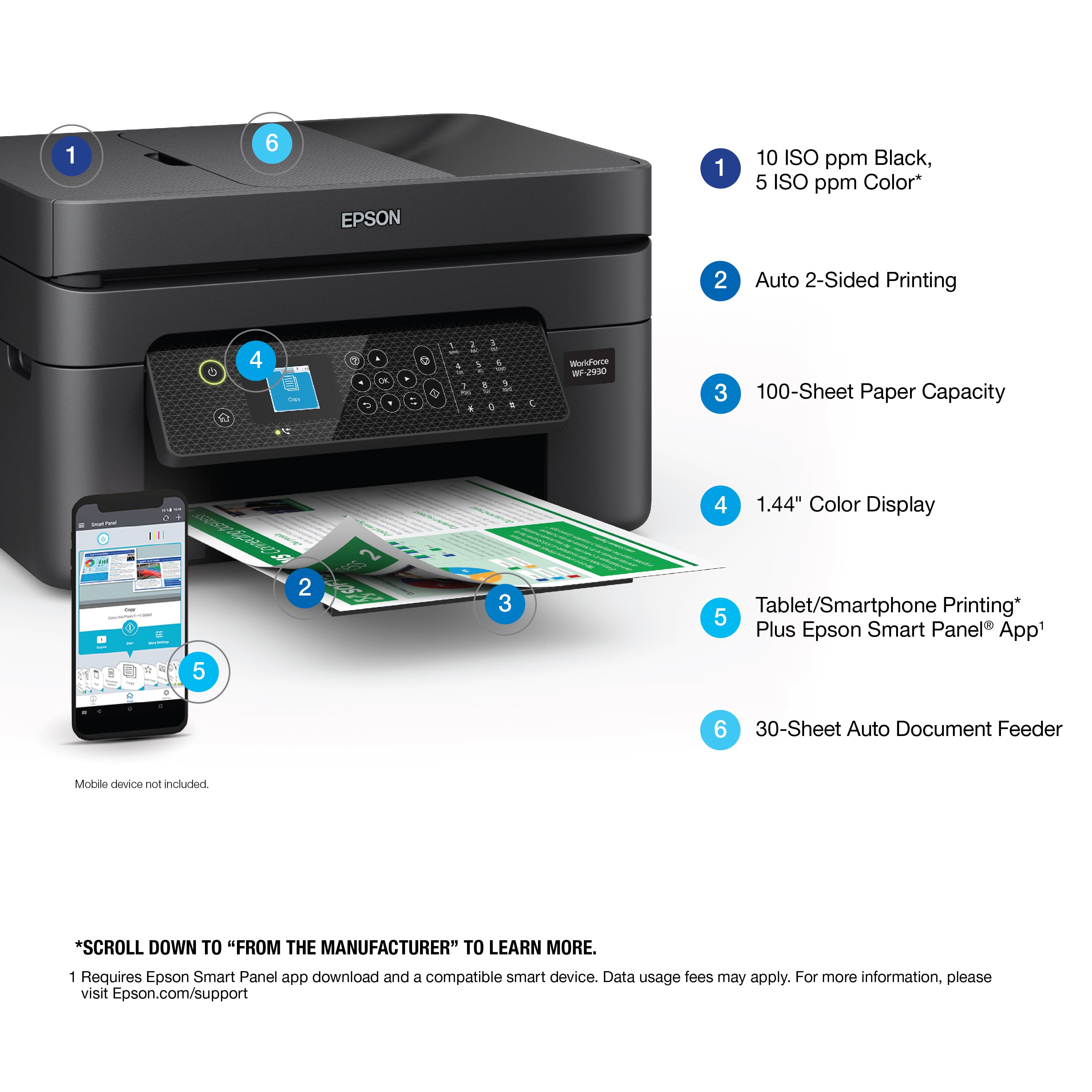
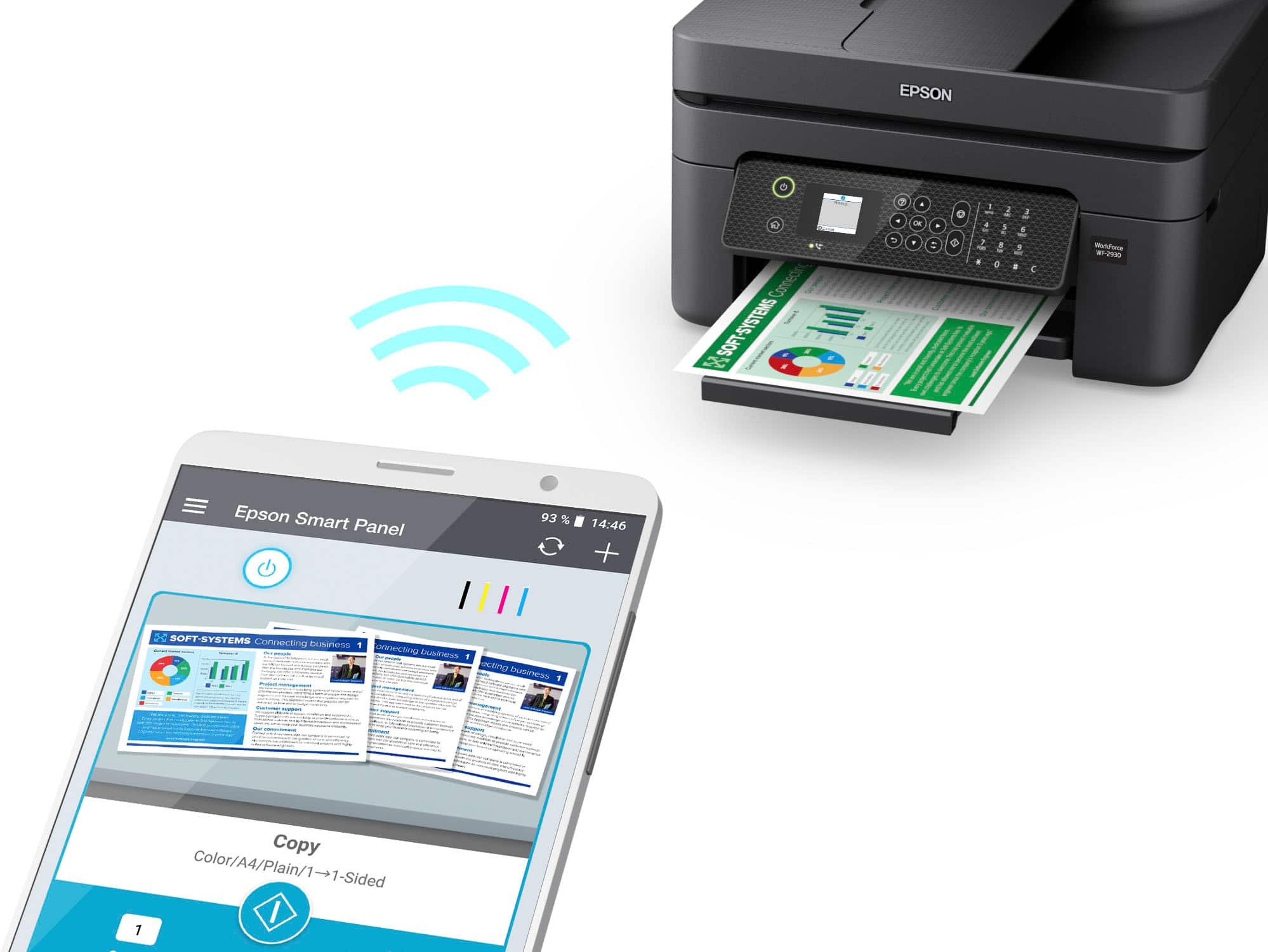
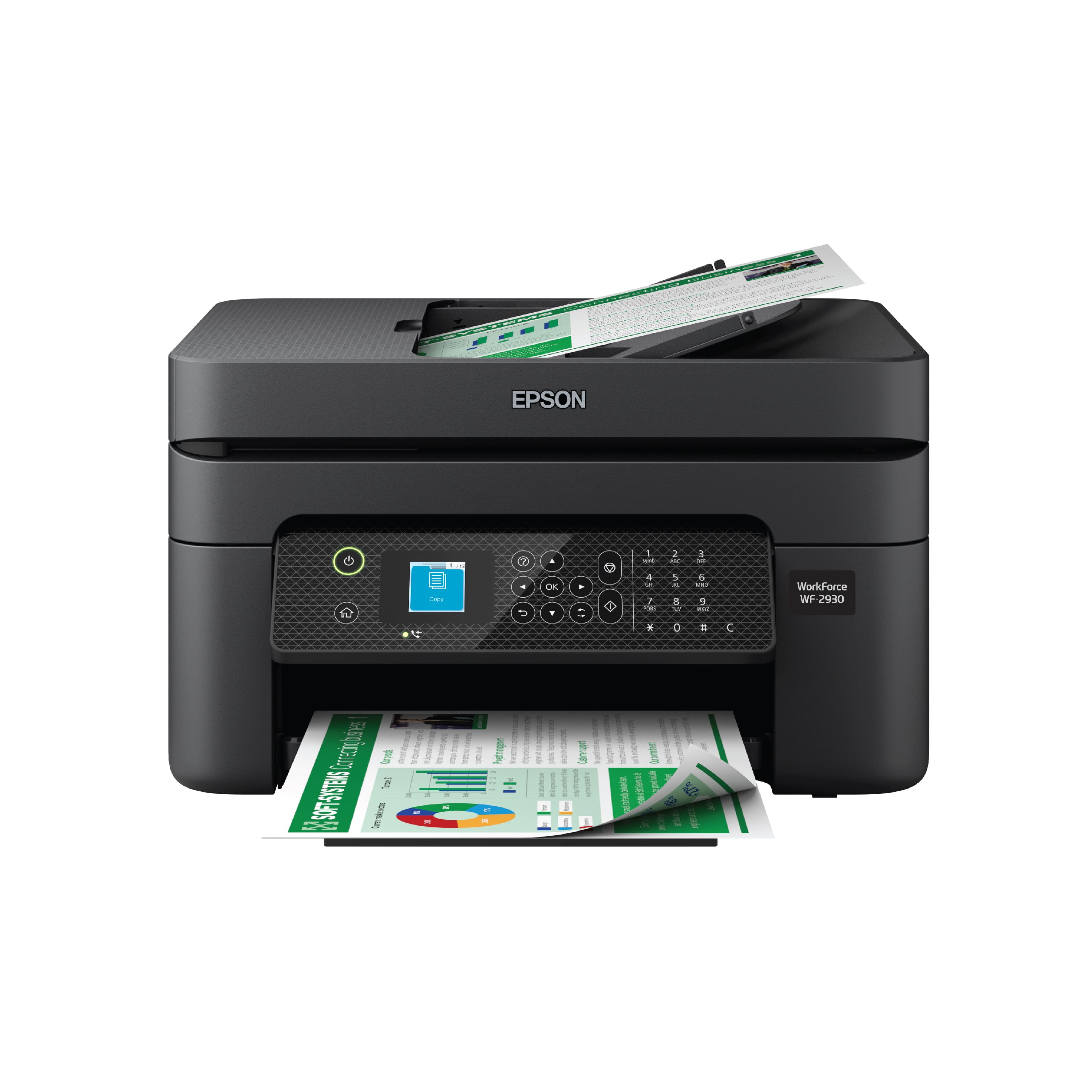
- A:Answer Hello Mama. Yes, the WF-2930 can be used wirelessly with your Android phone. You want to ensure the printer and device are connected to the same wireless network, then download the "Epson Smart Panel" app from the Google Play Store on your phone to use your printer. Regards, Kevin - The Epson Team.
Answered by Epson

Q: QuestionWhat is the voltage support ?
Asked by Anonymous.
- A:Answer Hello. The WF-2930's power supply voltage is 100 – 240 VAC ± 10%, 50/60 Hz. Regards, Kevin - The Epson Team.
Answered by Epson

Q: QuestionI have epsom 220 ink cartridges, will they work for this printer?
Asked by Monster.
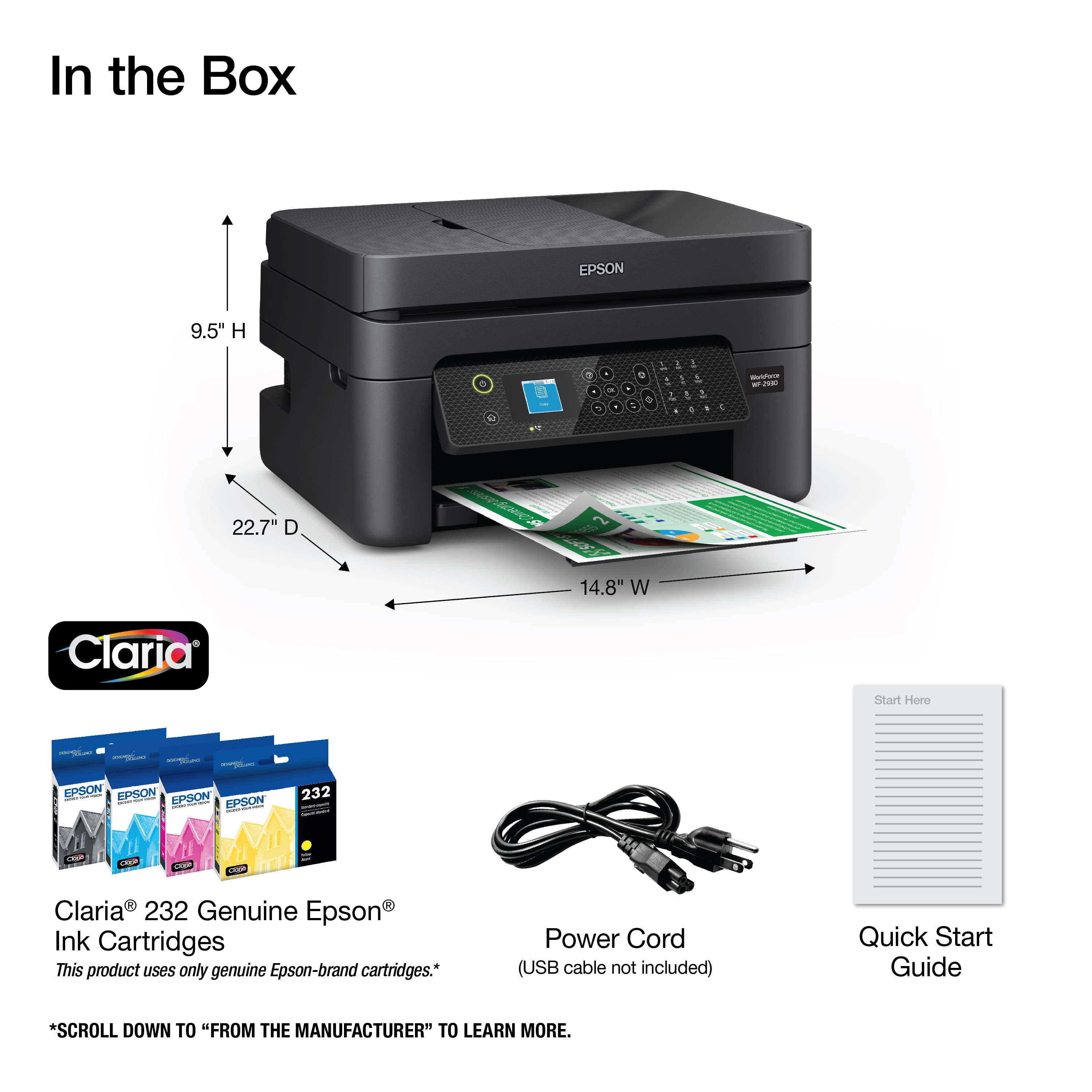
- A:Answer Hi Monster, No, they will not work. The WorkForce WF-2930 uses Epson 232 and high-capacity 232XL cartridges. Regards, Mark.
Answered by Epson

Q: QuestionWill this printer work with my Samsung Ipad and Chrome Browser??
Asked by whodeaney.
- A:Answer Hi whodeaney, You can use your Samsung tablet to print and scan with the WorkForce WF-2930. A Chromebook can only print, because Chrome OS does not have a compatible scan driver. Regards, Mark - The Epson Team.
Answered by Epson

Q: QuestionDoes this printer allow you to enlarge or reduce the copy?
Asked by Mimi.
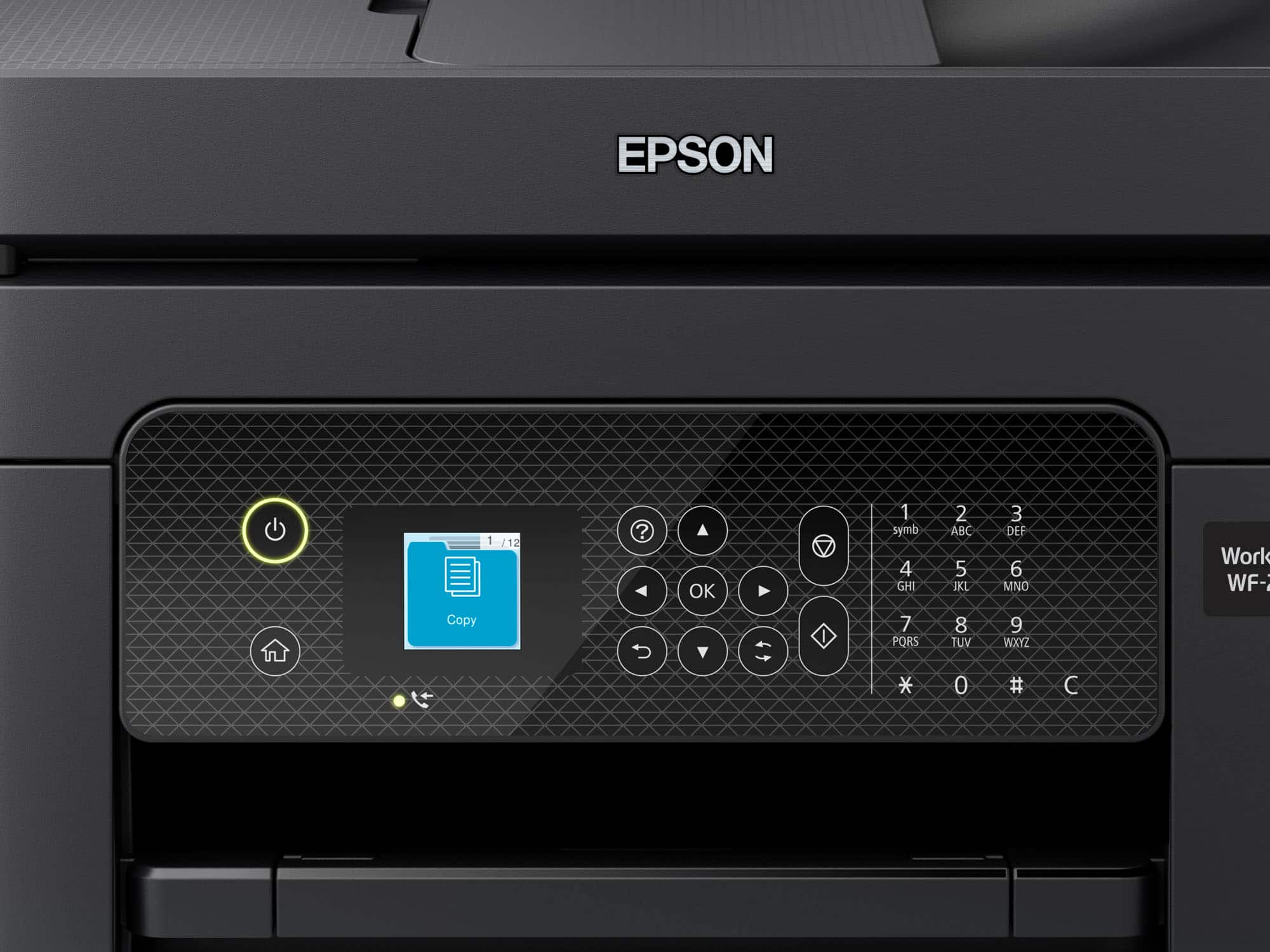
- A:Answer Hello Mimi. Yes, the WF-2930 can reduce and enlarge copies between 25% up to 400% directly from the control panel. When you're on the copy screen, you can find the option under the basic settings tab. Regards, Kevin - The Epson Team.
Answered by Epson

Q: Questionwhat is the depth of this model? (in inches)
Asked by puzzled.
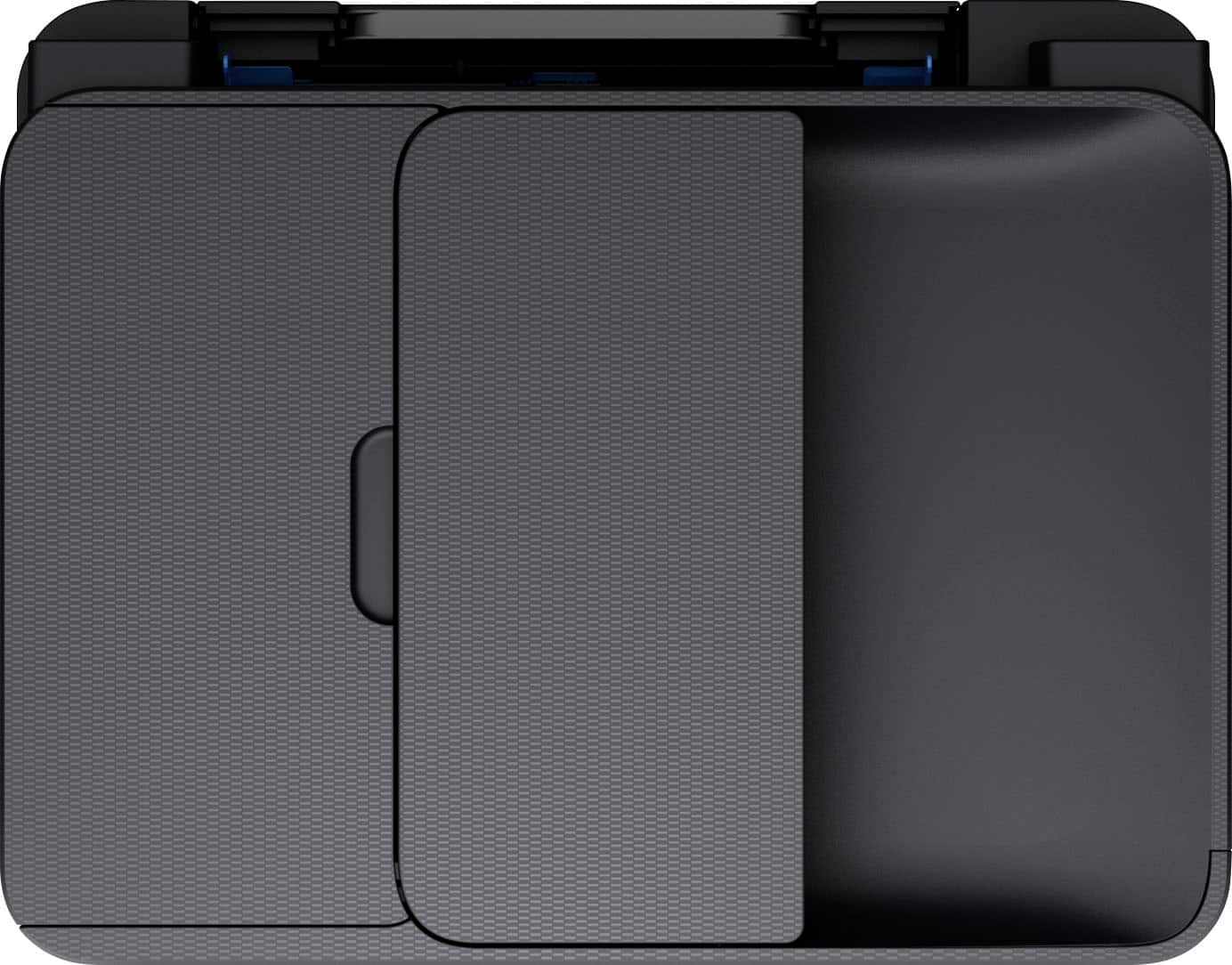
- A:Answer from front to back 12 inches, 9 inches high , side to side across front 18 inches
Answered by LOTSOFIMPROVEMENTS
Q: QuestionIs this an 11*17 printer
Asked by Al.
- A:Answer I'm not sure, the printer was a gift for my niece who lives in Indiana and I live in New Mexico.
Answered by MavisW
Q: QuestionCan this printer print checks
Asked by ElHoratio.
- A:Answer Hello ElHoratio. The WF-2930 can print a check image. However, printing checks could require using "MICR" ink, which the printer does not support. Regards, Kevin - The Epson Team
Answered by Epson

Q: Questioncan you use edible ink in this printer
Asked by willie.
- A:Answer I see the Epson people say ‘ Using edible ink in this machine is not supported by Epson. Regards, Kevin - The Epson Team. But that does not answer the question. It just says it’s not supported by them so…can edible ink be used? I’ll ‘support’ the usage myself. Thanks
Answered by seehunt
Q: QuestionDoes this printer also Fax?
Asked by Ree.
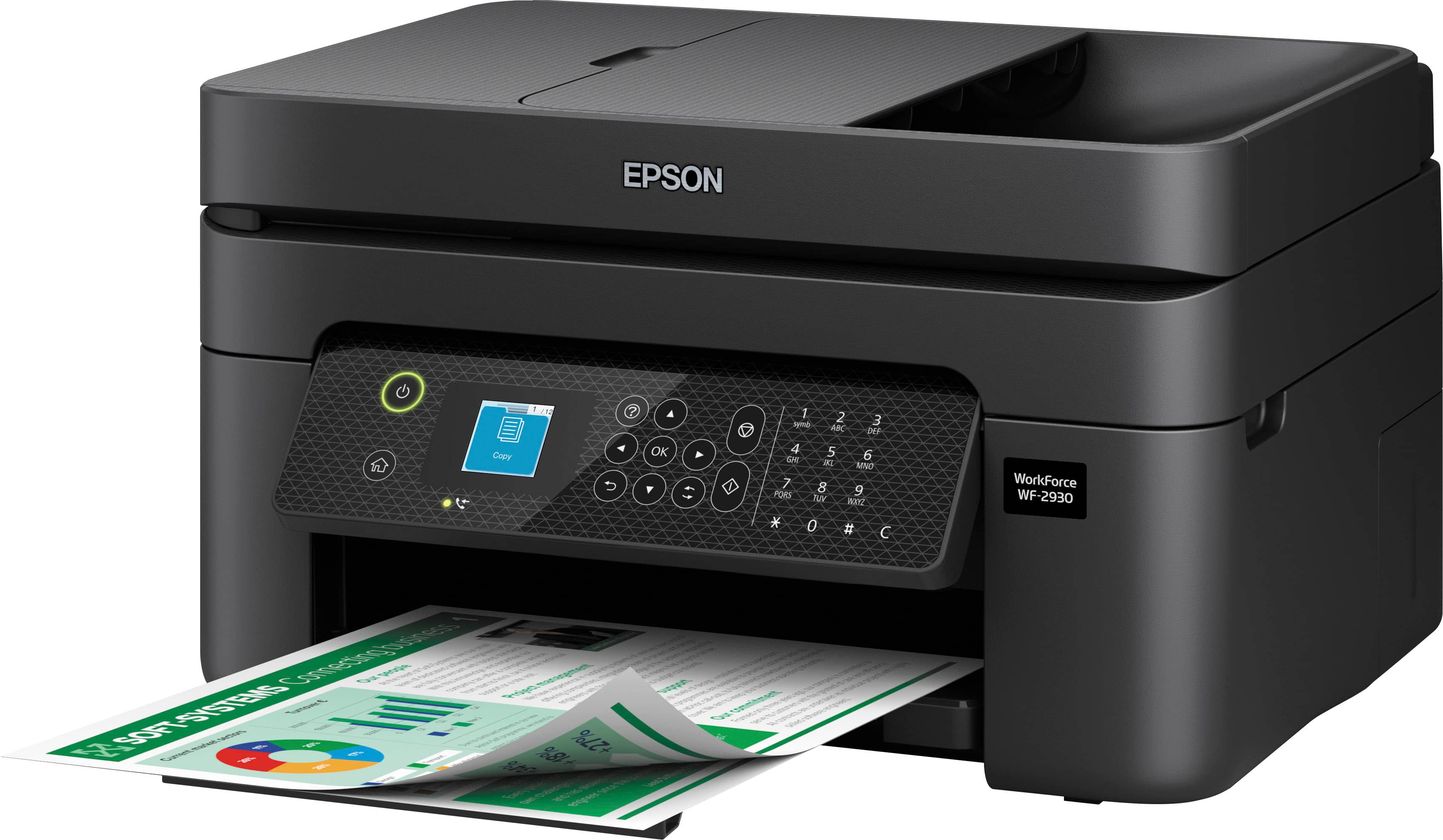
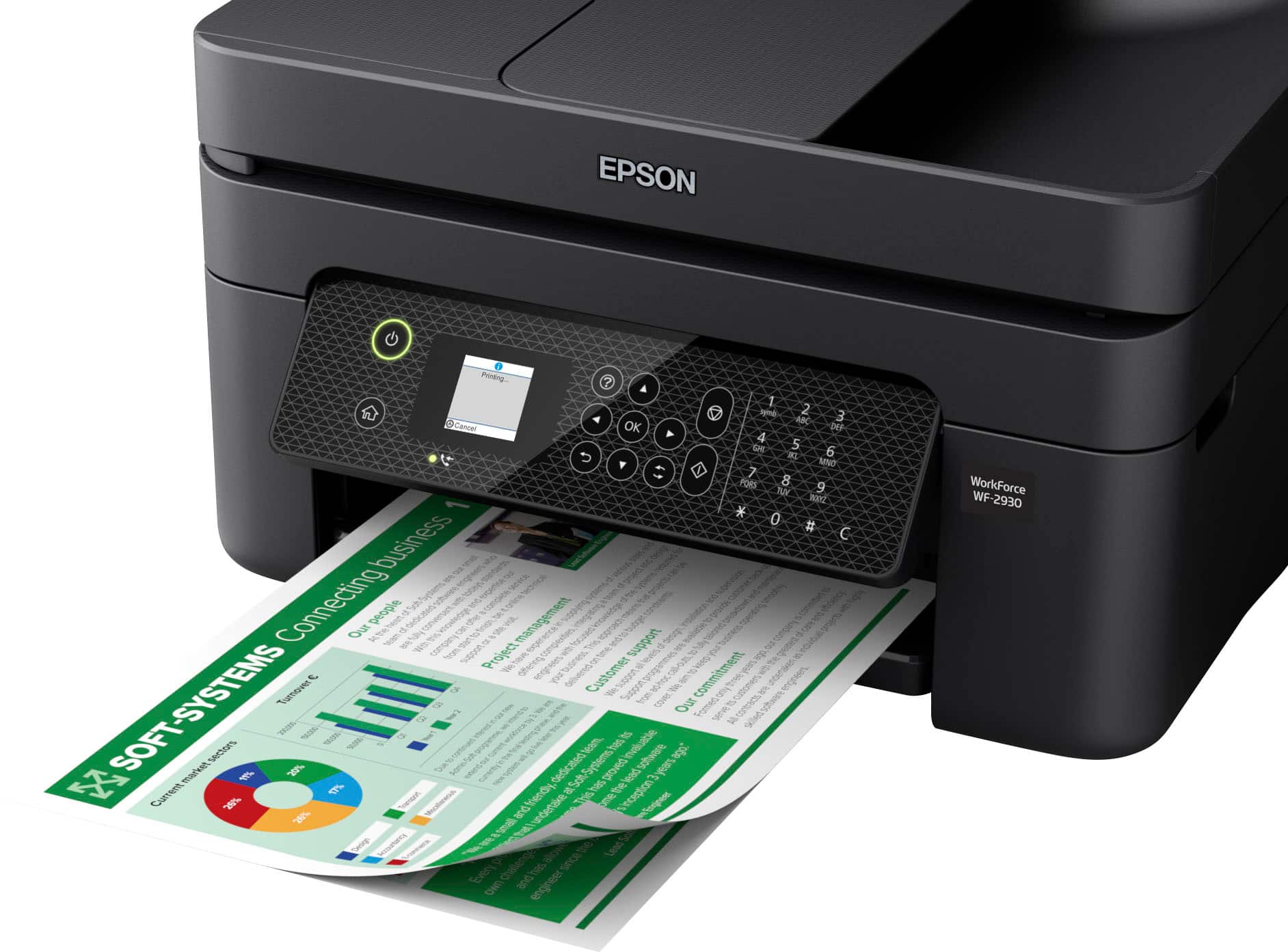
- A:Answer Hello Ree. Yes, the WF-2930 is an All-in-One printer that includes print, copy, scan, and fax functionality. Regards, Kevin - The Epson Team.
Answered by Epson

Q: QuestionCan I hard-wire this printer to my computer?
Asked by Sam.
- A:Answer Hello Sam. Yes, the WF-2930 can be used with a USB connection on your computer. The cable is sold separately, and you want to ensure you use a "USB A to B" cable. Regards, Kevin - The Epson Team.
Answered by Epson

Q: QuestionWill it connect wirelessly with a tablet that runs android? Will it also connect via USB or other?
Asked by Mike.
- A:Answer Hi Mike, Yes it can. You can connect your Android tablet to the WorkForce WF-2930 using Wi-Fi Direct or by connecting the WF-2930 and your tablet to the same Wi-Fi network. Your tablet will not connect over a USB cable. Regards, Mark - The Epson Team.
Answered by Epson

Q: QuestionCan I use sublimation paper?
Asked by Anonymous.
- A:Answer Hi, We cannot test the WorkForce WF-2930 with all third-party paper types so cannot guarantee quality. For a list of paper known to work with the WorkForce WF-2930 visit the Epson support site. By the way, the WF-2830 is designed for home office and light office document printing, not sublimation. Regards, Mark - The Epson Team.
Answered by Epson

Q: QuestionIs there an Epson printer that only uses pigment ink or one that can be crossed between pigment and dye ink?
Asked by Frank.
- A:Answer Hello Frank. The WF-2930 uses a combination of dye and pigment-based Inks. Generally, most of our All-In-One printers will have ink sets that use both. Regards, Kevin - The Epson Team
Answered by Epson

Q: QuestionHi I was considering getting this product and was wondering if it was good for sublimation? This is the transfer of ink to a paper and then the transfer of said ink on paper to clothing.
Asked by Tyrone.
- A:Answer Hi Tyrone. The Epson WF-2930 is not designed for dye-sublimation printing nor the use of non-genuine Epson Ink Cartridges. Using sublimation Ink in this printer can affect warranty coverage and create print head and ink-system issues. Regards, Kevin - The Epson Team.
Answered by Epson

Q: QuestionDo you have an Epson printer that is compatible with 99 ink
Asked by Anonymous.
- A:Answer no
Answered by Anonymous
Q: QuestionWill this printer scan from an Apple computer?
Asked by Anonymous.
- A:Answer Hi, Yes, the WorkForce WF-2930 works with Macs running OS X 10.5 and later. You can download drivers from the Epson support site for the WF-2930. Regards, Mark - The Epson Team.
Answered by Epson

Q: Questionmy Epson printer broke but I have Epson ink #69 all four colors. Do you have any Epson printers that I can get that use Epson ink # 69
Asked by DH.
- A:Answer Hello DH. Unfortunately, no models currently available on BestBuy's website are compatible with Epson 69 Ink Cartridges. Regards, Kevin - The Epson Team.
Answered by Epson

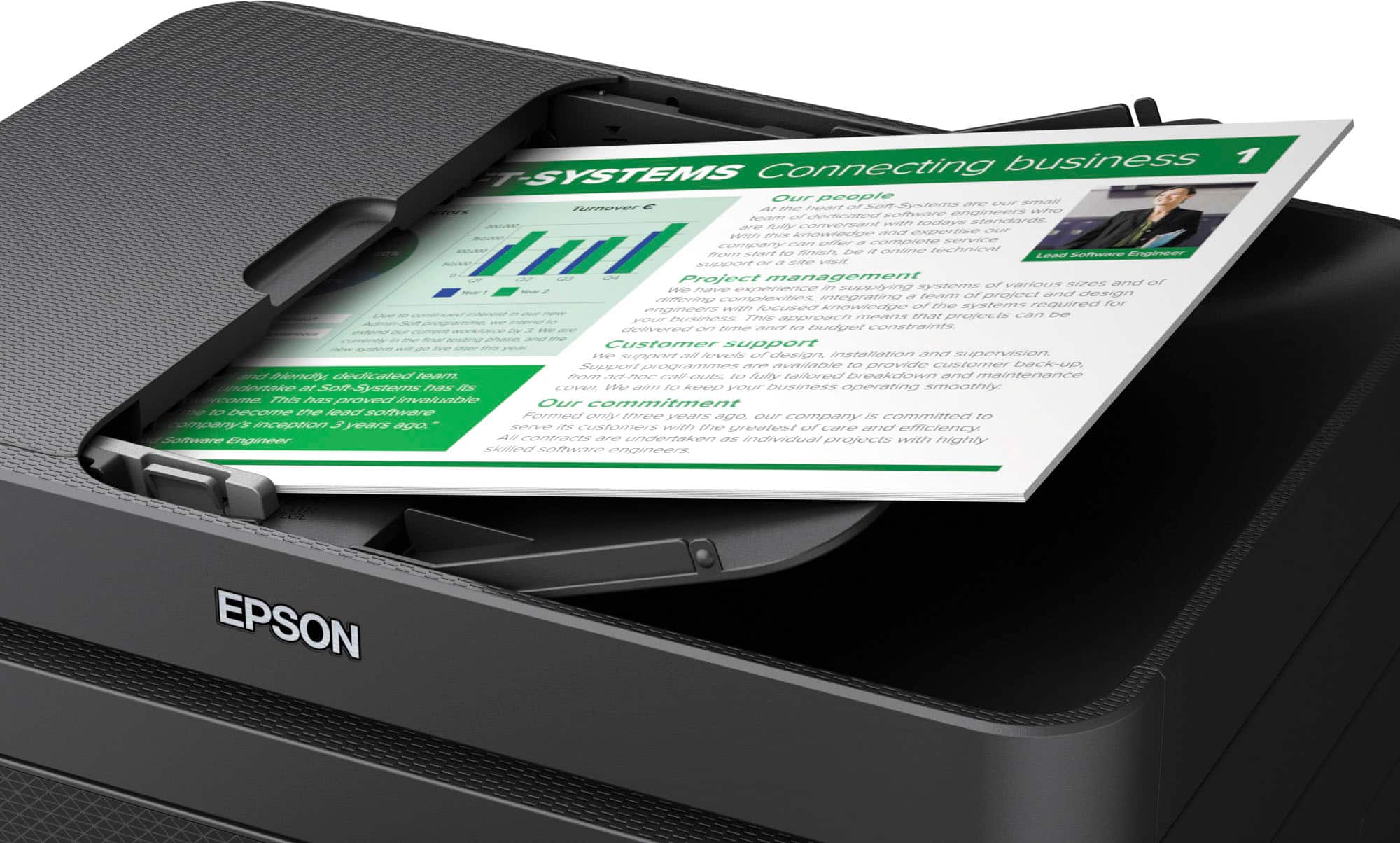
Q: QuestionDoes this printer scan double-sided documents?
Asked by Skunkgirl.
- A:Answer yes
Answered by Anonymous
Q: QuestionHi, What kind of ink was used? toner cartridge?
Asked by Tency.
- A:Answer Hi Tency, the WorkForce WF-2930 is an inkjet printer. The color cartridges contain dye-based ink and the black cartridge contains pigment ink. Regards, Mark - The Epson Team.
Answered by Epson

Most-viewed items
- Black Friday Deal$79.89Your price for this item is $79.89
- Black Friday Deal$39.99Your price for this item is $39.99
- Black Friday Deal$59.99Your price for this item is $59.99
- $129.89Your price for this item is $129.89$179.89The comparable value for this item is $179.89
- $64.00Your price for this item is $64.00$107.00The comparable value for this item is $107.00
- $64.00Your price for this item is $64.00$140.00The comparable value for this item is $140.00
- $209.89Your price for this item is $209.89$309.89The comparable value for this item is $309.89
- $99.99Your price for this item is $99.99$199.99The comparable value for this item is $199.99
- $129.99Your price for this item is $129.99$249.99The comparable value for this item is $249.99
- $119.89Your price for this item is $119.89$179.89The comparable value for this item is $179.89
- $93.00Your price for this item is $93.00$161.00The comparable value for this item is $161.00
- $159.89Your price for this item is $159.89$239.89The comparable value for this item is $239.89
- $129.99Your price for this item is $129.99$159.99The comparable value for this item is $159.99
- $199.00Your price for this item is $199.00$323.00The comparable value for this item is $323.00
- $199.99Your price for this item is $199.99$379.99The comparable value for this item is $379.99
- $149.00Your price for this item is $149.00$215.00The comparable value for this item is $215.00
- $59.89Your price for this item is $59.89$89.89The comparable value for this item is $89.89
- $79.89Your price for this item is $79.89$109.89The comparable value for this item is $109.89