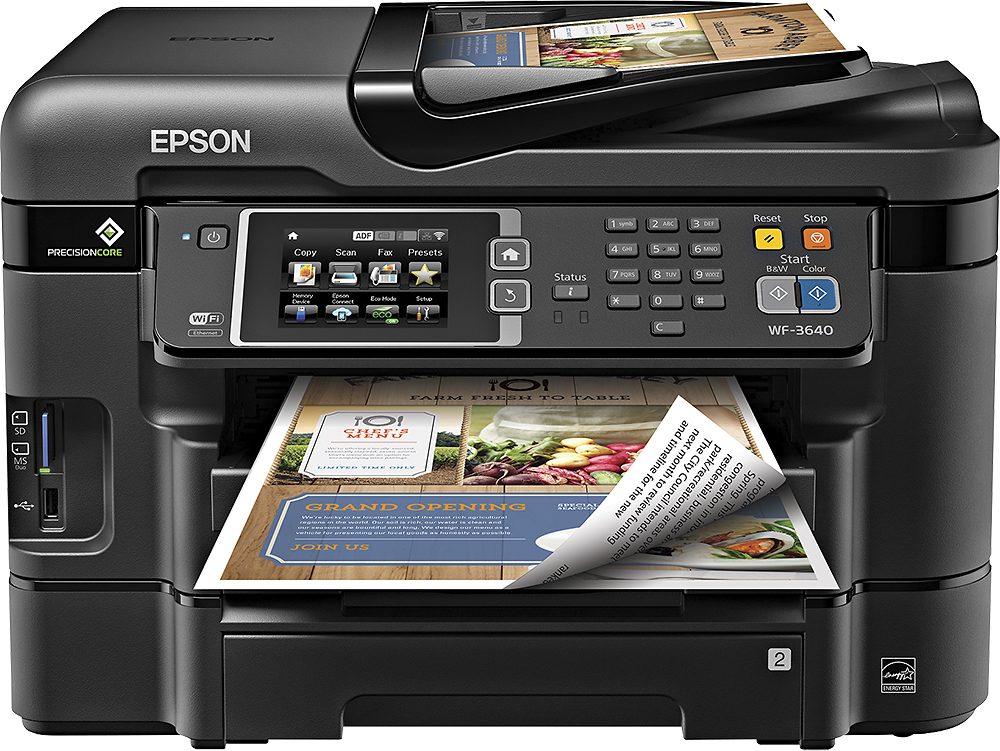
A:AnswerThe name brand ink is not that expensive and it is high quality ink I would recommend using that. I have had machines in the past mess up and clog real bad with after market ink. Also it has 4 tanks one black and 3 color.
A:AnswerThis printer takes SD, MS and USB input. I save files to SD and USB memory sticks frequently. To use CF card you probably could plug a CF reader in via the USB port.
A:AnswerJD,
I understand your confusion, my guess would be you've been using dot matrix and/or inkjet printers for some time. I'm in a similar situation.
I believe you will find today's printers do not generally quote actual DPI capabilities any longer, at least not in the different print "quality" selections. This is because the size of the actual "dots" printed vary in size, so a DPI rating would not necessarily correspond to actual print quality. The maximum DPI is 4800 x 2400 dpi, but the printer creates 3 different dot sizes, to increase print speed and attempt to make curved output shapes smoother.
Not a direct answer, I realize, but hopefully this was a bit helpful.
-Robert
A:AnswerNo, i ran out of black ink after over a month on the initial cartridges that came with it and it stopped printing until i changed the cartridge. It has an indicator light on front with a button, the light will flash, causing you to press the button that will put the message on the screen telling you which ink cartridge is out. That is if you have ignored the message on your computer screen like i did!