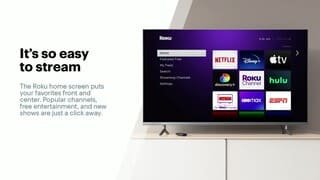
A:AnswerHi I have a 50 inch plasma tv from samsung that I’ve had for about 10 years now I bought the basic ruko stick for my tv and have no complaints it’s working great
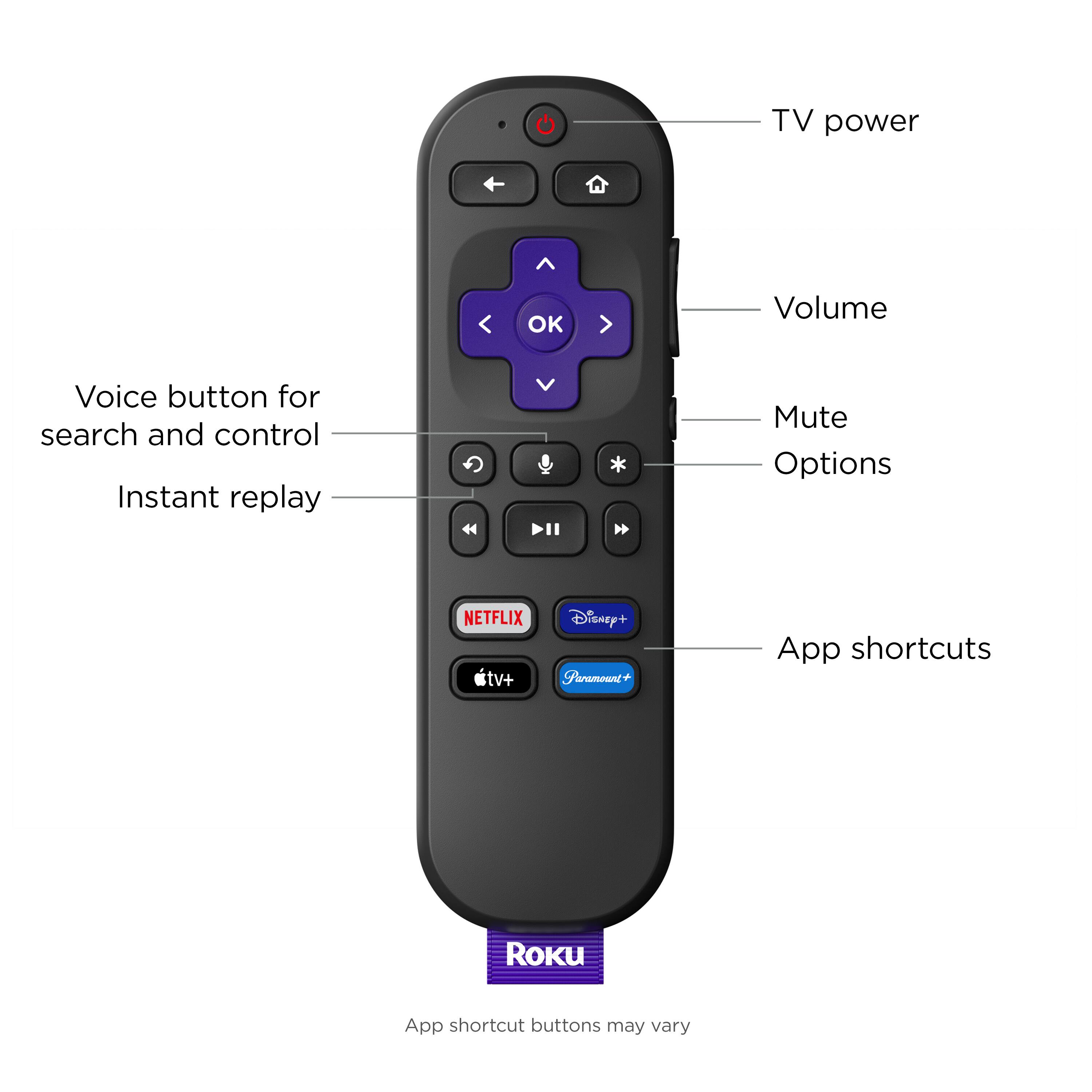
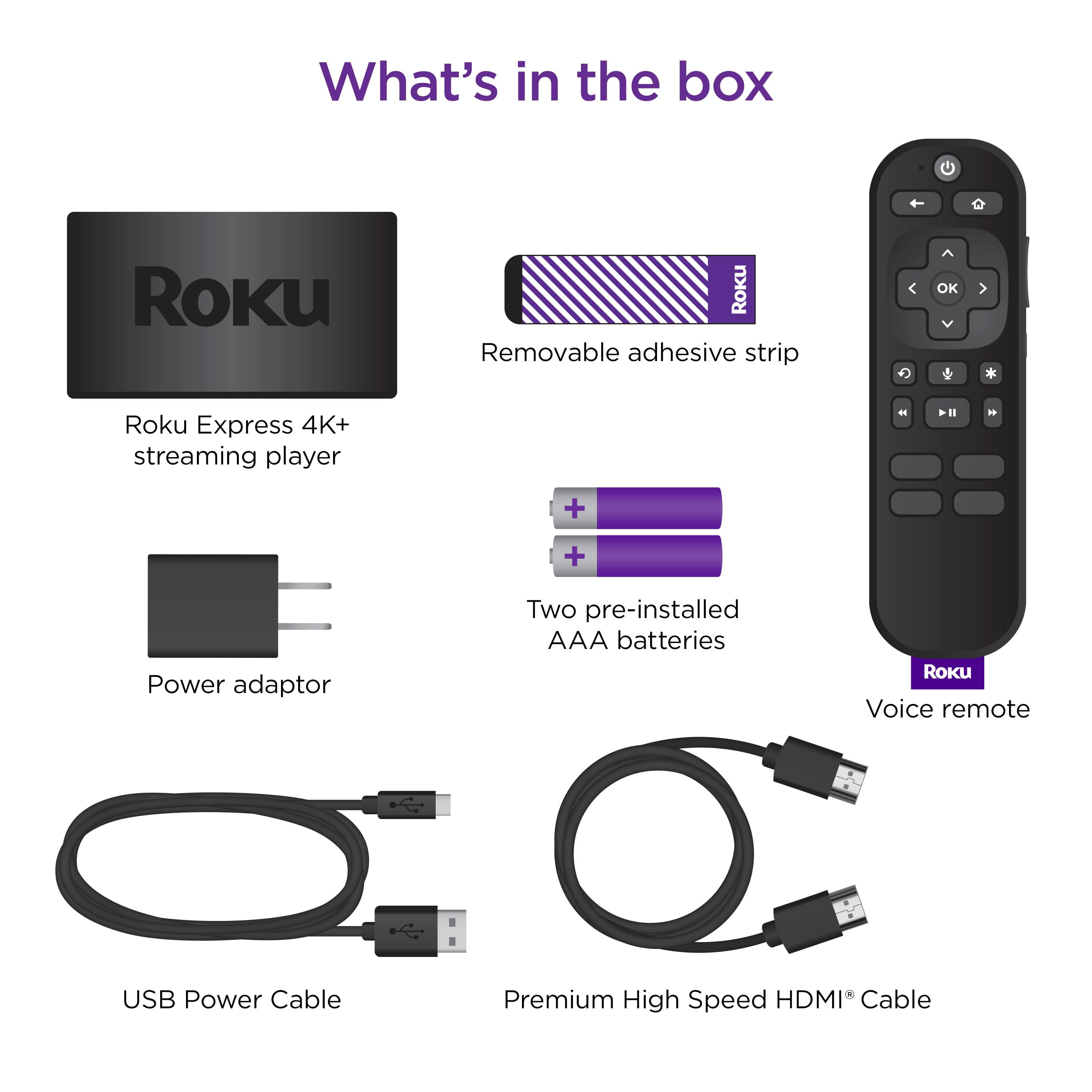
A:AnswerHi, Mrcoolangelo! With this Roku device you can not plug headphones into the remote. You can use the Roku mobile app and plug your headphones into your phone or use Bluetooth headphones. The Roku devices that have the private listening feature in the remote is the Roku Streaming Stick 4K+, Roku Ultra, and the Streambar Pro. There is also the Roku Voice remote pro that has priavte listening in the remote.
A:AnswerHi, AV! Harmony Hub connects with Roku through your home's network allowing you to navigate and control using either your Harmony remote or the Harmony app as your Harmony hub. Roku 1, Roku 2, Roku 3, Roku 4, and Roku TV may be controlled using infrared (IR) signals that are sent directly from your Harmony remote.
A:AnswerHello JAG! To get started you'll need a Roku device that is compatible with the Xfinity Stream channel. All current Roku devices are compatible with Xfinity Stream. Next make sure that you have service through Xfinity before attempting to use the Xfinity Stream channel on your Roku device. If you don't see the Xfinity Stream channel on your Roku, you will need to add the channel to your Roku device. Just like your smartphone accesses an “app store” to add new applications, your Roku streaming player or Roku TV accesses the Roku Channel Store to add new channels. Finally activate the Xfinity Stream channel on your Roku device by signing in with your account credentials. For additional information on activating the Xfinity Stream channel on Roku take a look at Xfinitys guide linked here: https://www.xfinity.com/support/articles/activate-xfinity-tv-app-on-roku
A:AnswerYou do not need it, if you purchase a Roku 4k for another TV all of the settings from your TLC Roku TV will come right up once you sign in, making it great for travel or if you have an older TV that you want to have access to apps.
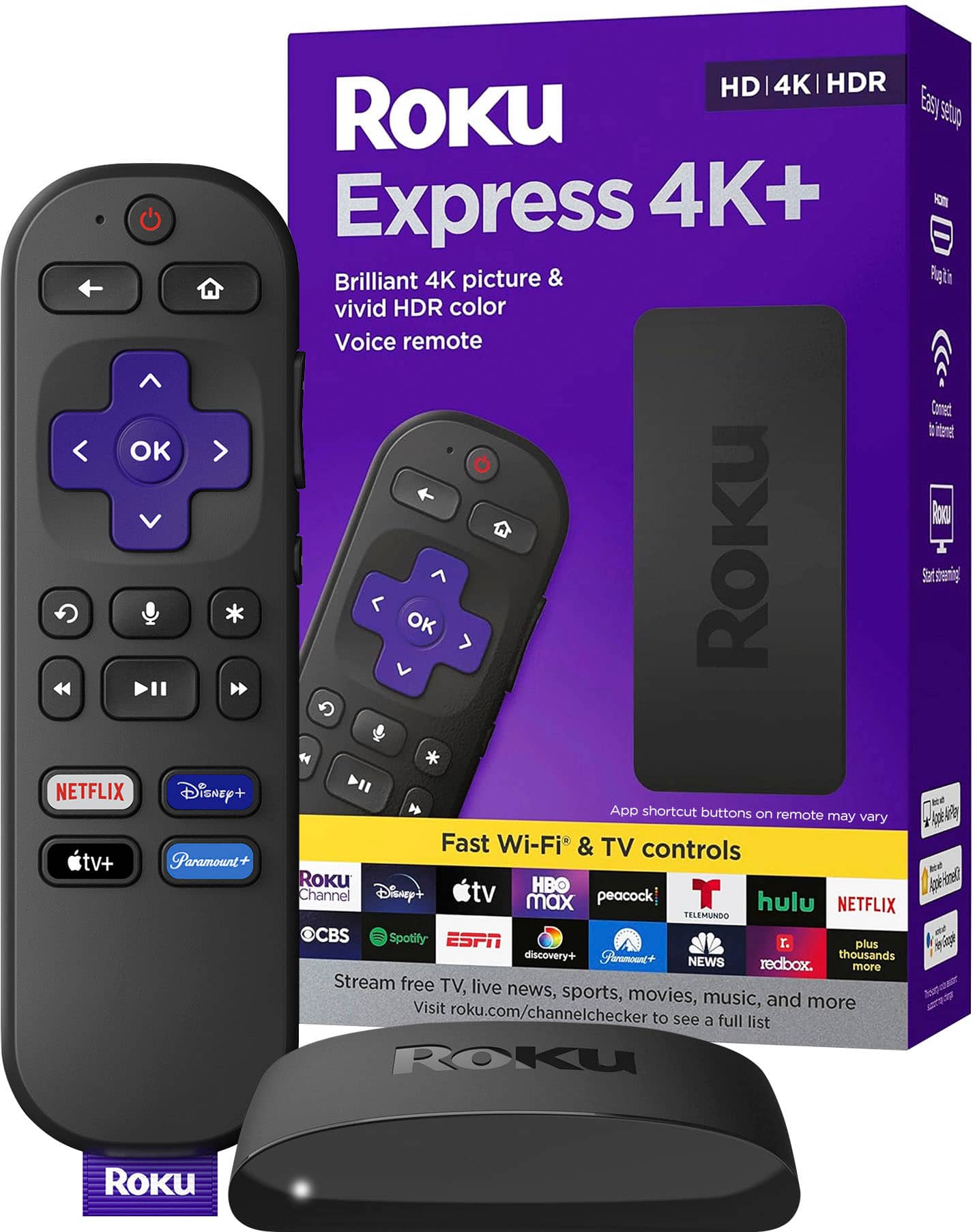
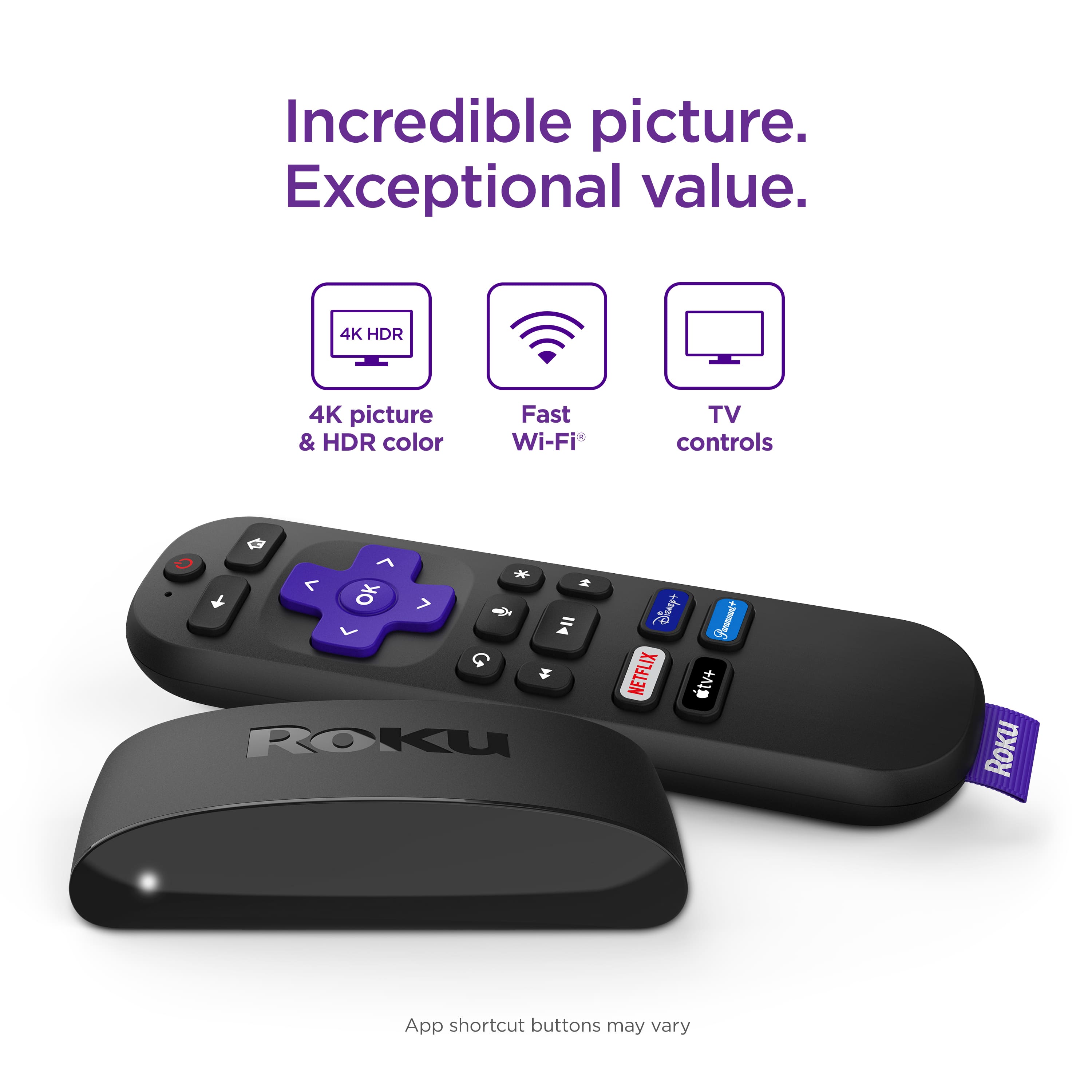
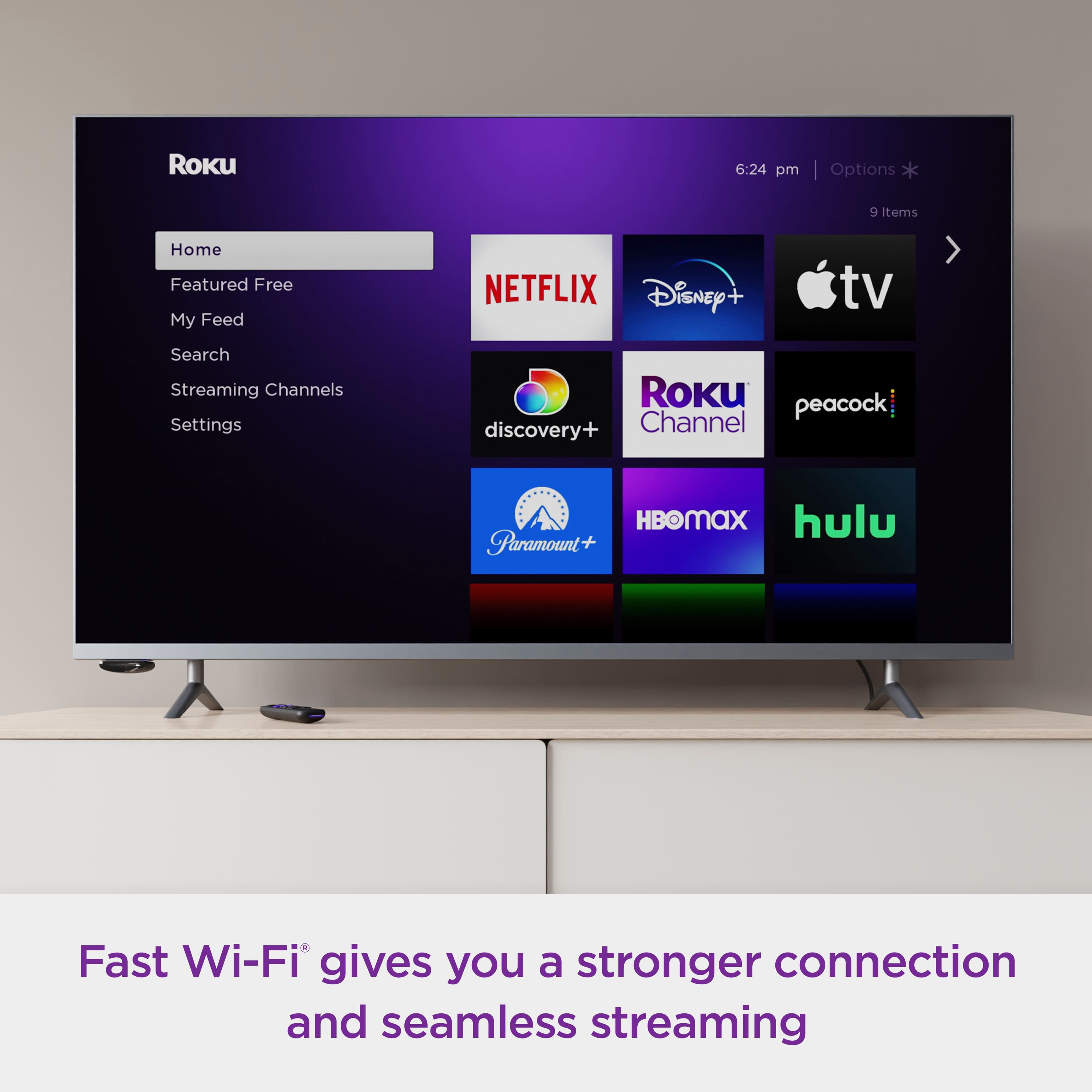
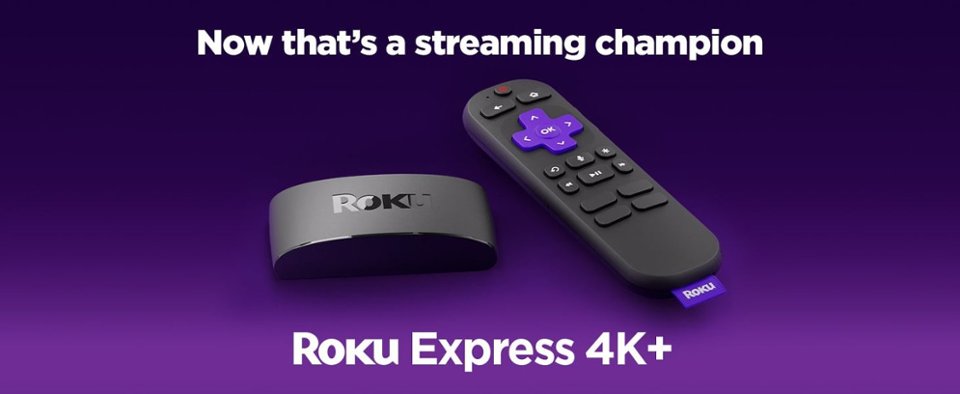
A:AnswerRoku does not record. Pausing is available when on different video streaming apps such as HULU, Netflix, Prime video, etc..etc Answering your other questions Roku Express 4K+ with voice remote is the best device that works great with Apple TV. There is an Apple TV app you can download, my last one had it installed already and this 4K does as well.
The USB Roku model will blow out too quickly, may last 6 months to a year. Please have in mind the picture of the product I picked as a preview for this response. Enjoy!! :-)