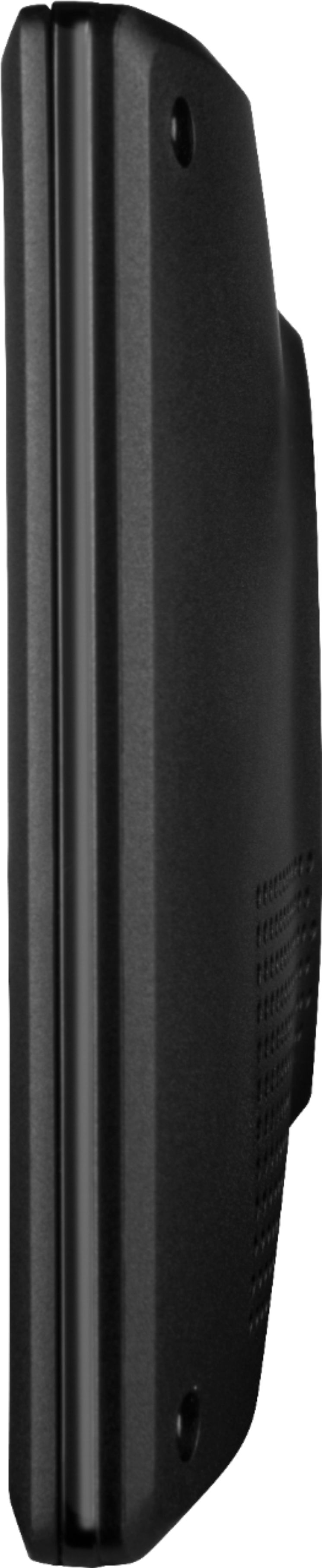
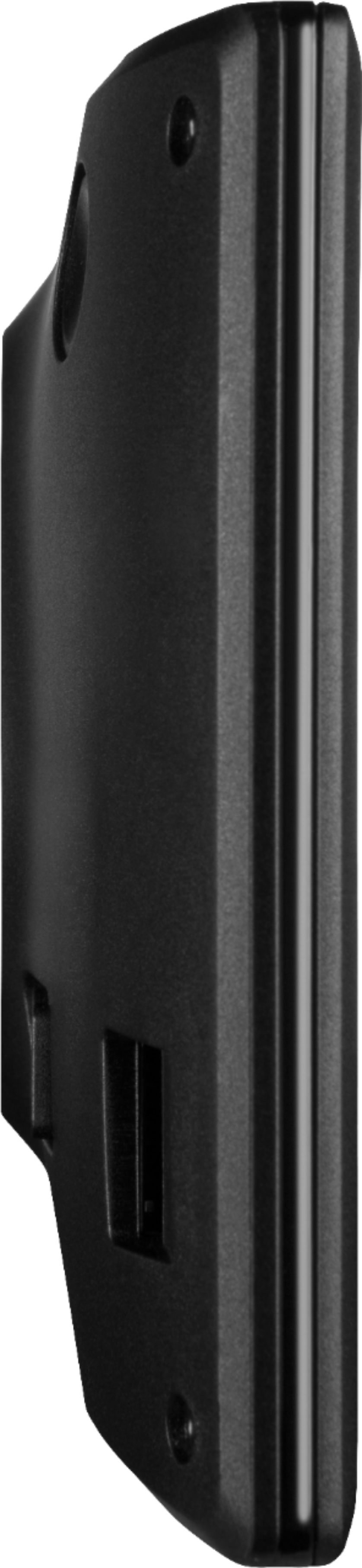
A:AnswerYes, and the end that connects to the device is USB Mini (not to be confused with Micro). Not as common as Micro, or as new as USB-C, but it is not "proprietary" to Garmin-- you can replace it with a USB Mini cable from other sources or devices you may have, like some USB microphones.
A:AnswerYes. No, has to be done manually.
Garmin has free software called Basecamp on their website that can do this better, but is a very frustrating program to use and get your GPS to sync with computer. Best solution I have found is to enter each individual stop into the GPS prior to trip, and once a route is calculated, enter the next location, and so on until your list is all entered and addresses verified/found. Then you can quickly select your next stop after arriving at the previous one by going to the "Recent" list and selecting it. (i.e. break your trip into individual legs, and enter the next leg/location after arriving at the previous one).
A:Answeras far as I know, no. It has a calculation to show how long it will take to reach a destination, and since it is linked to a satellite, Garmin might be recording the drive time used, but I do not think it can be used as an ELD.
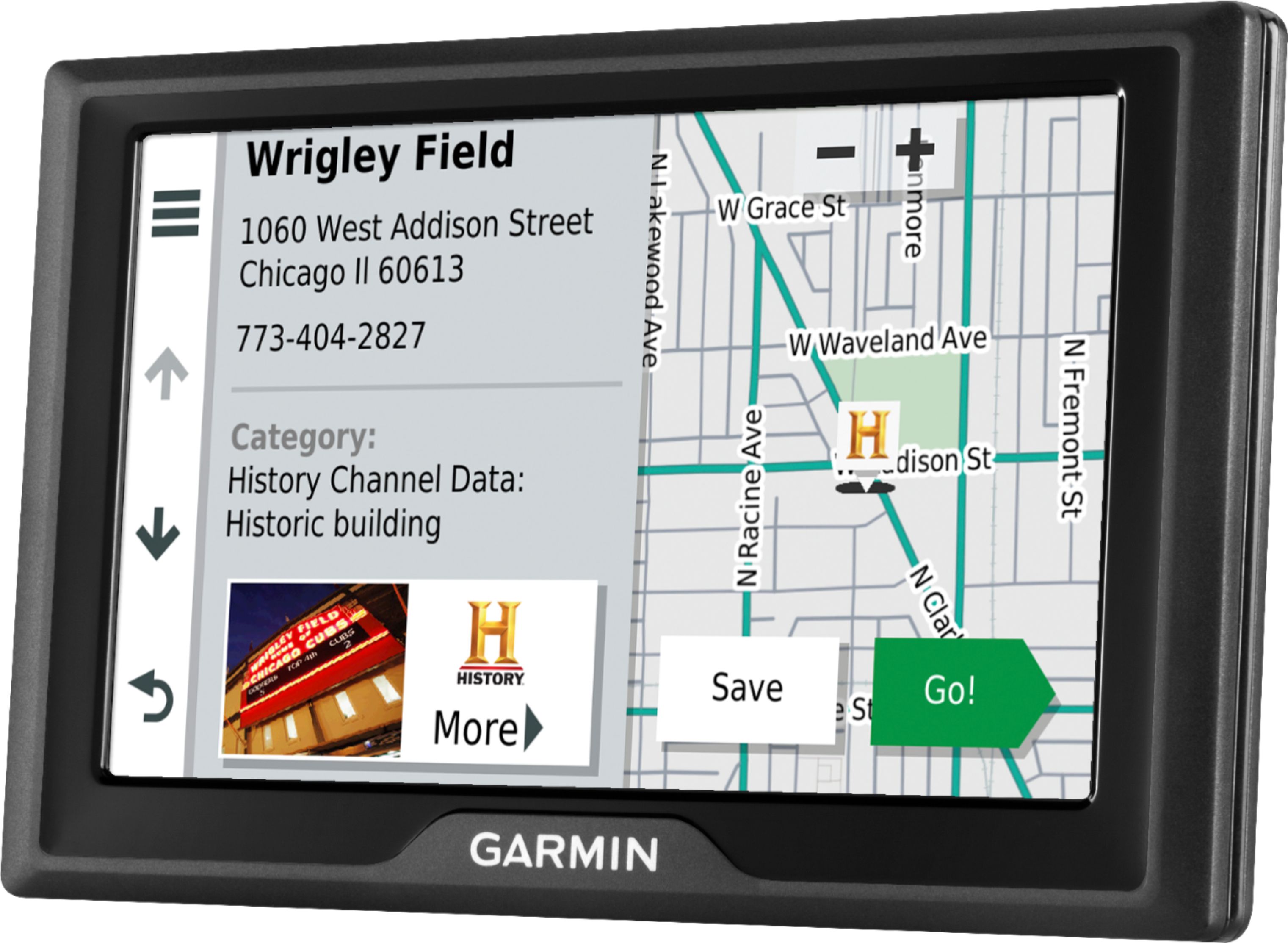
A:AnswerNo. You can type in the name/address/city and it will search internally (no voice activation). It might even find some of them, and then you can go there.
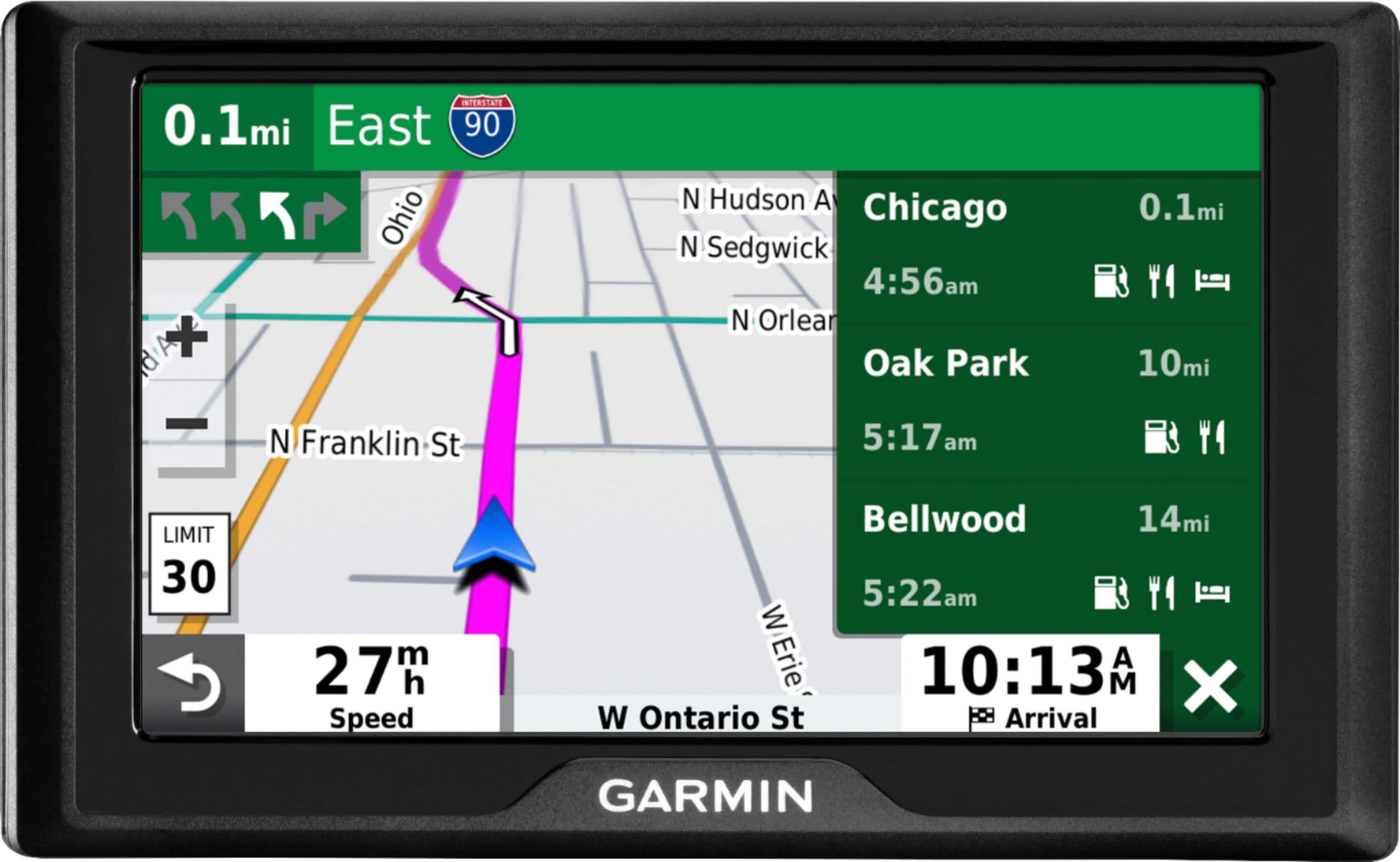
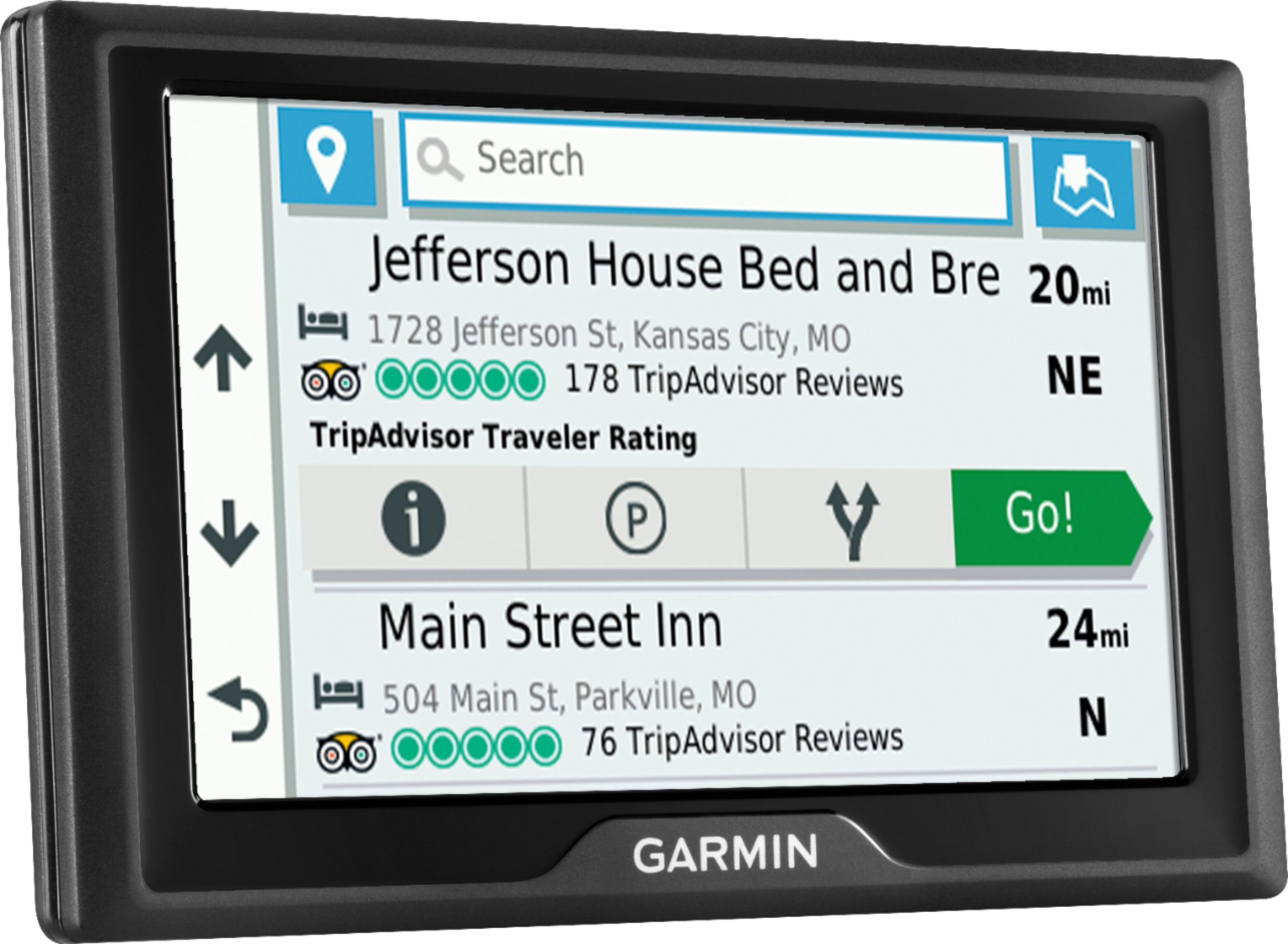
It has an "up ahead" feature that can provide a list of restaurants (or gas stations, or hotels) near your current location.
A:AnswerFeatures
Update your maps
Updates are available for your pre-loaded maps of North America.
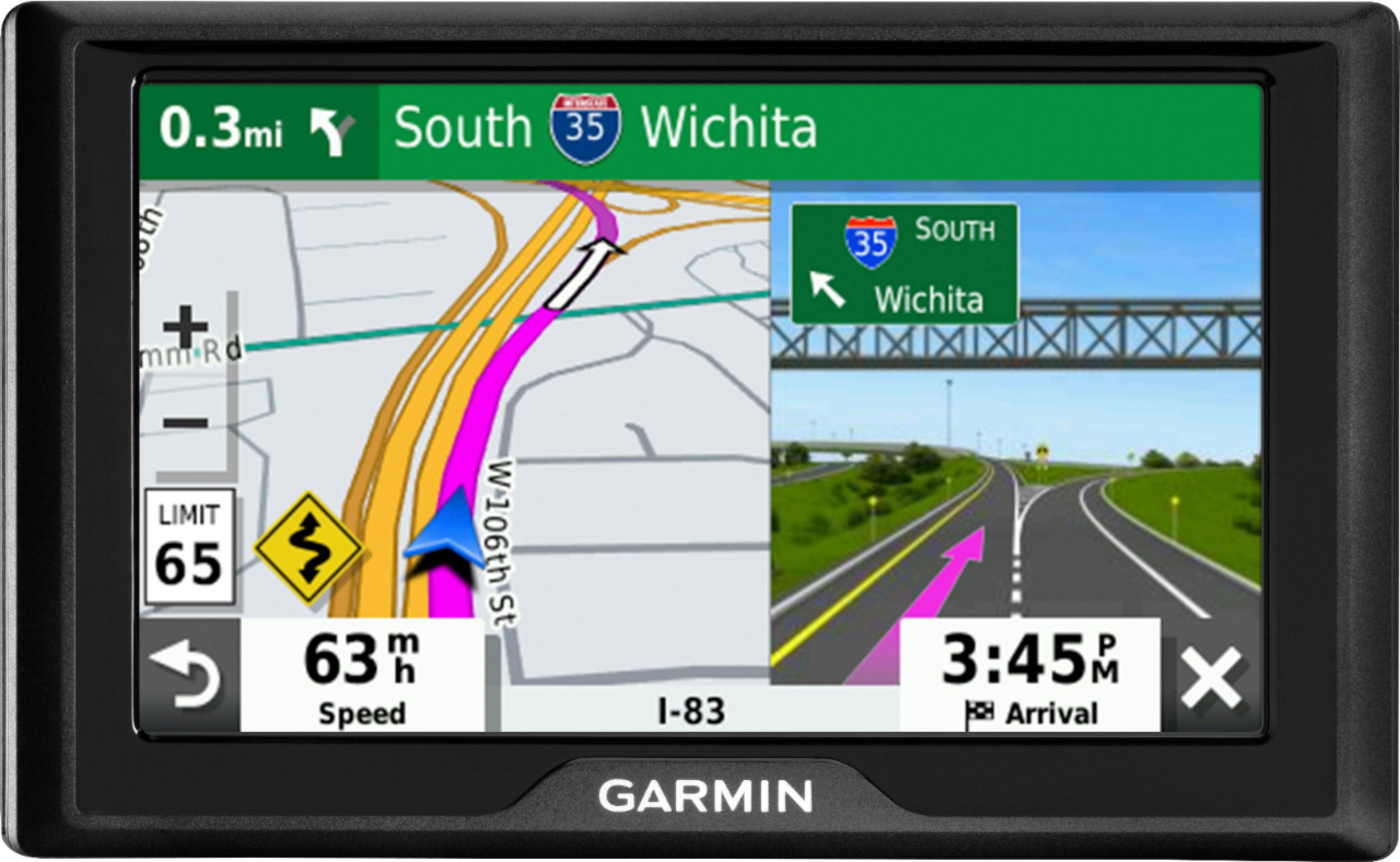
5" TFT color display
With 480 x 272 pixel resolution for easily navigating through settings and functions.
Keep your eyes on the road with navigation instructions and street name announcement voice guidance
Helpful voice assistance allows you to focus on driving without unnecessary distractions.
Connect your unit using USB interface
Easily connect to your computer, smartphone or car charger to get map updates and more.
Built-in rechargeable lithium-ion battery
Provides up to 1 hour of battery life.
A:AnswerGreat question! The Garmin Drive 52 includes in the box:
Garmin Drive 52
Vehicle suction cup mount
Vehicle power cable
USB cable
Quick start manual
A:AnswerYes, multiple stop routes can be entered into the Garmin Drive 52 using the Trip Planner feature. Please see more information at the following link: https://bit.ly/3McGXz4