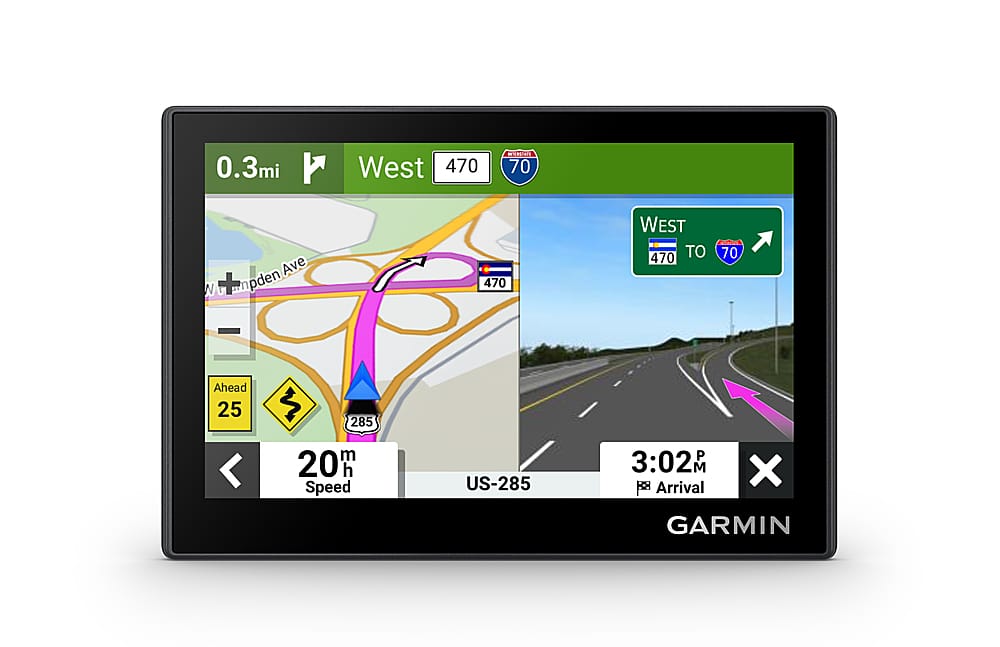
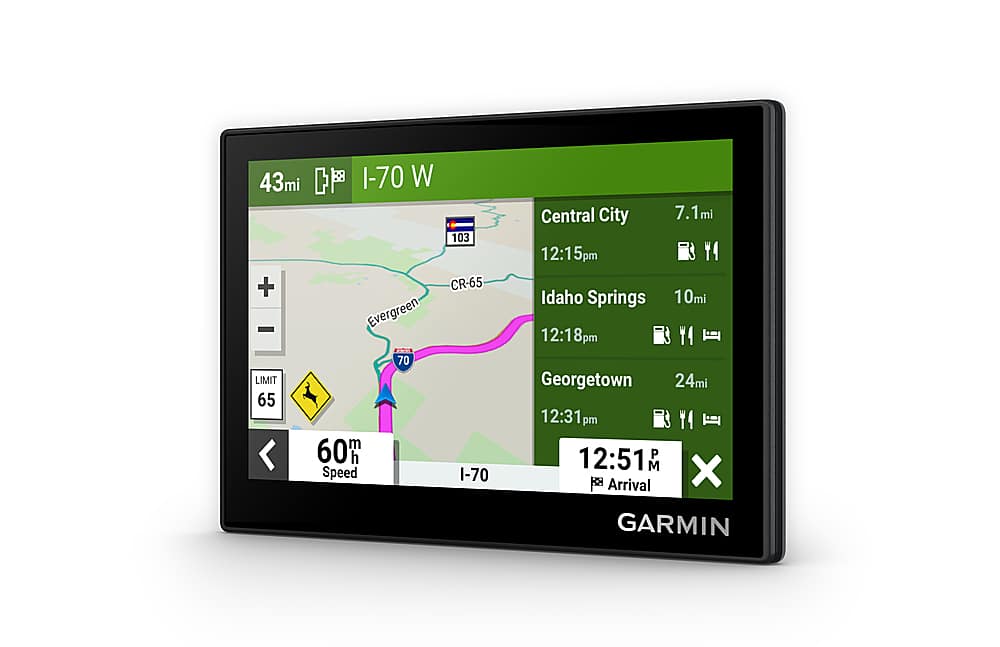
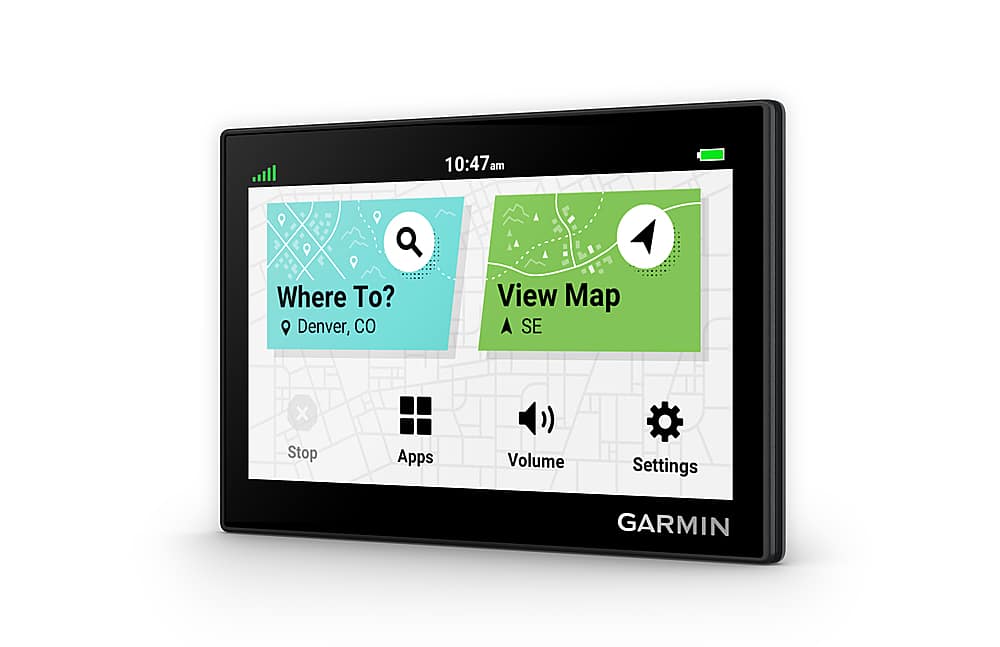
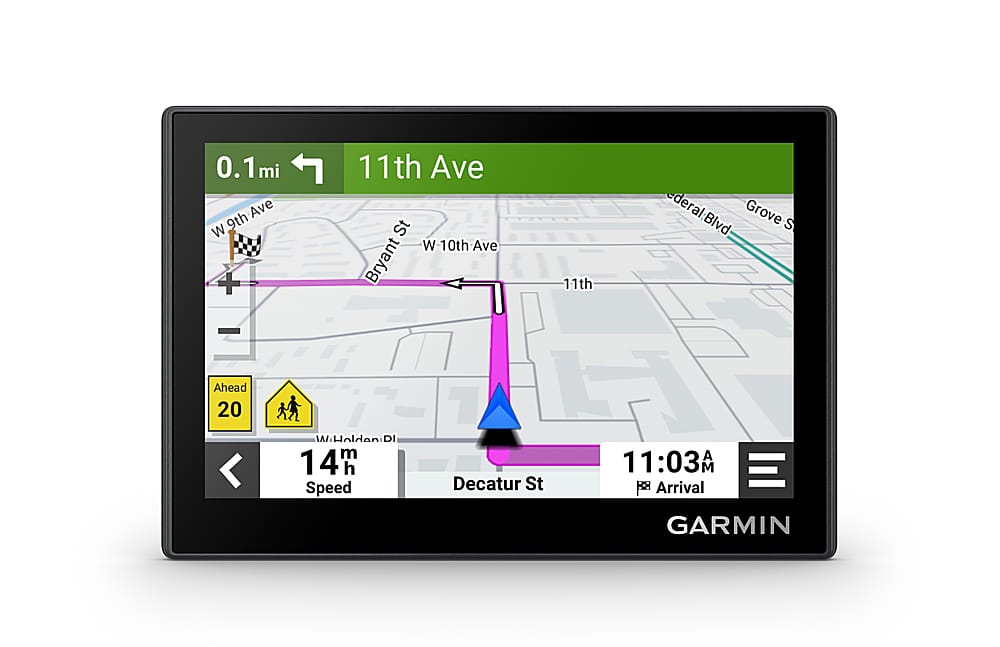
A:AnswerInitially, when you select a destination, the Garmin calculates the route, you select "GO" and you get an initial total distance and ETA. As you drive, the unit shows mileage or kilometers from current position to next point of exit/on-ramp or change of direction when going to a specific location and ETA to final destination (you've told the device to provide route from point A to point B). The general Map display does not provide this additional information.
A:AnswerI wouldn’t. Some routes provided are fine for cars and SUVs but are ill-suited for large vehicles due to steep grades,narrow roads, and/or hairpin turns.
A:AnswerIt doesn't come with a charger it does come with a wire that plugs into your 12V socket in the car. If you want to charge it at home you can your any power adapter you have and the appropriate cord for the unit and it will charge. I find it's best to just use the power cable int he car and if I do need to take it with me for hiking or such It will be ready to go. To use internal power while mounted int he car isn't the best thing to do in my opinion. Hope that helps.