A:AnswerThe Jawbone Up band can be customized through its smartphone app, the Up app by Jawbone allows you to change any and all settings to your personal preferences. You can go as far as choosing the intensity of the vibrating alerts. I have set mine to vibrate when I have been inactive for an hour throughout my work day. You can set the hours that you wish to be alerted for inactivity or to remind you to do a simple workout. The setting allow for many alerts, you just need to take the time to sync our band and apply your settings.
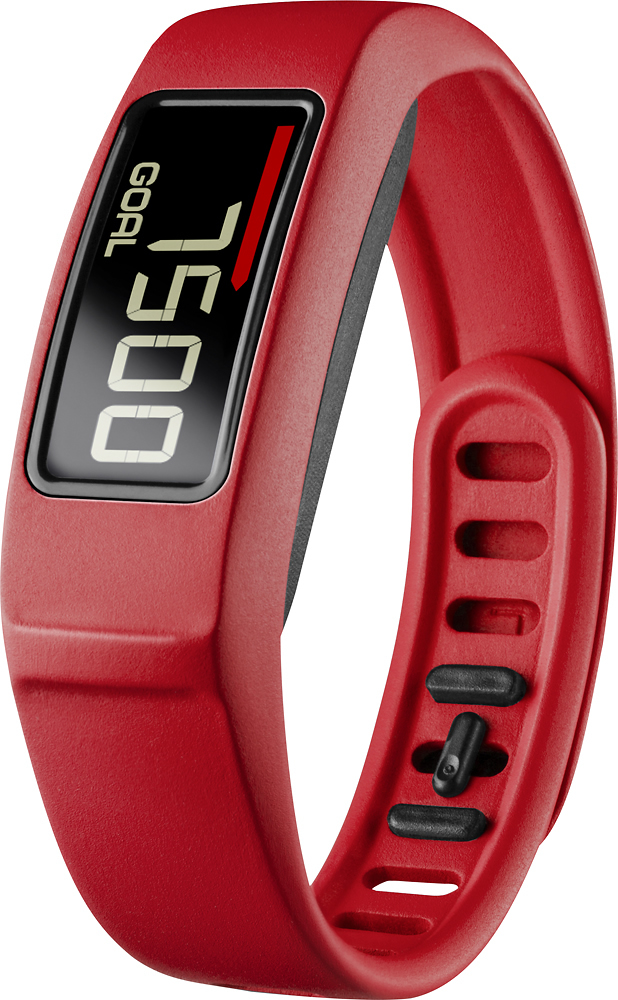
A:AnswerI still had to buy a heart monitor in addition to the Vivo Fit 2 to work together. The Vivo Fit 1 simply doesn't have the capability of syncing with a heart rate monitor, whether it be around your chest or one around your arm. I have a Scosche Heart Rate monitor that syncs with the Vivo Fit 2 that I wear around my arm.
A:AnswerI used to have an UP band before, it frustrated the heck out of me because it would not synch inside my house or in my driveway most days, no matter what I tried. Now, with the GARMIN I have not had a problem at all. I walk in my neighborhood and see the number of steps taken while I walk outside or inside. I am up to date even without downloading. The sleep feature I use some days - I would like for it to switch from one mode to the other on its own, since I forget to do that quite often. The food feature I have never used on either band, seems more involved than it's worth to me. In my case, the Garmin wins hands down.
A:AnswerIt does sink with my fitness pal which is a free app. It also shows the calories you are burning. So putting your food in my fitness pal and seeing the calories you are burning does give a good account
A:AnswerThere are several differences between the vivofit 2 and 3, but the first main difference would be the size of the screen. The vivofit 3 has a smaller screen, but it does have a much higher screen resolution. -JFH