A:AnswerHi Stefano- We are happy to help! Approximate Shipping Weight = 66 lbs. Carton Dimensions: 19.4" Width x 20.2" Height x 33.5" Depth. Thanks for choosing GE! SUE@GEA
A:AnswerHello LB - this is Nancy at GE Appliances. We're sorry to hear that your microwave is no longer heating properly. Your room air conditioning should not have affected the microwave. If it is running, but not heating, we recommend to disconnect power to the microwave via the main power supply for a few minutes so as to reset the controls. If this does not help, then we recommend contacting GE Factory Service at 1-800-432-2737 for assistance. We hope this helps! Thanks for checking with us!
A:AnswerHi Linda- We certainly appreciate your loyalty! You can choose any model. All 30" over-the-range microwaves are approximately the same width, and are designed to fit into a 30" wide cabinet opening. Each microwave comes with the mounting hardware (mounting bracket, screws, exhaust adapter), top and rear templates, and installation instructions. This makes choosing a replacement microwave easy. We suggest our GE® 1.9 Cu. Ft. Over-the-Range Sensor Microwave Oven with Recirculating Venting JNM7196SKSS. No conversion is necessary for recirculating (non-vent). GE® 1.6 Cu. Ft. Over-the-Range Microwave Oven JVM3160RFSS is also a comparable model and will need to be converted for recirculating venting. The recirculating charcoal filter is included. Keep in touch! SUE@GEA
A:AnswerHi Jadkins- Yes, our over-the-range microwaves are shipped from the factory to vent out the top (vertically), but can also be vented out the rear (horizontally) or converted to recirculating (non-vent). GE Profile™ Series 2.1 Cu. Ft. Over-the-Range Sensor Microwave Oven PNM9216SKSS and GE® 1.9 Cu. Ft. Over-the-Range Sensor Microwave Oven JNM7196SKSS are shipped for Recirculating Venting. Check out the Installation Instructions for model JVM3160RFSS at the following link: http://products.geappliances.com/MarketingObjectRetrieval/Dispatcher?RequestType=PDF&Name=49-40675-3.PDF - We would love to have you in the GE Appliances Family! Keep in touch - SUE@GEA
A:AnswerYes it does. Comes from the factory with the vent setting for upwards exhaust but can be easily changed if needed to fit your existing space. Vent is two speed and works great!
A:AnswerHi Nancy- Thanks for viewing! No, over the range microwaves cannot be used on a counter or shelf. The underside is not flat and would not provide a stable surface. Additionally, there can be a heat issue, especially if the vent fan or surface lights were accidentally turned on. Do not install in a closed cabinet or cut-out space where the bottom is covered. See the following link MICROWAVE INSTALLATION AIR CLEARANCE - OVER-THE-RANGE MODELS: http://products.geappliances.com/appliance/gea-support-search-content?contentId=21670 -
Check out the UL approved installation on page 7 of the Installation Instructions at this link: http://products.geappliances.com/MarketingObjectRetrieval/Dispatcher?RequestType=PDF&Name=49-40529.PDF - Check out our GE® 1.4 Cu. Ft. Countertop Microwave Oven JES1460DSBB. Keep in touch! SUE@GEA
A:AnswerHi- We certainly appreciate your loyalty! While the venting is the same, when replacing an over-the-range microwave, the mounting bracket included with the new microwave should be used since the mounting bracket is specific to each model. The new screws, bolts, and exhaust adapter should also be used. Check out the Installation Instructions at the following link: http://products.geappliances.com/MarketingObjectRetrieval/Dispatcher?RequestType=PDF&Name=49-40675-3.PDF - Enjoy! SUE@GEA
A:AnswerHi - You can purchase MICROWAVE INCANDESCENT BULB - 120 Volt, 40 Watt WB25X10030 online at GEApplianceParts.com: https://www.geapplianceparts.com/store/parts/spec/WB25X10030 - Or call our GE Appliances Parts Team at 1-877-959-8688, Mon–Fri 8am–8pm, Sat 8:30am–5pm ET. For reference and replacement, view page 16 of the Owner's Manual at the following link: http://products.geappliances.com/MarketingObjectRetrieval/Dispatcher?RequestType=PDF&Name=49-40669-6.PDF - Thanks for choosing GE Appliances for your home! SUE@GEA
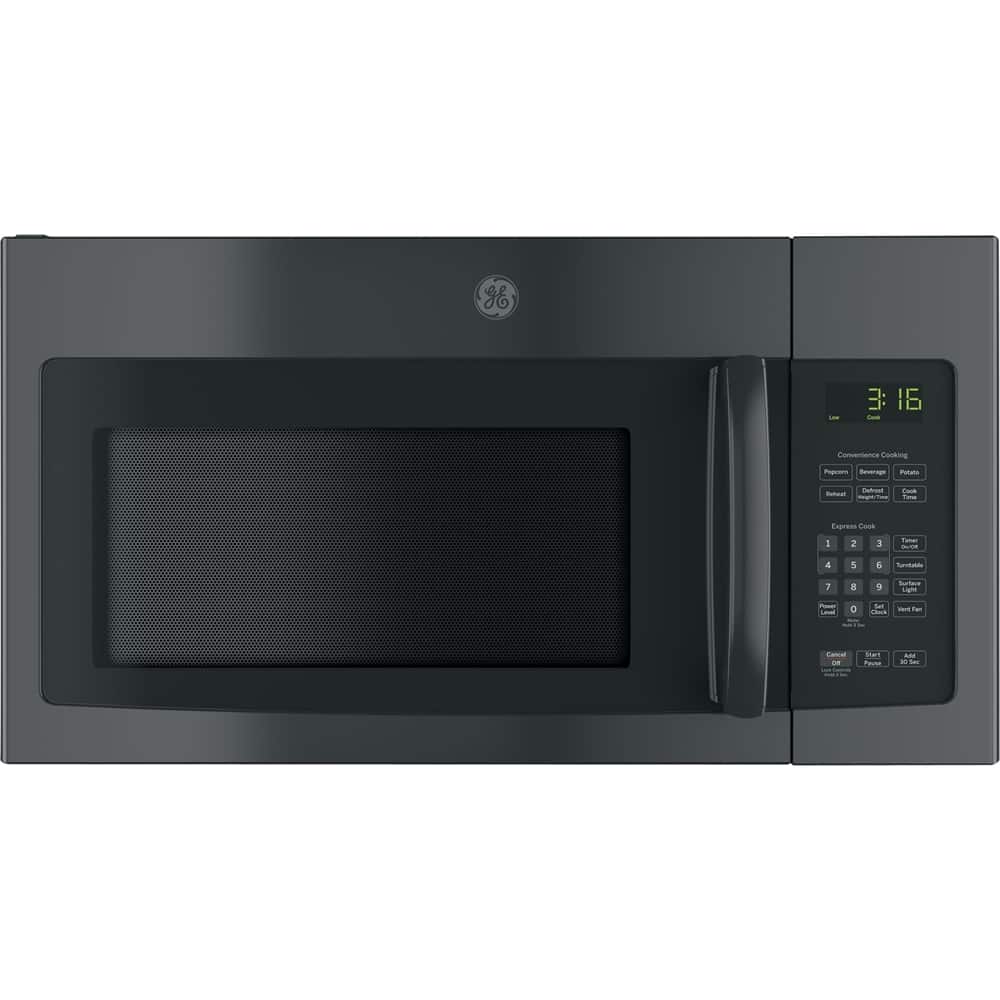
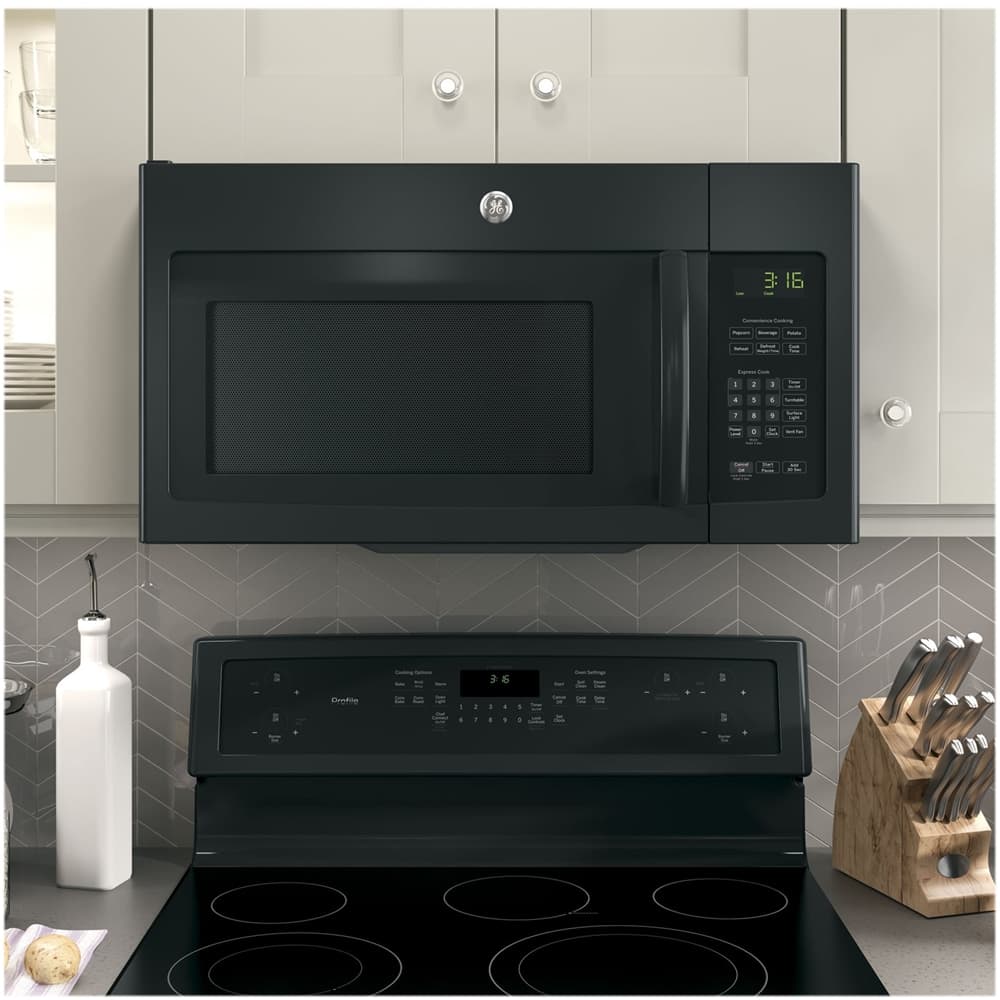
A:AnswerHi cookie- Thanks for being a loyal GE Appliances customer!- Yes, all GE over-the-range microwaves are equipped with cooktop lighting and an exhaust fan to remove smoke, steam and odors up from the cooktop to keep the kitchen air fresh and clean. This model has a two-speed, 300-CFM venting system. You'll love the smudge-proof Slate finish. Check out our GE® 30" Free-Standing Electric Double Oven Convection Range JB860EJES. Our double oven ranges allow you to cook two different dishes at two different temperatures at the same time. Learn more about our Premium Slate Finish: http://www.geappliances.com/ge/slate-appliances.htm - Keep in touch! SUEatGEA
A:AnswerHi BH- We certainly appreciate your loyalty! Yes, all over-the-range microwaves can be vented to the outside using rigid 3 1/4" x 10" rectangular or rigid 6" round ducting (a rectangular to round transition adapter must be used.) They are shipped from the factory to vent out the top (vertically), but can also be vented out the rear (horizontally). They can also be installed for Recirculating (non-vented). All 30" over-the-range microwaves are approximately the same width, and are designed to fit into a 30" wide cabinet opening. Each microwave comes with the mounting hardware (mounting bracket, screws, exhaust adapter), top and rear templates, and installation instructions. You can view the Top Cabinet Template at the following link: http://products.geappliances.com/MarketingObjectRetrieval/Dispatcher?RequestType=PDF&Name=31-41080.pdf - You can also view the Installation Instructions at the following link: http://products.geappliances.com/MarketingObjectRetrieval/Dispatcher?RequestType=PDF&Name=49-40675-2.pdf - Thanks for checking with us. Enjoy! SUEatGEA
A:AnswerHi Howie- We suggest to view our Haier 24" Over-The-Range Microwave HMV1472BHS: https://www.bestbuy.com/site/haier-1-4-cu-ft-over-the-range-microwave-with-sensor-cooking-stainless/5711947.p?skuId=5711947 - You can view the Installation Instructions at the following link for more details (see page 4): http://products.geappliances.com/MarketingObjectRetrieval/Dispatcher?RequestType=PDF&Name=MW-OTR_24in_HMV1472BHS_Installv9.pdf - We hope it fits! Due to age, it would probably not be cost effective to repair your microwave. For assistance with repairs, we suggest to contact the manufacturer (Sharp) for assistance. SUEatGEA
A:AnswerHi Jerry- We certainly appreciate your loyalty! All 30" over-the-range microwaves are approximately the same width, and are designed to fit into a 30" wide cabinet opening. Each microwave comes with the mounting hardware (mounting bracket, screws, exhaust adapter), top and rear templates, and installation instructions needed to make installation a simple process. This makes choosing a replacement microwave easy. Note: When replacing an over-the-range microwave, the mounting bracket included with the new microwave should be used since the mounting bracket is specific to each model. The new screws, bolts, and exhaust adapter should also be used. Also, all over-the-range microwaves can be vented to the outside using standard 3 1/4" x 10" rectangular or rigid 6" round ducting and should line up with your existing duct. They are all designed for adaptation to the following three types of ventilation: *Outside exhaust (horizontal), *Outside exhaust (vertical), *Recirculating (non-vented). You can view the Top Cabinet Template and Rear Wall Template online: http://products.geappliances.com/MarketingObjectRetrieval/Dispatcher?RequestType=PDF&Name=31-41080.pdf- Thanks for checking with us. Enjoy! SUEatGEA
A:AnswerExpect $100 plus a service call fee to fix numbers. Or you could remove the microwave to take to a shop.. The range underneath will need to be moved out either way. If you can work around the bad numbers and it still heats you can stretch out the life time. New GE microwaves can be found around $200 but you still need to install. New has a 1 yr warantee and your credit card may extend that further. Be aware that the power cord hole and screw holes seem to keep changing locations with new models or other brands. That means you may have to re-drill up to 3 holes.
A:AnswerHello AA - The model where you posted this question (JVM3160RFSS) will work well as a replacement for model JNM3161RFSS. The dimensions are the same for both models. - TREY@GEA