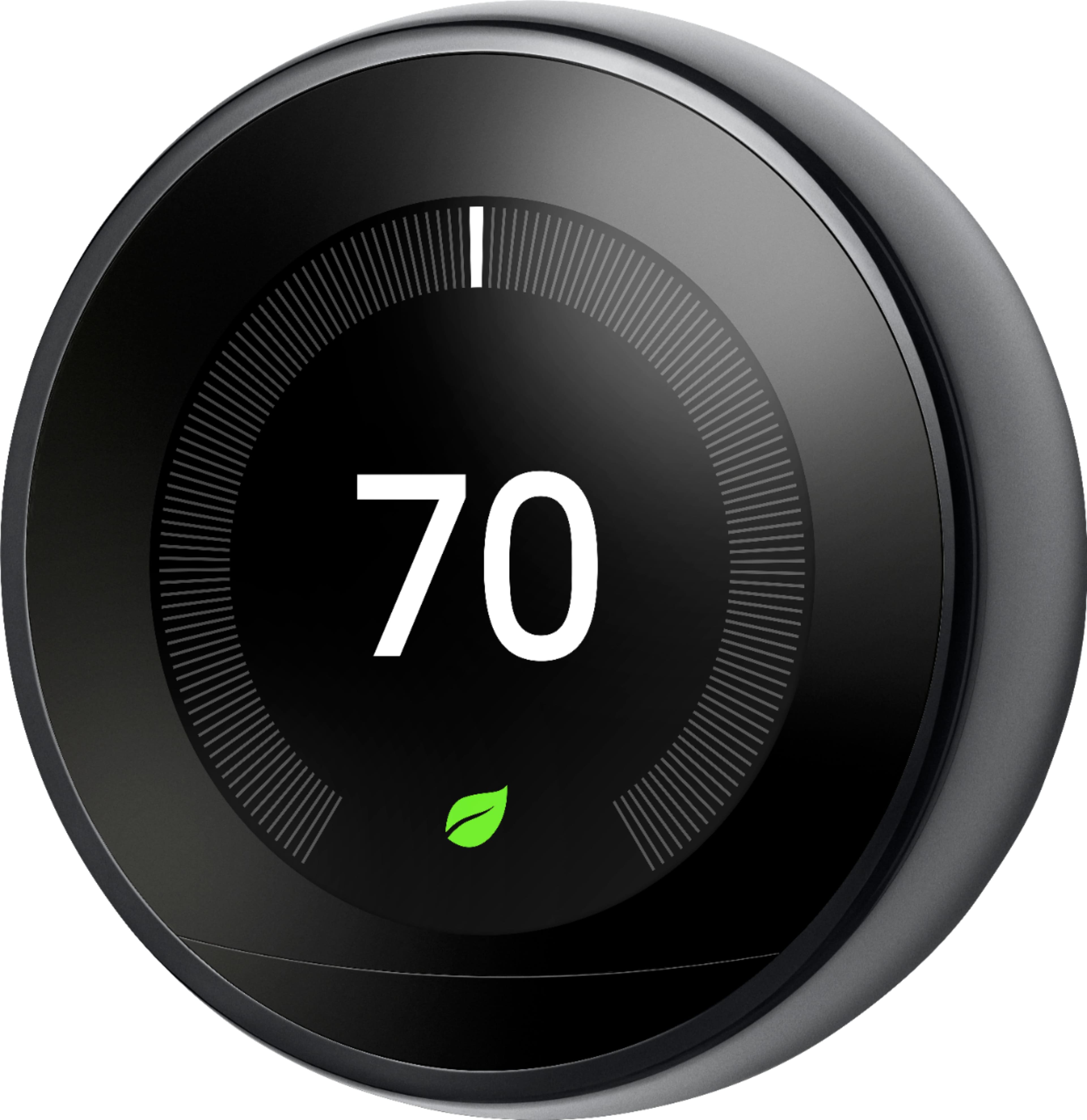
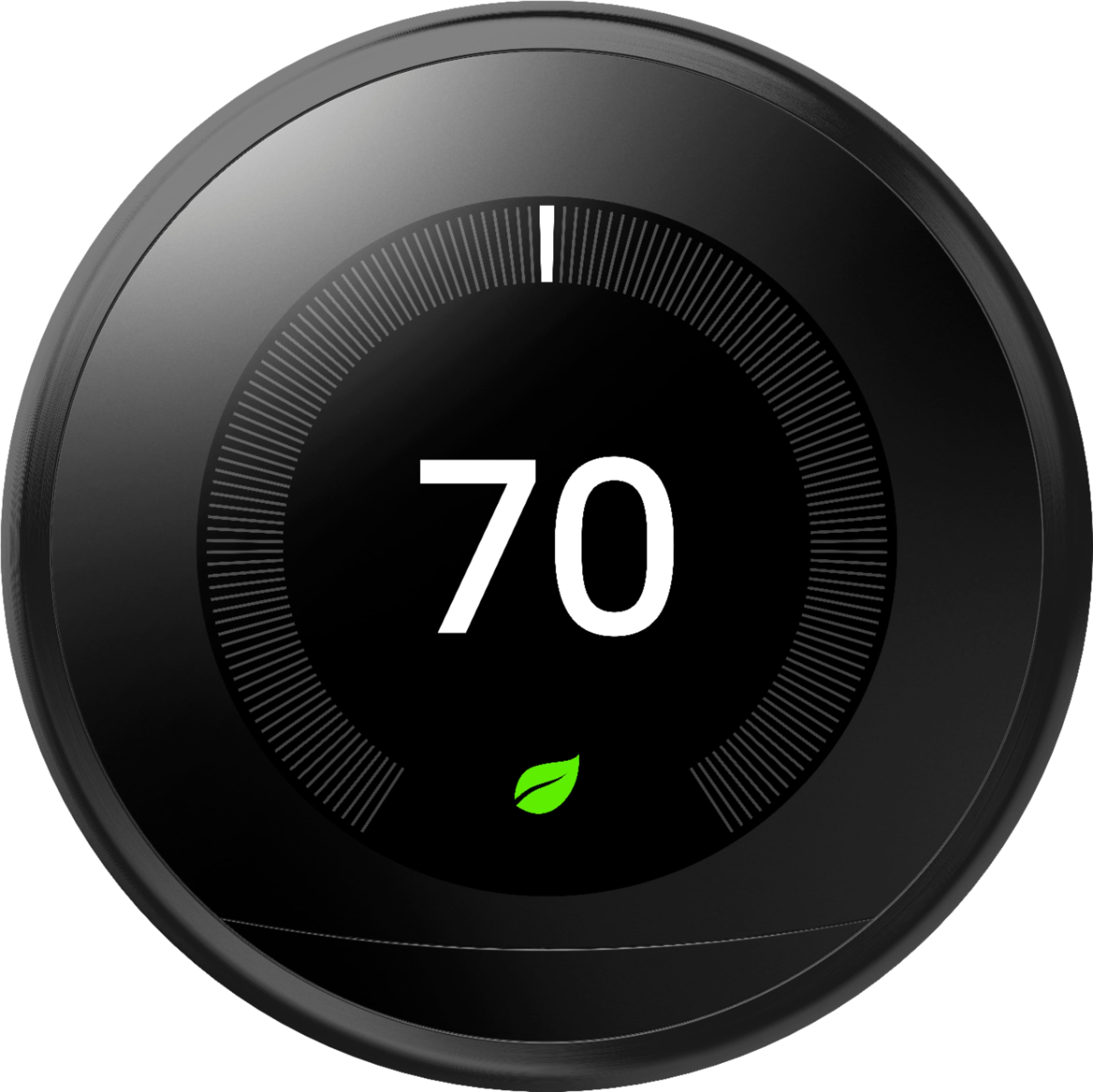
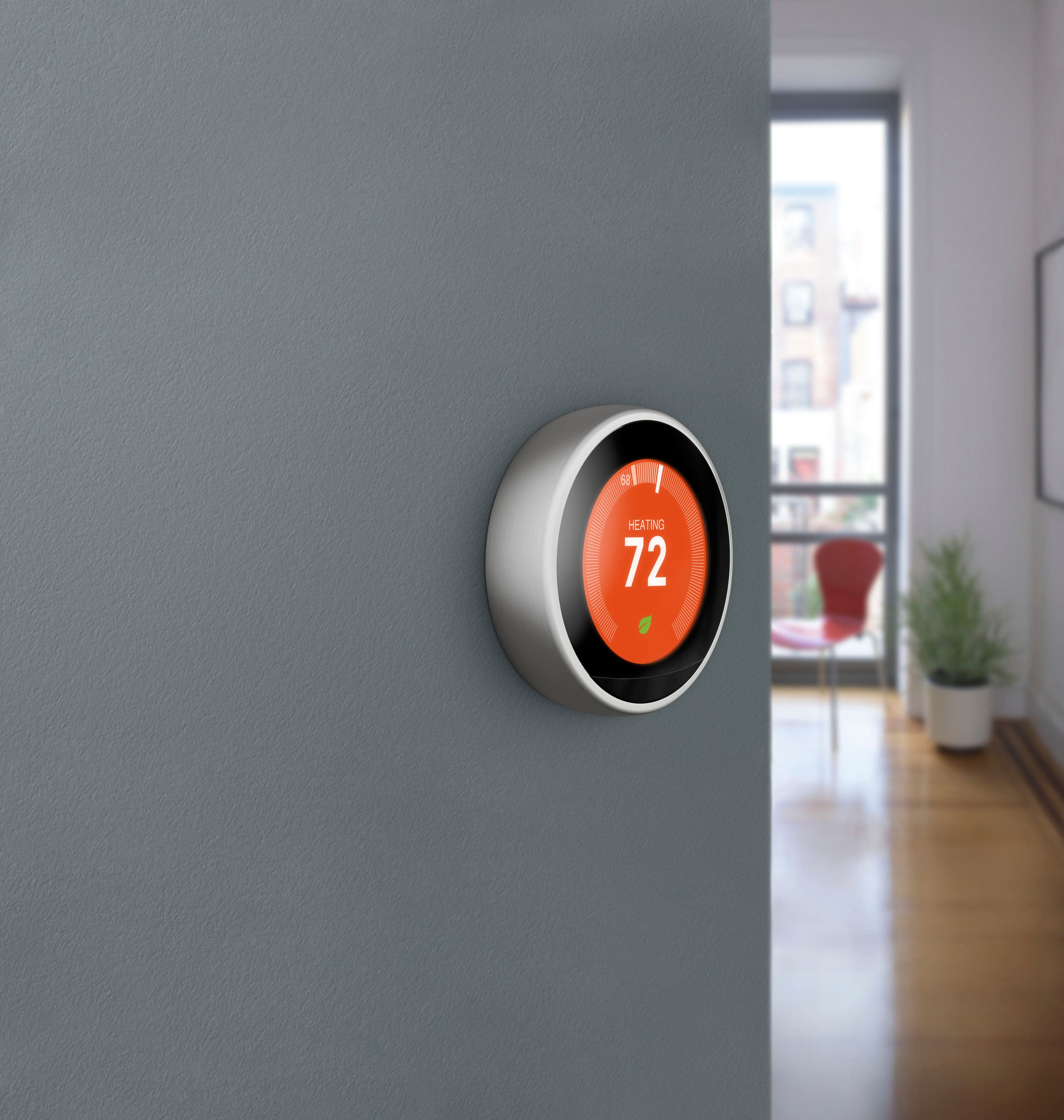
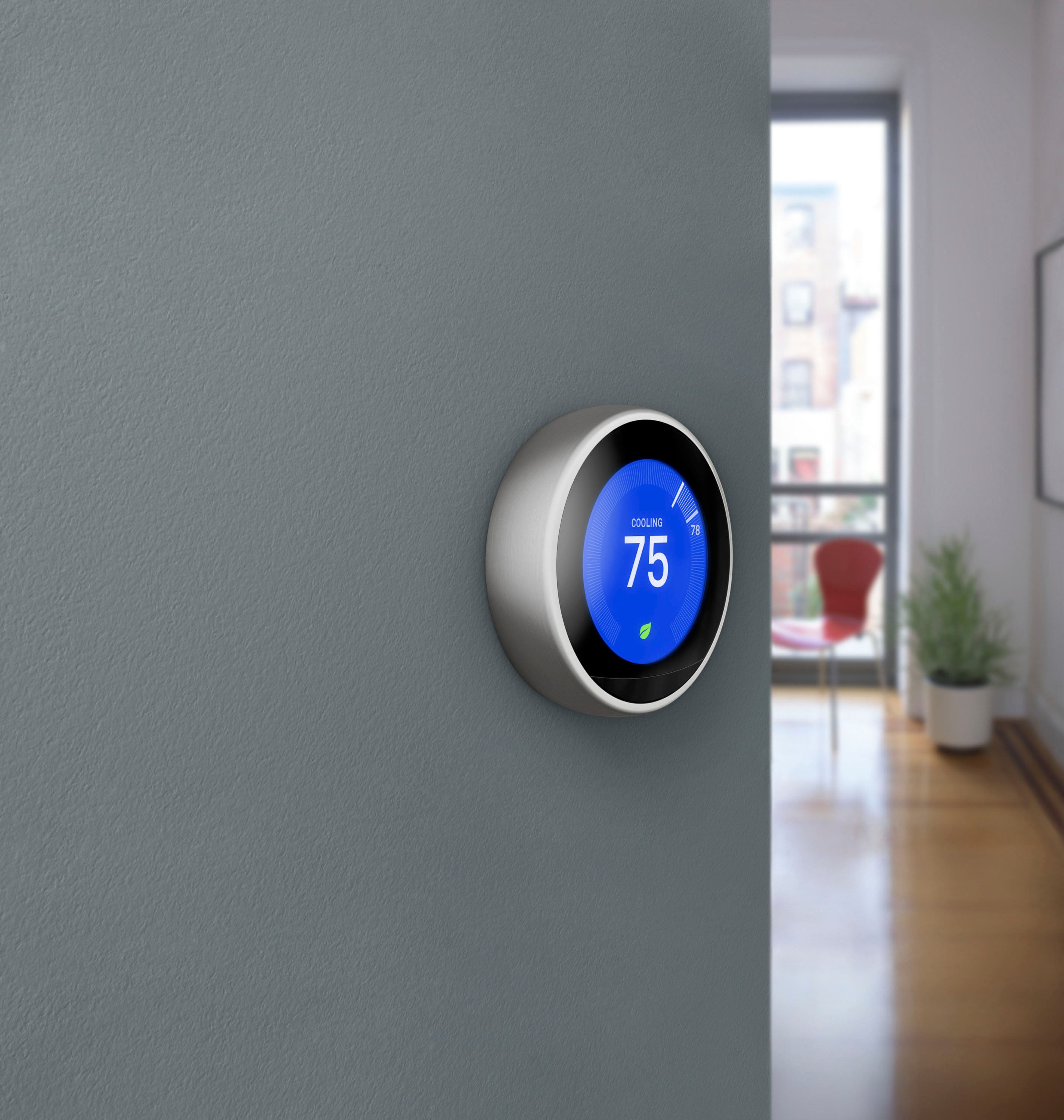
A:AnswerYou have the option to replace all of the 5 thermostats in your home if you are having a Zoning system, or just opt for 1 Nest Learning Thermostat to control the heating and cooling system for your home. Should you need further assistance, please reach out to us here: https://support.google.com/googlenest/gethelp
A:AnswerBecause it's all done via your phone it doesn't matter. You can change it while you're away. Or just go into the schedule and set up an away schedule for when you're gone and change it back when you get home. You can also change the "away" settings and leave it on away while you're gone. Lots of options. But no, there's no selection called vacation.
A:AnswerNest thermostats already come with a humidity sensor with a feature called ¨Cool to Dry¨ that works similarly to the Humidistat. With Cool to Dry, Nest Learning Thermostat can use your air conditioner (AC) or heat pump to help reduce excessive humidity, and help maintain a healthier environment for your home. But for humidifiers and dehumidifiers, we recommend professional installation to avoid any issue or damage to your HVAC systems.
A:AnswerIt can be set to do so however be aware that there is a built in temperature difference of approximately 2 or 3 degrees to prevent the system from switching to often thereby saving wear and tear on your system.
A:AnswerNo this would require a much more sophisticated system to operate the two but im sure if u called customer service to speak to an install expert they would have an answer
A:AnswerThe Nest Learning Thermostat is engineered to use very little power: So, even though Nest thermostats have sensors, displays, and more, they typically don't need a C wire to stay charged up. It uses the voltage from your system’s wires to keep its internal battery charged. However, if it's not getting enough power from your system, you will be needing to install C wire to have it's own source of power.
A:AnswerYou can have one in each family home and operate them all from your app and have complete control without ever going to each home as well as track all activity just by opening the app
A:Answerwe have a sensor in one room that the nest communicates with. rest of home is comfortable. if notice temp not where you like it you can tell it to change temp (we use alexa) or can manually change at the nest or on the app.
A:AnswerTo make sure that your system is compatible with Nest Learning Thermostat, you can use the Compatibility Checker here: https://store.google.com/us/widget/compatibility/thermostat
A:AnswerThe Nest Learning Thermostat 3rd Gen is designed to work with most 24V systems. It supports up to three stages of heating and two stages of cooling for conventional systems, and two stages of heating and cooling with auxiliary heat for heat pumps. To make sure your system is compatible, please use our online compatibility checker here: https://store.google.com/us/widget/compatibility/thermostat
A:AnswerI could be wrong but your HVAC system should be supplying 24V. I believe this is the "R" wire. I believe this stat is designed to work with a 24V supply. If you have other then check with the Nest people to see what they recommend.
A:AnswerNest Learning Thermostats have occupancy sensors to detect when someone is in a room for comfort optimization and energy saving but it doesn't send alerts for unwanted guests as it doesn't have a camera.