A:AnswerIf the thermostat is set at 73 and I am warm, I can turn the thermostat to 72 and it kicks on. So I would say 1 degree difference. I have never stood there and watched it but I would assume, based on my experience, that if you have it set to 72 then the AC is going to kick on at 73. It will run the compressor till it reaches 72 then turn the compressor off and it will run the fan for several more mins blowing all the cool air out of the system. Which keeps it cooler and saves money.
A:Answerwe have found that the number of rush hour days are limited by our utility company and they seem to be relatively rare, i.e., averages a day every couple of weeks or so
A:AnswerThat is not an issue, it's an efficiency feature. Starting and stopping cost money. It will also do that based in the temperature outside, it knows if the house may be warmer or cooler later. Make sure you have it in cool mode only.
A:AnswerYes it will work anywhere that you put it and will use temperature from your room to turn on air. Mine is in the front not door of house and gets all the heat from open and closing door. Can’t wait for the sensors. Hope this helps
A:AnswerThe nest app does have an auto- schedule that learns your habits and when nobody is home. You can find this function by selecting the settings wheel on the nest home screen, then select your main thermostat. Auto- sensing isthe second option.
You can also make a schedule for every day of the week. This can be done by selecting your main thermostat from the home screen (under the house pic). At the bottom of the screen you'll see schedule.
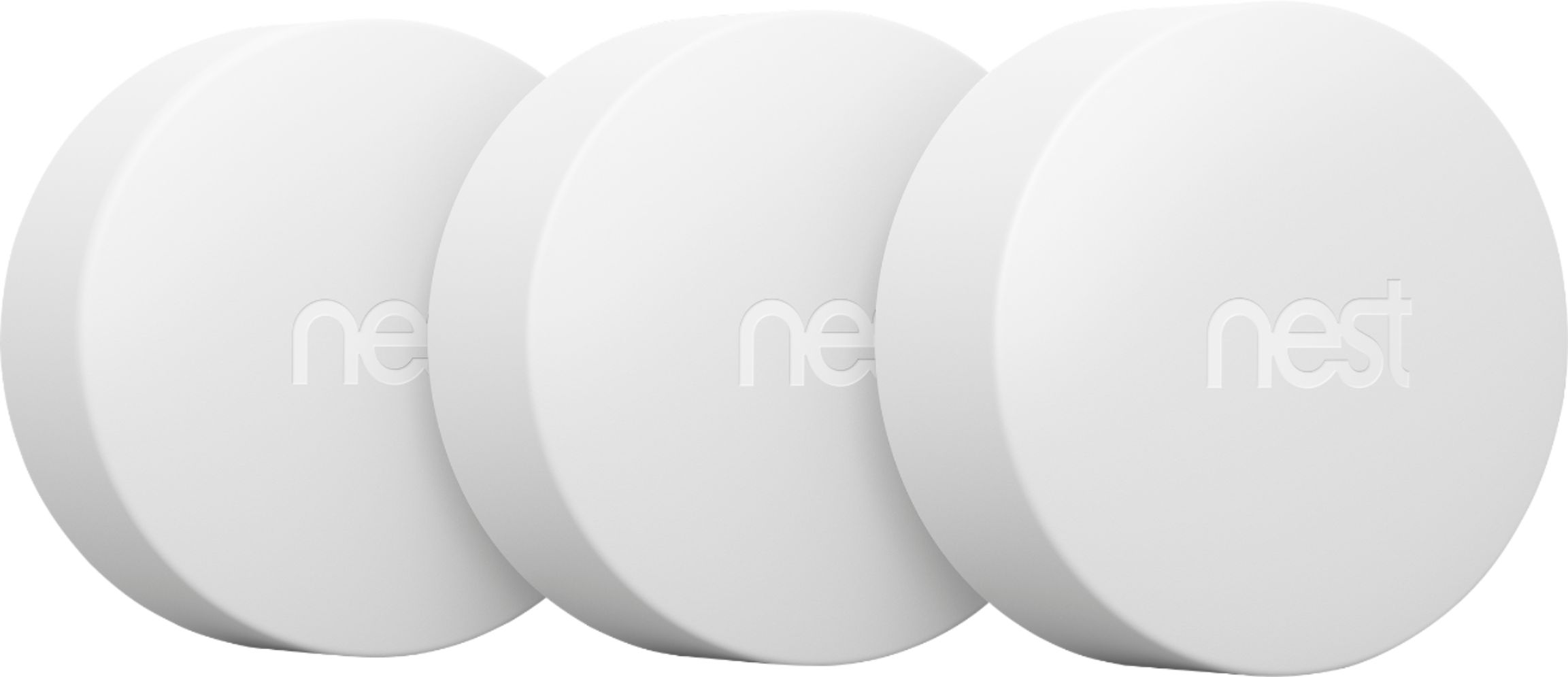
A:AnswerYou would need to purchase one 3rd Generation Nest for each A/C unit you are controlling. Nest recently introduced the Nest Temperature Sensor which works in conjunction with the control unit, where you would place one of these sensors in the zone you want to set for optimal temperature. The logic is that typically the thermostat is not always placed in the room you want the most control. I have a home with three a/c units and added a Temperature Sensor to one bedroom since the thermostat was in the hallway. Works perfectly. Good luck.
A:AnswerIt’s a “learning” thermostat so if comfortable simply adjust manually by turning dial or via app and it will turn off the heating/cooling function until schedule changes or you change it.
A:Answeryou can program it from anywhere you like you just need to have service or wifi... even if you are a Voyager on a mission to next earth likely planet lol
A:AnswerProbably not. The real value in this comes from the automatic programming and ability to control your thermostat remotely. If your home is normally a comfortable temperature anyways, I'm not sure that it'd be that easy to justify the 250$ price tag.
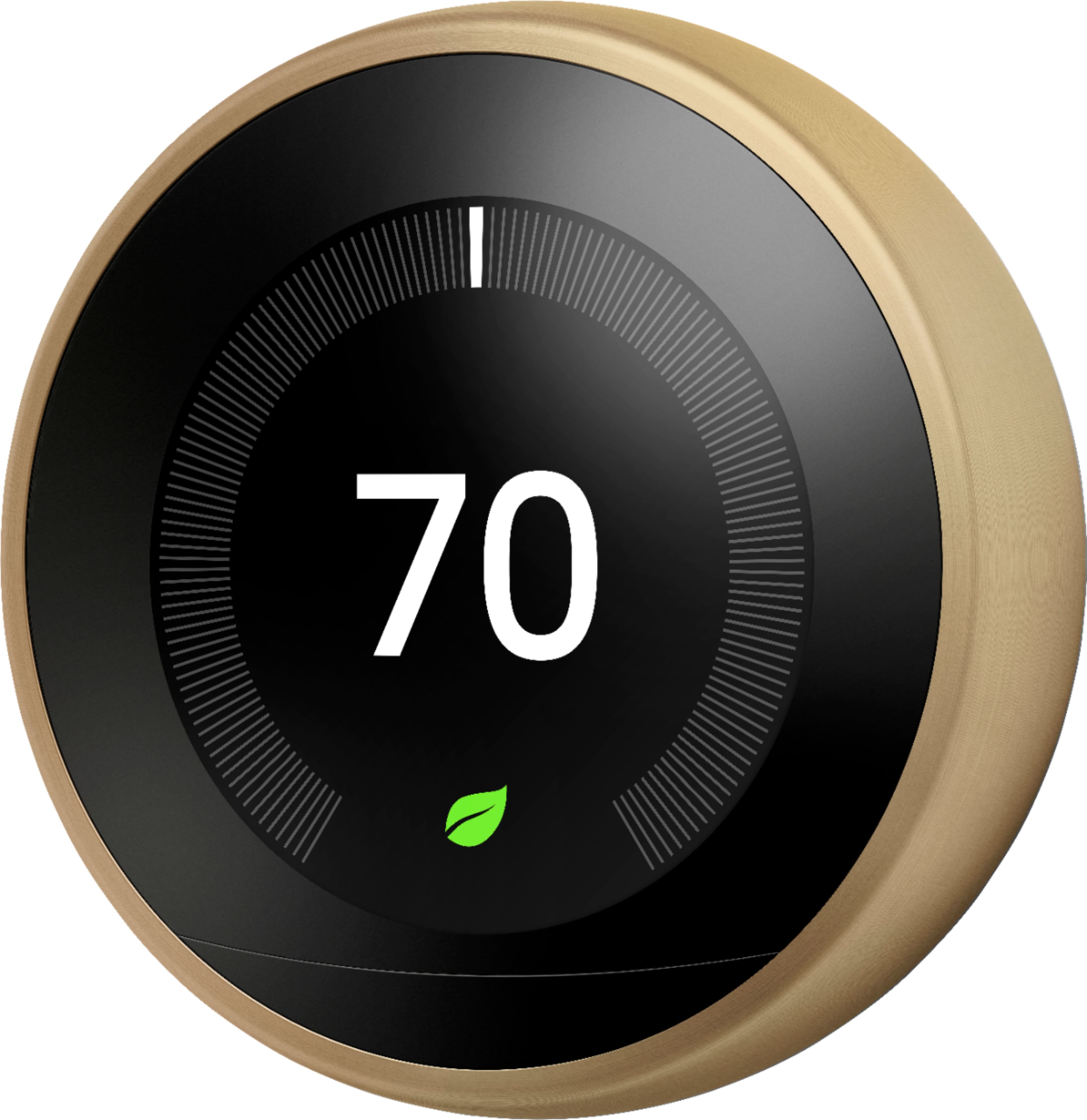
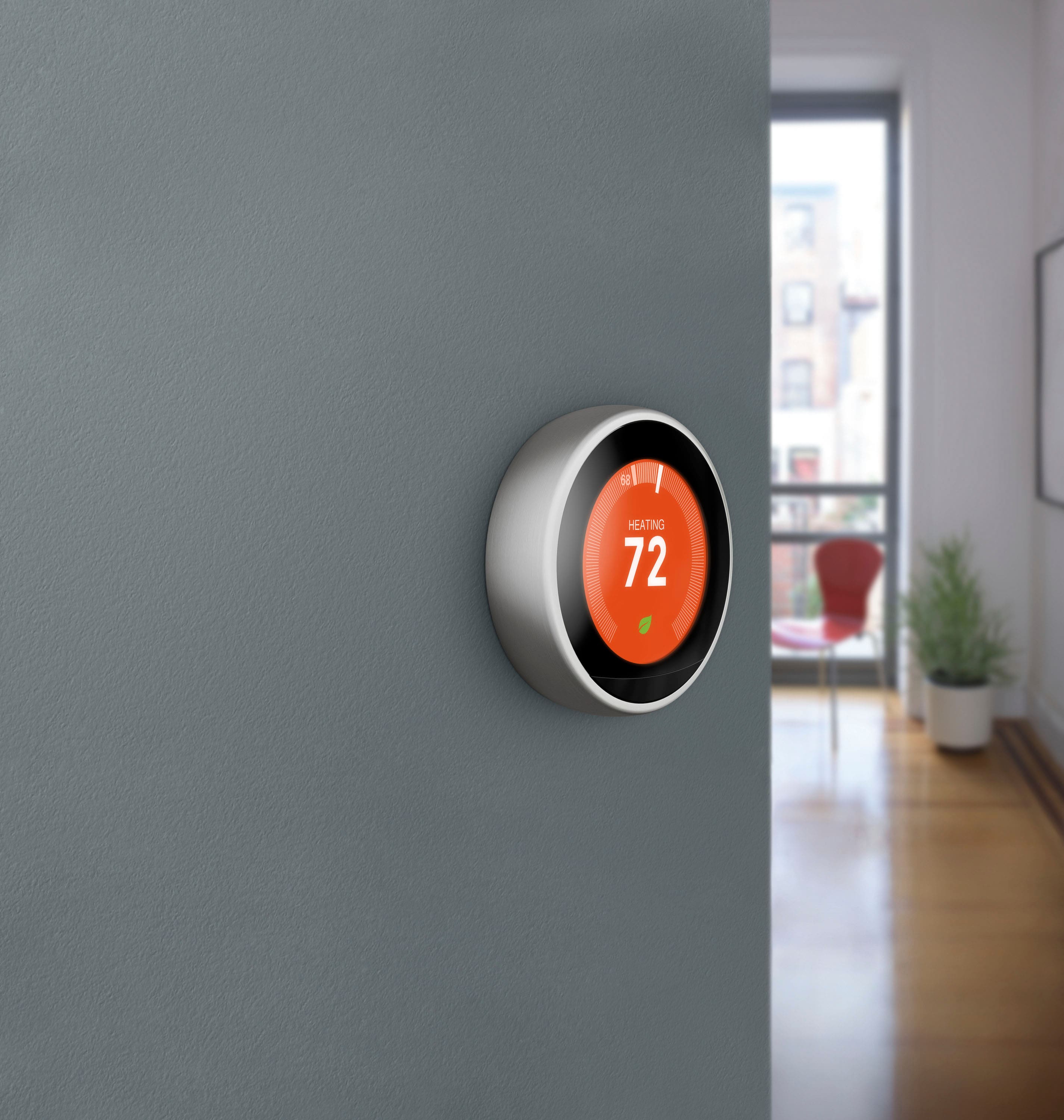
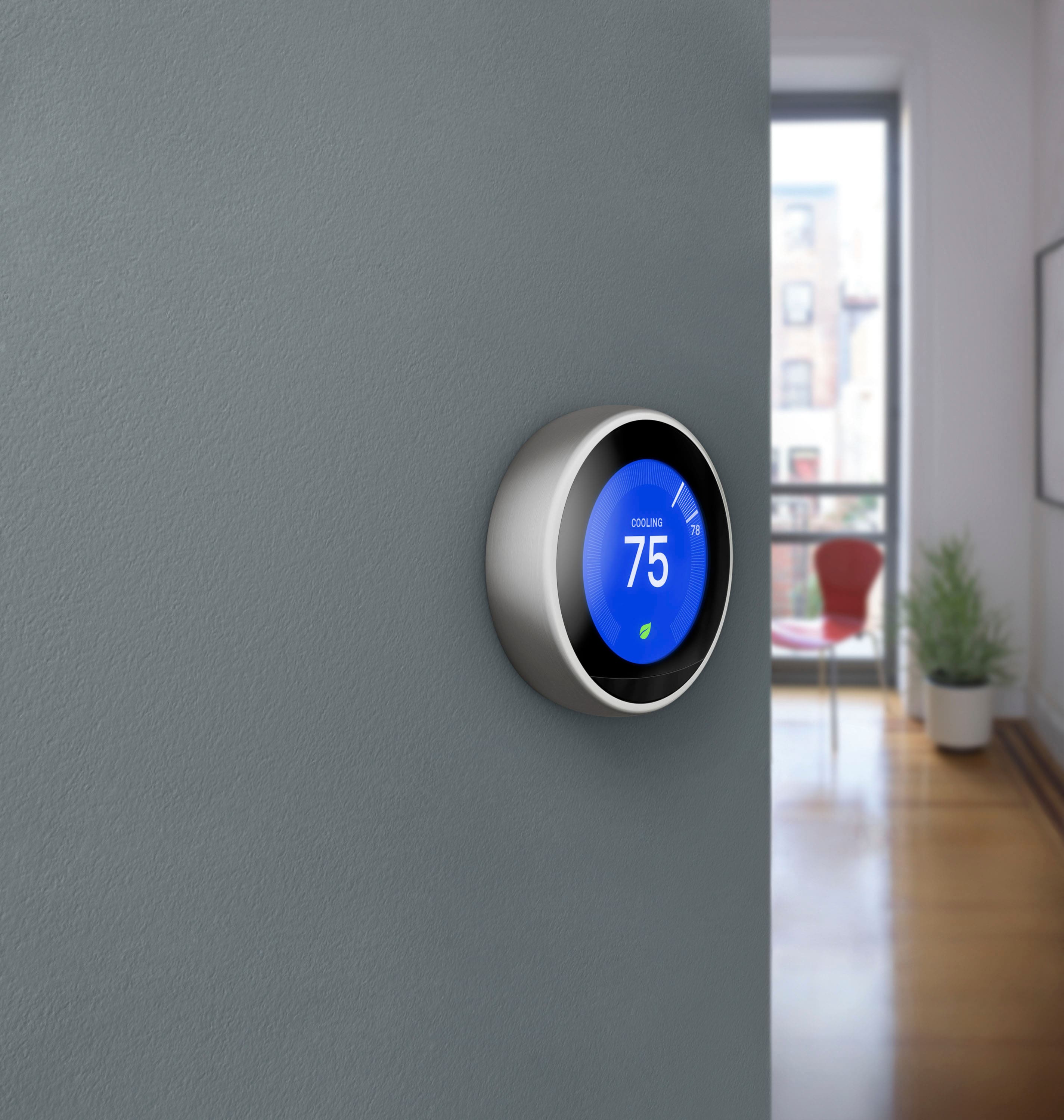
A:AnswerNo, at least from what I've been able to determine. The base is the base, and the display is white on black, though it changes color when it's heating (and, I presume, cooling).
A:AnswerA C-Wire is not required in the Nest thermostat (as it is required in the Lyric Thermostat) because Nest has managed to have the unit pull power from one of the other wires ... in other words, Nest has found a way to get just enough power from the existing setup without a C-Wire. Although having a C-Wire makes it very easy to install and operate. The Lyric, on the other hand, requires a separate C-Wire connection, or you must use highgrade, and expensive, lithium AAA batteries, which can be costly and have to be replaced at varying rates depending on your heating/cooling system. I had the Lyric and had to replace the battery every 3 weeks. It was annoying and expensive. The Nest, though, has worked with no problems now for three months straight using the existing wiring on my home system and without a C-Wire