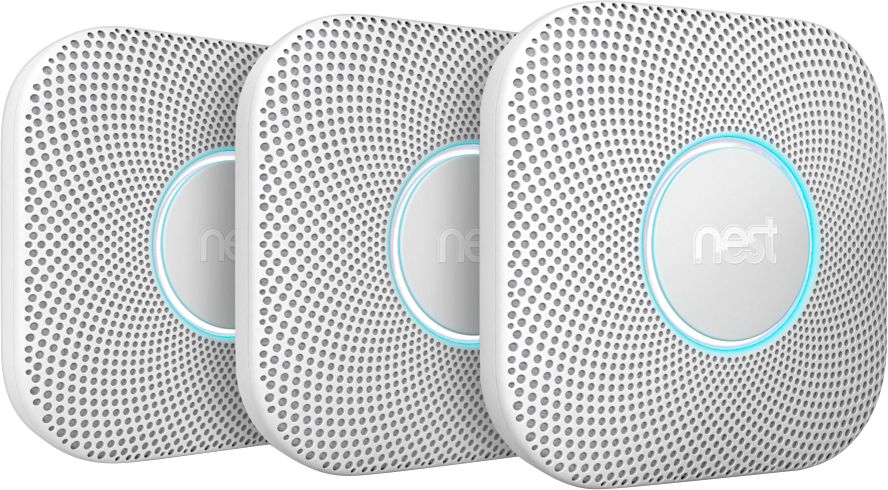
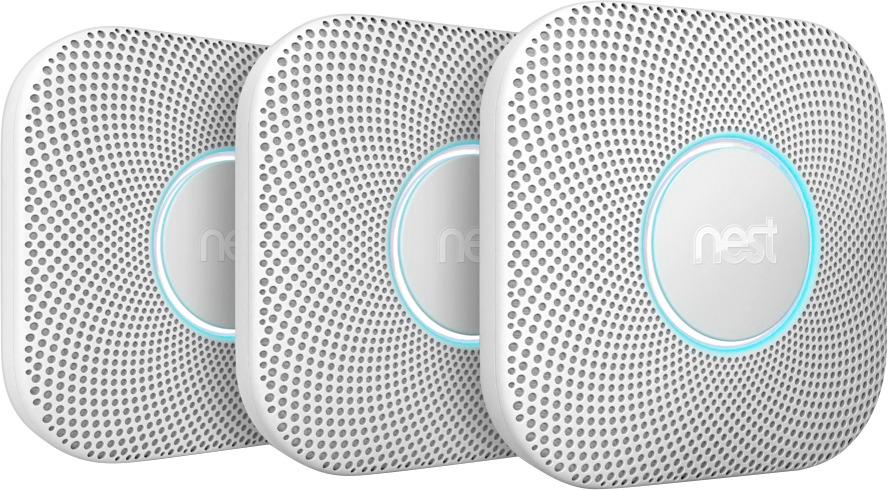
A:AnswerAs per the instructions, these are NOT meant for installation in a garage. I would put on in there as well and intended to but the possibility of emissions from cars would set them off non-stop I would imagine.
A:AnswerYou can connect Nest Protect directly to your home Wi-Fi. You need to connect Nest Protect with the Nest app on your phone via Wi-Fi before installing it on your ceiling. Keep in mind, your phone and Nest Protect should be connected to the same Wi-Fi network in order to install it.
A:AnswerYes, Nest Protect 2nd gen has a heat sensor that enables Nest Protect to detect sudden rises in temperature. To learn more about the 2nd generation Nest Protect sensors, you can take a look at this article : https://support.google.com/googlenest/answer/9251133?hl=en
A:Answerthe network name is not the name that is on the back. It is your wifi network name. If you do not have a wifi network you cannot use this Nest smoke alarm.
A:AnswerNest Protect requires the free Nest app and Wifi connection for setup and controlling the device after installation. This setting also rules out connecting Nest Protect with other smoke detectors regardless of hardwiring. You have a look at this article to learn more about interconnected Nest Protects: https://support.google.com/googlenest/answer/9232615?hl=en
A:AnswerI am almost sure that Nest and Ring are going to operate in separate apps. So you will need to Jump back and forth between the two. But...With having the Nest Smoke alarm, thus downloading the app for setup. You can still be notified on your Smart Phone if something is happening while your away, just like Ring will do with their devices.
A:AnswerWe combined one hardwired and nine battery operated Nest Protects to cover our 4300 square foot home. Installation was very easy, as was programming. We like that we can name each unit, they all communicate with each other, they speak a warning before starting any alarms, and the nightlight feature is a far handier bonus than we expected. Being able to check the status of the units from our phones when we are away also provides even more peace of mind. As long as these units stand the test of time, we couldn't ask for more!
A:AnswerI don't believe there is a limit to the number of devices that can be alerted. It sends alerts to the Nest account that is logged in. My wife is the "owner" of the Nest account where all our Nest devices are configured. I have my own Nest account but am added as a family member. Alerts get sent to both. So you can add multiple users, and if those accounts are signed in, alerts will go to all the devices.
The Nest Protect can go on a wall or ceiling. There are instructions for both wall and ceiling mounting, including angled walls/ceilings.