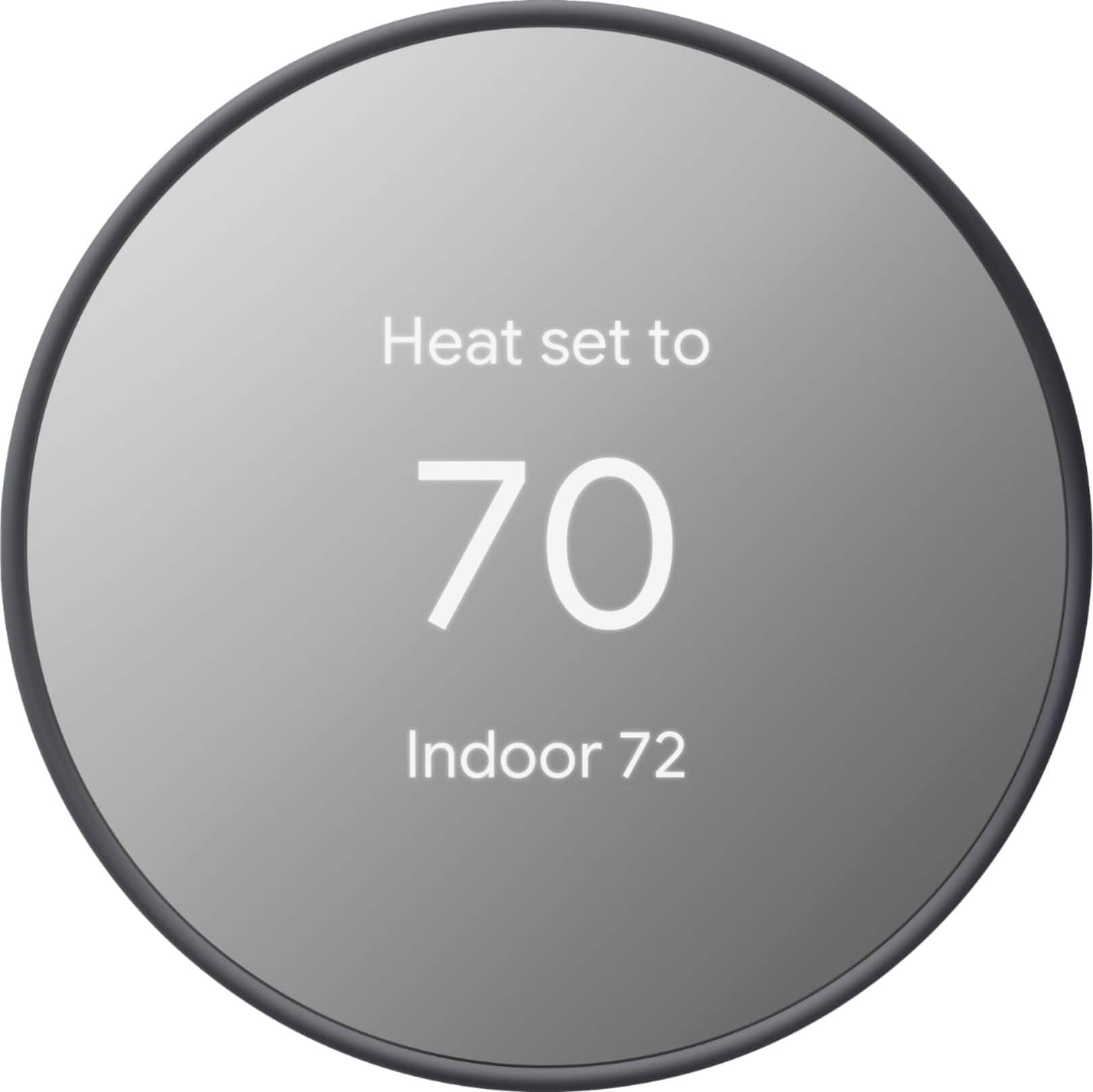
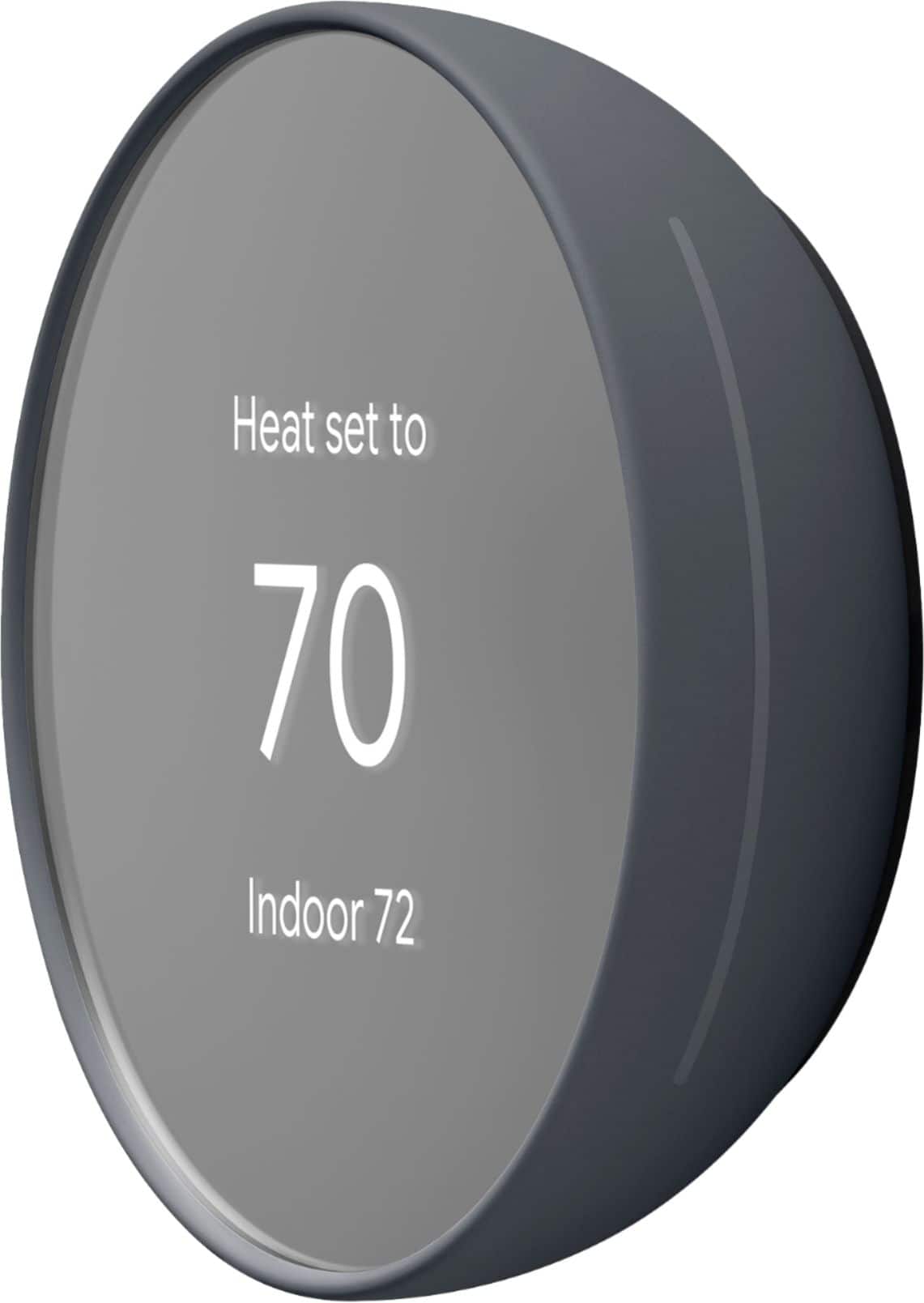
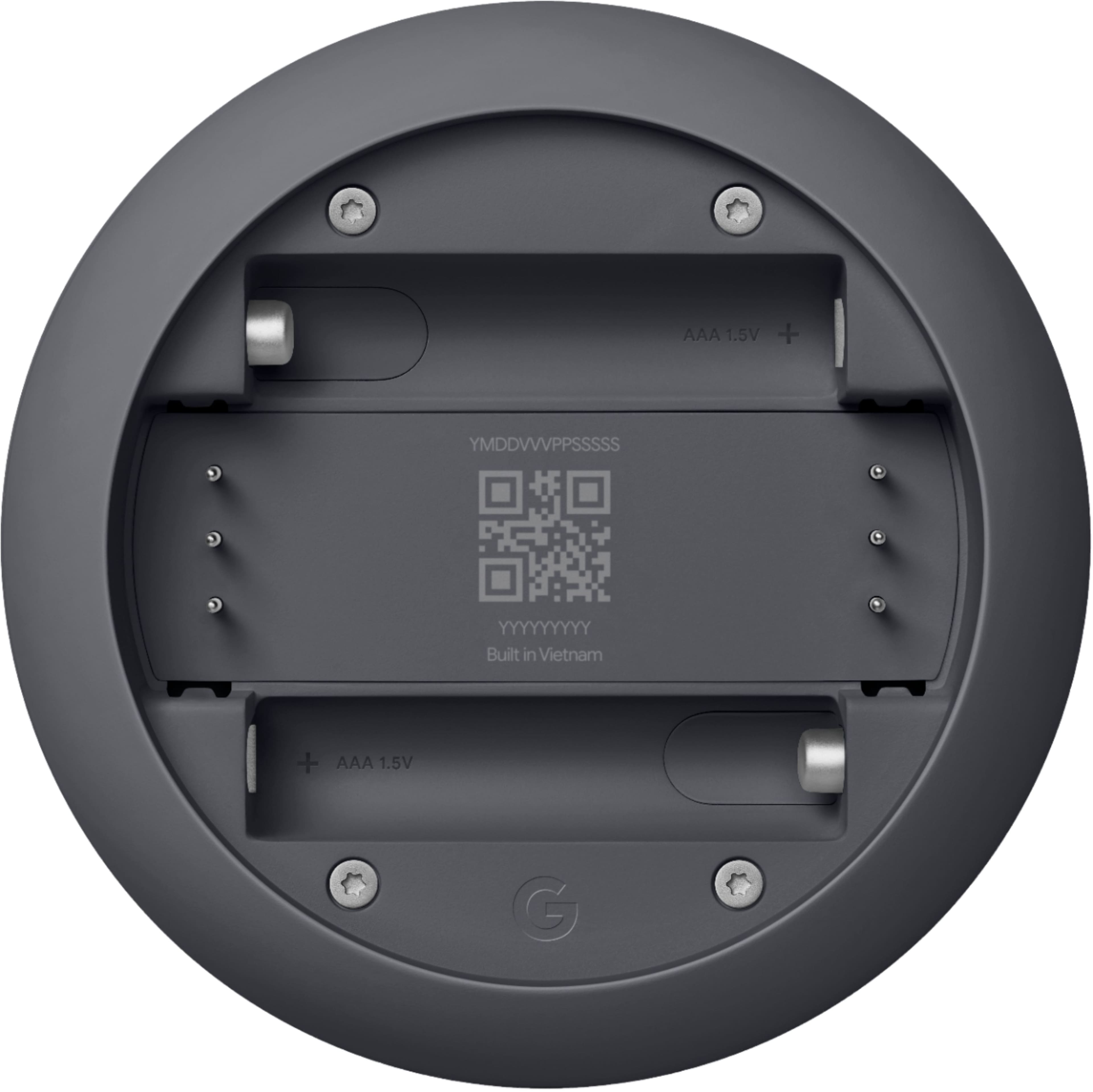
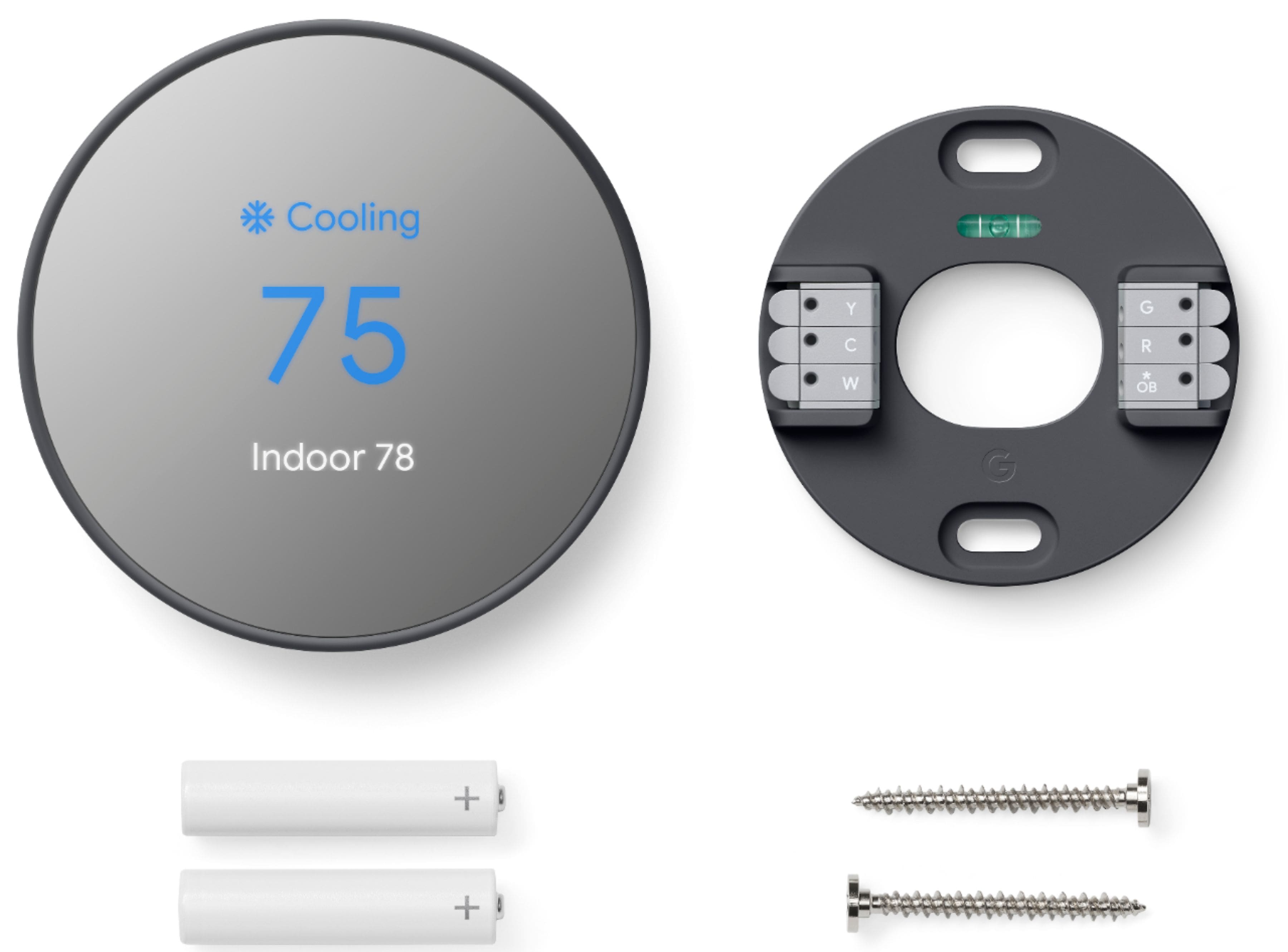
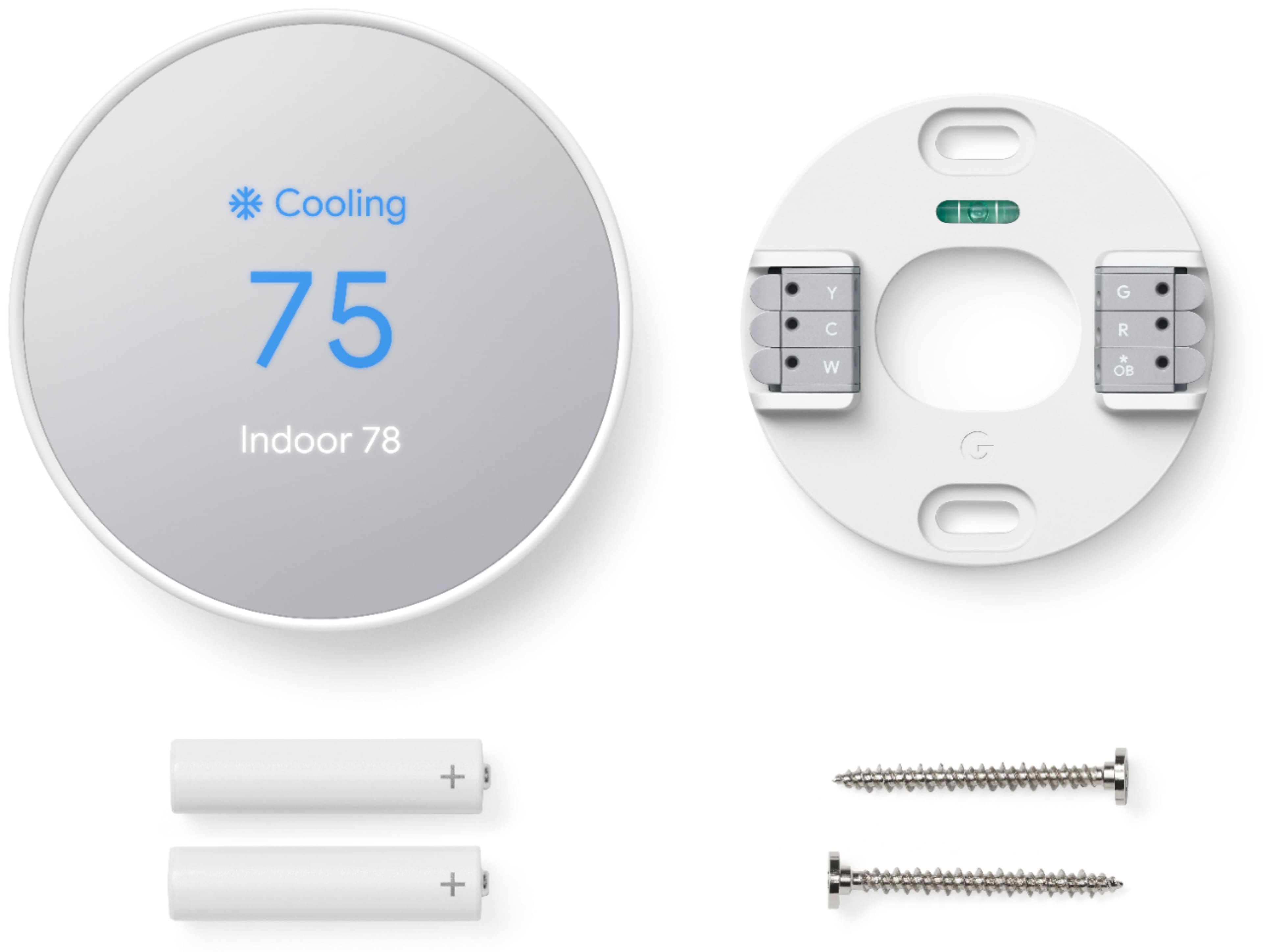
A:AnswerThe new Nest Thermostat won't be able to support the other wires for your heating and cooling system since it can only support up to 6 wires. We recommend using the Compatibility Checker tool to verify if your system is compatible with any of our Nest thermostat models: https://support.google.com/googlenest/answer/9246656
A:AnswerThe new Nest Thermostat works with most 24V heating and cooling systems. This includes gas, electric, forced air, heat pump, radiant, oil, hot water, solar and geothermal. We recommend using our Compatibility Checker to see if your system is compatible with the Nest Thermostat. Here's the link: https://store.google.com/us/widget/compatibility/thermostat
You can also contact one of our specialists to help you check the compatibility here: https://support.google.com/googlenest/contactflow
A:AnswerWe highly recommend that you contact support so we can better assist you with the Nest Thermostat settings. Please contact us directly by visiting this link: https://support.google.com/googlenest/contactflow
A:AnswerNest thermostats are designed to work with most 24V systems, including furnace They work with all common fuel types including natural gas, oil, and electricity. Check this link for more details and to check compatibility with your system: https://support.google.com/googlenest/answer/9246656
A:AnswerNo. You can set up, manage and control your Nest Thermostat with the Google Home app. Learn more about using Google Home app with your Nest Thermostat here: https://support.google.com/googlenest/answer/10125150
A:AnswerThe Nest Thermostat is designed to work if your home doesn’t have a common (“C”) wire. In some cases, particularly if you have a heating-only or cooling-only system or use a zone controller, a C wire or other power-supply accessory may be necessary. See g.co/nest/cwire for details.
We also recommend using our Compatibility Checker first to see if your system is compatible with the Nest Thermostat. Here's the link: https://store.google.com/us/widget/compatibility/thermostat
A:AnswerYes. The new Nest Thermostat gives you an option to use the Wake on Touch feature that turns on the display instead of the Wake on Approach feature. Wake on Touch is enabled by default when you turn off the Wake on Approach on the Google Home app.