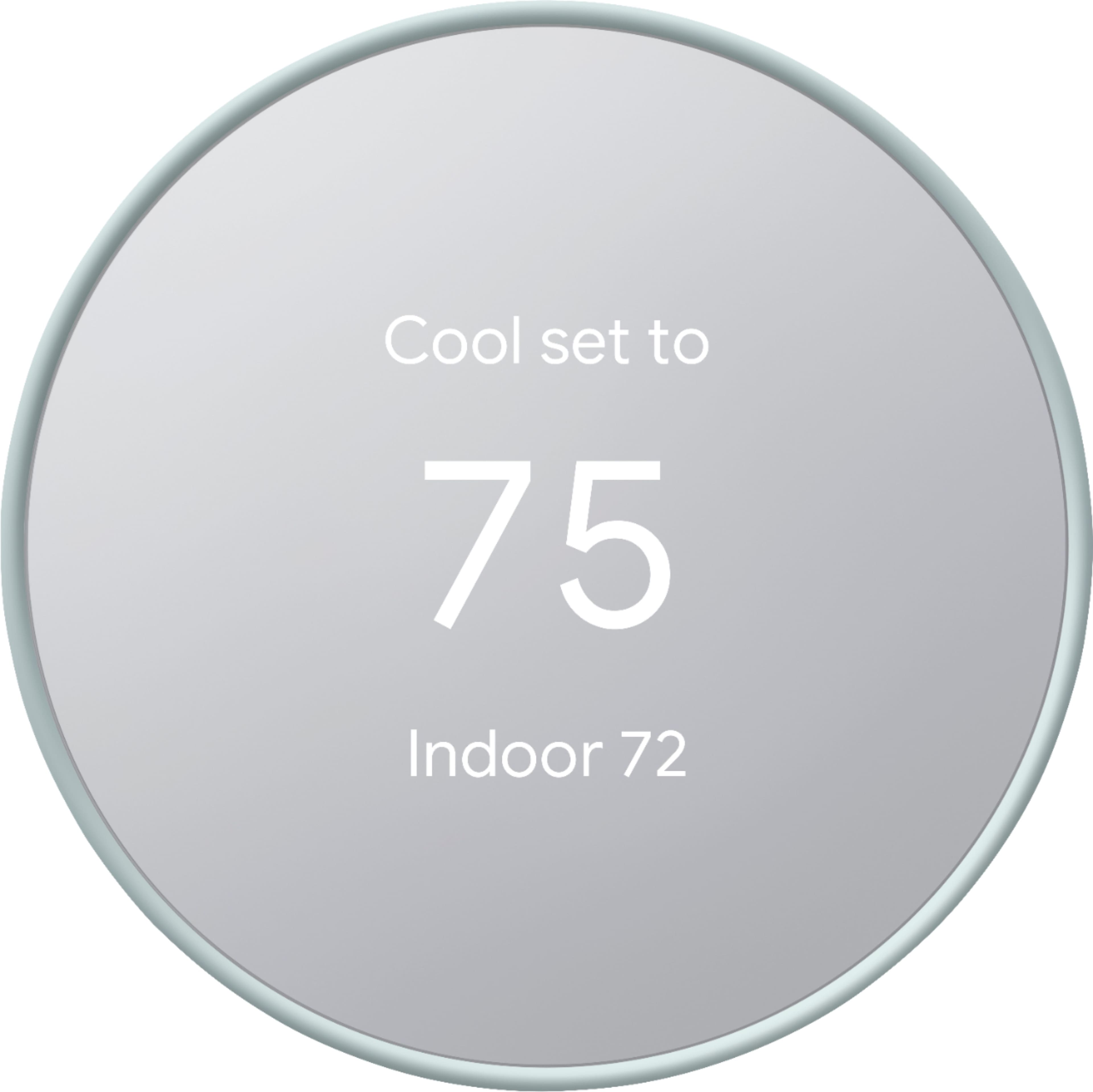
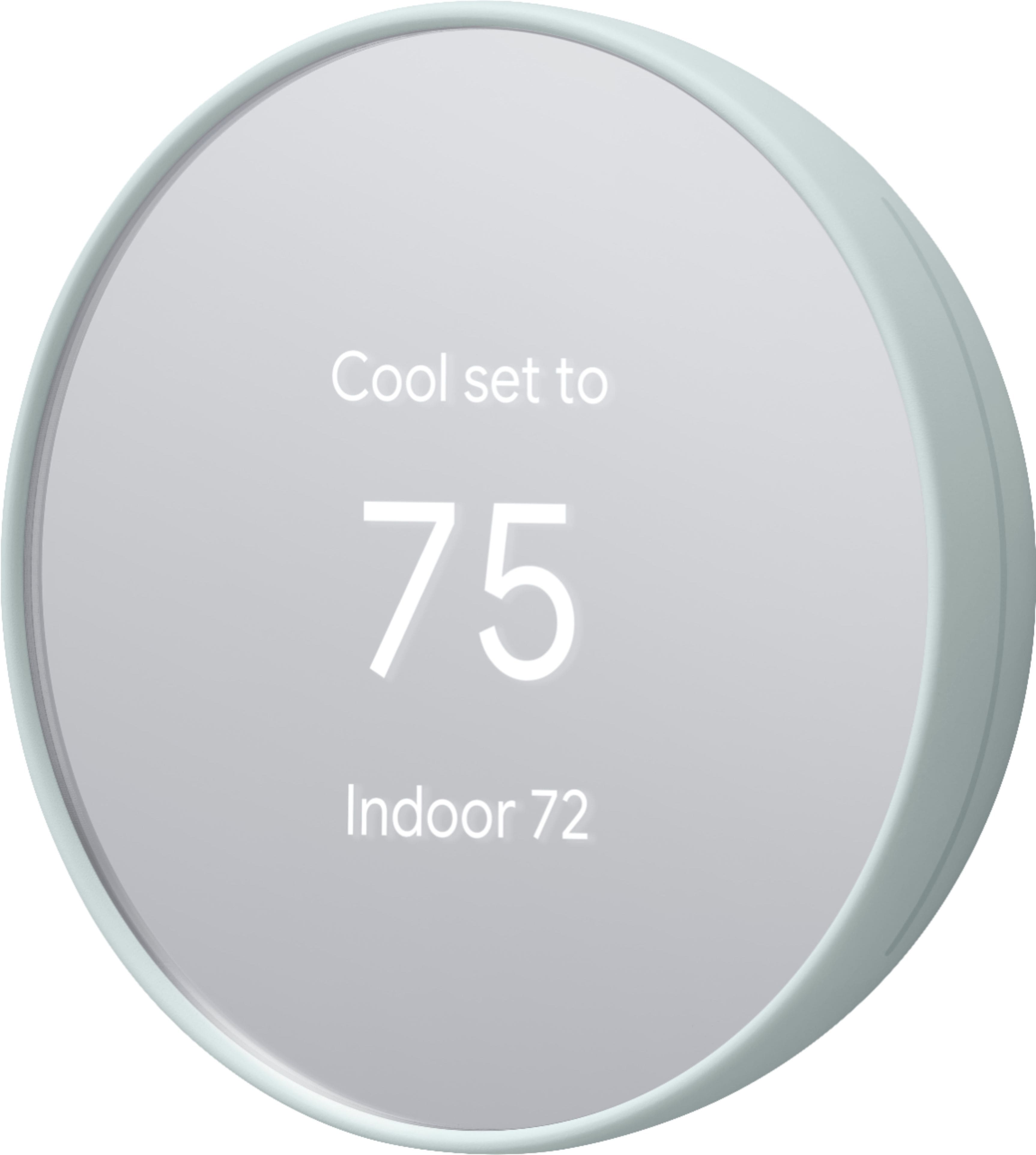
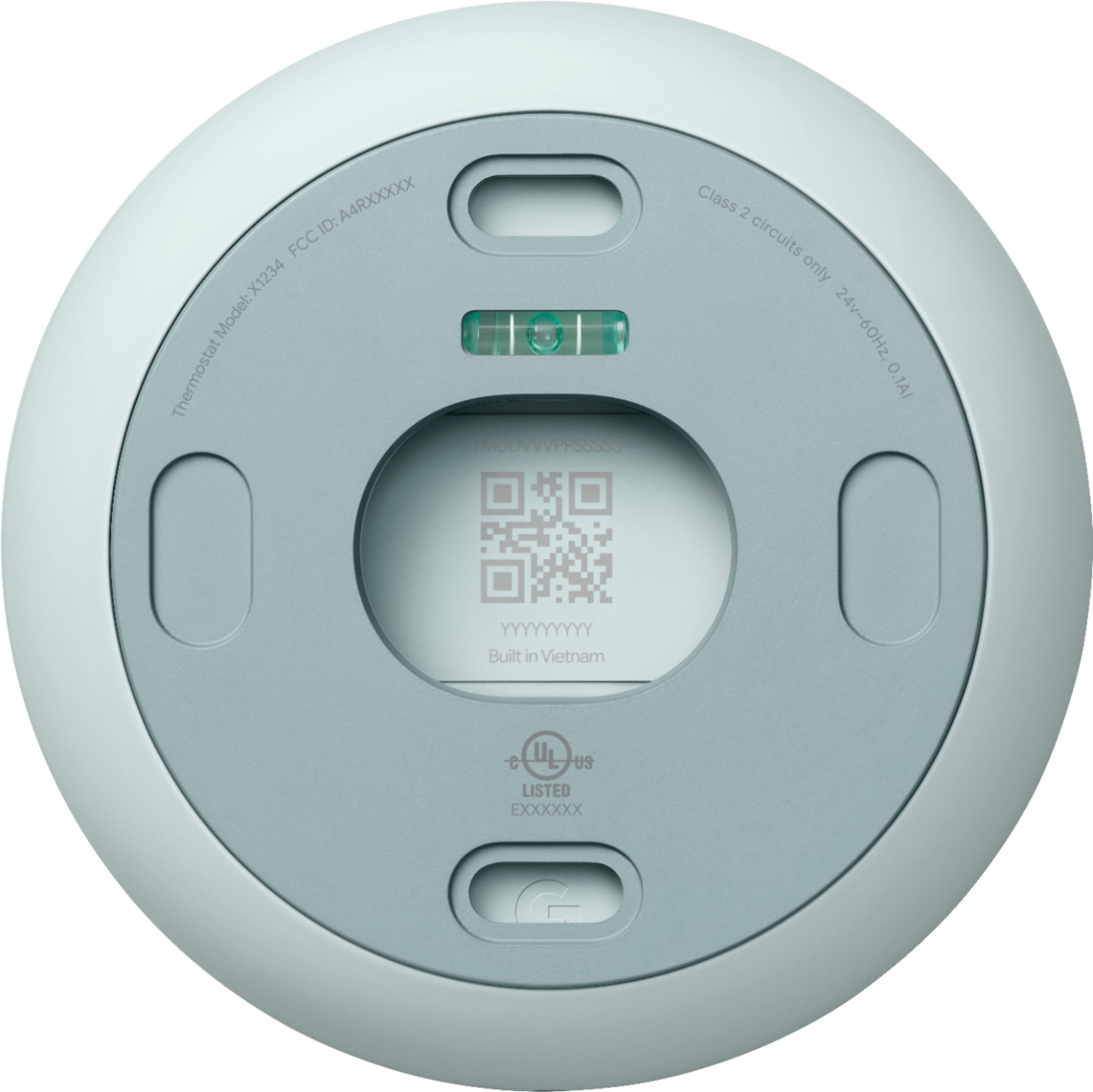
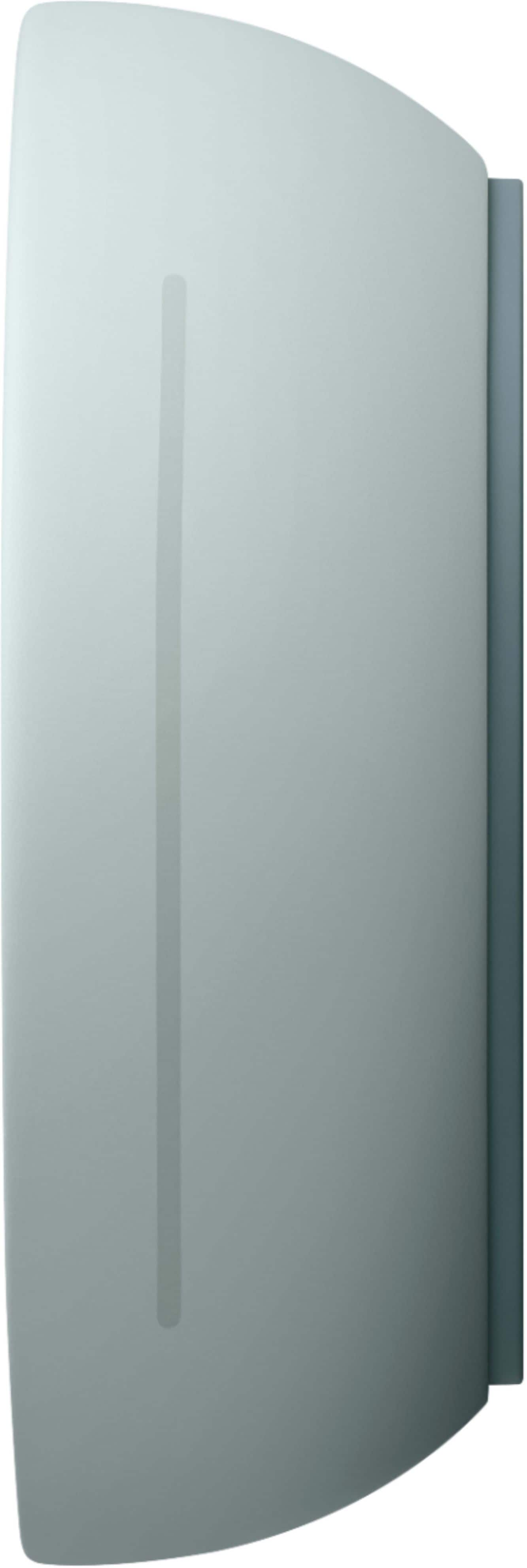
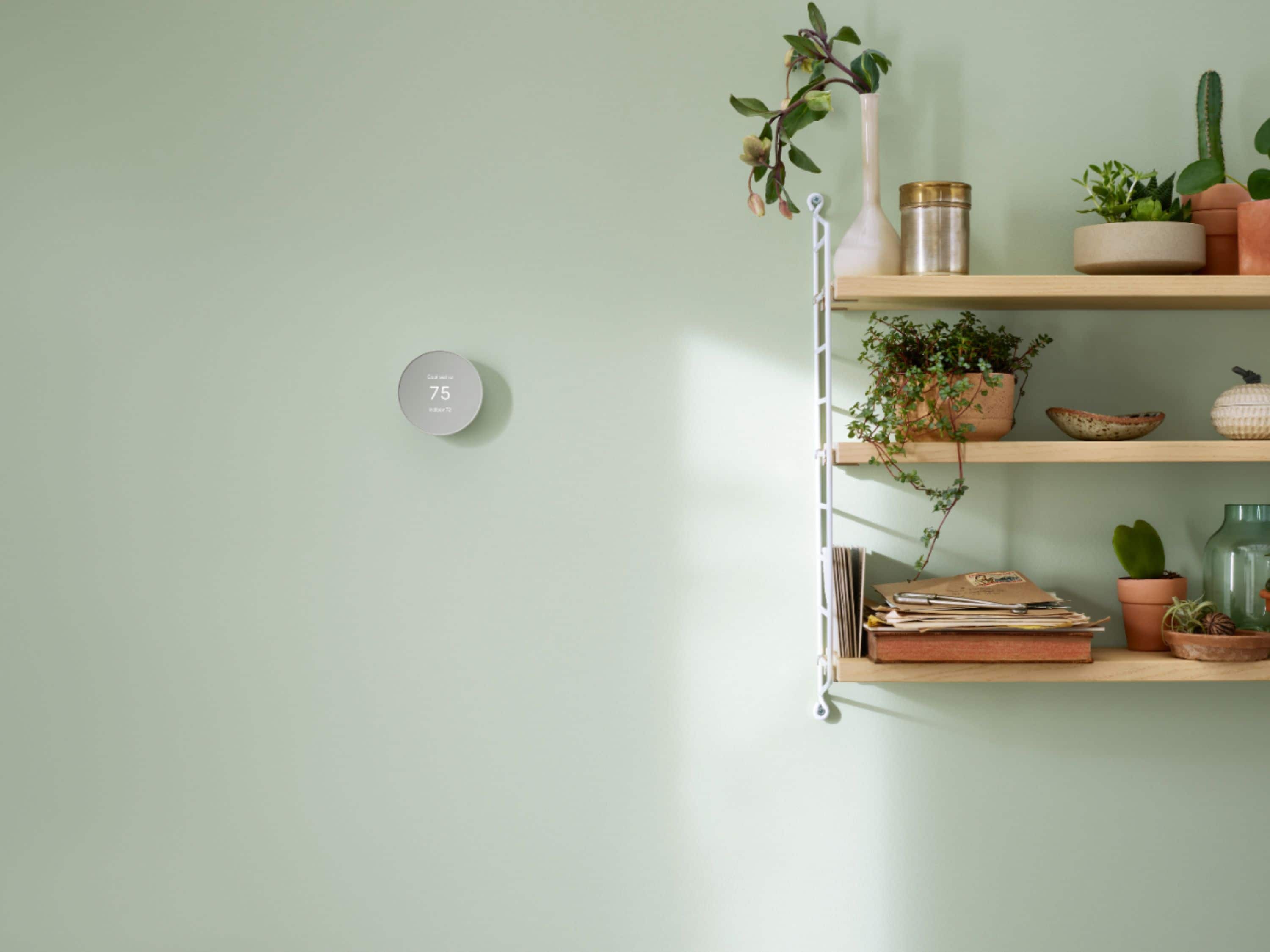
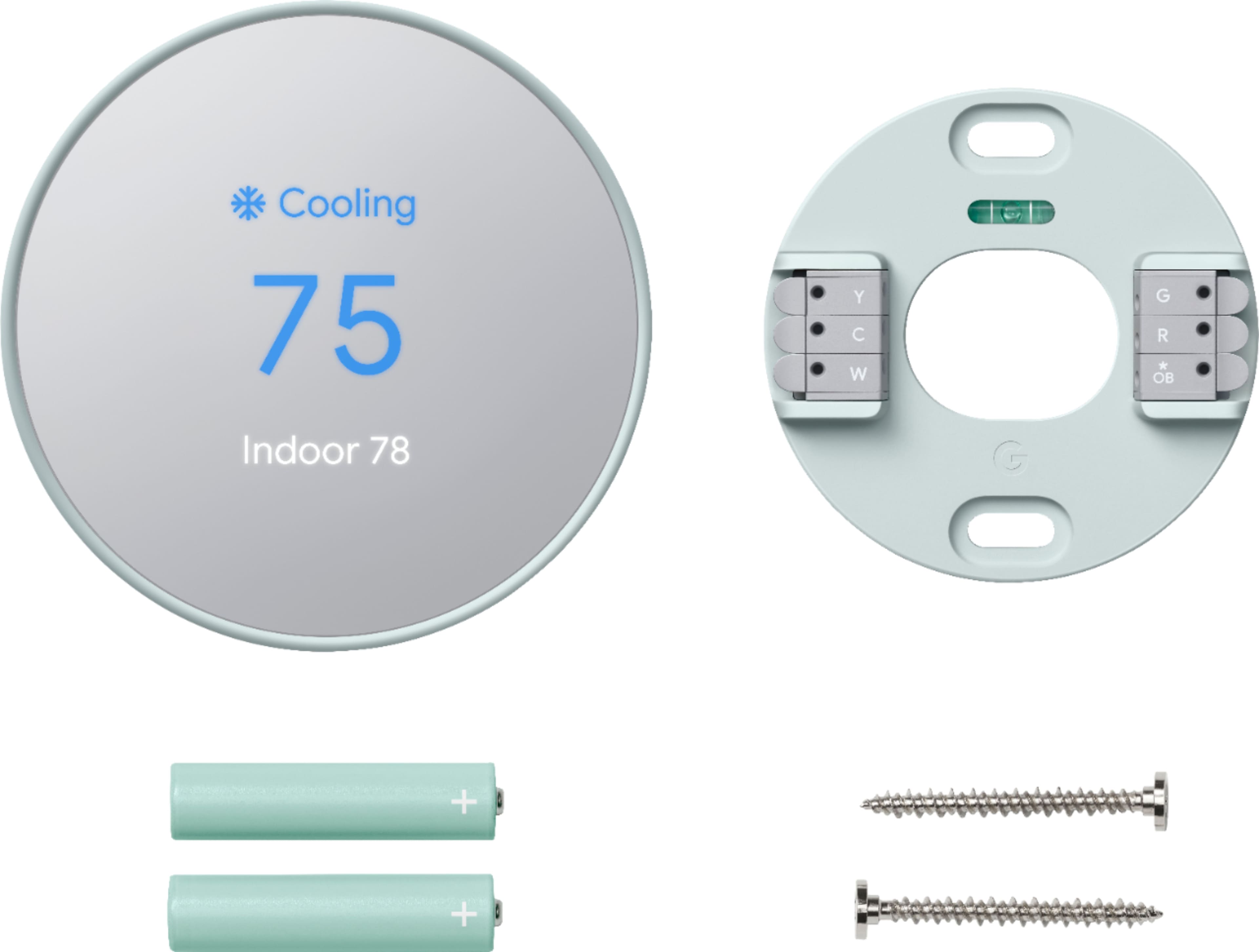
A:AnswerThe Nest Thermostat (2020) comes with a 6 cm color LCD with 240x320 resolution, and mirrored glass finish. It provides more wiring terminals (10) that work with most 24V heating and cooling systems, including furnaces, air conditioners, boilers, and heat pumps with either forced air or radiant delivery. On the other hand, the Nest Thermostat E comes with polycarbonate, ceramic-feel finished ring with a frosted display that works with fewer (86%) 24V heating and cooling systems.
While both Nest thermostat models work with most two-stage heating and two-stage cooling systems, we recommend checking the Compatibility Checker on our Google Nest support site to verify if your system is compatible. You can also take a look at the following support article for the complete technical specifications of the Nest thermostats: https://support.google.com/googlenest/answer/9230098
A:AnswerYou can still use the Nest Thermostat to control your system even without Wi-Fi. However, you won't be able to utilize its other features such as remotely controlling the thermostat using the Home app. You can check this link to learn more about Nest Thermostat: https://support.google.com/googlenest/answer/10125150
A:AnswerYou need to connect to wifi to set up the thermostat. As soon as you power on the thermostat, the screen displays a message to set up on the Google Home app. There’s no workaround for this.
Wifi is needed.
A:AnswerThe Nest Thermostat is designed to work with most 24V systems, even older systems. Nest thermostats are usually compatible with zoned systems that use multiple thermostats, including zoned systems with dampers. However, we recommend using the Compatibility Checker tool on our Google Nest Help page to verify if your system is compatible with Nest Thermostat here: https://store.google.com/us/widget/compatibility/thermostat
A:AnswerNo. You can only use the Google Home app for the new Nest Thermostat (2020). It's the first thermostat setup that is completed entirely on the Google Home app. Here's some helpful links you might want to check out:
- Nest thermostat technical specifications: https://support.google.com/googlenest/answer/9230098
- Control your devices using Google Home App: https://support.google.com/googlenest/answer/9249866
A:AnswerNest thermostats are designed to be able to work efficiently without the need of a power wire when the heating and cooling wires of your system can deliver enough power to keep the thermostat's battery charged up. But some heating/cooling wires unfortunately can't deliver adequate power to Nest thermostats. In such cases, Nest thermostats need a common (C) wire that goes into the C terminal of the thermostat. Since you´ve already checked with our Compatibility Checker tool, the next best step would be to contact a Nest Pro technician to check your system and install a common (C) wire if needed
Our support teams are always here to assist you if you have any further questions.You can contact us via the Google Nest support page here: https://support.google.com/googlenest/contactflow
A:AnswerHey Patrick, that's a great question! Yes, both the Nest Thermostat and Nest Learning Thermostat (4th gen) are compatible with Matter.
To learn how to set them up, please visit this link: https://support.google.com/googlenest/answer/12391458
If you have any further questions, please don't hesitate to contact us: https://support.google.com/googlenest/gethelp
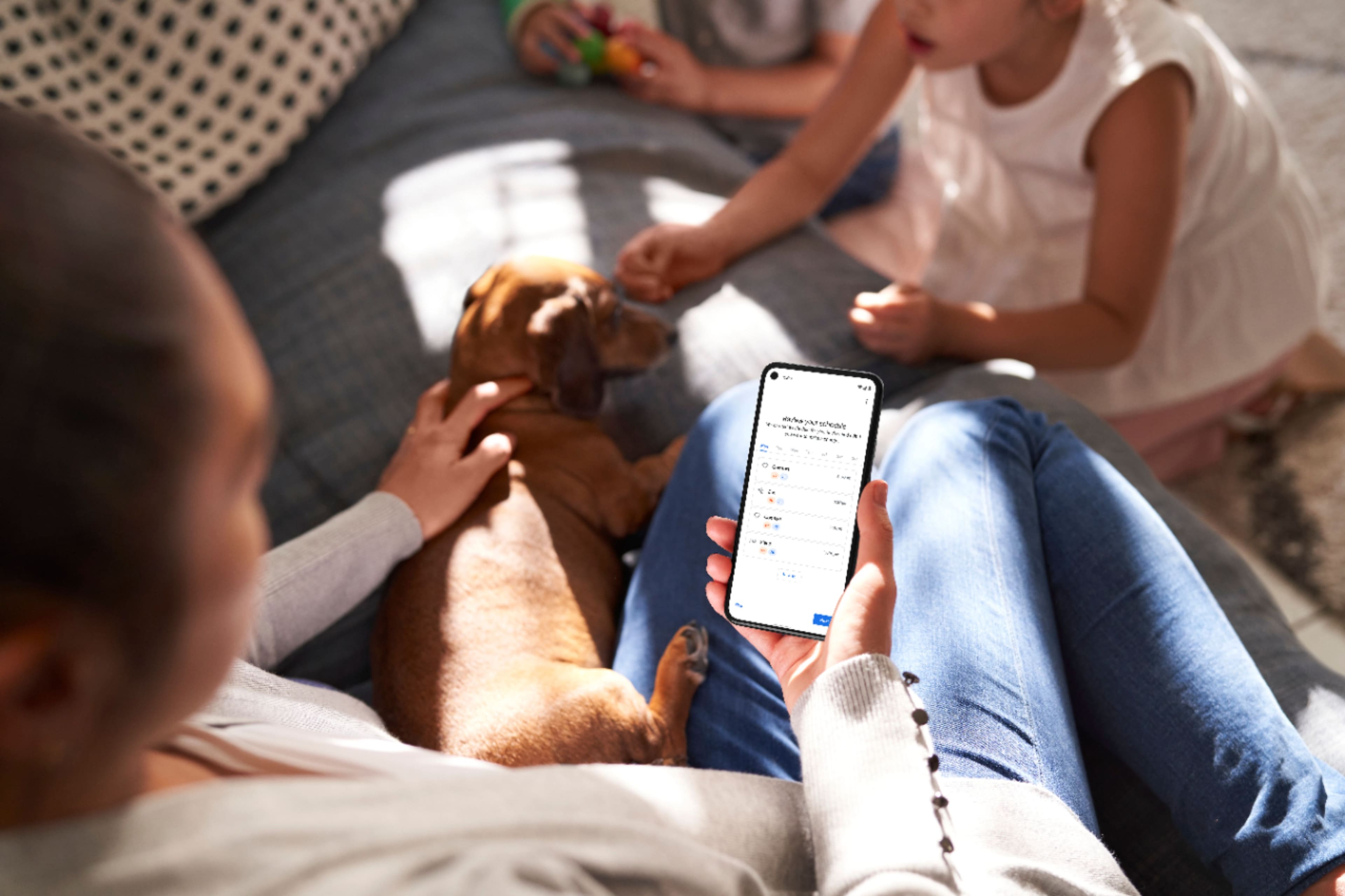
A:AnswerHi there. Yes, you can easily control your three Nest Thermostats from different locations using the Google Home app. This allows you to adjust temperatures, set schedules, and even monitor energy usage for each thermostat.
A:AnswerNest Thermostat works with most 2-wire, 24V heating and cooling systems, including furnaces, air conditioners, boilers, and heat pumps with either forced air or radiant delivery. We suggest using our online compatibility checker first to ensure that your system is compatible with Nest Thermostat. Here’s the link: https://store.google.com/us/widget/compatibility/thermostat
Typically, smart thermostats don’t require a common (C) wire, but every system is different. Without a common wire, your Nest thermostat will charge itself through power sharing using your existing heating and cooling wires. However, when your heating and cooling wires are not able to deliver the needed power for your Nest thermostat, you may need to connect a common or C wire since it helps deliver enough consistent power to your thermostat.
When there’s a C wire, it becomes the thermostat’s go-to for power backup when power sharing doesn’t work. This can also conserve battery life since the batteries will likely only be in use when there’s a power loss to the thermostat.
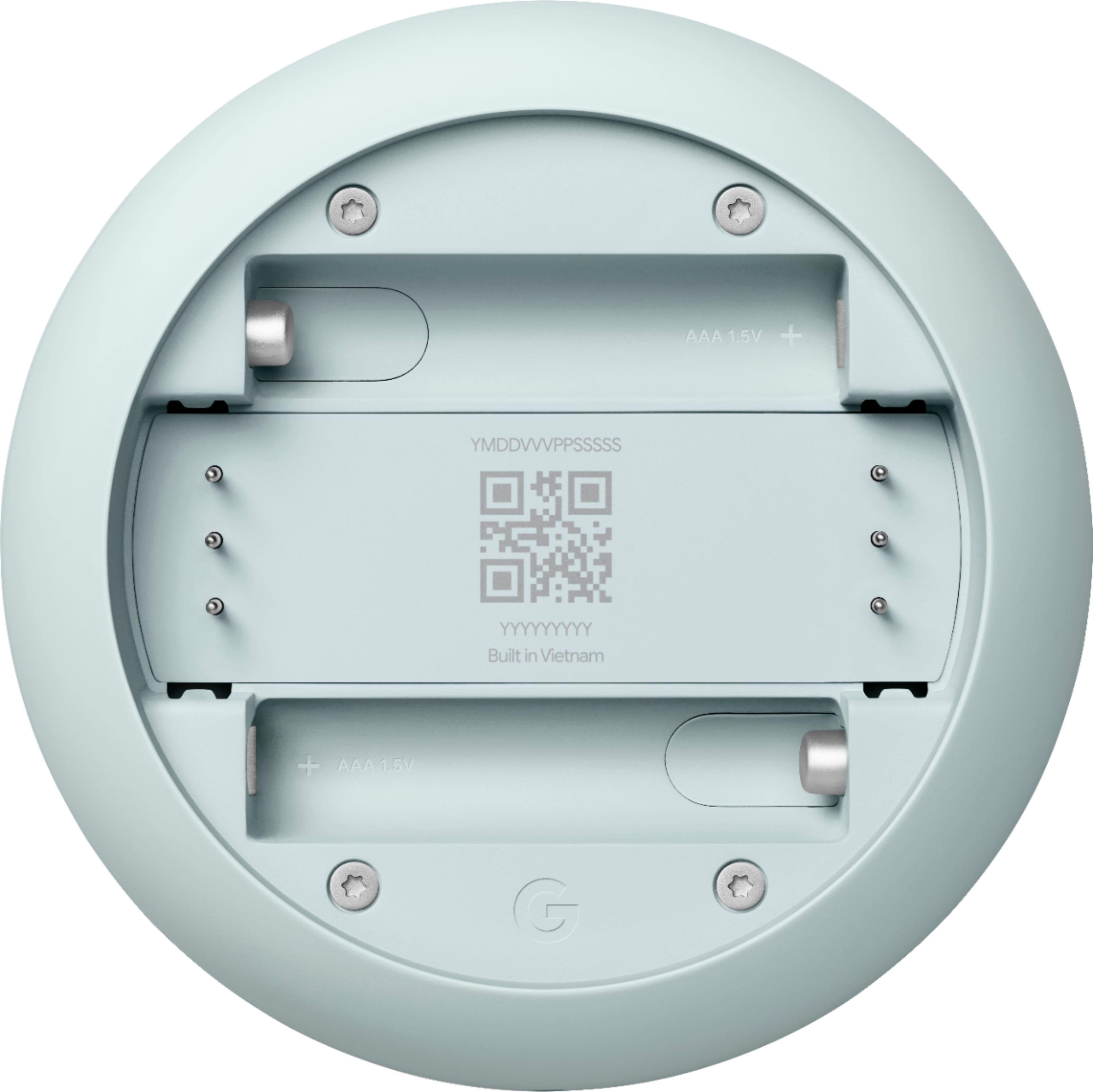
Also, Nest Thermostat (2020) has a backup battery. For systems that are not using a C wire, the average battery life is three to six months. However, depending on the Wi-Fi activity on the thermostat, it may be possible to extend or reduce the battery life.
For further assistance, you can contact our support team here anytime: https://support.google.com/googlenest/gethelp
A:AnswerIt depends on your system and it's wiring. Nest Thermostat works with most 24V heating and cooling systems, including furnaces, air conditioners, boilers, and heat pumps with either forced air or radiant delivery that has a maximum of 6 wires. We suggest using our online compatibility checker to ensure that your system is compatible with Nest Thermostat. Here’s the link: https://store.google.com/us/widget/compatibility/thermostat
You may also check this link to learn more about Nest thermostat compatibility: https://support.google.com/googlenest/answer/9246656
For further assistance, you can contact our support team here anytime: https://support.google.com/googlenest/gethelp
A:AnswerHey there, MamaKeo. The Nest Thermostat is the first generation for this product. For more insight on all our devices, here’s a link: https://support.google.com/googlenest/topic/9361773
A:AnswerHey there, Jl. Yes! The Nest Thermostat is able to be voice controlled through the Google Home devices. Check out this link for more information: https://support.google.com/googlenest/answer/7207759
A:AnswerThanks for asking, memo. Sometimes you may need a C wire or a Nest Power Connector to keep the Nest Thermostat powered or charged. The need for one one may depend on your system — here’s a link to our compatibility checker to see if one is needed: https://store.google.com/intl/en/widget/compatibility/thermostat/