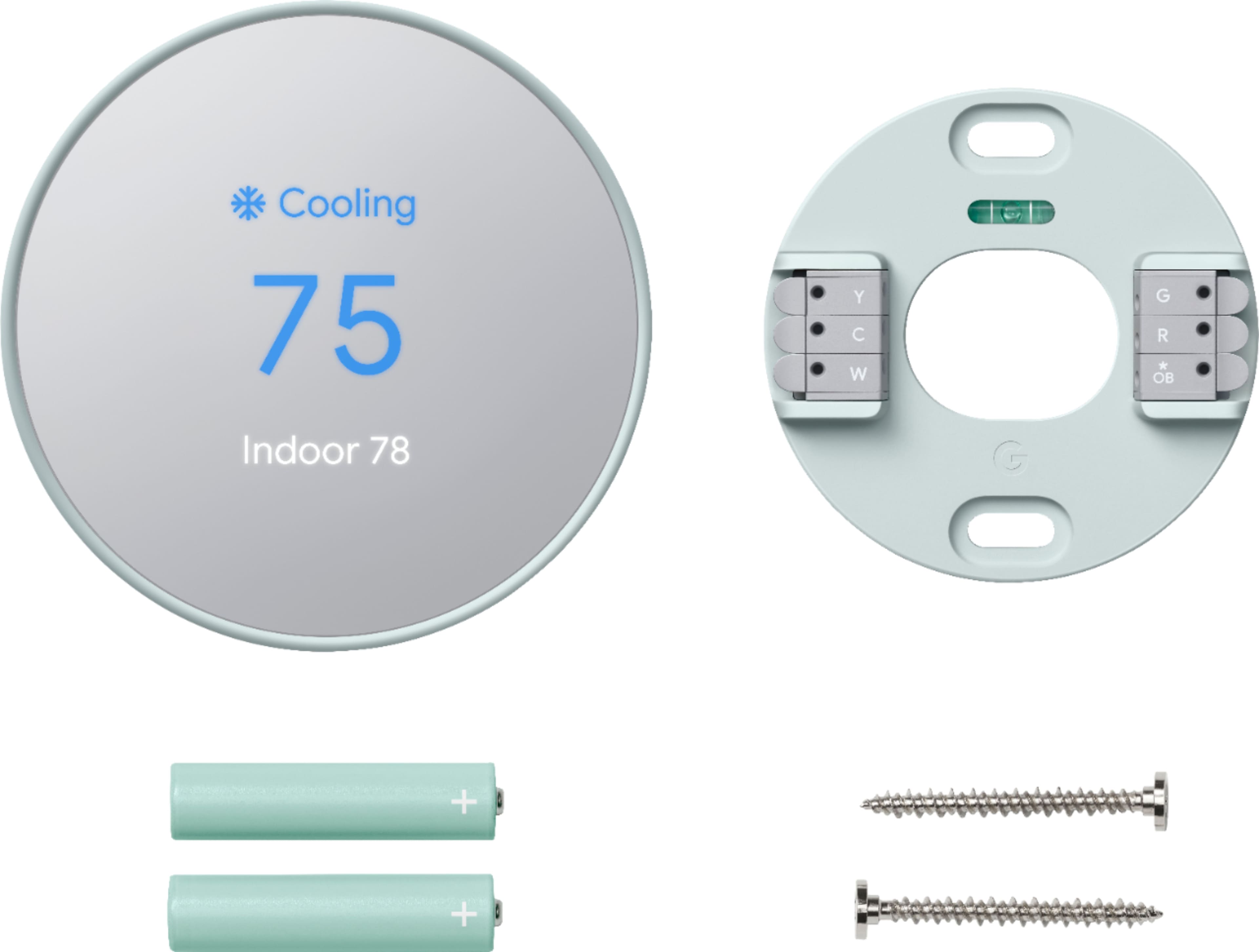
A:AnswerHey there, Petie! Thanks for your inquiry! Nest thermostats are compatible with most 24 V heating systems, including heat pumps. However, there are some exceptions. If you have a system that's heating-only, cooling-only, zone-controlled, or a specific type of heat pump, you might need a C wire or the Nest Power Connector. This C wire is different from other thermostat wires – it doesn't control heating or cooling, but simply provides constant power to your Nest. Want to know more about C wires? Check out this guide: g.co/nest/cwire
For comprehensive compatibility information, visit this official Nest resource: https://support.google.com/googlenest/answer/9246656
A:AnswerHello there, Q. Thank you for your interest in the Nest Thermostat. Yes, the device is also designed to connect and control Amazon’s Alexa home control. One feature it can do is to control the temperature via the voice assistant of the Amazon Alexa. To know more about this, feel free to visit this link: https://support.google.com/googlenest/answer/9325080
A:AnswerHey there! Thanks for your interest! Yes, the Nest Thermostat Trim Kit (oval) is intended for Nest Thermostat only and it’s not compatible with Nest Thermostat E and Nest Learning Thermostat. Visit Google Nest Help page to learn more about the Nest thermostats and technical specifications: https://support.google.com/googlenest/topic/9361775
A:AnswerHello there, Goose. Thanks for your inquiry about the Nest Thermostat. Your Nest Thermostat gives you a temperature range you can select from when you set an Eco Temperature. The Eco Temperature ranges you can choose from are: 40-70°F (4-21°C) for heating mode and 76-90°F (24-32°C) for cooling mode. If you need any help in the future, please don't hesitate to contact us on our Google Help page here: https://support.google.com/googlepixeltablet/gethelp
A:AnswerHey there, Katrina. Thank you for your inquiry on Nest Thermostat. The device is designed to use very little power, and in most cases it can use your system’s heating and cooling wires to get enough consistent power. However, if you're not getting enough power from the wires, you may need to connect a common wire(C wire). Please contact our team of specialists so we can assist you further on our Google Help page here: https://support.google.com/googlenest/gethelp
A:AnswerHello there! Thanks for your inquiry about your Nest Thermostat. Yes, the Nest Thermostat is compatible and supports both 2.4GHz and 5GHz networks. If you need any help in the future, please don't hesitate to contact us on our Google Help page here: https://support.google.com/googlenest/gethelp
A:AnswerHi there, Jccubgua. Thank you for your inquiry. Some 3rd party C wire adapters can cause problems or damage your Nest thermostat, even if they claim to be Nest compatible. We recommend using a Nest Power Connector to ensure compatibility and best performance with your thermostat. If you need further assistance or have additional questions with your Nest Learning Thermostat, please don't hesitate to contact us on our Google Help page here: https://support.google.com/googlenest
A:AnswerHey there! Thanks for your interest. The Nest thermostats are designed to work with most 24 V systems, including old systems. The brand or model doesn’t matter, you’ll only need to know what type of system you have. You can visit our website to learn more about the Nest Thermostat compatibility, here: https://support.google.com/googlenest/answer/9246656
A:AnswerHi there, Rich. The Nest Thermostat works with most 24 Volt heating and cooling systems. However, to ensure the full compatibility of your HVAC system, we recommend checking the wires using the Compatibility Checker tool on this Google Help article: https://support.google.com/googlenest/answer/9246656
A:AnswerHey there, Dennis! Thanks for your interest. We encourage you to contact your retailer for questions about the benefits or services included with your membership, and what to expect during installation along with the terms and conditions. For inquiries about the product features and functionality, feel free to visit us here: https://support.google.com/googlenest/gethelp
A:AnswerHey there, Deep! We're taking this as a feedback and we'd be happy to share this with the right team for future improvements. For other inquiries, feel free to contact us here: https://support.google.com/googlenest/gethelp
A:AnswerHi there, Bob. Thanks for your question. You can set your Nest Thermostat fan control with the Google Home App. Here's how:
1. Open the Home app.
2. Tap your device's tile.
3. Tap Settings.
4. Select Schedules and then select Fan.
5. Switch Run every day if you want to set the same fan schedule for all days. Set it off if you want a unique schedule for a particular day.
6. Choose a start and end time with From and To.
7. Set how long you'd like to run your fan per hour. You can choose 15, 30, 45 minutes of run time, or select 60 minutes to run your fan for the whole hour.
If you need further assistance or have additional questions, please don't hesitate to contact us on our Google Help page here: https://support.google.com/googlenest
A:AnswerI have the same issue, I installed it. I thought it was something I messed up. I even checked the wires at the furnace as suggested, everything is correct.
Brian