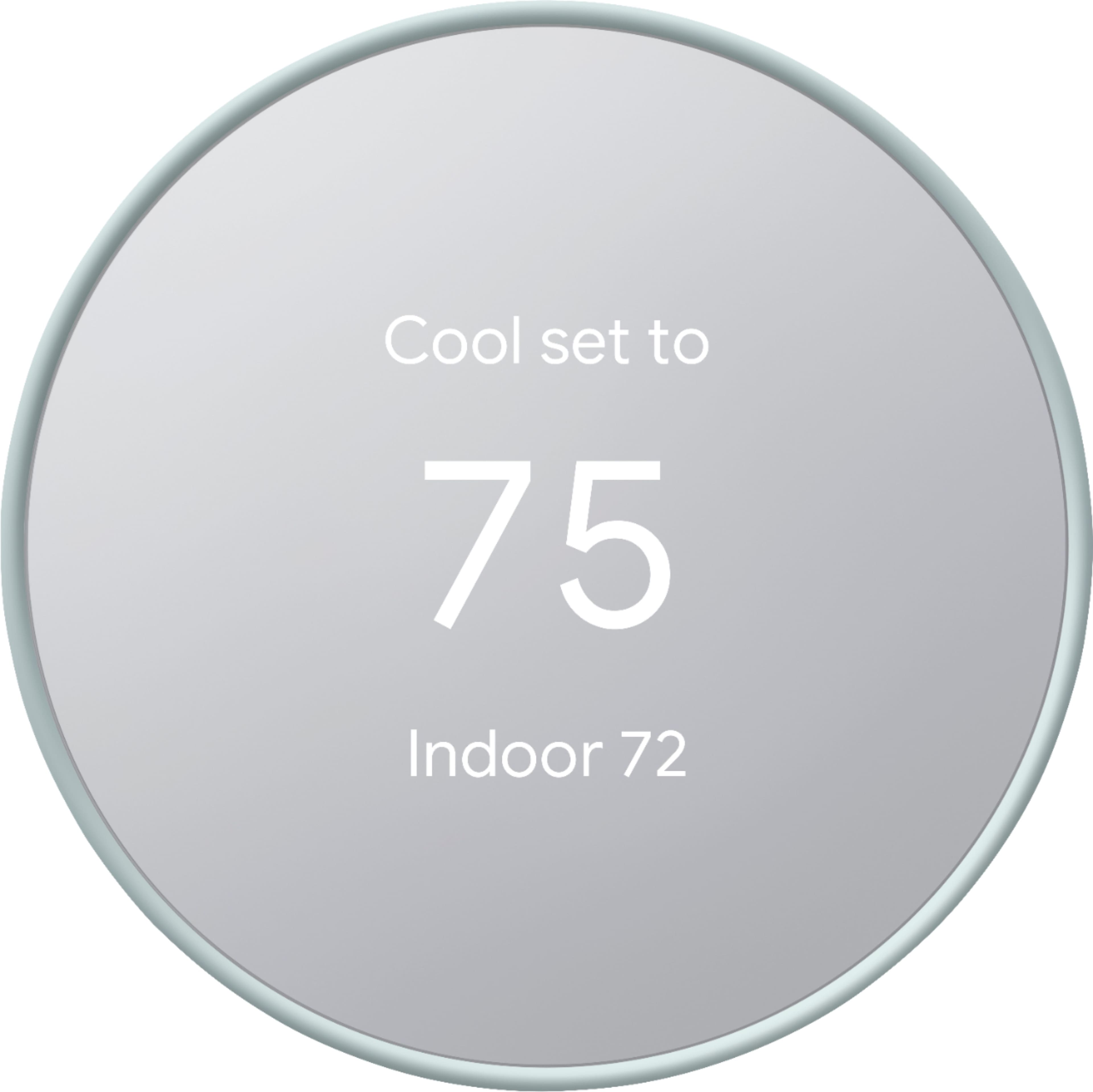
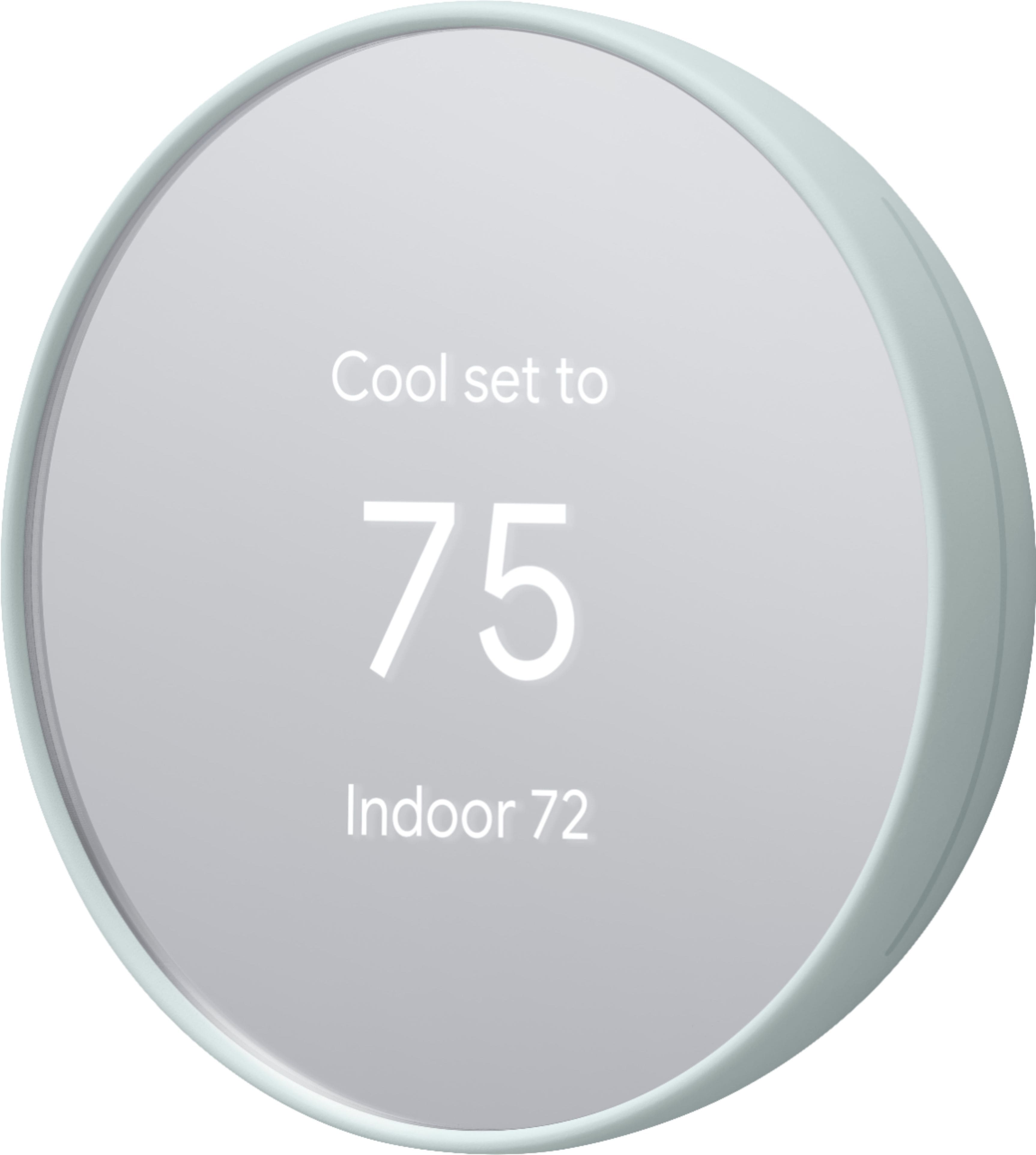
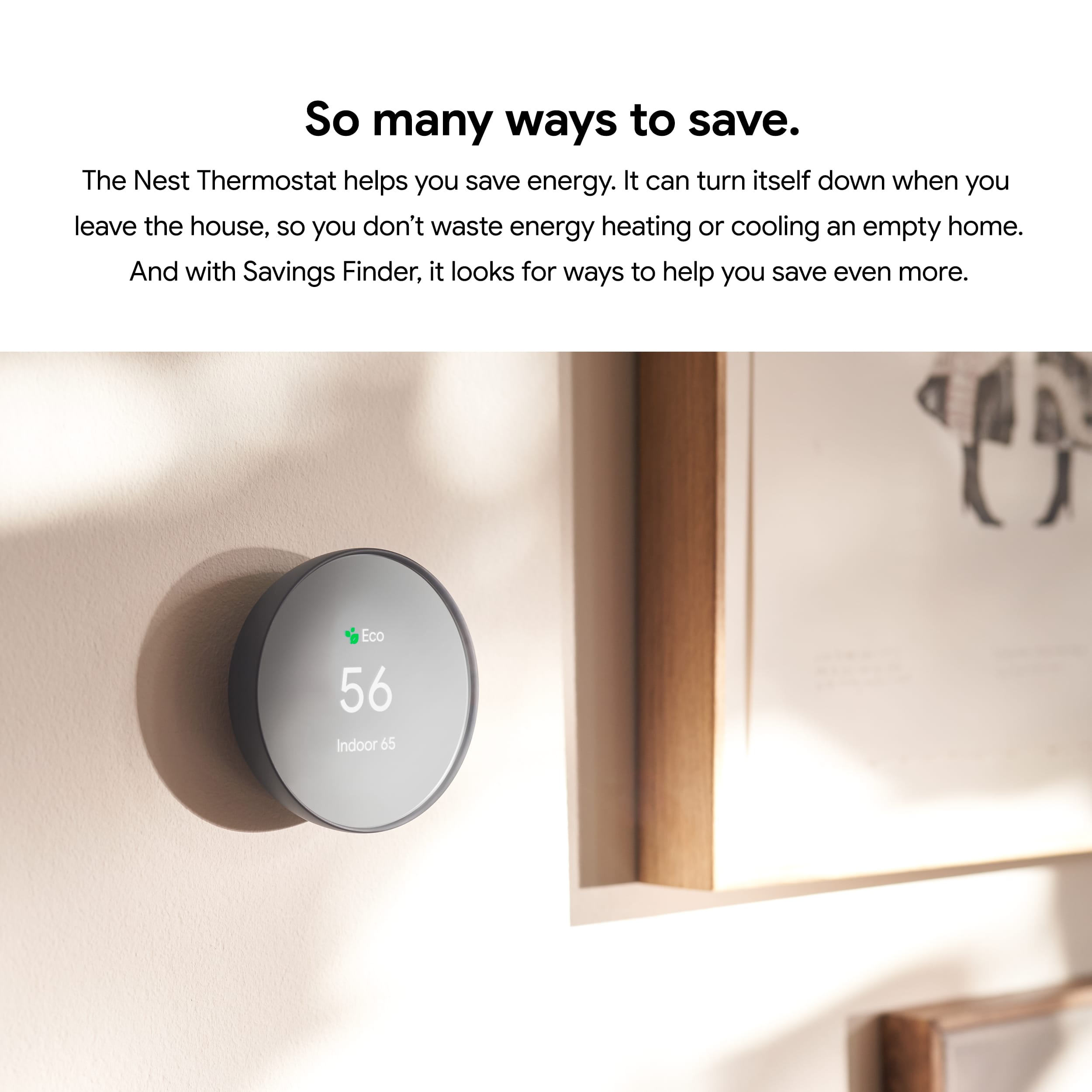
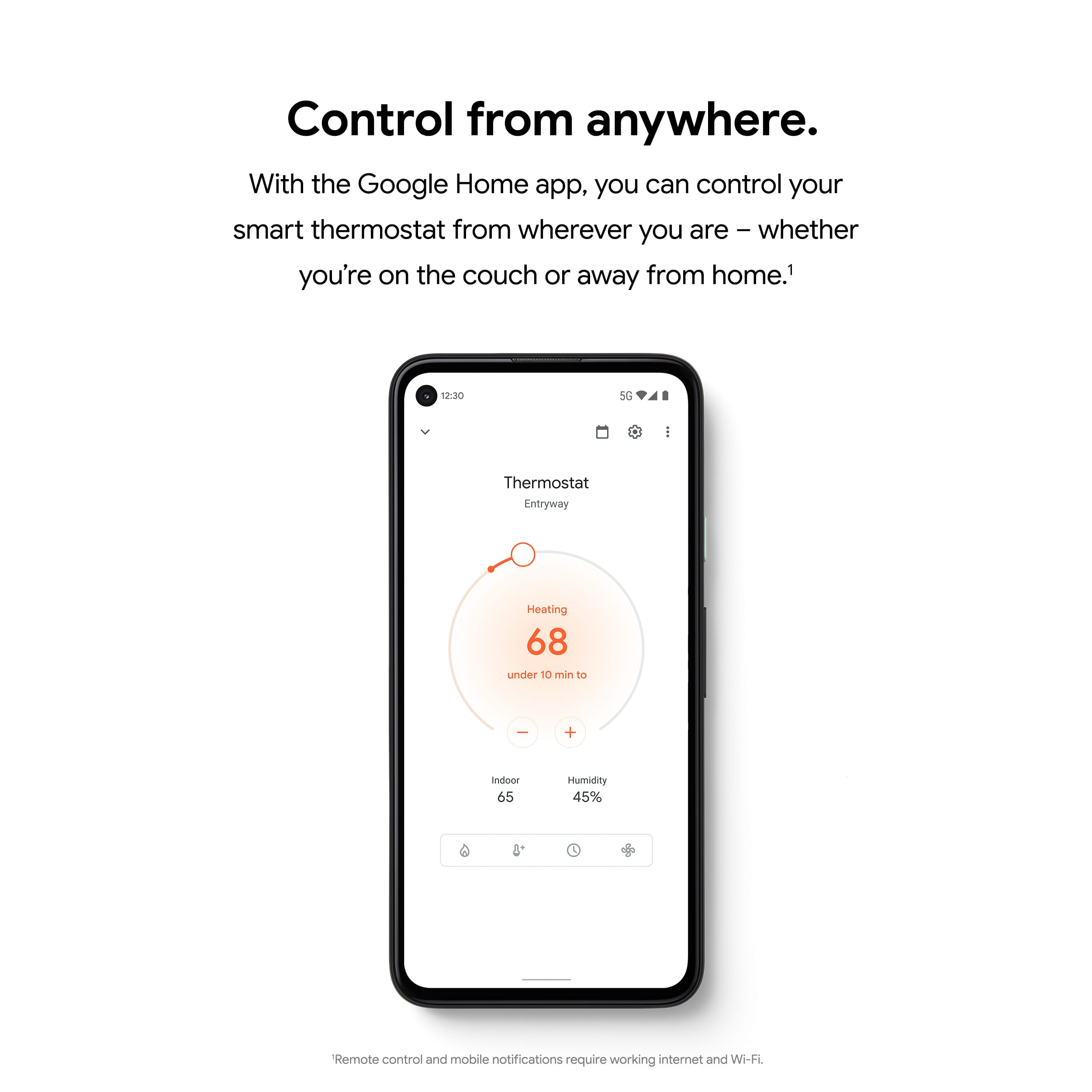
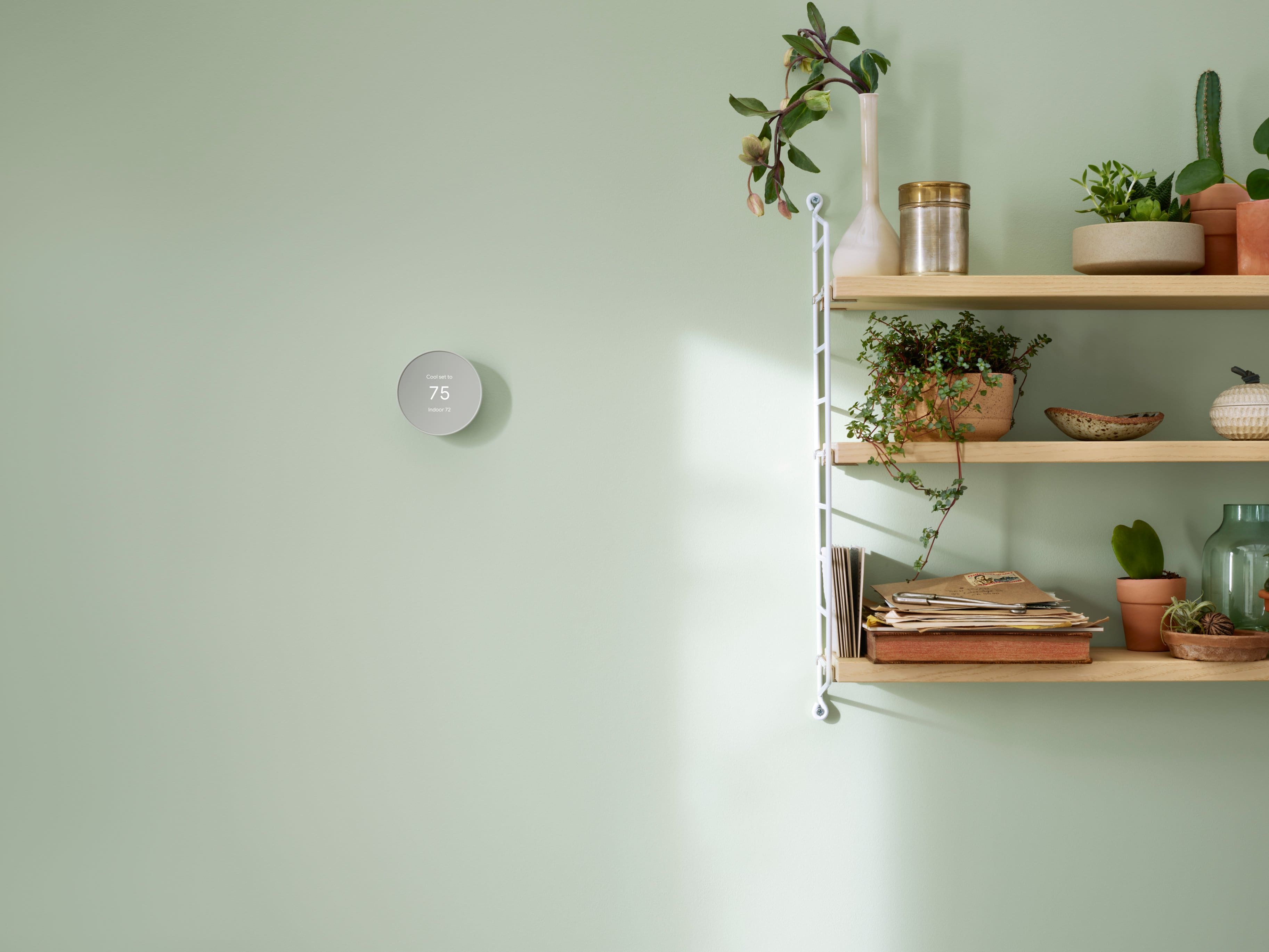
A:AnswerYes. The new Nest Thermostat gives you an option to use the Wake on Touch feature that turns on the display instead of the Wake on Approach feature. Wake on Touch is enabled by default when you turn off the Wake on Approach on the Google Home app.
A:AnswerYes. Nest thermostats are designed to work with most 24V heating and cooling systems, including two-stage heating systems. We recommend using the Compatibility Checker Tool to verify your HVAC systems compatibility here: https://support.google.com/googlenest/answer/9246656
A:Answerwe have 7 wires... one being a "U" terminal... it's for ventilation of outside air to be mixed in with the inside air and from what I can see Nest is not compatible with a 7 wire system.
A:AnswerDefinitely! You can lock your Nest Thermostat Learning Thermostat and set a temperature range. Anyone can turn the thermostat’s ring to change the temperature within the range you’ve set, but they won’t be able to set the temperature outside of your range or modify any of your settings, unless they have your 4-digit pin code. Check out more info here: https://support.google.com/googlenest/answer/9247319