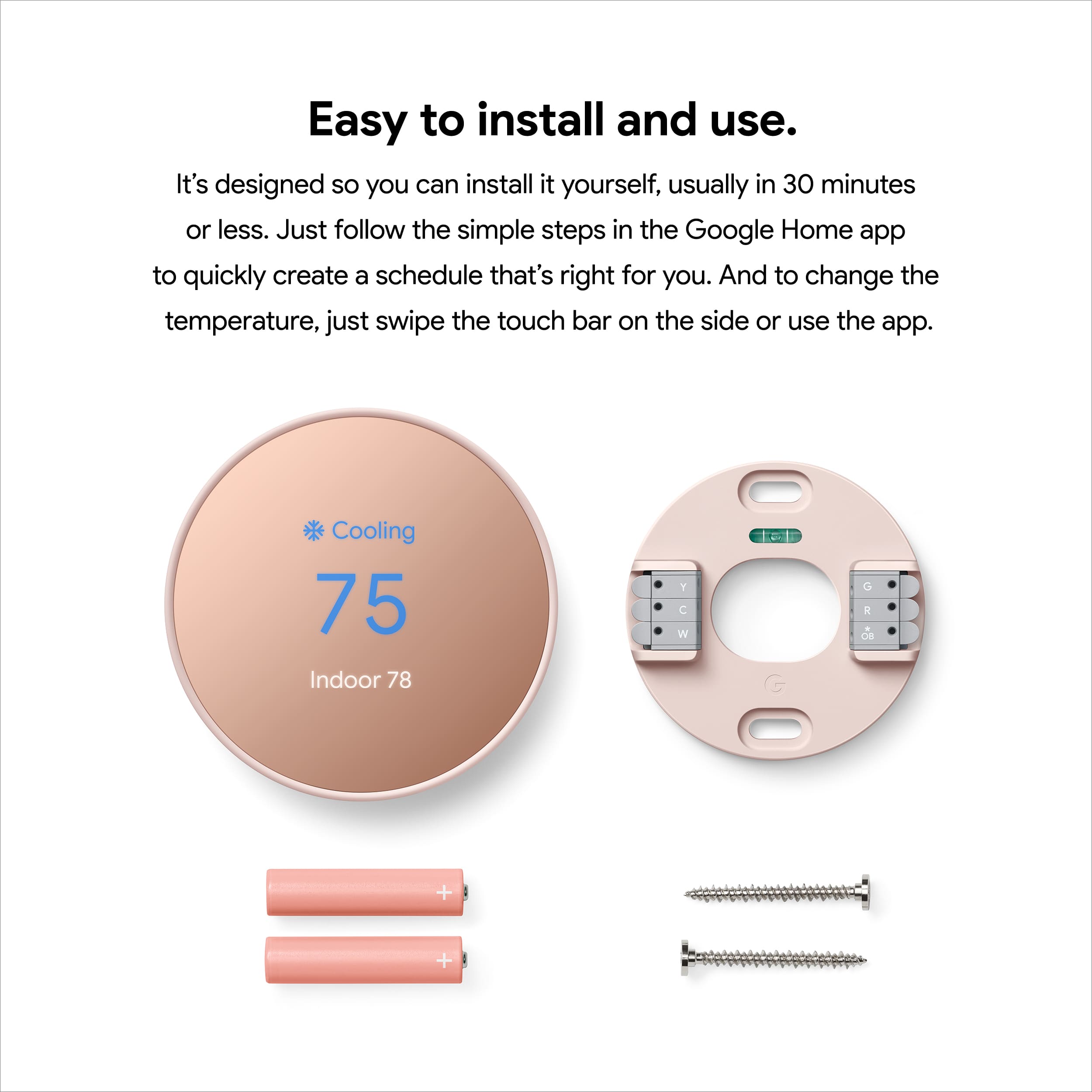
A:AnswerThere is a compatibility check when installing the Thermostat. Go to your Google Home and select set up a new device smart thermostat and it’s going to ask you what your wall wiring looks like. If it meets the criteria, it should work. If you don’t have enough wires, it might not work.
A:AnswerInvest in a multi-volt tester. More or less $15. Test your wires and find one that has 24 millivolts or 120 and 240. Now you know which wire is your common wire. You should be okay from here.
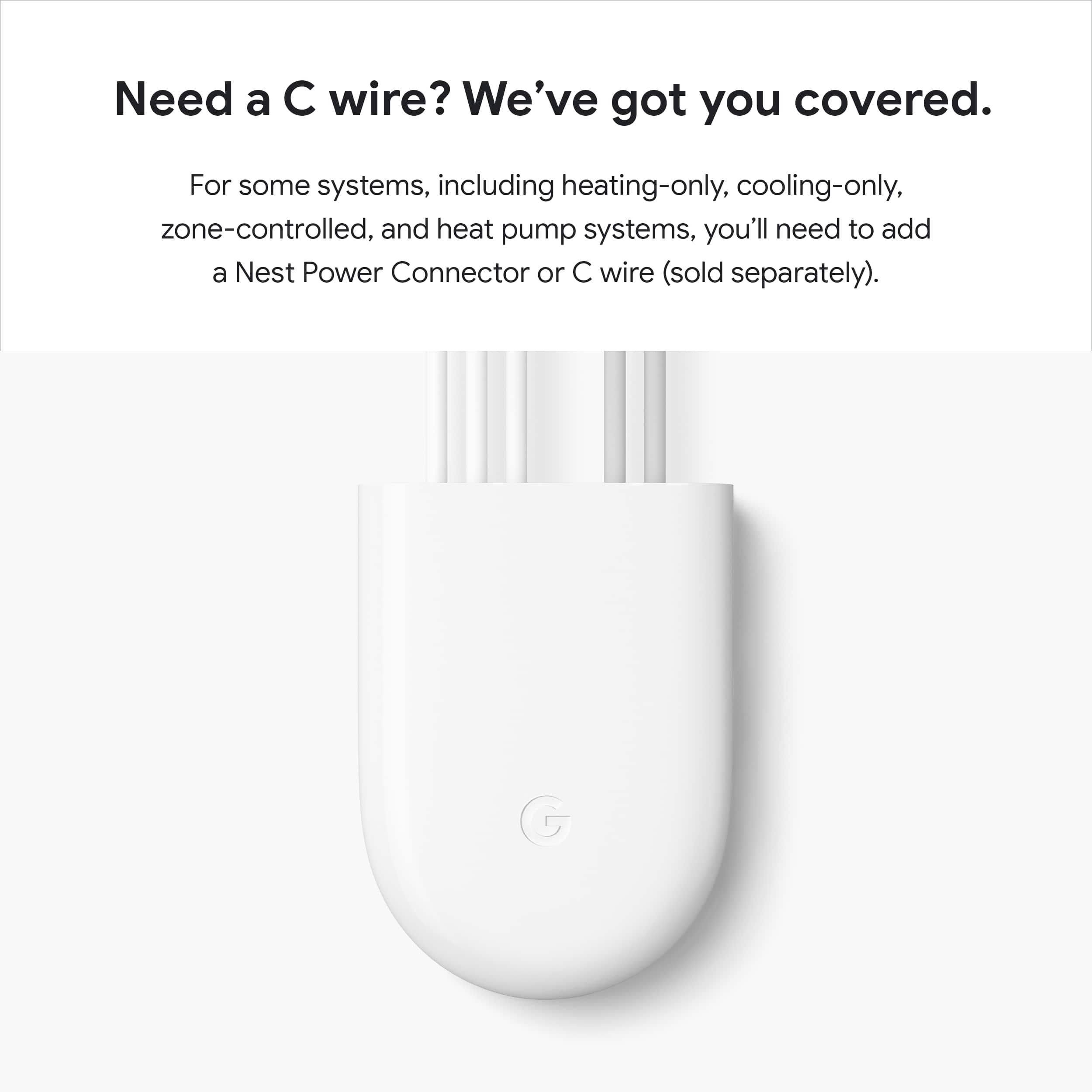
A:AnswerThe thermostat uses the voltage from your system’s wires to keep its internal battery charged, so if the power from your system is insufficient, the thermostat will run on battery for a while but will turn off features like Wi-Fi to preserve battery life before it must turn off completely. And though Nest thermostats would generally work without a common (C) wire, there are some systems that would require a C wire on the new Nest Thermostat like a heat only or cool only systems.
We’d be happy to guide you through troubleshooting procedures if you can visit us anytime here: https://support.google.com/googlenest/gethelp
A:AnswerGoogle Nest skill is a feature created for other equipment like Alexa to communicate with your Nest equipment. I believe it should work but I personally haven't tried it yet.
A:AnswerThere can be several reasons why this may be happening. A difference of a couple of degrees is acceptable as your benchmarking temperature on the Nest Thermostat. But greater differences do need attention. Below are some steps that may help you with the issue:
- Restart the thermostat. A restart should be sufficient to re-calibrate them and show an accurate value.
- Nest thermostats in the U.S. and Canada are typically installed on a wall. Check for proximity of the thermostat to: air vents / electrical outlets / appliances / plumbing (hot water pipes) / warm air in the wall behind the thermostat. This may also affect the reading for the temperature.
- Some wireless access points cause the Nest thermostat’s wifi chip to overheat, which affects the thermostat’s detected ambient temperature. We can disconnect the network for 24 hours and monitor the temperature.
If the issue persists, we'd like to take a look at it for further examination, so that we can offer a resolution. Please feel free to reach out our support team here: https://support.google.com/googlenest/gethelp
A:AnswerNest thermostats are designed to work with most 24 V systems. The online Compatibility Checker has full instructions to check if your heating and cooling systems are compatible with Nest thermostats. You can also quickly tell if you have one of these systems without having to use the Compatibility Checker or to look at your thermostat’s wiring here: https://support.google.com/googlenest/answer/9246656
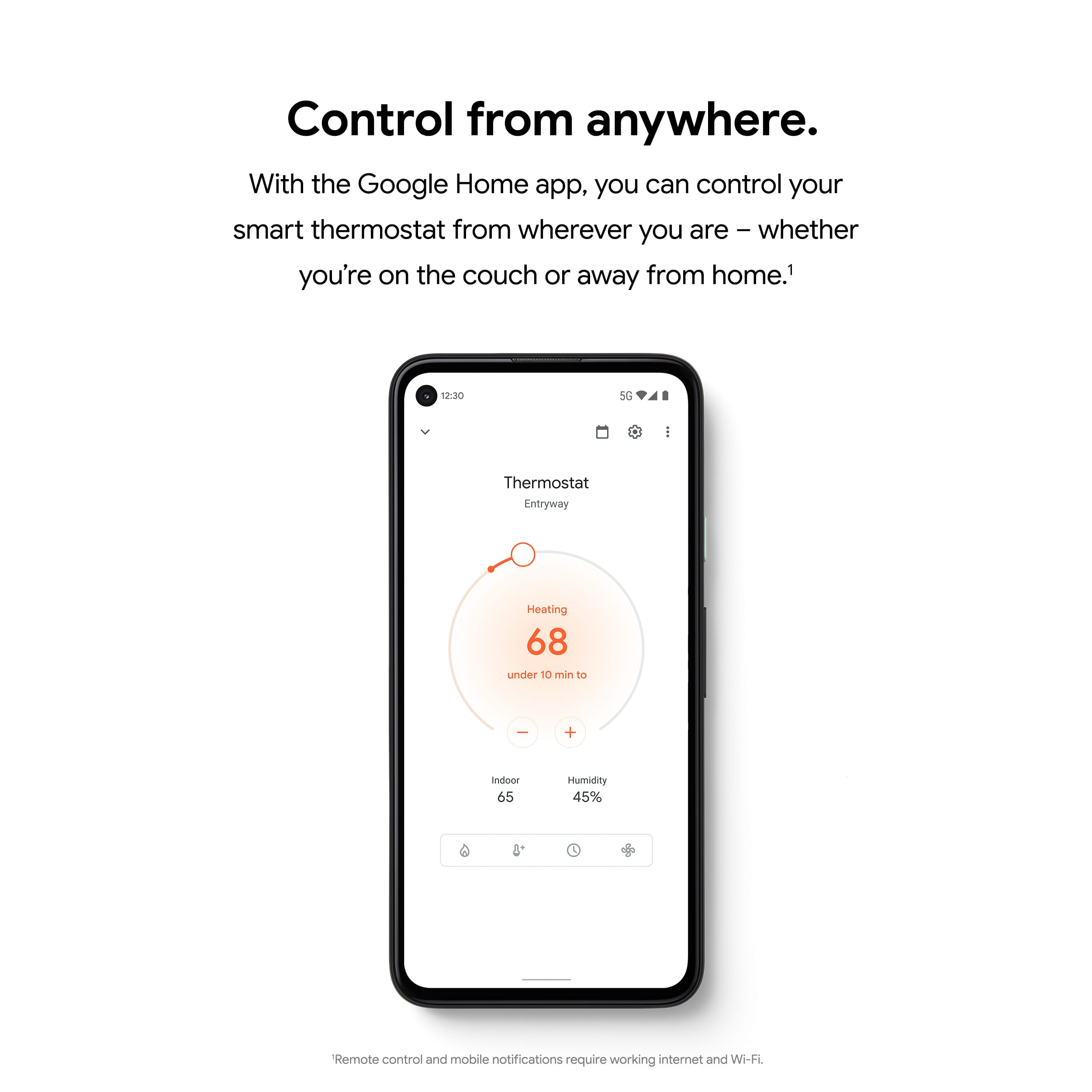
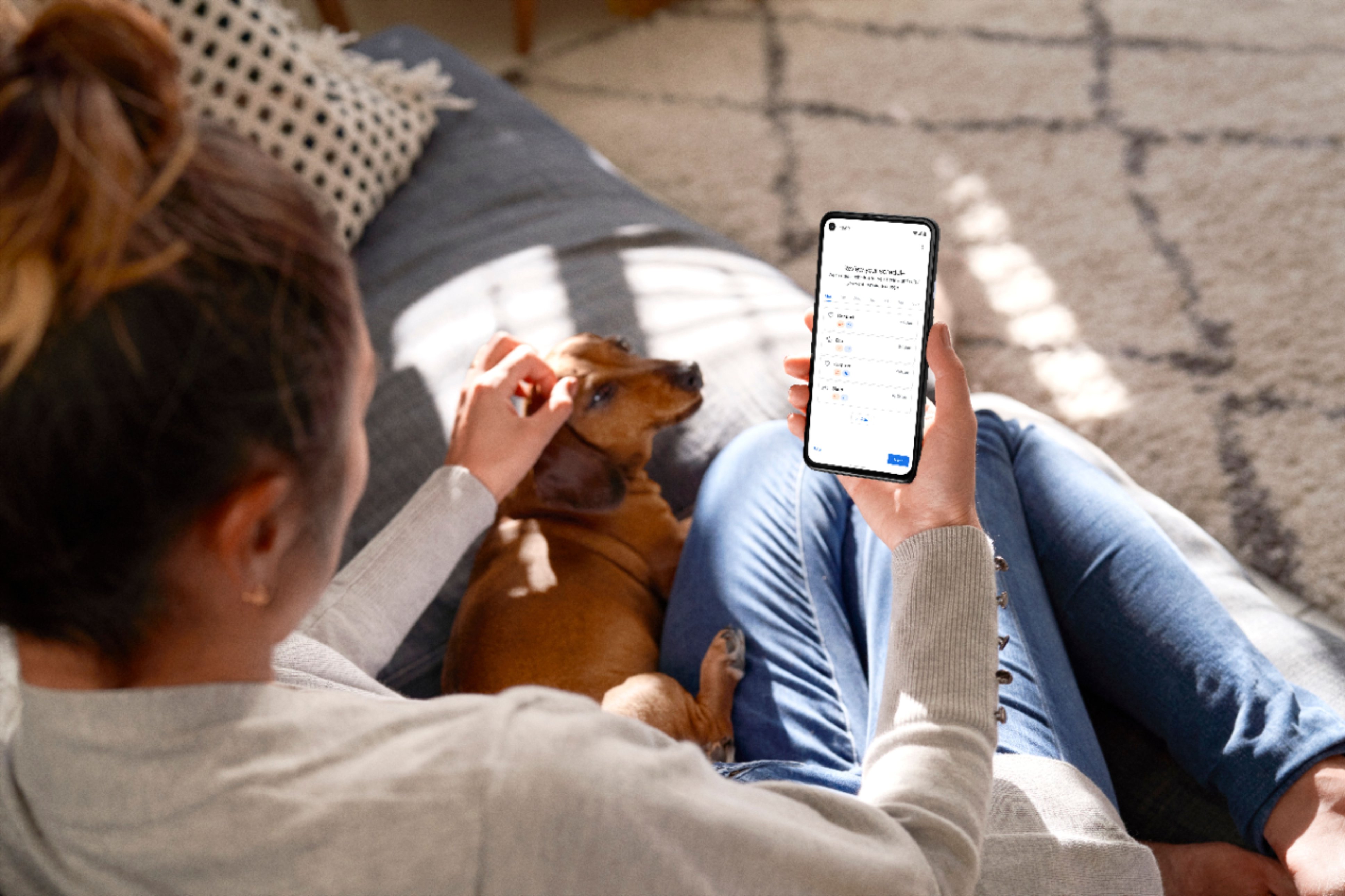
A:AnswerYou can have a schedule and heat or cool wherever you need, the schedule and temperature can be adjusted from Home App but device loses connectivity alot
A:AnswerThere shouldn't be any clicking sound. We suggest contacting our support team so we can assist you and check on your Nest Thermostat. We might need to perform some troubleshooting steps that may help resolve your concern. Reach out to us here anytime: https://support.google.com/googlenest/gethelp
A:AnswerI believe so if you setup routine scheduling. Routine scheduling will let you program certain temps for certain times. It will not change until you manually stop it.
A:AnswerMost 24 V heating and cooling systems are compatible with Nest thermostats, but there are some systems that aren’t compatible. We highly recommend checking your system’s compatibility before purchasing a Nest thermostat with our online Compatibility Checker. Also, you can quickly tell if you have one of these systems without having to use the Compatibility Checker or to look at your thermostat’s wiring. This online help article may help: https://support.google.com/googlenest/answer/9246656
A:AnswerYes, this is 5ghz compatible. That’s why I purchased this product. I have so many devices connected to my 2.4ghz I can’t get it to connect to any other only 2.4ghz devices.