








A:AnswerJust be sure to use the same network name and password as the old router and based on my experience so far I believe it will connect seemlessly without any hassle. I don't have your exact situation but I have a bunch of different smart home devices and they all connected automatically without having to reconfigure everything.
A:AnswerYes. When I first purchased my tv the wireless in it was dropping because it was connecting to the 2.4GHz. The only way around that was to buy a mesh node and wire the tv to that. It worked like a charm until my tv got an update. At that point it no longer needed to be wired to a node.
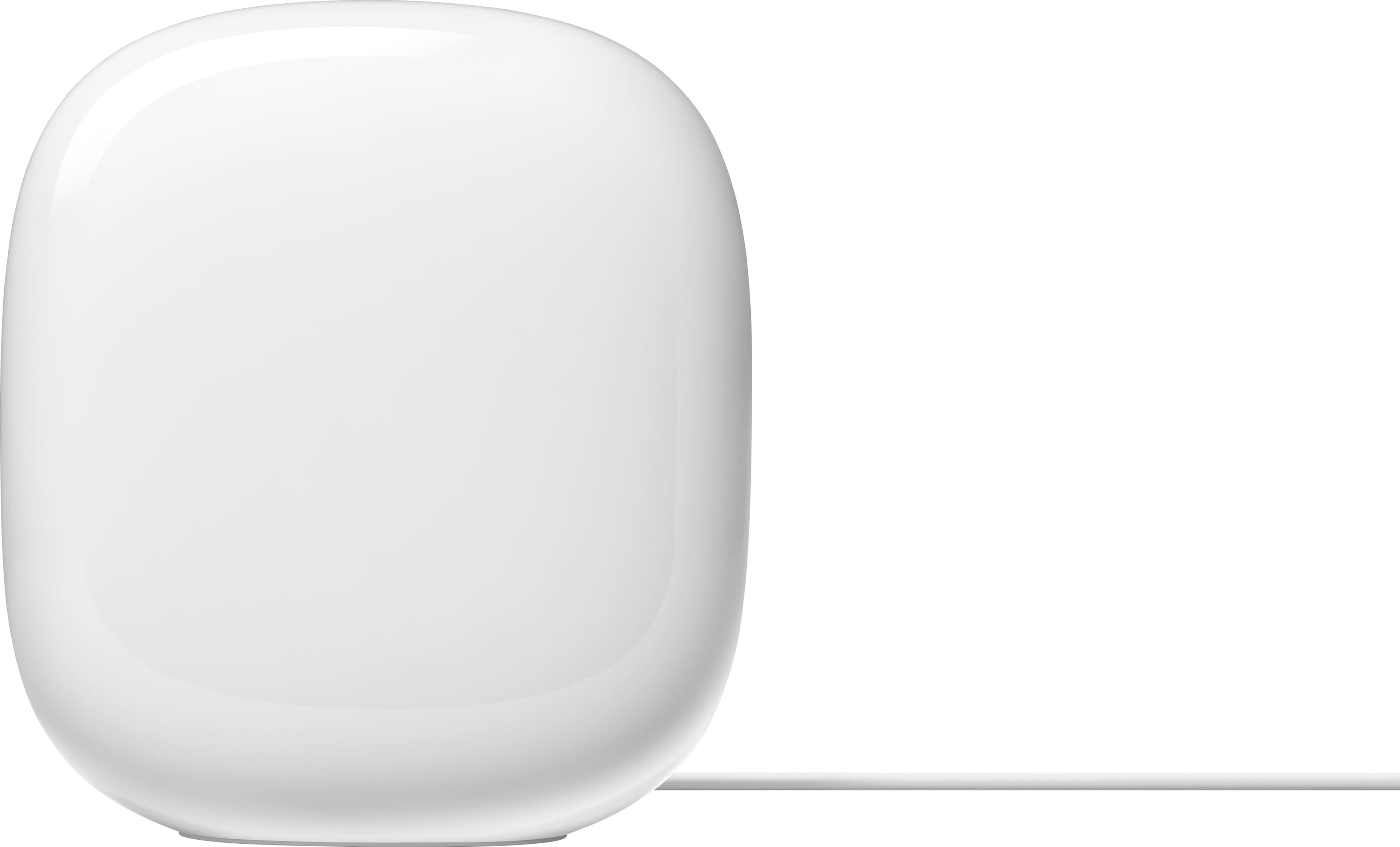
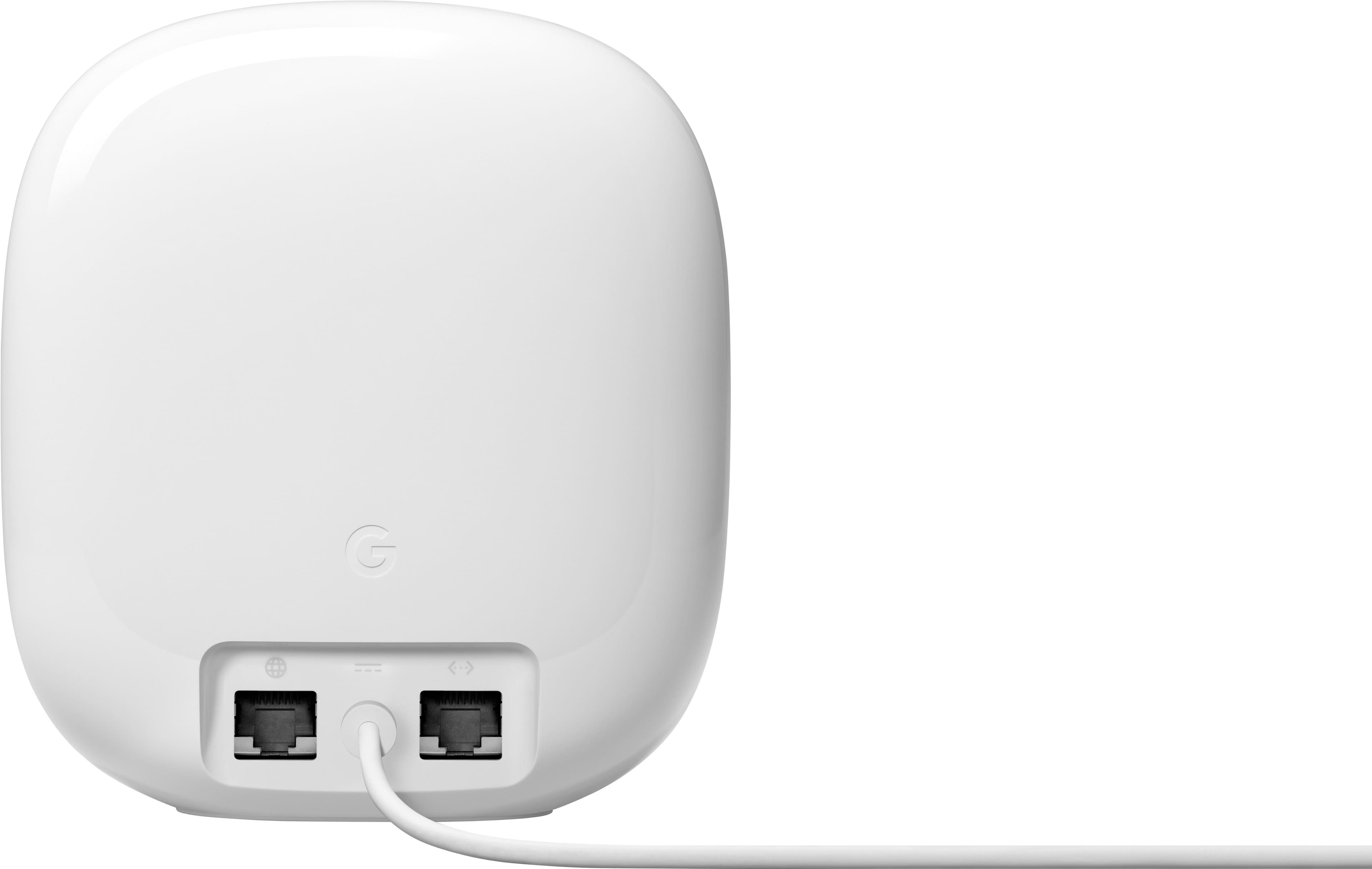
A:AnswerThis includes 3 Nest Wifi Pro routers. All Nest Wifi Pro devices have routing capabilities with 2 Ethernet ports, you can choose to set up any unit as your primary router and connect it to your modem via Ethernet. Then, add the other Wifi points as your child point wirelessly to create a whole Wi-Fi mesh setup. Take a look at this link for the setup requirements and guide on how to setup Nest Wifi Pro: https://support.google.com/googlenest/answer/9548301
A:AnswerHello there, Ron. Thanks for your interest. Nest Wifi Pro requires to be connected to a modem with broadband internet connection from an Internet Service Provider (ISP). Check out this link for the setup requirements and guide: https://support.google.com/googlenest/answer/9548301
A:AnswerHey there. The Nest Wifi Pro is only a router. It does not have an integrated modem. You'll need to connect your internet service provider (ISP)'s modem to the Nest Wifi Pro to provide internet connectivity to your devices.
A:AnswerThe 2nd one will be wireless.
You can also plug a device without a wireless card into the network port on the 2nd device and have wired internet in that room also.
A:AnswerGreat question, Lis. The Nest Wi-Fi Pro can cover up 2,200 sq ft per device. With a multi-story home, we recommend having one per floor to make sure you receive the best connection wherever you are. We also suggest a maximum of 5 routers for a single network. Adding more might be detrimental to Wi-Fi performance. Here’s a link with more information: https://support.google.com/googlenest/answer/7182840
A:AnswerEach Nest Wifi Pro router can handle up to 100 connected devices. For more info, check tech specs here: https://support.google.com/googlenest/answer/6280668
A:AnswerHi, Chase. Great question! The main difference between your current Nest Wifi and the Nest Wifi Pro is the Wi-Fi technology. The Pro employs Wi-Fi 6E, a newer, faster, and more reliable technology than your current Wi-Fi 5 system. Due to technological incompatibility, you cannot mix these two types of devices on the same network. Consequently, upgrading to the Nest Wifi Pro would necessitate replacing all of your current Nest Wifi points. You can verify the information by clicking the following link: https://support.google.com/googlenest/answer/6300732?
A:AnswerHey there, Andrew! Thanks for your inquiry! A single Nest Wifi Pro can cover up to 2,200 sq ft, but for optimal results, here are some key tips:
- Aim for centralized locations and elevated positions like shelves, keeping points within 2 rooms of each other.
Think halfway, not endpoint: If a specific area has a weak signal, placing a point part way towards that area can improve coverage more effectively.
- Balanced distribution: Spread out the router and points evenly, ensuring a strong mesh connection between them.
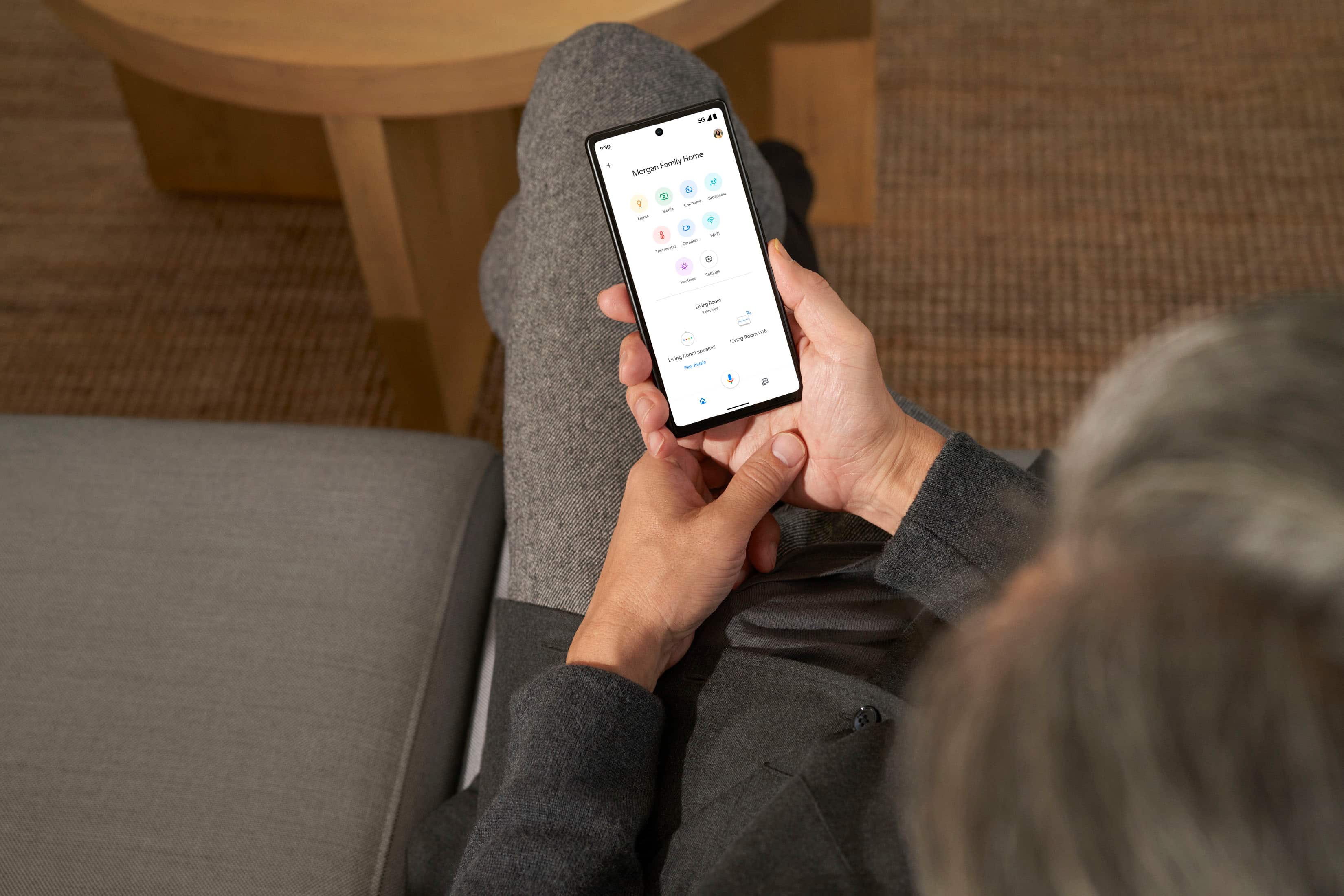
- Use the Google Home app's mesh test feature to verify optimal placement before finalizing.
For detailed guidance on coverage and point recommendations, check out this helpful guide: https://support.google.com/googlenest/answer/7182840
A:AnswerIf you have 2 devices communicating with each other in your wifi network you can have the speed between them be theoretically at 5400, data doesn't just flow from the Internet :)
A:AnswerEach one is a router to begin with, So you can connect anyone of them too your router to begin with. From what I discovered there are a max of five of them you can connect together. The coverage for each one of them I believe is 2200 ft, My current situation I have 51 devices connected to my entire network meaning lights, cameras, thermostats, televisions, gaming consoles, etc....everything runs smooth no hiccups whatsoever.
A:AnswerI can’t give a precise answer, but the coverage is ample for me, in my 2000+ square-foot house, with three levels. This three-unit setup replaces an older four-unit Google system with a few dead spots, and during installation I learned that I probably could get by with two units. Of course, your experience will depend partly on the composition and layout of your installation site.
A:AnswerGreat question, E. The Nest Wifi Pro is capable of combined speeds up to 5.4 Gbps. Actual speeds depend on your internet service provider, network conditions, connected devices, local regulations and environmental factors.
A:AnswerHi there, Tuck. The Nest Wifi Pro is for dry, indoor use. It operates best between 32° and 95° F (0° and 35° C) and should be stored between -4° and 140° F (-20° and 60° C). Avoid exposing the device to temperatures above 140° F (60° C) or direct sunlight, as this risks damage or fire. If it overheats, unplug it, move it to a cooler location, and wait until it cools before reuse.
A:AnswerGreat question, John. We recommend a maximum of 5 Nest Wifi Pro devices on a single network. Adding more might be detrimental to Wi-Fi performance. Here’s a link with more information: https://support.google.com/googlenest/answer/7182840
A:AnswerThanks for the inquiry. Yes, the Nest Wifi Pro is designed to work with a variety of internet providers. Here’s a link with more details: https://support.google.com/googlenest/answer/9548301