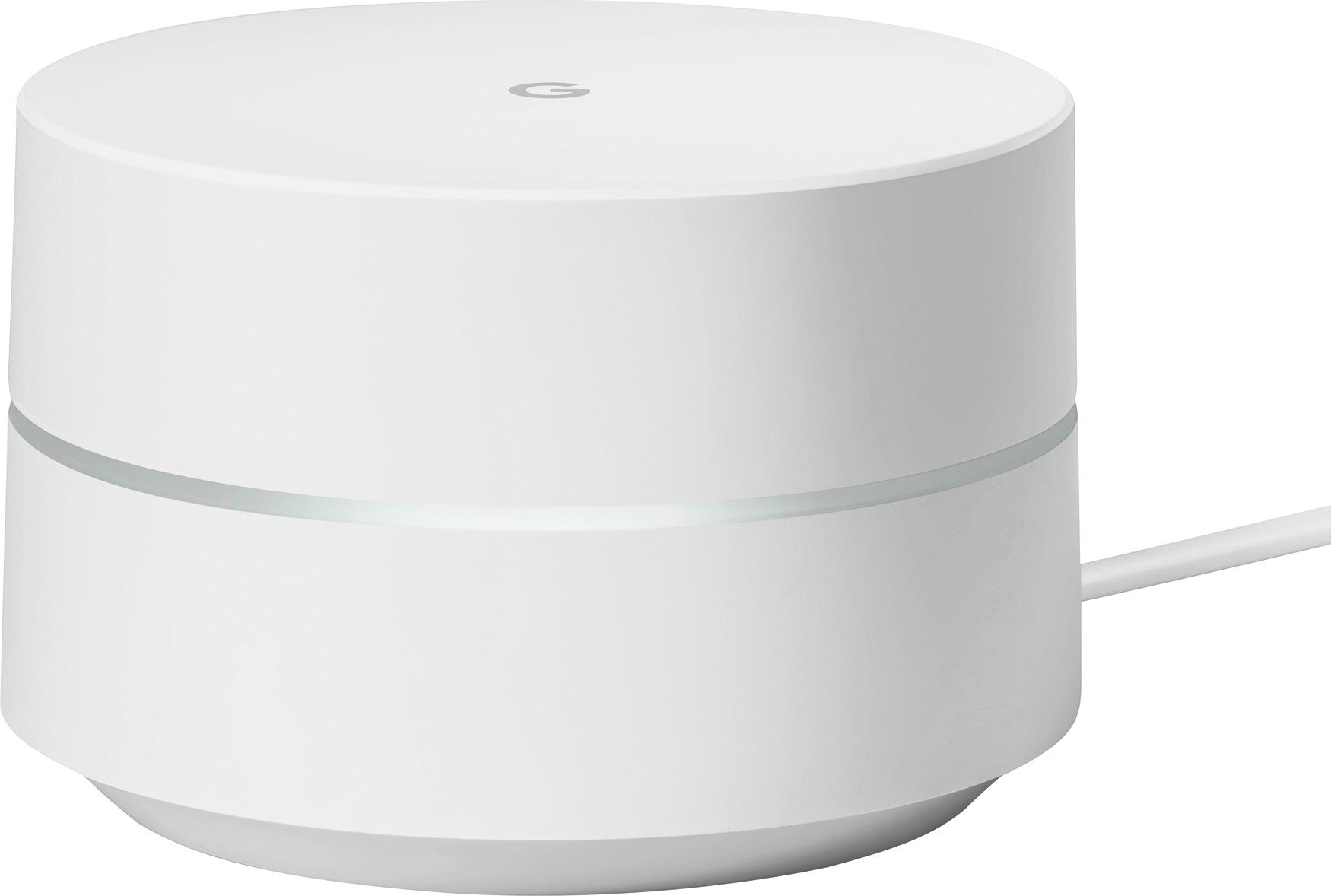
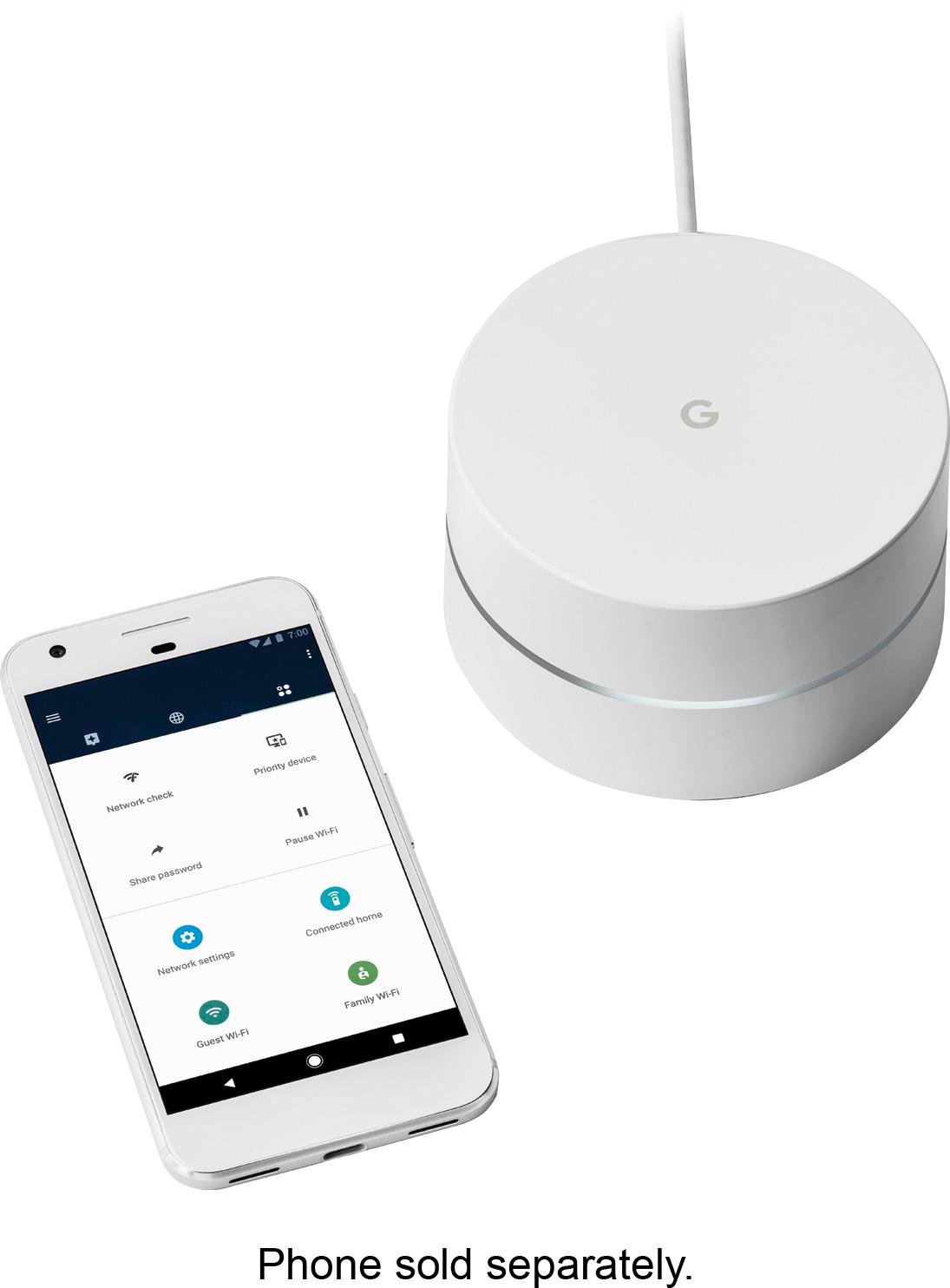
A:AnswerI first tried a Range Extender with my AT&T WiFi, it didn't help at all. If you have a large house you should go with the Google Wi-Fi System. The 3 units give me a strong signal over my entire house (3,500 sq. ft.). Also recommend you take advantage of a free in-home consultation from the Best Buy Geek Squad before you spend hundreds of dollars.
A:AnswerI was going back and forth b/w this and another more expensive system. Completely satisfied with the google! Easy set up good control of network devices and great speed.
A:AnswerAll three pods become "access points" for WiFi. That's the beauty of the system. You have three locations to access the Internet instead of one. But all three work in tandem - invisibly behind the scenes.
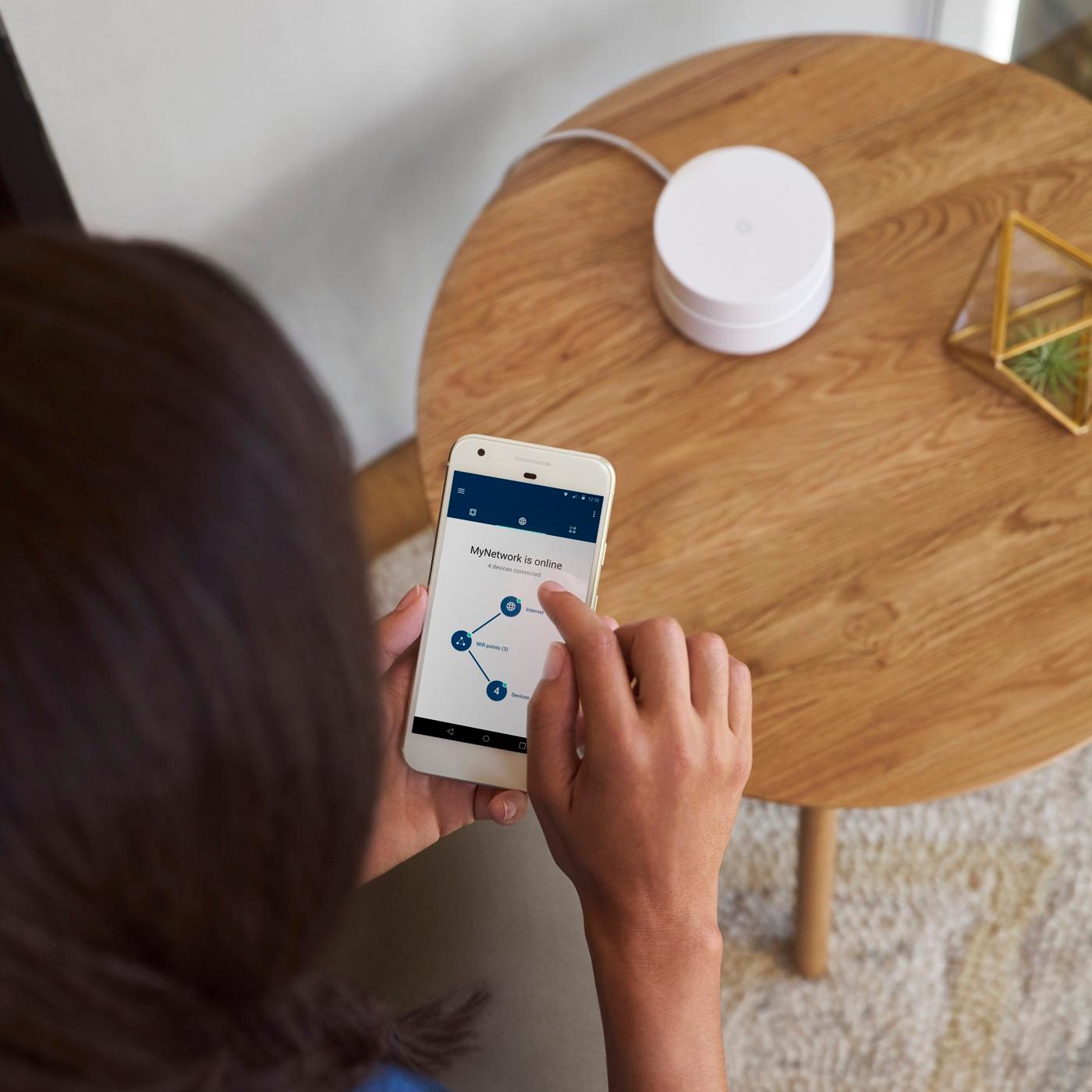
A:AnswerYou stated your router has 5 ports and using 4 of them now.. In the 5th port plug one of the Google devices into the router. Then you can plug the other units into a wall outlet around the house and they will connect to each other. Follow the steps on your smartphone to set up - The Google app will have you create a new WIFI network. Example: my router for my internet is called Birdy, which has wifi but doesn't cover the whole house. but google WiFi is called BirdWIFI.. all my equipment that is connected to my router doesn't need to connect to wifi since it's hardwired in. All my wifi devices are now connected to the BirdWifi network(google units). Hope that makes sense.
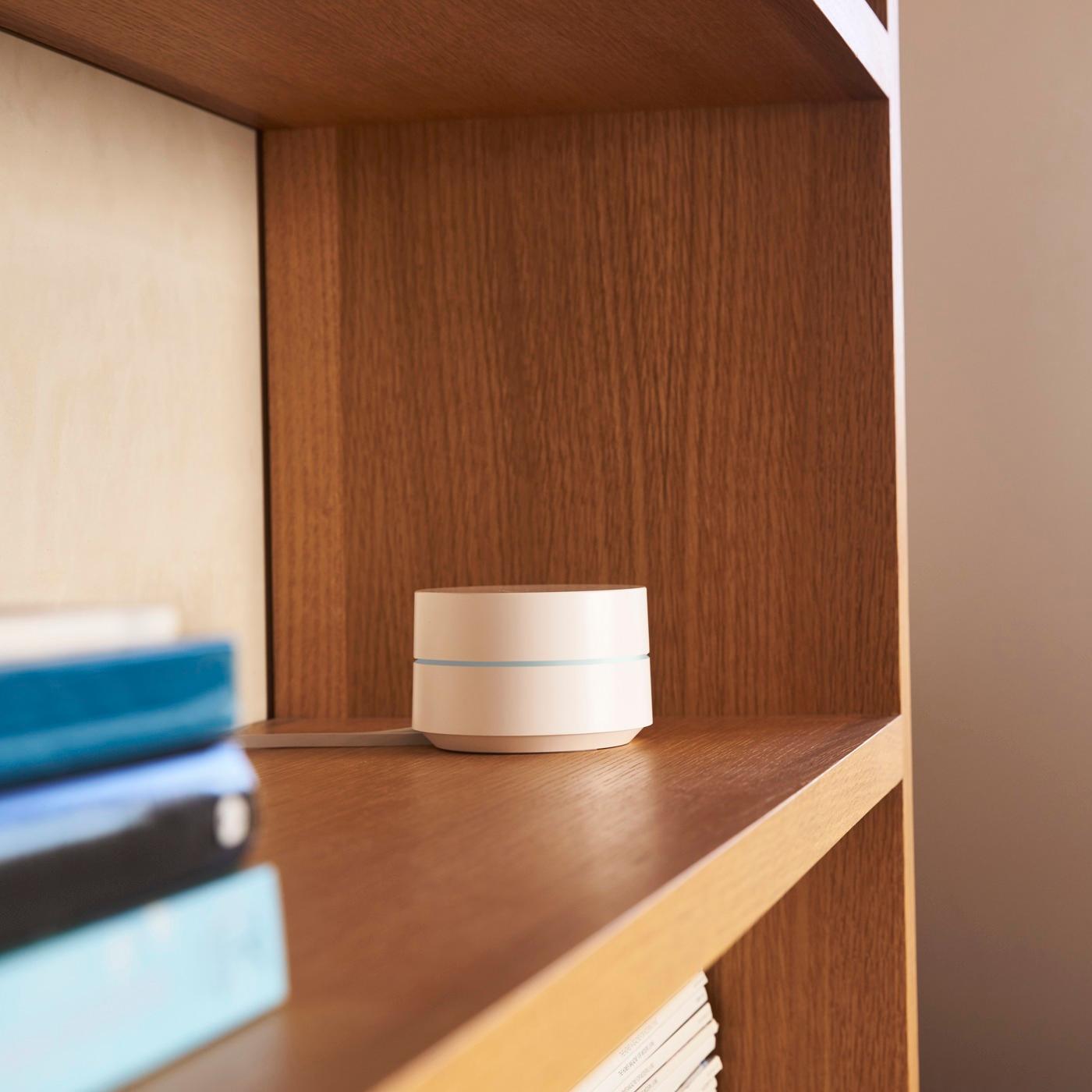
A:AnswerThey suggest each unit be 2 rooms away in an open, unobstructed, location. I have one in my home studio over the detached garage (where my PC is), one in my bedroom closest to the studio. And the last one is in my kitchen for the living room TV. When you are setting up, it lets you know if it is receiving a signal from one and then the next. So - yes - like a daisy chain.
I have used extenders and only got a poor signal in the living room. I now have excellent signal everywhere in my house and studio.
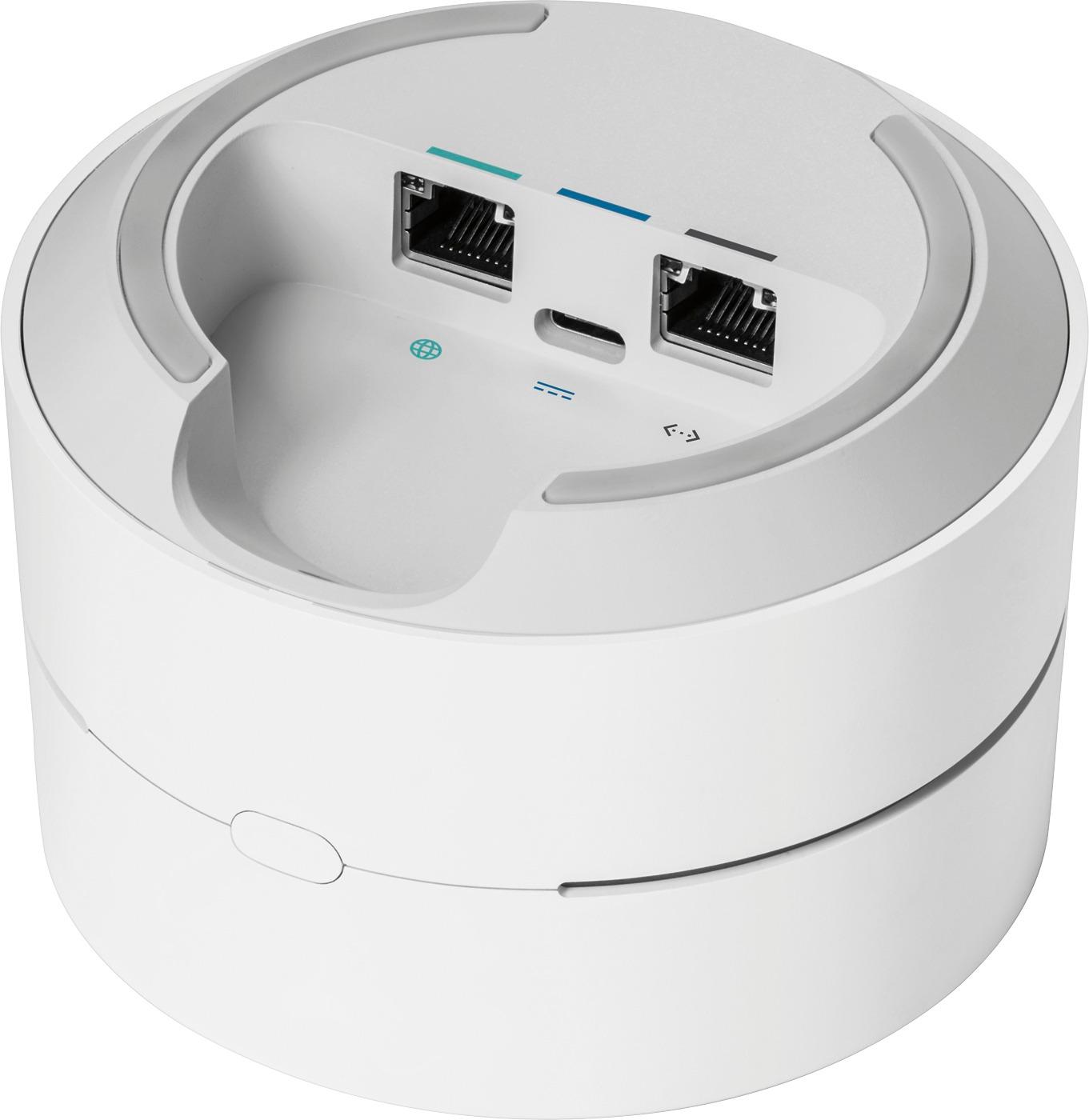
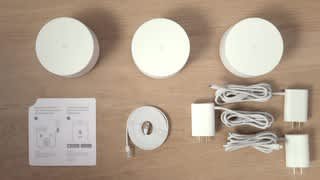
A:AnswerYes a modem connected to the internet and has a RJ45/Cat5 output. The Google WiFi requires a hardwire connection, and a 6 foot Cat5 Cable is supplied with the device.
A:AnswerYou can name the network with the same name as your verizon network provided the verizon network is turned off. In fact you can name your network whatever you'd like as long as it is unique in your area.
A:Answeryes it should. If you have ethernet feeding from your ONT then it will be no problem as cable will go right into google box. If you have a moca connection then you will need to use verizon's router first then out of verizon's router via ethernet in the google box. you will want to turn off the wifi in verizon's router
A:AnswerYou only need to keep the Cable modem if you are purchasing the 3-pack. No additional wireless routers are needed. I've even got my Tivo unit plugged into one of the mesh units allowing me to get rid of the Ethernet cable between my Tivo and my Tivo mini. Tivo needs to believe it is on a LAN connection to stream content and this does the trick.
A:AnswerYes, that is possible but it may cause a double NAT since Google Wifi router produces its own IP address. To avoid this, we recommend putting your other router in bridge mode, so that you can create a mesh network with Google Wifi points. You can check out this link to find out more about double NAT and bridge mode : https://support.google.com/wifi/answer/6240987?hl=en
A:AnswerI believe it auto switches depend on bandwidth in the device being used. You can plug the PS4 to a satellite and it works pretty good. The Netgear Orbi is actually stronger in signal strength but the app sucks. Google is stress free and works pretty well.
A:AnswerConcrete will affect any router, and while I haven't used this specific one in such an environment, I HAVE used much worse routers in my warehouse with no noticeable issue.
I have multiple offices 20-40ft from the router, which is in a concrete warehouse with steel doors. I've had almost zero hiccups in 1.5yr. (a few thousand aluminum cubes miiiight be the cause) I get proper speed/ping/etc, and have even used the WiFi to play a few games when I had to stay late and had no issues. Ironically, ping was actually better there than at my house. :(
Sorry I can't give a proper 1-1 comparison, but I'd assume this one will be just fine, as it has notably better signal stability/range than my work routers. (that I've also used in normal office environments)
AAAAAND if it's not quite up to it, just add another.
A:AnswerEach Google Wifi AC1200 Dual-Band Mesh Wi-Fi System provides anywhere from 500 up to 1500sq ft. If you purchase the 3 pack it covers up to 4500sq ft of Wifi. It should be capable of handling your needs, without having to unplug and move a router. Hope this helps.