A:AnswerGoogle Wifi doesn't have a Google Assistant built-in. Also, Google Wifi has several built-in security measures to protect you and your online world. Take a look at this link for more information: https://support.google.com/googlenest/answer/6309220
A:AnswerGoogle Wifi network uses the same name for both the 2.4 and 5 GHz bands. Both radio bands are active simultaneously. Your devices (e.g phone, laptop, etc) that support both 2.4 GHz and 5 GHz will automatically use the band that will deliver the best performance based on different factors like signal strength, and guidance from the mesh Wi-Fi system. Take a look at this link for more info: https://support.google.com/googlenest/answer/6293481
A:AnswerIdeally, one Google Wifi can cover up to 1,500 sqft. But where they are placed, the layout of your house, and physical obstructions like furniture can impact the total coverage. For an estimate of how much Wi-Fi coverage you’ll get with Google Wifi and a guide to how many Wifi points you need check here: https://support.google.com/googlenest/answer/7182840
A:AnswerUsing a power monitor plus mine is Drawing 2-3 watts, 40-60 milliamps.
The max output of the included USB C adapters is 5V@3A = 15W.
Hope this helps.
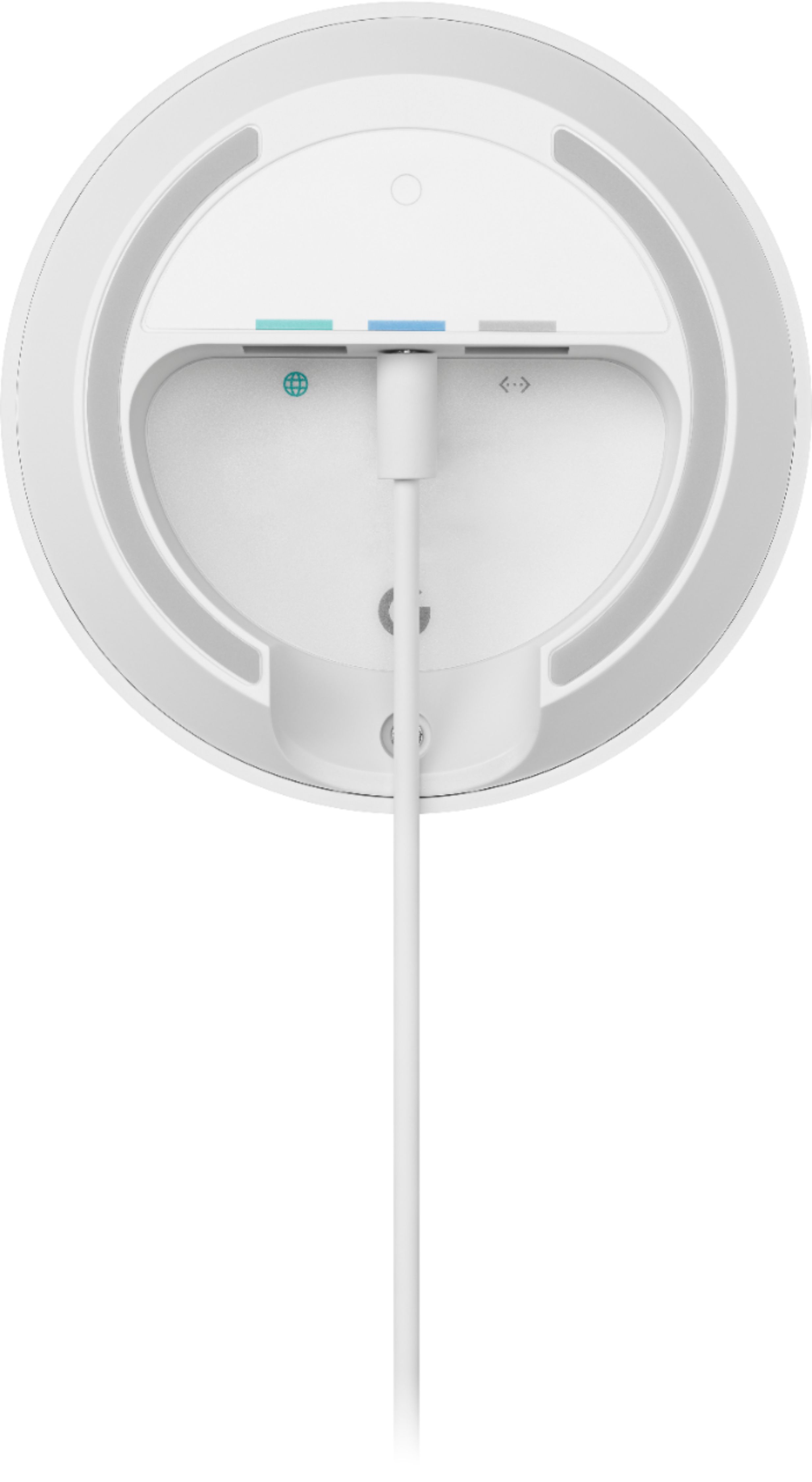
A:AnswerMy Vonage VOIP phone modem is connected to my internet modem via ethernet cable, same as my mesh router node 1. Each google node, 1, 2 and 3, all have an ethernet port so I would imagine the phone modem could connect to whichever node is where you want your base phone.
A:AnswerWe suggest checking this link for more details about hardwiring Google Nest Wifi routers, Google Wifi points and other devices: https://support.google.com/googlenest/answer/7215624
You may also contact our support team for further assistance here: https://support.google.com/wifi/gethelp
A:AnswerGoogle Wifi replaces your traditional router. You can connect it directly to your modem using an Ethernet cable to set it up and get an internet connection from your Internet Service Provider (ISP). Since you're using a modem/router combo, we suggest disabling the Wi-Fi functionality of the combo or putting it in Bridge mode to avoid Double NAT as it may cause connectivity issues.
Ideally, one Google Wifi can cover up to 1,500 sqft. But where they are placed, the layout of your house, and physical obstructions like furniture can impact the total coverage. For an estimate of how much Wi-Fi coverage you’ll get with Google Wifi and a guide to how many Wifi points you need check here: https://support.google.com/googlenest/answer/7182840