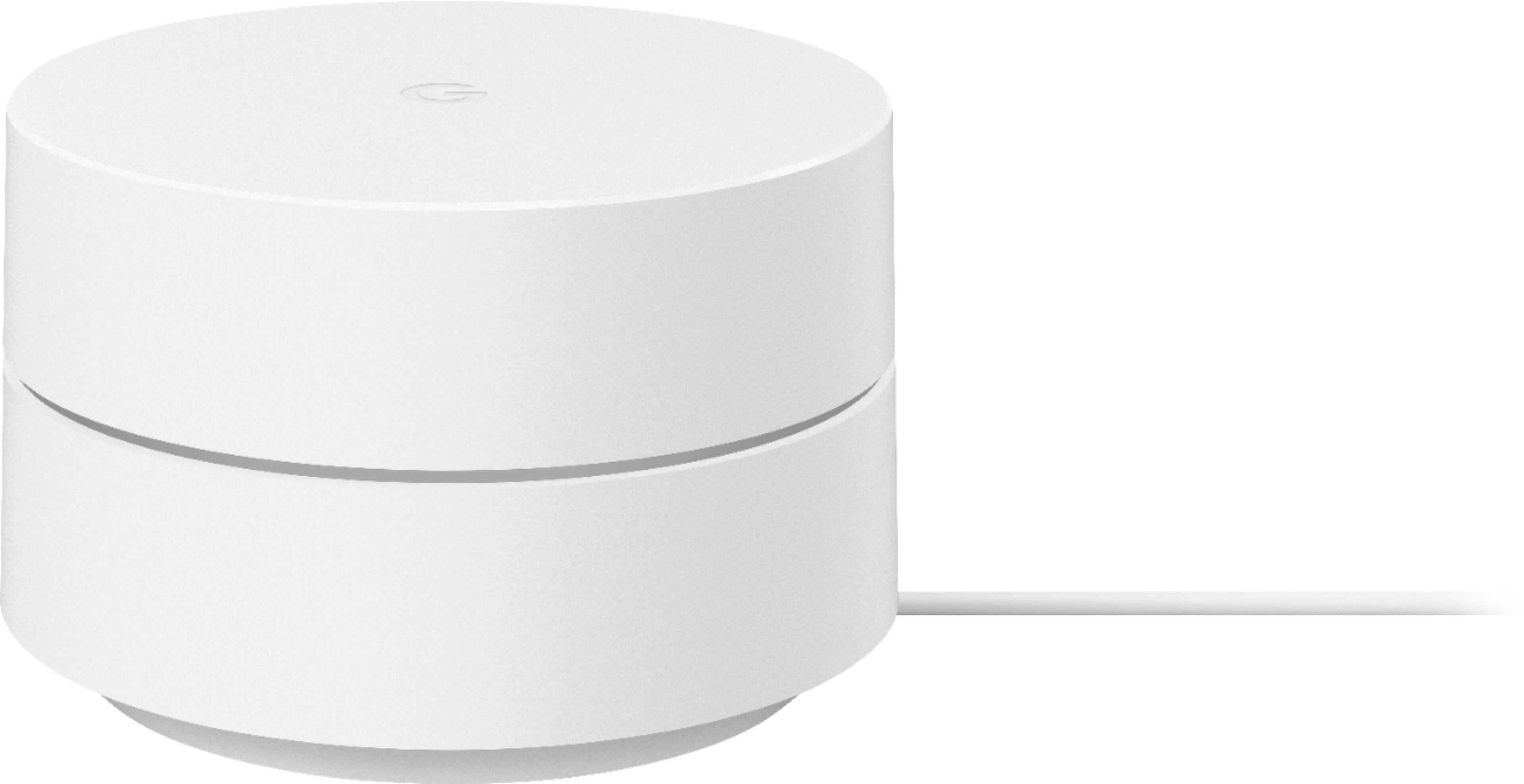
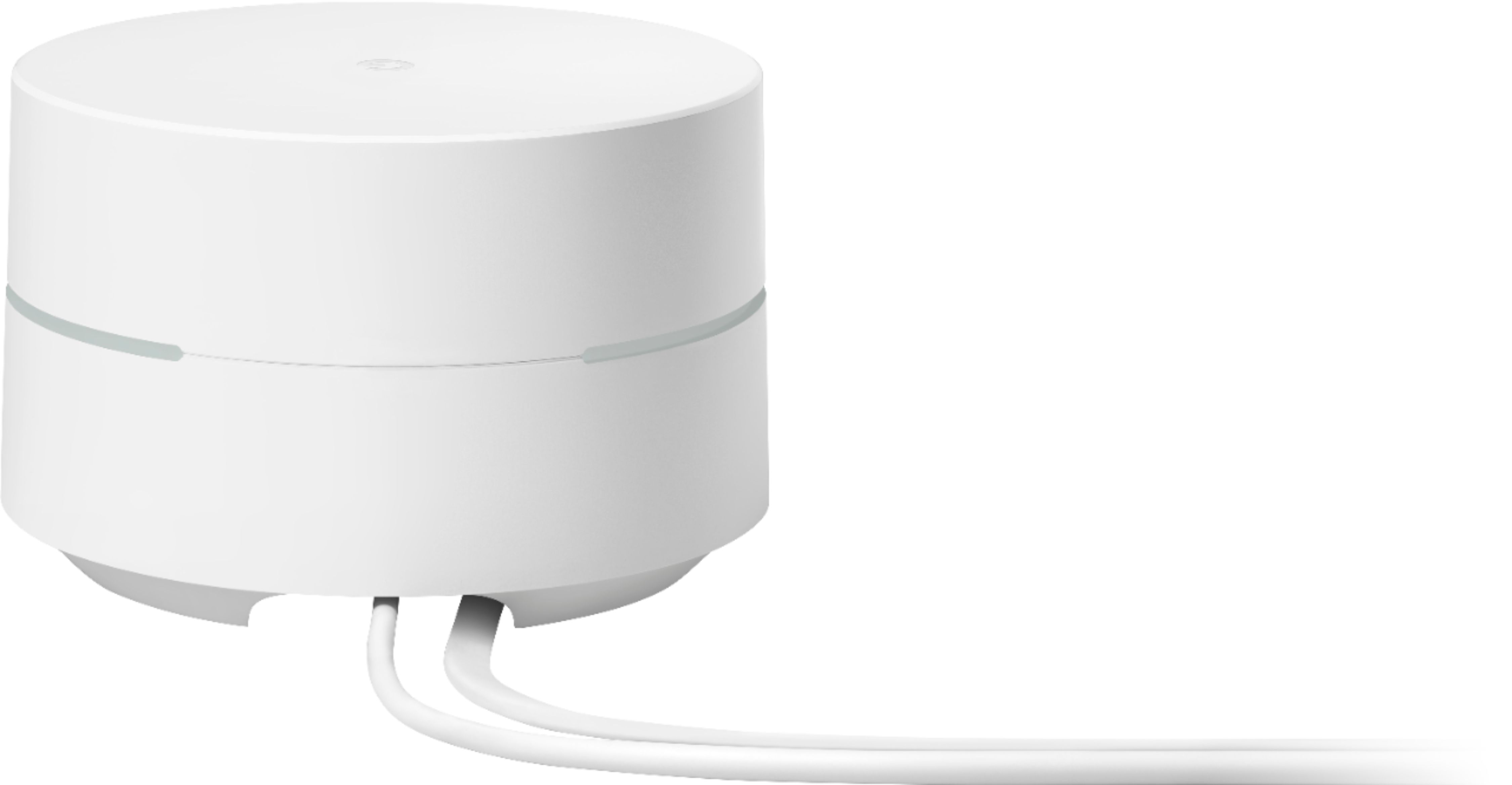
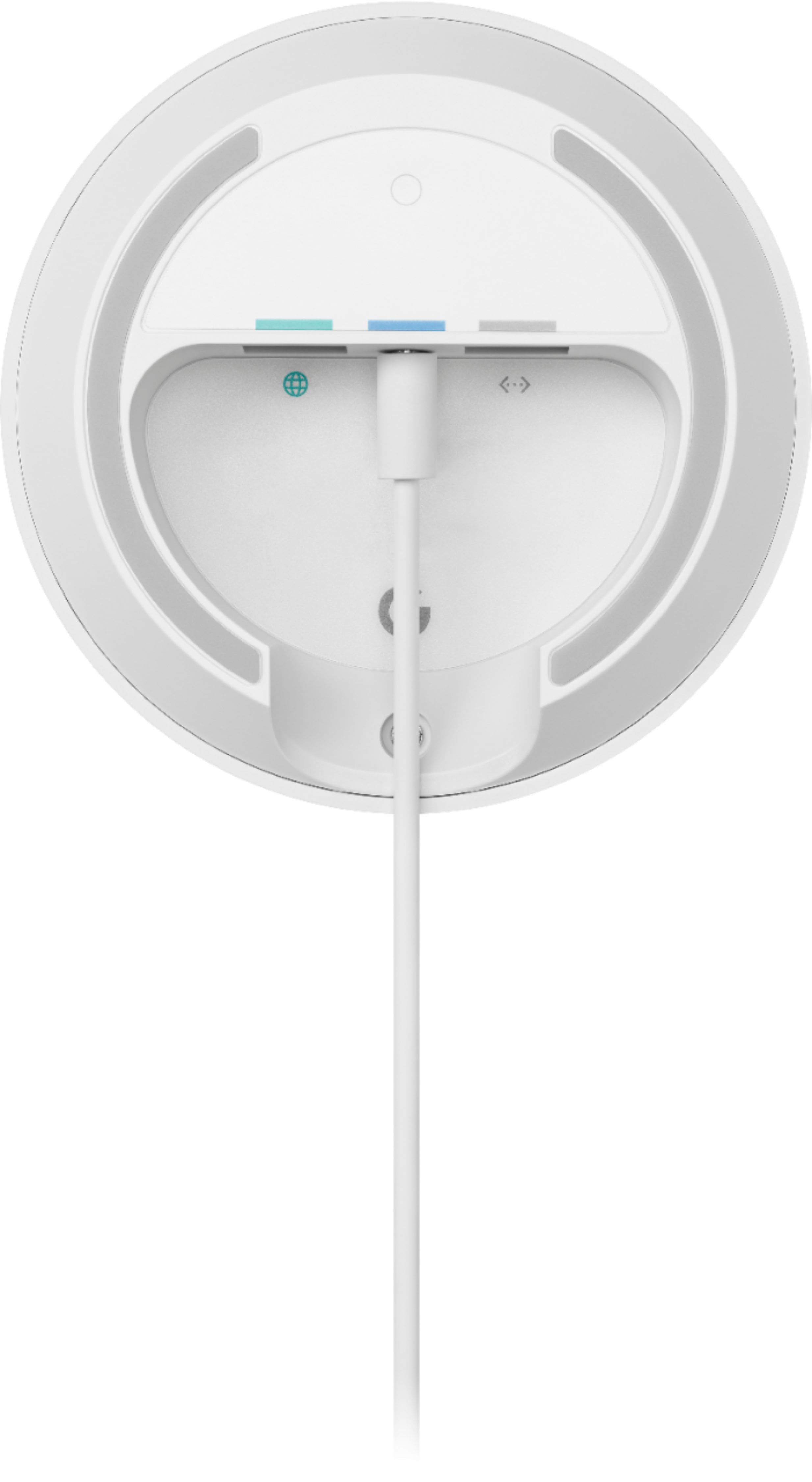
A:AnswerThere is no monthly fee to use Google Wifi mesh system, it's just a one-time purchase. But, you will need internet connection from your Internet Service Provider (ISP). Take a look at this link for the setup requirements and guide on how to setup Google Wifi: https://support.google.com/wifi/answer/7183148
A:AnswerYes, depending on the path for the signal (No heavy material obstuctions - basically a clear line of sight), but it will be most likely a weak signal. Refer to the following for details on the limitation of Google Wifi: https://support.google.com/googlenest/answer/7183150
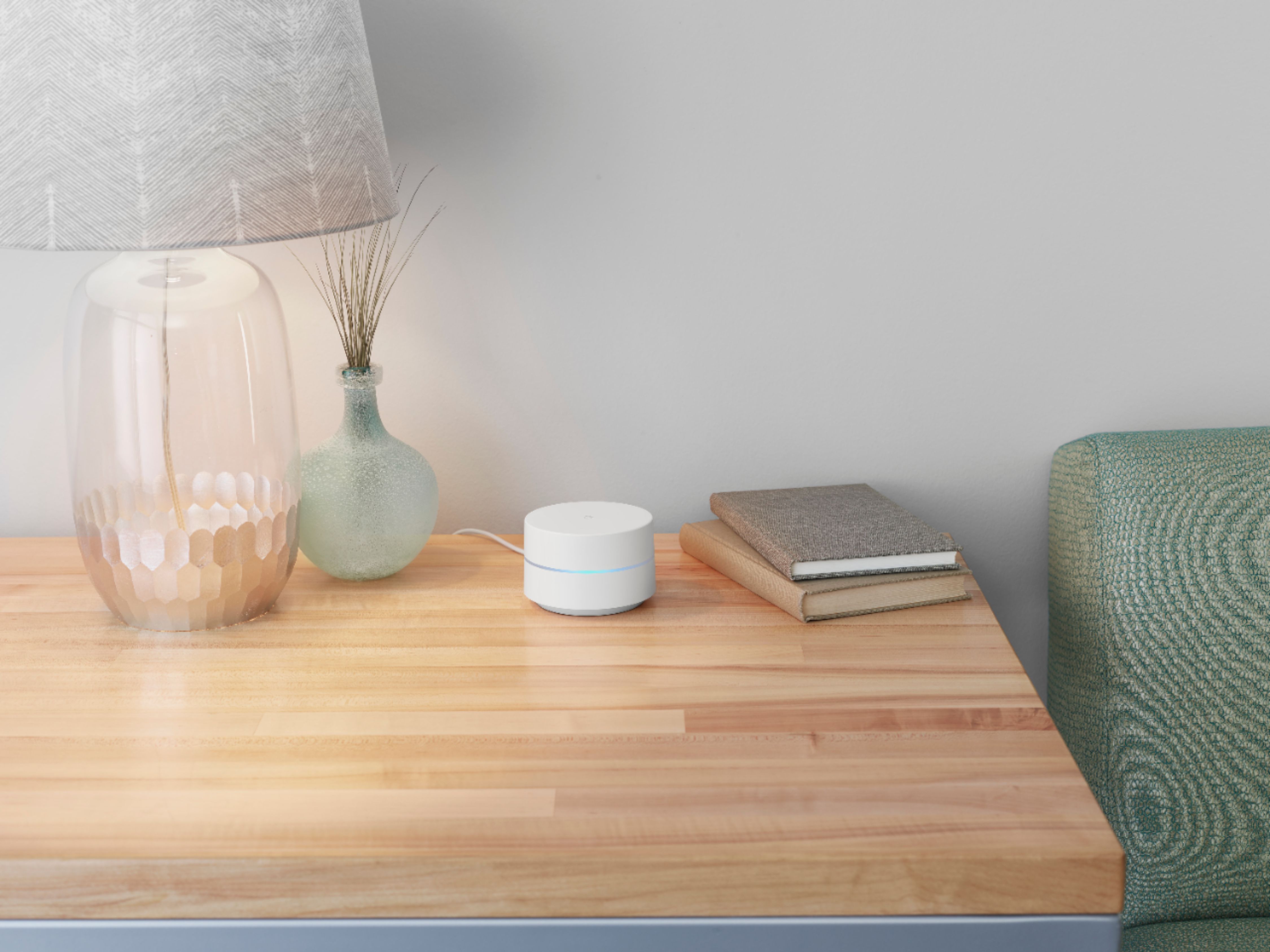
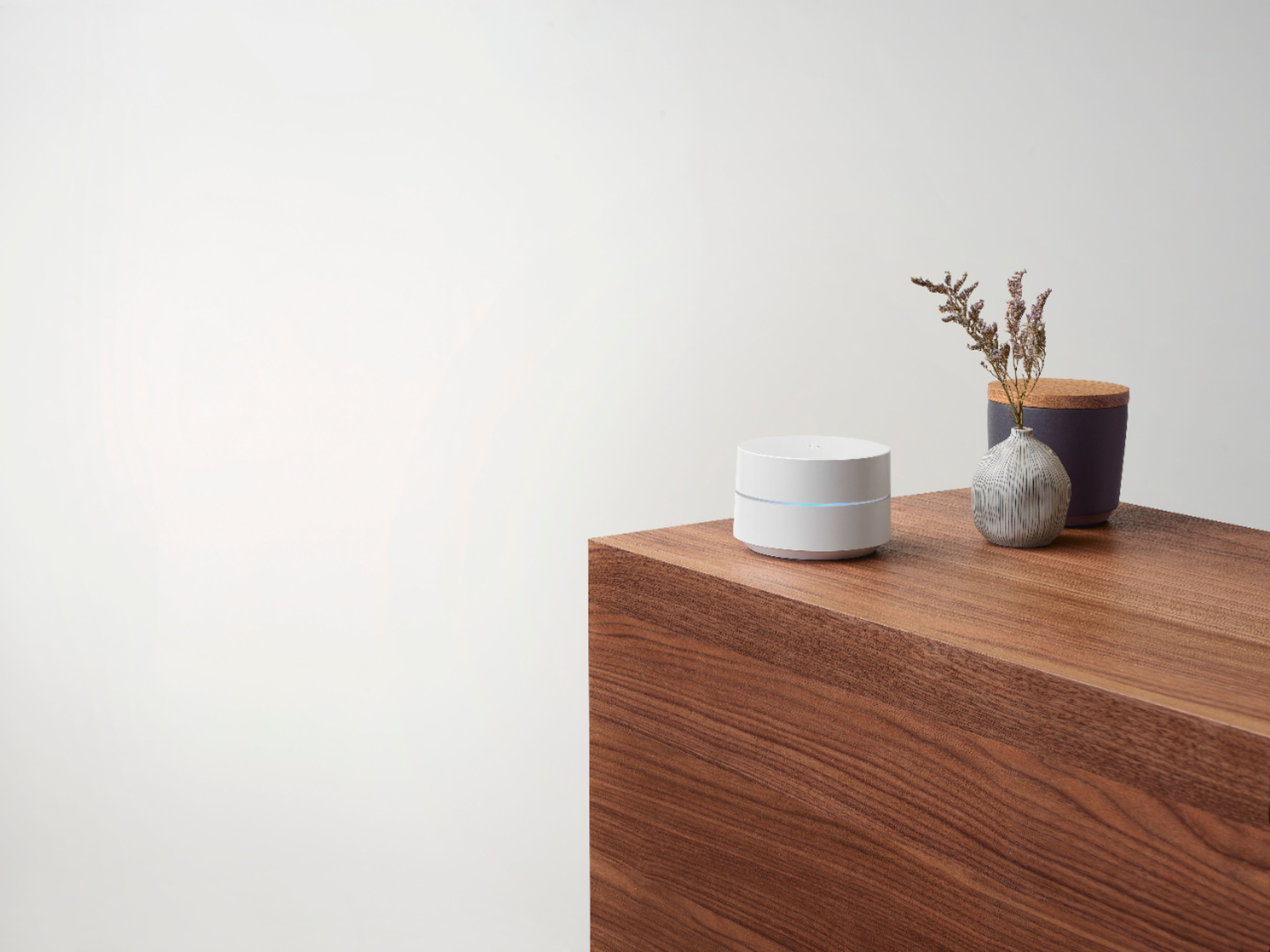
As a general rule, points work best when they’re no more than two rooms away from each other. For example, if the far end of your house has weak Wi-Fi, don’t put a Wifi point in that exact spot. Instead, put it partway in that direction. Try to place it in an elevated position like on a shelf.
A:AnswerI’m no expert, but there’s a way I think to turn off the WiFi on the Netgear so it’s just a modem. It’s possible there’s an issue with 2 signals but not likely. I have Verizon router and the google and don’t have an issue.
A:AnswerI have a cable modem as well and have one of the points directly connected to the modem and set as the router. the rest of the access points form the mesh.
A:AnswerThe recommendation is that you use the Wi-Fi device within the same country you are purchasing it because of various figuration regulation considerations
A:AnswerMy understanding, this setup requires one of the pucks to have a hard line connection to a modem. Sets that puck up as the router and uses the other pucks as extenders for the mesh connection. The newer Nest option may be different?
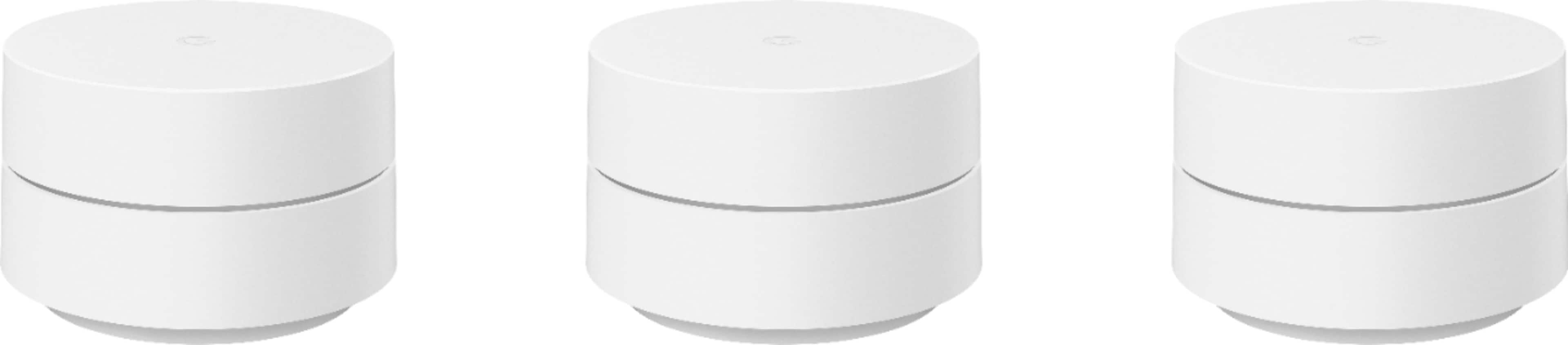
A:AnswerIt depends on several factors. Ideally, Google Wifi can cover up to 1,500 sqft. But where they are placed, the layout of your house, and physical obstructions like furniture can impact the total coverage.
It depends on several factors. Ideally, Google Wifi can cover up to 1,500 sqft. But where they are placed, the layout of your house, and physical obstructions like furniture can impact the total coverage.
As a general rule, Google Wifi works best when they’re no more than two rooms away from each other. For an estimate of how much Wi-Fi coverage you’ll get with Google Wifi and a guide to how many Wifi points you need, check here: https://support.google.com/googlenest/answer/7182840
A:AnswerThere is a distance limitation, but I can't be sure depending on density of building materials ad other conditions. I have it in our basement and it works well up to the third floor.. Good luck
A:AnswerDepending on the size of the house might be better to have 2
One is good and can support the device with no issues but once you start moving away that's when it really benefits you to have a second on the other side of the house.