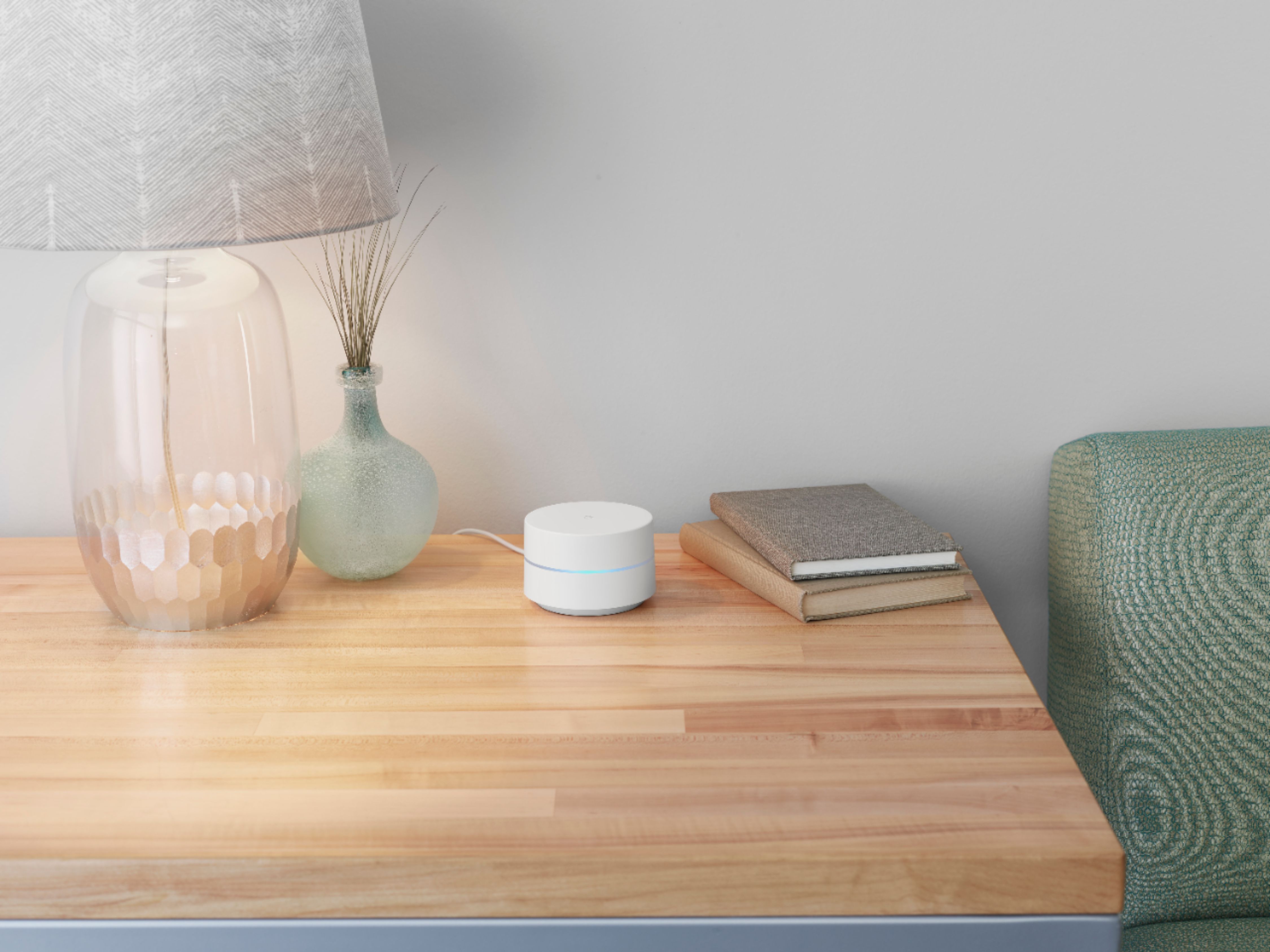
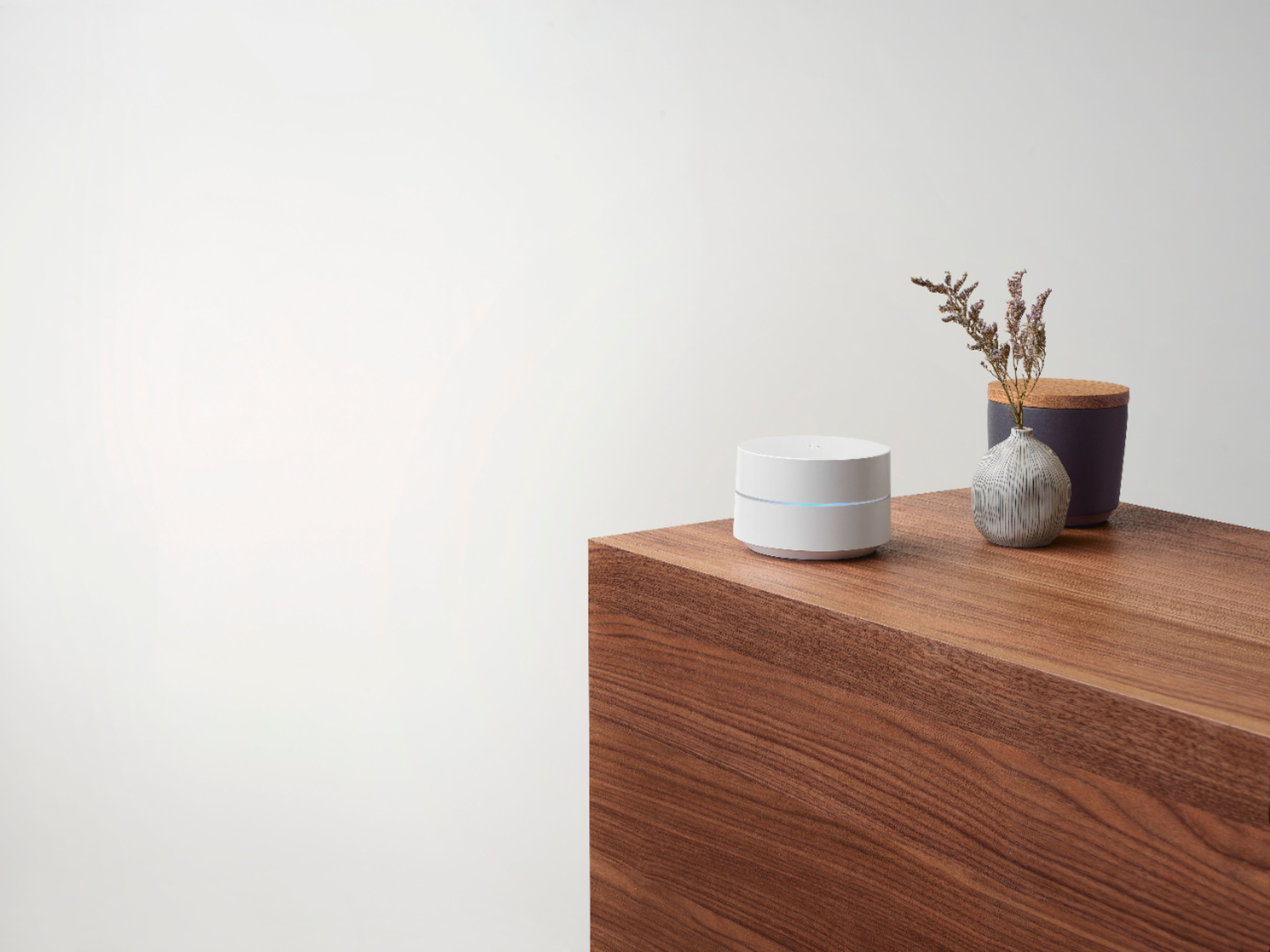
A:AnswerIt depends on the brand of phone. I know Google has a list of compatable outdoor cameras and it works great with Nest cameras both indoor and outdoor.
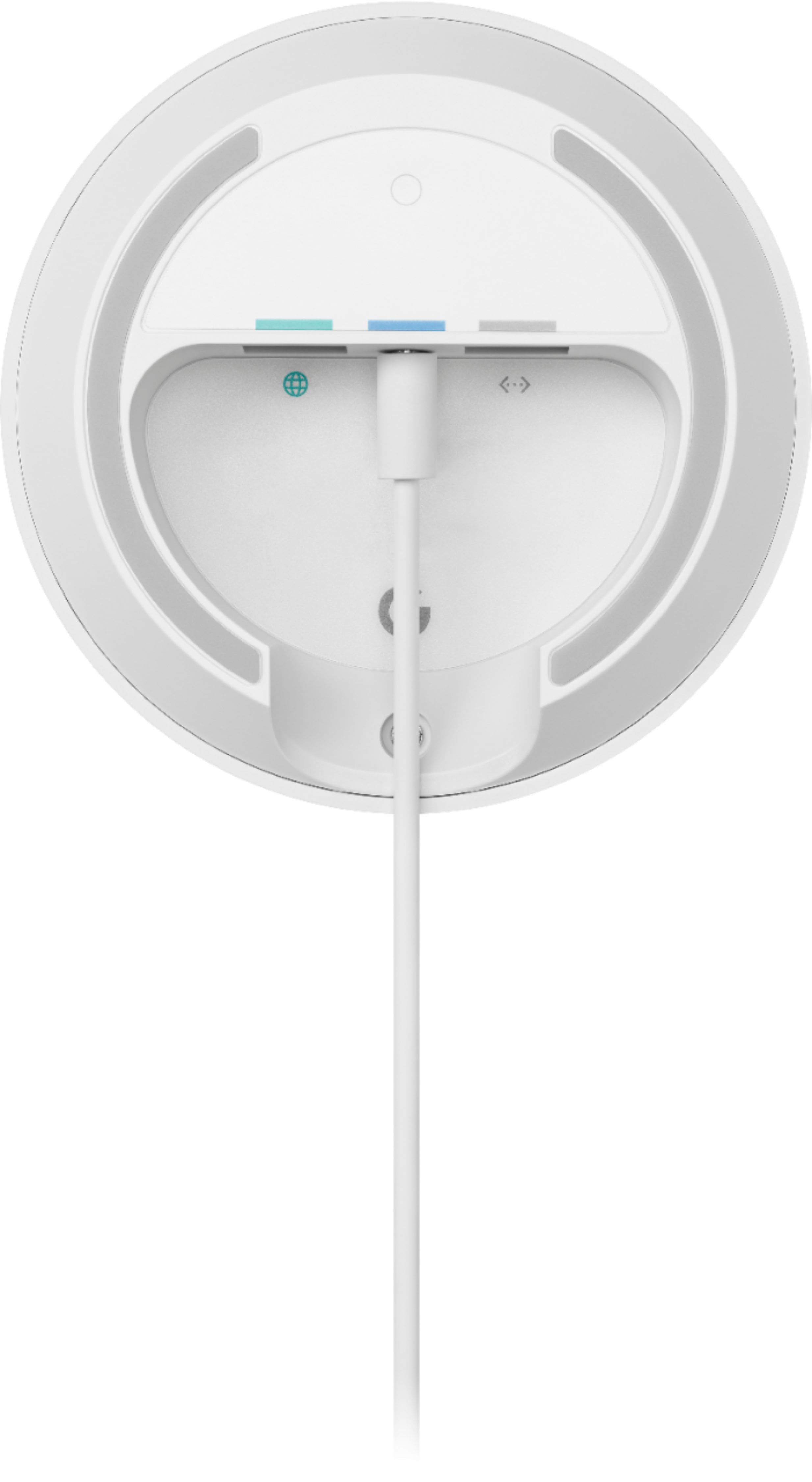
A:AnswerGoogle Wifi can't really work with 3rd party routers like your existing router since it will create a double NAT scenario that can cause connectivity issues. You can only use Google Wifi and Nest Wifi Routers/Points together to create a Wi-Fi mesh network. If you're using a modem/router combo, we recommend putting it in Bridge mode and disable its Wi-Fi functionality so you can set up Google Wifi as your primary point directly connected to your modem via the WAN port using an Ethernet cable. You may then set up the other Google Wifi Points as secondary points to your primary or hardwire them directly. You can read more on Bridge mode and Double NAT here: https://support.google.com/wifi/answer/6240987
A:AnswerIf you go to location where you are planning to install camera, see if your phone get wi-fi signal. If you do you are good and if you add another wi-fi somewhat close to the camera, it will get stronger signal and help with recording
A:AnswerI think you are mistaking this product for the similar google nest wifi. This system is not equipped with google assistant and therefore does not have any microphones on any of the nodes.
A:AnswerTwo Google Wifi points or a mix of Nest Wifi router and a Wifi point should cover the needed Wi-Fi signal coverage for your 2500 sq ft home as a standard layout. However, the thick shear walls in your home can cause a lot of interference to your network's Wi-Fi signal. You may strategically place Google Wifi points no more than 2 rooms away from each other as a general rule, and within a clear line of sight to your connected devices to get the best signal coverage and optimal performance. To check the number of Google/Nest Wifi points needed, click here: https://support.google.com/googlenest/answer/7182840
A:AnswerInternet speed and reception depend on the modem and internet service provided by your service provider (ISP). Google Wifi can help distribute the full speed it receives from your modem with its faster processor, and positioning of Google Wifi router in your home may help minimize obstructions.
A:AnswerThe most distant node, in my four node network, is about 35 feet horizontally and one floor vertically away from the central node and shows a good connection when I run the Google mesh test.
A:AnswerUpload and Download speed is determined by the plan you have purchased from your Internet Service Provider (ISP.) Some plans are limited to 10 Mbps, while others can go all the way up to 1000 Mbps. Google Wifi is capable of up to 300 Mbps @ 2.4GHz and 867 Mbps @ 5GHz. Check tech specs here: https://support.google.com/wifi/answer/6280668
A:AnswerGoogle Wi-Fi is setup from the Google Home app. This app is normally associated with your Gmail account.
After setup of the system, you would have to give someone access to make any changes to the network name and password. Google Wi-Fi does not use a website login with a default admin name and password to make changes.
A:AnswerOne will connect to your modem using an Ethernet cable, that’ll be the home base one. The others will be on their own, just connected right into a power outlet somewhere else in your house. The app showed me where to place them in my house, and told me if I was going too far away, etc.
A:AnswerNo. Google Wifi network uses the same name for both the 2.4 and 5 GHz bands. Both radio bands are active simultaneously. Your devices (e.g phone, laptop, etc) that support both 2.4 GHz and 5 GHz will automatically use the band that will deliver the best performance based on different factors like signal strength, and guidance from the mesh Wi-Fi system. Take a look at this link for more info: https://support.google.com/googlenest/answer/6293481
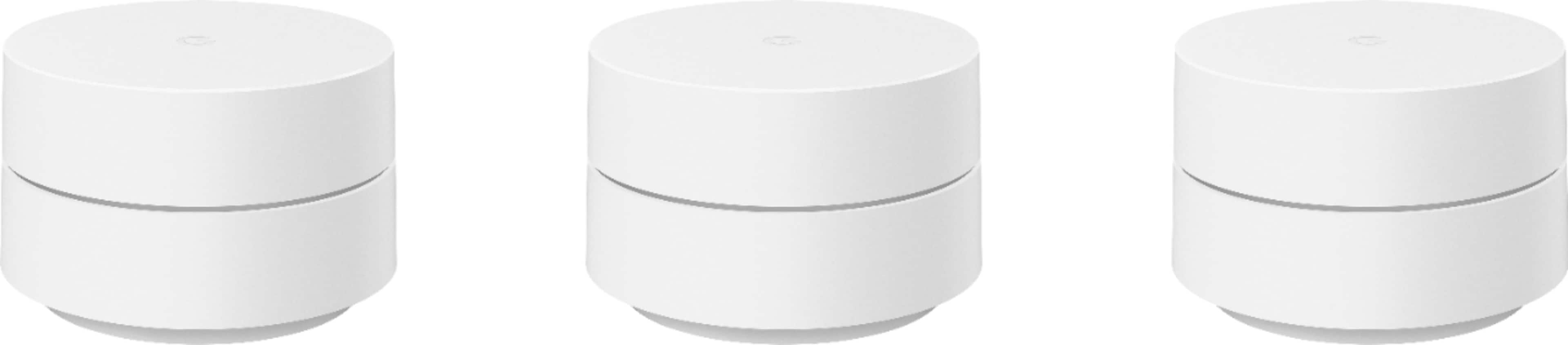
A:AnswerAbsolutely! Nest Wifi and Google Wifi devices are compatible to create a mesh system. We recommend a maximum of 6 Wifi points in a single mesh setup including the primary router.
A:AnswerIts a router and extender it creates a mesh network so the extended network doesn't lose speed.
It doesn't have voice or listeni1ng features like the Google home/nest
It can not increase your base speed in most situations but it will bring out the best potential up to 400 mbps