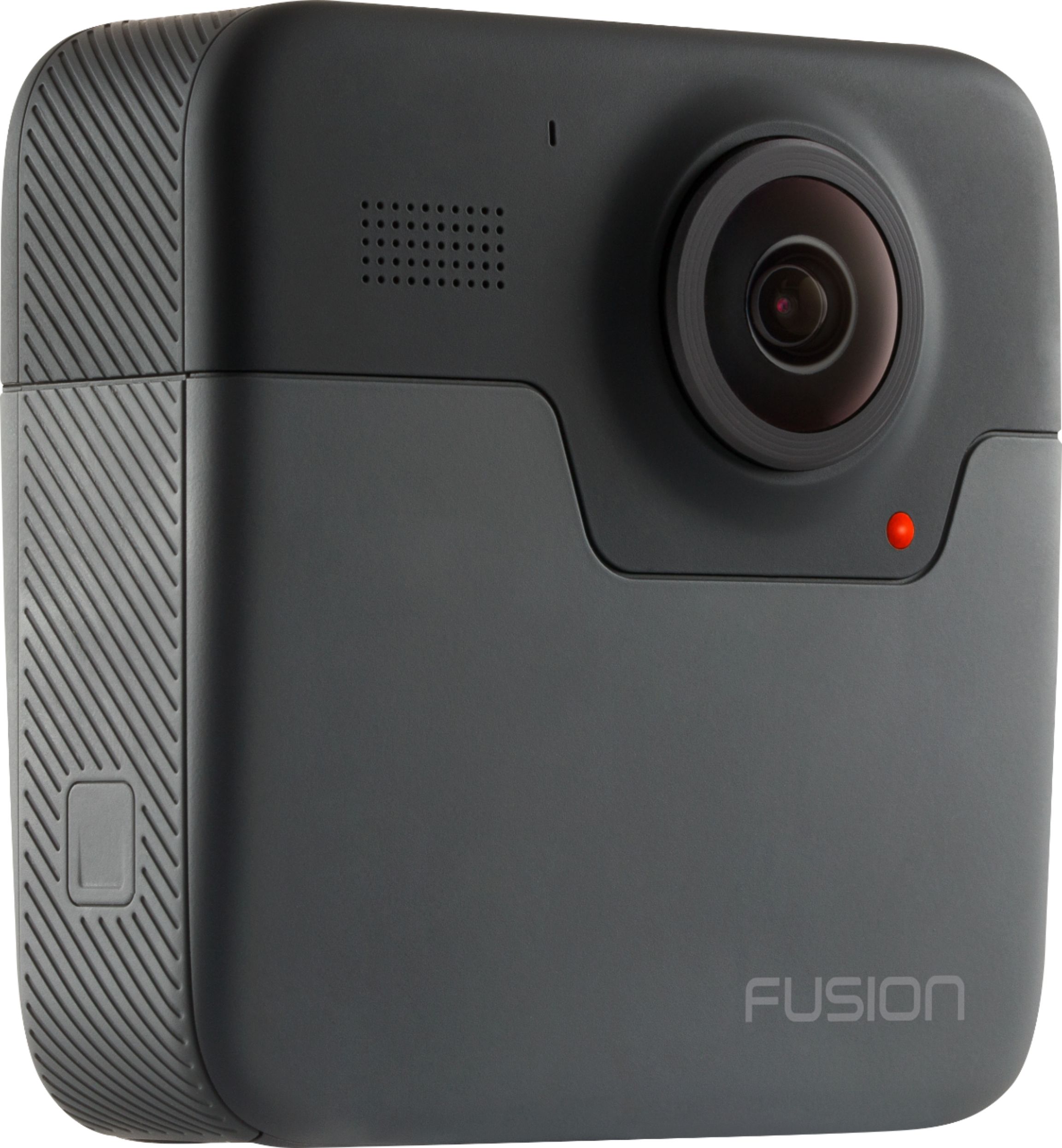
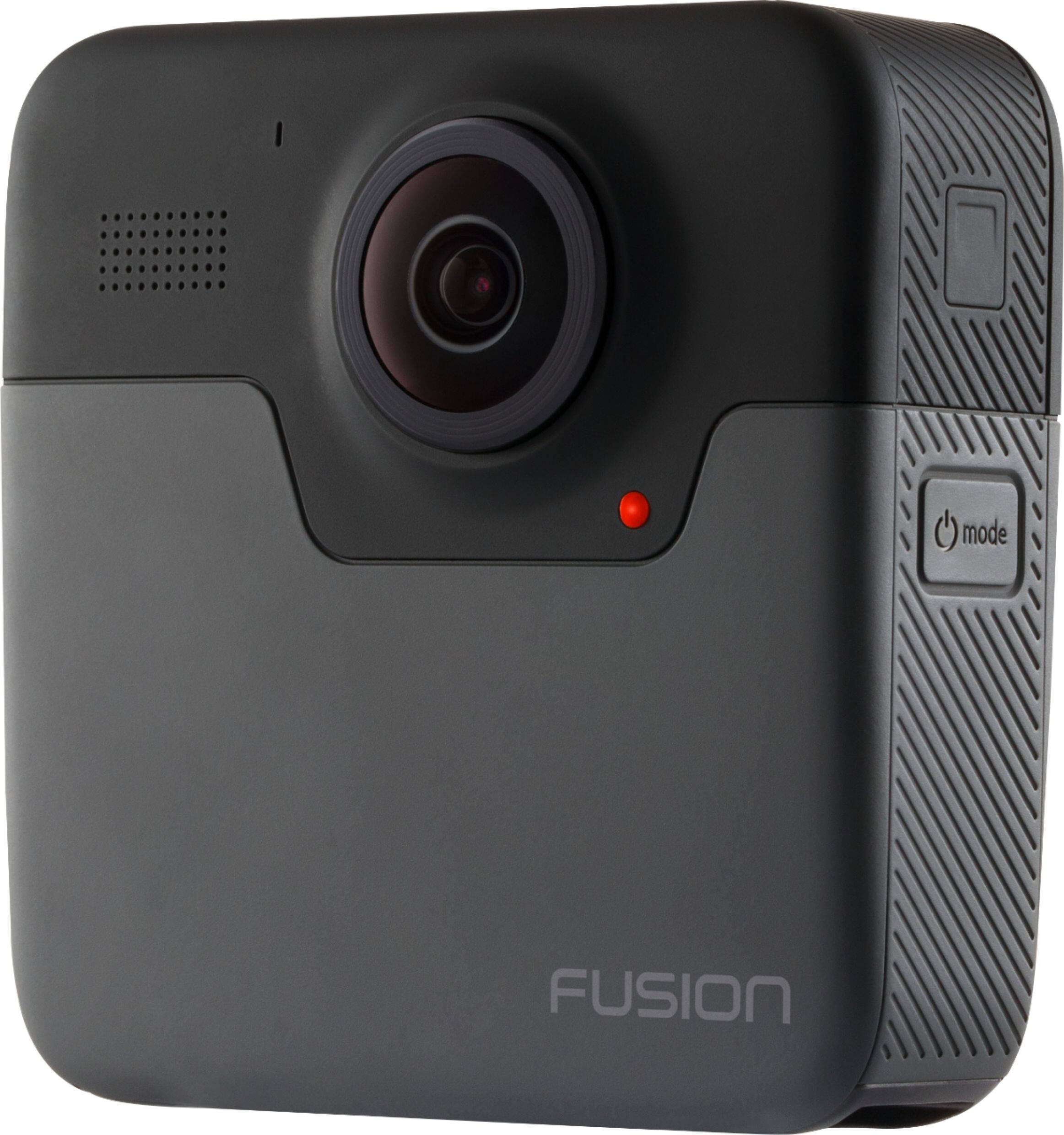
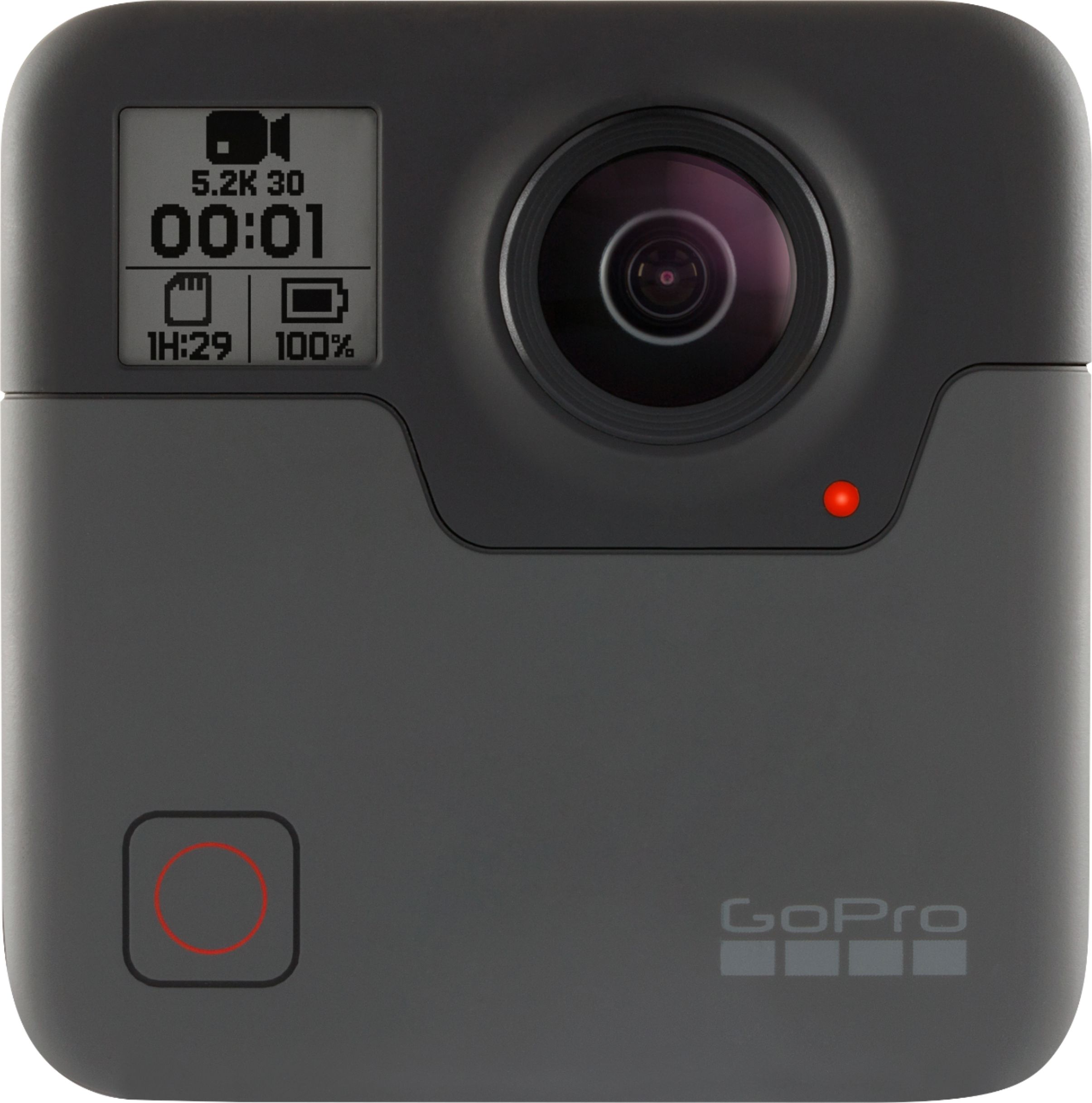
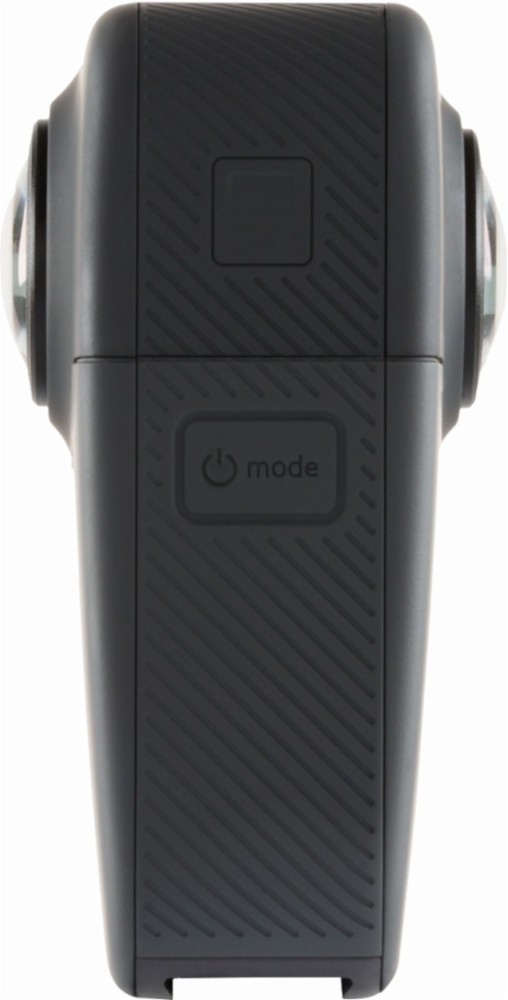
A:AnswerThe Fusion can be attached to a tripod. A great option would be a GoPro tripod like the MAX Grip + Tripod. If you want to use a standard, non-GoPro tripod, you will need an adapter to convert the GoPro mounting system on the Fusion into a standard screw type mount.
A:AnswerLive streaming is not a supported feature on the Fusion camera. Live streaming is currently supported on the HERO7 Black, HERO8 Black, HERO9 Black, and the MAX. With those cameras, live streaming to Facebook, YouTube, the GoPro subscription platform, Twitch, and other platforms is supported.
A:AnswerIt's a bit heavy for a lot of the recreational drones. Something like the DJI Phantom Pro could probably handle it but with similar features built in I wouldn't see the need to add a 360 camera. Hope this helps!
A:AnswerNot sure what you mean by "follow her" but the video quality is great! I have one mounted to my motorcycle and it handles highway speeds and road bumps with no issues at all!
A:AnswerThe Fusion uses our standard mounting fingers, so it will connect to the Chesty mount. For battery life, you should get between 75 and 80 minutes depending on the settings you use.
A:AnswerThere are cards up to 128GB that we recommend for use with the Fusion. You can find a complete list of recommended SD cards on the GoPro site. As for settings, try 5.2K and 30 frames per second. For battery life, you can expect about 75 minutes of recording time.
A:AnswerYes, you can definitely use the GoPro Fusion or the GoPro MAX to create 360 virtual tours of properties - either by linking multiple 360 photos together or even just by recording 360 videos as you walk through a property. You can also use our overcapture feature to convert 360 photos and videos into standard photos and videos that will allow you to focus in on the features you want people to see.
A:AnswerYes, the Fusion can be attached to a variety of things, but you would likely need to get some additional mounts. For example, you could mount the Fusion to the inside of your windshield using a Suction Cup Mount. You could also mount the Fusion on your bike using the Handlebar Mount. The Fusion is waterproof down to 16 feet, but note that stitching 360 images shot underwater may not be as good as the stitches you'd get above the surface since the water changes the view the lenses would see.
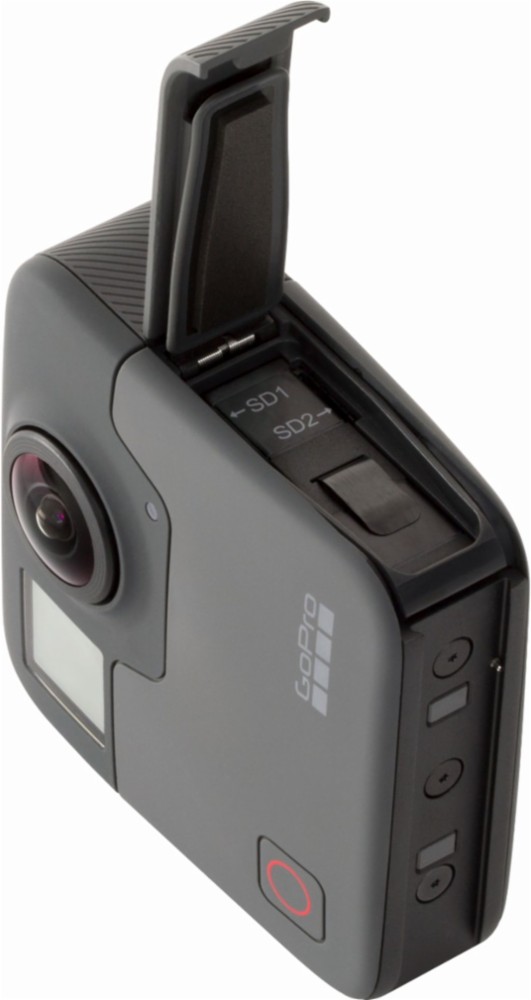
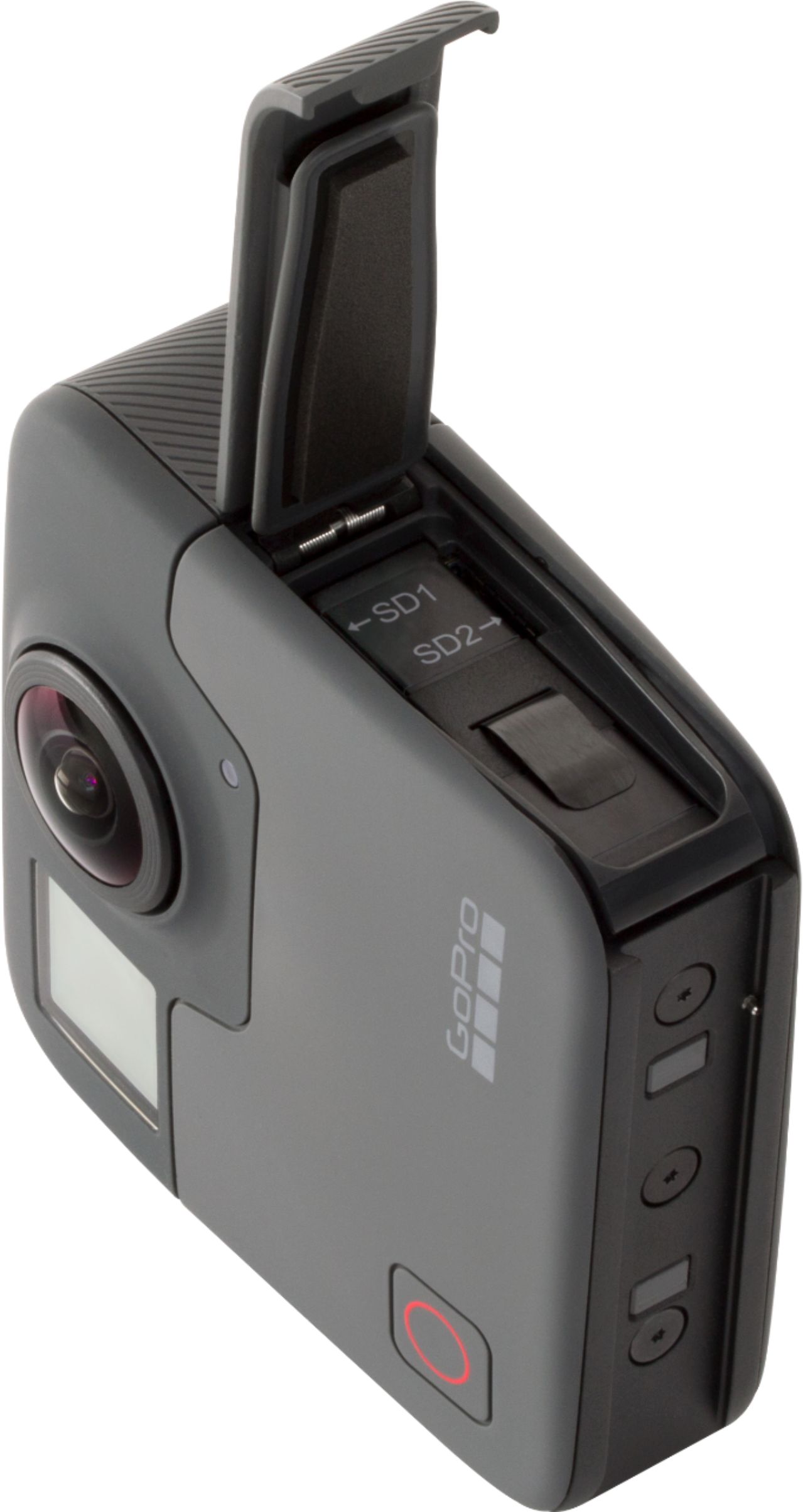
A:AnswerThe Fusion camera does not come with the SD cards in the package. The card are most often sold separately. The Fusion does require two SD cards to work. Our list of recommended SD cards is at https://community.gopro.com/t5/en/SD-Cards-that-Work-with-GoPro-Cameras/ta-p/394308
A:AnswerFor Fusion, we have recommended cards up to 128GB. The list of recommended cards can be found at https://gopro.com/help/articles/block/microSD-Card-Considerations.
A:AnswerNo for 2 reasons. The use of dual cameras gets the camera hot and can overheat it and while being able to use external power to the device it uses memory cards that would not last a full day.
A:AnswerYes you can shoot with one camera. It's in the menu when setting it up. It would be wild at a wedding on the dance floor with the spherical mode.
A:AnswerThe camera itself is new in package. The Max, which I don’t believe is actually out yet just announced hasn’t started shipping yet. Trust me...Save some money and buy this one over the new.
A:AnswerIf you're recording in hd the battery lasts for maybe an hour and a half so you'll definitely want to invest in a second battery to take along.