A:AnswerHi SUPERKID40 – For complex hardware installs like that you’d want to check directly with your local store for availability and timing. You can reach your store by phone or email by clicking on “Store details” in our store locator at this link: https://goo.gl/Y8D7M9
A:AnswerThey can repair/replace/upgrade computer fans, but the price depends on what type of fan you specifically want and/or how you want it to be repaired/replaced/upgraded.
It's best to look into a few fans online at first, especially HP fans, for your HP Laptop.
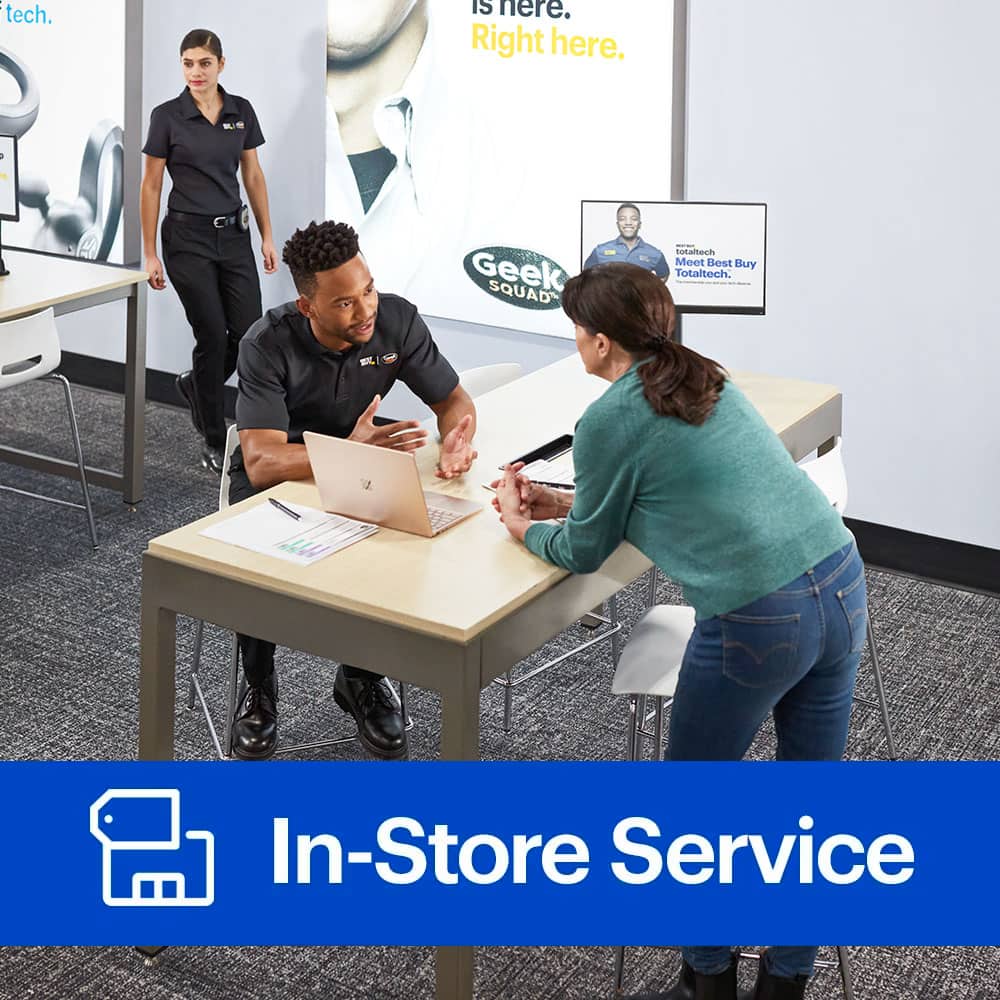
A:AnswerYou will want to schedule an appointment with the Geek Squad at your local Best Buy store if you are in need of services.
http://www.geeksquad.com/scheduling/schedule-a-reservation.aspx
Thank you!
A:AnswerWent to my local BestBuy (Lynnwood,Wa) and they told me in order for them to install my new CPU onto my new Motherboard (both bought at BestBuy) I had to instal the motherboard into my pc case first.
I'll be doing my CPU install my self. It's 100 times easier to do with motherboard out of the case,
A:AnswerUpgrading your tech is always exciting. Please visit us online at www.geeksquad.com/schedule to schedule a time to speak with an Agent at the store about this.
A:AnswerHey Derrick, We do not typically offer battery replacement services on iPads. If you have a Geek Squad Protection Plan or an Apple Care plan, you may qualify to have your iPad sent out to service through one of our store locations.
A:AnswerPricing and time would vary depending on if you have an Agent coming out to your home or if you would be dropping the computer off at the store.
A:AnswerOn the laptop I bought I had the Geek Squad take out the original hard drive and install a solid state hard drive. I think it cost me $40 in addition to the cost of the new hard drive. It would have been "free" if I would have purchased the protection plan. I had heard with a graphics card it depends if your computer has room for it so you may want to make sure it can physically be done first and if so, look into buying a protection plan and see if any of the labor is included with it. FYI... I didn't buy the protection plan because I bought an "open box" and got a pretty good deal and the protection plan cost almost as much the computer so I thought I'd take my chances.
A:AnswerSorry Bob, that is a language I do not understand. I simply took my old laptop in for a new hard drive...and I'm 78 years old and barely know how my toaster works. Sorry I cant help. Call your local Geek SQUAD. drd
A:AnswerHey David. Thanks for the awesome question! In this case, it can vary on the parts you're referring to. I'd recommend calling over to your local Best Buy's Geek Squad to get that definitive answer. Then, they can set you up for an appointment. I hope this helps out! You can find information about your local store at www.bestbuy.com/storelocator.
A:AnswerHi Liam – We may be able to do a BIOS upgrade, though it will depend on the system you have. Your best bet is to head over to www.geeksquad.com/schedule to set up a reservation to visit us. Bring your computer in for a free consultation and we can go over service options and pricing with you.