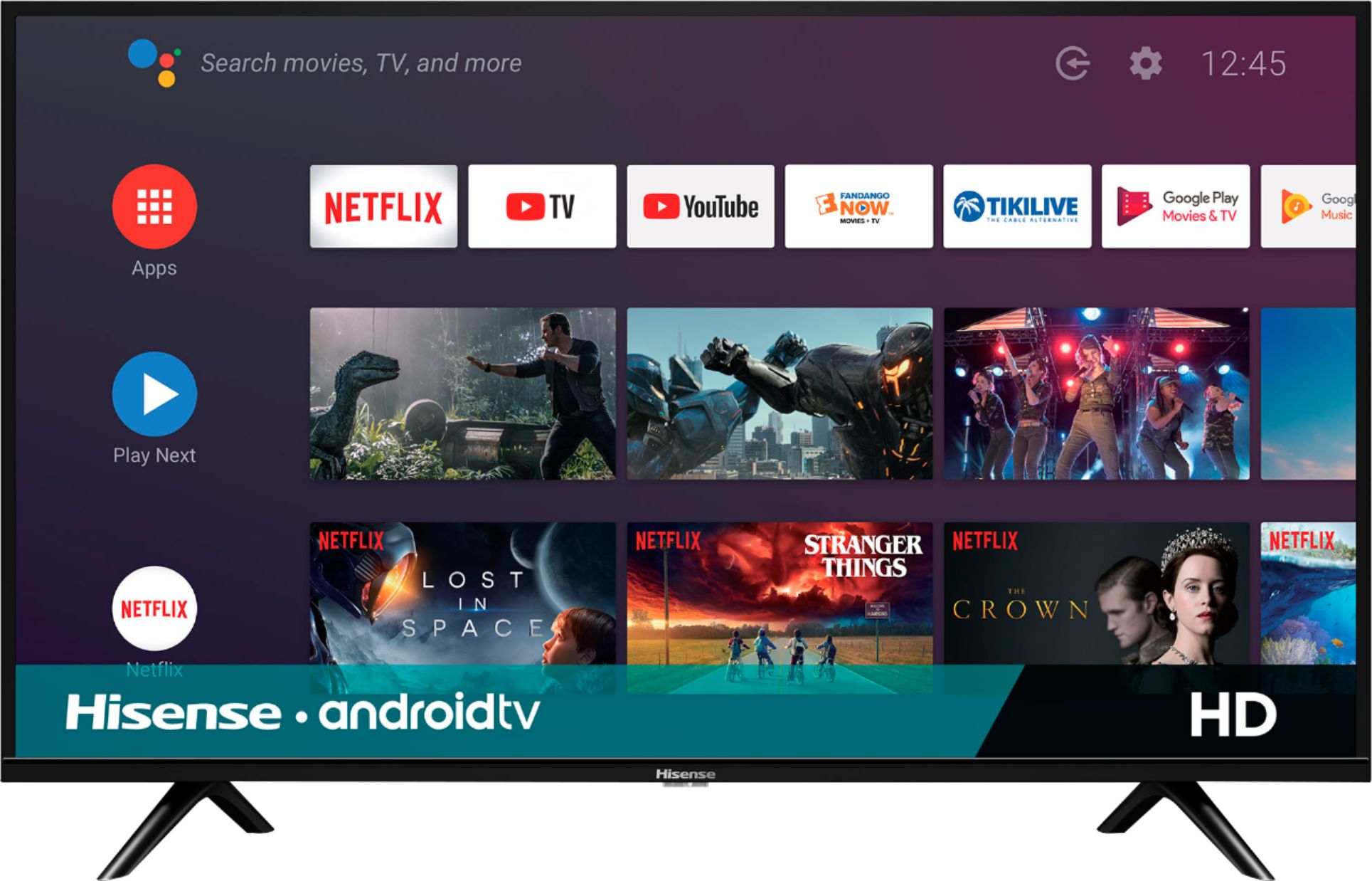
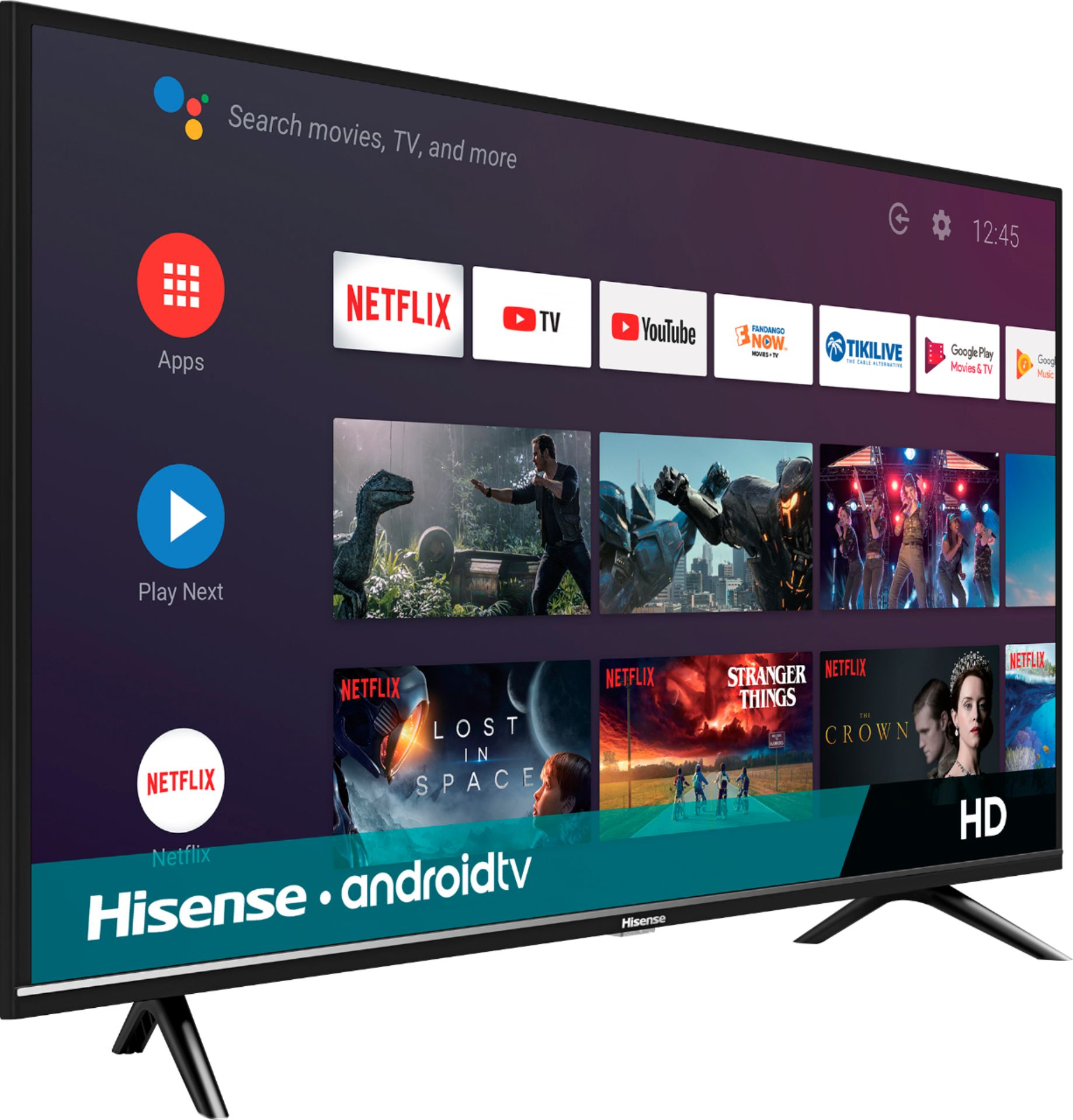
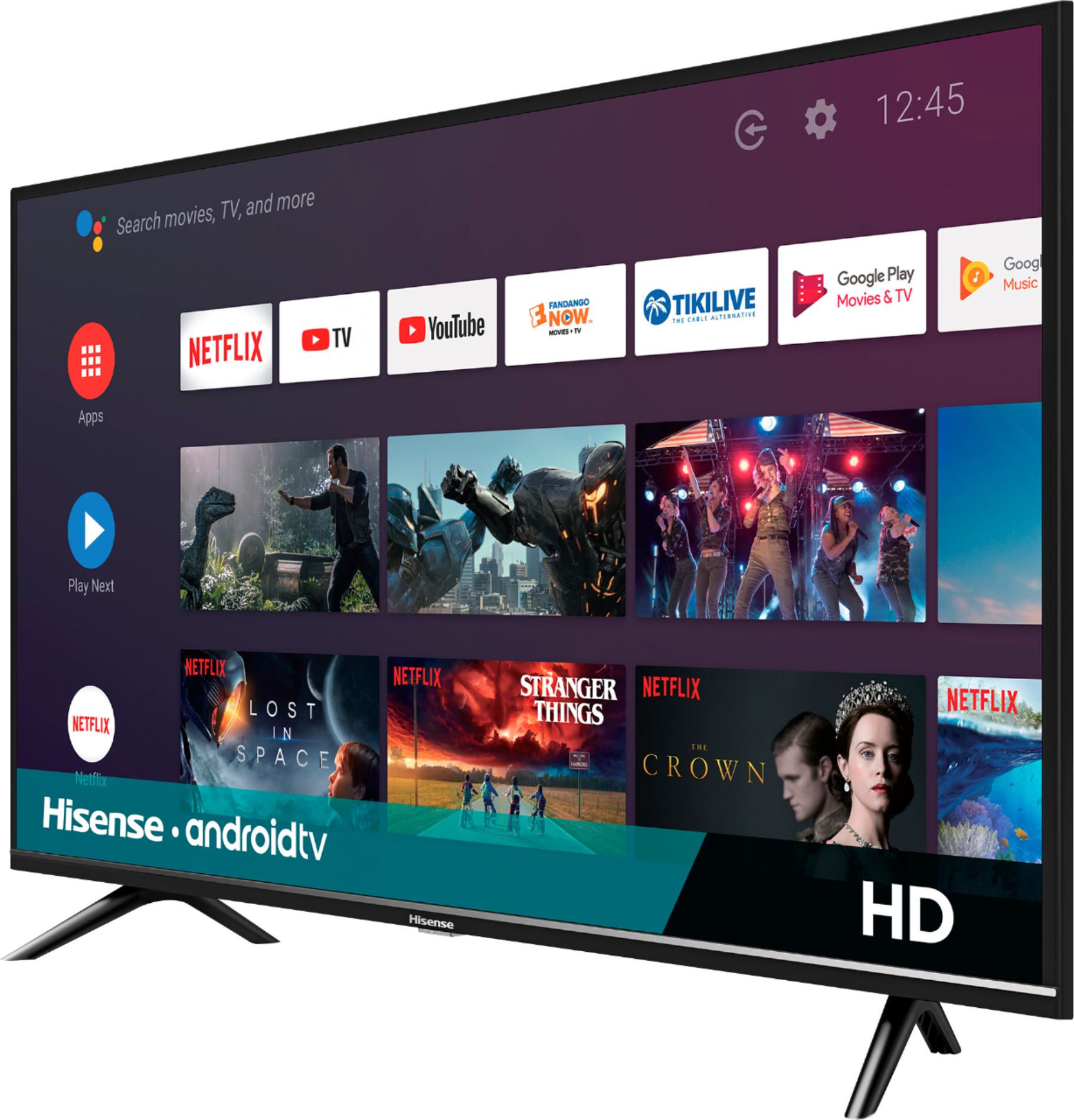
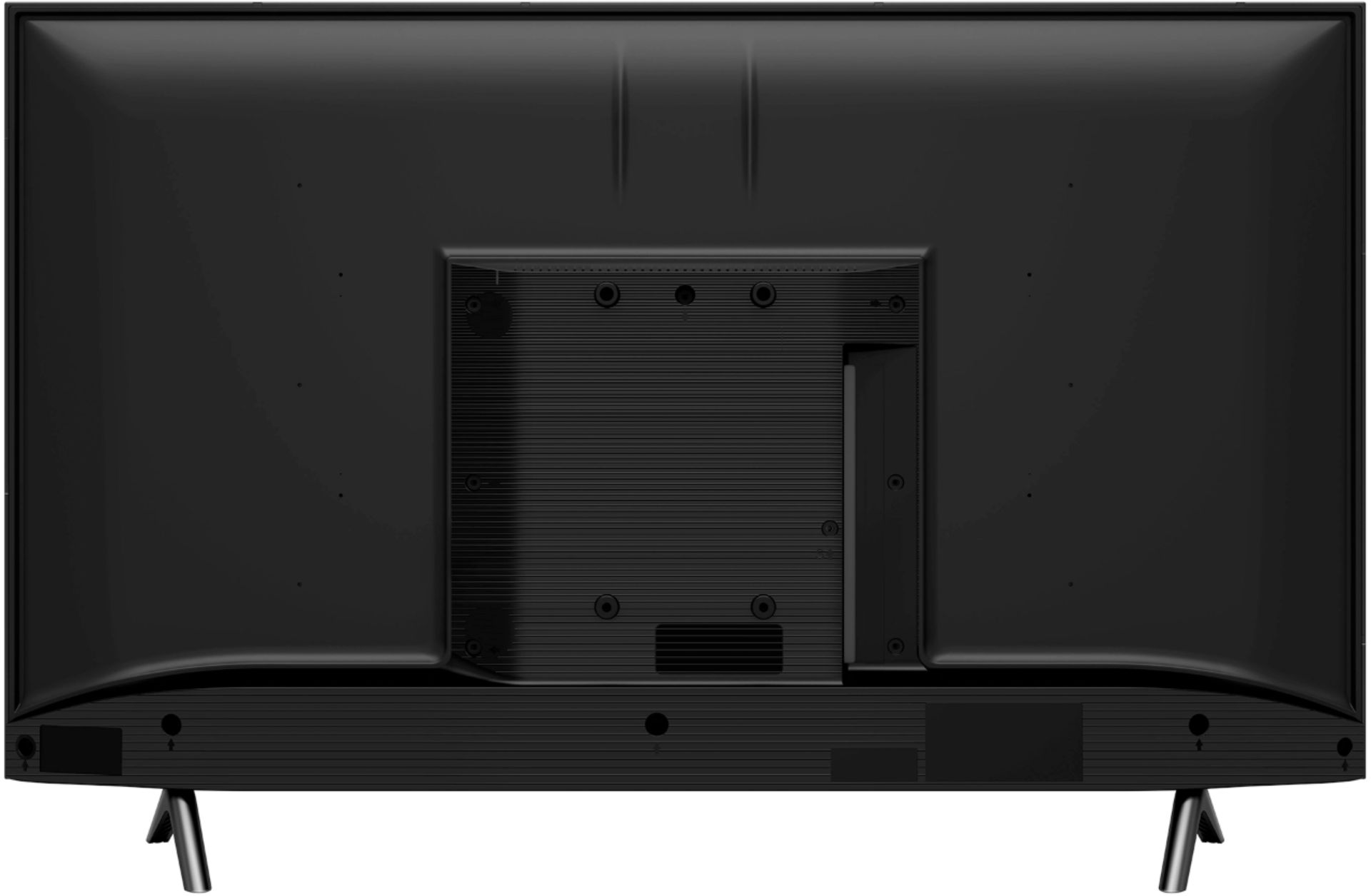
A:AnswerHello Sarah, Thank you for your interest in the Hisense 32H5500F. This TV has the web browser, however, we're unable to determine if you can do online classes. If you have any further questions or concerns please give us a call at 1-888-935-8880 or email us at Service@Hisense-usa.com. Thanks Again, Harley with the Hisense Support Team
A:AnswerGreat Question I believe that your tv will be slightly too big but that is okay stuff happens all you have to do is to go get a 32 inch tv stand and I would not recommend using the stand feet it just adds useless space to the set thanks and I hope this solves the conundrum (insert smile face here)
A:AnswerGreat question try going into the settings of tv and see if the accessibility color changes effect is turned on and just change that back to normal if that is not the case consult your local Cable repair man hope this helps (insert smile here)
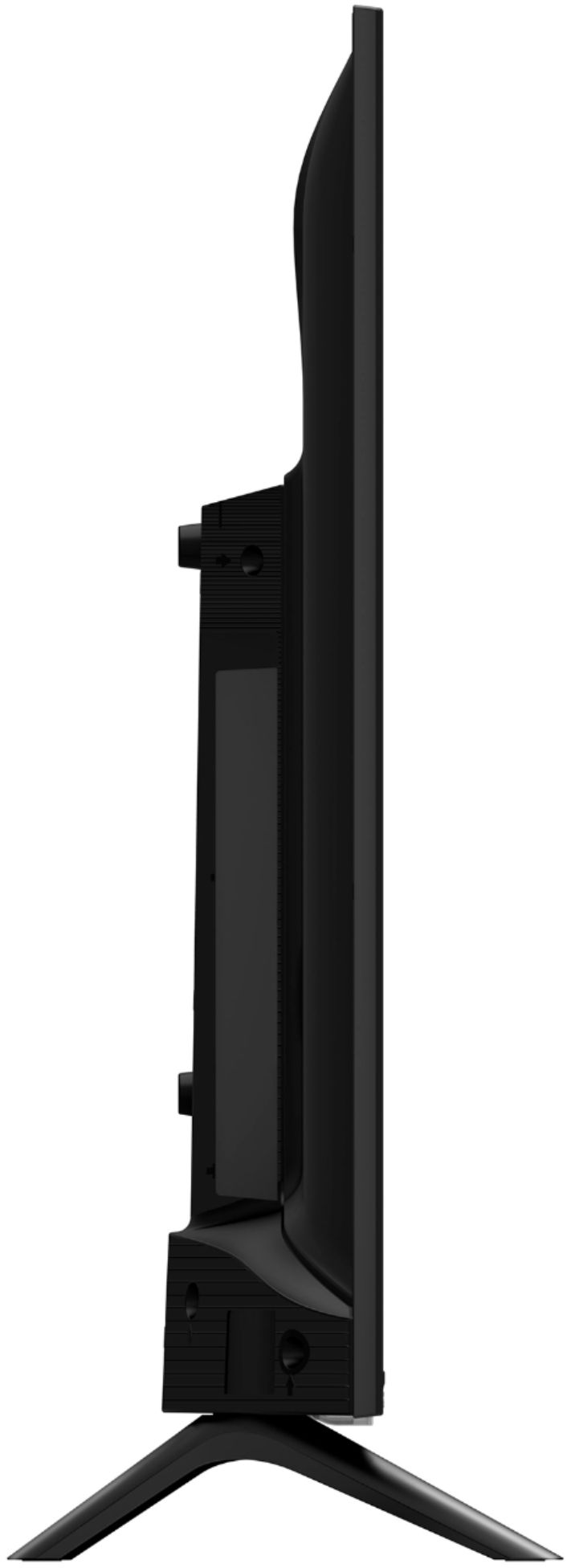
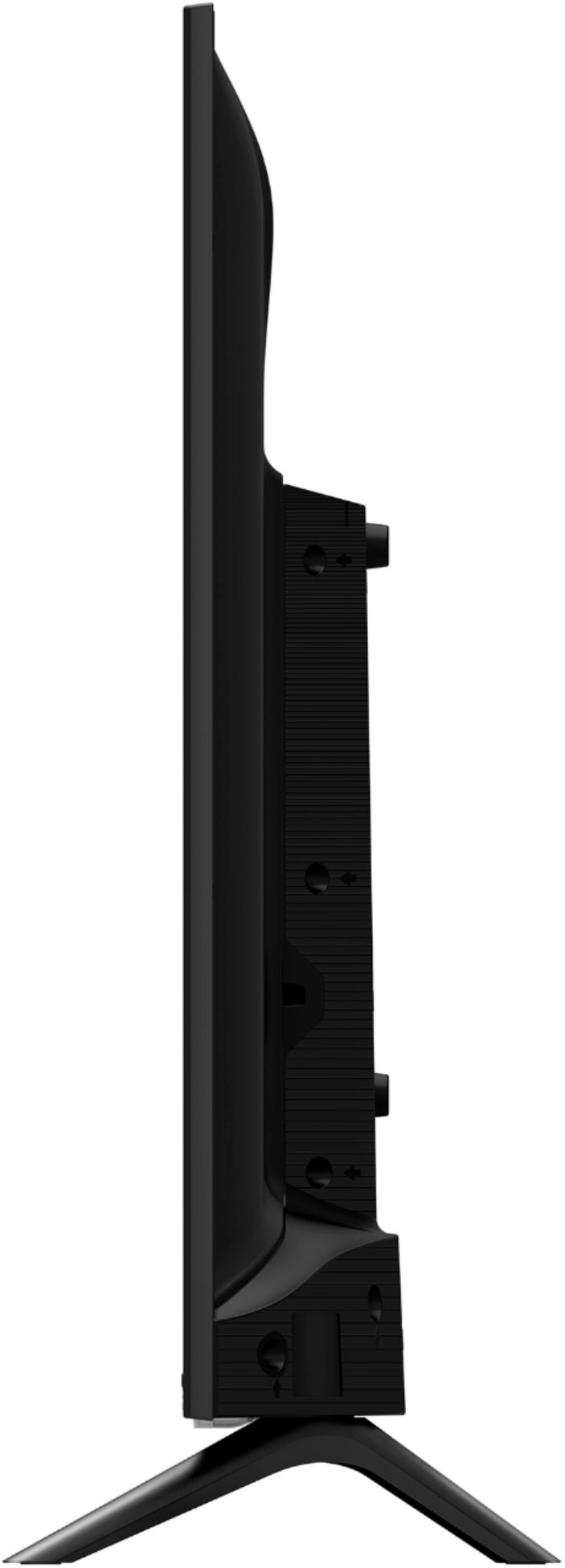
A:AnswerHello George, Thank you for your interest in the Hisense 32H5500F. The television Dimension (Without the stand) 28.7”W x 17”H x 2.9”D and (With the stand) 28.7”W x 18.8”H x 7.6”D. If you have any further questions or concerns please give us a call at 1-888-935-8880 or email us at Service@Hisense-usa.com. Thanks Again, Harley with the Hisense Support Team
A:AnswerGreat Issue in some cases with some devices that are older models that they do not offer cross streaming on the laptop it sucks because it would make everything easier I hope this helps (insert smile face here)
A:AnswerYES
TV has a Coax connector where an external Antenna would be connected,
During the TV's setup process you tell it to scan for channels and it will find
any Analog or Digital cable channels and any that it can find from an antenna.
A:AnswerHello Lilli, Thank you for your interest in the Hisense 32H5500F. Yes this TV has a built in tuner. If you have any further questions or concerns please give us a call at 1-888-935-8880 or email us at Service@Hisense-usa.com. Thanks Again, Harley with the Hisense Support Team
A:AnswerFor the TV, you will need HDMI cable and it will direct connect. It may also be possible with the phone with the right connectors. See the folks at Best Buy for assistance on that!
A:AnswerIt has chrome cast built in so if you have the app to mirror your phone through chrome cast, Yes it will work. It works for my IPhone, so it should work for android as well.
A:AnswerGreat Question Simple answer all you have to do is make sure that the app that you use is compatible with cross streaming devices and that should fix the problem
thanks I hope this helps and it solves the question (insert smile face here)
A:AnswerHello Will, Thank you for your interest in the 32H5500F. Unfortunately you are not able to connect your Blink wireless cameras to this television. If you have any further questions please give us a call at 1-888-935-8880 or email us at service@hisense-usa.com.
Thanks Again,
We look forward to hearing from you!
Harley with the Hisense Support Team
A:AnswerHello Hisense Customer, Thank you for your interest in the 32H5500F. We're sorry to hear that you are having this issue with your television. We apologize for the inconvenience caused. Not to worry we will be more than happy to assist. At your earliest convenience, please reach out directly to our support team at service@hisense-usa.com, 1-888-935-8880, so we can find the appropriate solution.
We look forward to hearing from you!
Harley with the Hisense Support Team
A:AnswerGreat question and I believe that it should have no issues connecting to your phone Via bluetooth so no a cable will not be required but always helps hope this helps (insert smile here)