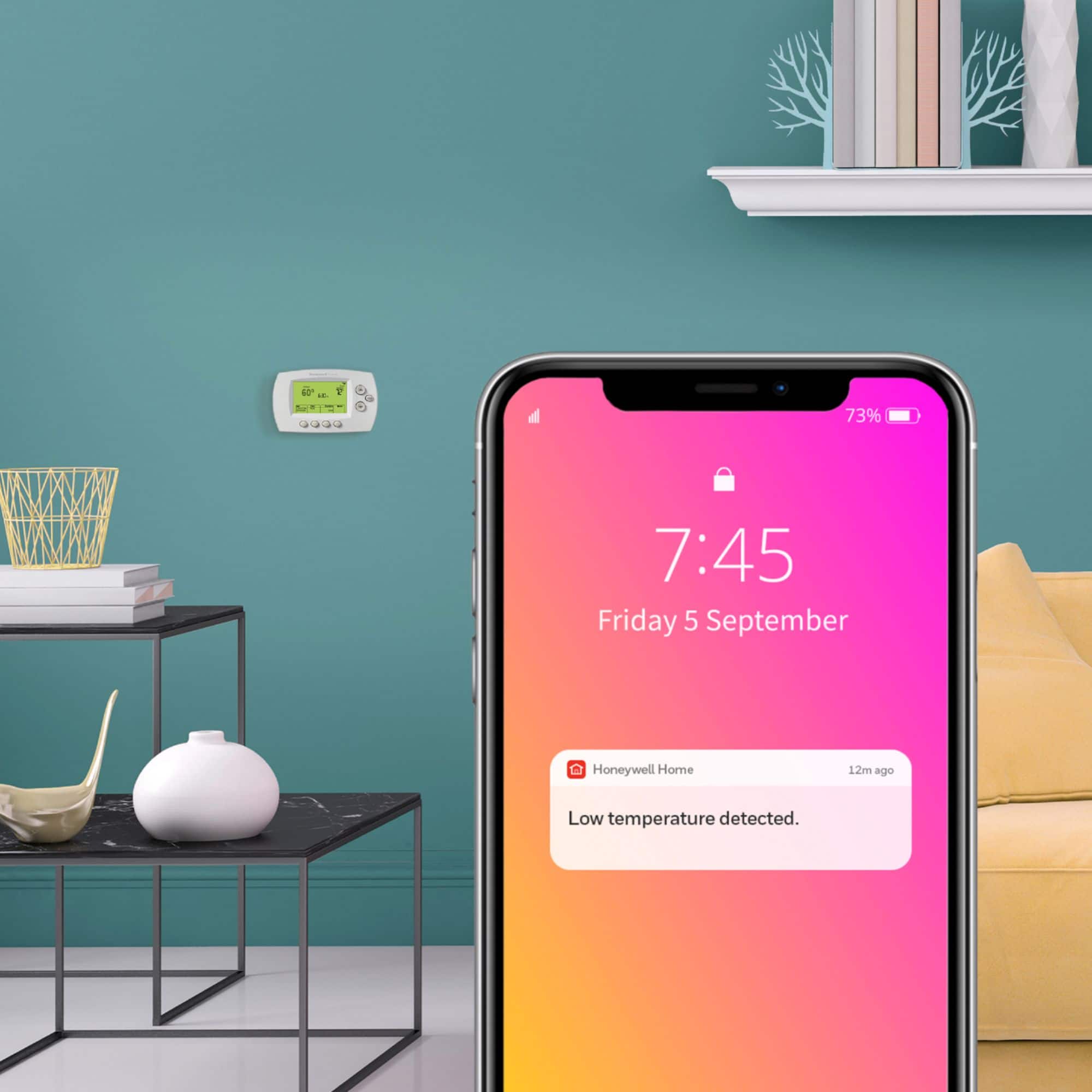
A:AnswerDownload the Honeywell app onto your smartphone. From there you will need to connect the smart thermostat to the app. Once there you will be able to connect it to the same WiFi as your smartphone. Hope this helps.
A:AnswerYou have to set up a schedule for when you are not home. It allows you to set both weekdays and weekends. If for some reason your schedule changes for a day or two, you can use the hold feature to reset it temporarily. This can be done from the device, from the app, or through Alexa/Google device.
A:AnswerThe easiest way is by using the Total Connect Comfort app. It's free and easy to use. You can then control the thermostat with your phone through WiFi