A:AnswerThere are many videos if you search for “RTH6580WF” (the product model number) on youtube.com. I haven’t watched any of them, as I found the product instruction manual (included in the box and available for free download from Honeywell’s website) to be sufficient.
Moreover, if you download the “Total Connect Comfort” app from the iOS App Store, you can run it in demo mode to try out what it’s like using the thermostat from the app before buying the thermostat. I’m not sure if the Android app offers a demo mode as well, since I haven’t tried it.
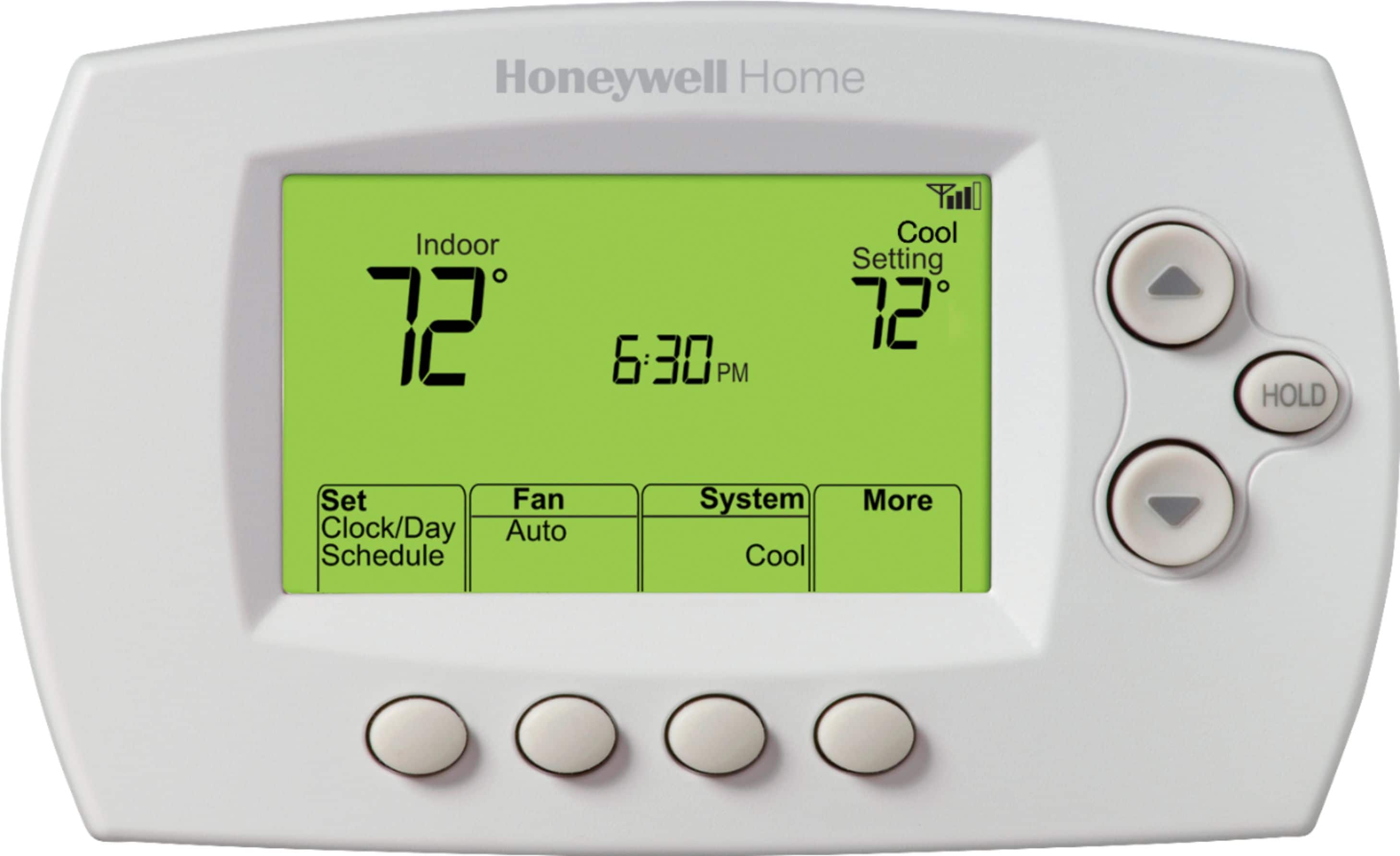
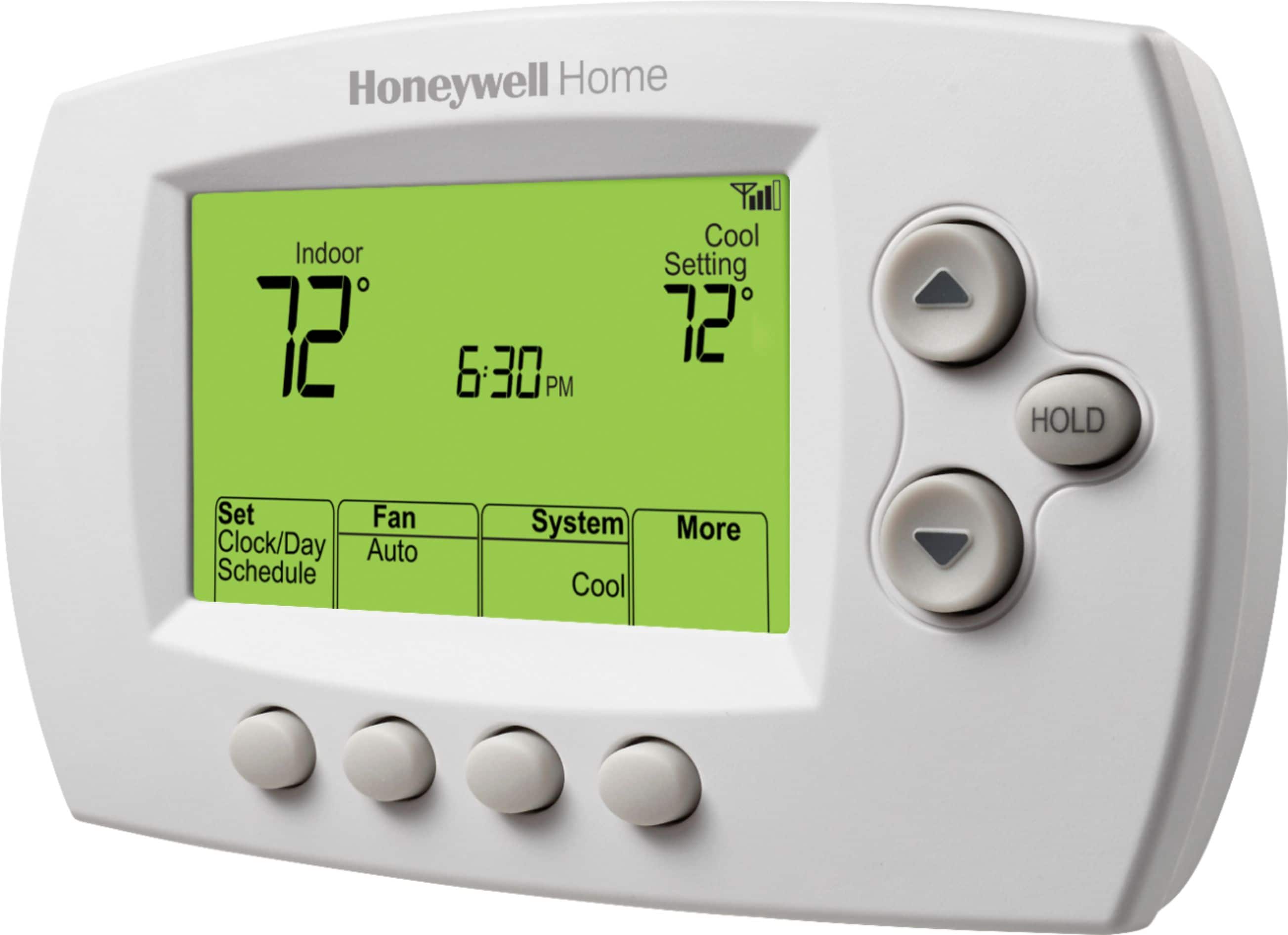
A:AnswerThis thermostat is not battery operated; it is powered by the R and C wires from your HVAC system. If there is a power outage or you disconnect and reconnect the thermostat, it will prompt you to reset the time and day. Other settings will be maintained in nonvolatile memory.
A:AnswerIf you want to control each thermostat remotely the yes. If you don't then only replace the ones you want to control remotely.
Si desea controlar cada termostato de forma remota, sí. Si no lo hace, solo reemplace los que desea controlar de forma remota.
A:AnswerNo, it is not possible. The thermostat automatically adjusts temperatures while you're at home or away to keep your energy bills down every month.
A:AnswerHi Marianne,
I'm no expert but it appears your Tstat has batteries, mine did too, the Honeywell does not have batteries and relies on the 24 volts supply from the Furnace circuit board. There also needs to be a spare wire in your wire loom to the T-stat. Mine had this so I just connected it to the t-stat and the furnace circuit board. There was a wiring diagram int the furnace compartment that told which connector was the constant 24 volts supply. Hope this helps and please read all directions carefully. You are responsible for your own connections. Good luck!
A:AnswerShort answer, not through the thermostat.
This unit connects directly to your home router and internet service. Which is or should be password protected. Depending on your router and internet provider you will be able to control access. I use Xfinity/Comcast equipment and internet service, I have the thermostat set up to where I have access (from anywhere there is internet connections) through the router and provider.
Hope this helps answer your question.
A:AnswerLift up the battery door facing then place the batteries as indicated.
Levante la tapa de la batería hacia arriba y luego coloque las baterías como se indica.
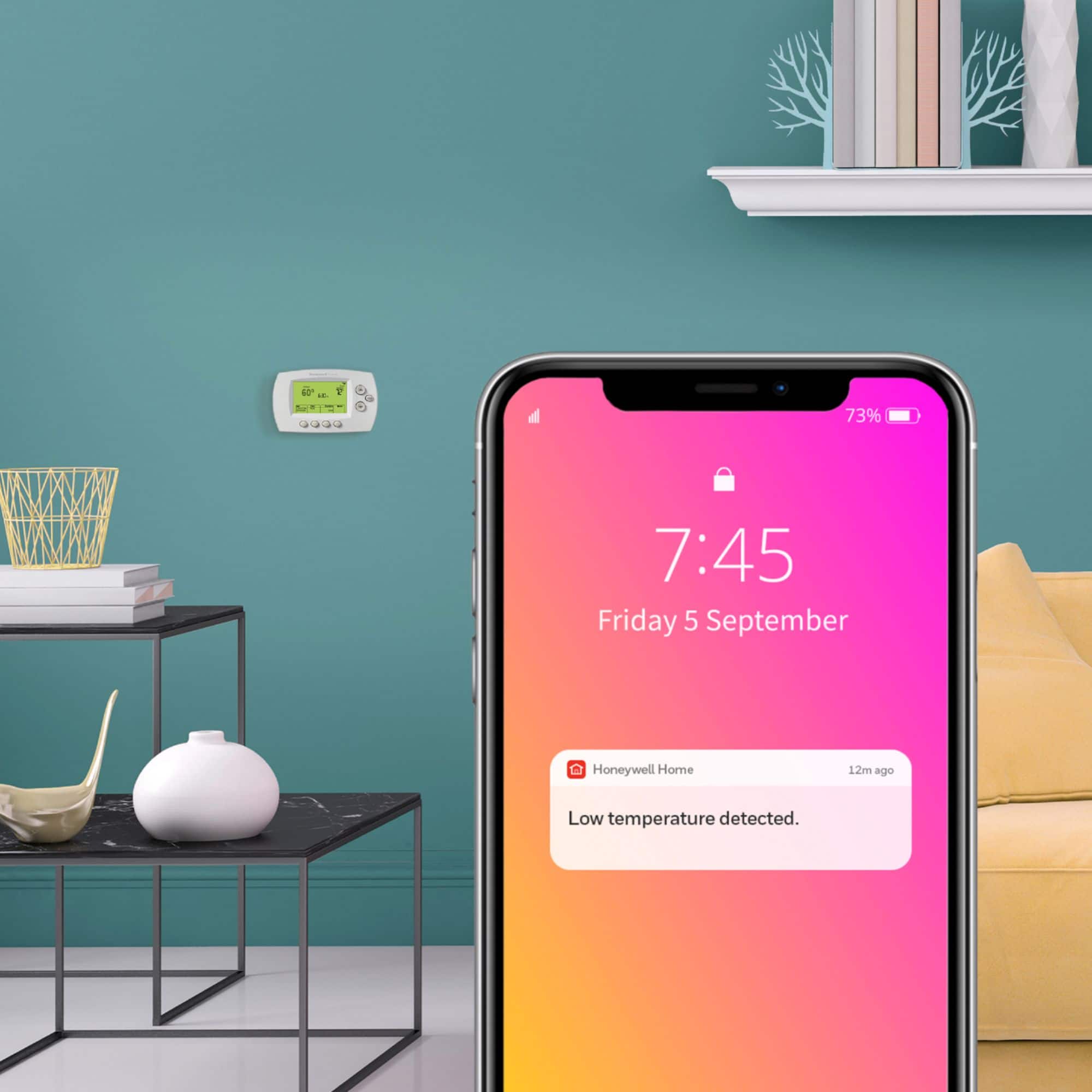
A:AnswerIt means this thermostat is capable of joining your home Wireless network so you can control with a phone app. Also makes it possible to check and adjust temp in your house while you are away from home.
A:AnswerI’m not sure what is meant by “wire cover”. My original connection involved a multi wire wrap many of which were not used. I used an ohm meter to confirm continuity and connected to the C terminals. It works great.
A:AnswerYes, it will. Be sure to adjust the settings per the manual to operate your 2 stage heater. The default setting will not activate your heater properly.