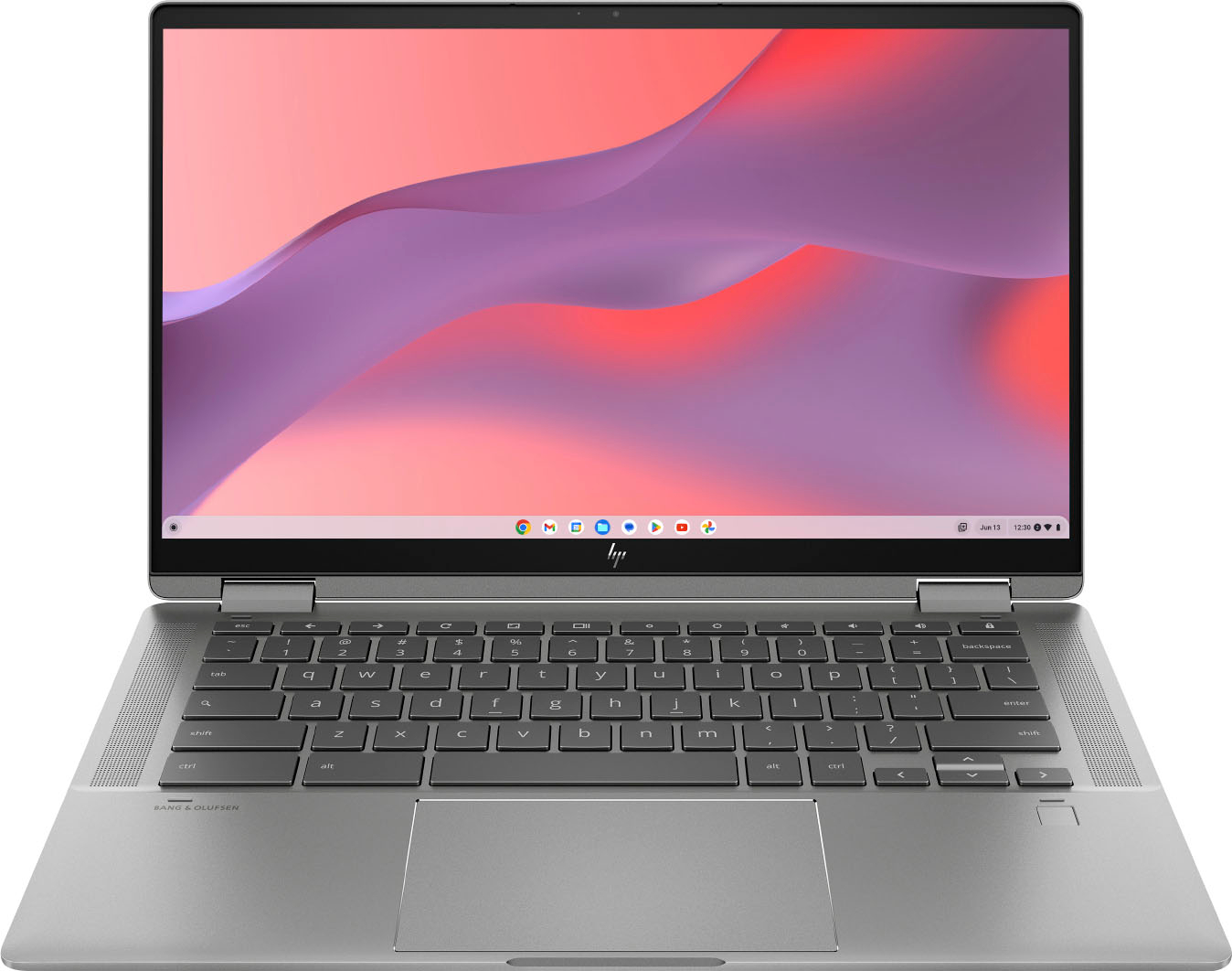
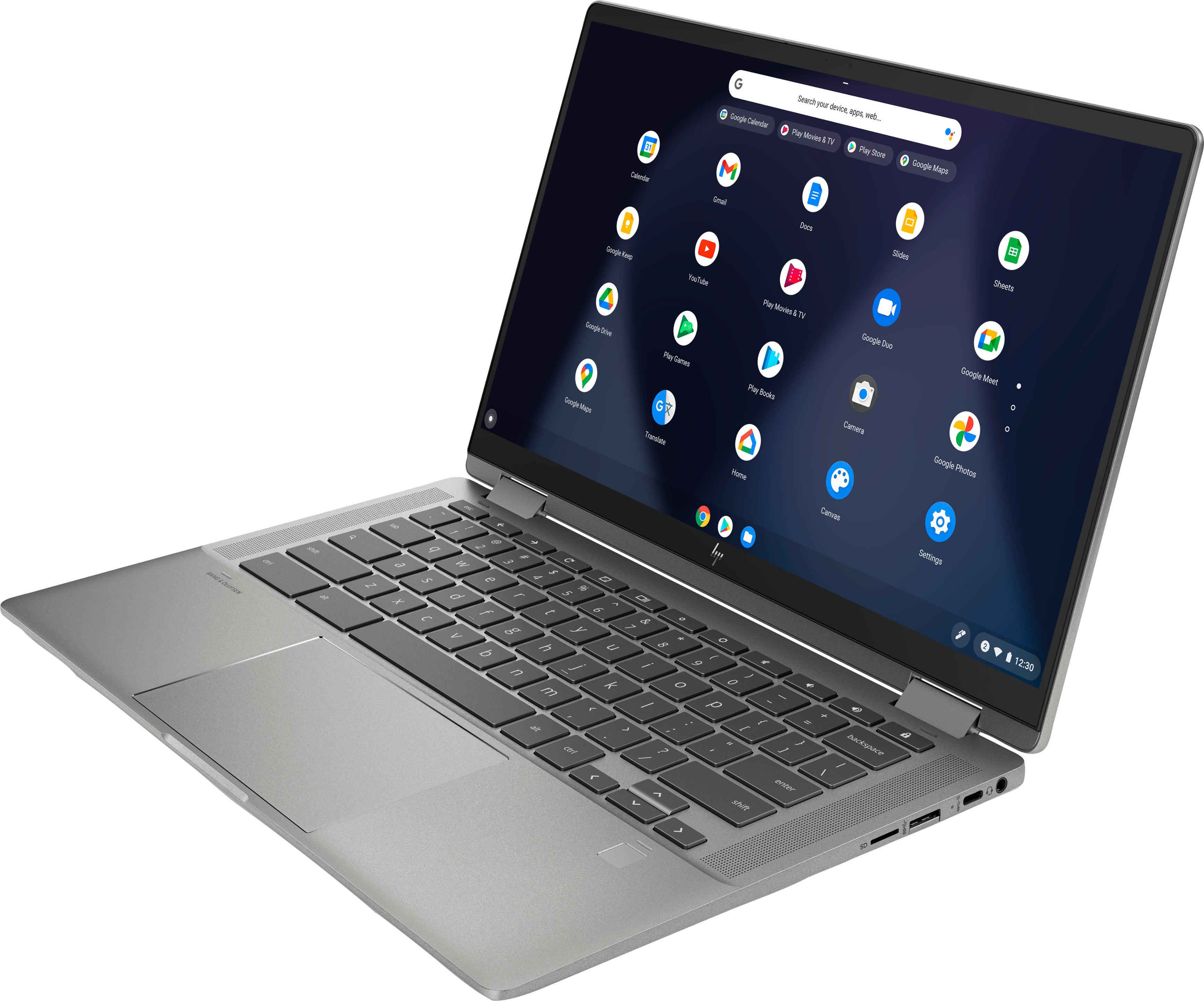
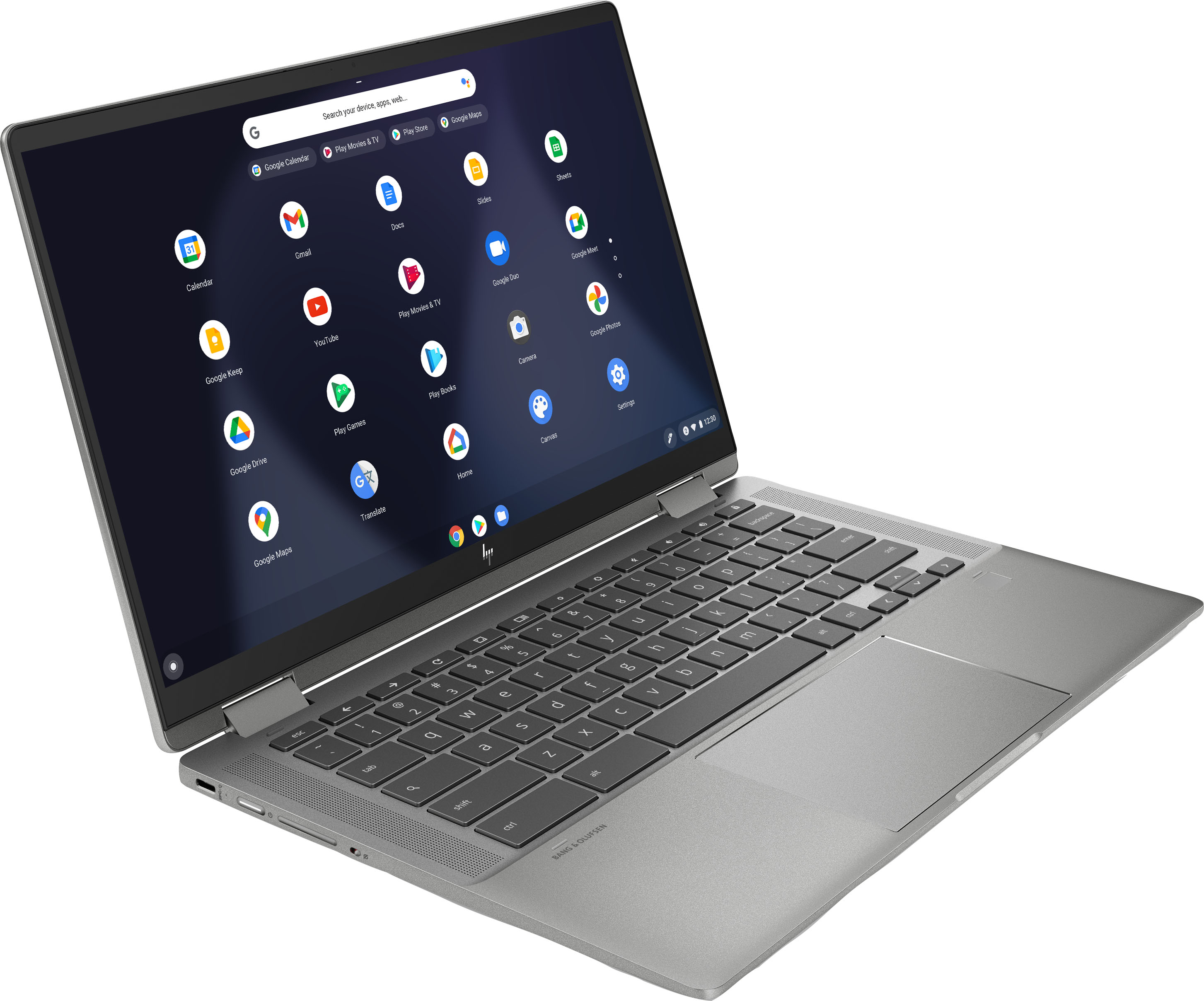
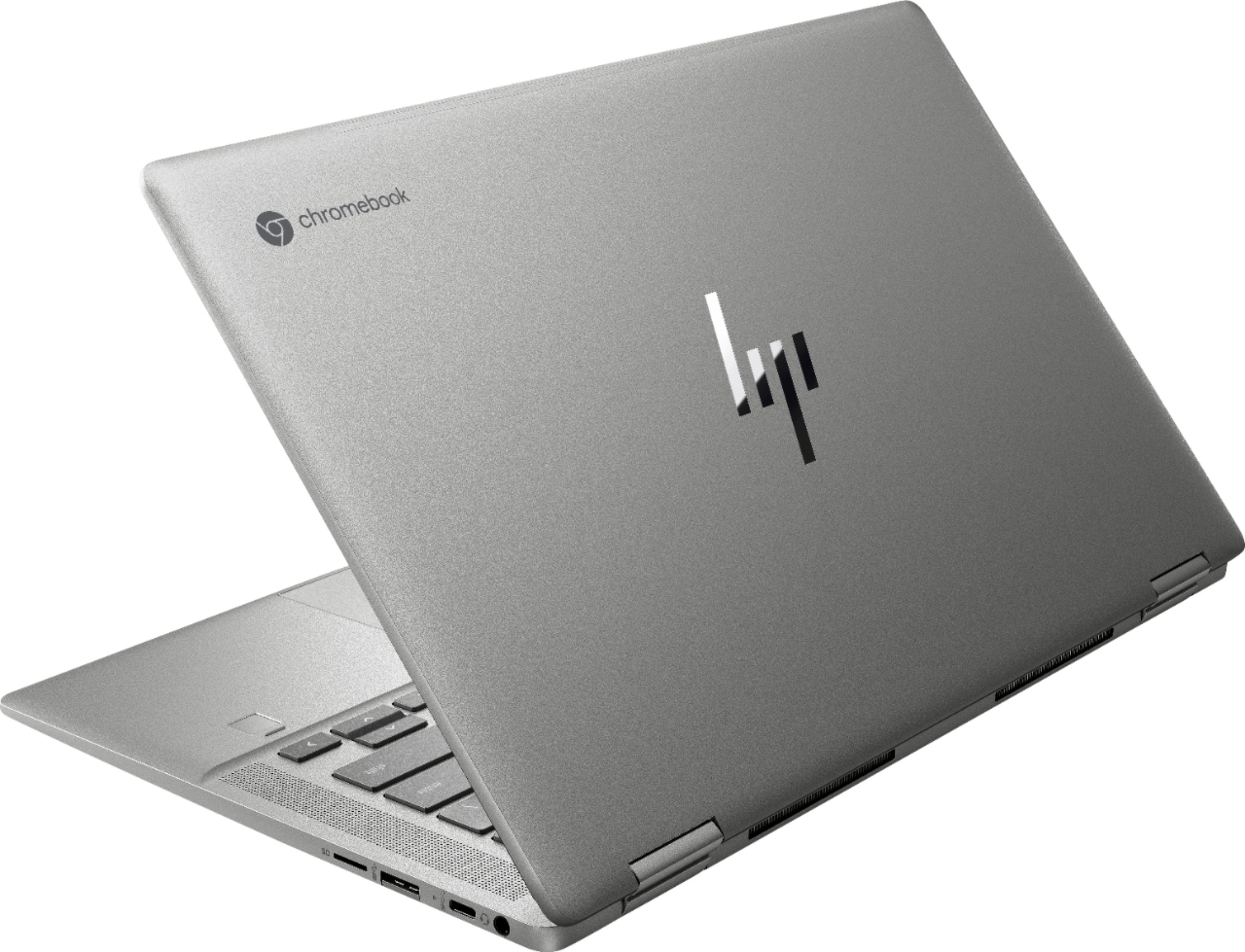
A:AnswerYes, but more ssd memory and a new operating system would be required to make it work. Install 1tb ssd or larger if you are going to use it seriously, as it is only 128gb (dreadful for work) as it sits. Then Install Linux Mint. Install Inkscape from the mint installer. Works great! Both Mint and Inkscape are free to use.
You may have to reinstall some google apps if you want to use them, but that is not a requirement.
A:AnswerYes, it comes with a 45watt usb-c charger that charges at 15v at 3amps. It can also be charged with other types of usb-c chargers at either 15v, 9v, or 5v. Just know that lower watt chargers will take longer to charge.
A:AnswerThank you for your question! This Chromebook uses the dual-core Intel Core i3-1115G4 processor. The other model you saw with a quad-core i3-1125G4 processor was likely a different model number. Have a great day!
A:AnswerHello, you will need to install Webroot onto your new device following the instructions in the Webroot box. Thank you for being an HP customer!
A:AnswerHello JayC. Thank you for your question. Based on the information provided by the manufacturer, this HP Chromebook x360 14c-cc0013dx does not come with an HDMI port. You can check more technical specifications about this product here:
***https://support.hp.com/us-en/document/c07497363***
Thank you for choosing Intel!
A:AnswerHello there. Thank you for your question. This HP Chromebook x360 14c-cc0013dx comes with an 11Th Generation Intel® Core™ i3-1115G4 Processor which supports up to 4 displays, however, to check if this Chromebook system can support 2 external displays, we suggest contacting the system manufacturer using the link below:
***https://www.hp.com/us-en/contact-hp/contact.html***
Thank you for choosing Intel!
A:AnswerHi Joe, thank you for asking. We would recommend a firm, padded or hard case (not a sleeve) if the laptop is going to be used by an 8 year old.
A:AnswerThank you for your question! The auto-update expiration (AUE) for this model should be 8 years from the time this model was released, which was at the beginning of 2021. You can verify your computer's AUE after purchasing by following these instructions: https://support.google.com/chromebook/answer/9367166?hl=en