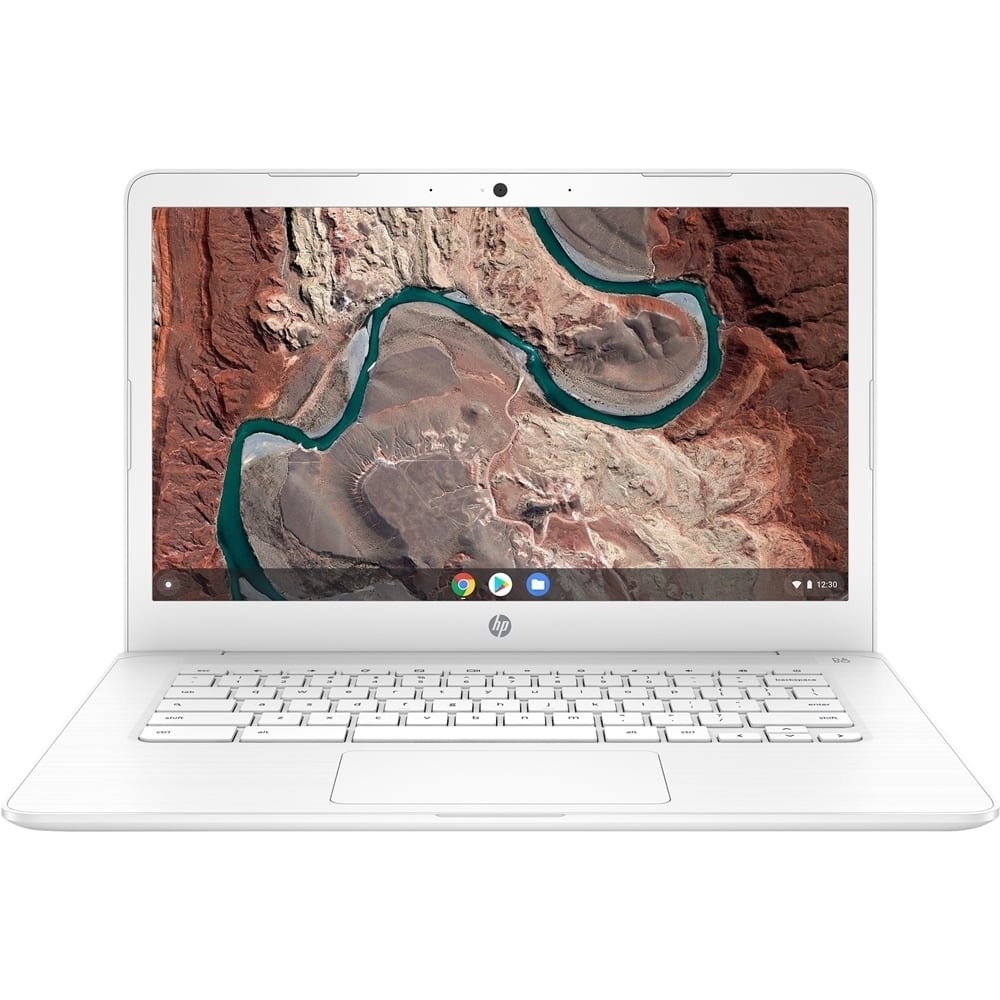
A:AnswerThis Chromebook will only allow you download apps from the Chrome web store and the Google Play Store. There may be some apps in there that you could use. But they won't be the full application. I would recommend researching the available apps.
A:AnswerYou can save your Excel files to Google Drive and open them in Google Sheets. You can put your photos on a flash drive or in Google Drive, Dropbox, Google photos, etc.
Chromebooks are very different from Windows computers. Be sure you understand the differences first.
A:AnswerThe Chromebook only allows you to use the Chrome browser or any app from the Chrome Web Store or Google Play Store. But you should be able to open 2 tabs at once on the Chrome web browser.
A:AnswerThe Chromebook only allows you to use the Chrome browser or any app from the Chrome Web Store or Google Play Store. So, it will depend on how they create their videos.
A:AnswerYou can do minor photo editing on this computer. But if you plan to use any of Adobe's programs to edit photos, you would need a computer with at least Intel i5 or better with 8 gigabytes of RAM or more.