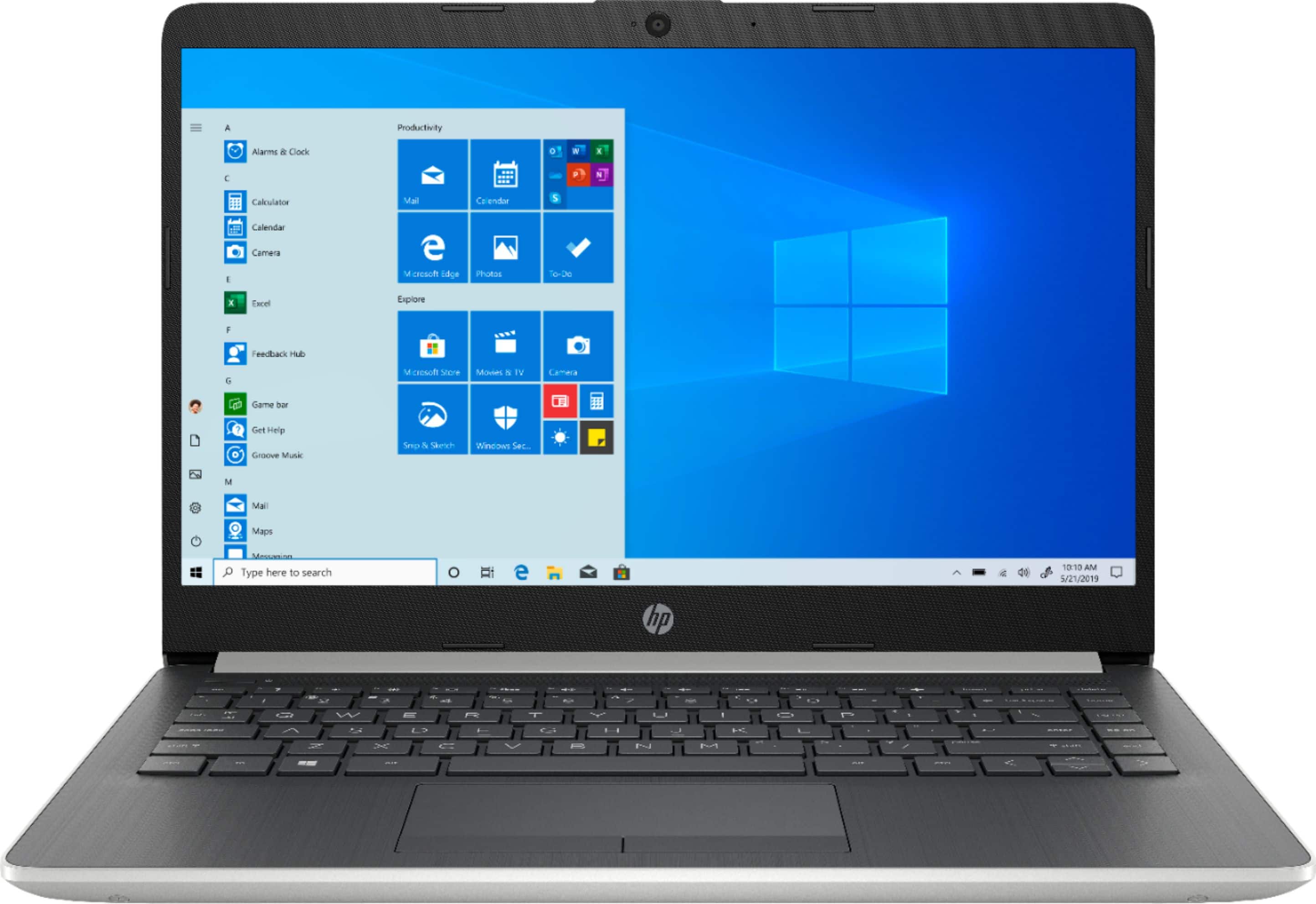
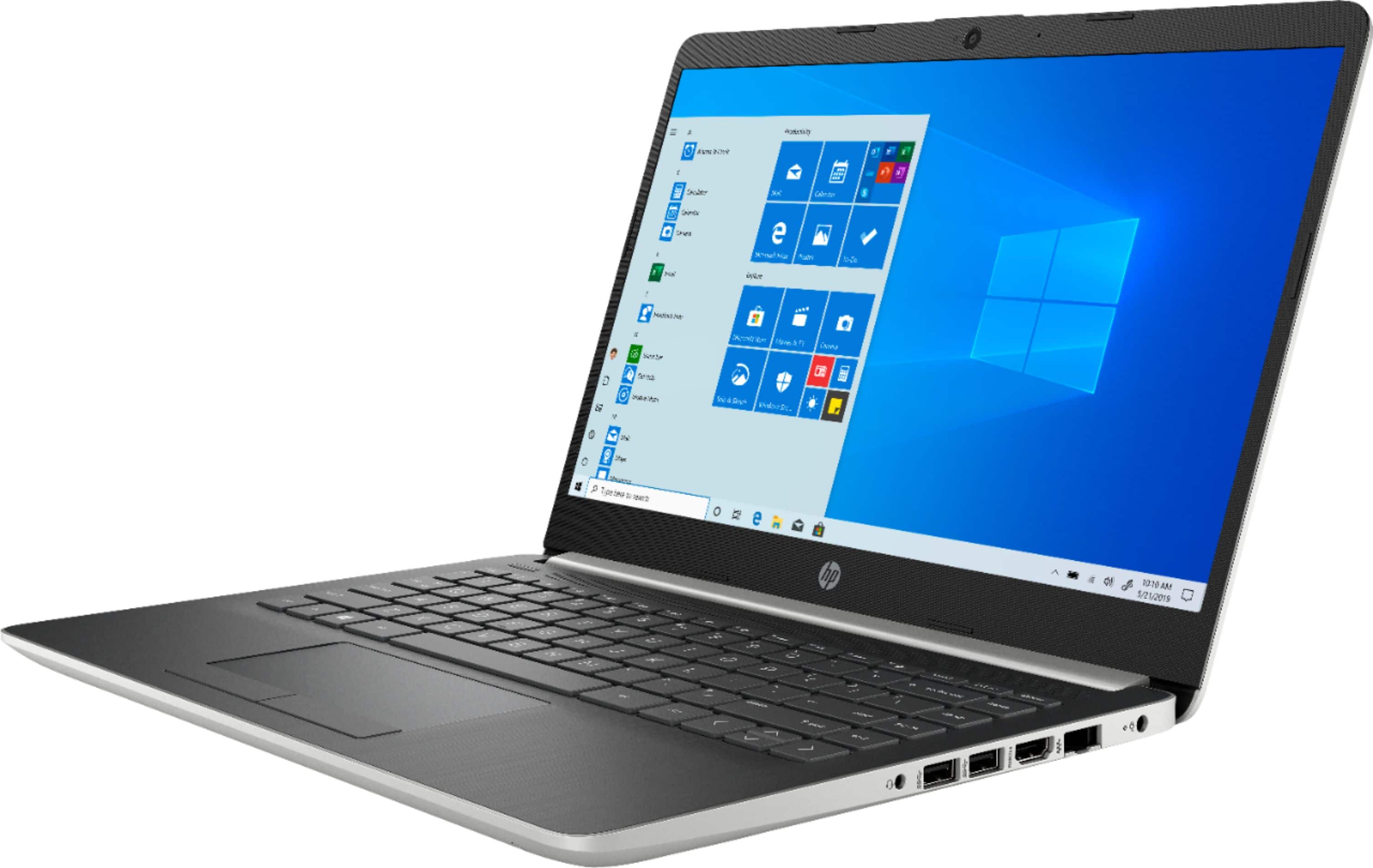
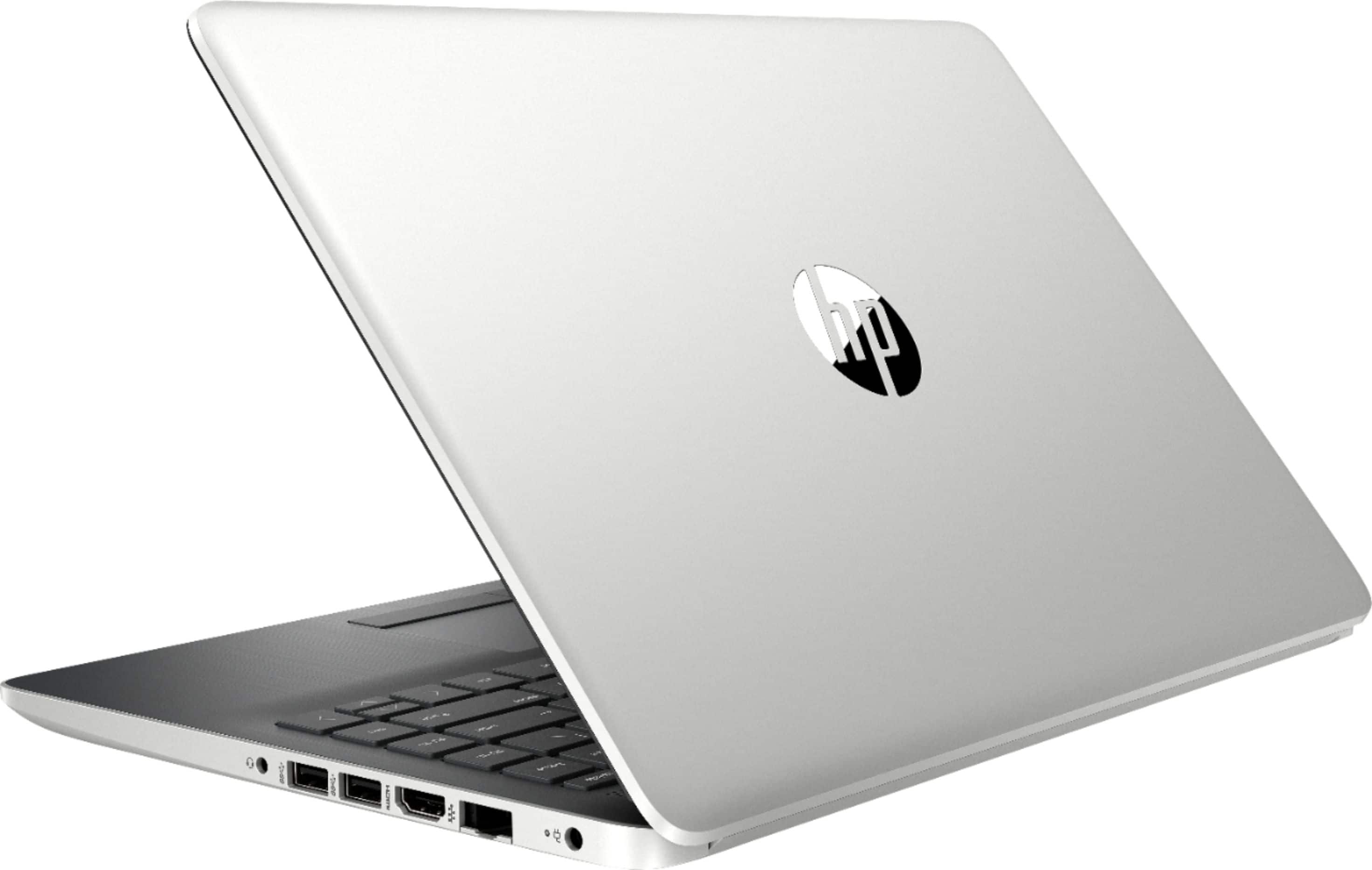
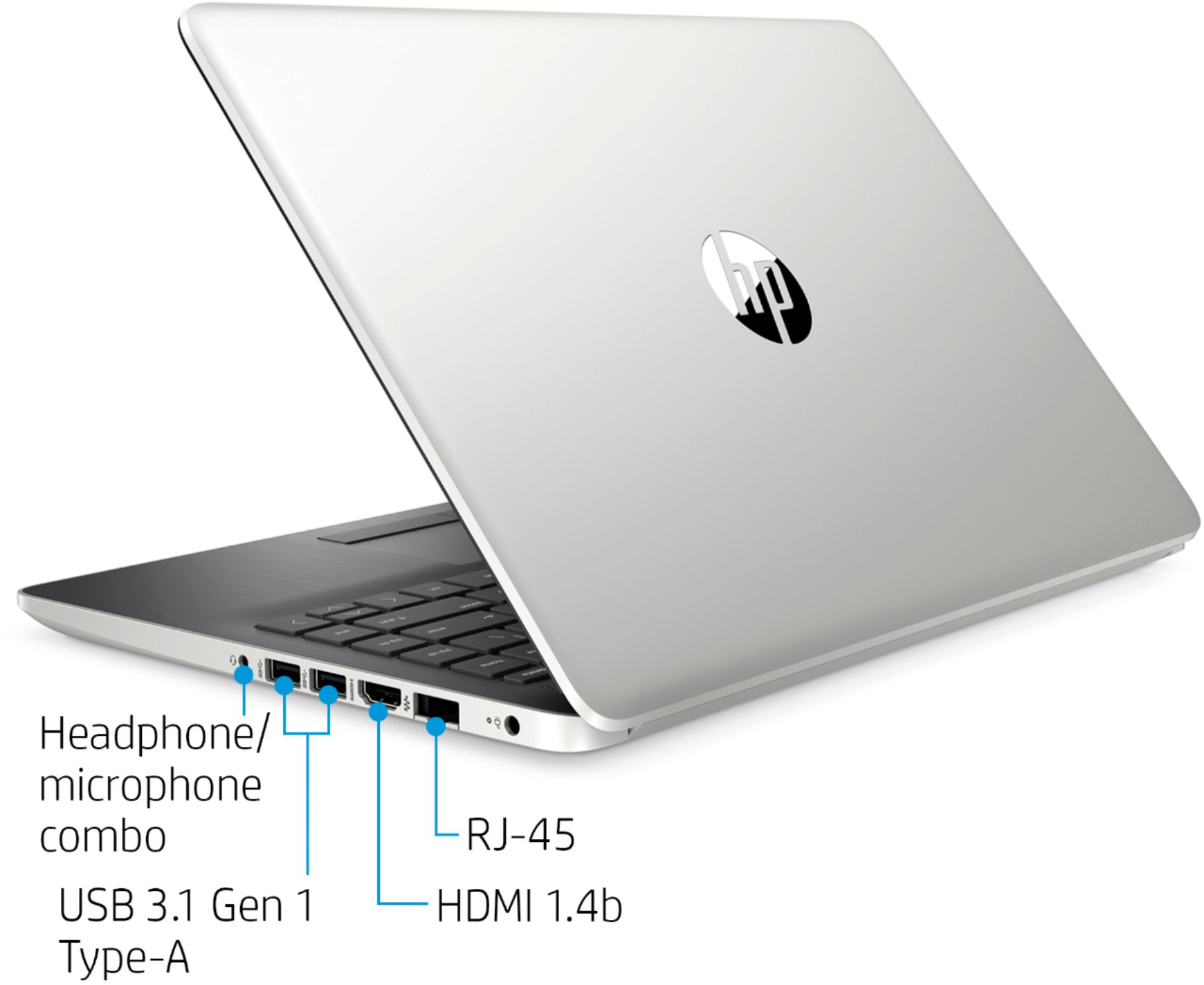
A:AnswerYes, Windows 10 S is installed. The “S” indicates this is a protected version of Windows 10 that allows for programs to be installed from the Windows store. Items not available through the Windows cannot be installed (unless you turn off S mode from the store - this is highly discouraged by Microsoft) I turned off S mode because I needed Chrome (not available in the Windows store) for some of my day to day functions. However, other common software is readily available in the store. Note: once you exit S mode, you cannot return to it without completing a full wipe and restore of the PC.
A:AnswerWhile the Adobe Connect app will not download on this laptop while it is in S Mode, you can still use Adobe Connect in the browser. If you want to switch from S Mode to be able to download the app, you can do that free from the laptop.
A:AnswerIt appears that there has been a "function" change.
The SLEEP MODE is not Hibernate.
The SLEEP MODE is actually 'STAND BY' as the status light flashes on and off. Then by pressing any Key, the unit turns back on to resume.
Hibernate should shut the unit off, though with any open programs remaining as they were. Then by pressing any key, the unit powers up. (Do not have to use the main power button)
The STAND BY mode (use to) 'hibernate' the system but in LOW Power state. Then by pressing any key the system would come out of Low power STD BY
and resume.
The earlier Hibernate mode did not remain in a Low power (On) mode, but shut the system off and then would resume with pressing any button as opposed to pressing the power button.
Now by using the Sleep mode, this essentially has resolved part of the issue, where by pressing any key will ' resume' the unit. But (this Sleep mode) does not turn the unit off but places it in a low power state rather than turning the unit off, as the old 'hibernate' option use to do
Thank you HP crew for your helpful tip