A:AnswerNo, Minecraft Java has higher system requirements. Here is a link to this: https://help.minecraft.net/hc/en-us/articles/360035131371-Minecraft-Java-Edition-system-requirements-
A:AnswerIt does look like it meets the requirements to run Valorant. It's going to be a little tight on memory because the video system is going to need to use some of the system RAM, but you should be OK.
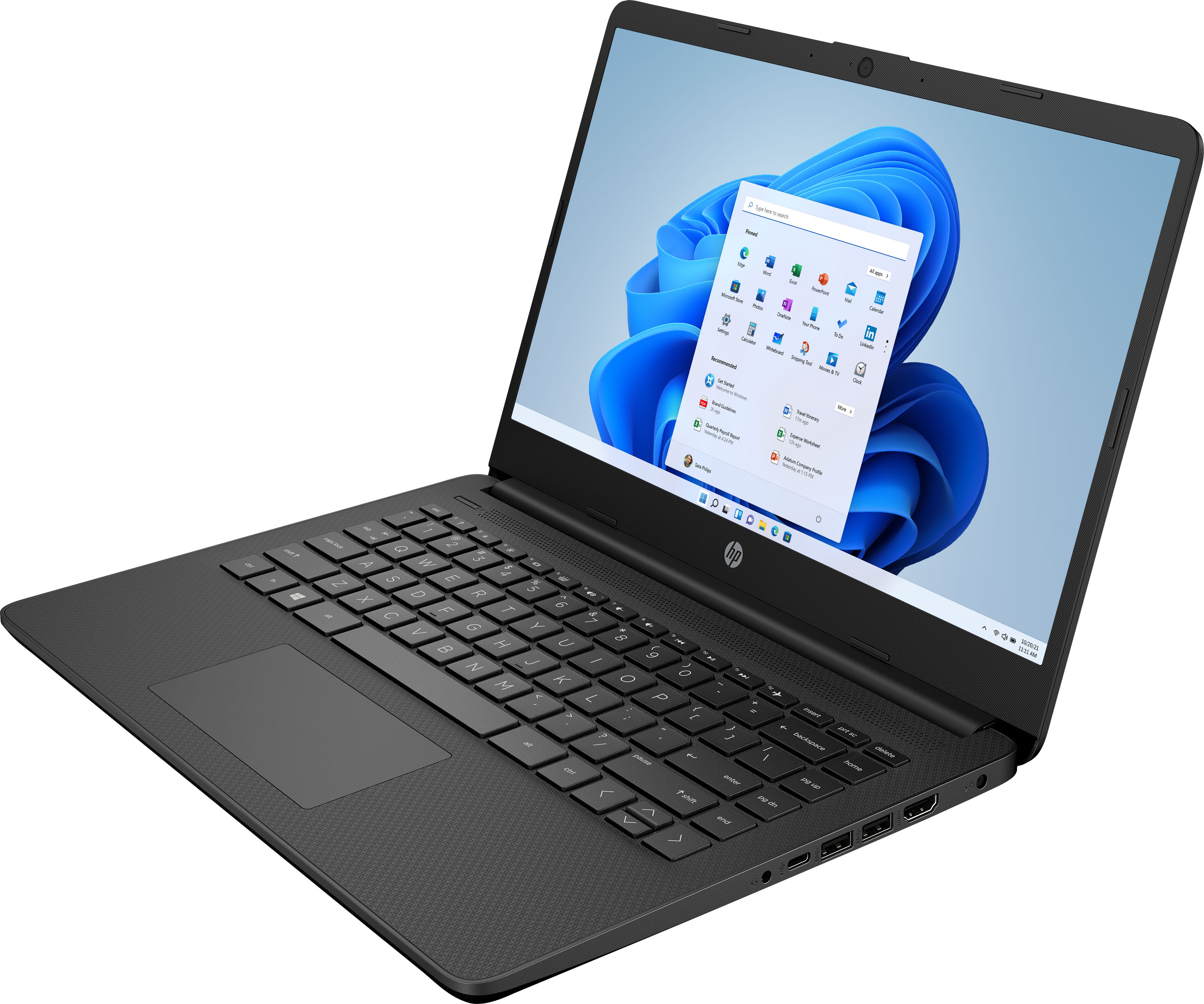
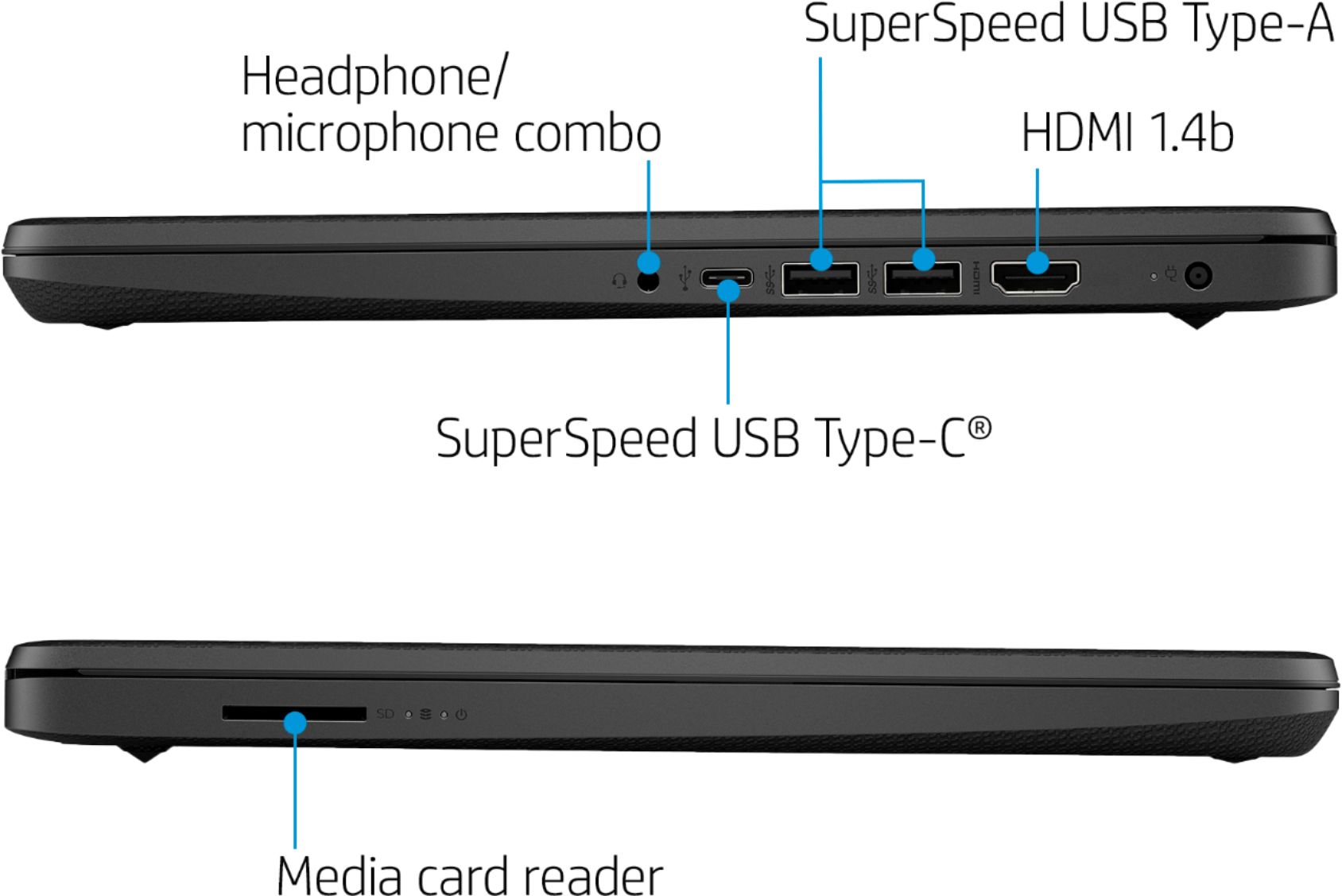
A:AnswerUnfortunately, it's going to be impossible to find a new 14" laptop with a drive built in. There's simply no way to package the drive and everything else in the computer. However, you can use an external drive that plugs into one of the USB ports.
A:AnswerNo, the system specs are higher than this laptops specs. Here is a link to the requirements:
https://www.systemrequirementslab.com/cyri/requirements/from-the-depths/12802
A:AnswerThis laptop cannot handle Adobe After Effects. You need a computer with at least Intel i5 or Ryzen 5 processor or better with 8 GB or 16 GB of RAM and a discrete graphics card with 2 gigabytes or more of video memory to run the Adobe programs. They are big programs that require a lot of processing power to run.
A:AnswerNo you can not. The system uses DDR4-2400 SDRAM. DDR3 and DDR4 laptop memory are not compatible / interchangeable. First of all, a DDR3 laptop RAM module can't physically fit into a DDR4 laptop RAM slot and vice versa. Notches on the connectors of memory modules are in different places.
A:AnswerNo, this laptop does not meet the system requirements for Fortnite. Here are the specs:
https://www.epicgames.com/help/th/fortnite-c75/technical-support-c118/what-are-the-system-requirements-for-fortnite-on-pc-and-mac-a3332