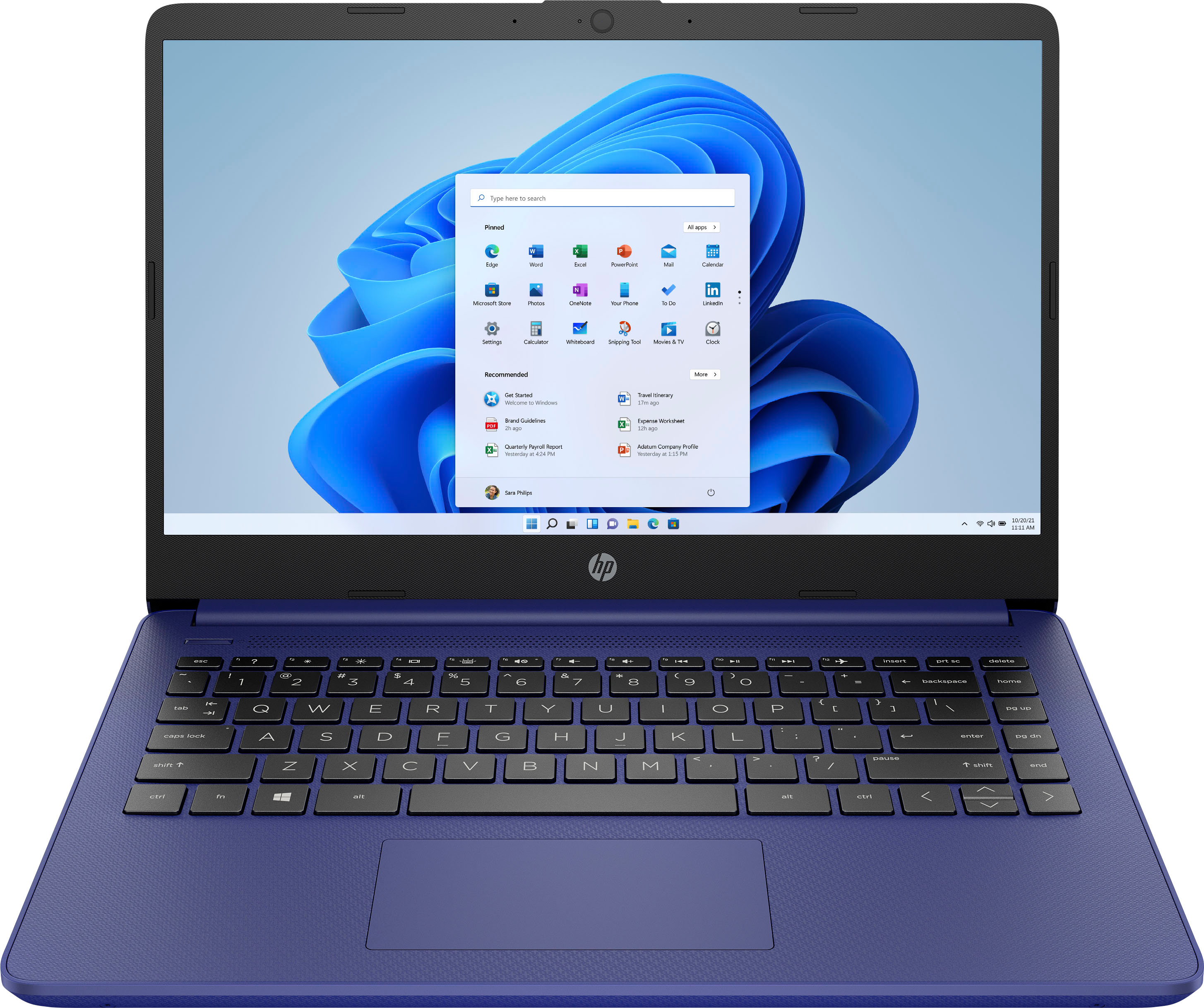
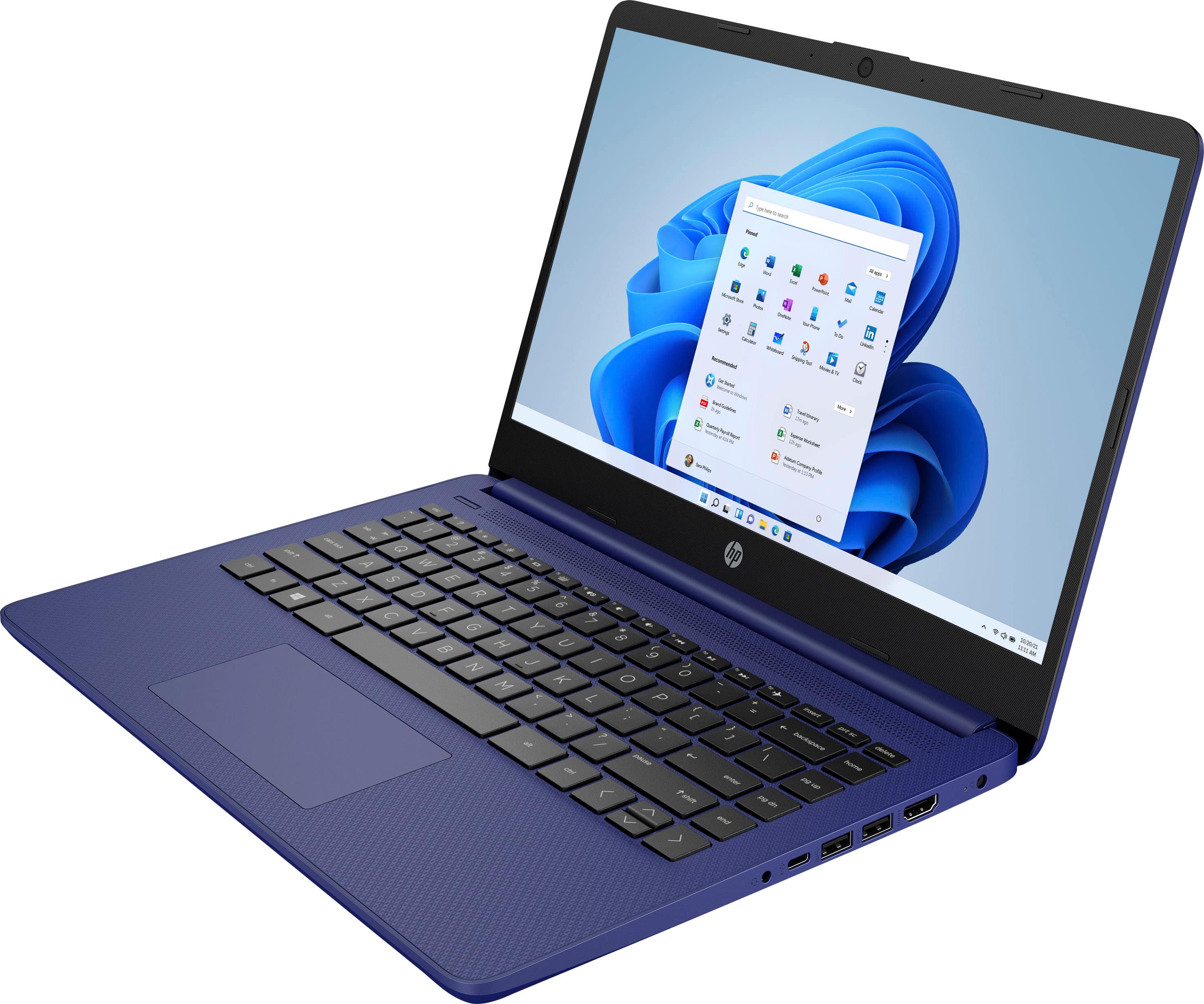
A:AnswerS mode is a version of Windows 11 that is streamlined for security and performance. To increase security, it allows only apps from Microsoft Store, and requires Microsoft Edge for safe browsing.
A:AnswerIt depends on what school you're attending and what sort of classes you're taking. If it's high school or lower division college classes it should work fine, with one caveat: Because this computer is running Windows in "S Mode" it can only download and run apps that are in the Windows Store. If one of your classes require a particular piece of software, it needs to be available in the Windows Store.
A:AnswerIt is recommended that you look at the developer's site to see the system requirements for any software you would like to use. Updates can change the requirements which can affect the settings you can run the software on or if you can run it at all. This model also starts in S Mode which would have to be turned off and that will lower the security on the device.
A:AnswerBecause this computer is running Windows in "S Mode" it can only download and run apps that are in the Windows Store. Roblox is available in the store, so you should have no problem running it on the computer.
A:AnswerBecause this computer is running Windows in "S Mode" it can only download and run apps that are in the Windows Store. Both of those apps are available, but it's impossible to say, because "perfectly" means different things to different people
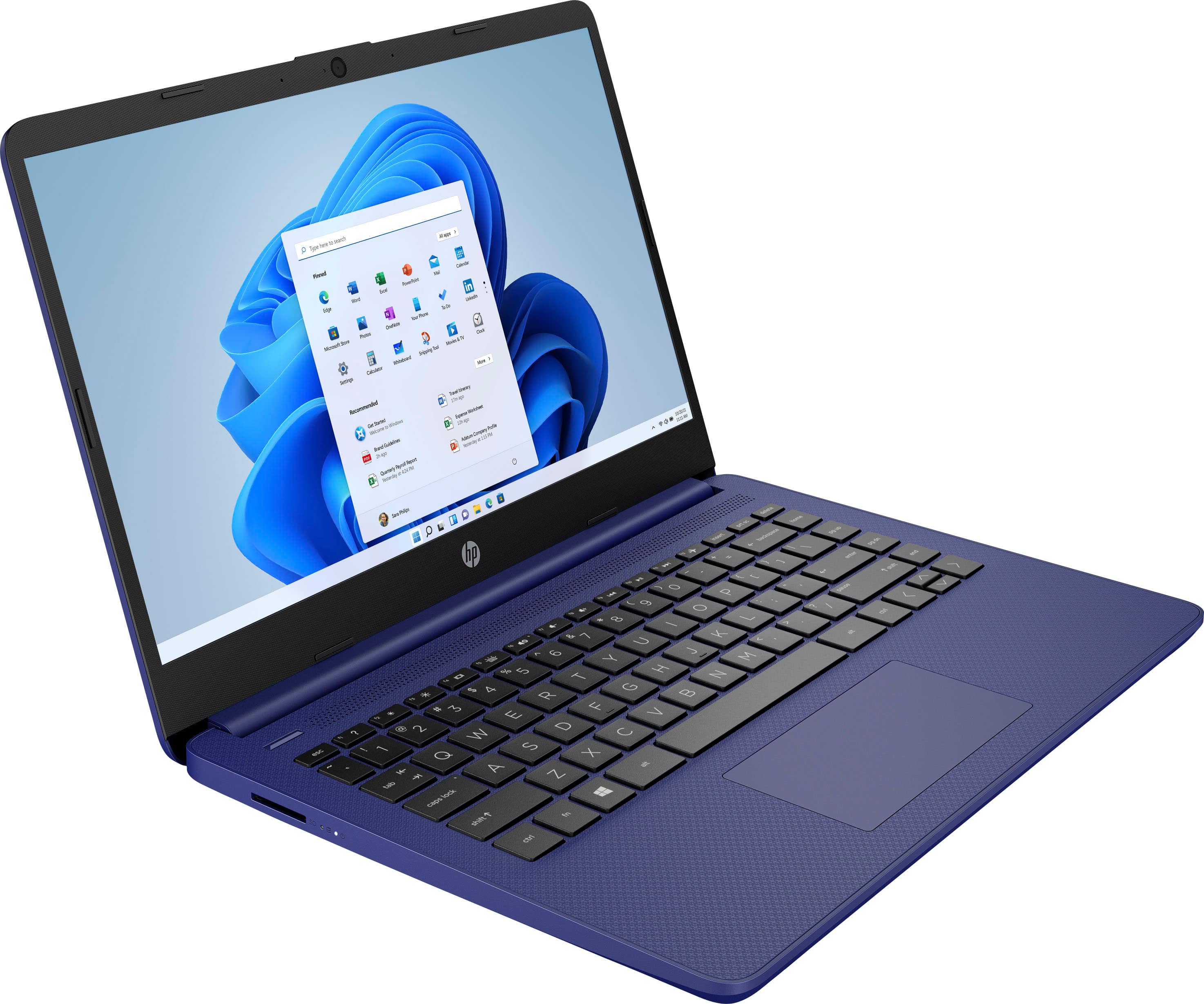
A:AnswerThe SD card will not be flush when placed in the SD card slot. It sticks out a little bit so it can be pressed to get it to pop out and removed from the slot.
A:AnswerYes, by following these steps: On your PC running Windows 11 in S mode, open Settings > System > Activation. In the Switch to Windows 11 Home section, select Go to the Store. On the Switch out of S mode (or similar) page that appears in the Microsoft Store, select the Get button.
A:AnswerWhile you could certainly play lightweight games on this computer, we would recommend referencing the developers recommended specifications to ensure the computer will meet your needs.
A:AnswerThe power supply for this laptop is not "dual voltage", so you'll need to get a converter to step down the voltage from the 230 volts in the mains power to the 120 that the computer expects. You'll also need an adapter to fit the outlet, which has different pins than a North American outlet.