A:AnswerBecause this computer is running Windows in "S Mode" it can only download and run apps that are in the Windows Store. Unfortuantely, there are no older versions available in the store, so your older version will not work.
A:AnswerYes it is perfect for college, my daughter loves it beacuse it is not heavy to carry to and from classes. And yes it is compatablile with cricut.
A:AnswerBecause this computer is running Windows in "S Mode" it can only download and run apps that are in the Windows Store. There are photo editing apps available in the Windows Store, so you should be able to do at least basic photo editing.
A:AnswerYou will want to look at the developer's site for any software required by the school and make sure it meets the minimum specifications. You will have to take it out of S Mode in order to download most programs and an external storage device to store most data.
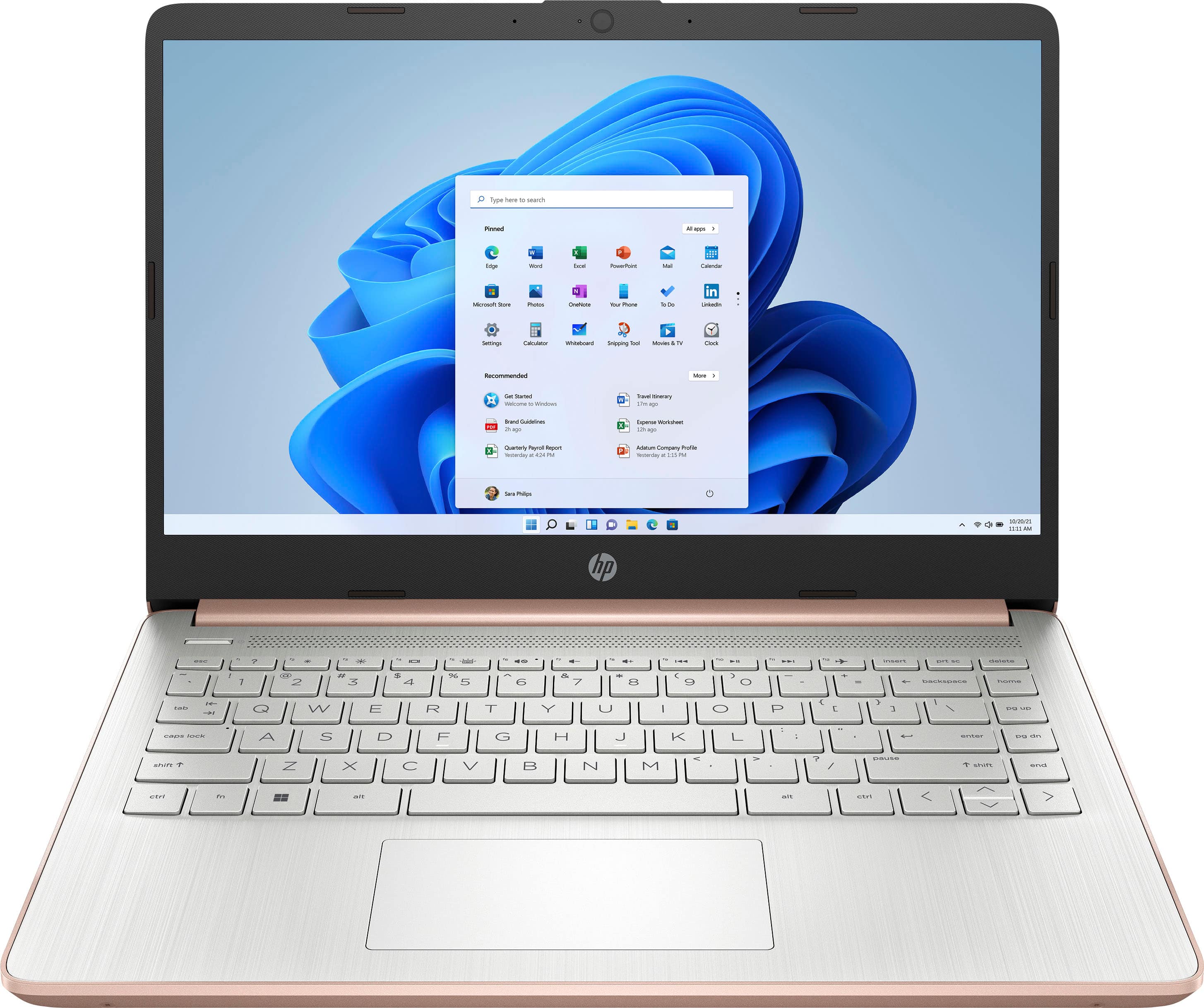
A:AnswerI've checked the specs on this page, as well as the official HP specs, and I'm not seeing any reference to this computer having a fingerprint reader. In fact, the HP specs specifically say "Fingerprint reader not available"
A:AnswerYes. It does. I bought The Western Digital Easy Store external hard drive for storage. It was extremely easy to configure and add to the computer. Basically Plug N Play using the guidance setup that is on the hard drive.
A:AnswerBecause this computer is running Windows in "S Mode" it can only download and run apps that are in the Windows Store. Unfortunately, Quicken is not one of the available titles.
A:AnswerBecause this computer is running Windows in "S Mode" it can only download and run apps that are in the Windows Store. Cricut Design Space is in the store and can be downloaded and run. Unfortunately, Canva is not available, so it won't work.
A:AnswerBecause this computer is running Windows in "S Mode" it can only download and run apps that are in the Windows Store. And while the Cricut Design Space software is available in the store, Turbo Tax is not.
A:AnswerThank you for the question. This laptop has Windows 11 in S Mode (a secure version of Windows 11). You can convert to Windows 11 Home for a fuller version of Windows 11 - free and simple. Conversion out of Windows 11 S is not reversible. Microsoft has included a 30-day trial of Microsoft 365 (Word, Excel, etc.) with this laptop. After the trial, you'll have the opportunity to purchase a permanent subscription.
A:AnswerBecause this computer is running Windows in "S Mode" it can only download and run apps that are in the Windows Store. Unfortunately, neither of those tax packages are available in the Windows Store.