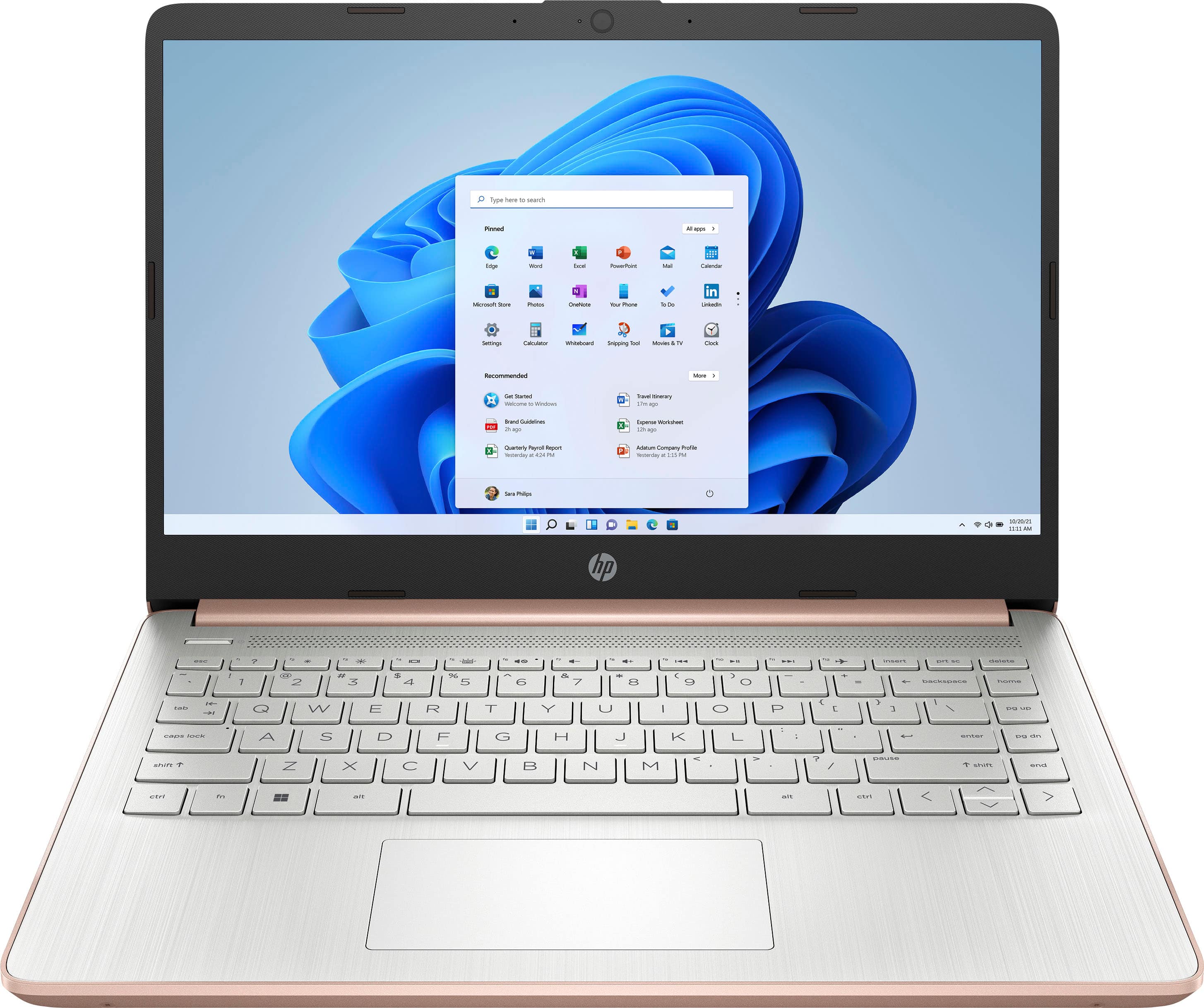
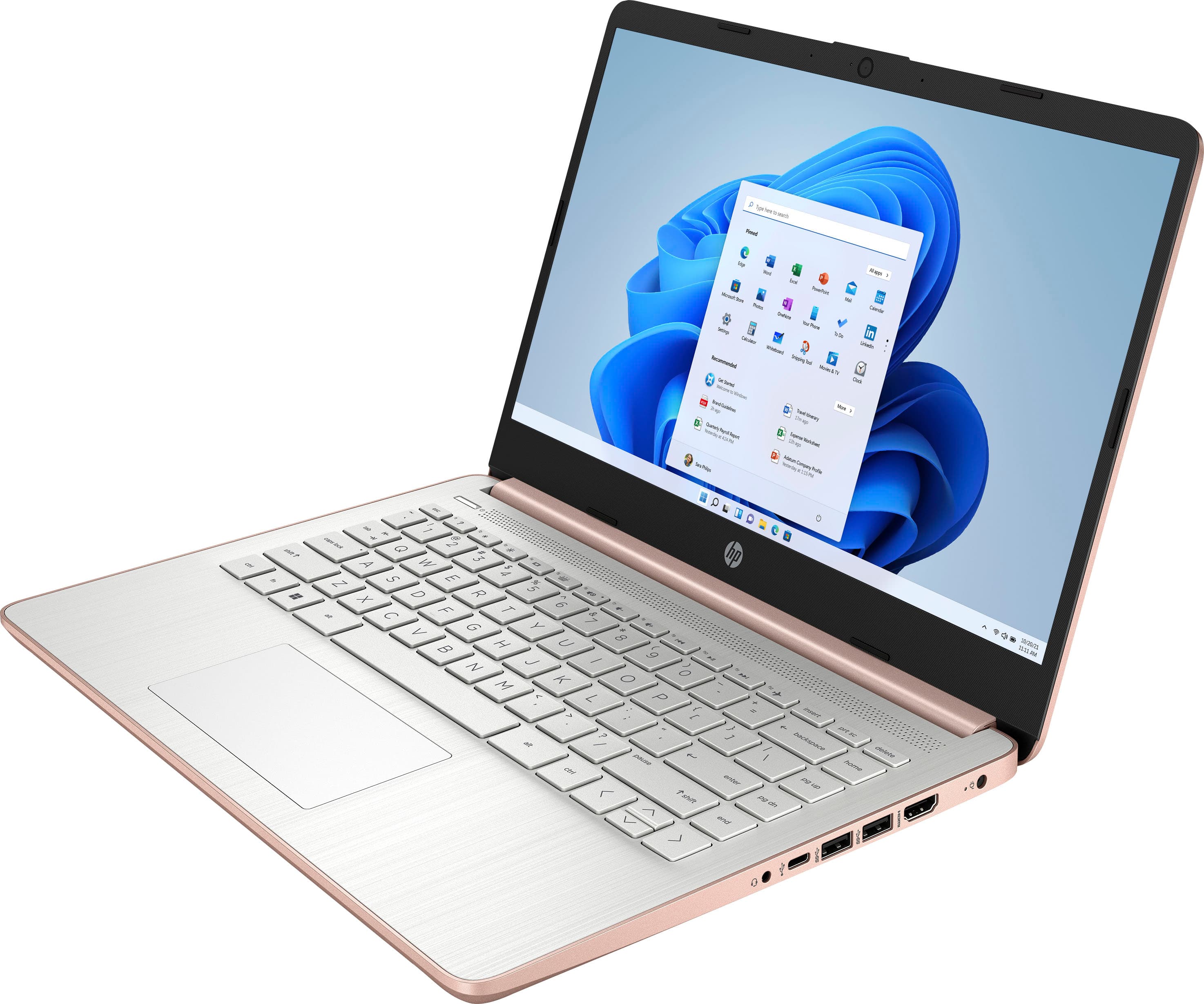
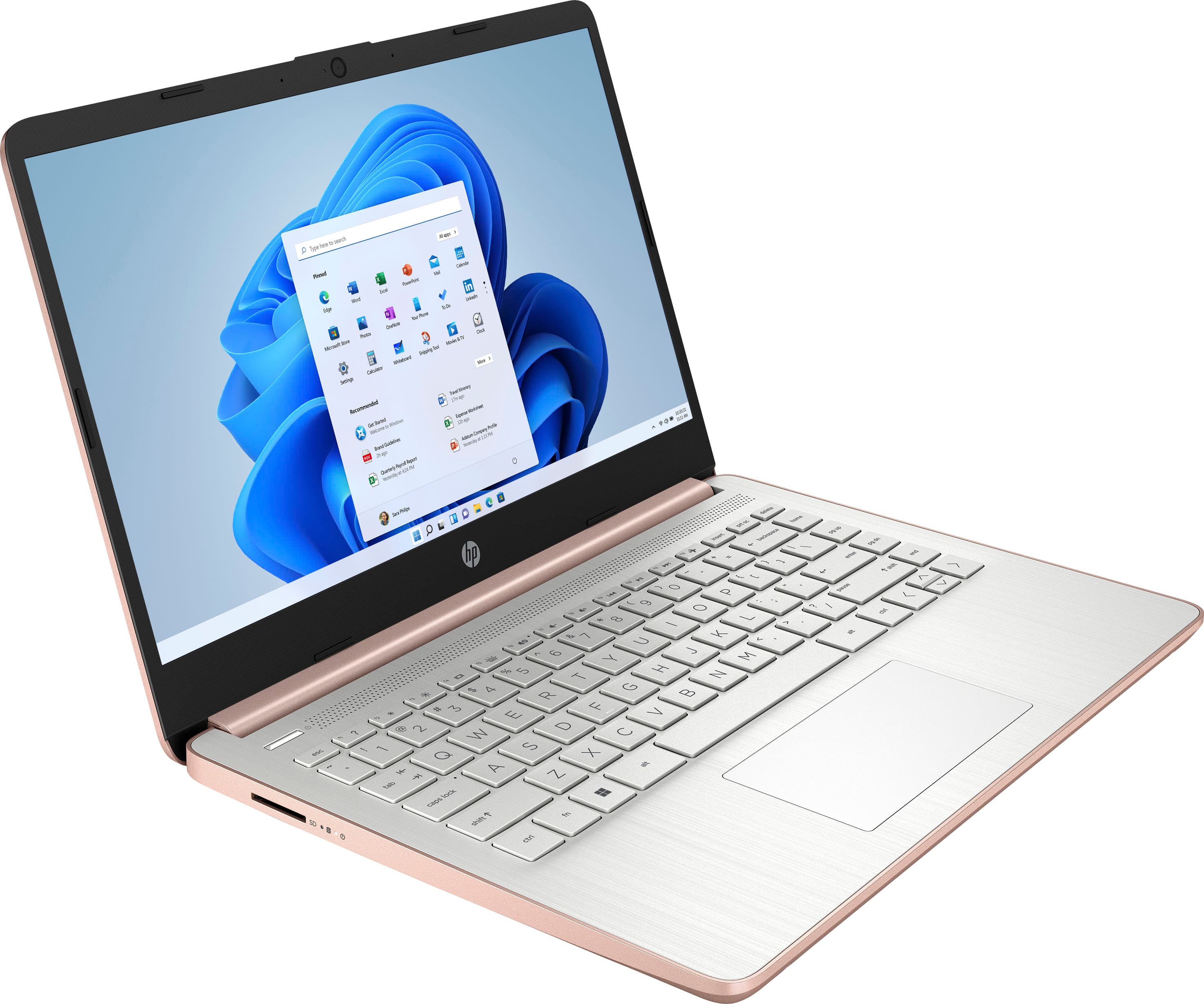
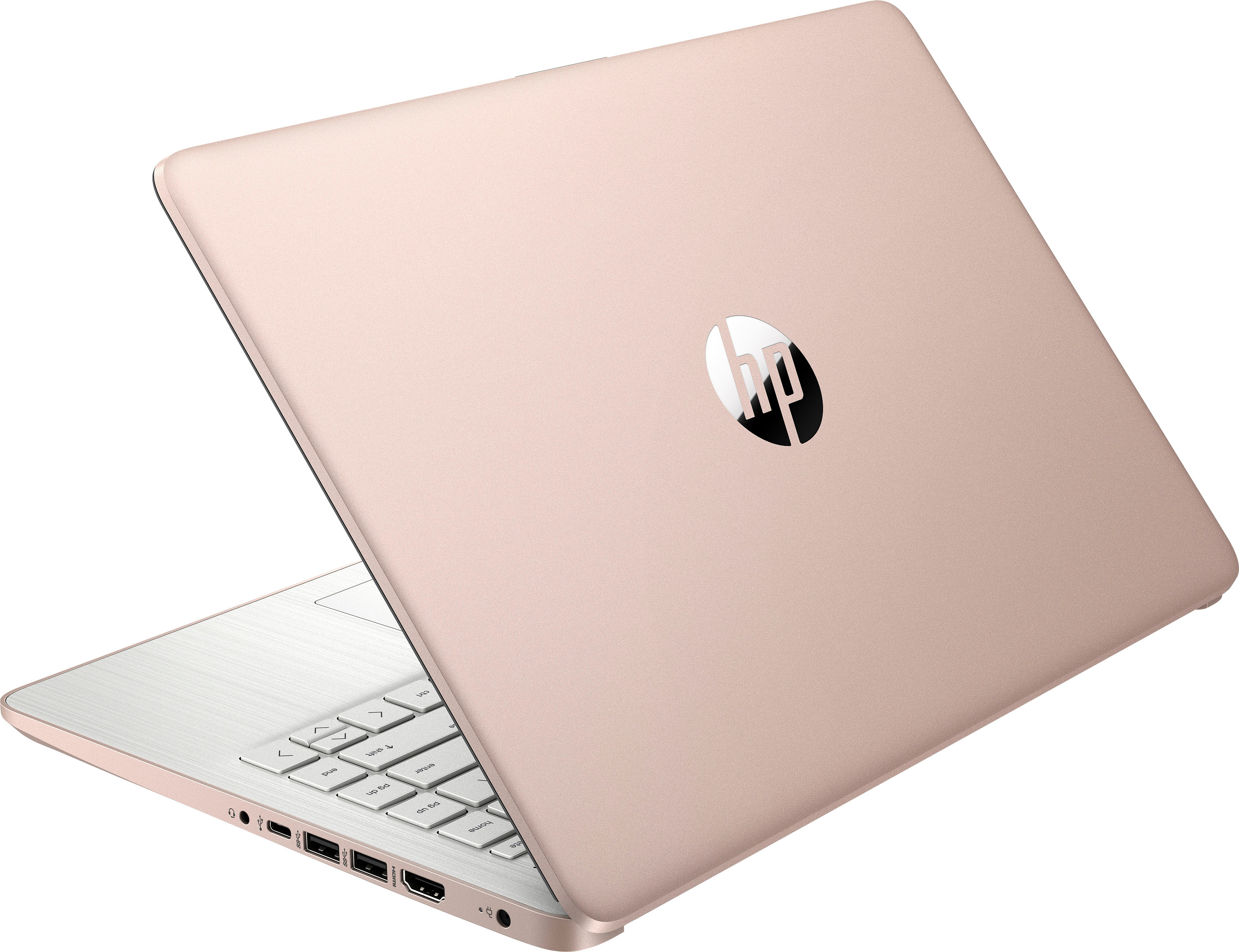
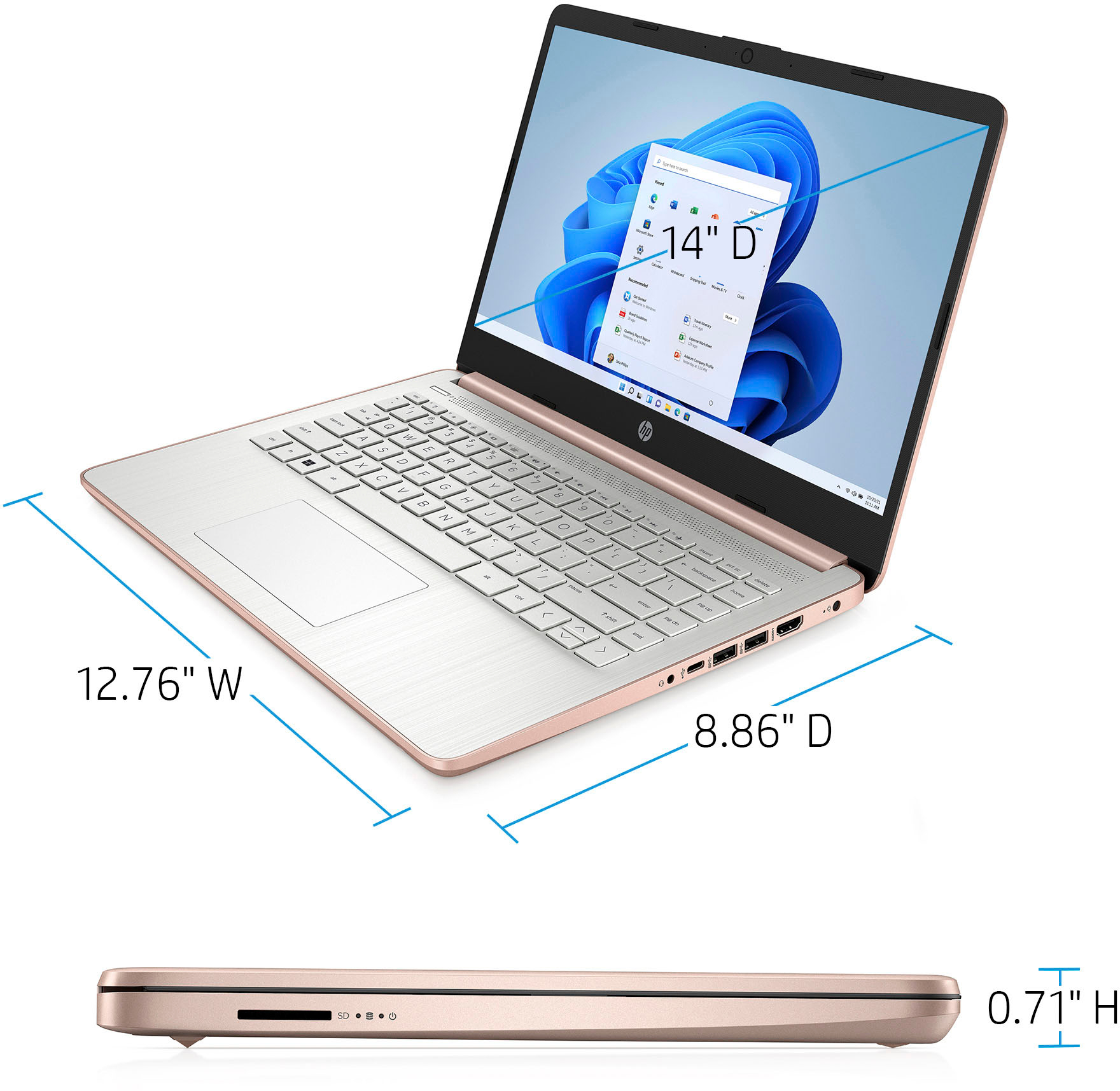
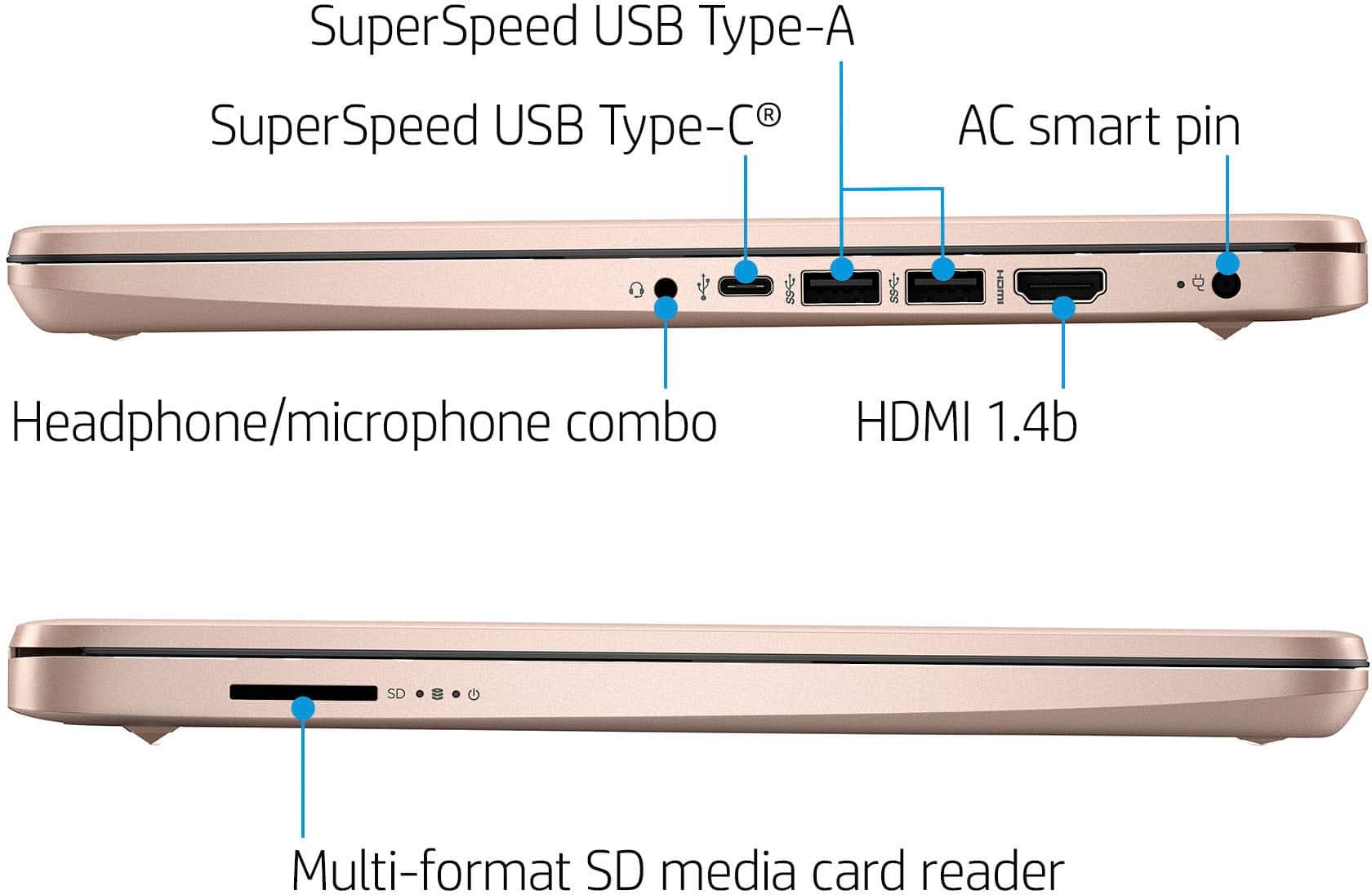
A:AnswerThank you for the question. The HP 685K1UA has an Intel Celeron N4120 processor. It will support up to three displays (laptop display plus two external, maximum). You can use an HDMI-to-USB Type-A adapter or a USB HUB with an HDMI input, but a multi-port docking station may not work on this laptop. Please visit your local Best Buy for options and selections.
A:AnswerThanks for your question. This HP laptop is not designed to play games like Fortnite. It will work best for tasks like browsing the web, creating documents, and streaming video. I would recommend the HP Victus or HP OMEN gaming laptops.
A:AnswerDoesnt have a designated dvd compartment that you would insert a dvd into BUT has a SD Card slot and HDMI ports so theres ways you could set up your computer to play a dvd . The simplest way would be uf you could download the content of the dvd onto an SD card then you can simply insert the SD Card into the SD Card port on the computer.
You could use a modern tv with connected dvd player to it and put one end of a HDMI cord into tv and the other end into the computer.....ive done this at a hotel b4.
** you could get a PORTABLE dvd player with monitor on Amazon for $39 that comes with all the connection cords, a remote control and has multiple dvd formats and ports for usb , hdmi , sd memory card connection........ simply use a HDMI cord to connect your laptop computer and dvd player together and viola
.
.
A:AnswerThank you for the question. The HP 685K1UA has a two-piece power delivery system. It uses a 45 watt Smart AC power adapter (with the 4.5mm pin barrel). The HP product number is 741727-001. It connects to a power cord - HP number L19367-001. There are also after-market power supplies that will work. Please visit your local Best Buy for assistance.
A:AnswerProbably not. While the Celeron processor is snappy under Linux, it's way under-powered for gaming. I'd suggest at least an i5 with at least 32GB of RAM.
A:AnswerHello and thank you for asking. The HP 14-dq0052dx laptop meets or exceeds the the minimum system requirements for Garmin Express, provided there is at least 20GB of free storage space prior to installation.
A:AnswerNo. One screen stands on its own little stand against the wall--the other screen is the top of the laptop--- I guess you could call that a fold-down screen, because that's what i do when I turn it off and close it.