A:AnswerThe standard I was taught back in "the old days" was to create a passphrase that's easy to remember, but is hard to guess. For example, if I'd gotten a stuffed dog from my girlfriend, I might have chosen "ThestuffeddogIgotfrommygirlfriend". Although now, there are programs like LastPass that will create and store passwords for you with random numbers and letters. Thank you for asking the question!
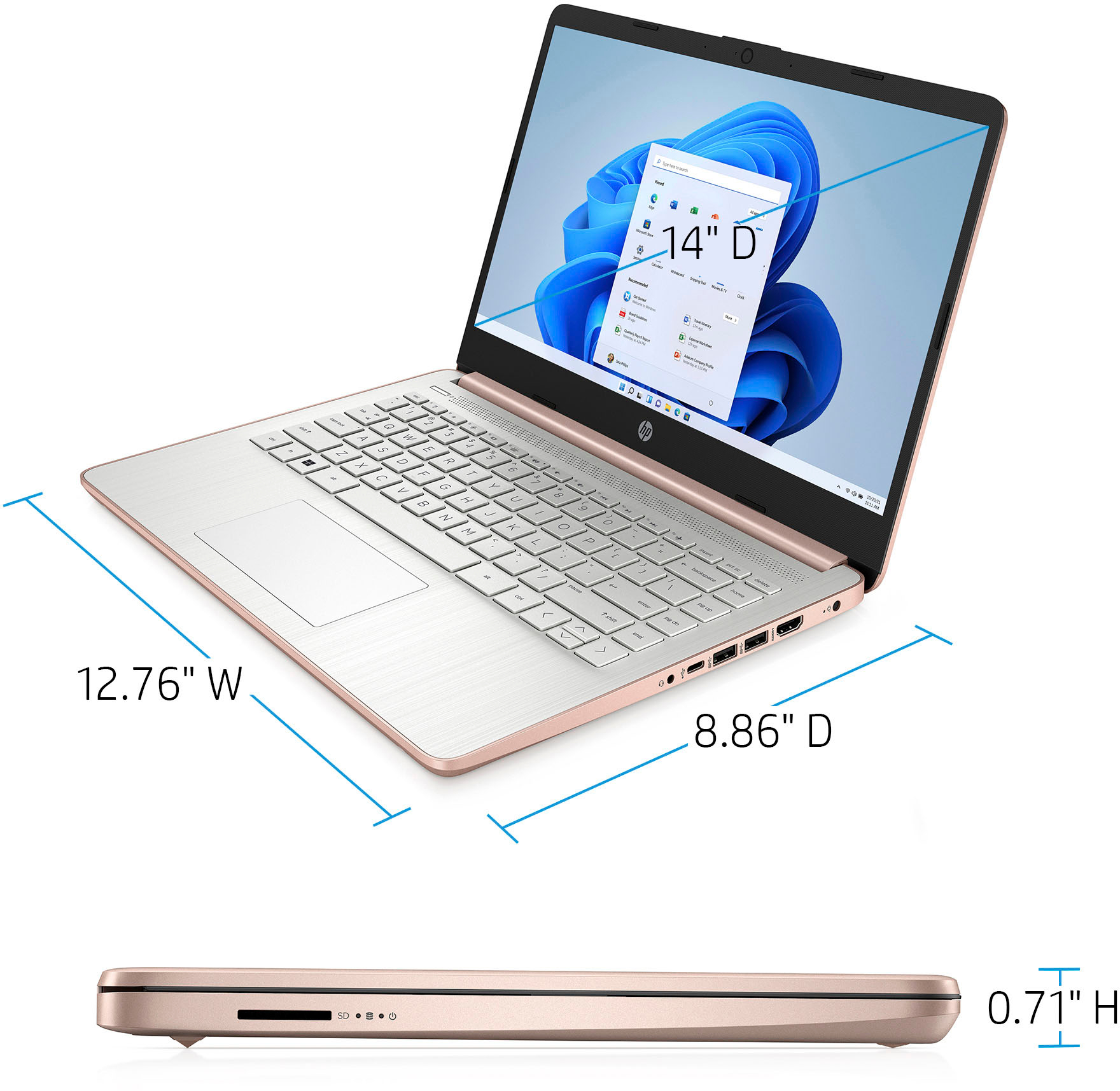
A:AnswerThank you for the question. Yes, this laptop will be compatible with Excel. Note that the storage is just 64GB. We recommend that you have ancillary storage (a flash drive) if you intend to save files locally instead of to the cloud.
A:AnswerThank you for the question. I submit that a laptop that comes with more RAM and storage will be a better fit. If you decide on a model that comes with Windows 11 S Mode, you may need to convert the system to Windows 11 Home (free, simple, not reversible) if you'll be downloading from origins other than the Microsoft Store or intend to use a browser other than Microsoft Edge. See a better choice for work here: https://www.bestbuy.com/site/hp-15-6-touch-screen-laptop-intel-core-i3-8gb-memory-256gb-ssd-natural-silver/6510528.p?skuId=6510528
A:AnswerBecause this computer is running Windows in "S Mode" it can only download and run apps that are in the Windows Store. As long as the remote access software your organization uses is available in the Windows Store, you should have no problem.
A:AnswerHello, this device is designed for networking online processing due to the Celeron processor and small amount of 64G eMMC memory. Thank you for being an HP customer!
A:AnswerIf you take it out of s mode you can but it may affect performance on other apps. And once you take it out of s mode you can not go back to s mode.