A:AnswerI didn’t know what answer to give you until I actually looked it up on the Internet. This is what I found.
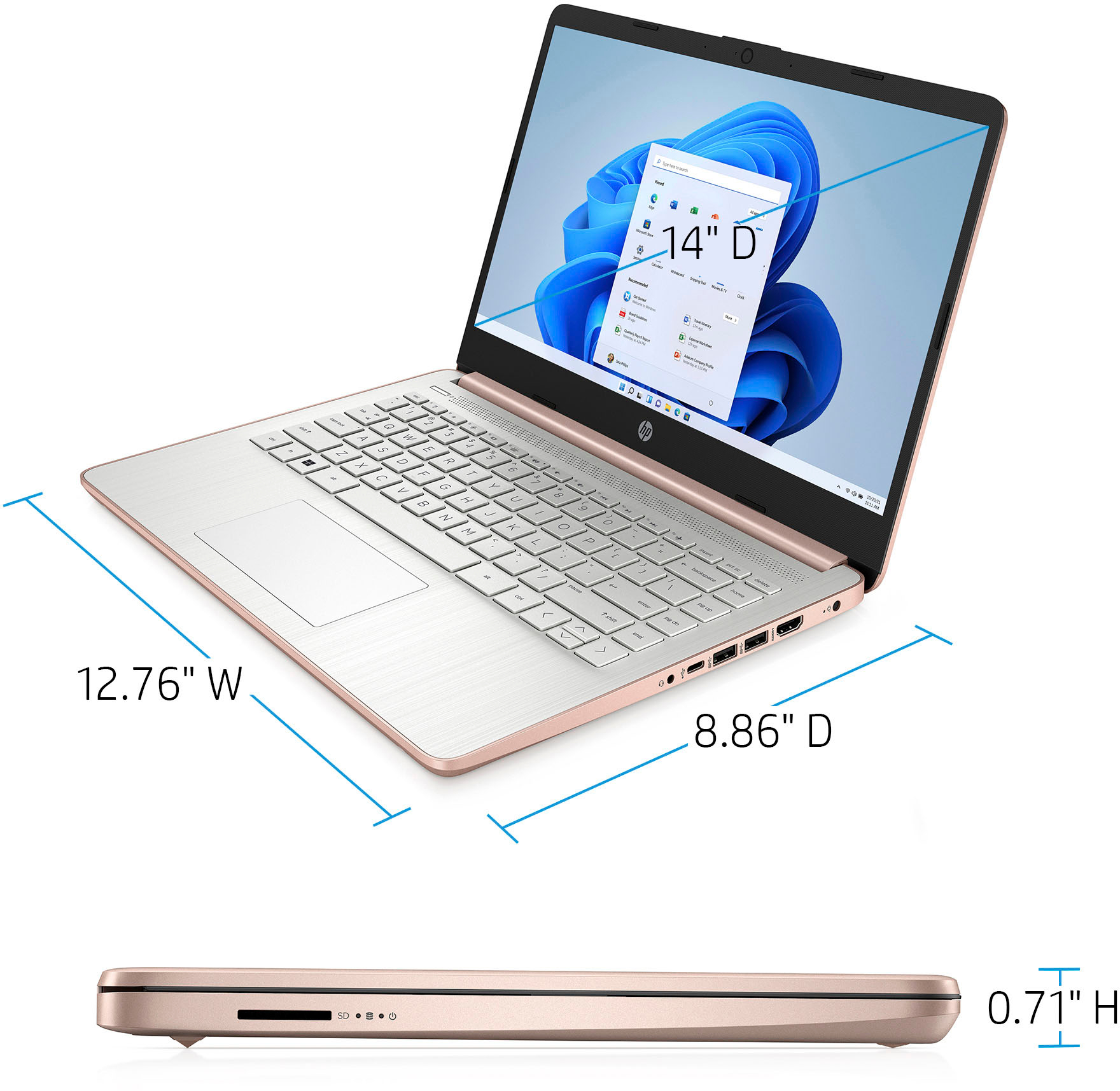
And weighing between 3 to 10 lbs as a rule, laptop weight fluctuates per model. Like desktop computers, laptops can also be engineered toward certain industries and consumers. Notebook laptops, on the other hand, are generally manufactured to be sleeker, smaller computers with screen sizes of 15-inches or less.
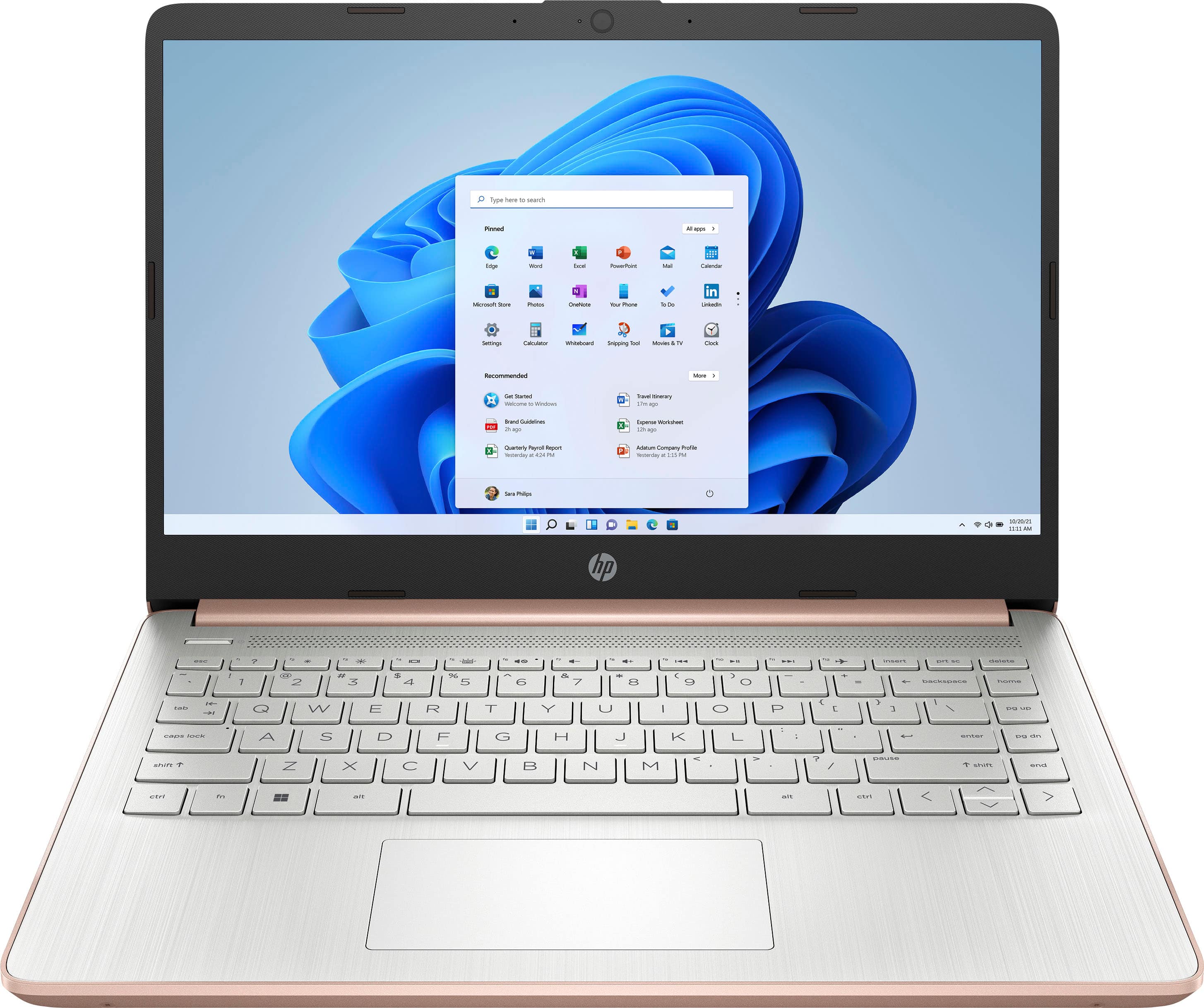
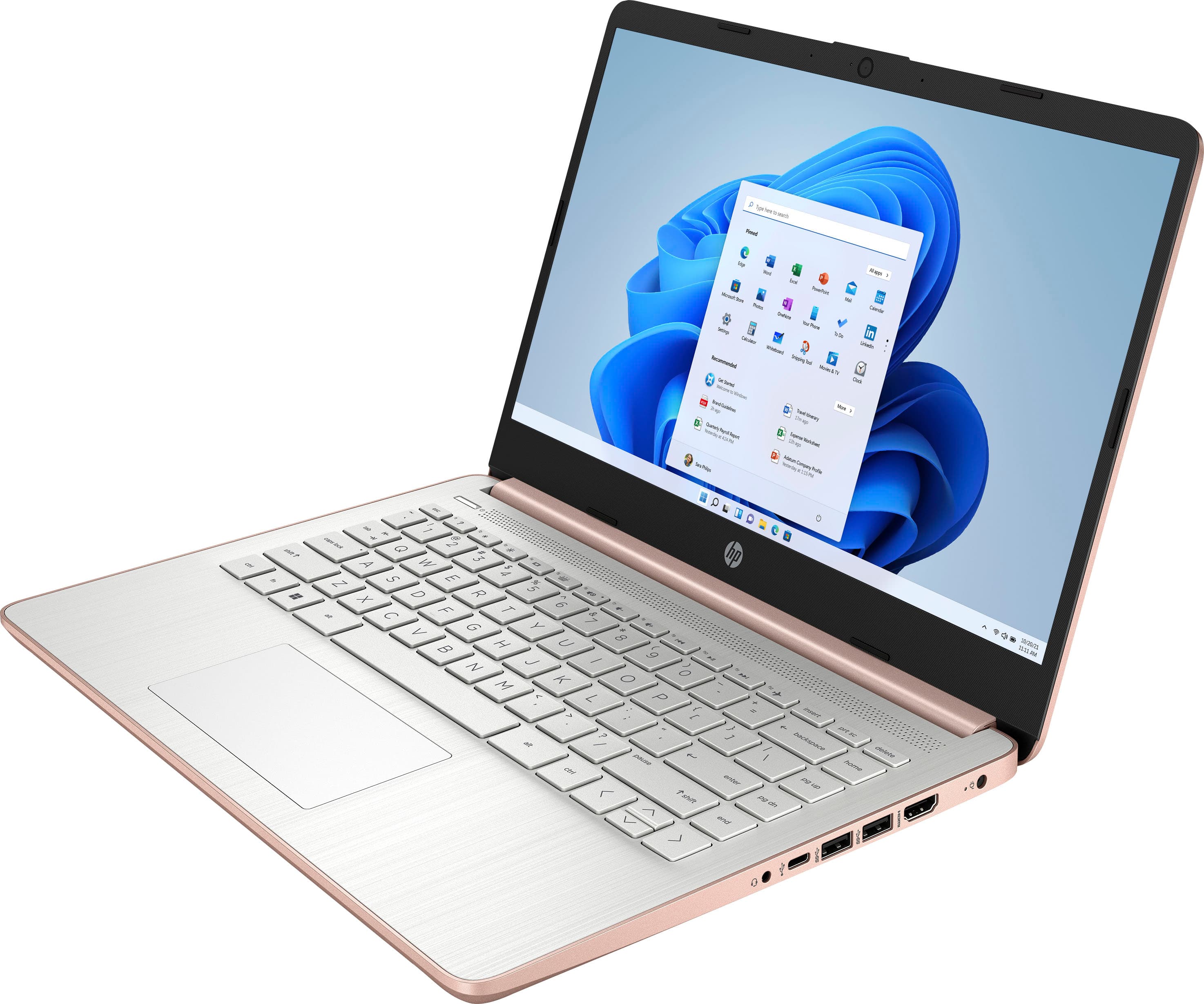
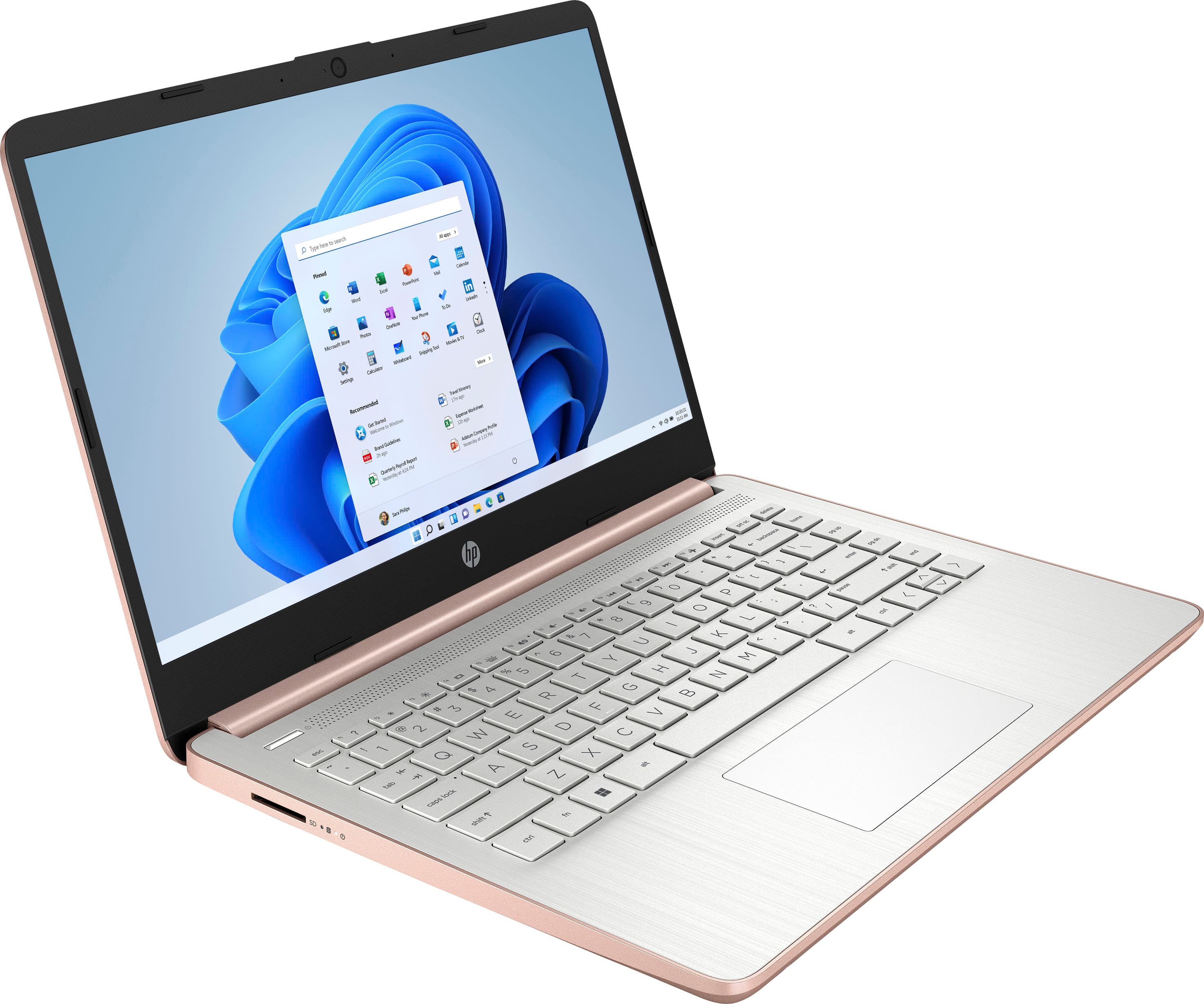
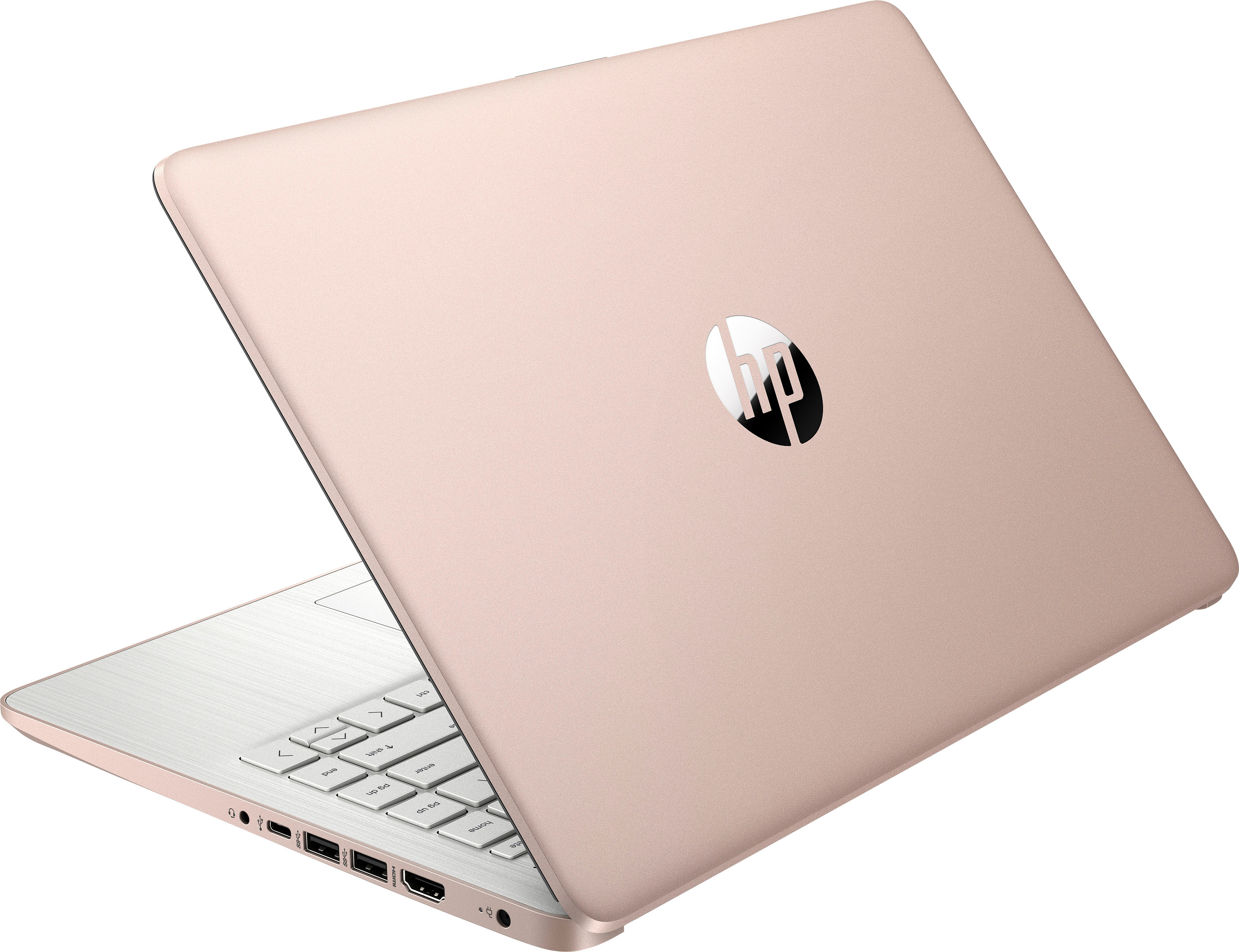
So after having read this even though it’s defined as an HP laptop it falls into the category of a notebook. It’s so light weight it’s so thin and I really like it. The set up was super easy.
A:AnswerIn order to edit videos, you need a laptop with the Intel i5 processor with 8 GB of RAM. If you want to use Adobe programs, you need a computer with at least Intel i5 or AMD Ryzen 5 processor or better with 8 GB or 16 GB of RAM and a discrete graphics card with 2 gigabytes or more of video memory to run the Adobe programs. They are big programs that require a lot of processing power to run.
A:AnswerThis Laptop uses Windows 10S - which is not revealed except in the fine print. Look into user reviews of W10S before you buy as it is a “low budget version of W10S with limited processer speed, limited storage and a few other negatives.
A:AnswerThis laptop comes with Windows 10 Home in S mode. You would need to switch out of S mode first and then you could download and install Team Viewer 15. Here is a link showing how to switch out of S mode: https://support.microsoft.com/en-us/windows/switching-out-of-s-mode-in-windows-10-4f56d9be-99ec-6983-119f-031bfb28a307
A:AnswerWhile this is not a computer designed primarily for gaming, it could play some games. We recommend reaching out to the developers of the game to inquire about the specifications needed to meet their minimum and recommended specifications. A lot of modern AAA titles will list a dedicated GPU as a recommended requirement and this unit does not feature one.